 Mr. Steve 3D


✨ Key Features
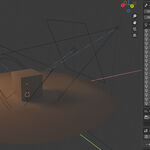
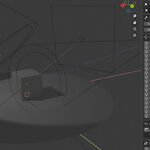
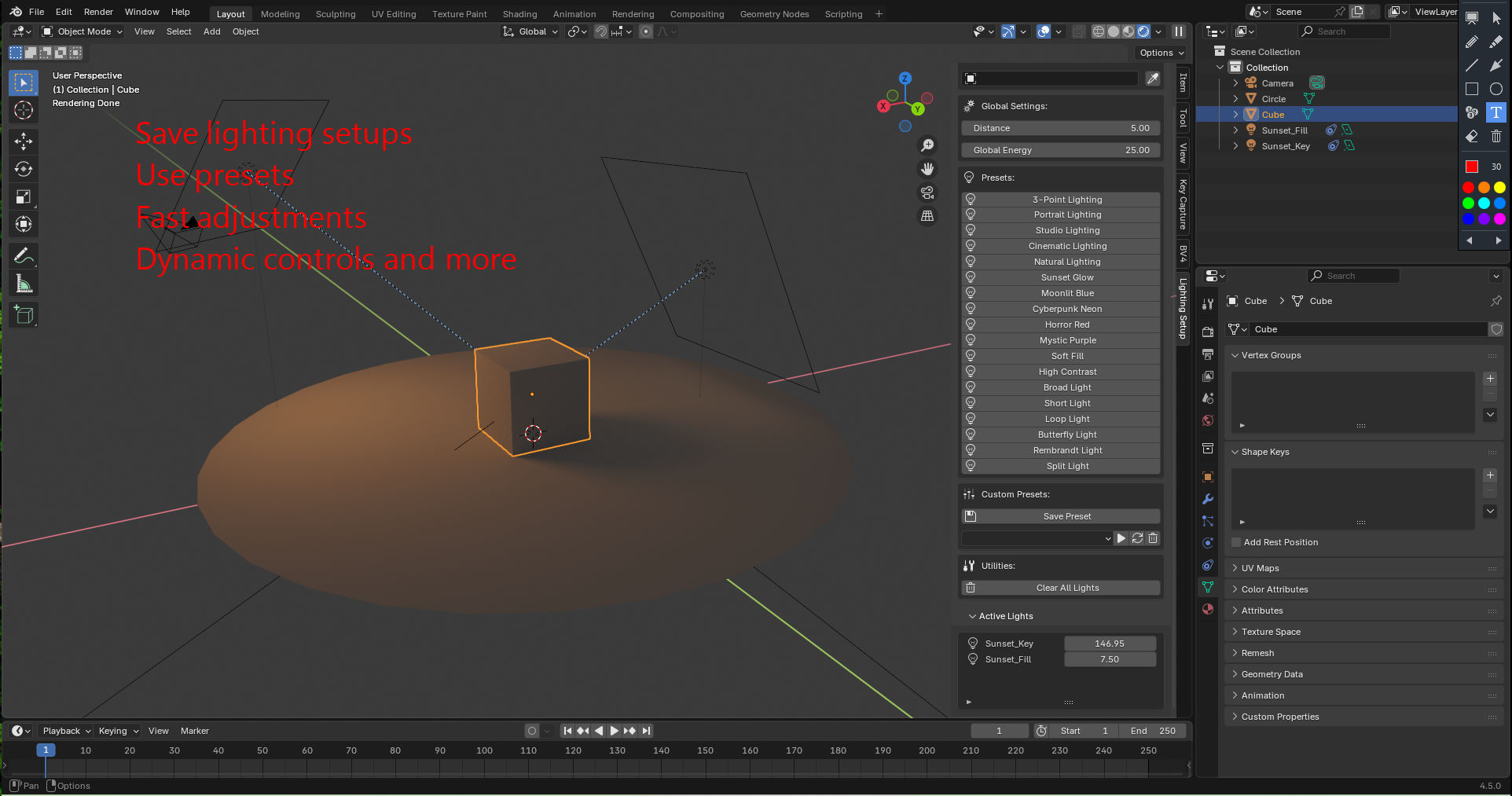
✅ Instant Lighting Presets
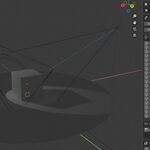
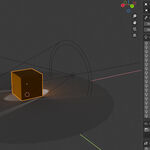
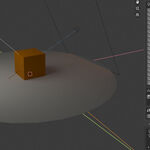
Choose from a growing collection of built-in lighting setups, including cinematic, natural, studio, and stylized options. Great results, zero guesswork.
✅ Real-Time Light Controls
Tweak your lights directly in the sidebar panel and see changes immediately—no need to hit "Apply." Perfect for fast iteration.
✅ Color Swatch Customization
Define 3 custom colors, and lights will automatically pull from your palette when created. Or use the default tones for quick drop-ins.
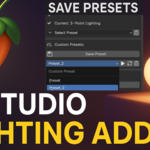
✅ Save + Load Presets via JSON
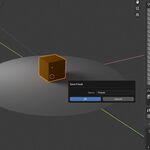
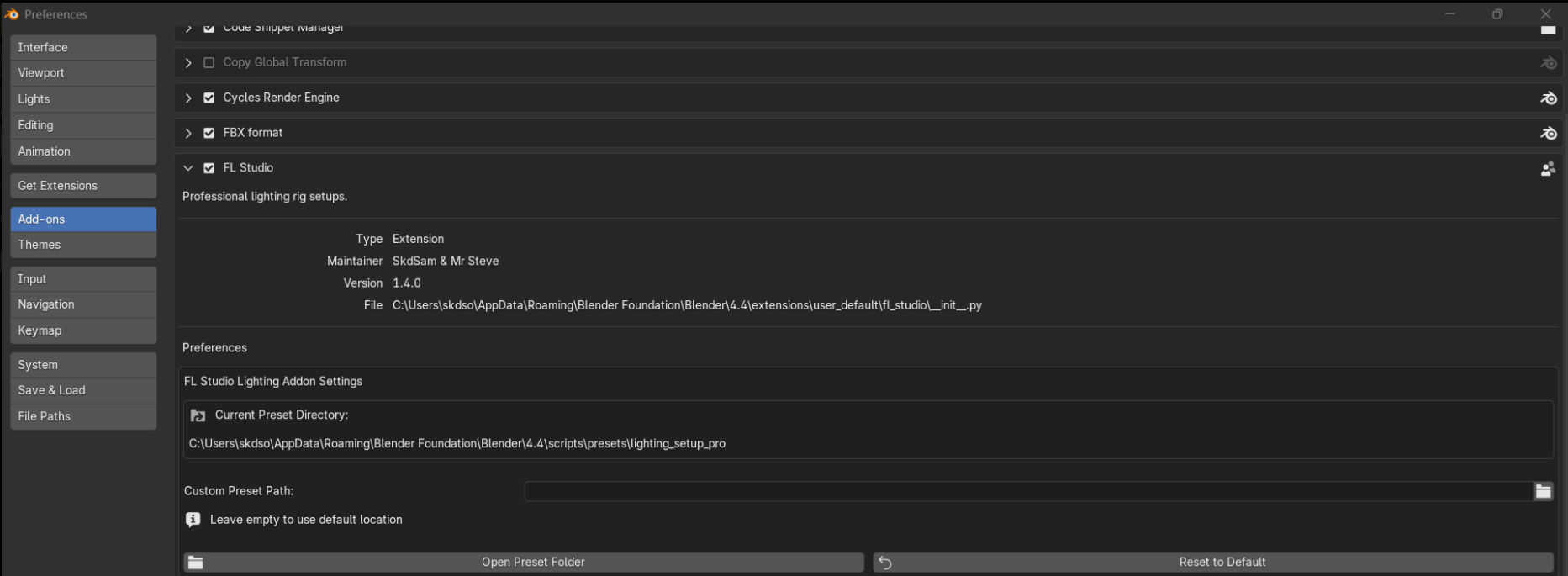
Store your favorite lighting setups to disk using a designated save folder. You can export lights as .json files and recall them anytime, perfect for building your own light library across projects. Default saves to C:\Users\yourname\AppData\Roaming\Blender Foundation\Blender\4.5\scripts\presets if you dont set a folder in preferences
✅ Smart UI, Designed for Speed
A clean, organized N-Panel interface makes lighting setup intuitive—even with large scenes or multiple lights.
🧠 Why Use Fast Lights?
-
Speeds up workflow for renders, animations, thumbnails, and product showcases
-
Gives non-lighting experts professional results
-
Great for kit bashing lighting into your procedural or static scenes
-
Future updates planned via Serpens integration
🧩 Requirements
-
Blender 3.6 or newer (fully tested up to 4.5)
-
Works with Cycles and Eevee
📦 What’s Included?
-
Fast LightsBlender addon (.zip) -
Default preset pack (with updates planned)
-
Quick-start guide inside the N-Panel
-
Free updates for life
📣 Licensing & Use
Use Fast Lights in commercial or personal projects. Presets are customizable and extensible—build your own look!
Ready to speed up your Blender lighting workflow?
Grab FL Studio "Fast Lights" today and light smarter.