FL Studio "Fast Lights"
 Mr. Steve 3D


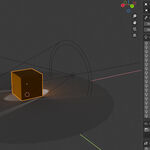
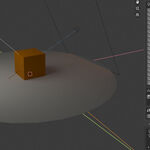
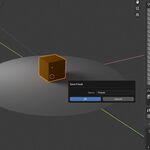
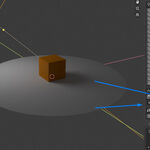
📘 FL Studio “Fast Lights” — Documentation
Overview
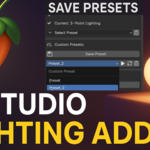
FL Studio “Fast Lights” is a Blender addon designed to speed up your lighting workflow by providing instant, customizable lighting presets and the ability to save and recall custom setups via JSON files. Ideal for artists who want consistent, cinematic lighting across projects with minimal setup time.
🔧 Installation
-
Download the
fast_lights.zipfile from Blender Market. -
In Blender, go to
Edit > Preferences > Add-ons. -
Click Install, then locate and select the downloaded ZIP file.
-
Enable the checkbox next to FL Studio Fast Lights to activate the addon.
-
The addon will appear under the View3D > Sidebar (N-Panel) > Lighting Setup tab.
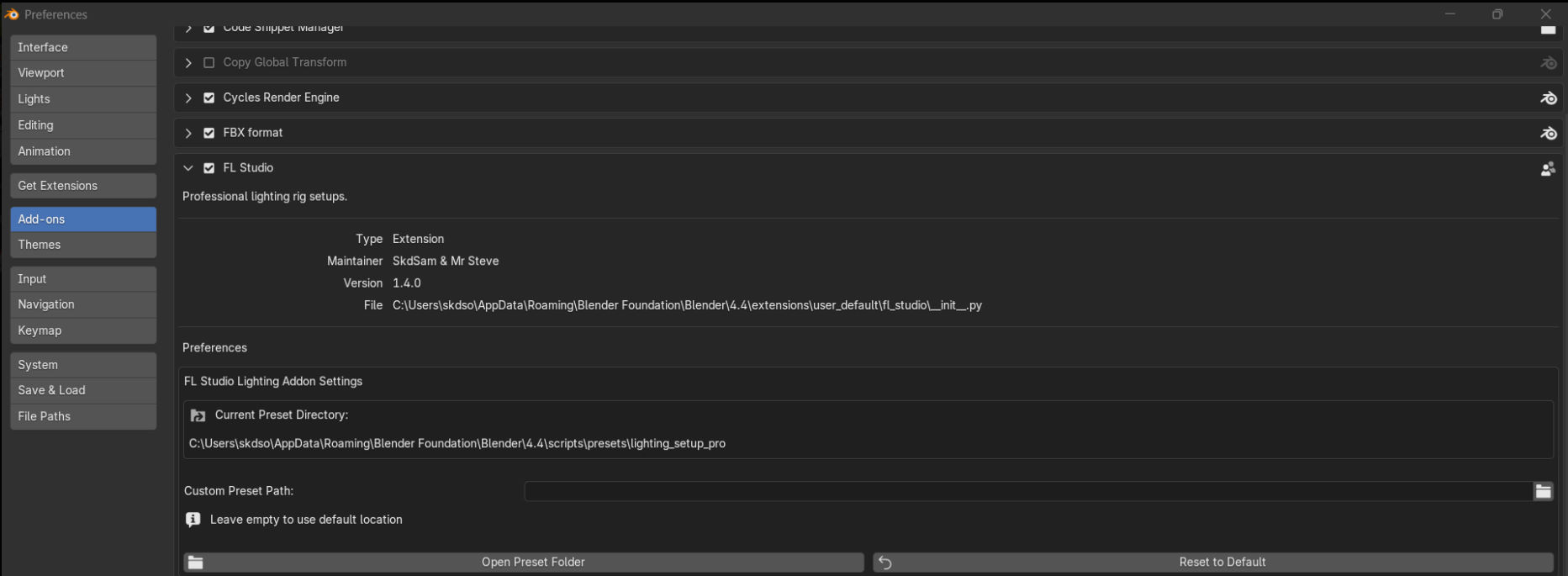
You will need to set the save folder in preferences in most versions but defaults to
AppData\Roaming\Blender Foundation\Blender\4.4\scripts\presets\lighting_setup_pro
🚀 Quick Start
-
Open the Lighting Setup tab in the 3D Viewport sidebar.
-
Select a lighting preset from the dropdown menu.
-
Click "Apply Preset" to instantly add the lights to your scene.
-
Adjust intensity, distance, and color in real time using the controls.
-
Use the color swatch inputs to set your custom light tones.
💾 Saving & Loading Light Setups
Save:
-
Select the lights you wish to save.
-
Click “Save Lights to JSON”.
-
Choose a directory where your presets will be stored.
Load:
-
Set your Save Folder Path (if not already set).
-
Click “Load Lights from JSON”, then choose a preset to import.
Your lighting configurations are saved in .json format and can be reused across any Blender project.
🎨 Custom Light Colors
You can define up to three color swatches in the panel. When creating lights, the addon will automatically apply one of your chosen colors at random.
-
Default colors will be used if no swatches are defined.
-
Great for stylized or multicolored scene lighting.
🧠 Tips & Best Practices
-
Use the "Update Lights" button to re-apply property changes if needed.
-
Add a floor plane to enhance realism and shadows in your scene.
-
Organize your JSON templates by project or category in the save folder.
-
Experiment with presets like Sunset Glow or Three Point Soft for different moods
🧩 Compatibility
-
Blender 3.0 – 4.5+ (tested)
-
Works with both Cycles and Eevee
🛠️ Troubleshooting
-
"Nothing happens when loading a preset":
Make sure a folder path is set and the JSON file exists. -
"Changes don’t apply":
Click “Update Light” or check if the light was selected before editing. -
"Addon won’t install":
Ensure you are installing the ZIP file, not the extracted folder.
🔄 Planned Features
-
Serpens integration for non-code customization
-
Light grouping tools
-
Environment light presets
-
One-click thumbnail render setup
📝 Credits
Developed by SkdSam & Mr Steve 3D
Concepted, scripted, and iterated using AI-assisted workflows
Special thanks to the Blender community for testing & feedback -
Have questions about this product?
Login to message
| Blender Extension Compatible | Yes |
| Published | about 1 year ago |
| Blender Version | 3.6 - 4.5 |
| Extension Type | Add-on |
| Render Engine Used | Cycles, Eevee |
| License | GPL |