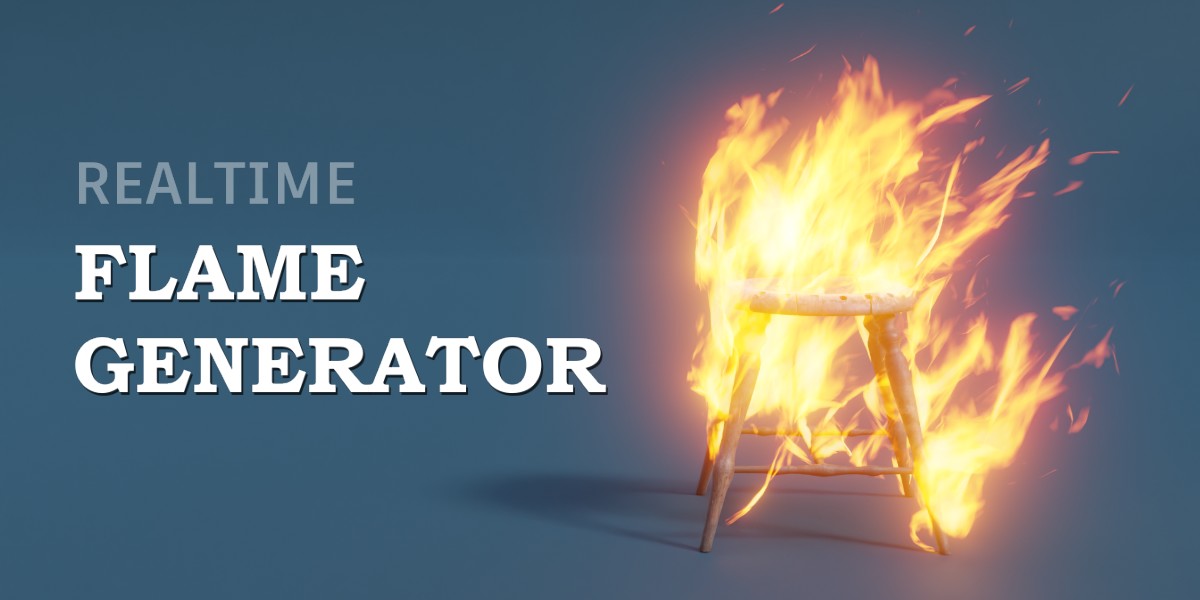
Realtime Flame Generator

specoolar in Simulations & Effects


Item Rating

This item has an average rating of 4 from 13 ratings by the community.

70%
8%
0%
0%
24%

Purchase this item to leave a review!

  • oscar
    about 2 years ago

    It definitely works fine in 4.0. I am very satisfied.

  • Paul Webb
    almost 3 years ago

    Works great, marked it as an asset so I can just drag it in. Works great and love the last update providing more options and flexibility 👍🔥

  • Radiant Mantra
    almost 3 years ago

    Heads up, read the documentation to figure out how to use.
    It's basically a copy>paste from one scene to another, though you can mark the "flame" object as asset and import from the asset browser very easily.
    This fire runs great and is customizable enough for most renders you might want to do.
    More importantly it looks good too, again, I recommend the short documentation to get it working for you on Cycles. Highly recommend!

  • Rob Betz
    almost 3 years ago

    Easy to use - read the documentation if you're seeing black outlines in Cycles. Flames look awesome.

  • Alex May
    about 3 years ago

    Looks great and is exactly what I need for a project I'm working on right now.

    As there are few instructions, and I had some problems getting it to render, here is the missing step (UV=flame_uv):

    1. Link/Append "NodeTree/Flame Generator" from FlameGenerator.blend
    2. Add "Flame Generator" as a Geometry Nodes modifier to an object
    3. Under the modifier "Output Attributes" set the UV to "flame_uv" (without quotes)
    4. This will set the object on fire.

    To set a collection on fire:
    1. Apply the above to a dummy object that isn't in the collection you want to set fire to
    2. Choose the "Emit from collection" and turn off "Emit from self" and probably "Show self"

  • Andri Wibowo
    about 3 years ago

    This is perfect for my needs, even its so heavy on viewport on denser settings. Took me a while to learn from the example scene

  • Rich
    over 3 years ago

    I echo the review of Martijn de Frankrijker. My only change to his review is that flames look ok to good

  • Pundus
    over 3 years ago

    Excellent and versatile. Bought this with the same creator's light trail generator, and this is just as customizable. Took a while to set up as I couldn't find any instructions, and it is more intensive on the rendering (though I'd guessed that's a given). Still a very powerful tool!

  • Martijn de Frankrijker
    almost 4 years ago

    Flames look great and easy to use once you get the hang of it. Appending the Flame Generator collection in your file and moving the item you want to set ablaze into the Flame Source-folder worked best for me. The great thing is that these flames save a ton of resources over flames using particle systems, so rendering goes quickly.

  • Nick Sayce
    almost 3 years ago

    The only reason this isn't five stars is because the instructions to use it are incomplete and I had to read the feedback here to figure it out. The fact that for over a year, the creator hasn't given their customers what their is asking for, better instructions, makes me think the creator has dropped this and no longer cares for it. Product is great, creator isn't listening.

$10

Have questions about this product?
Login to message

Details
Sales 800+
Rating
13 ratings
Dev Fund Contributor
Published almost 4 years ago
Blender Version 3.3 - 5.0
Render Engine Used Cycles, Eevee
License Royalty Free