Realtime Flame Generator
 specoolar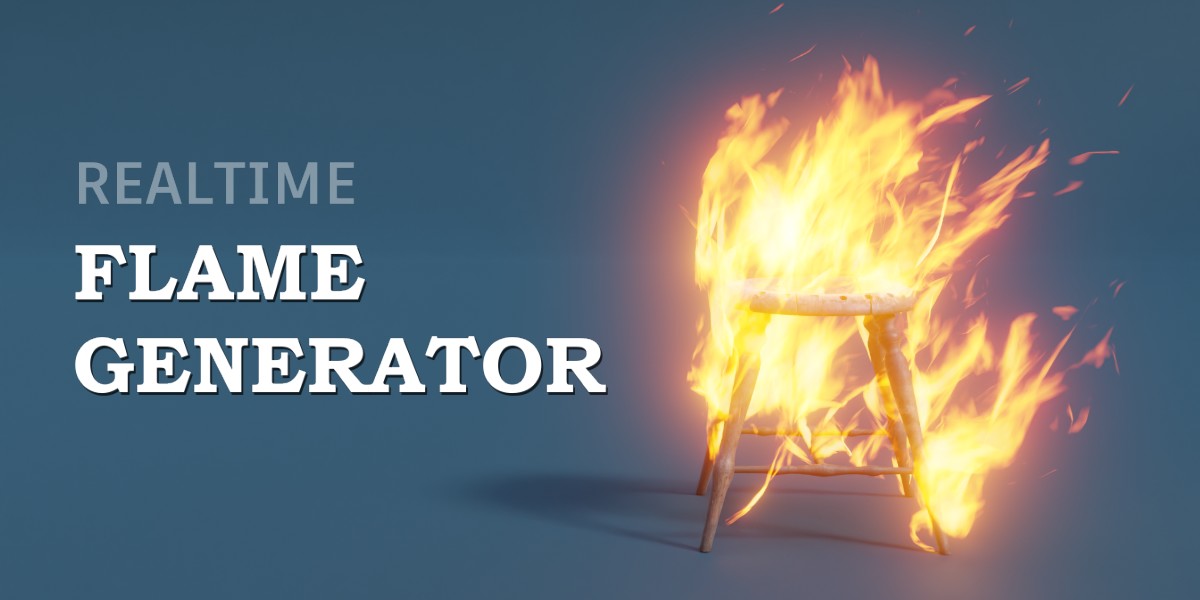
This is a project file with a geometry nodes modifier setup, not an addon.
To import it into your project:
- Open the asset project;
- Select one of the flame objects and copy (CTRL+C);
- Then open your project and paste (CTRL+V). It automatically imports required node groups.
To add flame to an object:
- Select the object;
- In modifier settings add Geometry Nodes modifier;
- Select Flame Generator node group:

Cycles
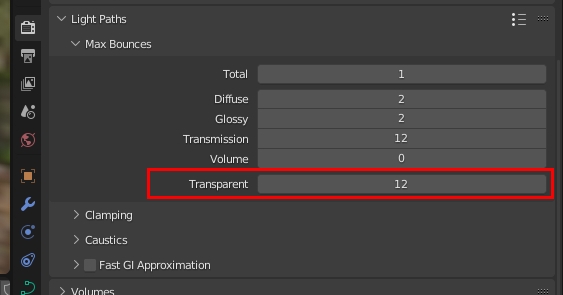
In cycles you may have black artefacts like this:

To fix it increase Transparent light bounce count under Light Paths tab:
Custom Color
To set a custom color gradient for the flame open the "Realtime Flame" material node tree and connect the Color Ramp to the Color socket:

Have questions about this product?
Login to message
| Sales | 800+ |
| Rating | 13 ratings |
| Dev Fund Contributor | |
| Published | almost 4 years ago |
| Blender Version | 3.3 - 5.0 |
| Render Engine Used | Cycles, Eevee |
| License | Royalty Free |

Discover more products like this
procedural VFX winter24 realtime spring24 simultaion flame bfcm23 fire visual effects geometry_nodes