 AA - Artem Academy
FLARE GEN PRO
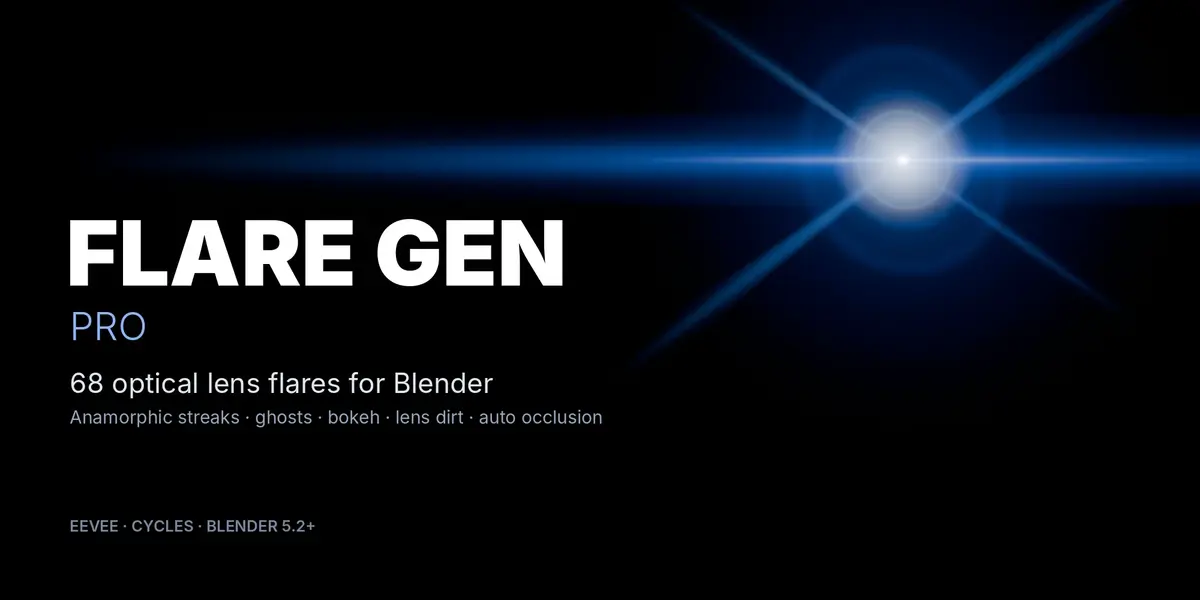
Lens flares that live in your scene
Drag a flare from the Asset Browser, pick a light, done. Streaks, starbursts, ghosts, rings and bokeh follow the source from the active camera, fade at the frame edges and disappear behind objects. Built with Geometry Nodes, rendered in EEVEE and Cycles — no image sequences, no extra render layers.
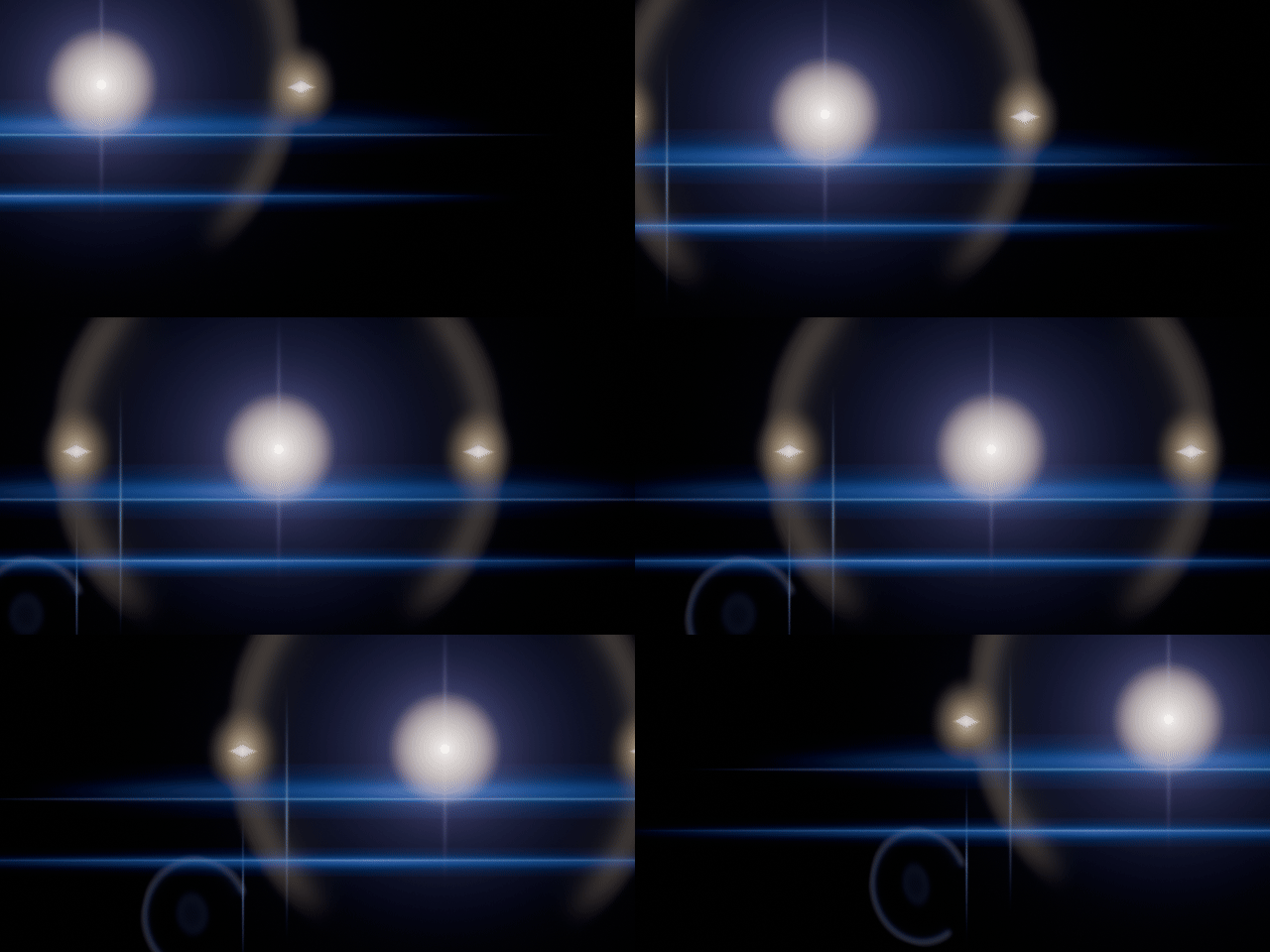
The flare follows the light. Ghosts mirror through the frame centre automatically.
| 68PRESETS | 9CATALOGS | 2RENDER ENGINES | 5.2–5.3BLENDER |
ONE MODIFIER
Every look on one object
The Preset menu switches between all looks on the same object and keeps the light link. Design sets the Streaks, Rays, Rings, Reflections and Bokeh layers separately (0 turns a layer off). Fine Tune holds brightness, scale and anamorphic squeeze, Tint recolors any preset, and Angle Response changes the reflections as the source moves from the centre to the edge of the frame.
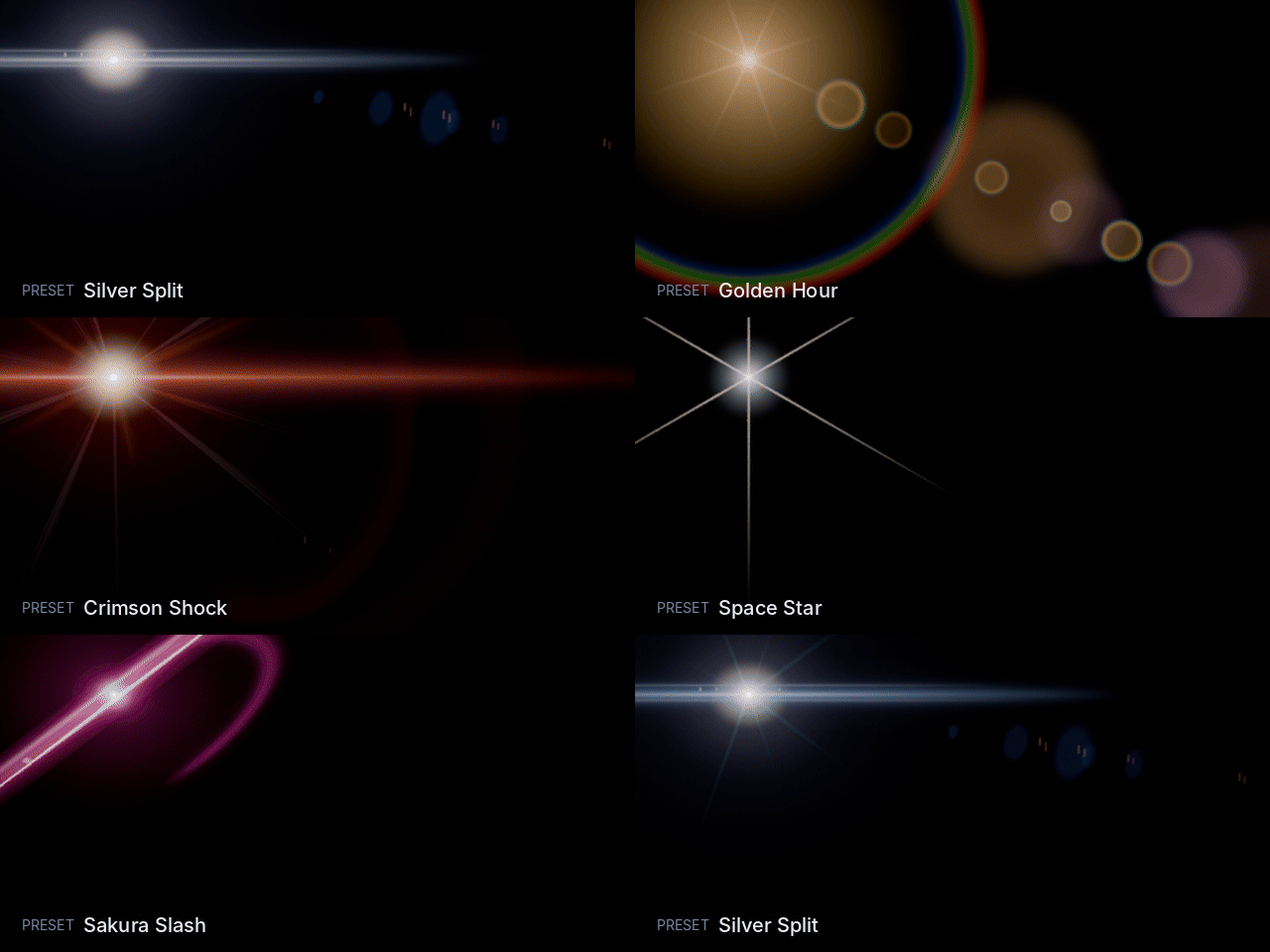
Switching presets on a single flare object.
OCCLUSION
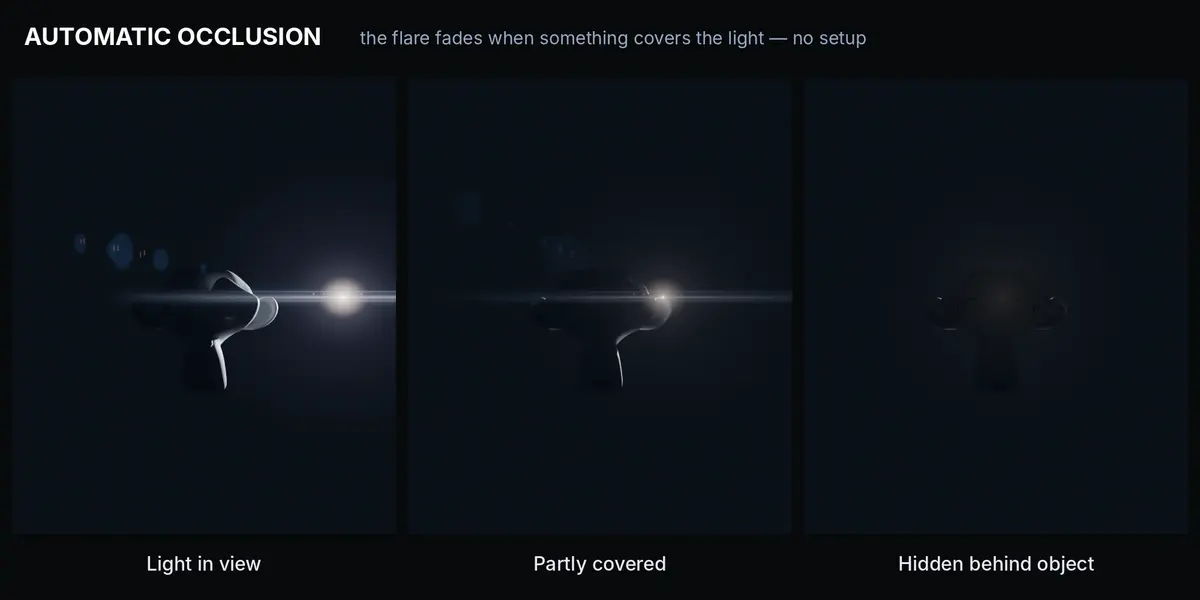
Hides behind objects. Automatically.
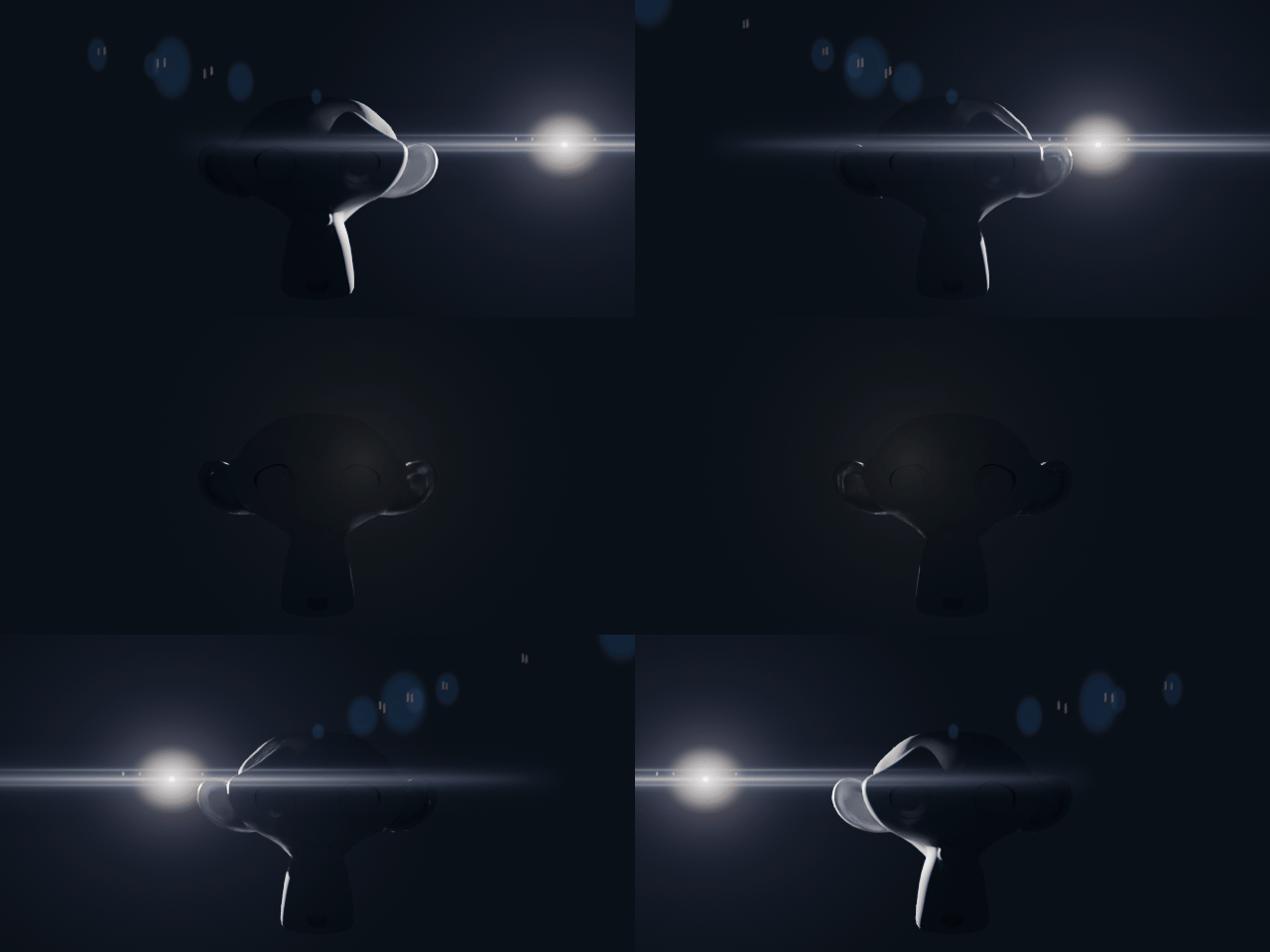
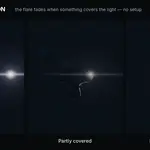
The light passes behind a mesh — the flare fades out and comes back, no setup.
| — | Visibility is tested with Geometry Nodes rays against visible meshes |
| — | Source Radius and Samples give a soft, partial fade when a light slides behind an edge |
| — | Edge Fade keeps reflections alive when the source leaves the frame |
| — | Occluded Glow leaves a subtle veil when the source is fully hidden |
| — | Use a mesh as the source — sign, window, headlight — and the flare reacts to the visible part |
| — | A manual Occluders collection when you need full control |
LIBRARY
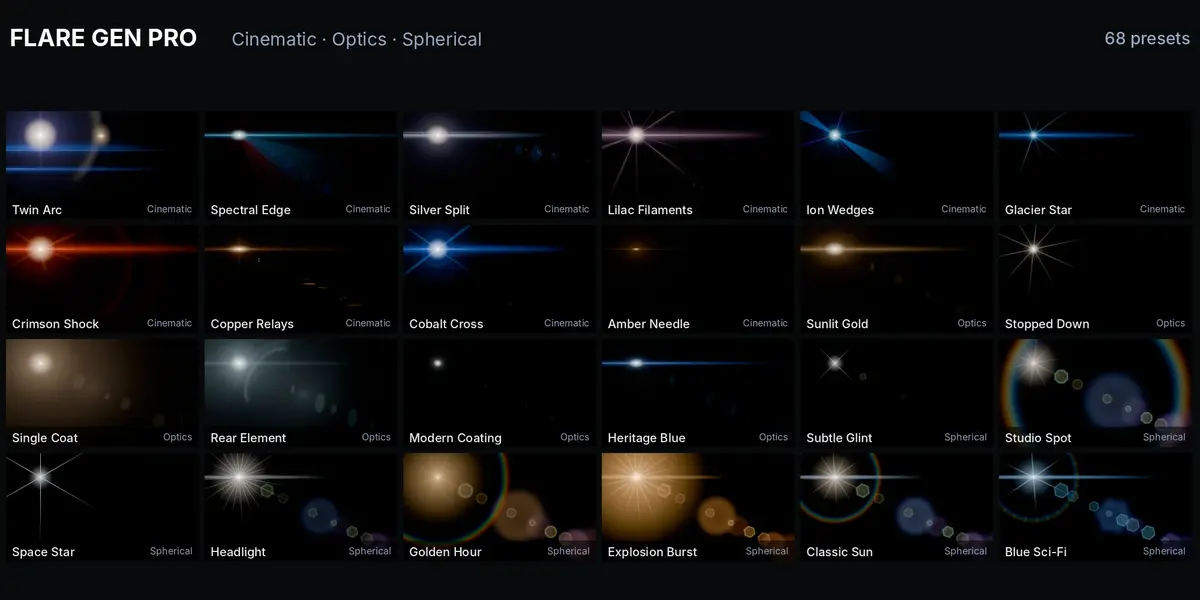
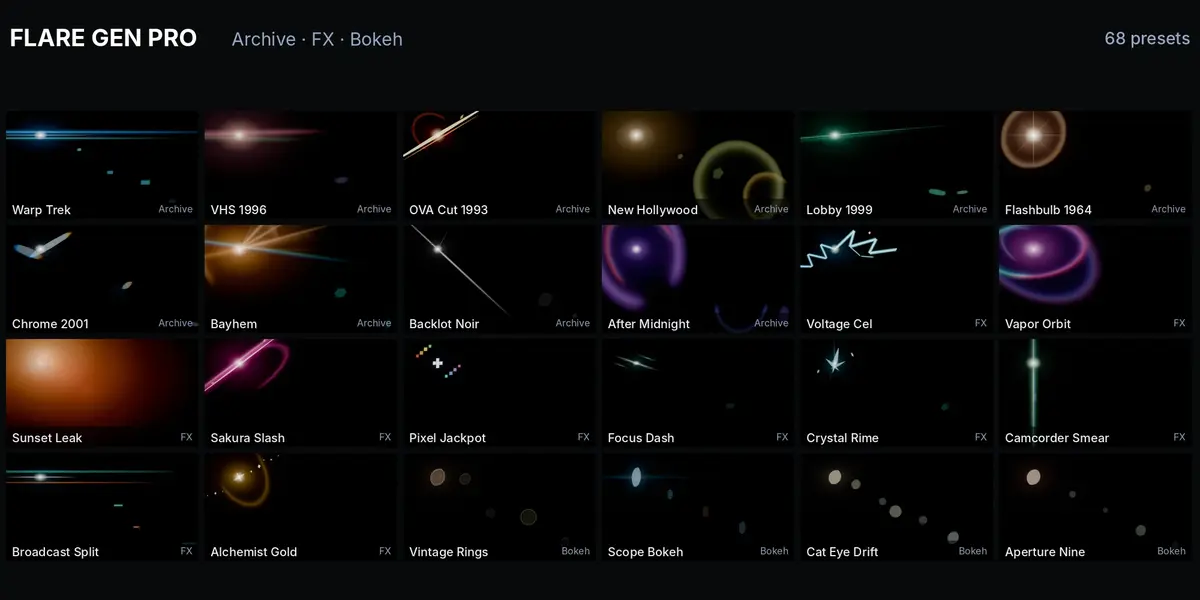
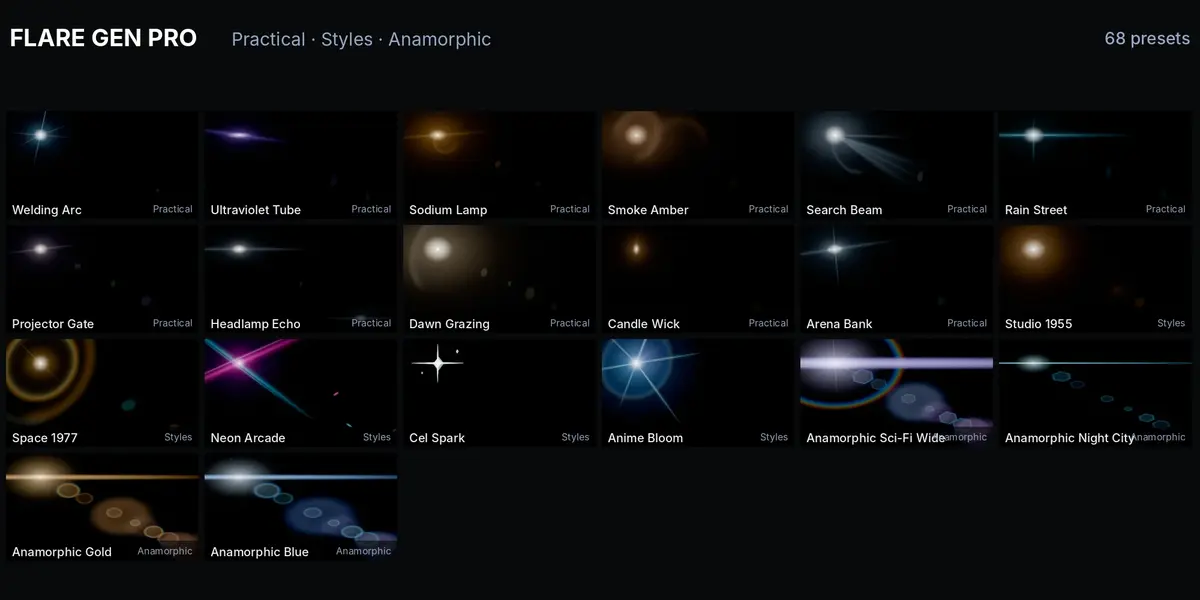
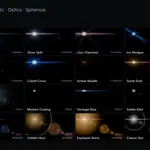
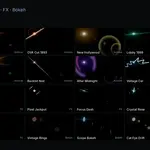
68 presets in 9 catalogs
| Cinematic 10 | Reference-driven looks, from Silver Split to Twin Arc |
| Optics 6 | Real lens character: Heritage Blue, Sunlit Gold, Single Coat, Rear Element, Modern Coating, Stopped Down |
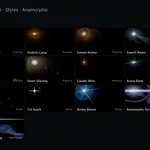
| Styles 5 | Eras and genres: Studio 1955, Space 1977, Anime Bloom and more |
| Archive 10 | Stylizations such as Bayhem, Warp Trek, VHS 1996, OVA Cut 1993 |
| Practical 11 | Headlights, street lamps, candles, projectors, welding arcs |
| FX 10 | Accent flares like Sakura Slash and Crystal Rime |
| Bokeh 4 | Defocused flares with glass texture and dust |
| Spherical 8 | Classic flares with full manual controls |
| Anamorphic 4 | Long streaks and oval ghosts |
GLASS
Lens dirt and bokeh
Seven lens dirt masks — Smudge, Grunge, Scratched, Streaks, Specks, Dust, Lens Film — and procedural orbs light up around the source. Stretch, Distortion, Aberration and Cat Eye shape them like real glass. Bokeh → Follow Focus reads the camera focus distance, so reflection discs grow and soften away from the focal plane.
REQUIREMENTS
| — | Blender 5.2 or 5.3, EEVEE or Cycles |
| — | An active scene camera; panoramic cameras are not supported |
| — | Glass and transparent surfaces count as solid blockers in automatic occlusion — use a manual Occluders collection for those shots |
| — | Flare brightness and color are set on the flare, not read from the lamp power |
INSTALL
Edit → Preferences → Get Extensions → Install from Disk, then open the Asset Browser, pick the Flare Gen library and drag a preset into your scene.