 Blender Lens Flare
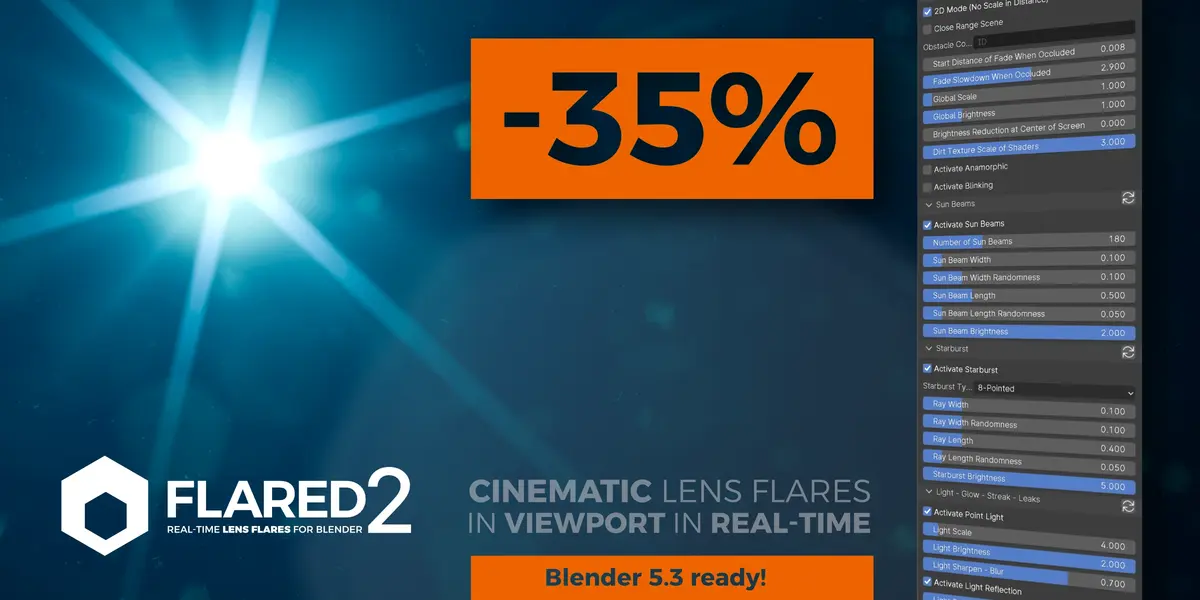


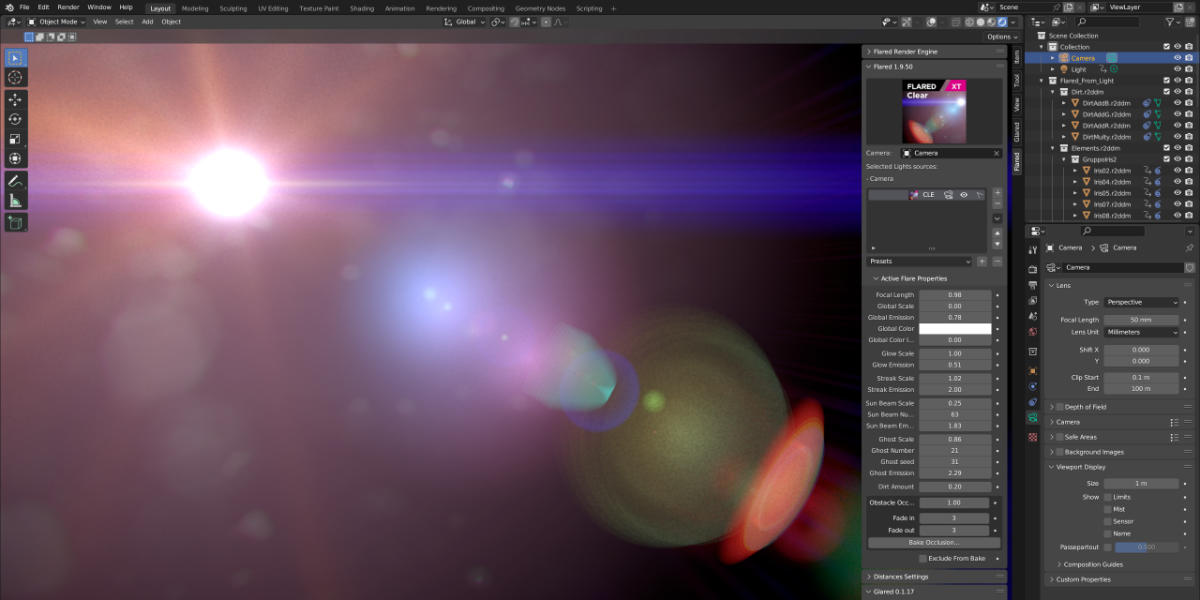
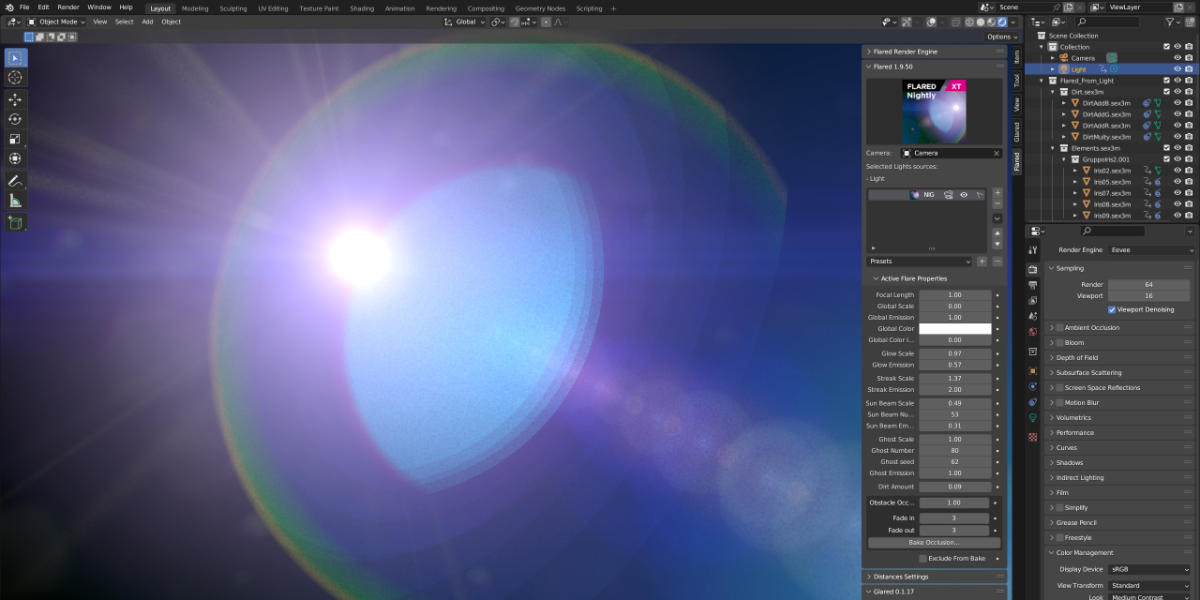
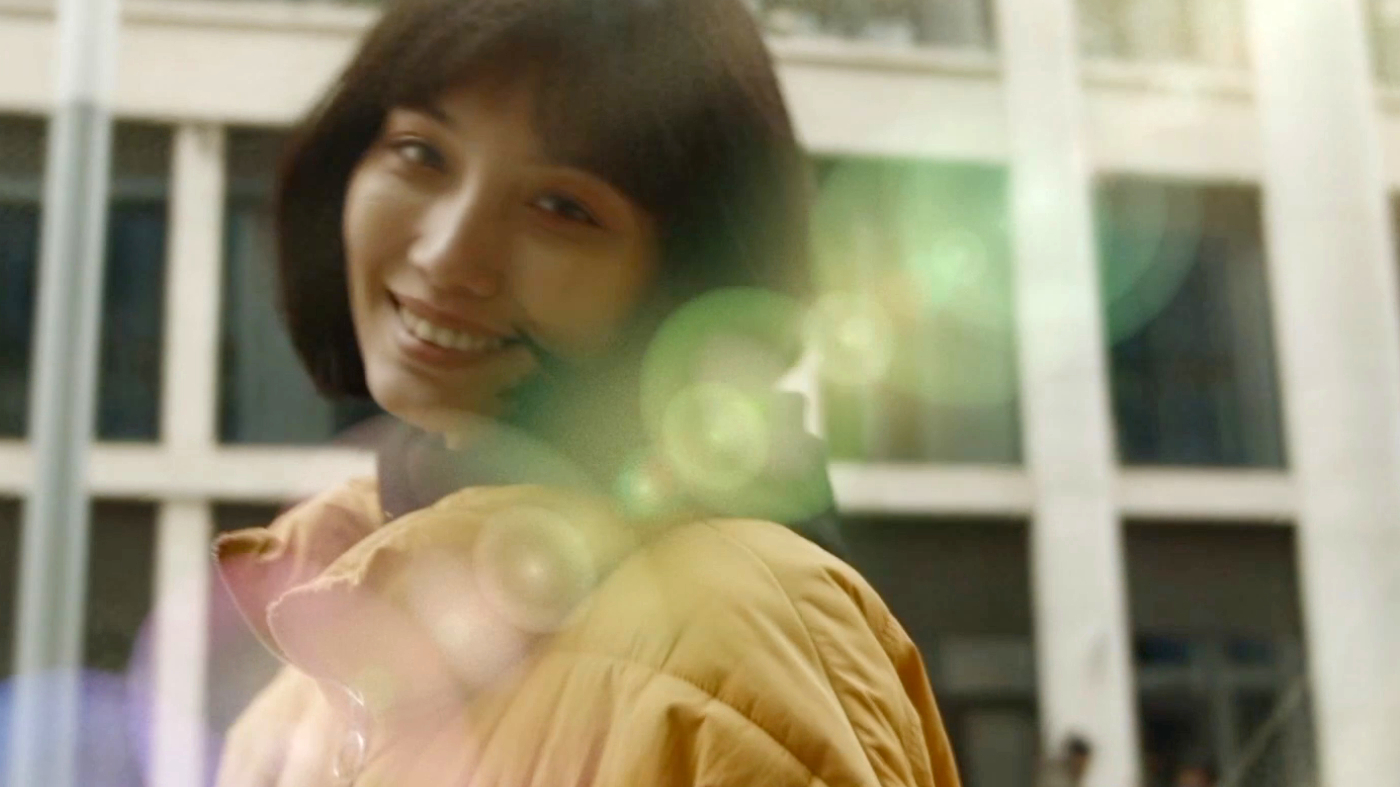
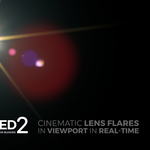
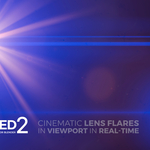
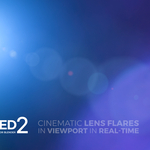

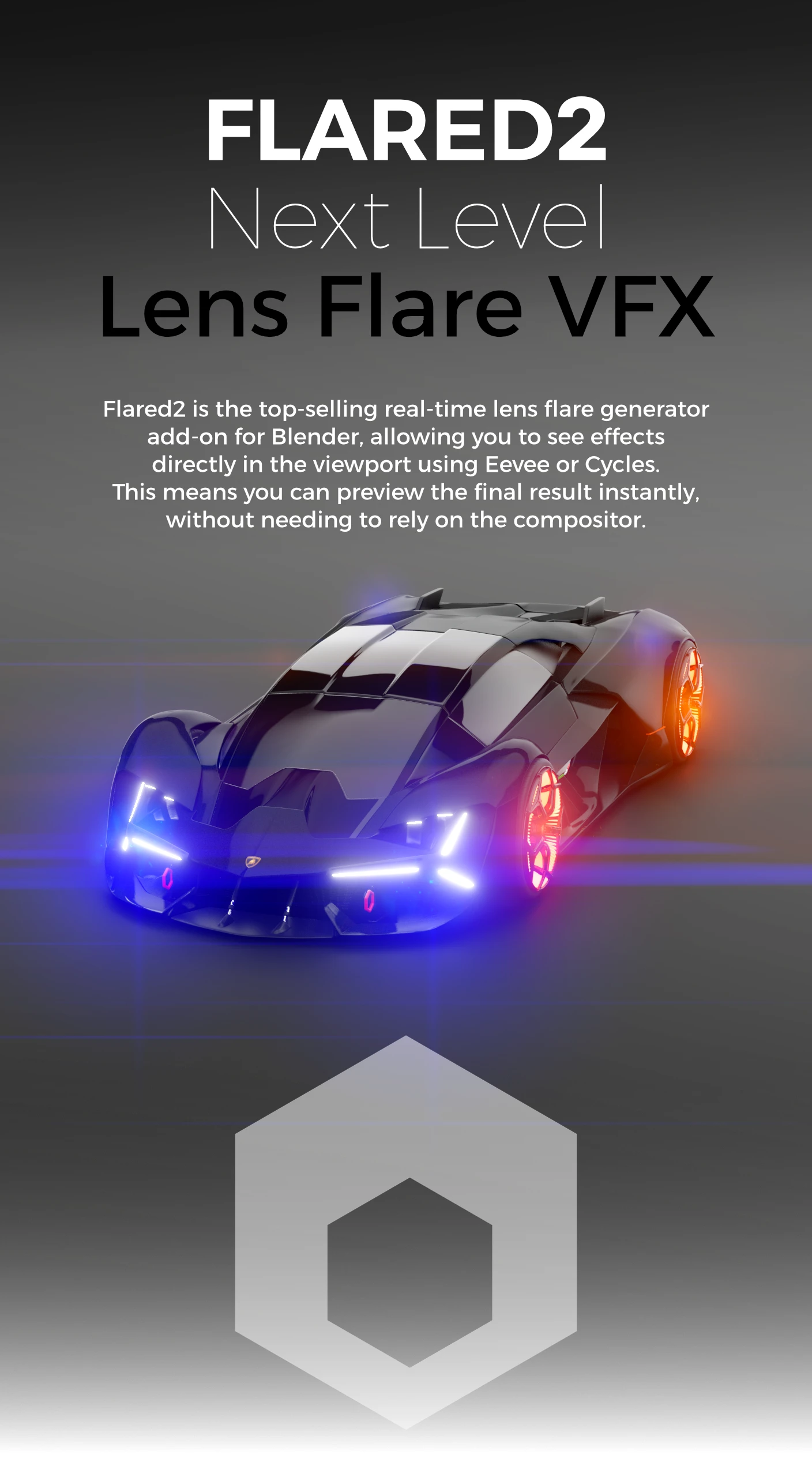
Cinematic Lens Flares.
In Real Time.
Create cinematic lens flares directly inside your Blender scene, with viewport controls and no baking. Optional separate rendering and export are managed through the compositor.
2,900+ sales • 5/5 rating • 6 years of development • Eevee + Cycles
INTERACTIVE WEB DEMO
Move the light.
See the flare respond.
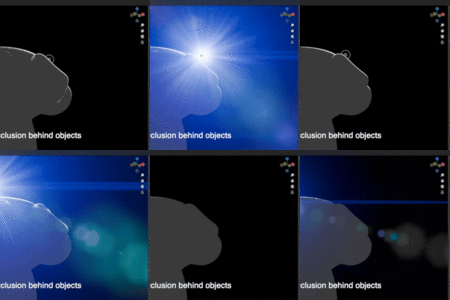
Explore five flare presets. Move the light or Suzanne to see the flare travel across the view and disappear behind an obstacle.
Click anywhere in the scene preview to start. The light animation begins automatically and loops behind Suzanne. Drag the light or Suzanne to take control, or click a preset to change the flare. Best explored on desktop with a mouse and keyboard.
A browser demonstration based on Flared2 scenes, not the full Blender add-on. The five-preset selector is interactive. The parameter list in the side panel is a read-only preview; those controls are fully operational in the Blender add-on.
Open the demo in a new tab ↗Everything you need to create great flares.
Real-Time
See every change immediately in Blender's viewport.
Scene-Based Flares
Build and control the flare directly in your scene.
No Baking
Change, animate and refine your effects without baking.
Eevee + Cycles
Designed to work directly with both render engines.

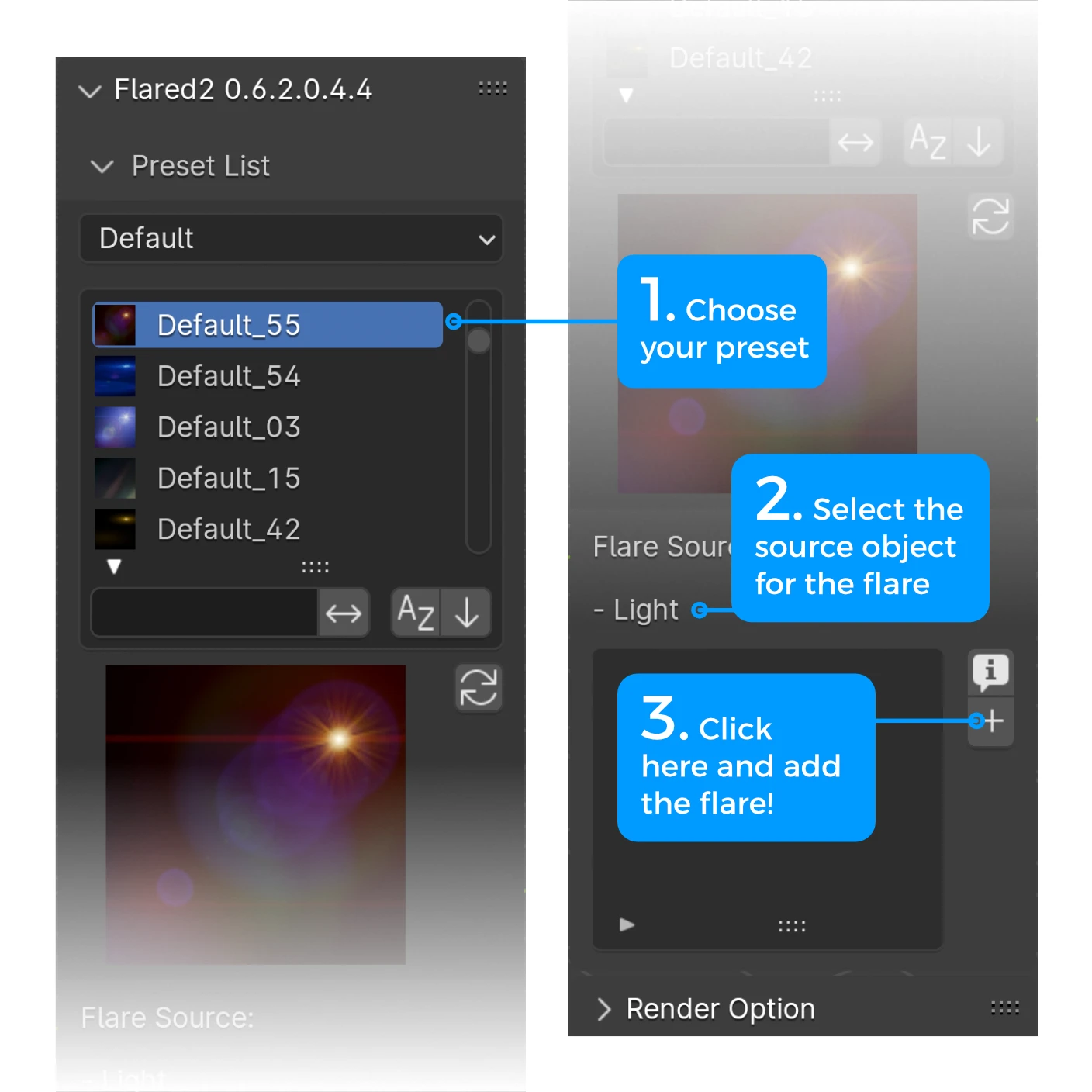
Add a flare in just 3 clicks.
Choose a preset, place your flare and start shaping it. Flared2 is designed to make sophisticated lens effects fast to create, even when you need several flares in the same scene.
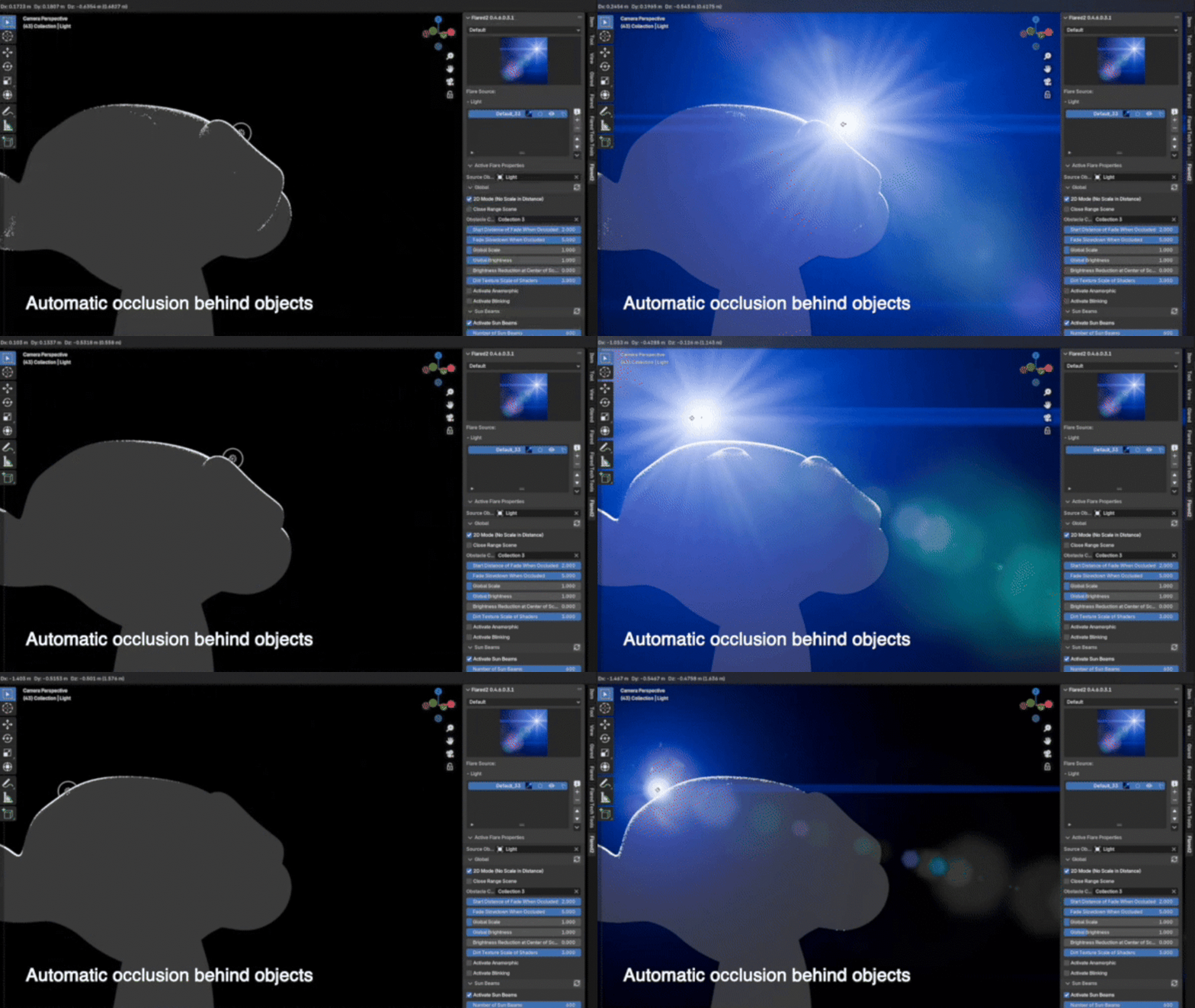
Your flare reacts to the scene.
Flared2 can detect obstacles between the light source and the camera, allowing the flare to respond naturally to objects in the scene.

Create in the viewport. Finish your way.
Flared2 works directly in the viewport in both Eevee and Cycles. Lights outside the camera view can still influence the effect, creating a more natural relationship between the flare and the scene.
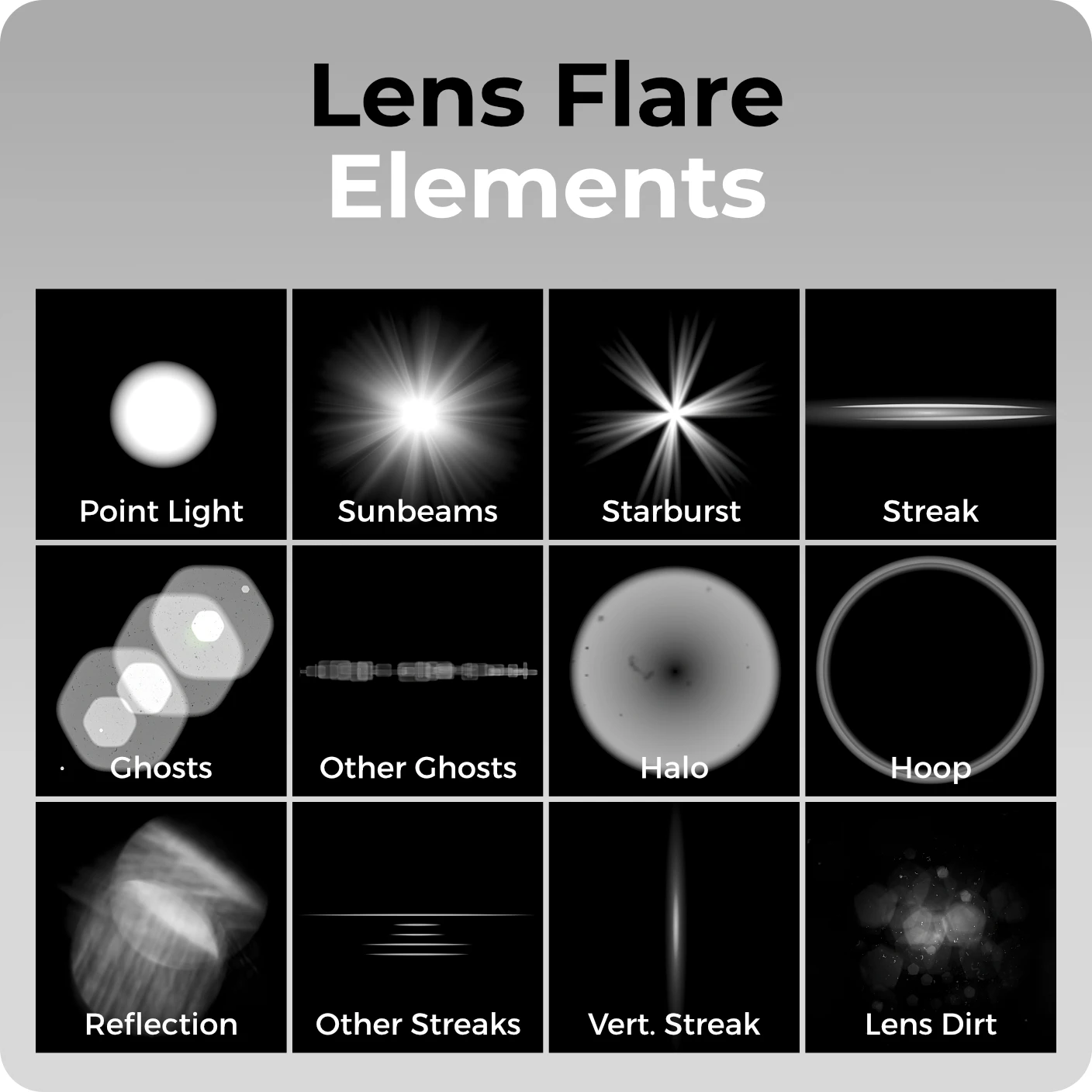
What makes Flared2 different?
| Procedural Core | Built with Geometry Nodes. |
| Obstacle Detection | Real-time interaction between lights, objects and camera. |
| Anamorphic Mode | Parametric anamorphic control. |
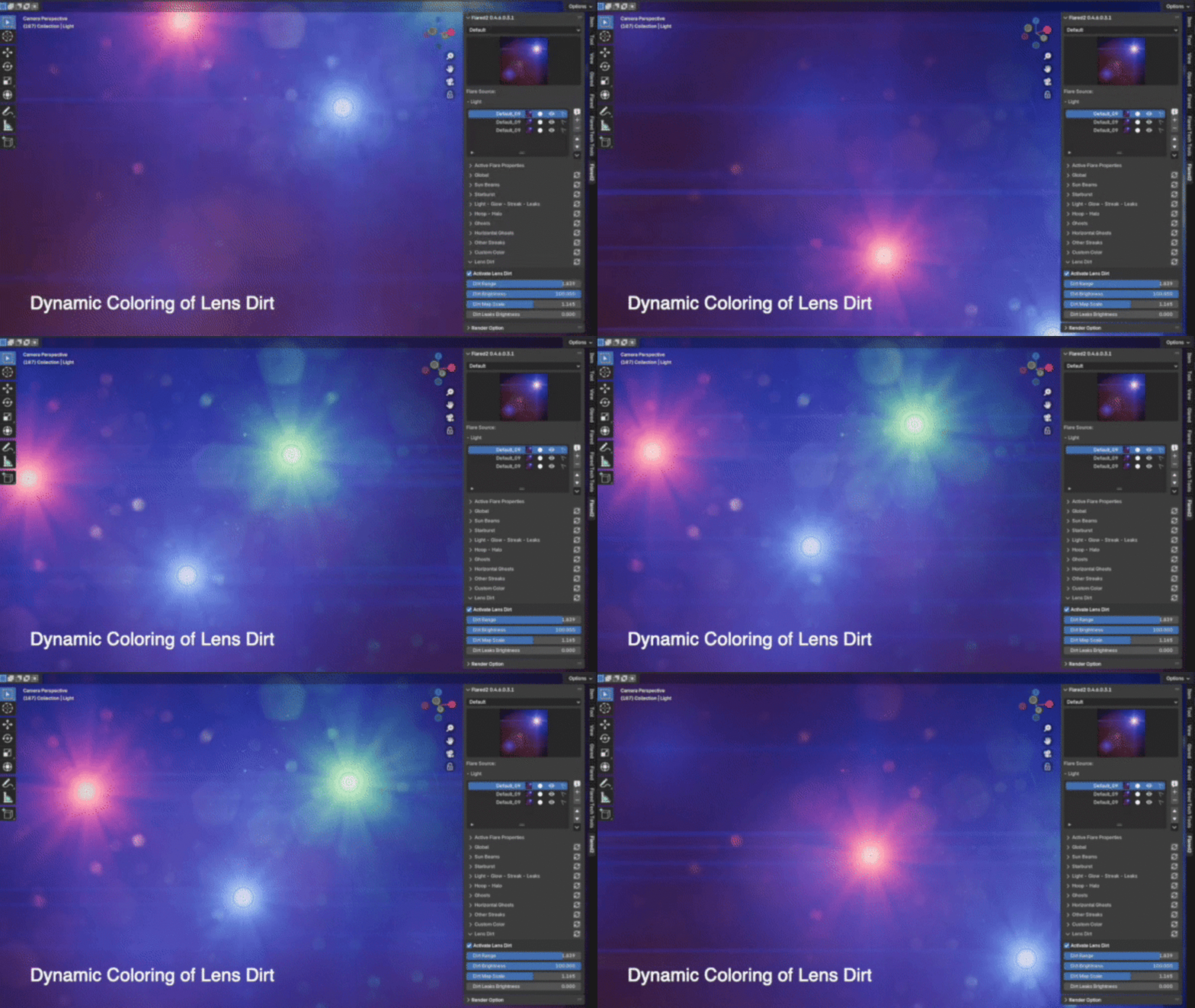
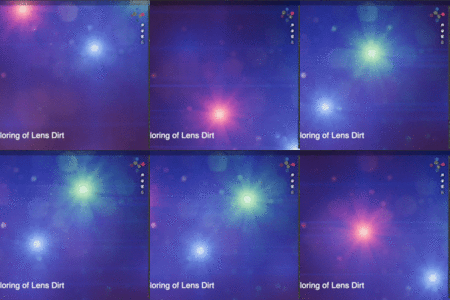
| Lens Dirt | Advanced procedural lens dirt simulation. |
| 100+ Parameters | Extensive artistic control without unnecessary complexity. |
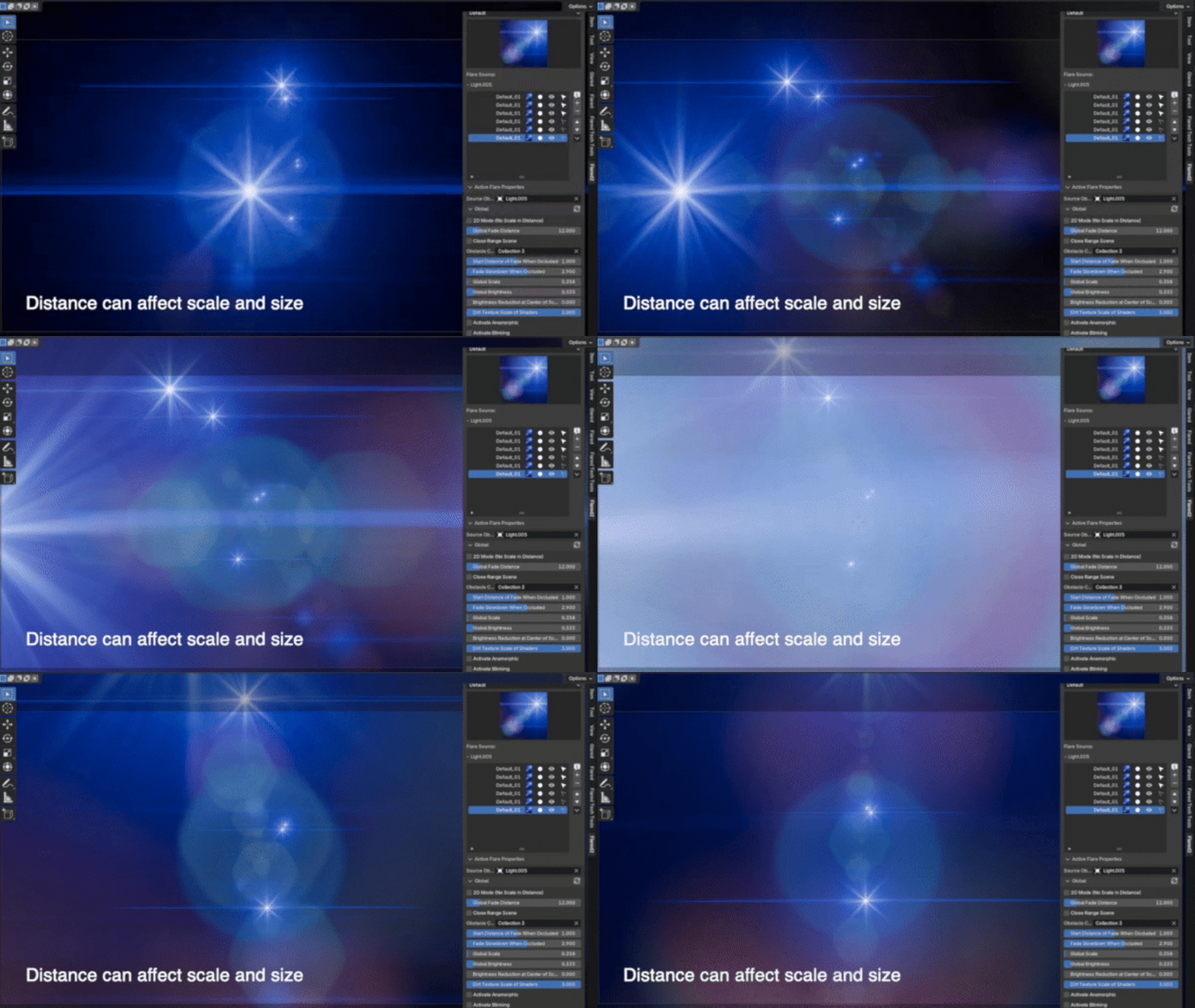
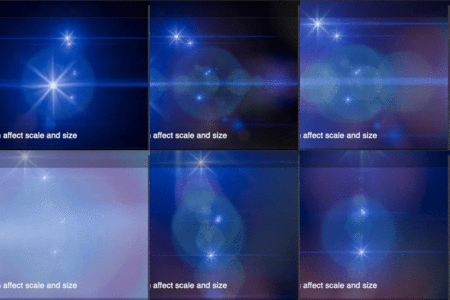
| 2D + 3D Modes | Fixed-size 2D mode and distance-based 3D mode. |
| Custom Presets | Create, save, export, import and share your own flares. |
| Separate Rendering | Dedicated Eevee rendering, independent from separate-pass export. |
See what Flared2 can actually do.
Start with presets. Go anywhere.
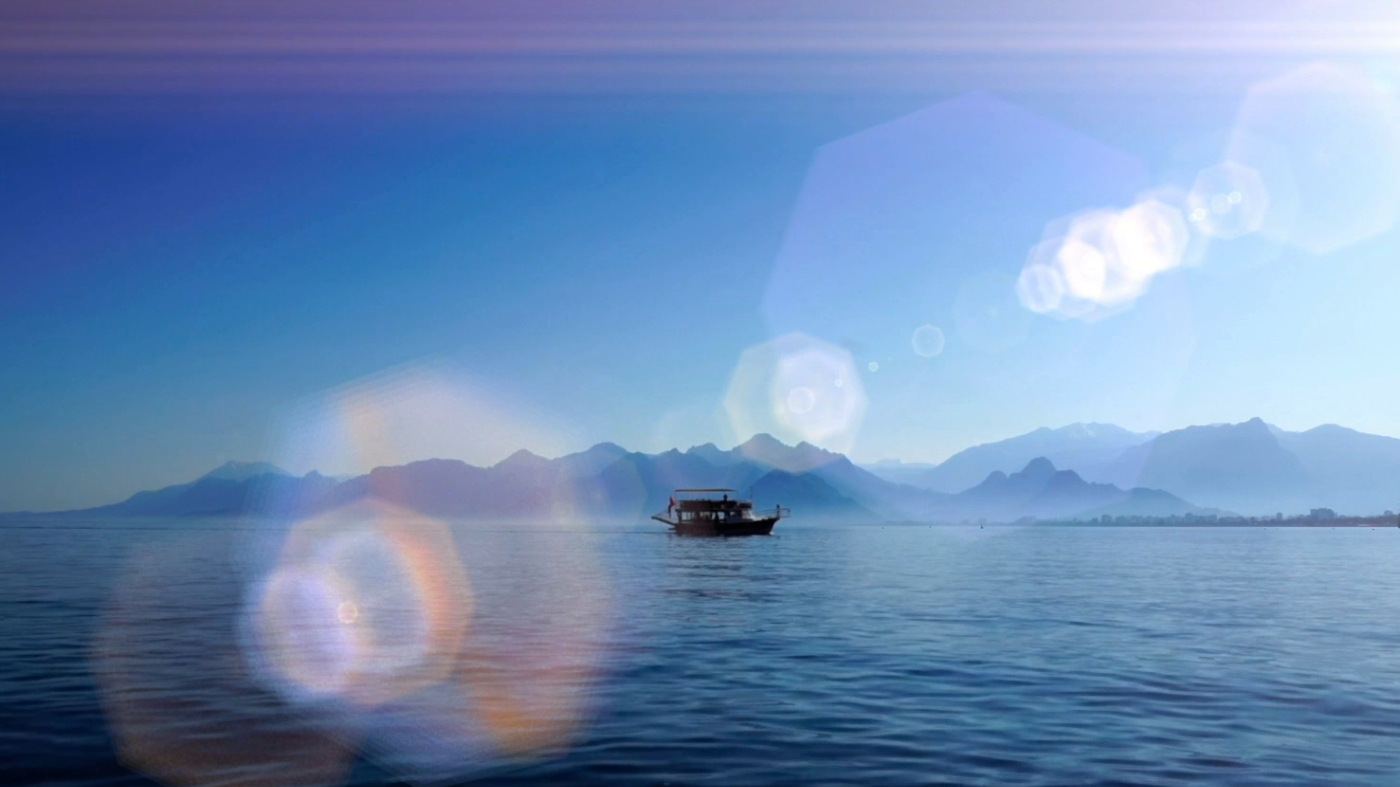
Flared2 includes a curated collection of cinematic, realistic, sci-fi, surreal and stylized flares. Use them as they are, or build completely new looks from scratch.
Powerful, not complicated.
Flared2 exposes the controls that matter while keeping the underlying procedural system out of your way. You get extensive creative control without having to build the effect yourself.
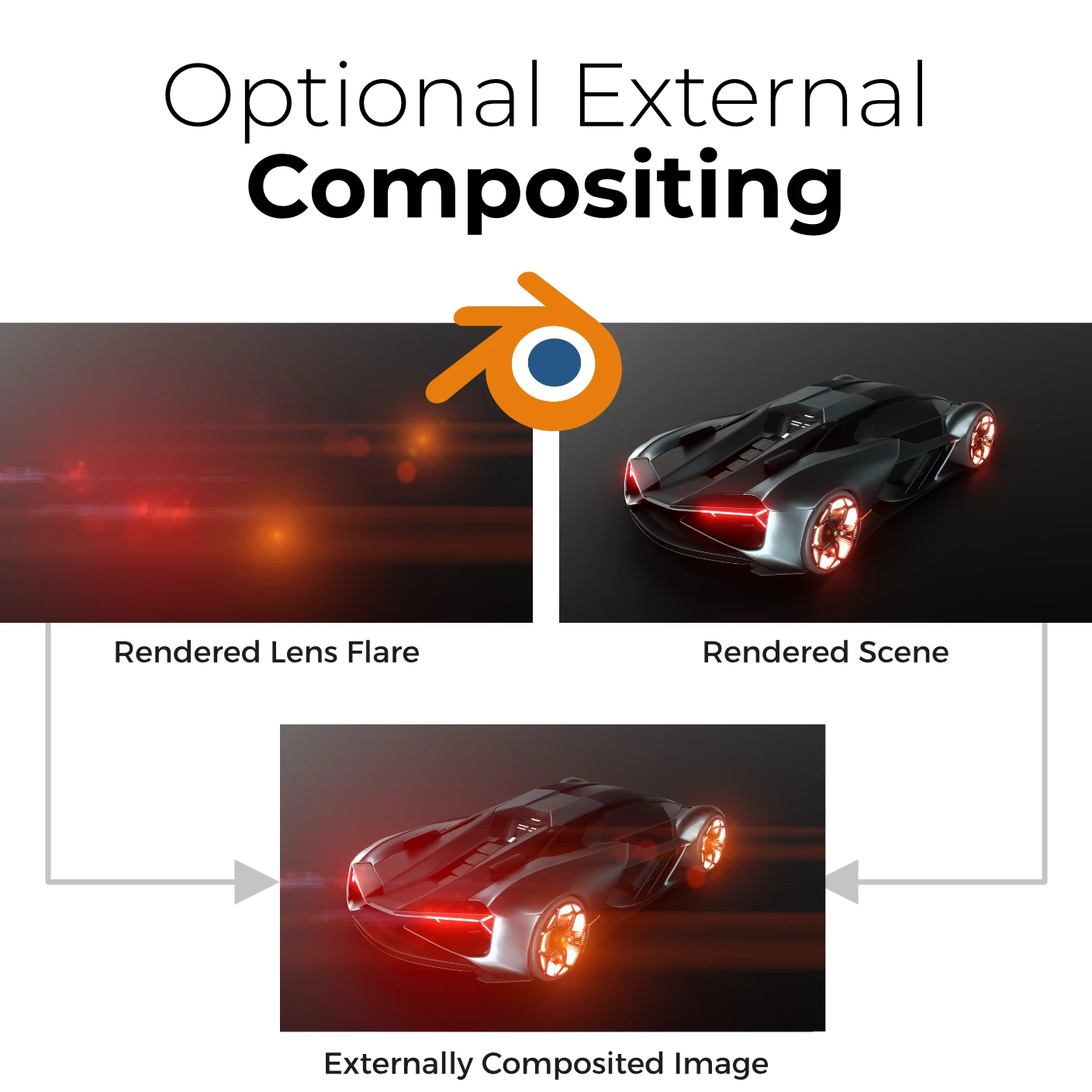
Render separately. Export only what you need.
Flared2 1.3.3 keeps separate rendering and separate export independent. Render flares in a dedicated Eevee scene, even when your main scene uses Cycles. This can reduce the cost of rendering transparent flares, isolate them from nearby geometry and let you control their depth of field separately. You can still save just the finished composite.
Need separate images for post-production? Enable Separate Flared2 Pass to export the scene and flares separately. Choose PNG, JPEG, separate OpenEXR files or a multilayer OpenEXR, with dimensions matched to your render settings.
Flared2 + Glared2. One export workflow.
Create source-based flares with Flared2, then use Glared2 to process the combined image. When both add-ons are active, they share one export format and destination, with independent controls for their separate passes.
Keep Glared2 as a finished treatment while exporting the Flared2 contribution separately, or split Glared2’s available effect passes for more control. A complete reference image helps you compare your reconstruction with Blender’s result.
Managed node groups keep the compositor organised without clearing your existing setup. Glared2 is optional; Flared2 also works on its own.
Read the export guide for setup and reconstruction limits, or see the EXR and colour-management guide.
Fully procedural. Artist friendly.
Flared2 is procedural at its core, but you don't need to work directly with its technical complexity. The interface gives you the controls needed to create the result you want quickly.
Trusted by Blender artists.
Flared2 has been developed for six years and has earned 2,900+ sales and a 5/5 average rating from 53 reviews on Superhive.
"It's easy to use and really customisable."
"This allows me to save time in post-production."
"The best way to add lens flare in Blender."
Your guide, always online.
Find installation instructions, controls and export workflows in the online English manual, also accessible from the “i” icon in the add-on. For the combined workflow, update both add-ons and restart Blender.
Blender Compatibility
Flared2 1.3.3 supports Blender 5.2 and 5.3. Choose the download matching your Blender version.
Previous compatible packages are available for Blender 4.1–5.1. Download the package matching your Blender version. Earlier releases may not include all features available in the latest version.
12 months of updates and support included.
New purchases include a 12-month Superhive Support Period, covering technical support and all Flared2 updates released during that period. The product and updates you receive remain yours to use after the period ends. Extending your Support Period is optional, with no automatic renewals or recurring charges.
Already own Flared2? Your existing update and support entitlements remain unchanged.
Buying for a team or studio?
Use the Seats selector to choose one seat per person. Everyone receives the same full version of Flared2. For bulk purchase enquiries, contact me through Superhive before ordering.
Previously purchased Team and Studio packages retain their original user allowances.
Stop building lens flares.
Start creating them.
A complete procedural lens flare system for Blender, designed to give you professional results with minimal effort.
Flared2 • Full version • 12 months of updates & support included • Eevee + Cycles
