Flared2 - Cinematic Lens Flares in Real-Time
 Blender Lens Flare










Flared2 Documentation
Everything you need to install, learn and get the most out of Flared2, from your first lens flare to advanced customization.

User Manual
The complete Flared2 instruction manual, covering installation, interface, flare creation, generators, parameters, presets, rendering and advanced features.
Download the User Manual
Video Tutorials
Learn Flared2 through practical video tutorials, from the basic workflow to more advanced techniques and features.
Watch the Video TutorialsRequirements & Compatibility
| Blender | Blender 5.2 with the latest Flared2 release. Blender 4.1–5.1 are supported through previous compatible Flared2 versions. |
| Render Engines | Eevee and Cycles |
| Technology | Geometry Nodes and procedural shaders |
| Compositor | Not required |
| Baking | Not required |
How Flared2 Works
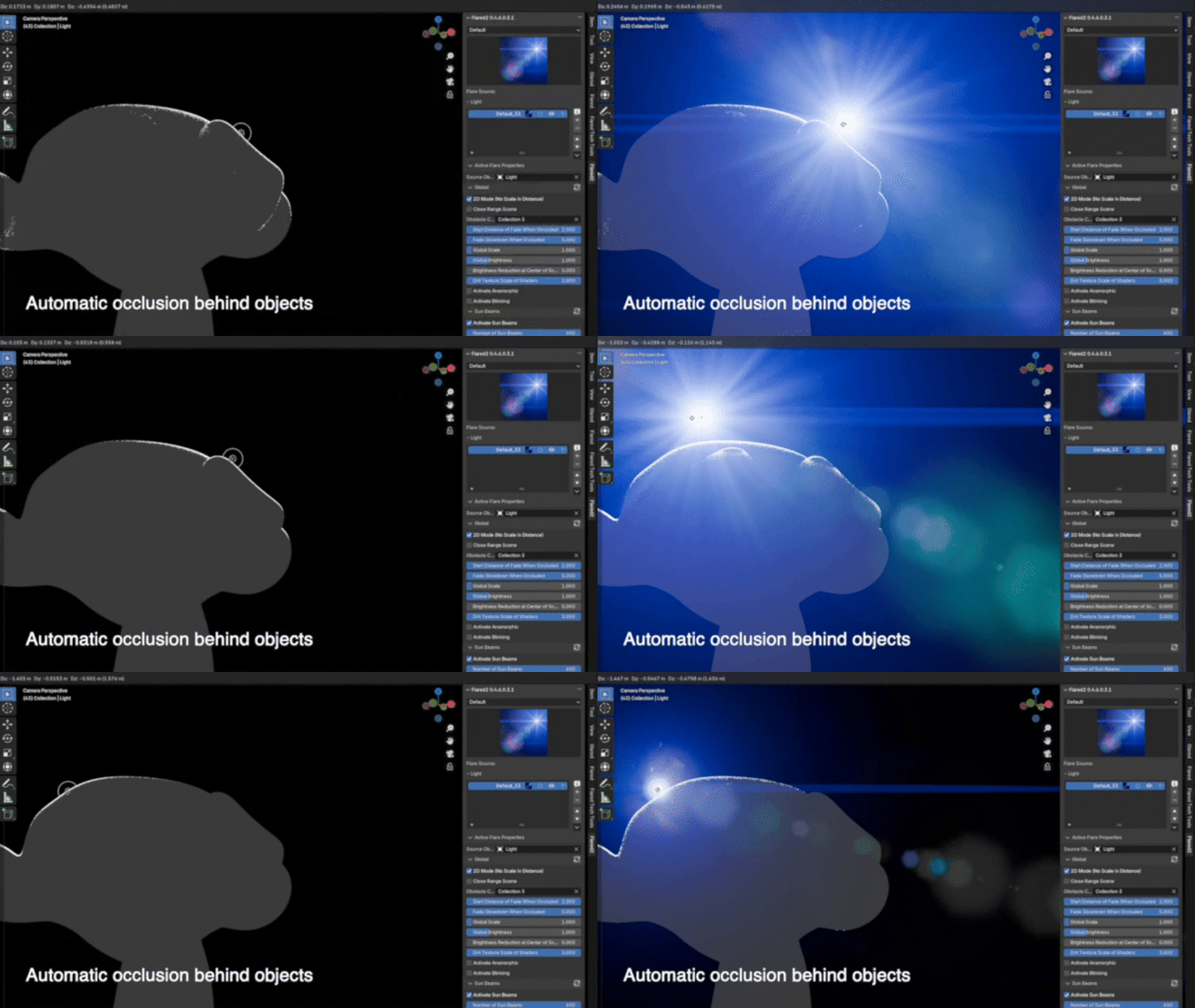
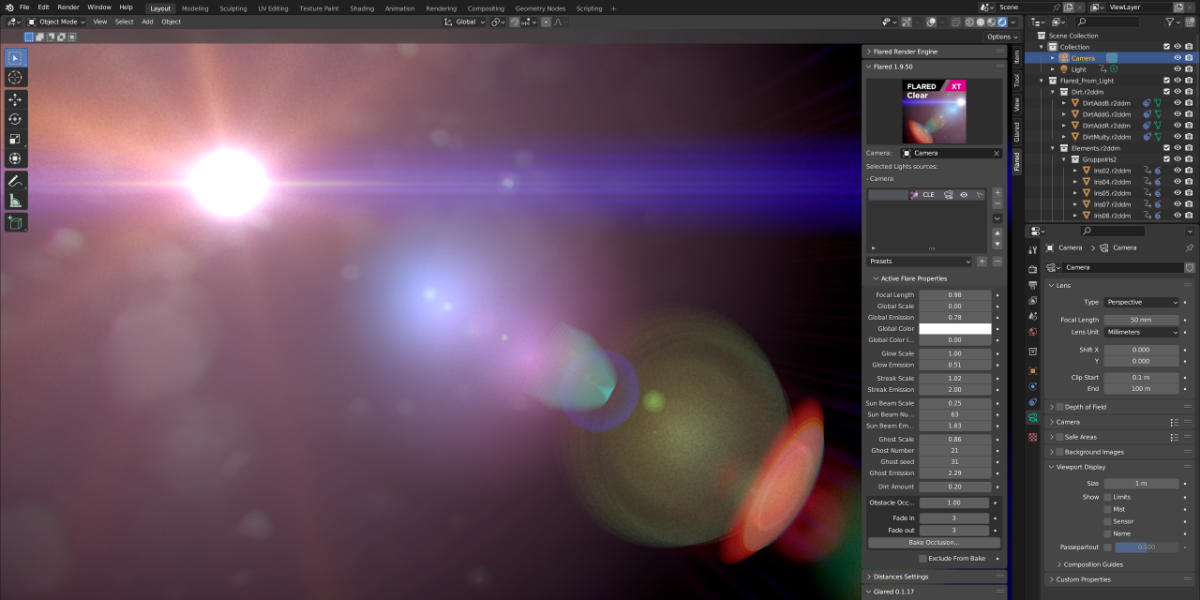
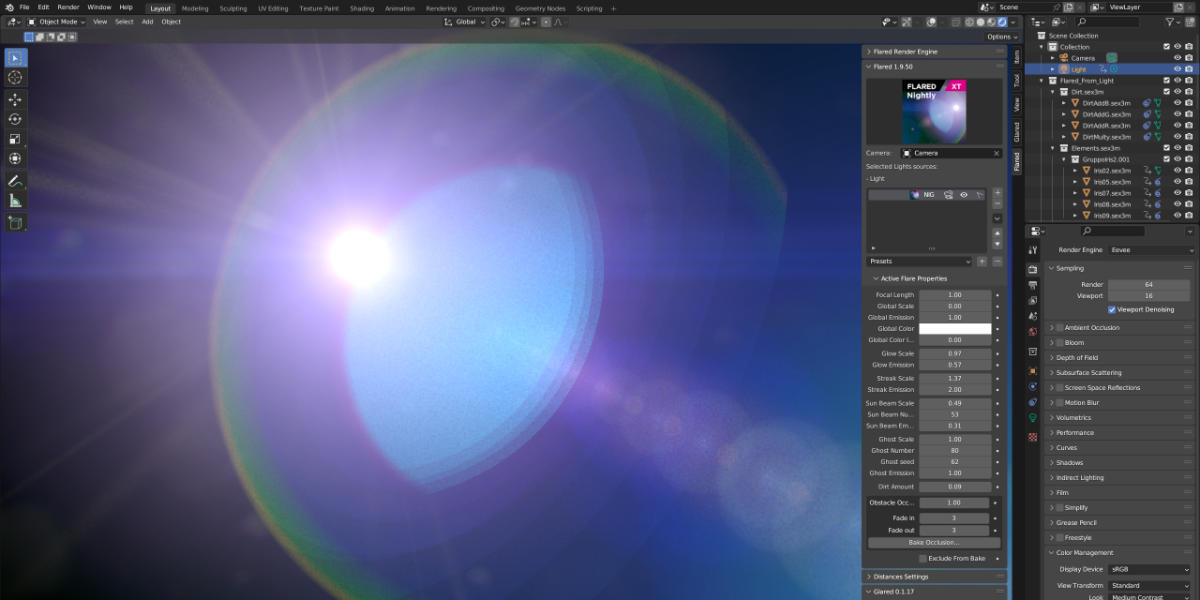
Flared2 generates lens flares directly inside the Blender viewport. Unlike compositor-based solutions, the effect is part of the 3D scene and responds to scene lighting and geometry in real time.
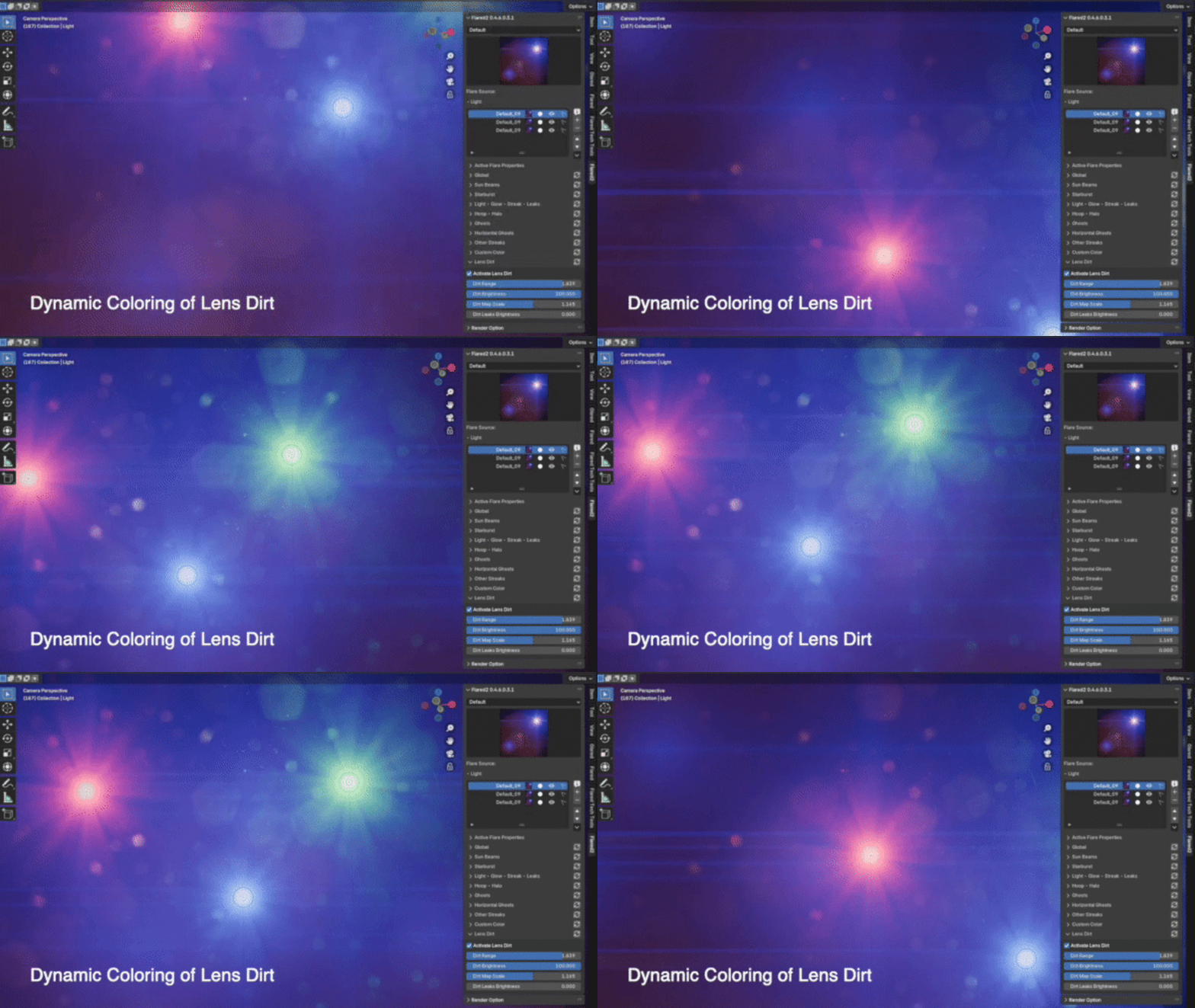
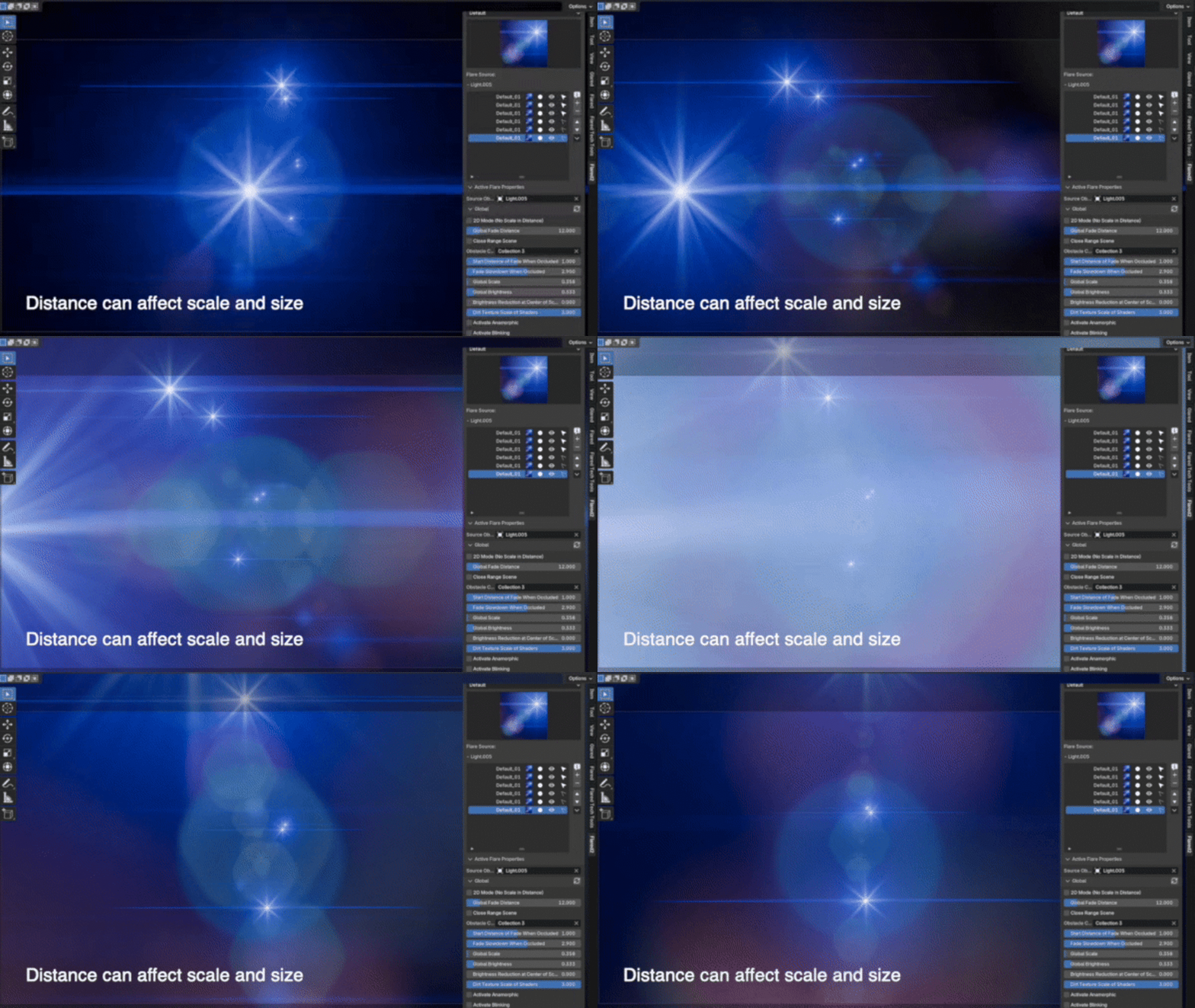
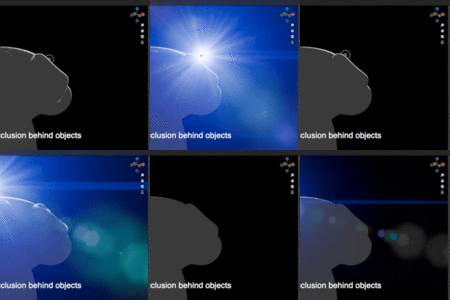
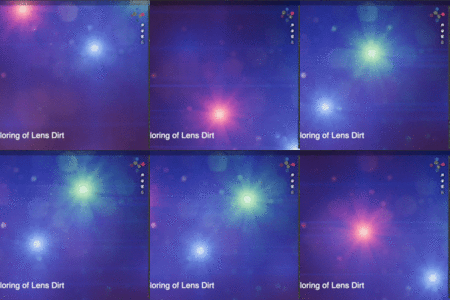
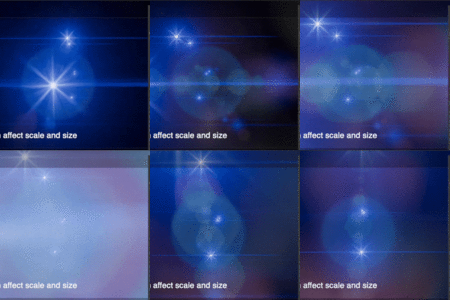
Flared2 supports both 2D and 3D flare modes, real-time obstacle detection, anamorphic effects, multiple flare generators, lens dirt, custom presets and extensive artistic controls.
Quick Start
| 1 | Install and enable Flared2 in Blender. |
| 2 | Add a flare to your scene using the Flared2 interface. |
| 3 | Choose one of the included presets or create your own. |
| 4 | Adjust the parameters directly in the viewport and see the result in real time. |
Important Notes
Flared2 Lite: Flared2 Lite is no longer available. It was introduced as a lower-cost edition, but maintaining a separate version alongside the full addon proved too difficult. If you previously purchased Flared2 Lite, you can receive a free upgrade to Flared2 Solo, the complete version. Please contact me through Superhive to receive an upgrade coupon.
Version Compatibility: The latest Flared2 release is compatible with Blender 5.2 and includes all features, fixes and updates released to date. Compatibility with older Blender versions goes back to Blender 4.1, but requires using the corresponding previous Flared2 release. For detailed release information, please refer to the Version History section of this product page.
Need Help?
If you have questions, encounter a problem or need help with Flared2, please contact me directly through Superhive.
I am happy to help with installation, compatibility and technical issues.

Have questions about this product?
Login to message
| Blender Extension Compatible | Yes |
| Sales | 2900+ |
| Downloads | 300+ |
| Rating | 53 ratings |
| Dev Fund Contributor | |
| Published | over 6 years ago |
| Blender Version | 4.1 - 5.2 |
| Extension Type | Add-on |
| Render Engine Used | Cycles, Eevee |
| License | GPL |