Flattice: Stylized Flattener
 Dillon Goo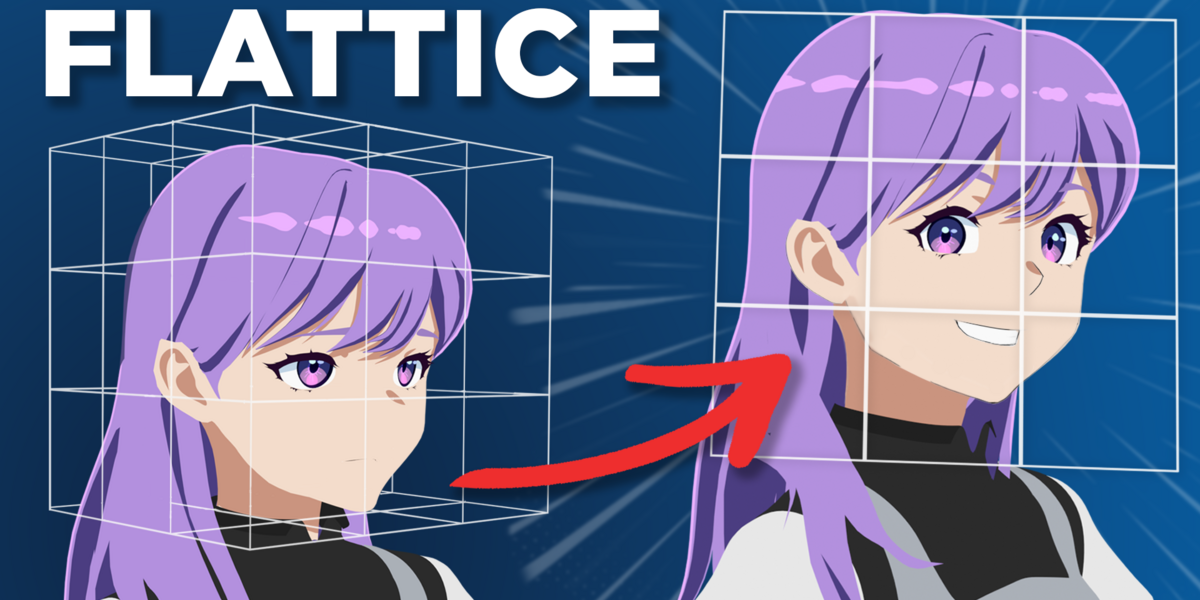
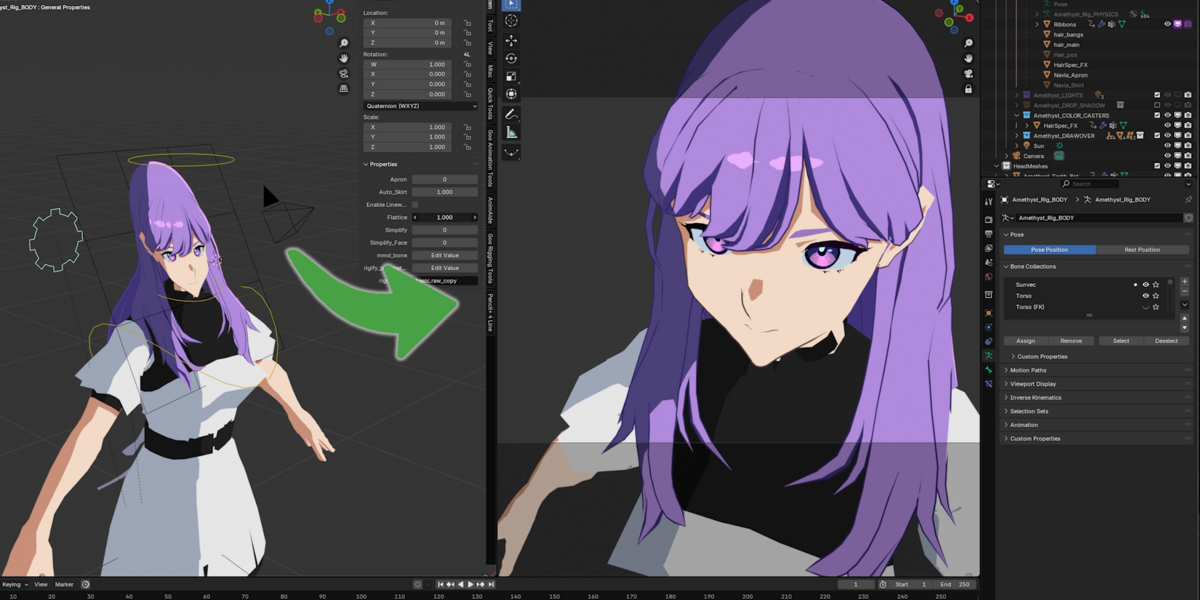
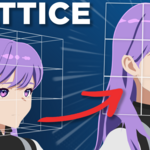
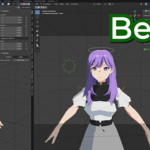
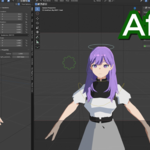
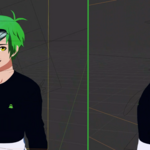
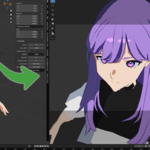
Flattice documentation
First Setup Guide
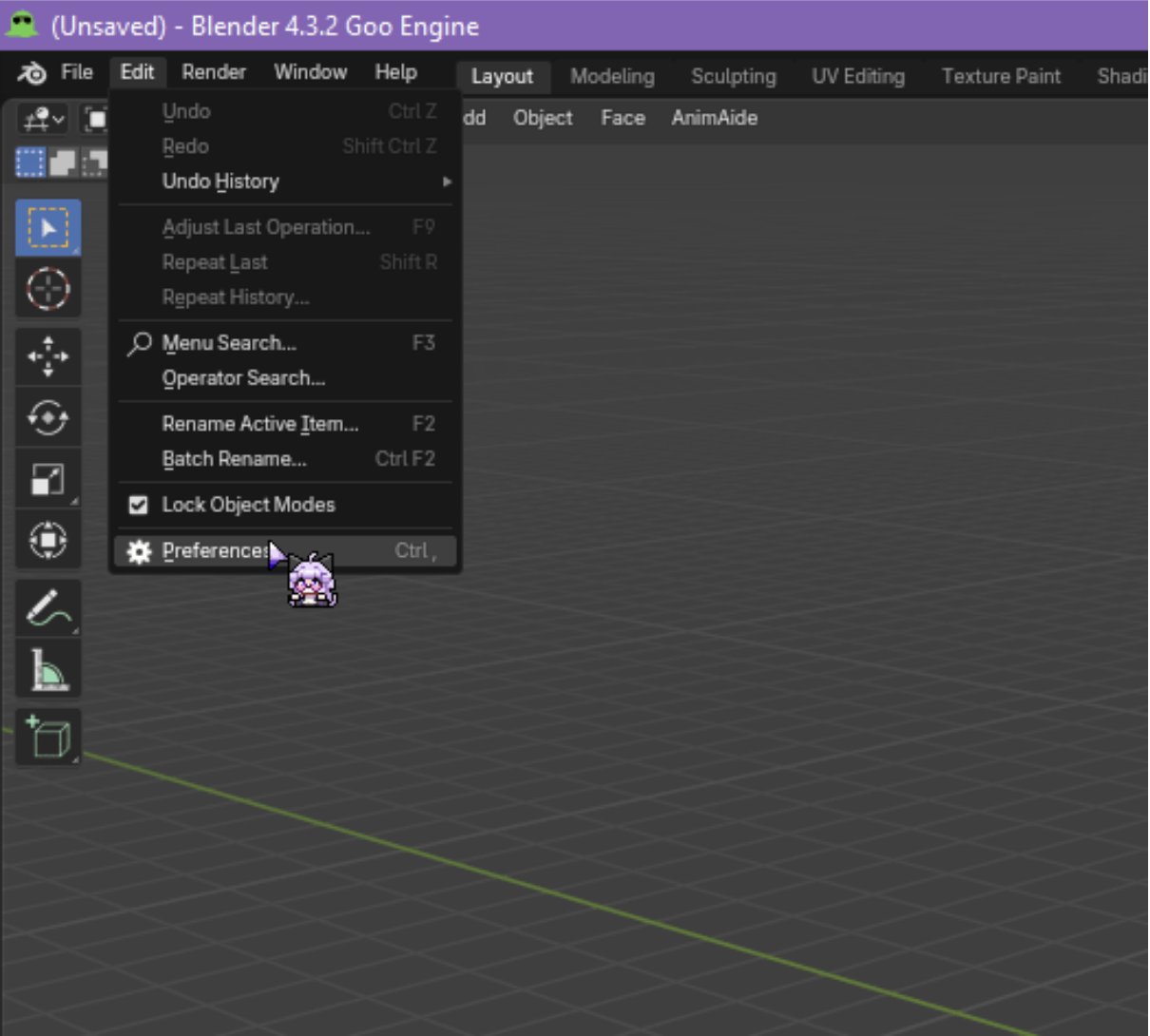
Open your Blender Preferences and install the goo_flattice_generator.zip file, make sure its enabled
(Edit > Preferences > Add-ons > Install From Disk)
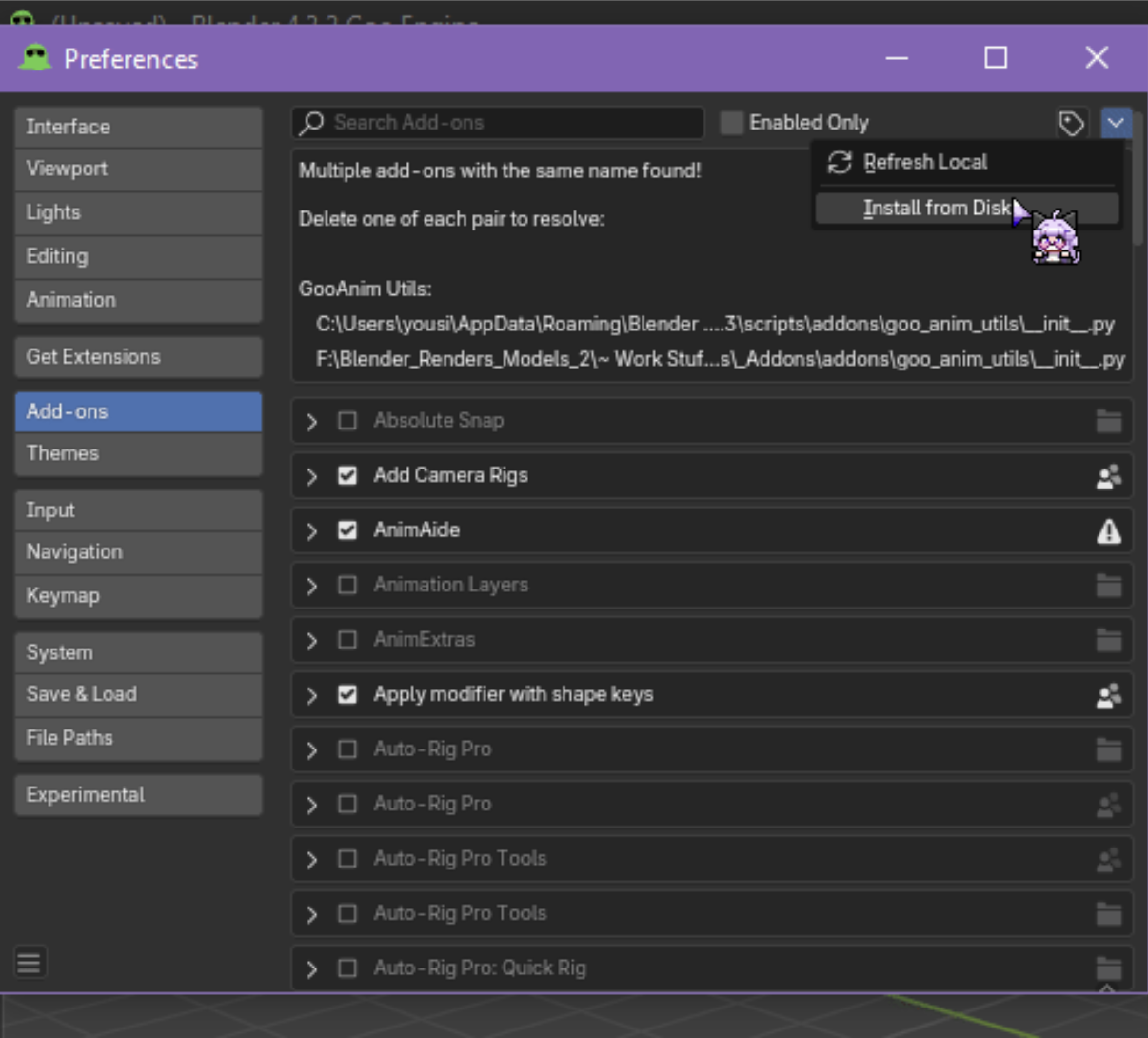
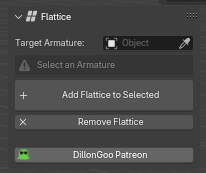
You will find the addon in the “Goo Rigging Tools” tab of the N-Panel
Generation
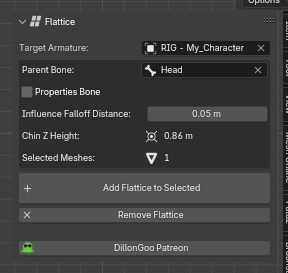
FLATtice requires 4 Inputs:
- An Armature
- Any rig.
- Parent Bone
- A bone that the lattice is parented to and will follow.
- If Properties Bone is not enabled, this bone will also have the flattice custom property
- Any number of meshes
- Selected in the 3D viewport or the Outliner, any selected meshes or curves will be automatically included in the flattice and will be generated
- 3D Cursor
- By default, the 3D cursor will be placed at the World Origin of your scene, this means that the entire character will be affected.
- ( Optional ) Prop Bone
- An optional bone that the custom property to flatten the lattice will be placed.
The 3D cursor
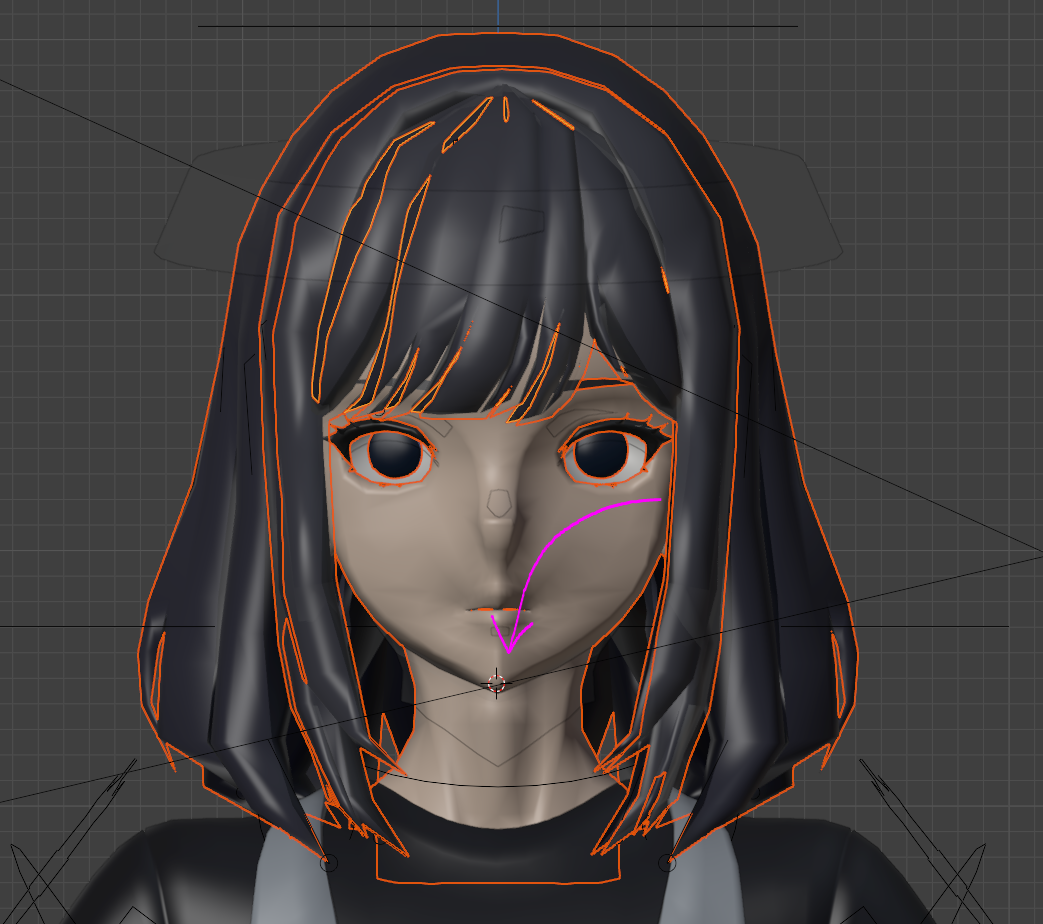
The 3D cursor is used as a reference point of how much the Flattice will influence the meshes that will be flattened.
Anything above the 3D cursor (+Z) will be fully affected by the Flattice
It can be moved with Shift + Right-Click.
At Goo, we tend to place it on the chin so that it covers the entire character’s head but still gives a smooth falloff to anything below (Hair, Neck, etc.)
Once you have all these inputs set up or selected, press the “Add Flattice to Selected” button, and the Flattice will be automagically generated.
Chin Height
The Z Value of the 3D Cursor.
Falloff Property
The distance that the influence gradient falls off, higher numbers equal more influence below the 3D Cursor
Post Generation
Upon generation of the Flattice, you will see 2 empties and the lattice tracking the camera.
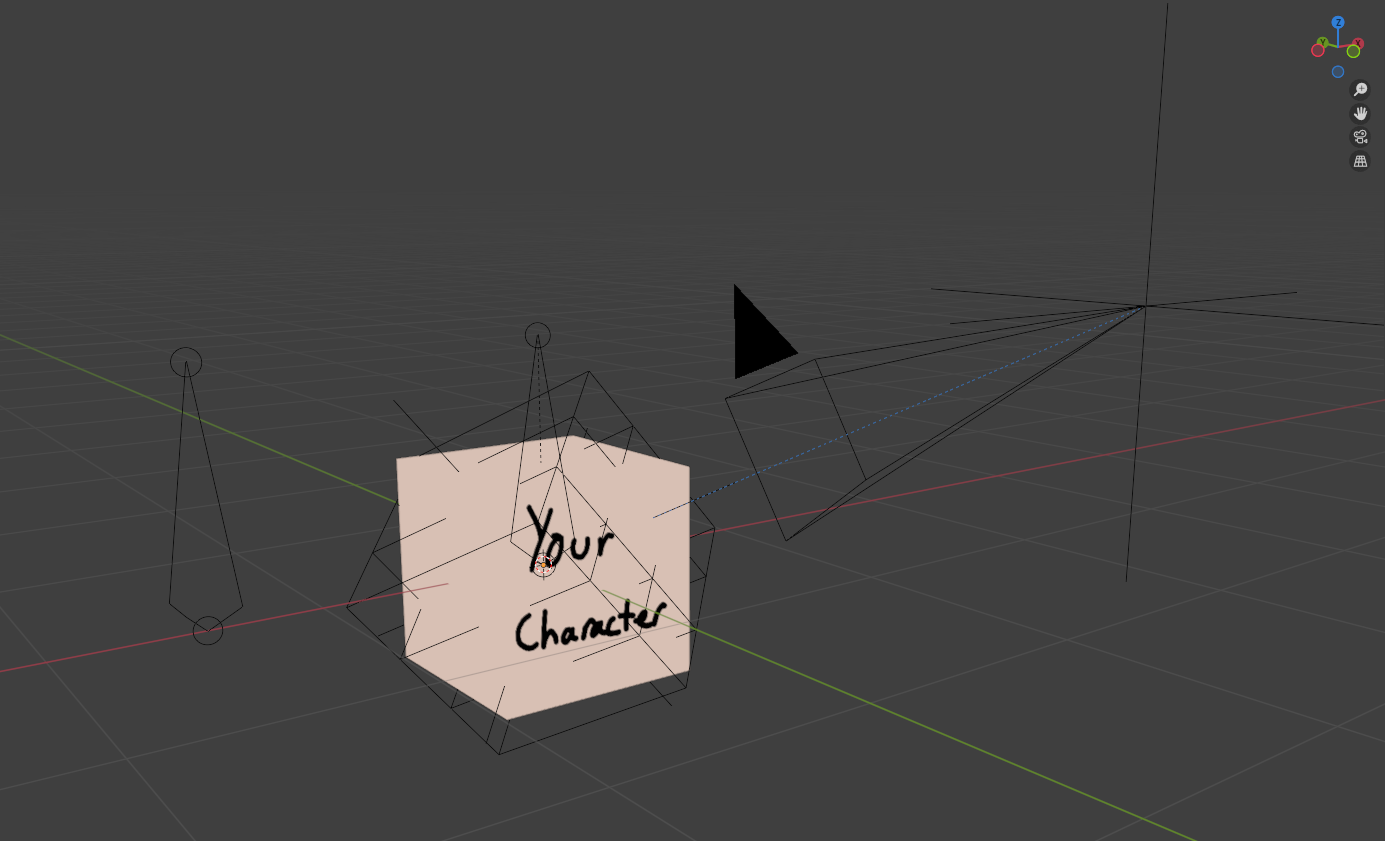
These can be hidden, they are already separated into their own collection and all their transformations and functions are automatically controlled by drivers.
However, I’ll go over what they do.
Empty 1: Camera Reference
An empty that follows the location of the active camera 1:1.
Empty 2: Lattice Parent
An empty that tracks the Camera Reference empty and is parented to the “parent bone”
The Lattice
A lattice with few subdivisions that has a shape key which flattens it out into a 2d plane, parented to the Lattice Parent.
Using the Flattice
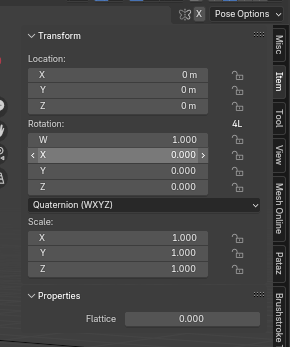
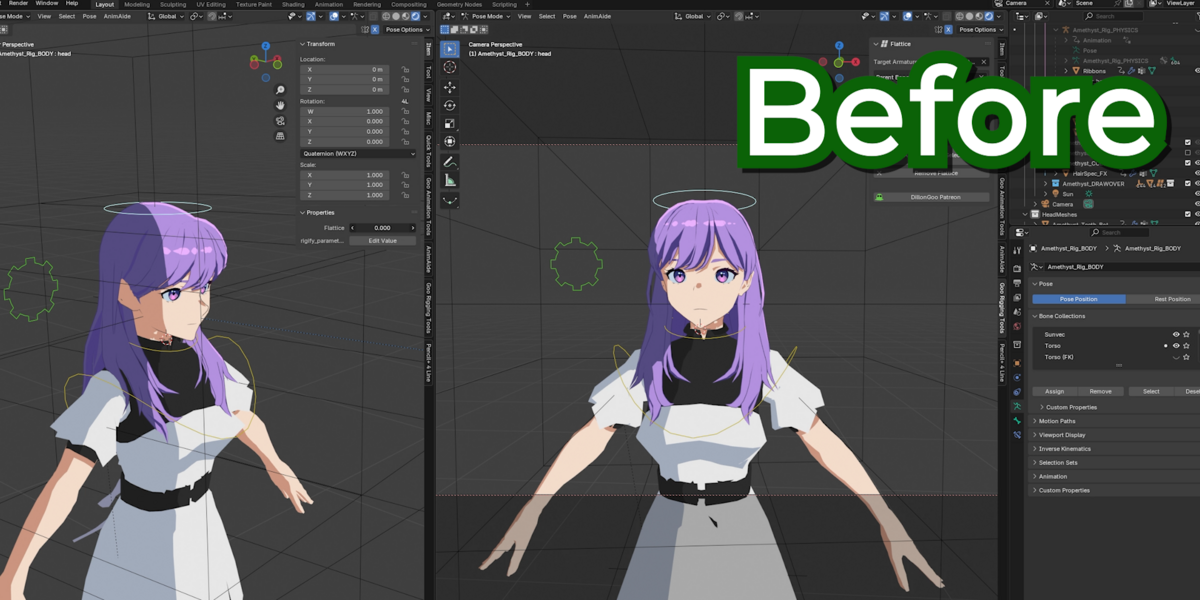
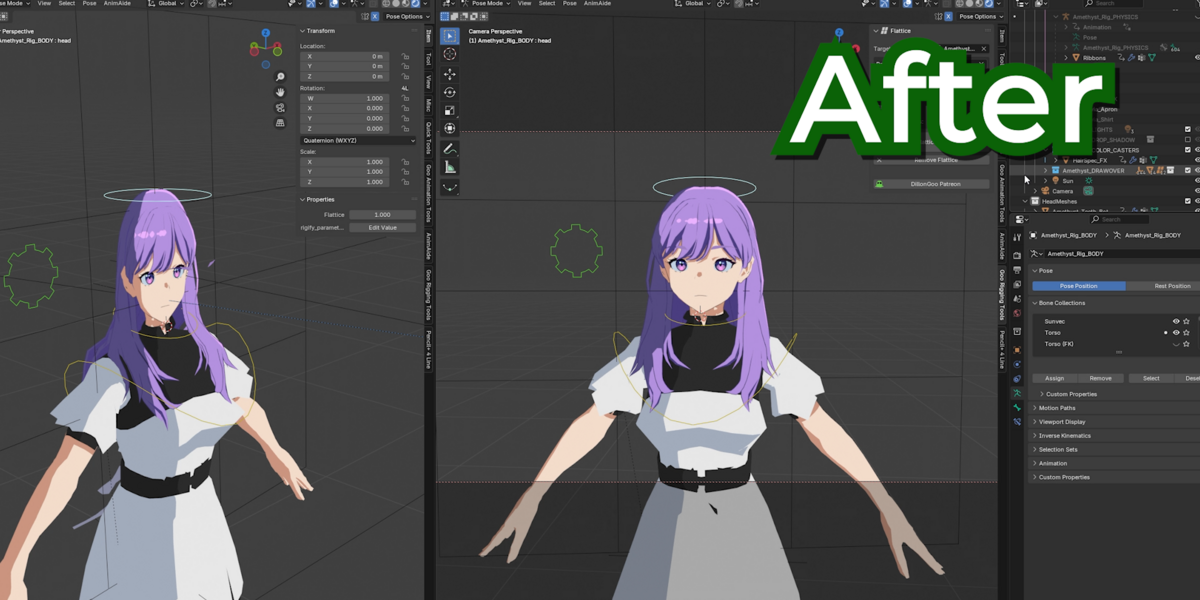
The Flattice property will be found on the Properties bone (or parent bone) you have selected, inside the N-panel.
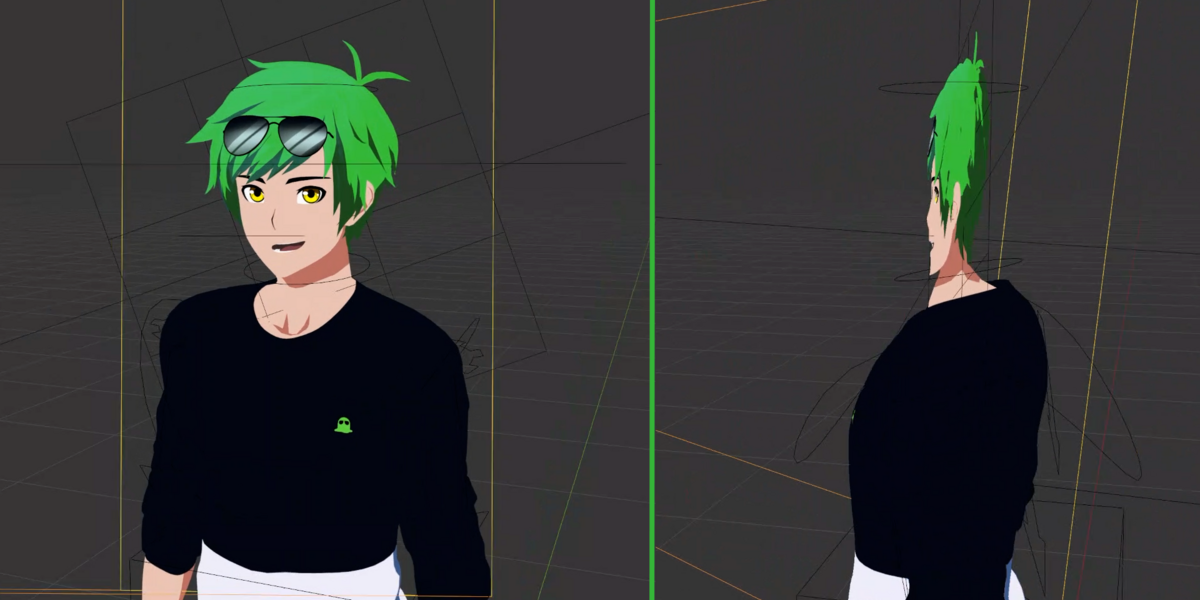
Dragging it to 1 will enable the flattice.
This property is animatable, library overrideable, and can be called into any UI script you happen to code.
Deleting the Flattice
Press the Delete Flattice button. This will delete all objects and drivers related to the flattice with the “lat_id” custom property
This will keep the flattice custom property on your rig however, that will have to be manually deleted.
Have questions about this product?
Login to message
| Published | about 13 hours ago |
| Blender Version | 4.1 - 5.1 |
| Extension Type | N/A |
| Render Engine Used | Arnold, Blender-Internal, Blender-Game-Engine, Cycles, Eevee, Freestyle, Luxrender, Mental-Ray, Octane, Vray, Yafaray |
| License | GPL |
