 jfmatheu


Is it a Blender fork or separate software?
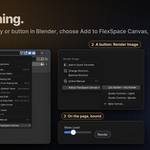
Neither. FlexSpace is a regular Blender extension that runs inside the Blender you already use (5.3 or newer). Install the zip from Edit › Preferences › Get Extensions › Install from Disk... and that's it. No custom Blender build, no external app, nothing else to install. It also works in a studio's in-house Blender build, as long as it's based on 5.3+ and supports extensions.
Which Blender versions does it support?
Blender 5.3 or newer. FlexSpace is a Blender extension: install the zip from Edit › Preferences › Get Extensions › Install from Disk.... Getting started →
Is the Armature Picker included?
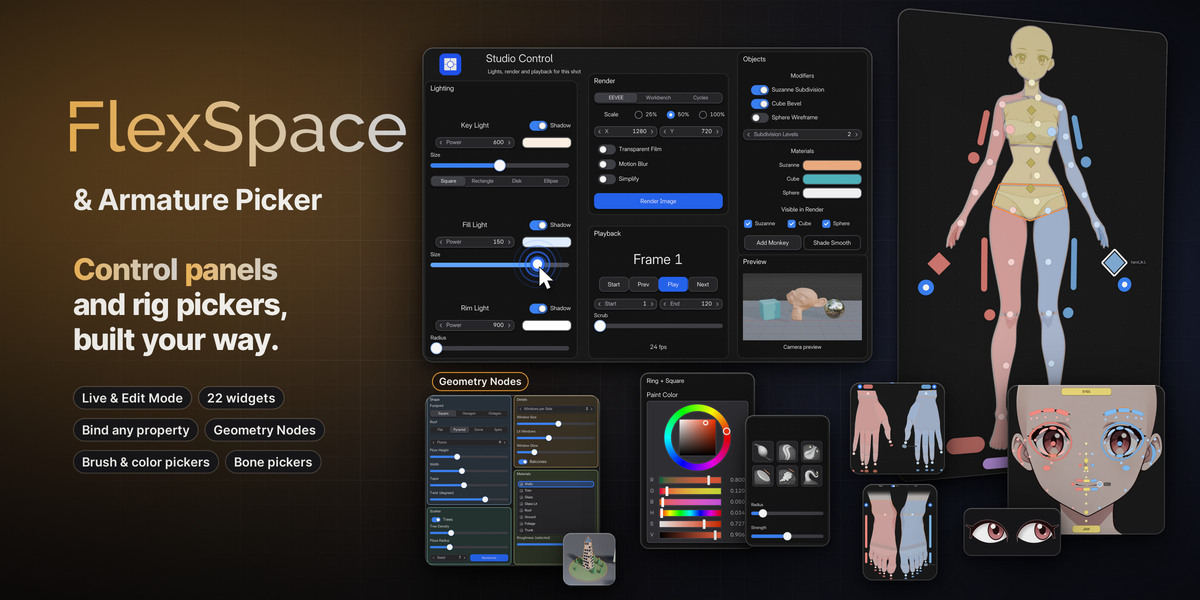
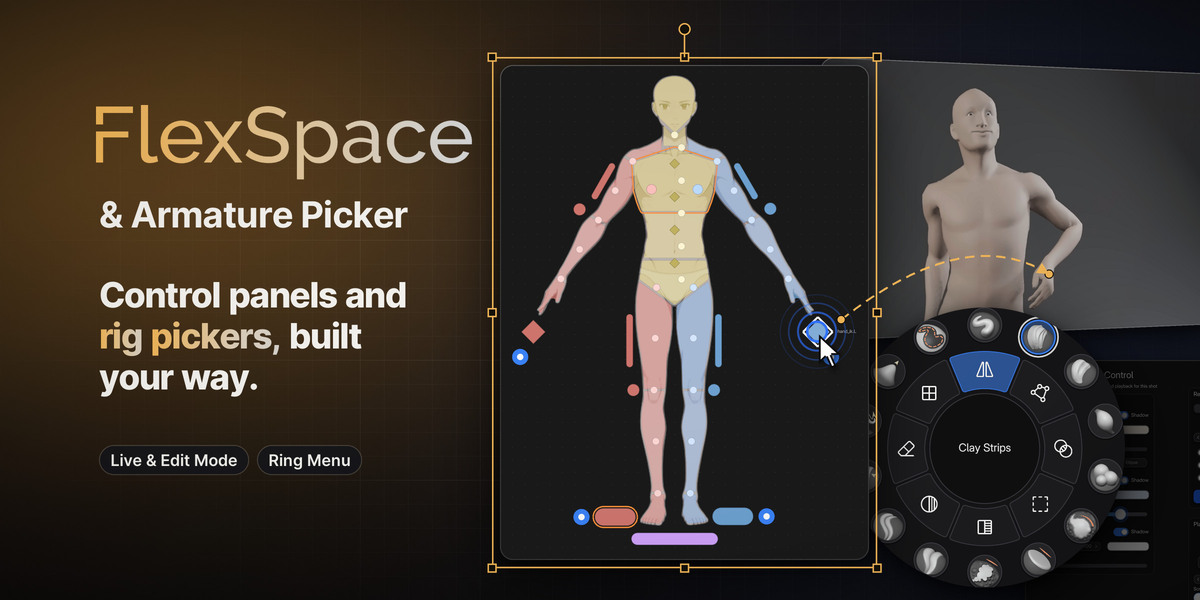
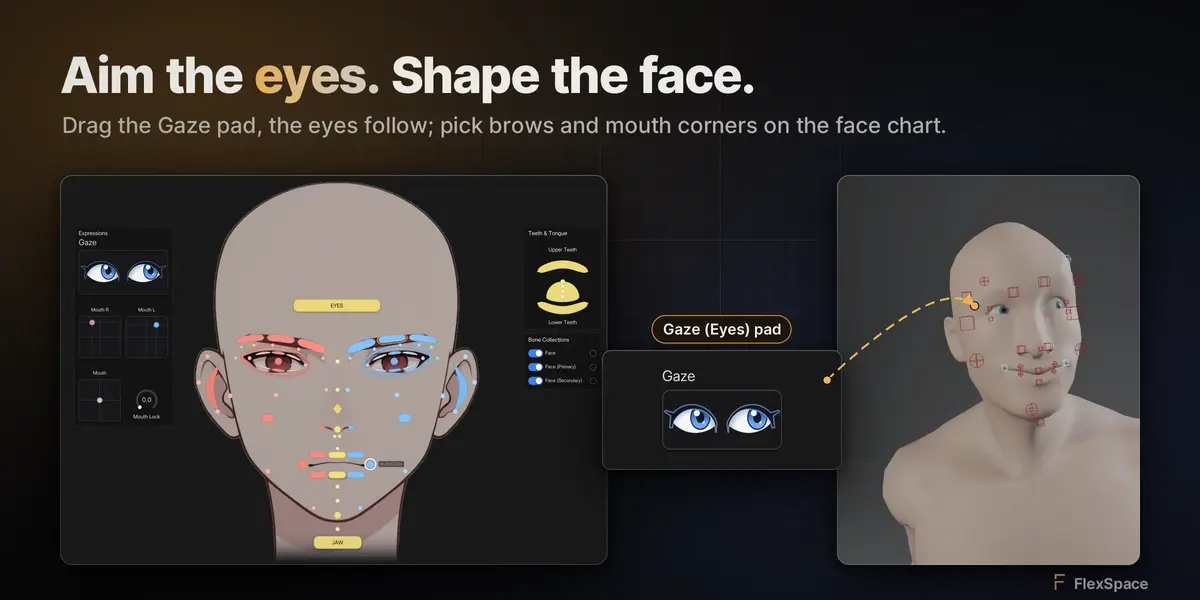
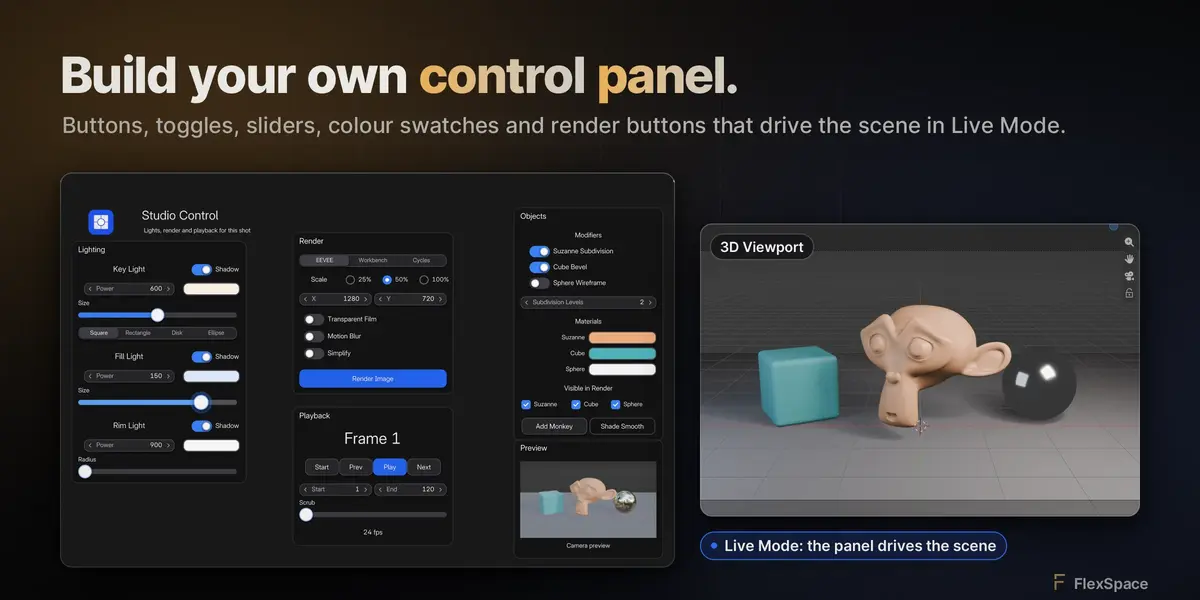
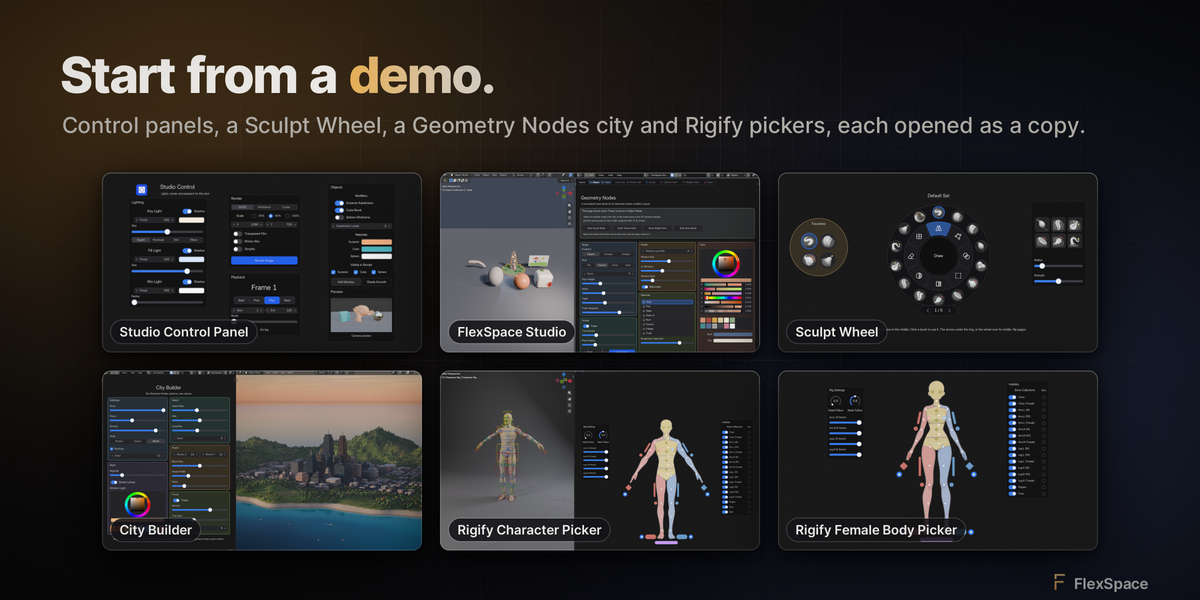
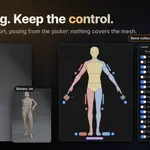
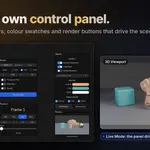
Yes. FlexSpace comes with two canvases: Flex Space for control panels and Armature Picker for rigs. The Armature Picker →
Does the picker work with my rig?
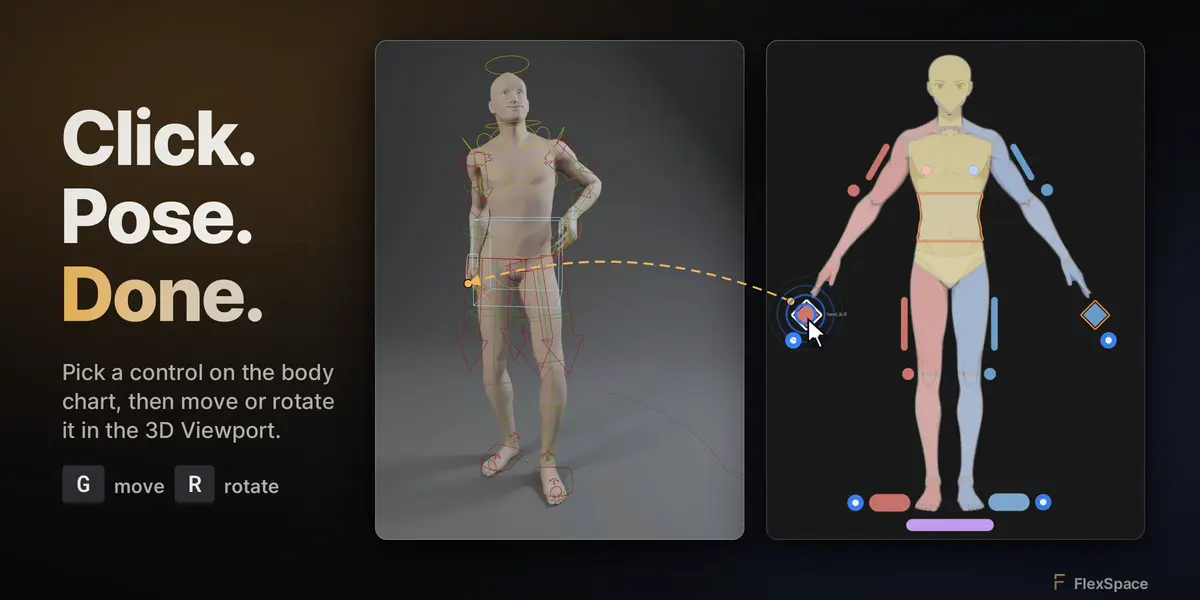
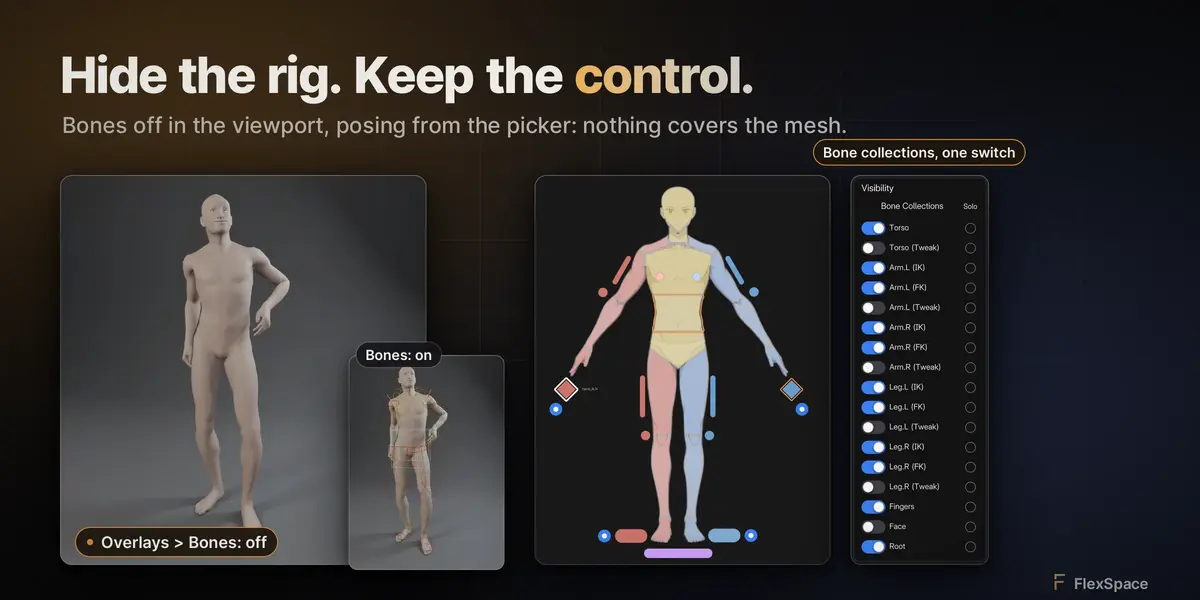
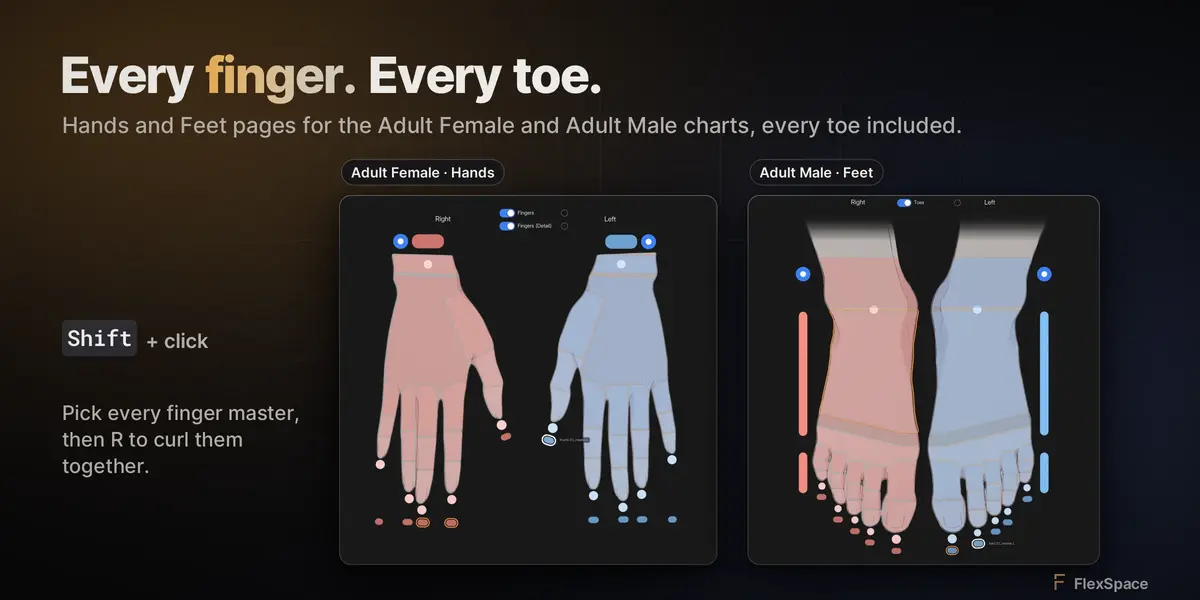
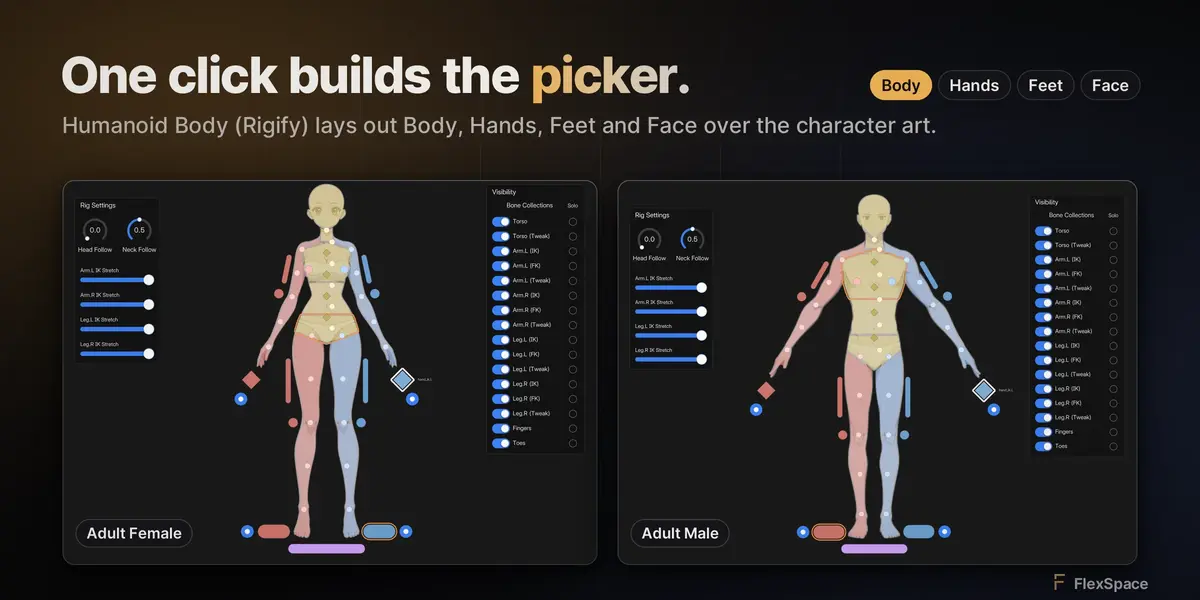
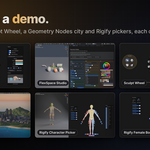
Any armature works: import selected bones and place their buttons. Rigify rigs get a full Humanoid Body picker in one step. Buttons follow renamed bones, and Repair Bone Bindings fixes the rest. Picker with Rigify →
Can my team share panels?
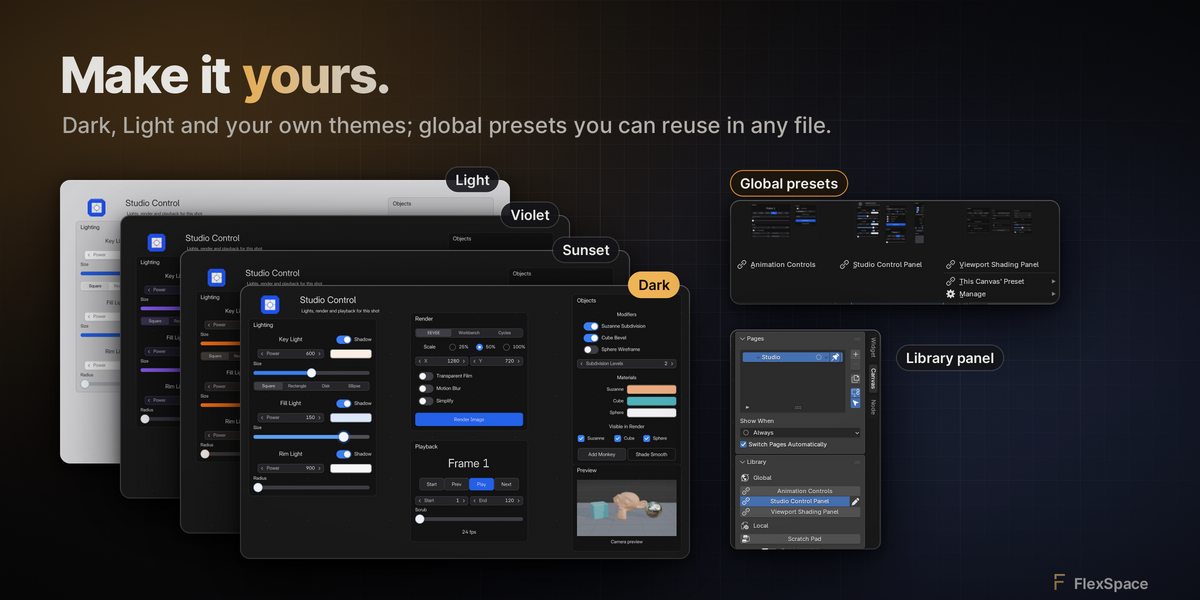
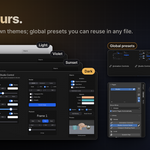
Yes. Save a canvas as a global preset, export it as a
.flexspace file, or set a shared presets folder on a network drive. Global presets →Will my shortcuts still work?
Yes. The canvas uses its own keys first; any other key goes to Blender's keymap, Industry Compatible and custom bindings included. Shortcuts →
Can a button run my own Python?
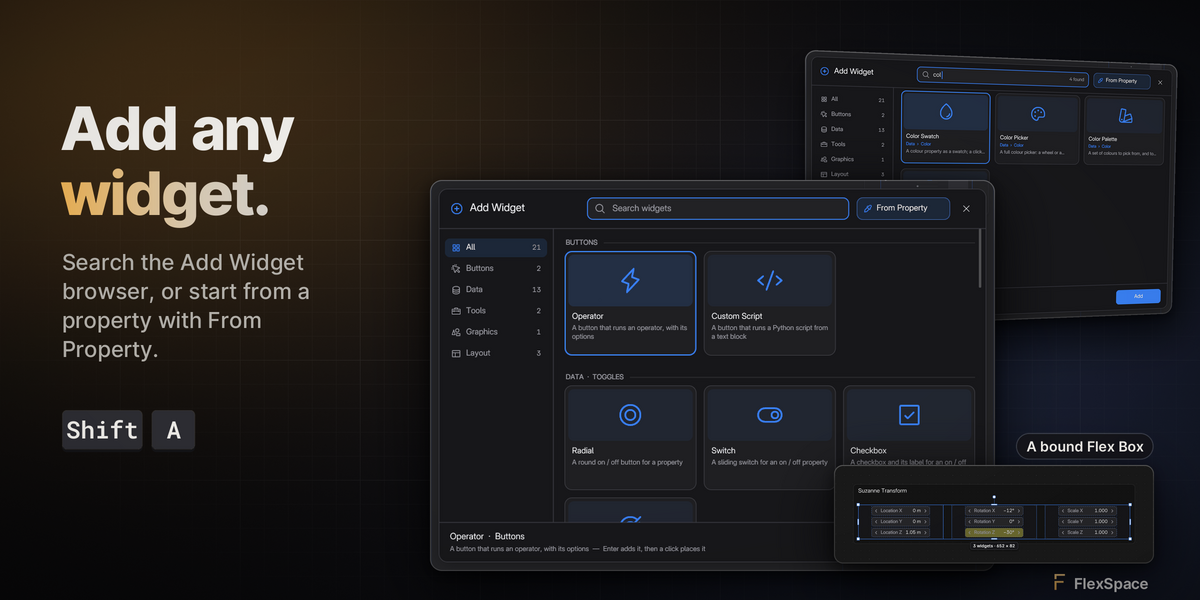
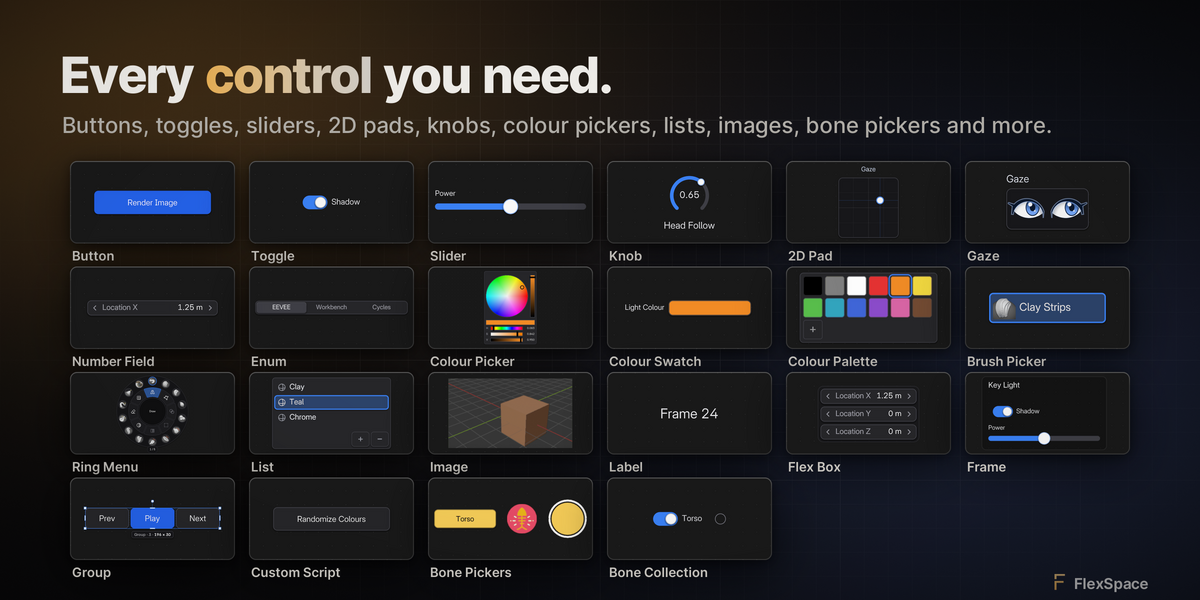
Yes, with a Custom Script button. Buttons from an untrusted file ask before running. Widgets →
What if something breaks?
Open Help › Report a Bug... in the canvas header: it opens a GitHub issue with your versions and recent errors filled in. Troubleshooting →
Have questions about this product?
Login to message
| Blender Extension Compatible | Yes |
| Published | about 4 hours ago |
| Blender Version | 5.3 |
| Extension Type | Add-on |
| License | GPL |