 Stx VFX



A GPU simulation framework for Blender's node editor
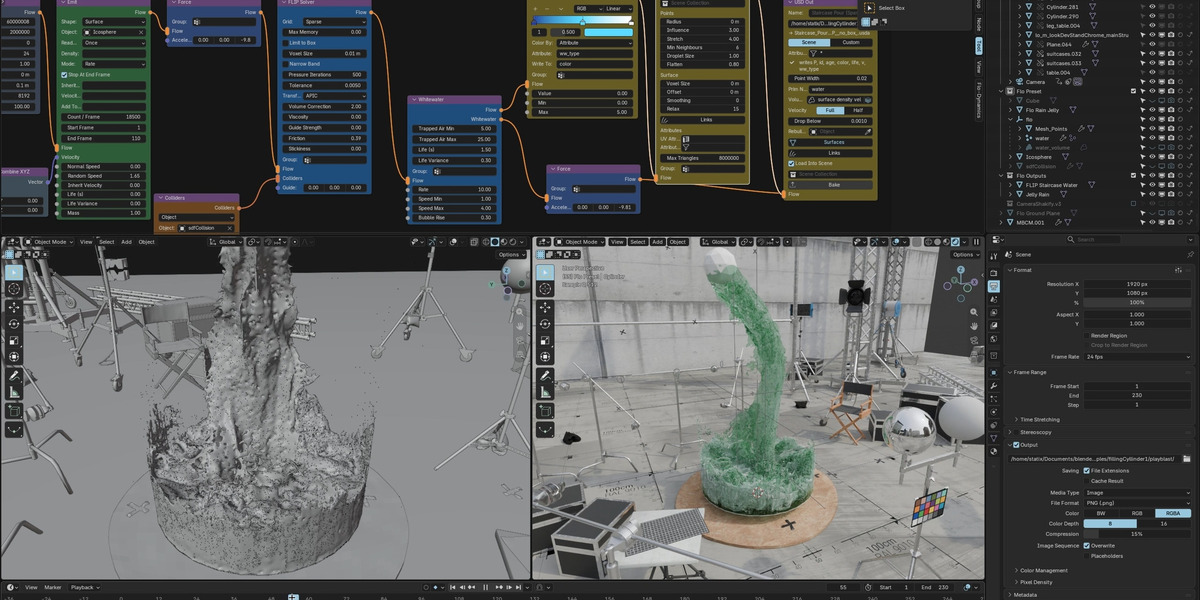
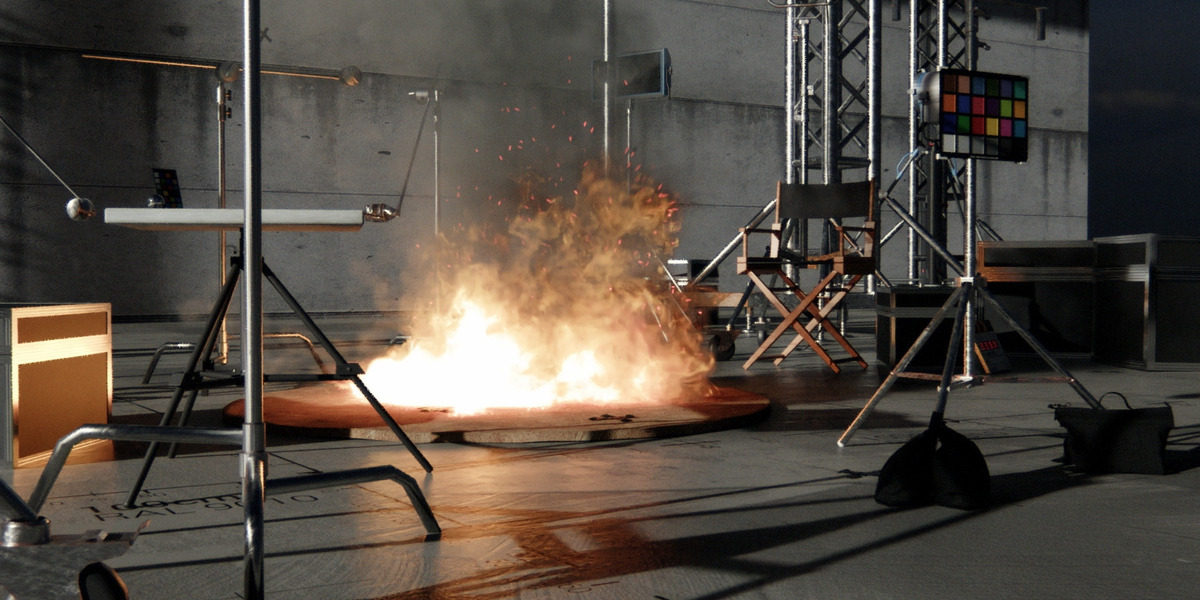
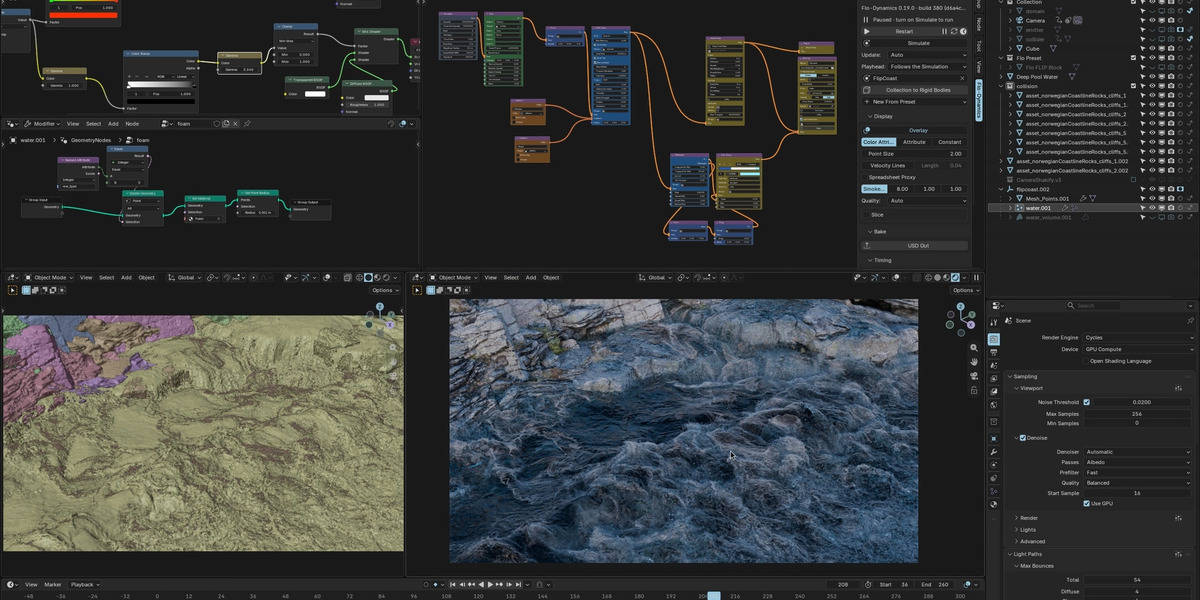
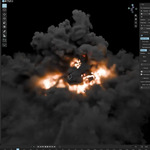
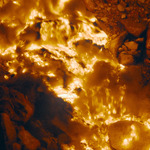
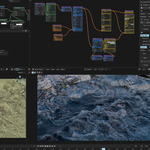
Flo-Dynamics is a node-based simulation framework for effects artists. Particles, grains, cloth, soft bodies, liquids, sand and snow, rigid-body destruction, smoke and fire all live in one graph and share the same points and attributes. You build an effect once, drive it with data, watch it play in the viewport, and bake it to USD and OpenVDB.
We wanted physics in Blender, the Blender way
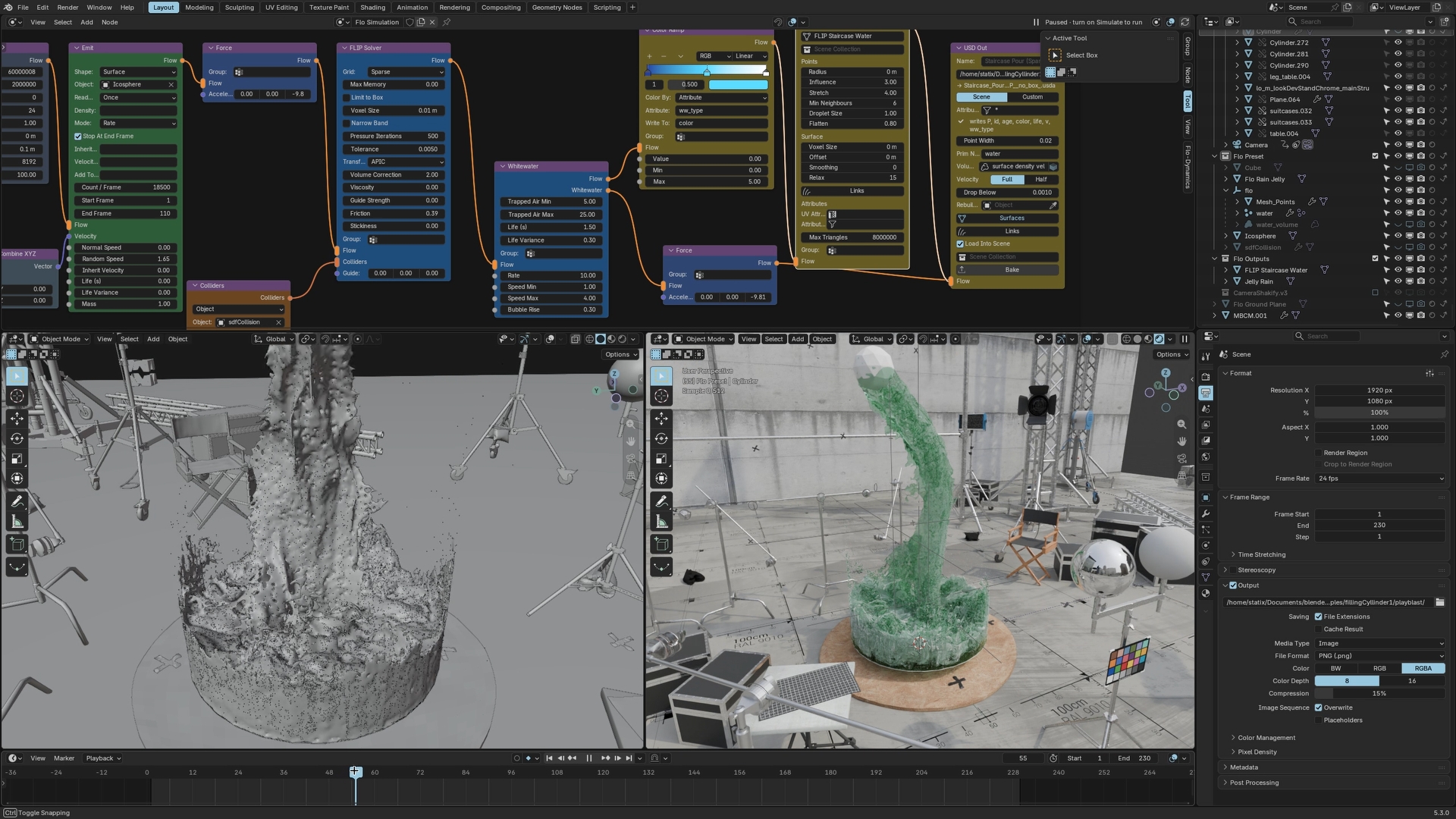
Flo started as an in-house tool, built for production work. Blender is procedural almost everywhere: Geometry Nodes, shading, attributes and drivers all feed each other. We wanted simulation to work the same way, built in nodes, driven by attributes and connected to the rest of the scene.
In Flo, simulations read Geometry Nodes geometry, attributes and volumes, and hand their results back as points, meshes and curves that Geometry Nodes and your shaders use directly. The solvers share one graph and one set of points, so effects can build on each other:
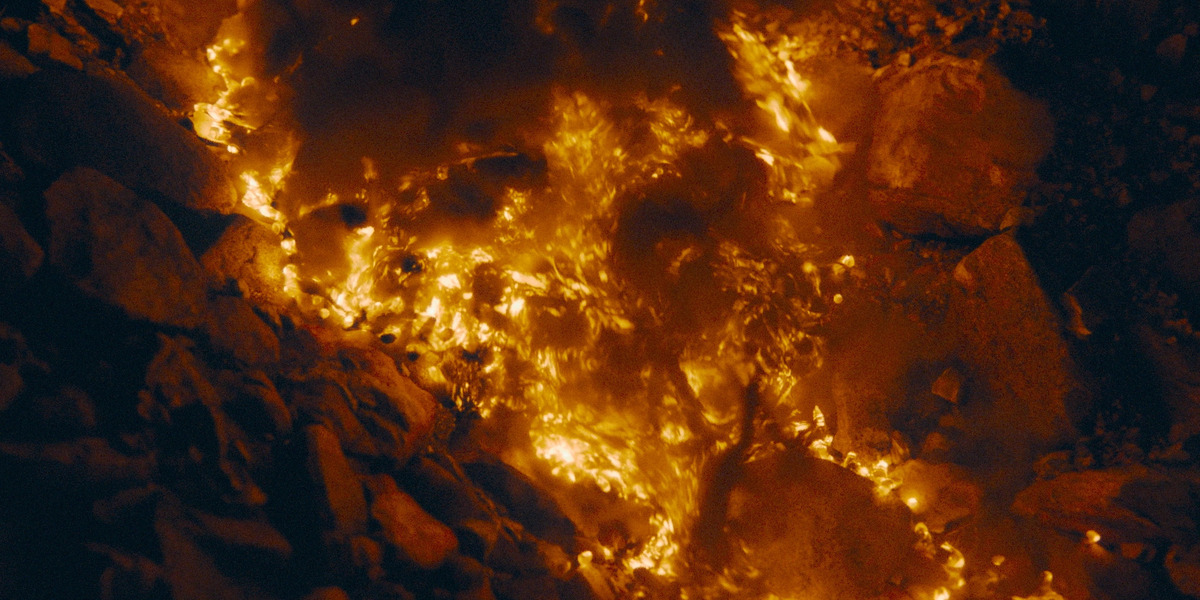
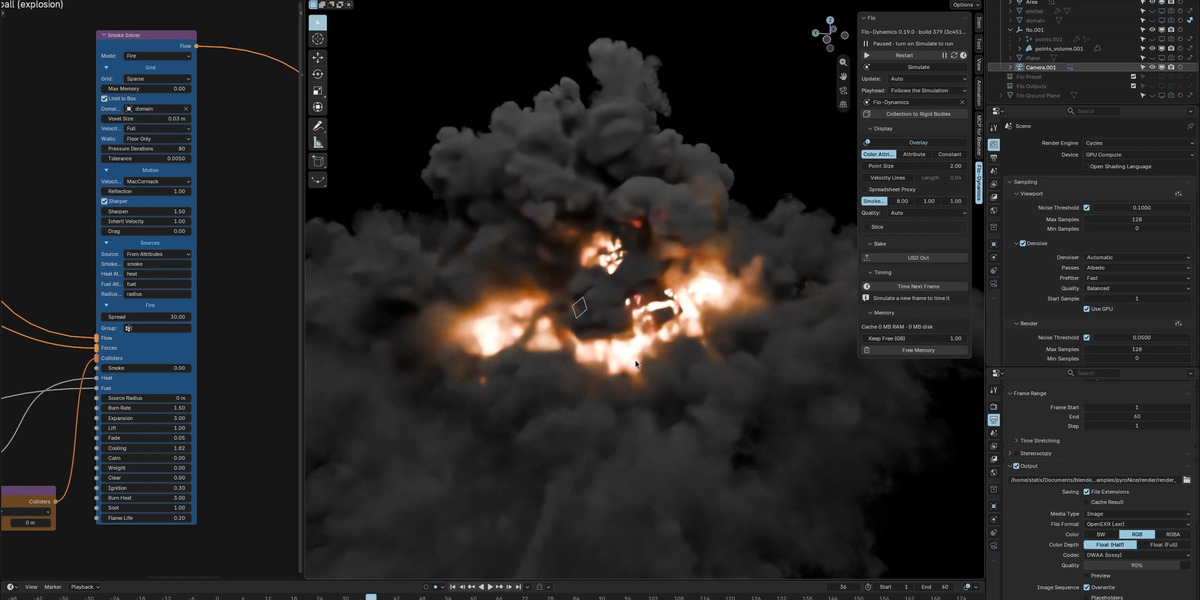
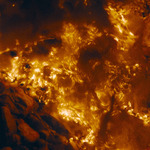
- fire burns from simulated fuel droplets, and embers ride the smoke it makes
- a fractured wall throws debris, and the debris kicks up dust
- goo lands on cloth and drags it down
- a liquid throws spray and foam
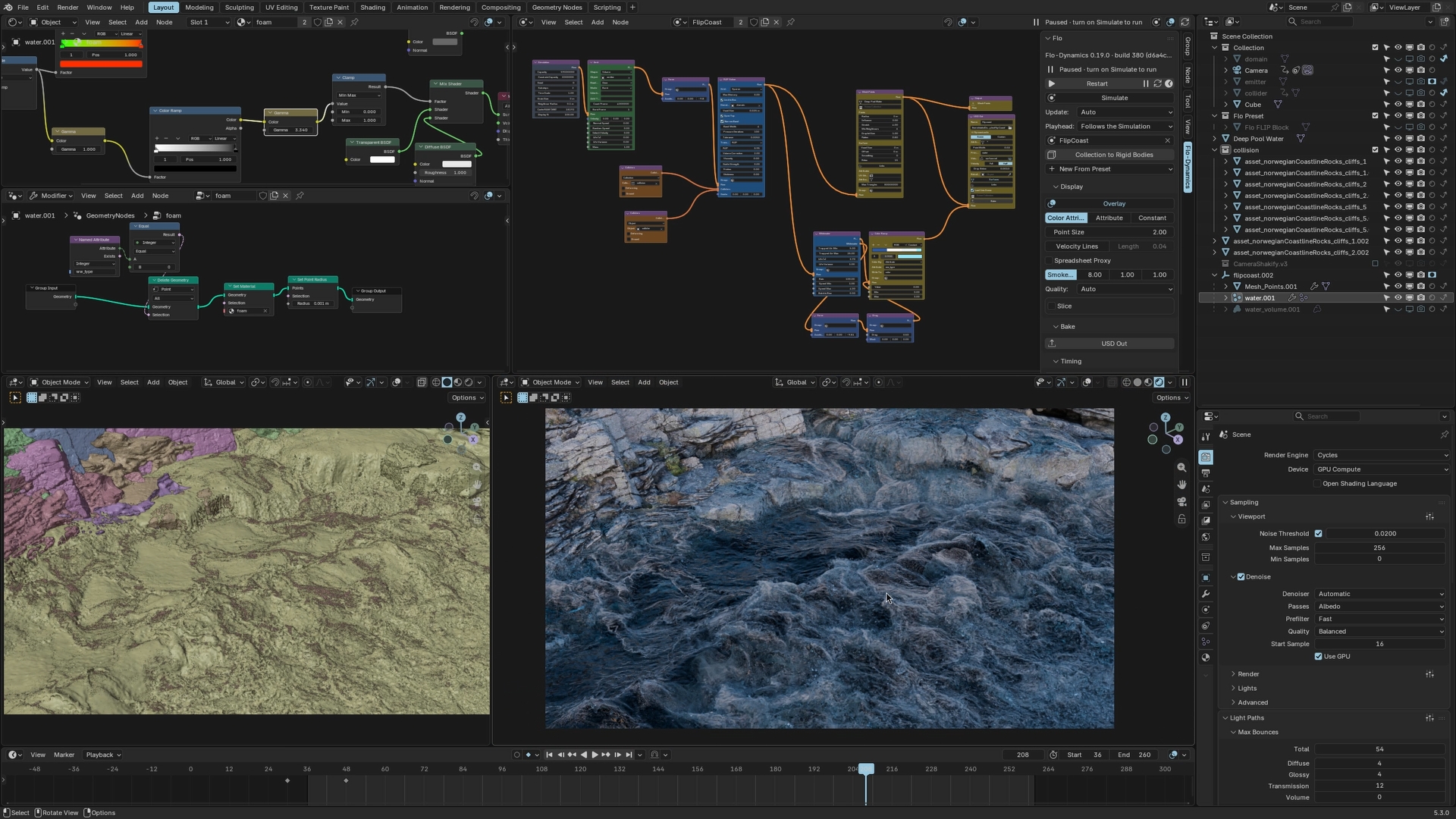
What it does for you
Interactive. Simulations run on your NVIDIA GPU in their own process, so Blender stays responsive. Millions of points and voxels play back as you work. Drag a slider and the result follows.
Fields on every parameter. Any parameter with a socket takes a field: noise, an attribute painted or made in Geometry Nodes, distance to an object, a volume grid, a curve over age. Per point, per link or per voxel.
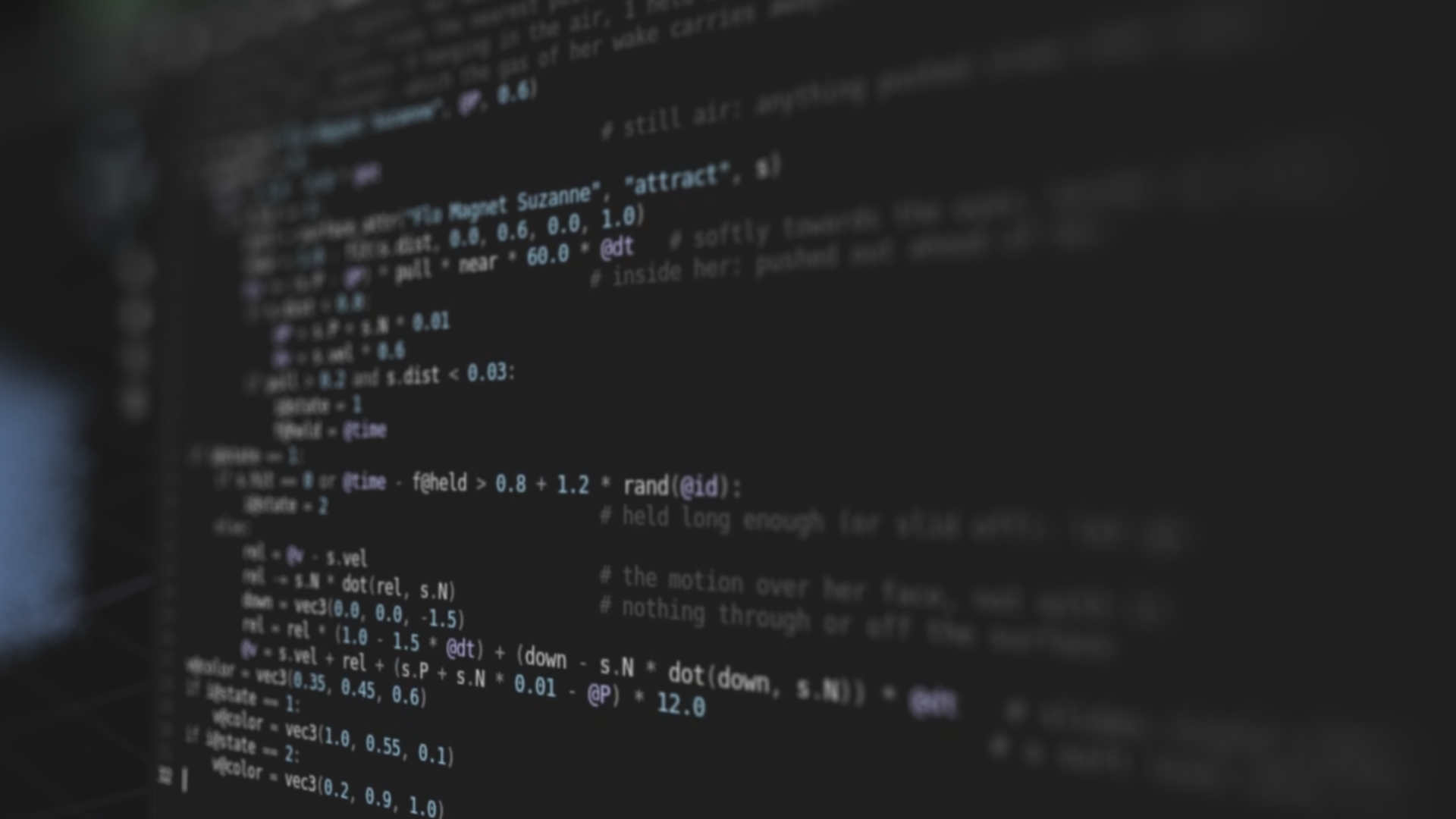
Code nodes. Short per-point snippets with @attribute syntax, compiled to the GPU and updated as you type.
Branching and spawning. Split points by age, speed, collision or any field. Spawn trails and splashes. Turn points into soft bodies or cloth copies.
Repeatable. Smoke, fire, FLIP, MPM and rigid bodies give the same simulation on every run, so a bake matches the viewport.
USD and OpenVDB caches. One bake writes every output of a setup (points, meshes, curves, volumes) with the attributes you choose. Bakes load back into Blender and update in place, keeping your materials.
The solvers
- Particles and grains: emit, collide, flock, pile up, bond into solids, crumble and heal.
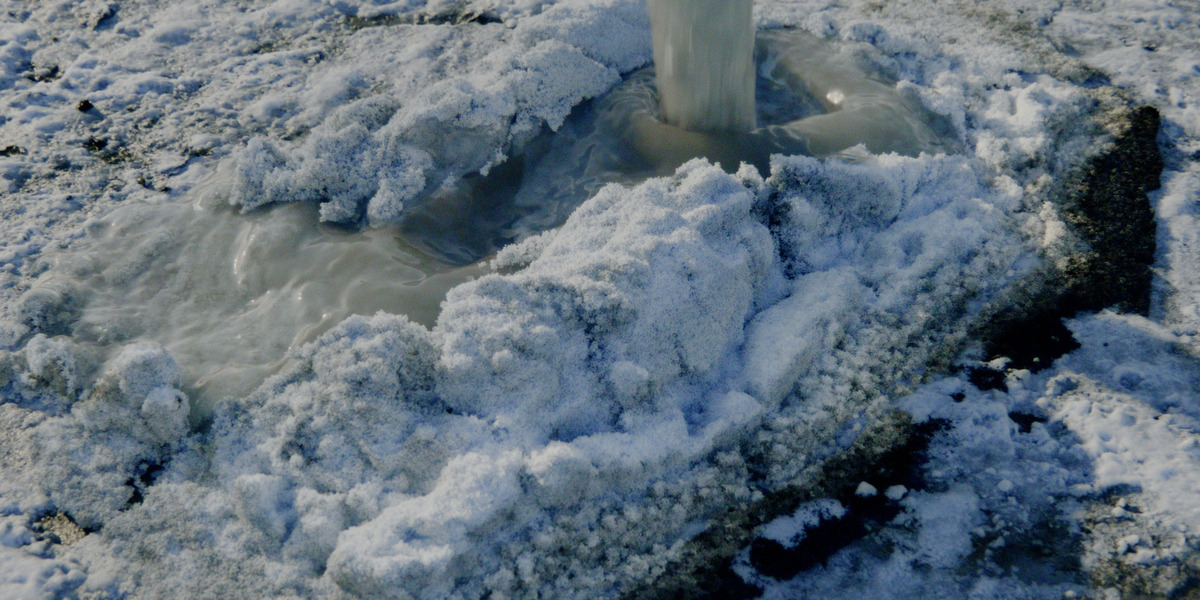
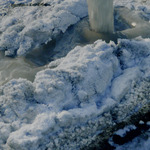
- MPM sand, snow, mud and concrete: granular materials that hold slopes, pack, clump and crack.
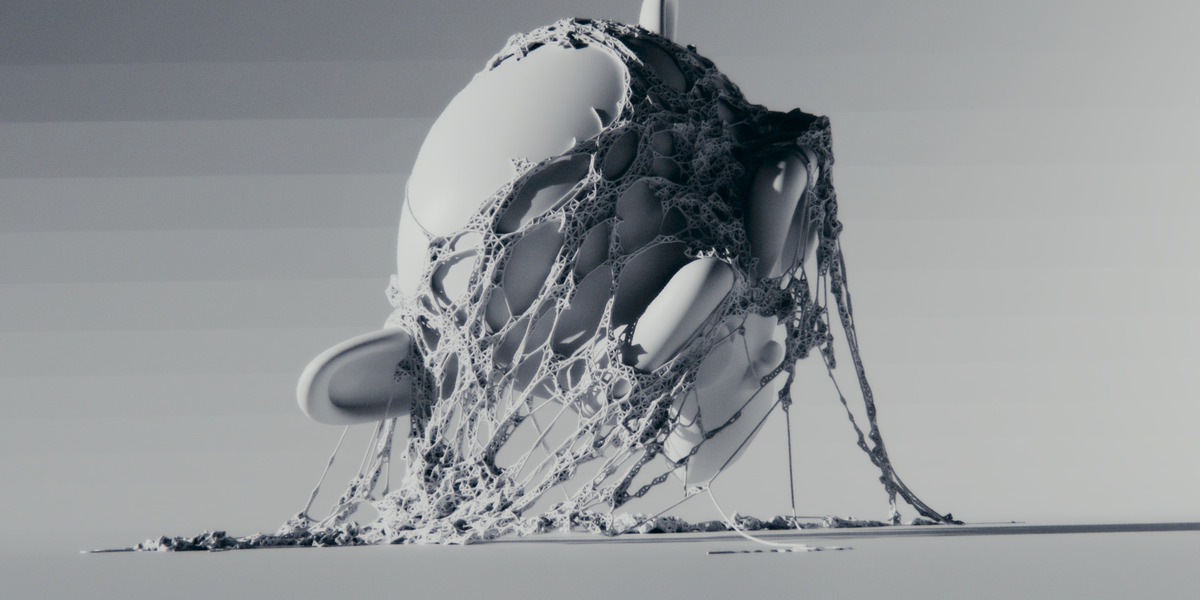
- Cloth and ropes: tearing that opens the mesh along its edges, wind, inflation, pins to animation.
- Soft bodies: any mesh filled with tetrahedra; jelly, flesh and rubber that wobble, tear and keep their detail mesh.
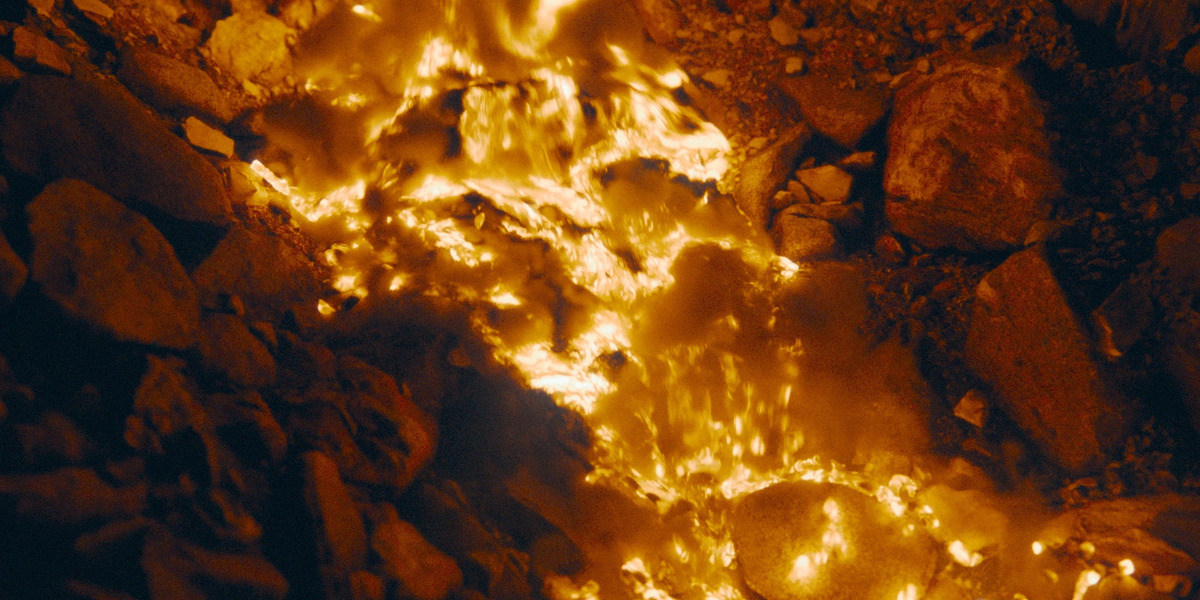
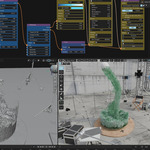
- Liquids: FLIP with narrow band, viscosity for honey and lava, whitewater; SPH for goo and slime.
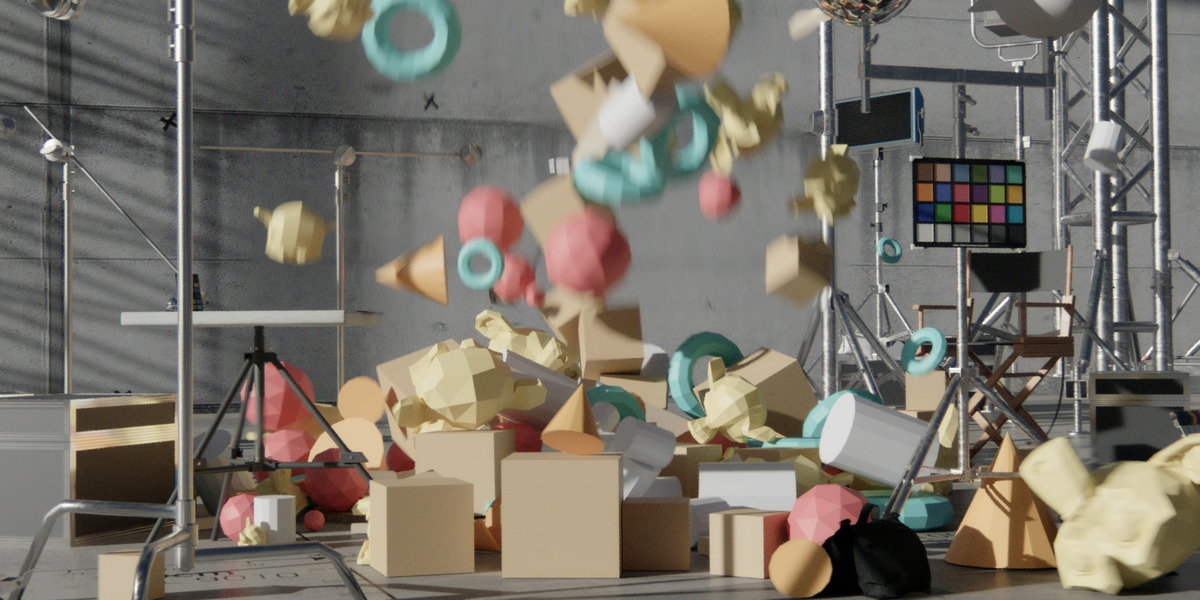
- Rigid-body destruction: Voronoi fracture, glue that carries weight and fails under load, rebar that bends then snaps, debris from every break.
- Smoke and fire: sparse grids that grow with the effect, fuel and flame, detail shaping, a live preview.
- GPU meshing: liquids and goo meshed with UVs and attributes, stretched strands meshed as tubes.
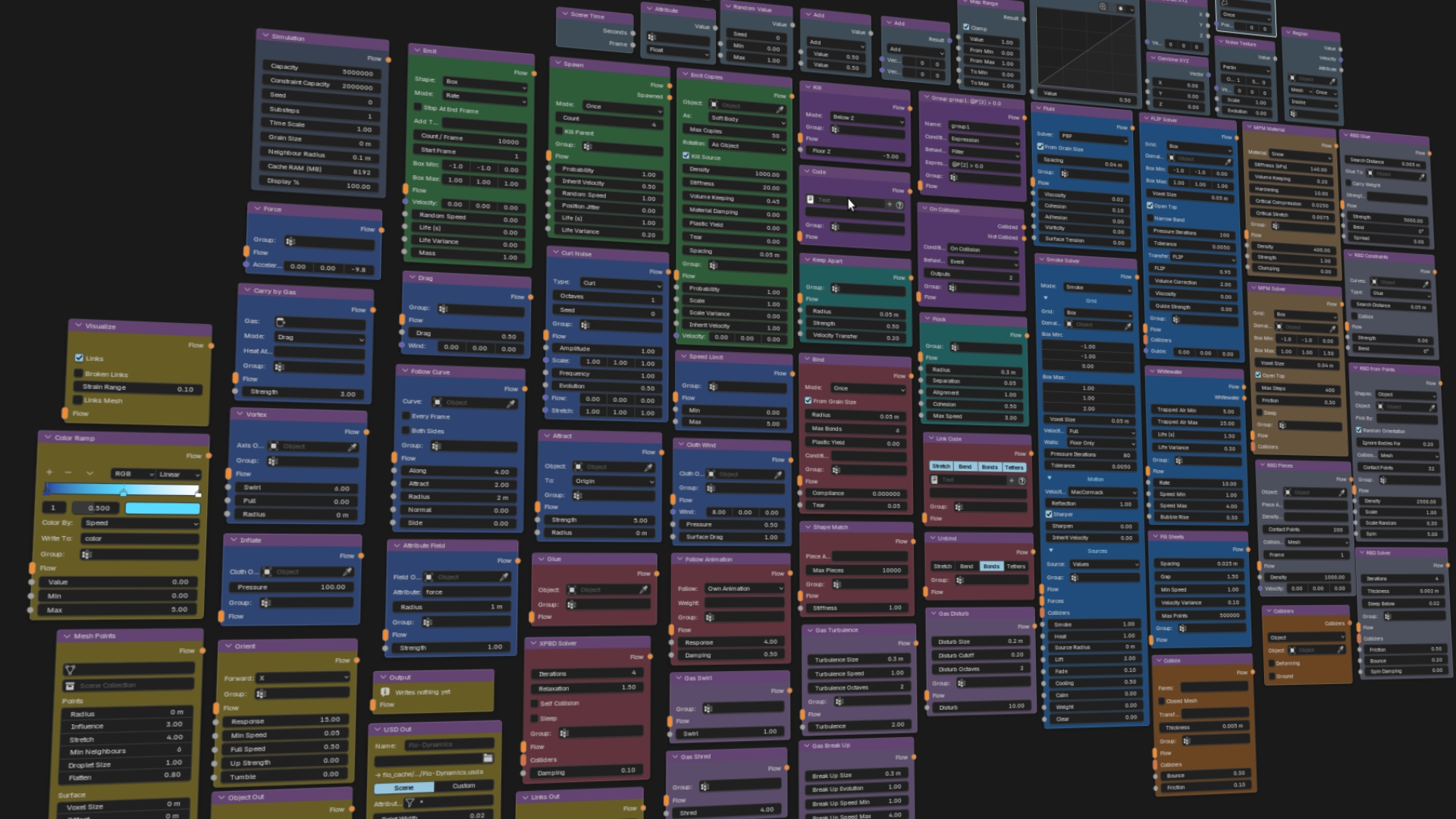
160+ ready-made setups
Every feature comes with a working example: a framed, labelled node tree to open, take apart and reuse. Add any of them from Shift+A > New From Preset and press play.
Getting started
- Install: in Blender, open Edit > Preferences > Get Extensions, choose Install from Disk, and pick the zip for your system (Linux or Windows).
- Open the editor: change any editor to a Node Editor and pick Flo-Dynamics from its tree types.
- Add an example: press Shift+A, choose New From Preset > Particles > Fountain, then press play. The first run builds its GPU code, which takes from a few seconds to a minute.
- Change it as it plays: change a value on any node, such as the Emit node's rate or the Force node's direction, and the simulation updates.
- Look inside: Ctrl+Shift+Click a node to see only the points that reach it.
- Bake: click Bake All on the take's Output node to write it to USD and OpenVDB. The bake loads back into your scene.
If the editor's header says Paused, click the Simulate button next to it: files open with simulation off.
Try it first
A free demo has every node, solver and example, with no limit on size, so you can test it on your own GPU and scenes as long as you like. It can't bake to USD or OpenVDB, and its outputs carry geometry only. Installing the full version replaces it.
Requirements
- NVIDIA GPU (CUDA), driver 550 or newer. AMD, Intel and Apple GPUs are not supported.
- Linux or Windows, 64-bit. No macOS.
- Blender 5.2 or newer.
Everything else is inside the download. GPU memory sets how big a shot can be: 8 GB is enough to learn and run most examples, 12-16 GB handles typical shots, 24 GB and up suits large destruction and deep liquids.
License and updates
One-time purchase, no subscription. Every 1.x update is free. Flo-Dynamics is licensed under the GNU GPL v3 and ships with its full source. Choose the option for the number of artists who will use it; each includes commercial use and support.