 Stx VFX
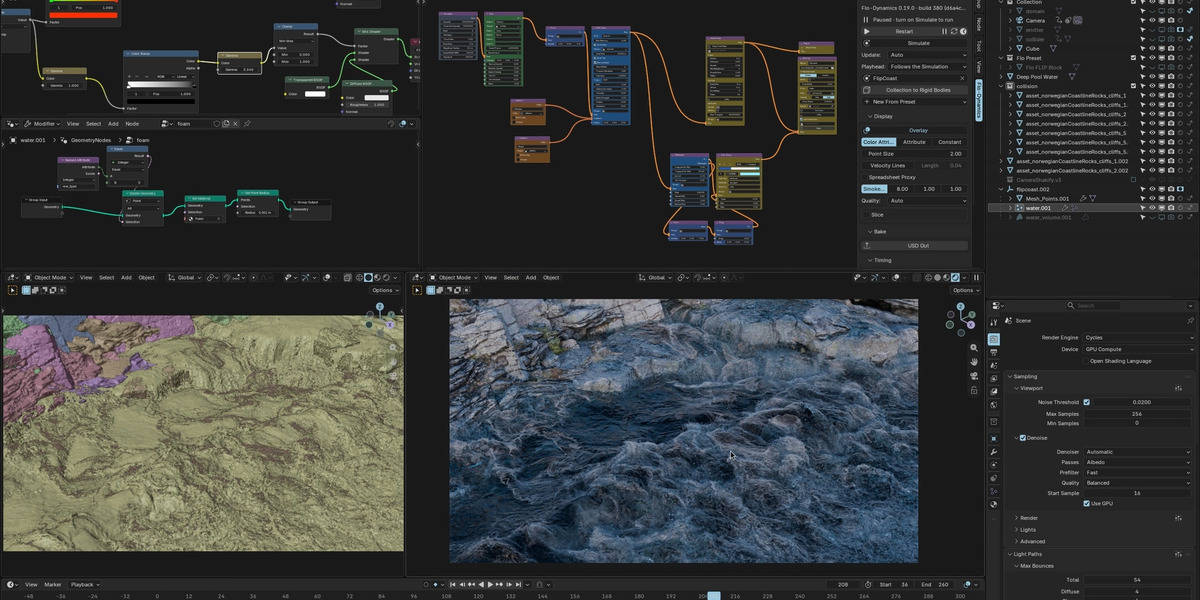



Flo-Dynamics documentation
Requirements
- NVIDIA GPU (CUDA), driver 550 or newer
- Linux or Windows, 64-bit
- Blender 5.2 or newer
Everything else is inside the download: the engine, NVIDIA Warp, and Flo's Geometry Nodes groups.
Installing
- Download the zip for your system: Linux or Windows.
- In Blender, open Edit > Preferences > Get Extensions, click the menu in the top right and choose Install from Disk, then pick the zip.
- To update, install the new zip the same way. Installing the full version over the demo replaces it.
The first time a node setup runs, Flo builds its GPU code. That takes from a few seconds to a minute or two, and is cached after that.
Your first simulation
- Change any editor to a Node Editor and pick Flo-Dynamics from its tree types.
- Press Shift+A and choose New From Preset > Particles > Fountain.
- Press play. The header of the node editor shows what Flo is doing and how long each frame takes.
- Change a value on any node while it plays: the simulation updates.
Files always open with simulation paused, so a heavy scene doesn't start simulating before you are ready. When the header says Paused, click the Simulate button next to it.
Press N in the 3D view or the node editor and open the Flo-Dynamics tab for display, bake, timing and memory settings.
How a Flo tree works
- The Simulation node holds the settings shared by the whole simulation: capacity, substeps, seed and time scale.
- Points are born at Emit nodes and flow downstream. Each node acts on the points that reach it, every substep, in the order of the graph.
- Wires fan out and merge: drag several wires into one input to combine streams.
- Each setup ends in an Output node. What is wired into it is simulated; a branch wired nowhere is left alone.
- One tree can hold several setups, each with its own Simulation and Output node.
Viewing a node: Ctrl+Shift+Click any node to show only the points that reach it. Inside the Output's setup this only changes what is shown, so nothing simulates again.
Branching: Split sends points down different outputs by collision, age, speed, attribute, group, random share or any field. Group tags points, Spawn makes new points from existing ones, Kill removes them, and Emit Copies turns points into soft bodies, cloth or rope copies.
Esc cancels whatever Flo is busy with: loading, simulating ahead, or baking.
Driving parameters with fields
Any parameter with a socket takes a field, as in Geometry Nodes. Field nodes are under Add > Fields: Input (position, velocity, age, id, time), Attribute, Random Value, Math, Vector Math, Map Range, Float Curve, Noise Texture, Region (inside, falloff or distance to an object) and Volume Sample (a Geometry Nodes volume grid, read live).
Ctrl+Shift+Click a field node to see its value as a heatmap on the points.
Code nodes
Code runs your own code on every point that reaches it, every substep; Link Code does the same per link. The syntax is Python with @ attributes, compiled for the GPU:
v@color = vec3(fit(length(@v), 0.0, 6.0, 0.1, 1.0), 0.4, 1.0)
if @age > 2.0 and rand(@id) < 0.5:
    @dead = 1
Click the page icon on the node to edit it beside the node editor; the ? icon opens a cheat sheet.
The solvers
| To simulate | Use | Start from the preset |
|---|---|---|
| Particles | Emit, Force, Drag, Noise, Collide | Fountain |
| Grains, bonded solids | XPBD Solver, Bind, Glue | Sand Pile, Crumble |
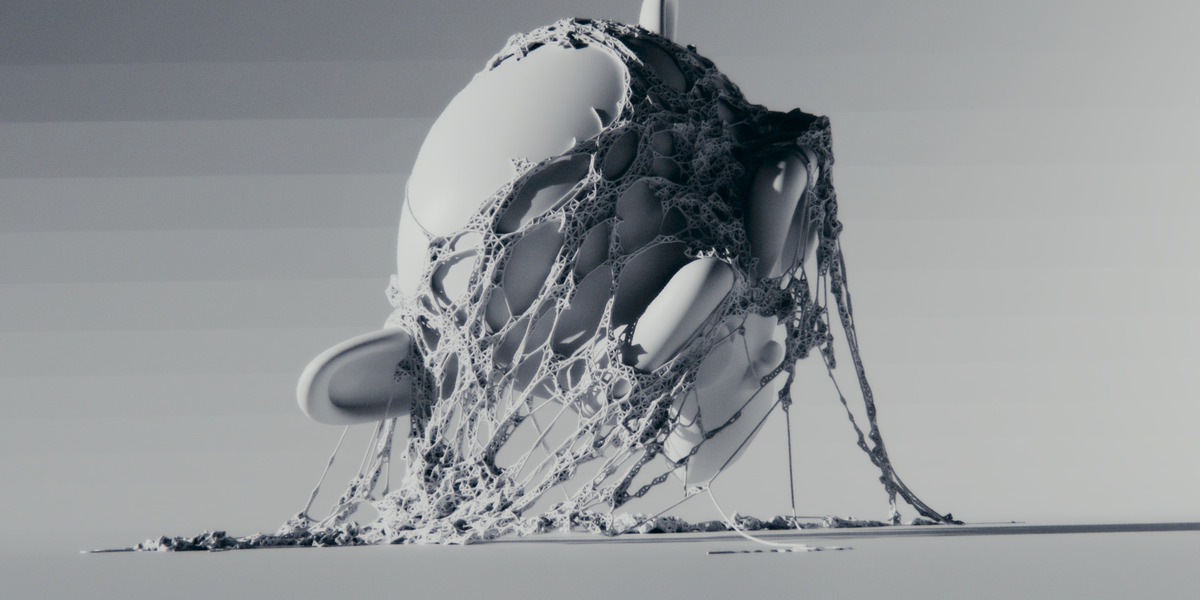
| Cloth and ropes | Emit (Mesh: Cloth / Rope), XPBD Solver, Cloth Wind | Flag (cloth), Tearing Cloth |
| Soft bodies | Emit (Soft Body), XPBD Solver | Jelly (soft body) |
| Particle liquids and goo | Fluid, XPBD Solver | Dam Break, Honey Pour |
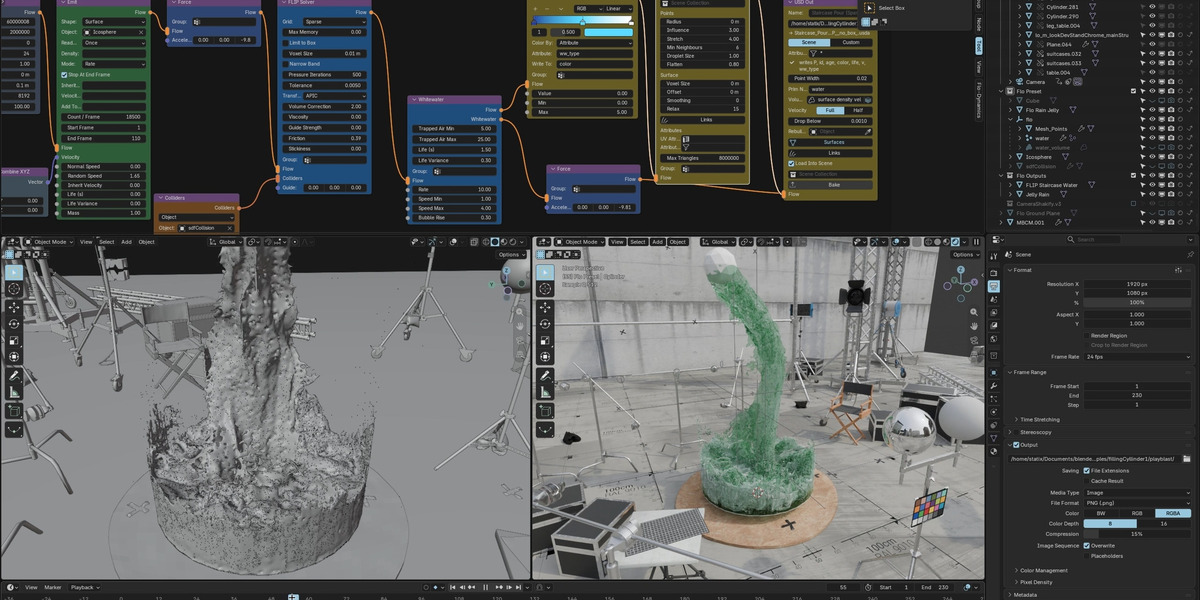
| Grid liquids | FLIP Solver, Whitewater | FLIP Dam Break, Deep Pool |
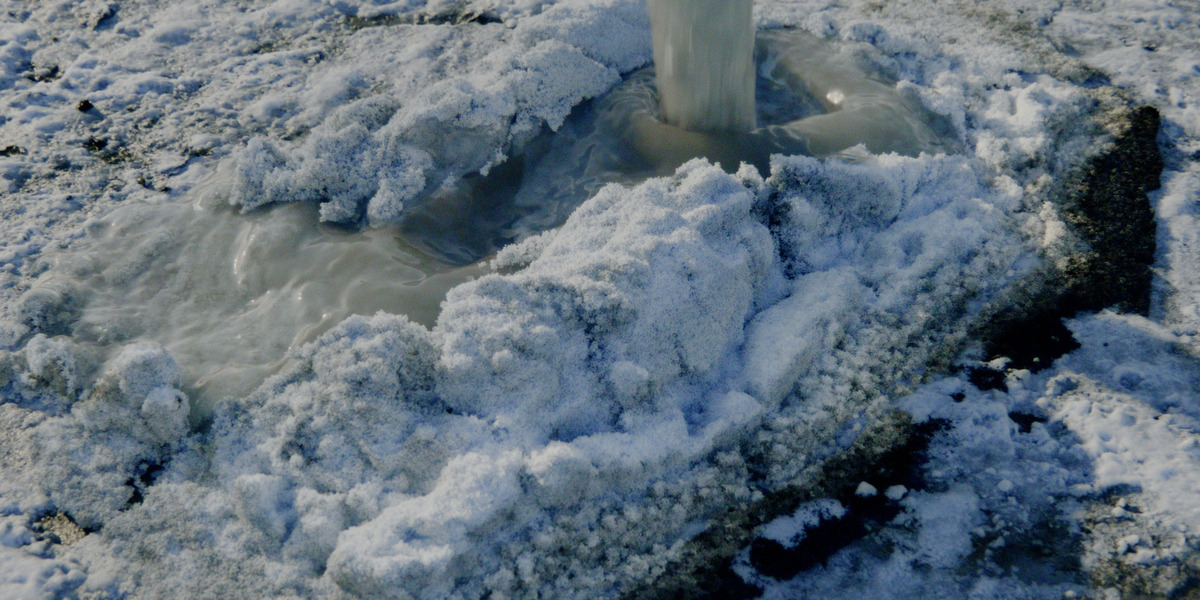
| Sand, snow, mud, concrete | MPM Material, MPM Solver | Snow Impact, Wall Smash |
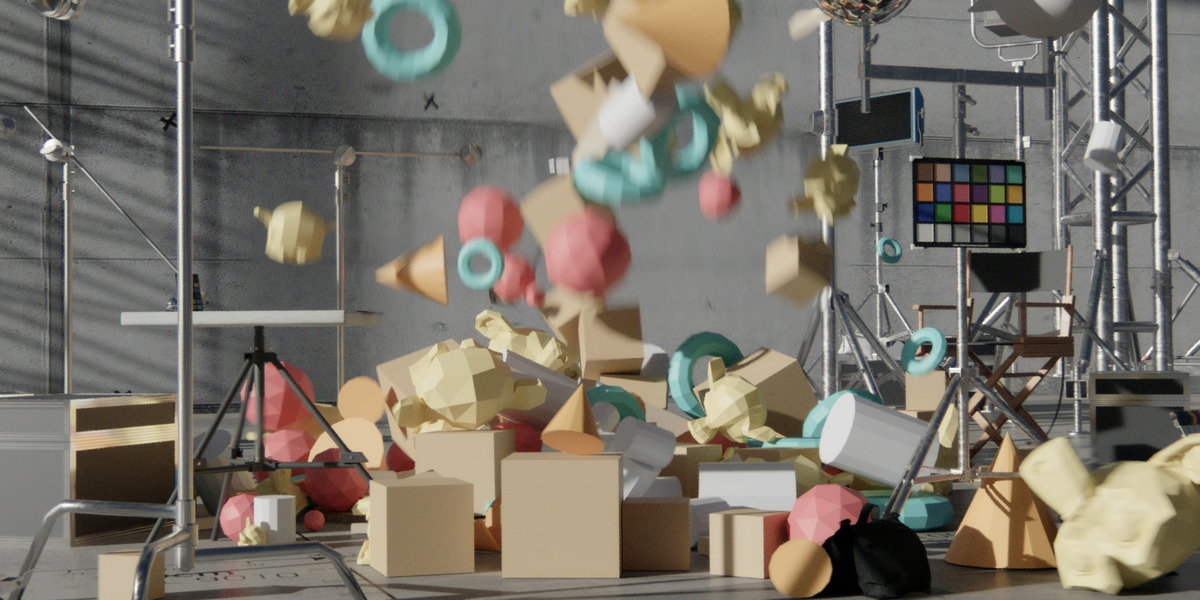
| Rigid bodies and destruction | RBD Pieces, RBD Glue, RBD Solver | Crate Pile, Building Collapse |
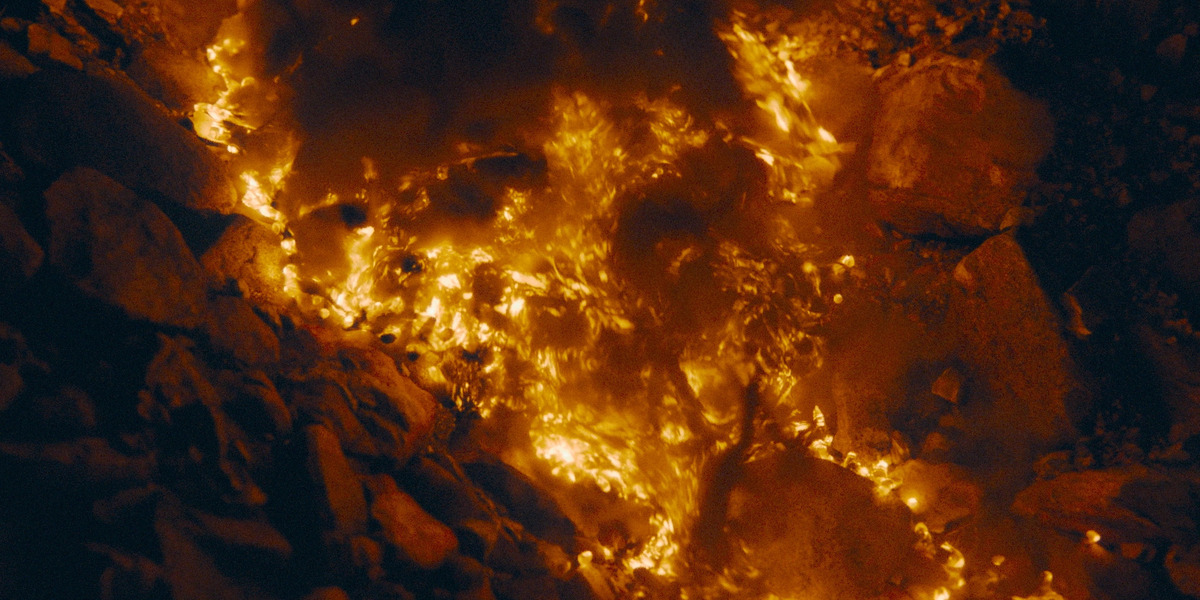
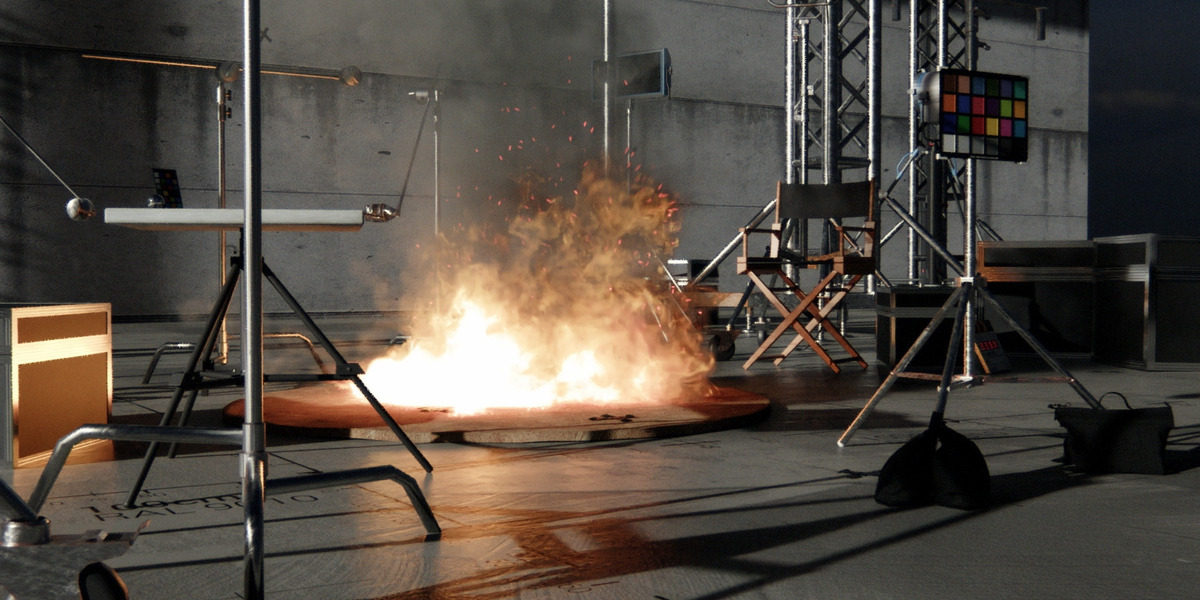
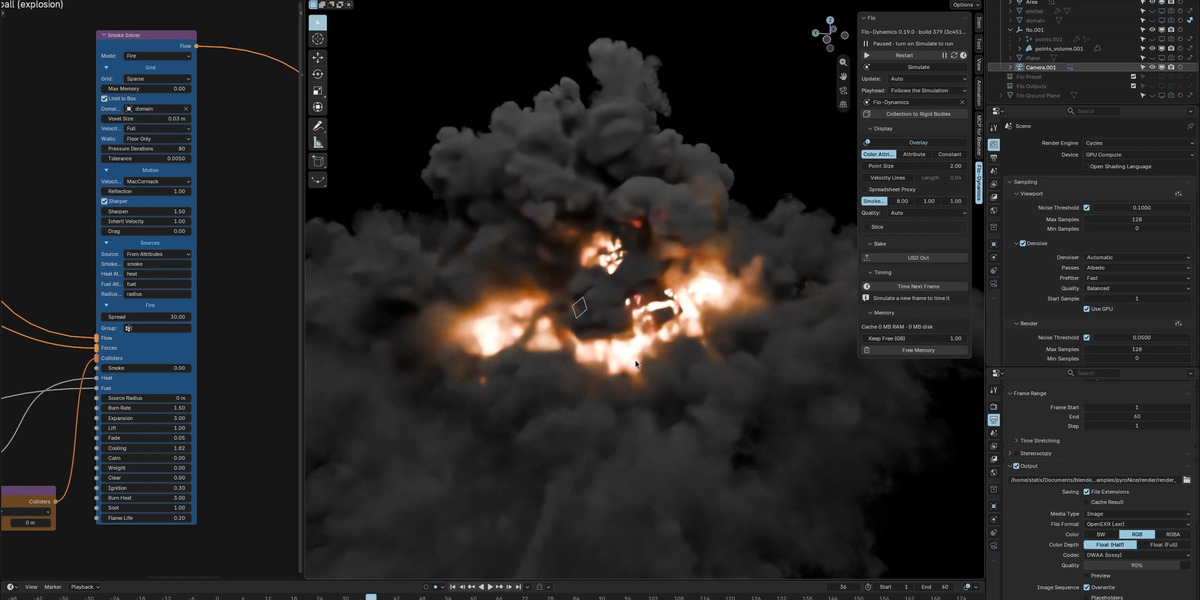
| Smoke and fire | Smoke Solver, Gas nodes | Smoke Plume, Campfire (fire) |
Every node has tooltips on its settings. Presets are grouped in New From Preset by the same areas.
Collisions
Every node that collides has a Colliders input. Wire a Colliders node into it and name an object, a collection, or a ground plane. A collider moved by an armature, shape keys or Geometry Nodes needs Deforming turned on, or Flo reads it once in its first pose.
Getting results into Blender
- Object Out: a live point cloud for Geometry Nodes, or the rebuilt mesh of cloth, ropes and soft bodies, with every attribute.
- Mesh Points: meshes points into a surface on the GPU (liquids, goo), with UVs and attributes.
- Links Out: links as curves, with strain and breakage.
- Geometry Nodes groups (Add > Flo in a Geometry Nodes tree): Flo Fracture, Point Deform, Point Children, Thread Curves and pyro emitters.
Live outputs follow the timeline. For final renders, bake.
Baking
Add a USD Out node after what you want written, then press Bake on it, or Bake All on the Output node to write every USD Out of the setup in one run.
- Points, meshes and curves are written to USD, smoke, fire and liquid surfaces to OpenVDB.
- Attributes picks what is written: * for everything, color v age for just those, * ^hit* for all but those.
- By default the cache goes into flo_cache/ beside the saved .blend file.
- The bake loads back into the scene when it finishes. Baking again updates the loaded objects in place and keeps their materials and modifiers.
The demo version doesn't bake.
Memory and speed
- Simulations live in GPU memory, which sets how big a shot can be. Pools grow only as the effect needs them.
- Capacity on the Simulation node is the most points allowed, not what they cost.
- Display % shows part of the points in the viewport to keep it fast; bakes write every point.
- The Memory panel shows what each part uses. Keep Free leaves room for Blender, and Free Memory gives memory back.
- The Timing panel lists GPU time per node, costliest first.
Troubleshooting
- Nothing happens: check the header. If it says Paused, click Simulate. If a node shows an error in red, the message says what to fix.
- The first play is slow: Flo is building its GPU code. It's cached for next time.
- Points pass through a moving character: turn on Deforming on the Colliders node.
- A grid solver says it's full: raise its Voxel Size, set Velocity Resolution to Half, or lower Keep Free.
- Renders don't match the viewport: render from a bake. Live outputs only update while you scrub or play.
Have questions about this product?
Login to message
| Blender Extension Compatible | Yes |
| Published | about 6 hours ago |
| Blender Version | 5.3 |
| Render Engine Used | Cycles, Eevee |
| License | GPL |