Floating Sculpt Toolbar Pro
 Not-deadpool360
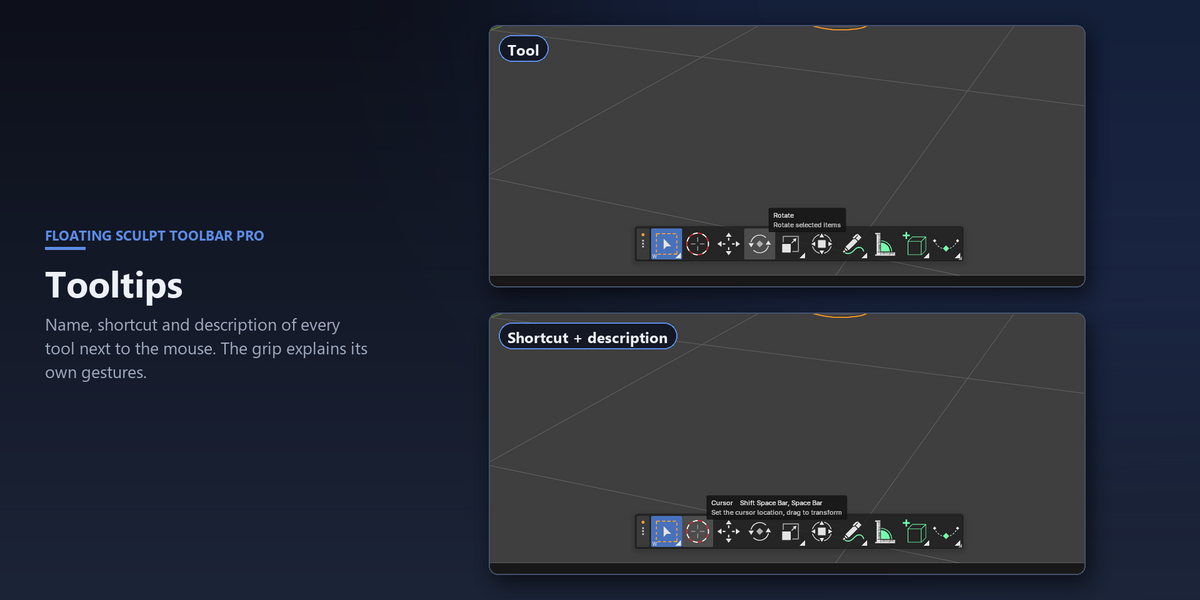
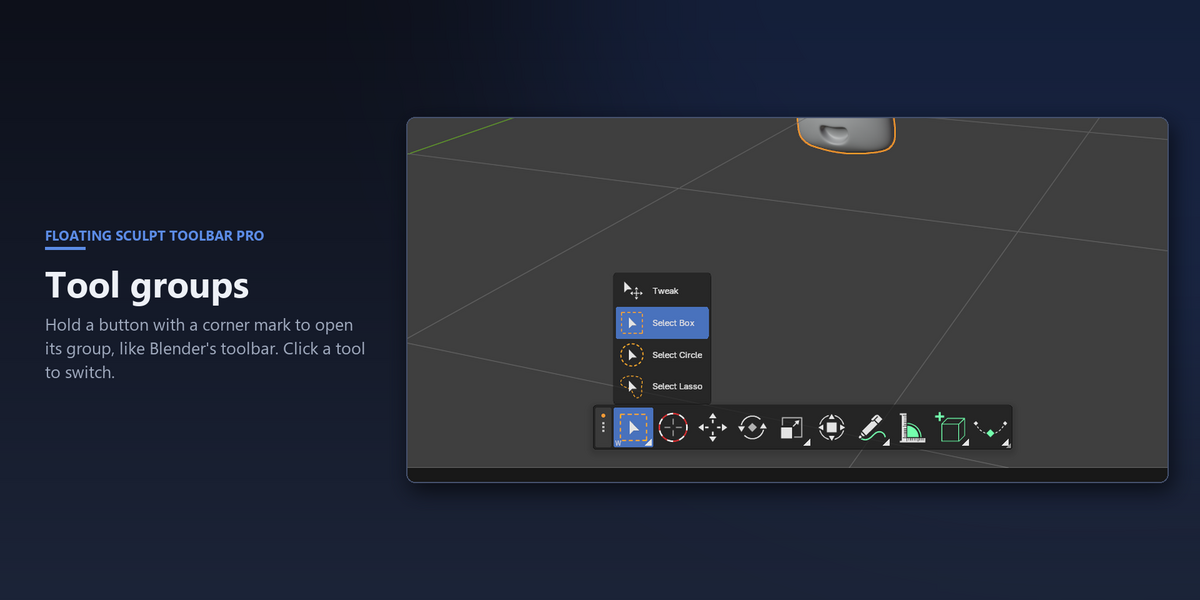
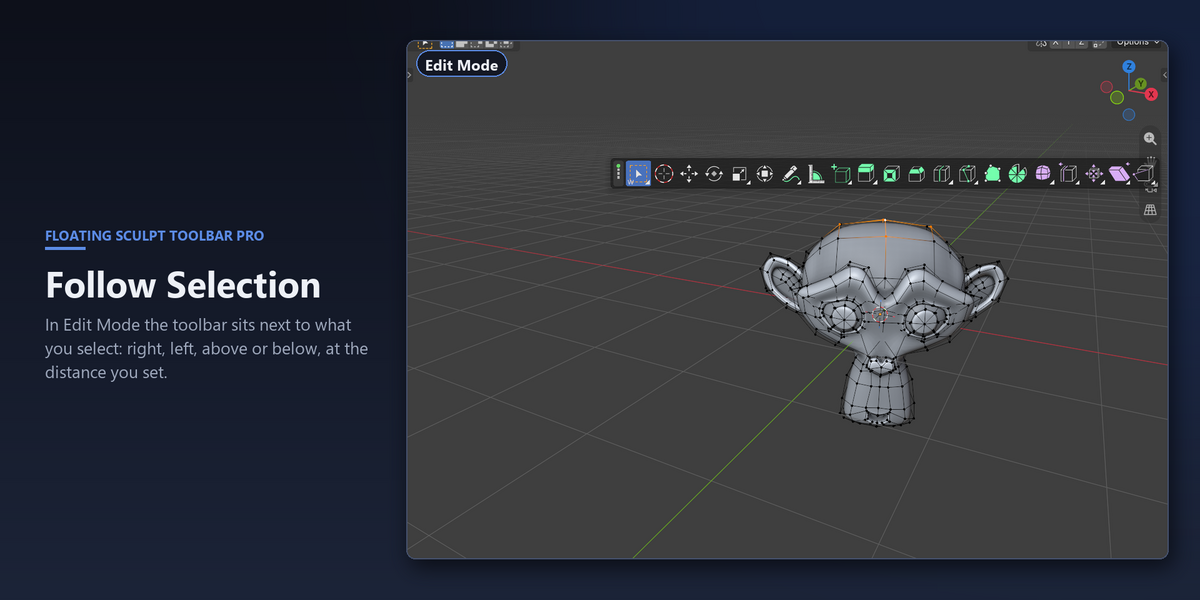
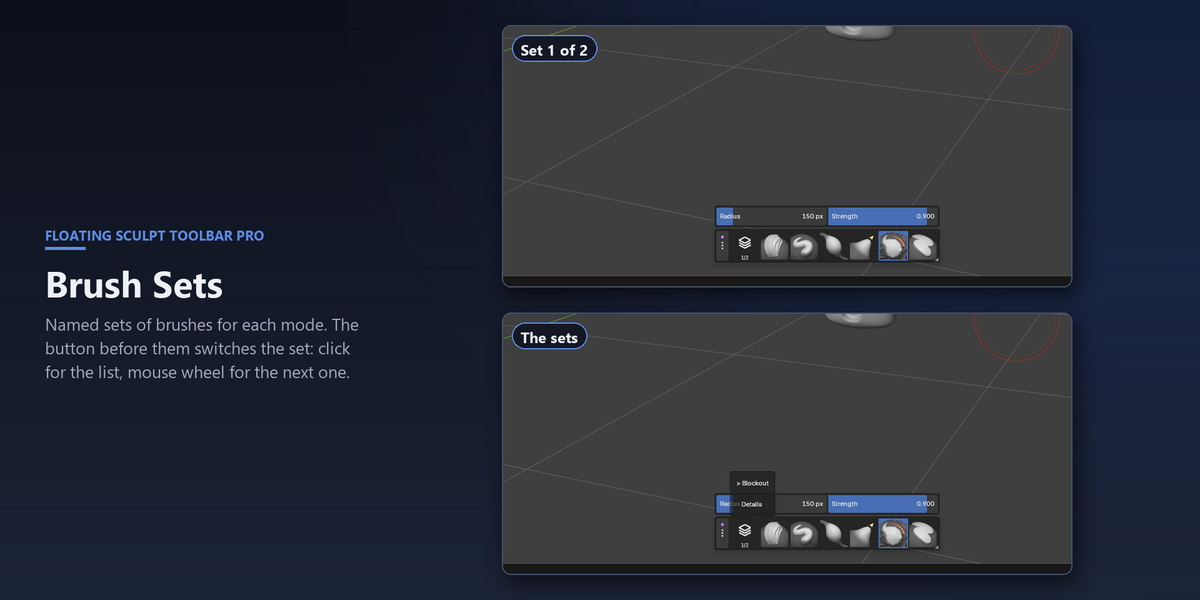
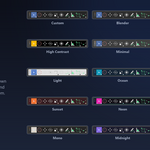
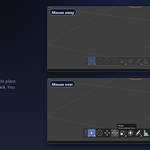
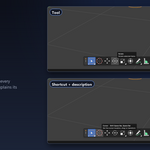
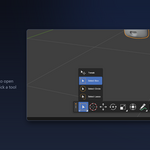
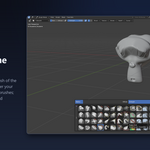
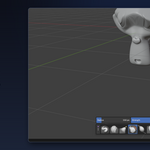
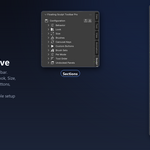
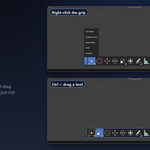
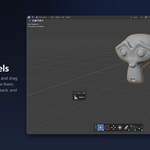
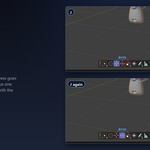
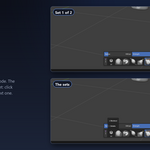
No. It sits on top of the viewport and uses Blender's own tool system. You can keep Blender's toolbar (T) or hide it.
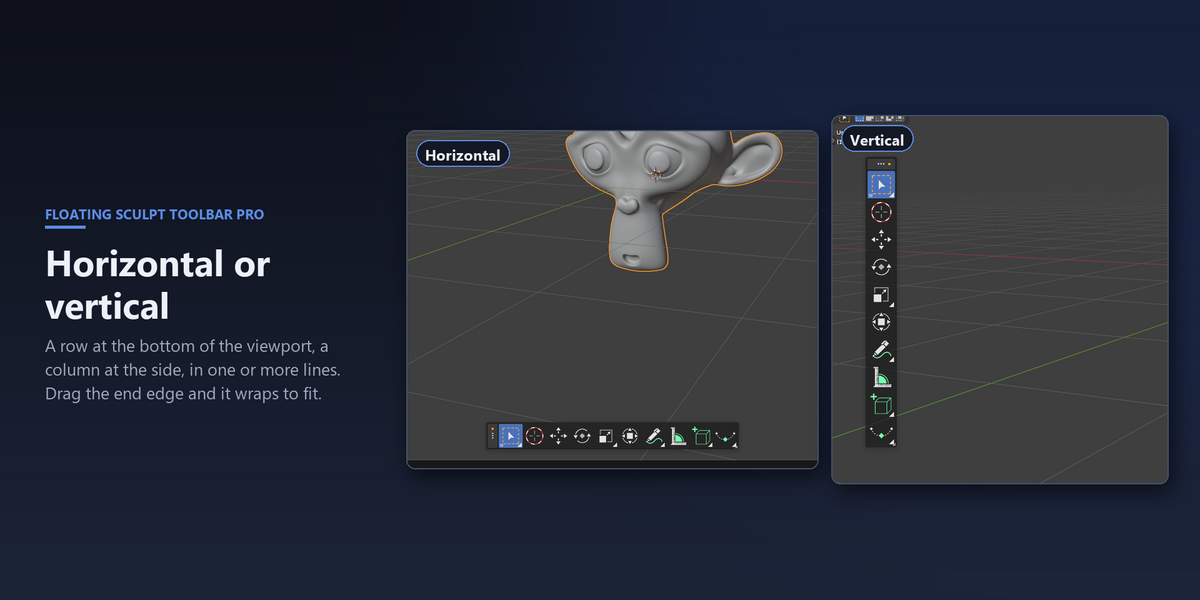
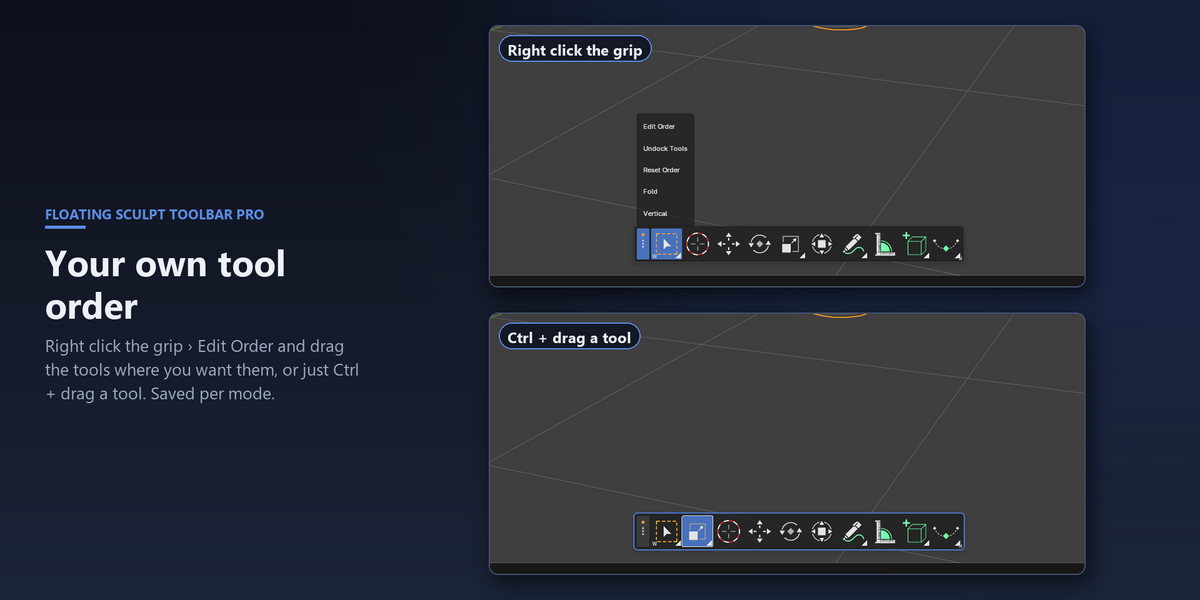
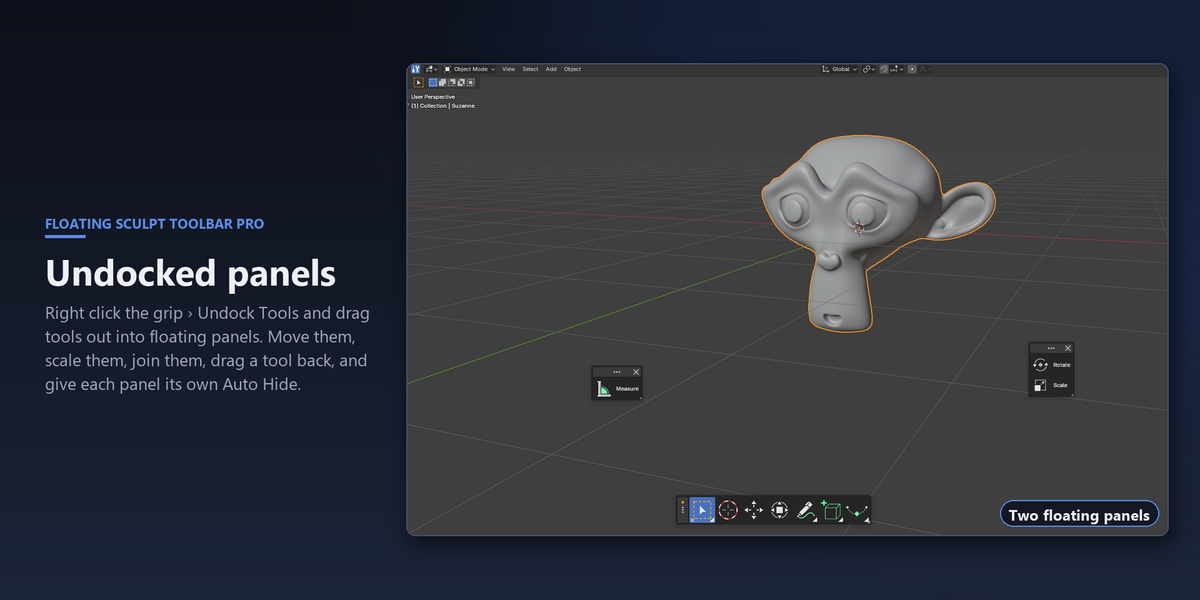
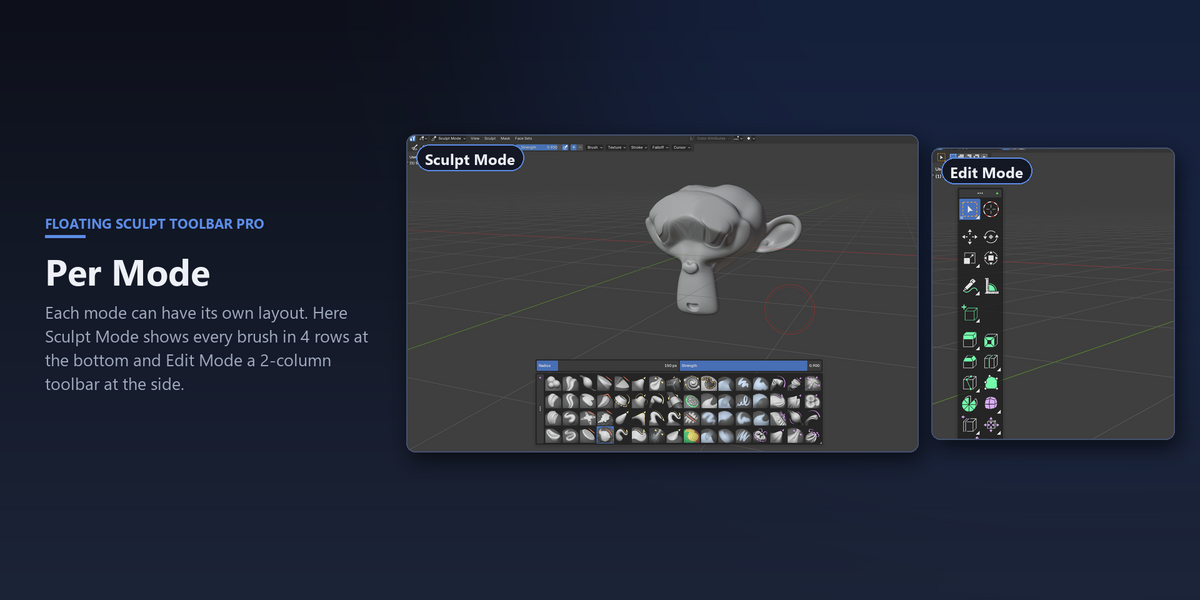
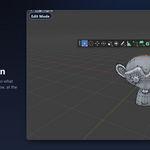
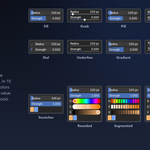
This version ships one toolbar. Show it in as many 3D Views as you want, each with its own place and state; use Per Mode to make it look different in each mode, and Undocked Panels for extra floating groups of tools.
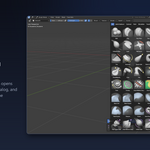
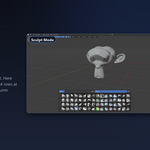
Yes — it lists whatever tools are registered for the current mode in the 3D View, including add-on tools.
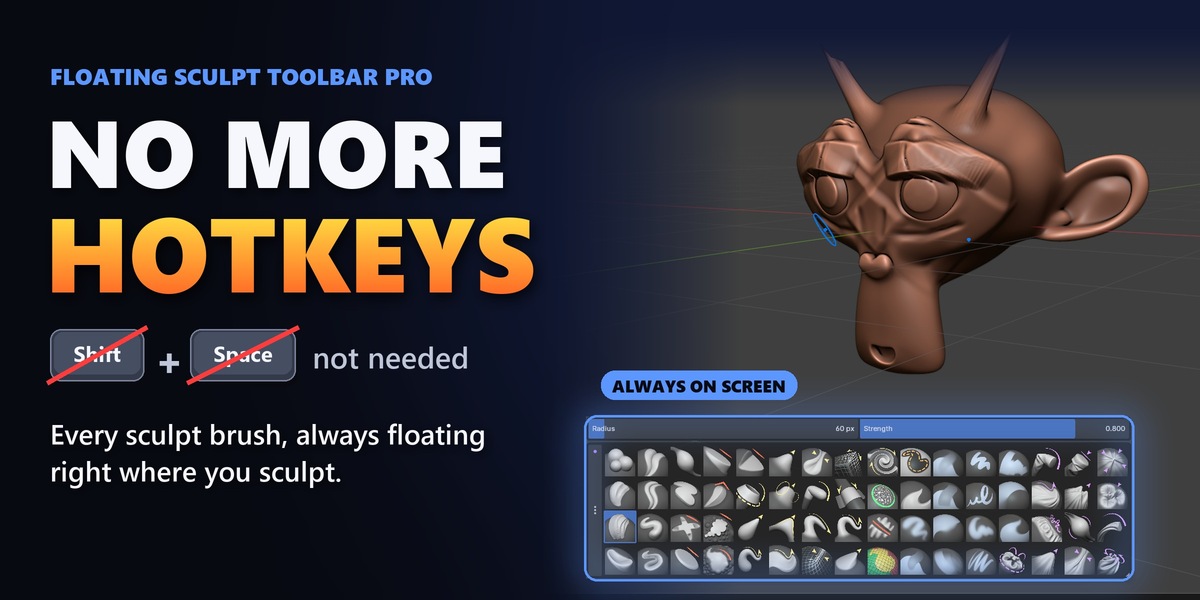
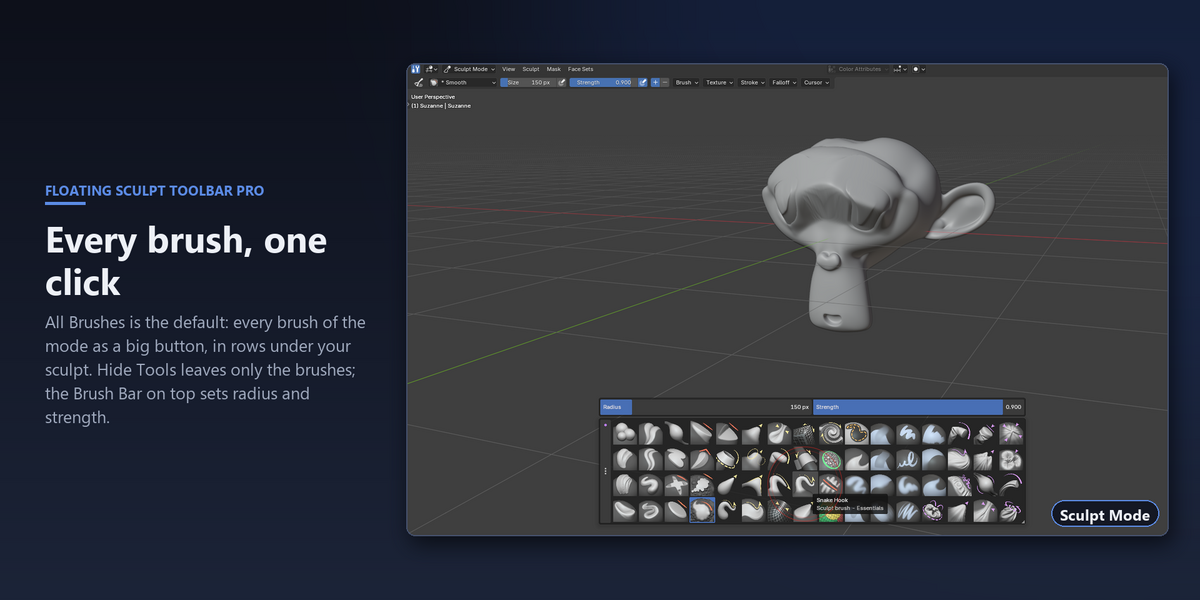
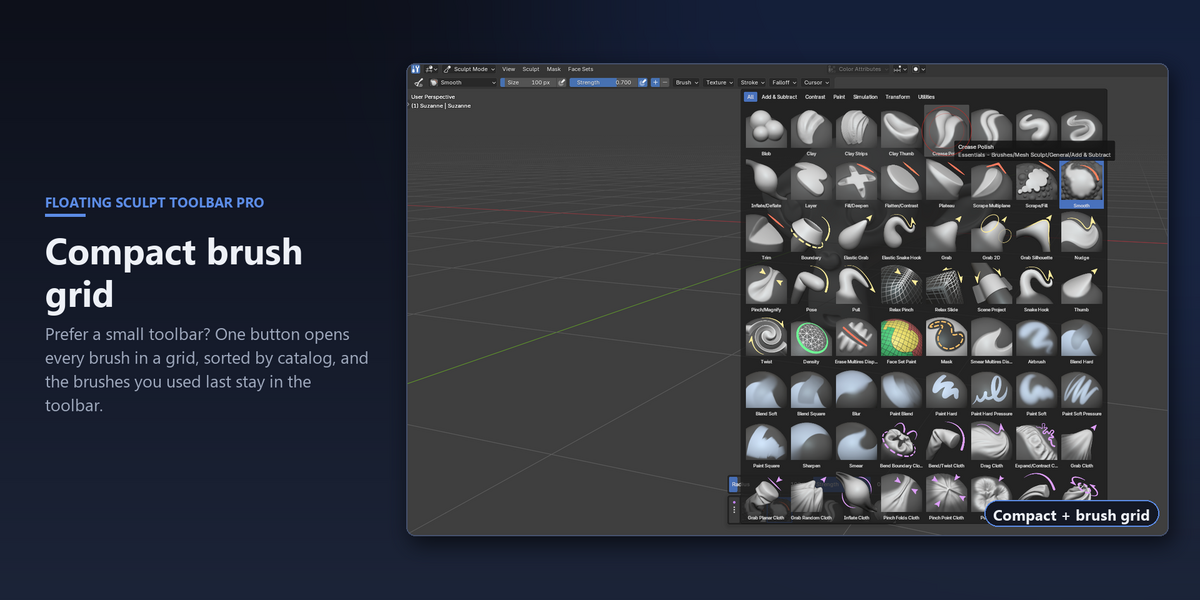
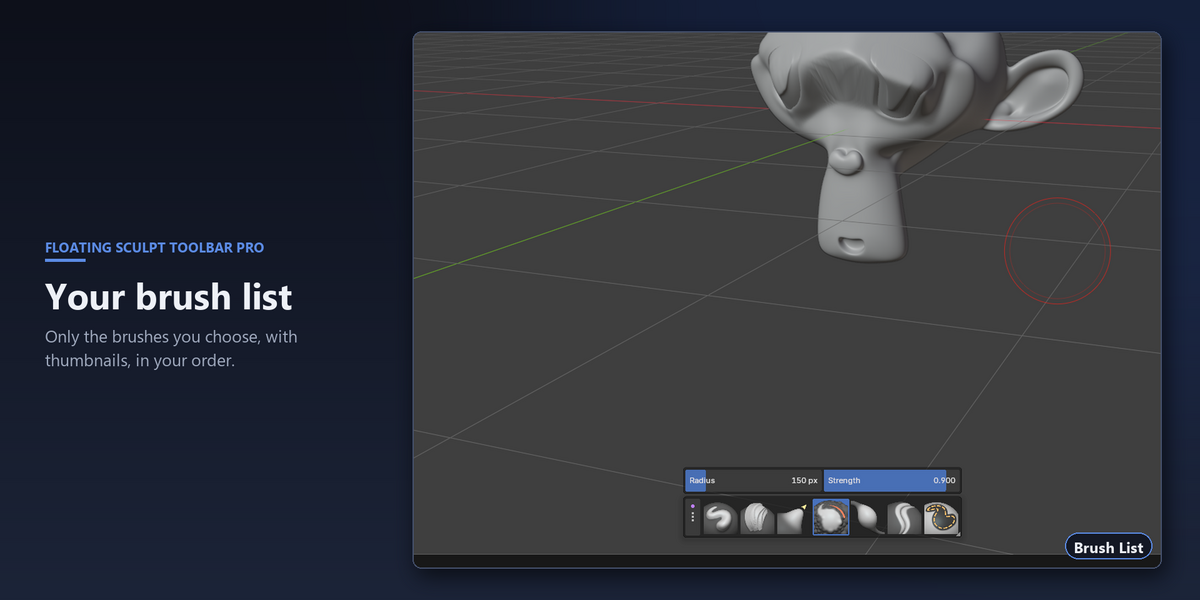
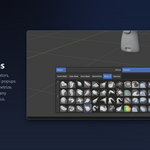
The Essentials brushes that ship with Blender, the brushes in your asset libraries, and the brushes saved in the current file — for every sculpt and paint mode.
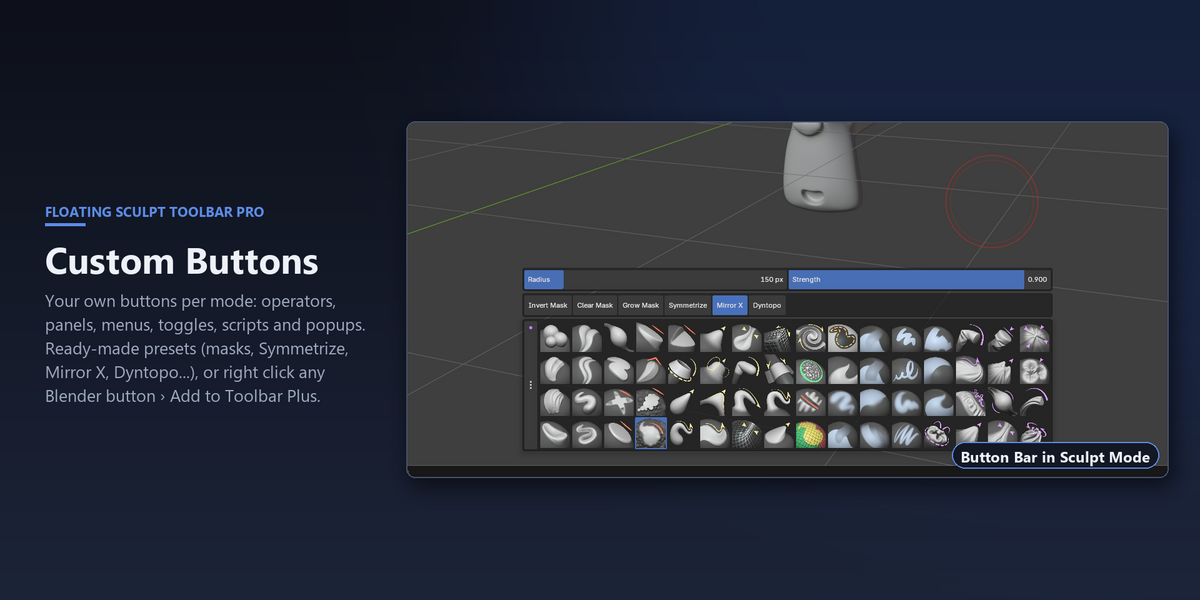
Yes. A Script button runs a Python text of your .blend (Text Editor); other buttons call any operator (with arguments), open a panel or menu, or toggle a property.
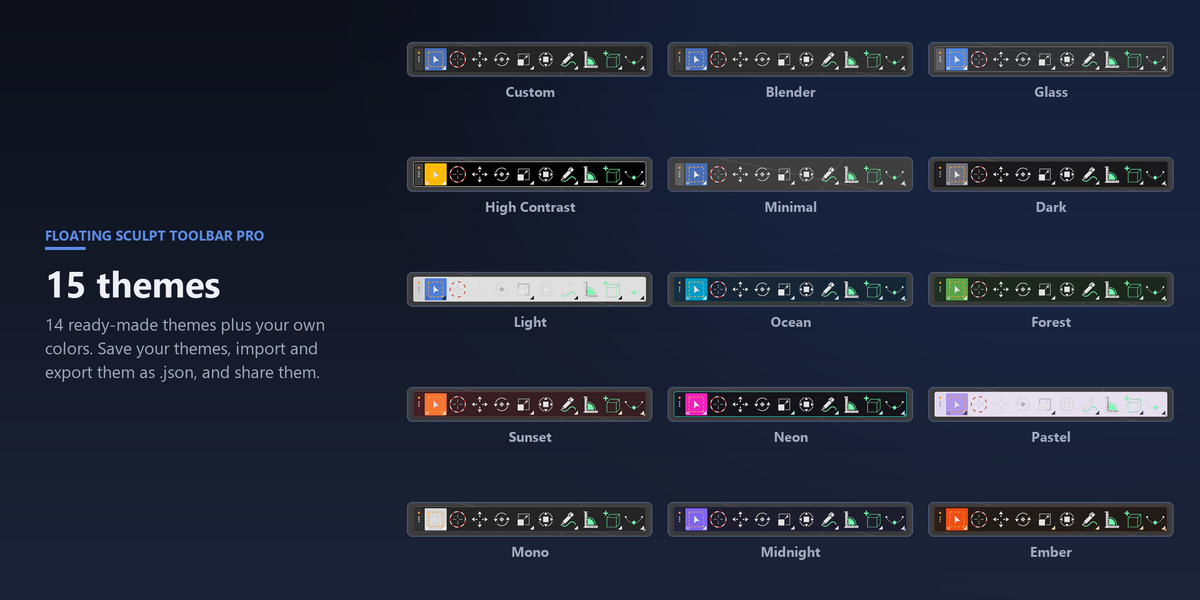
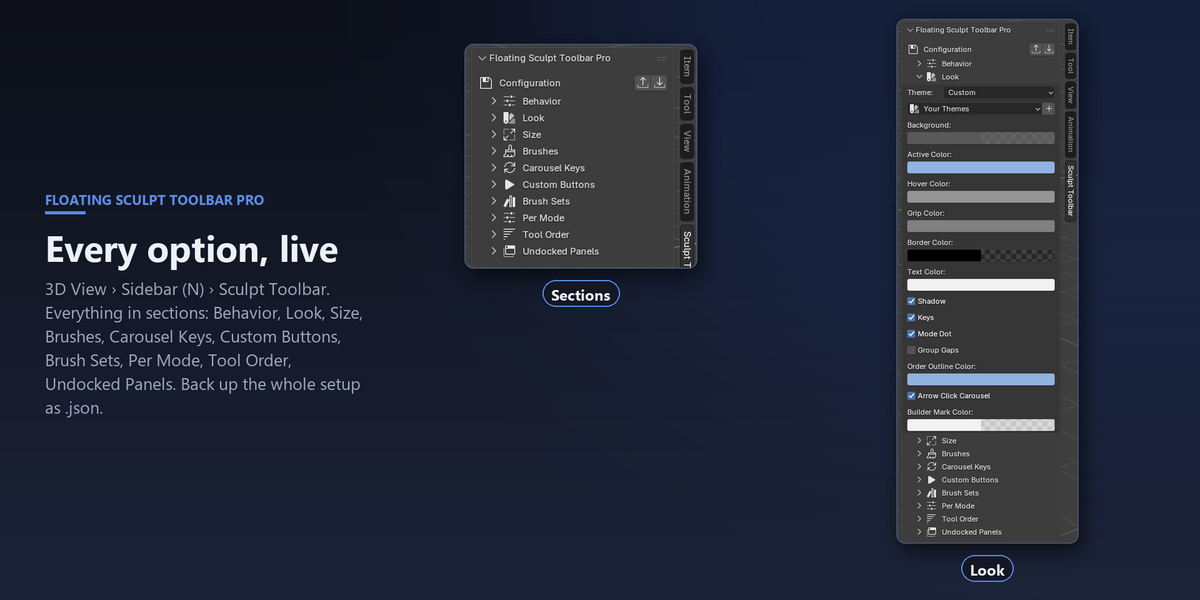
Position, open/closed state, tool order, panels and options are saved with the .blend. Export in the Sidebar panel writes everything to a .json file you can Import anywhere. Your own themes are saved in Blender's user presets folder.
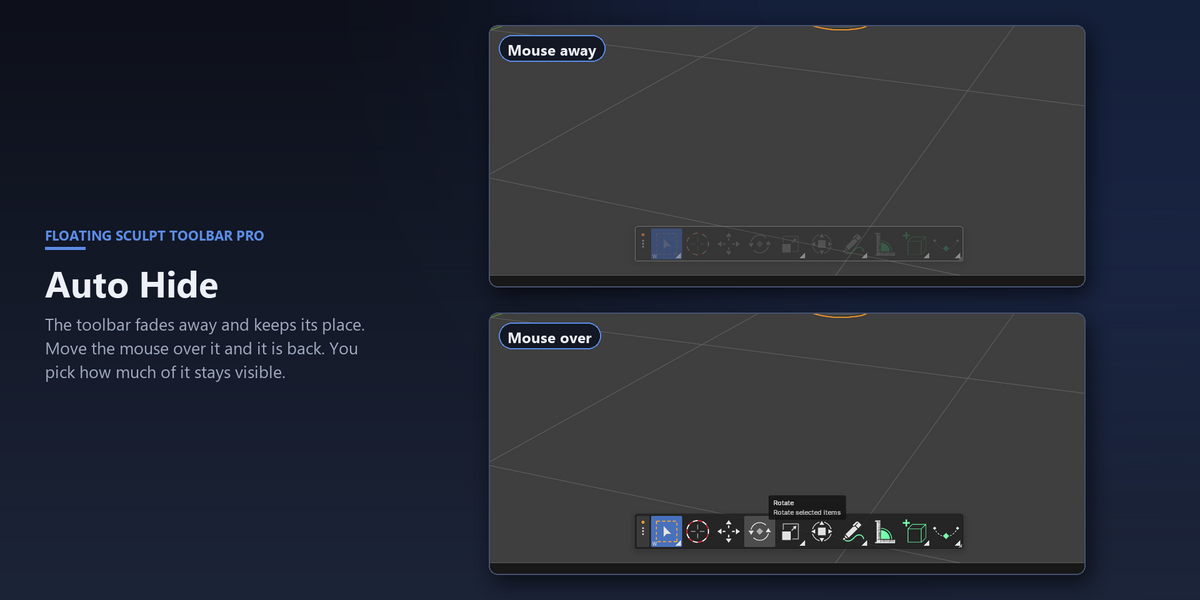
It is drawn with the GPU and only does work when the mouse is over it or the mode changes. Icons and brush previews are cached.
Yes. The add-on is GPL-3.0-or-later; the purchase gives you the files, updates and support.
No. Floating Sculpt Toolbar Pro needs Blender 5.0 or newer (it uses the 5.x brush asset system).
Have questions about this product?
Login to message
| Blender Extension Compatible | Yes |
| Published | 25 minutes ago |
| Blender Version | 5.0 - 5.2 |
| Extension Type | Add-on |
| License | GPL |
