 ZEG
ZEG




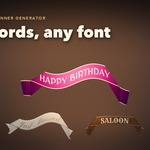
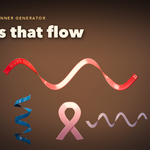
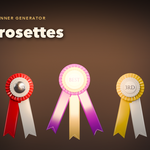
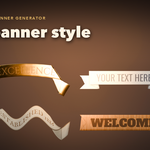
Installation
In Blender open Edit, Preferences, Get Extensions, then use Install from Disk and pick the zip.
Usage
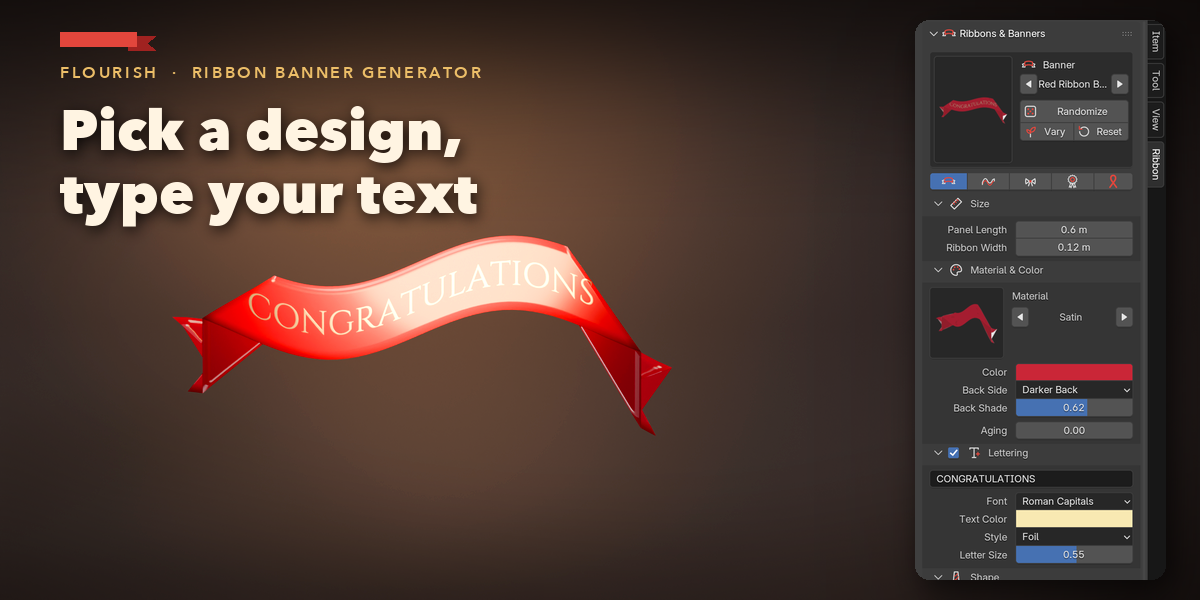
- Open the Ribbon tab in the 3D View sidebar (N).
- Pick a design in the gallery and press Add Design (or use Shift+A, Ribbons & Banners).
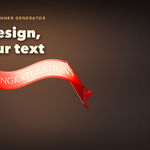
- Type your text, pick a material and drag the sliders; the ribbon rebuilds live.
- To follow a curve, make the curve active and add the Follow Curve design.
- Use Make Plain Mesh to turn the design into an ordinary mesh.
Have questions about this product?
Login to message
| Blender Extension Compatible | Yes |
| Published | about 10 hours ago |
| Blender Version | 4.2 - 5.2 |
| Extension Type | Add-on |
| Render Engine Used | Cycles, Eevee |
| License | GPL |
