 CG Flow
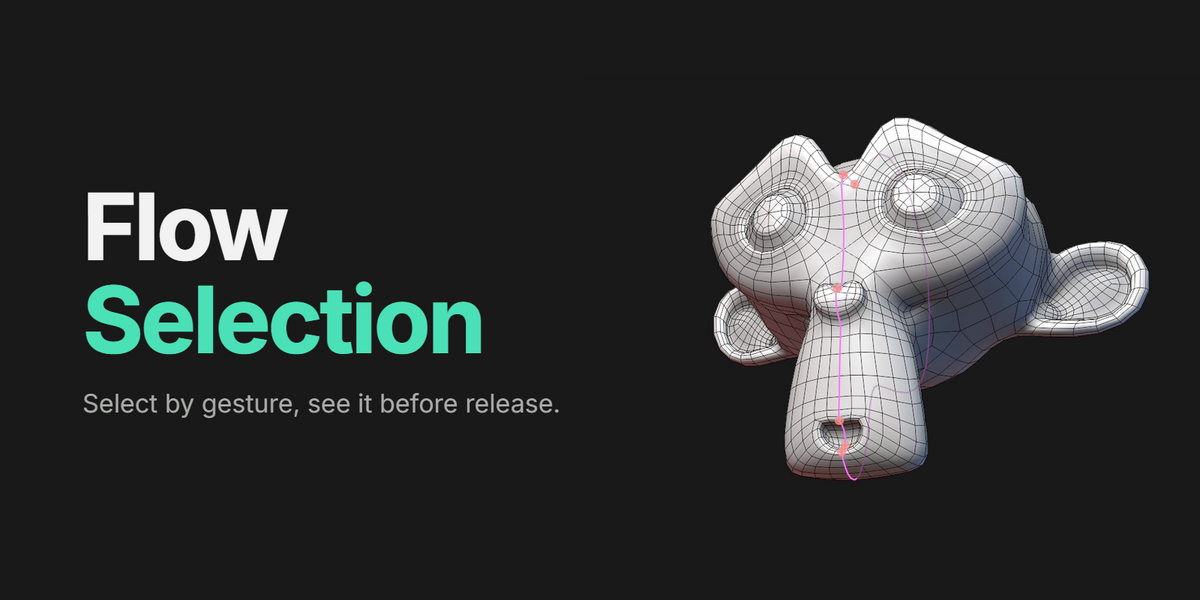



Select by gesture, see it before release.
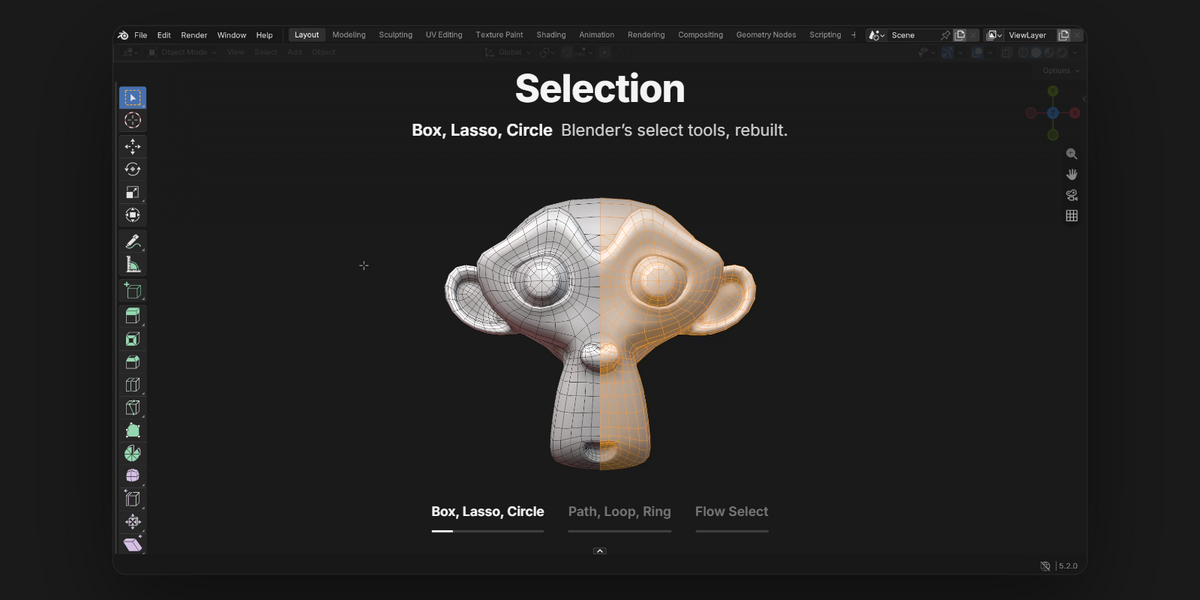
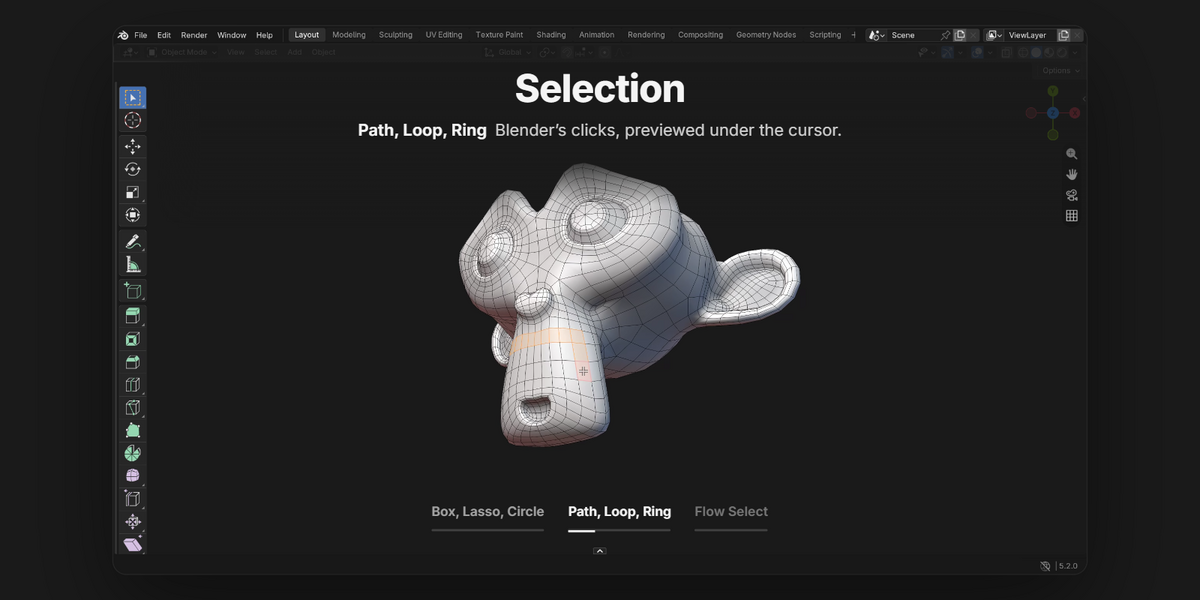
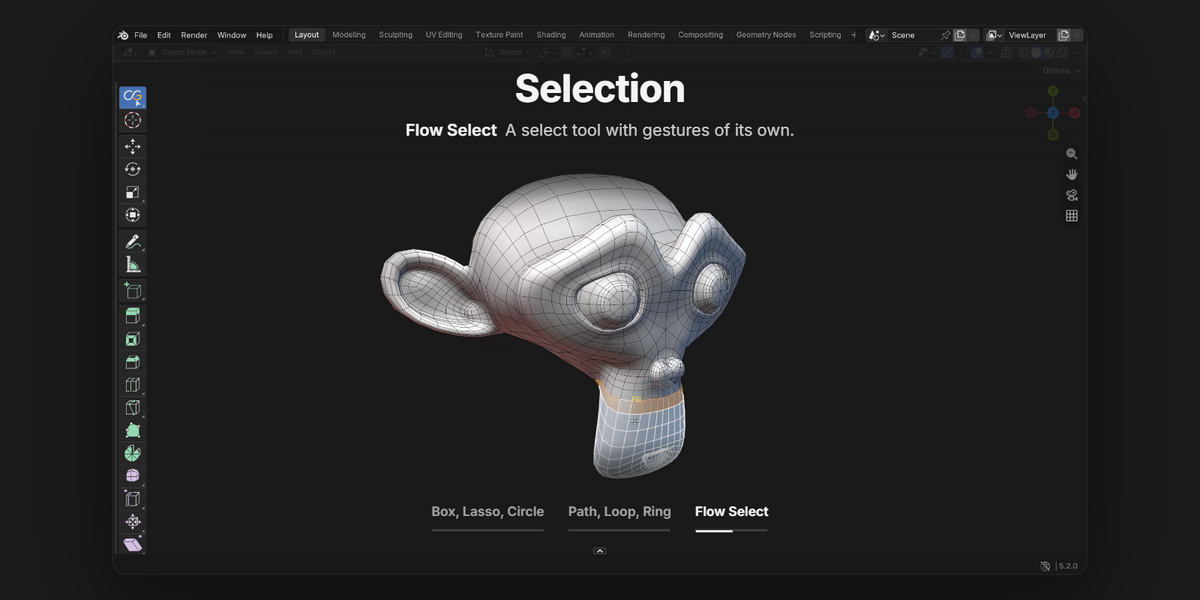
Box, Lasso and Circle stay on the button you know. Loops, rings and paths show under the cursor before you click, and a select tool has gestures of its own.
Box, Lasso, Circle
Blender’s select tools, rebuilt.
Path, Loop, Ring
Blender’s clicks, previewed under the cursor.
Flow Select
A select tool with gestures of its own.
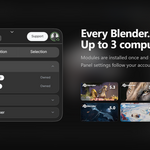
One system. Every Blender.
This listing is the Selection Pro licence for CG Flow, one free add-on that installs and updates every Flow module. The download is CG Flow itself.
Two modules ready.
Navigation and Selection. Transform is next.
See it in the release.
CG Flow 1.3
In their own words.
“The way Blender selection is meant to be.”
Alan
“Making all your selection with just the mouse is kind of crazy, but the madman made it happen.”
Nerthazul
“This is probably the best support I have ever received on Blendermarket.”
Oliver Beck
Start free. Pro, paid once.
Lite is free. Pro adds loops through triangles and n-gons, Hard Loop, Offset, Follow Edge and Select Linked on a double click, and keeps every future version of Flow Selection.
After you buy
- Download CG Flow: the ZIP in this purchase, or cg-flow.com/start. Drop it in Blender.
- Link your PC with the email of this purchase. Pro links by itself.
- Install the modules from the CG Flow panel.
Another email, or none on Superhive? Enter your Superhive order number when the sign-in asks for it.
Support
Questions and bug reports: cg-flow.com/support
Just select.