 CG Flow
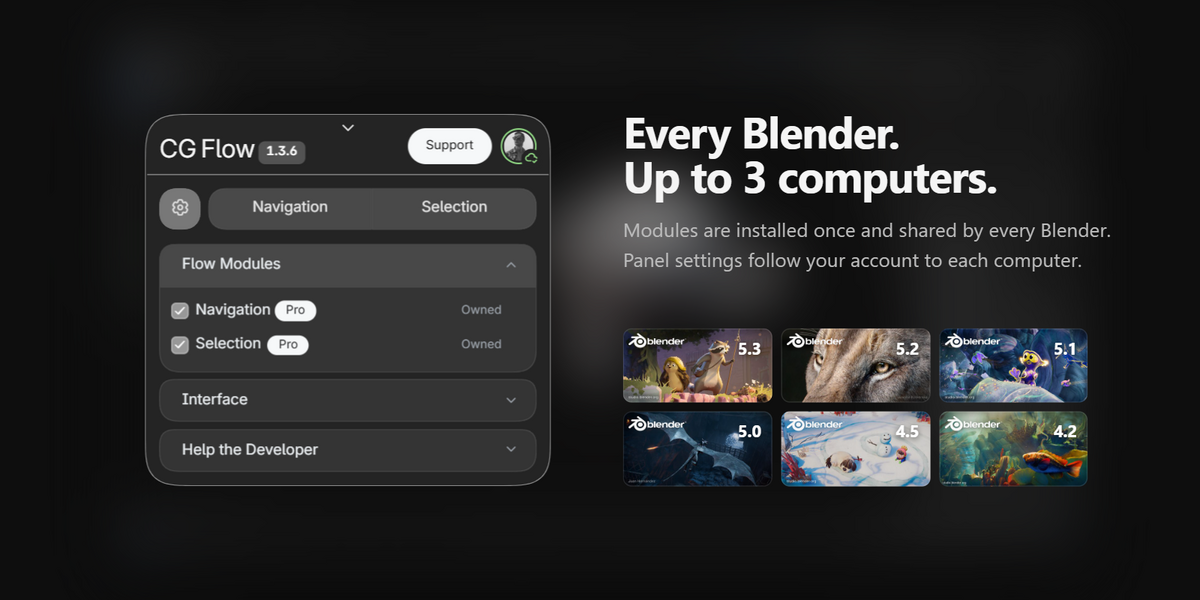




I already own Flow Selection Pro. Do I pay again?
No. Your licence carries over to CG Flow. Sign in to CG Flow with the email of your Superhive purchase and Pro links by itself. With another email, or none on Superhive, enter your Superhive order number when the sign-in asks for it.
What is free, and what does Pro add?
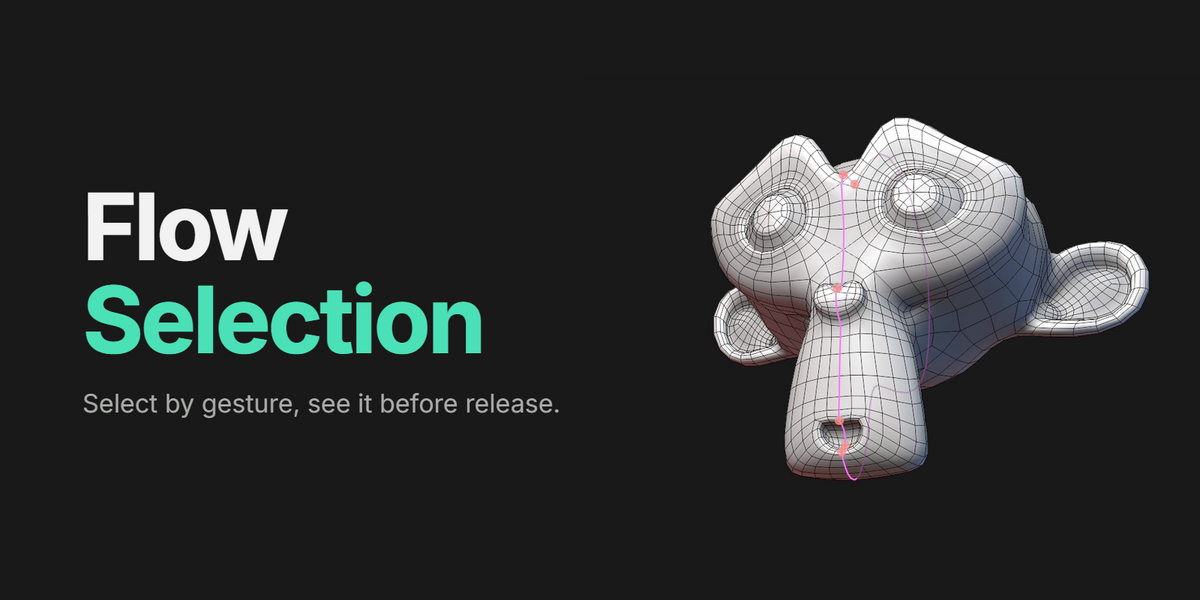
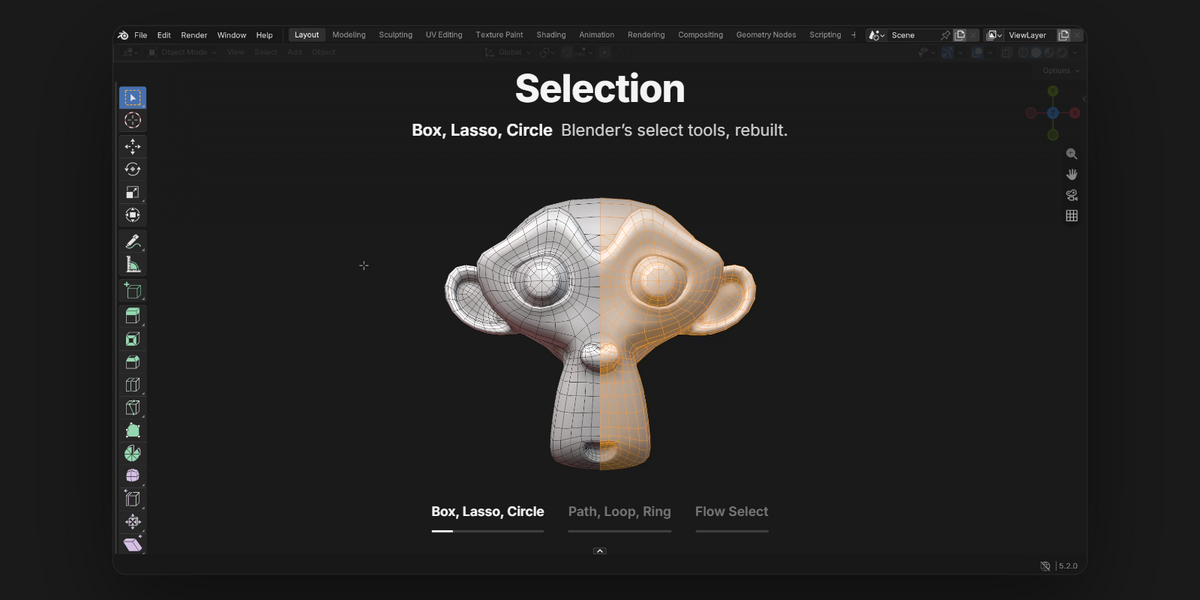
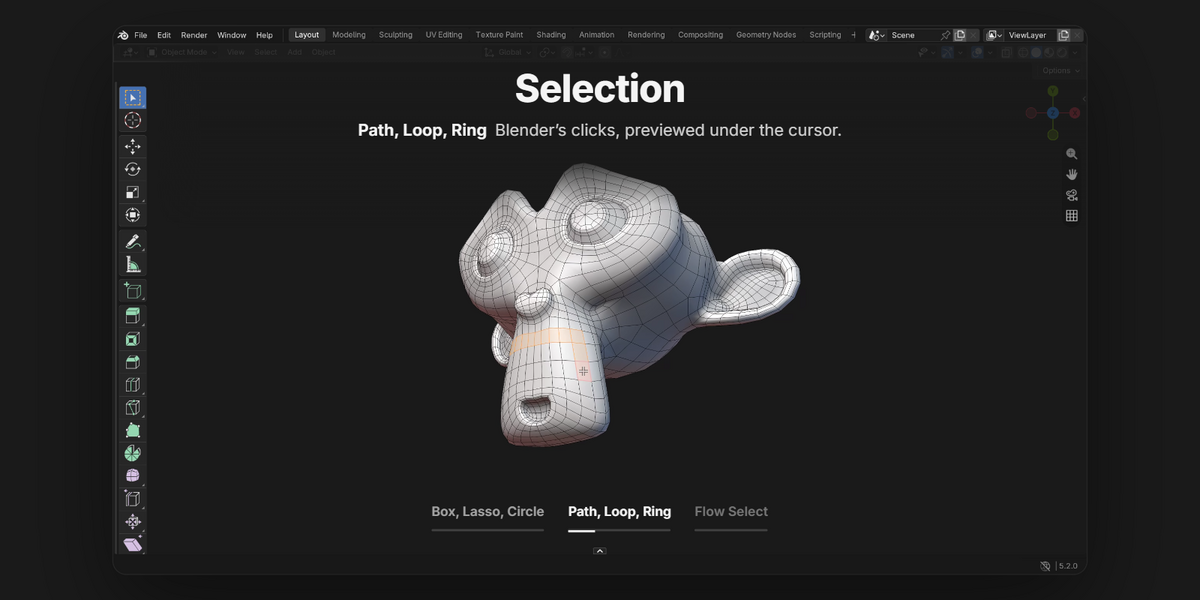
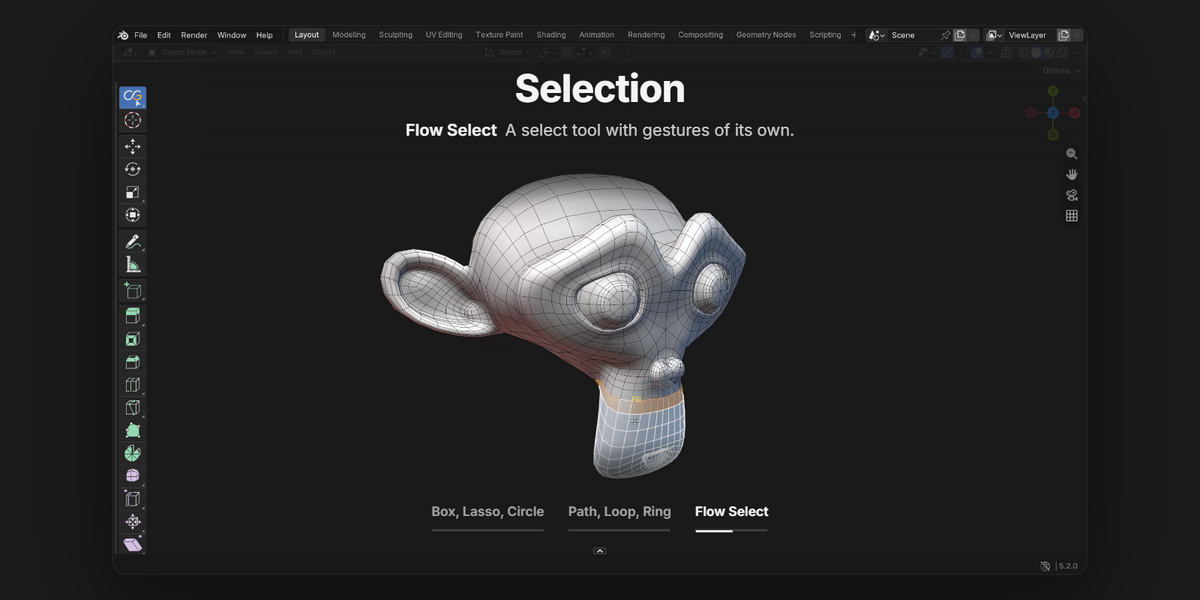
Lite is free: Box, Lasso and Circle, loops, rings and paths previewed under the cursor, and Flow Select with its gestures. Pro adds loops through triangles and n-gons, Hard Loop, Fill, Offset, Follow Edge, Select Linked and Invert on a double click, and Loop settings.
How many computers?
Up to 3 computers on one account. A computer counts once, whatever number of Blender versions it has. Free a slot with Deactivate in your account at cg-flow.com/account.
Does it work offline?
A downloaded version works offline. The connection is needed to check your licence, receive updates and sync settings, with Blender’s Allow Online Access turned on.
Have questions about this product?
Login to message
| Blender Extension Compatible | Yes |
| Sales | 100+ |
| Rating | 12 ratings |
| Published | 5 months ago |
| Blender Version | 4.2 - 5.2 |
| Extension Type | Add-on |
| License | GPL |
Discover more products like this
mesh editing box select lasso select circle select productivity hover preview gesture selection Workflow Selection topology edge-loop edge ring