Turn any mesh into a living, glowing
light show in 30 seconds.
WHY FlowGEN
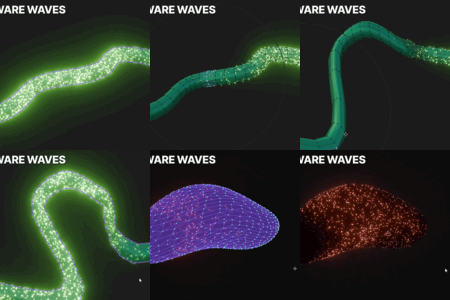
Unlike traditional particle effects, FlowGEN computes motion across the actual surface of your mesh.
Waves wrap around curves, travel over folds, cross connected geometry, and stay attached to animated characters.
Motion that belongs to the mesh.
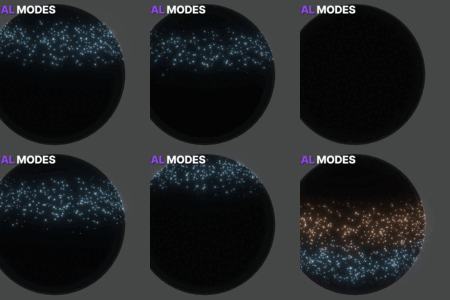
Up to 15,000 particles · 3 direction modes ·
How it works
In 3 steps
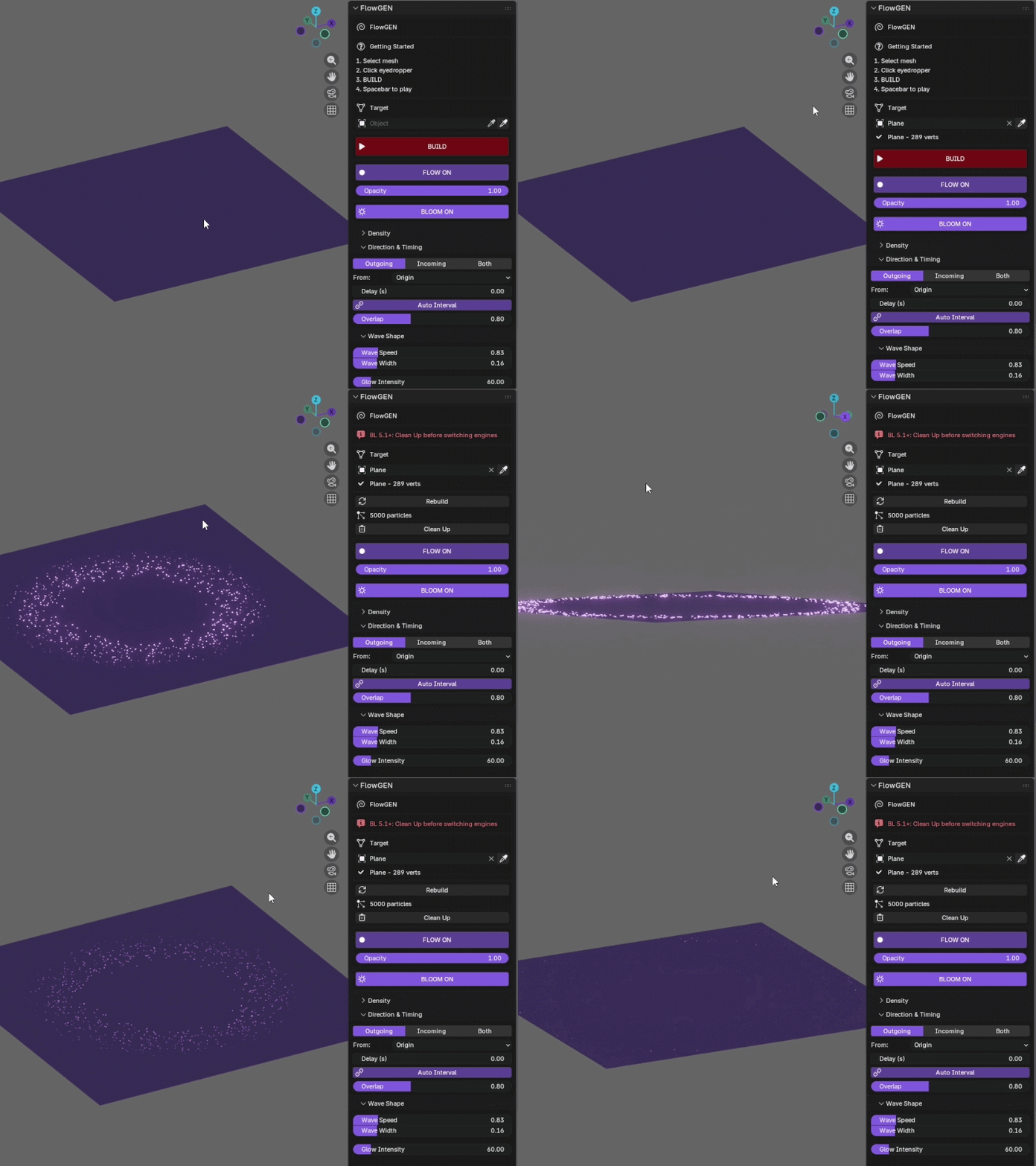
1
Select any mesh object in your scene
Characters, logos, wires, text, abstract shapes — any geometry works.
2
Click the eyedropper to set it as target
In the FlowGEN panel — one click to assign your mesh.
3
Press BUILD — particles appear instantly
Just works.
Designed to save you time
Saves Time
Hours of manual setup replaced with one click.
Any geometry
Meshes, wires, text, scans, particles, disconnected pieces.
Works While You Scrub
Wave state is computed from the frame number — scrub forward or backward and it's always correct.
Render-ready
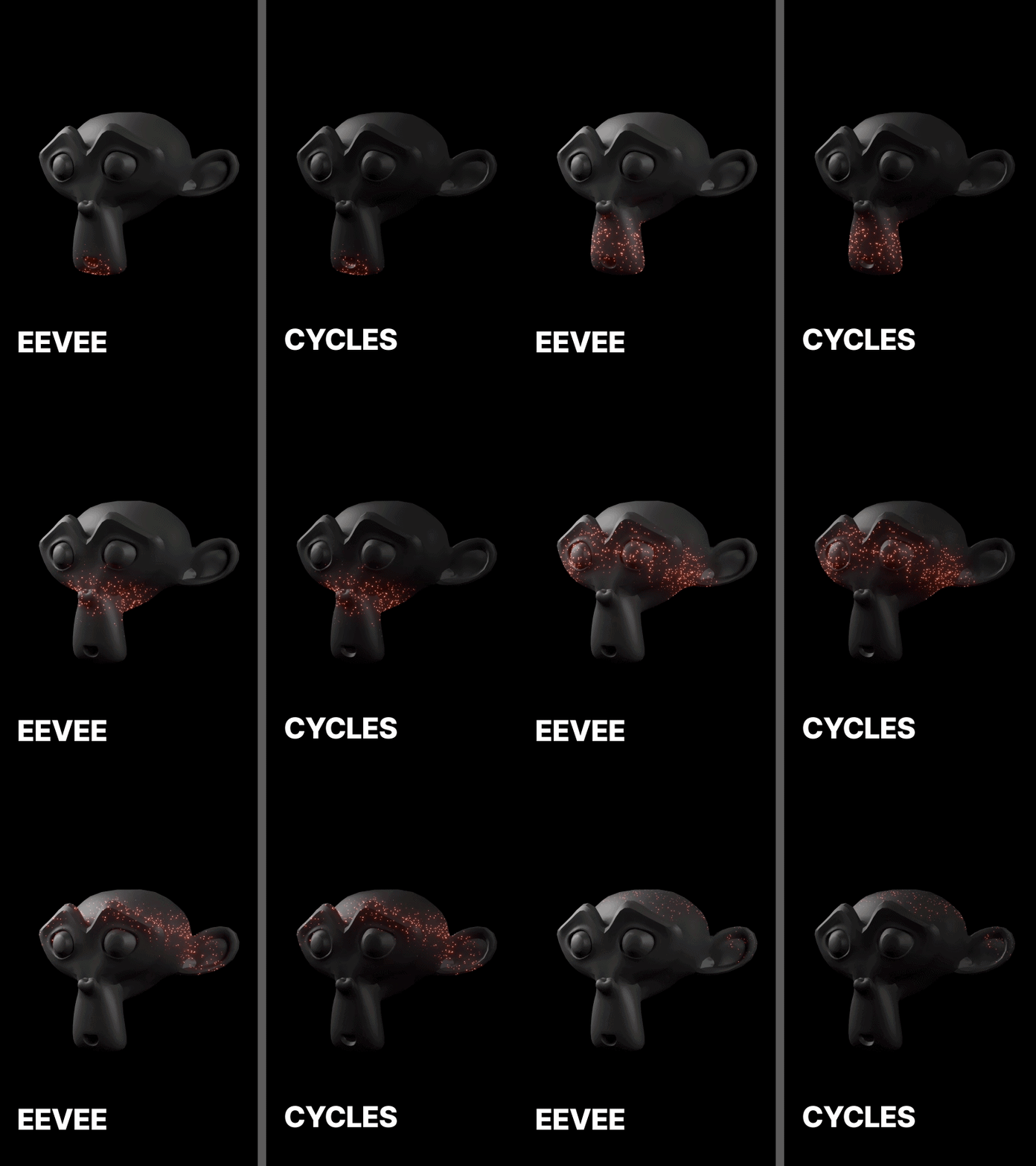
Works in EEVEE Next and Cycles out of the box.
✓ No Simulations
✓ One-Click Setup
✓ No Subscription
Key features
Everything you need to create cinematic glow effects
01 — Speed
Built for Speed
Select your mesh. Click Build. That's it. FlowGEN goes from "nothing" to "glowing" in under 30 seconds — so you can spend time creating, not configuring.
02 — Animated Meshes
Follows Animated & Rigged Meshes
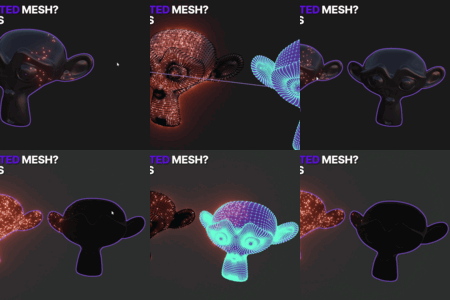
Build it once. Press play. Particles track deforming skin, cloth, and bones through every frame — including full render animation. (Live mode only — baked mode uses build-time positions.)
03 — Gap Bridging
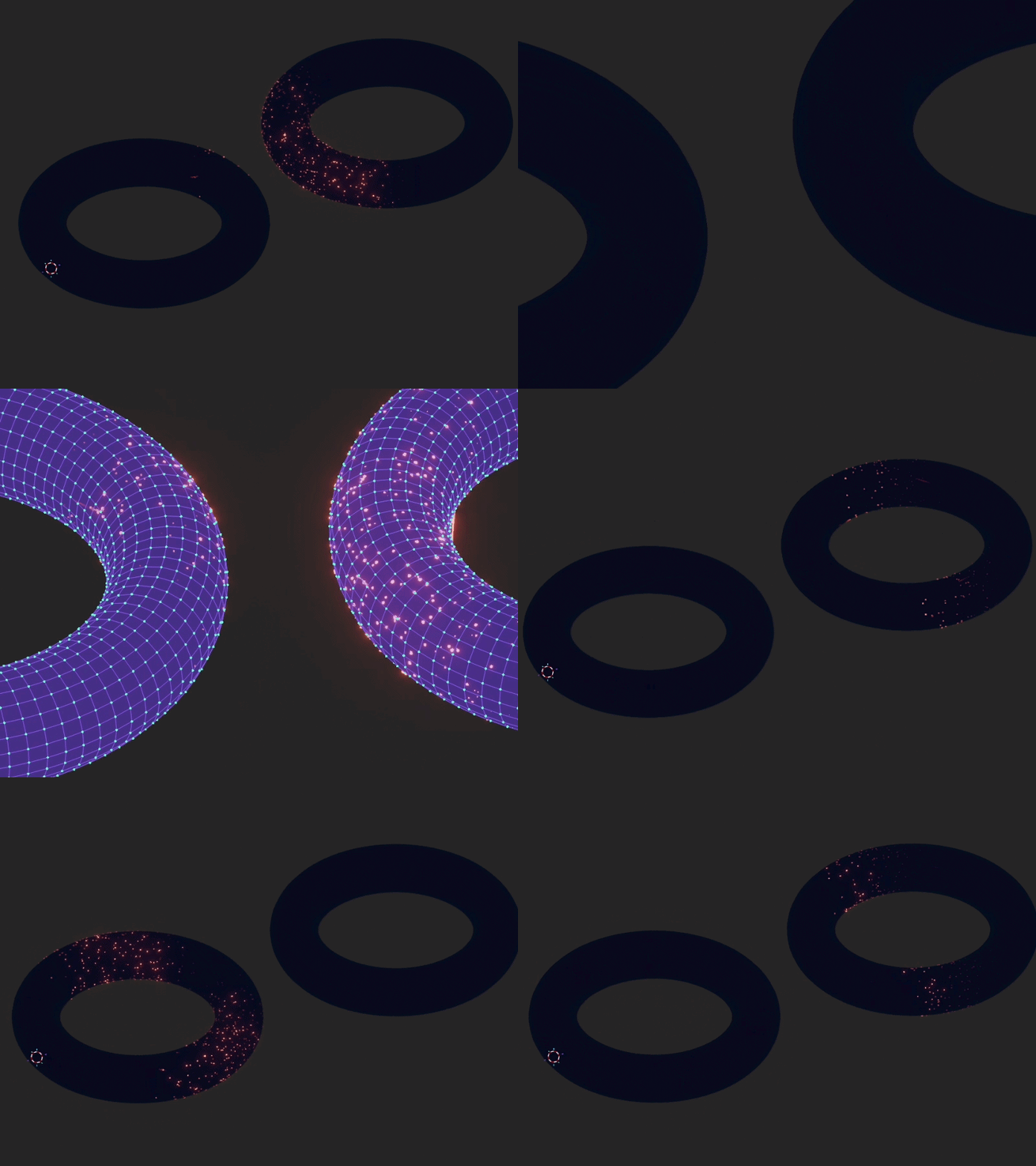
Jumps Across Joined Meshes
Two donuts with a gap? The wave crosses it and enters the second piece from the center of its facing face — no diagonal jump.
04 — Trails
Trails That Actually Show
Smooth glowing streaks behind every wave. Auto-scaled to your mesh, bright enough to read at any camera distance.
05 — Color Control
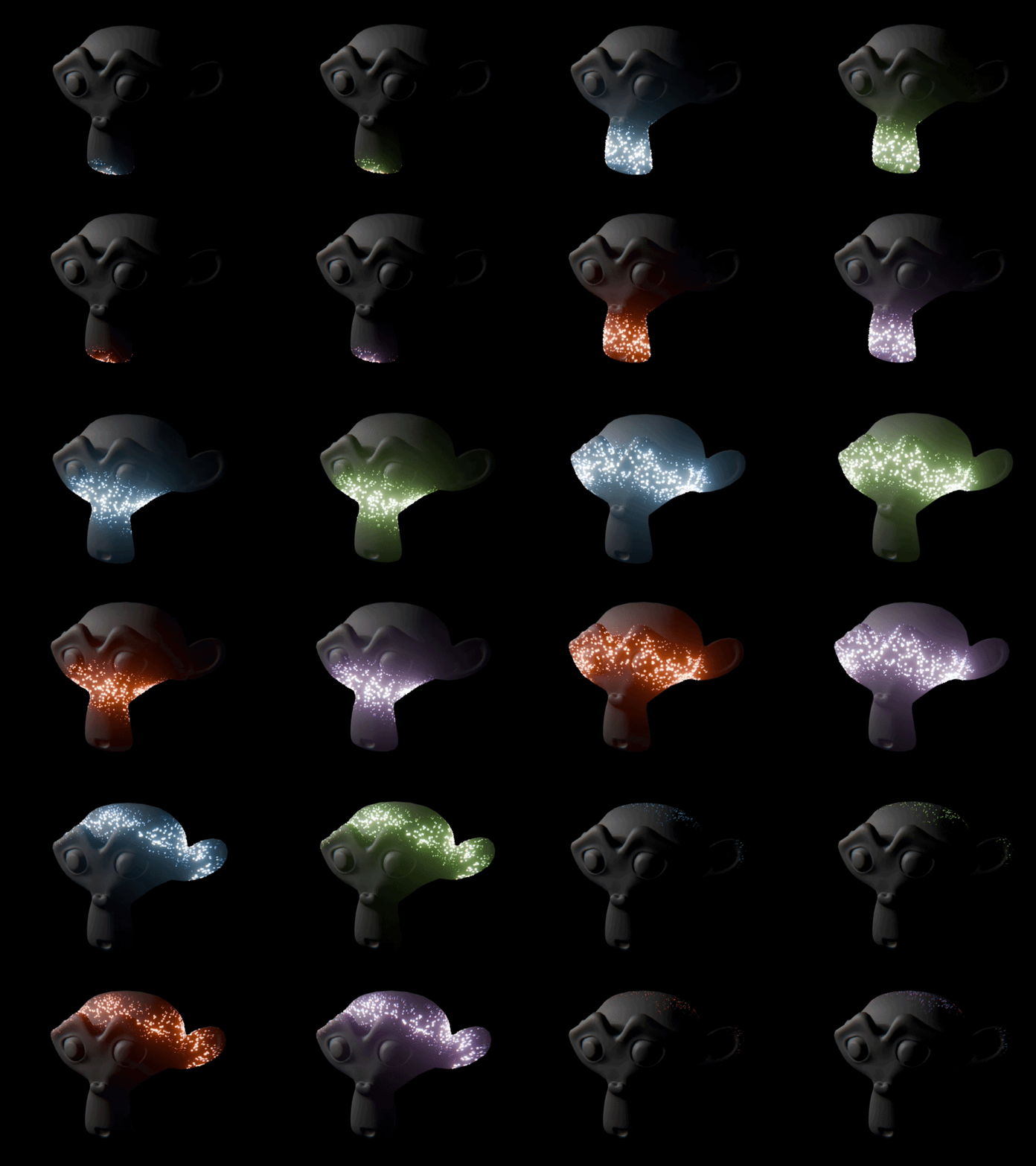
4 Presets. Full Color Control.
Electric Blue · Solar Red · Toxic Lime · Plasma Purple
One-click presets — or set your own glow and core colors. Bidirectional mode gives each direction its own color.
06 — Render Engines
Renders in EEVEE Next + Cycles
Build once, render anywhere. Identical results in both engines. EEVEE Next for fast iteration, Cycles for final cinematic renders.
More inside FlowGEN
Frame-Perfect Timing
Lock waves to start/end frames with built-in fade in/out — no manual keyframing.
Emission Point Control
Start from object origin or 3D cursor for directional flows.
One-Click Bloom
Compositor-based glare node added and removed with a single click.
Organic Variation
Stagger, flicker, edge fade for natural-feeling results.
Bake Animation
Cache per-frame brightness data in memory to skip live compute during renders. Best for long animations on static meshes.
Perfect for
Music visualizers and VJ loops
Sci-fi and cyberpunk scenes
Title sequences and logo reveals
Medical and neural animations
Energy effects for game cinematics
Architectural reveals
Compatibility
✓ Blender: 4.2 → 5.1+
✓ Render: EEVEE , Cycles
✓ OS: Windows, Mac, Linux
✓ Hardware: CPU-based (no GPU required for wave compute)
🔥 LAUNCH OFFER · FIRST 50 BUYERS
⚡ Limited launch pricing — spots filling now
$29 $39
One-time purchase · yours forever
WHAT YOU GET
✓ FlowGEN addon file
✓ Full feature set — waves, trails, bloom, bake
✓ Quick start documentation
✓ Works in Cycles + EEVEE (Blender 4.2–5.1)
✓ All future version updates
✓ Use in personal & commercial projects
Ready to bring your meshes to life?
Click the purchase button above to get FlowGEN for $29.
One addon. Infinite possibilities.
Crafted by NODERIFT — cinematic effects, made simple.
 Noderift