

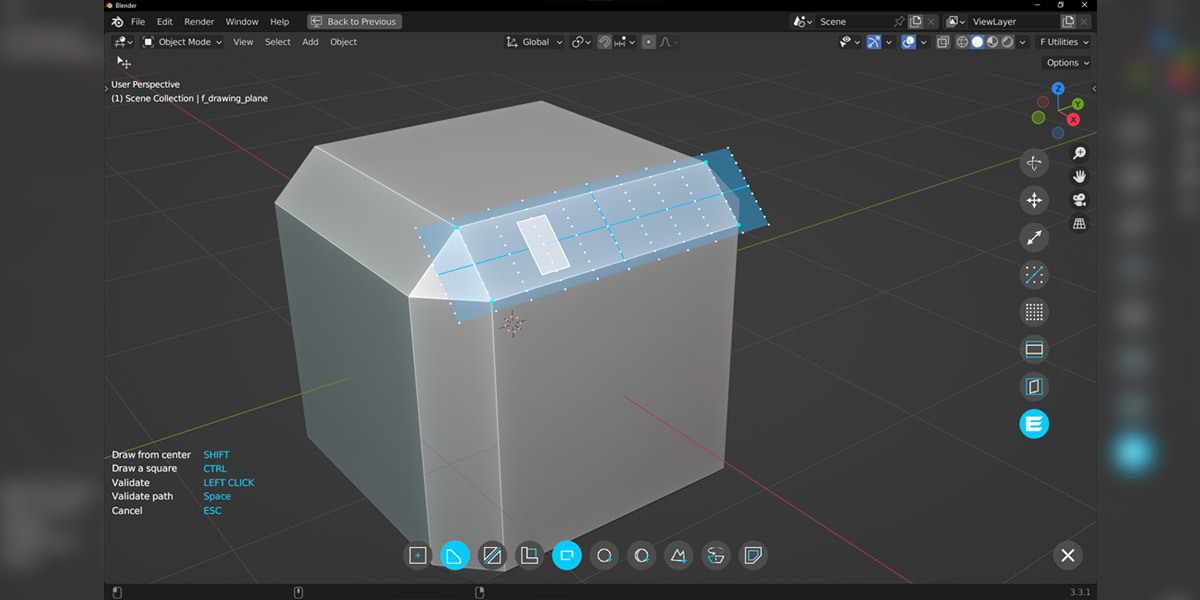

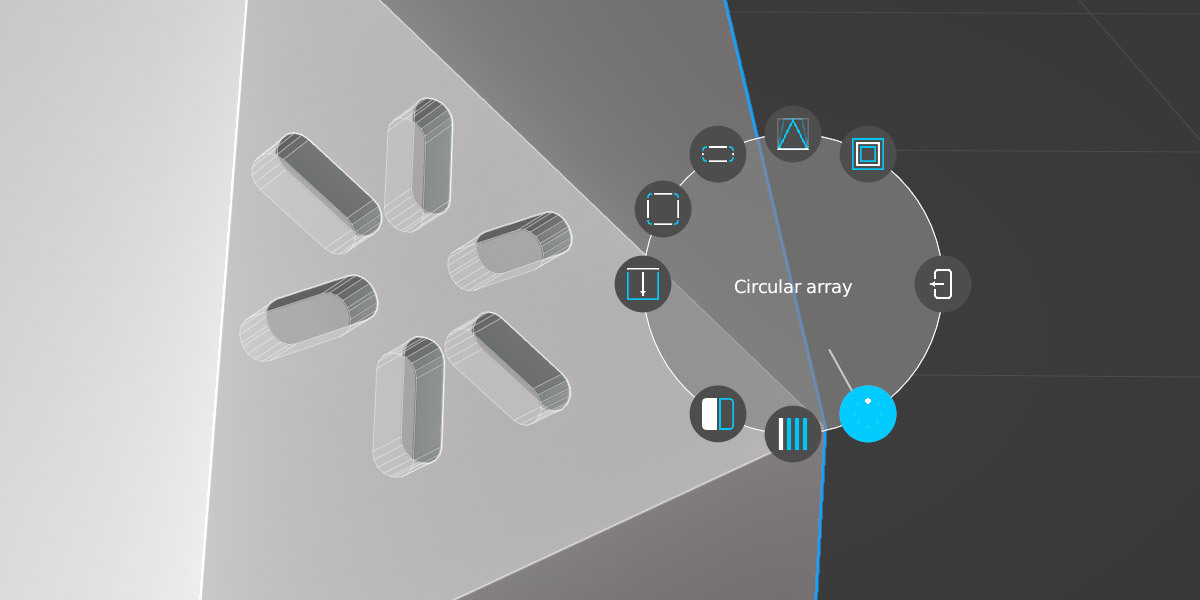
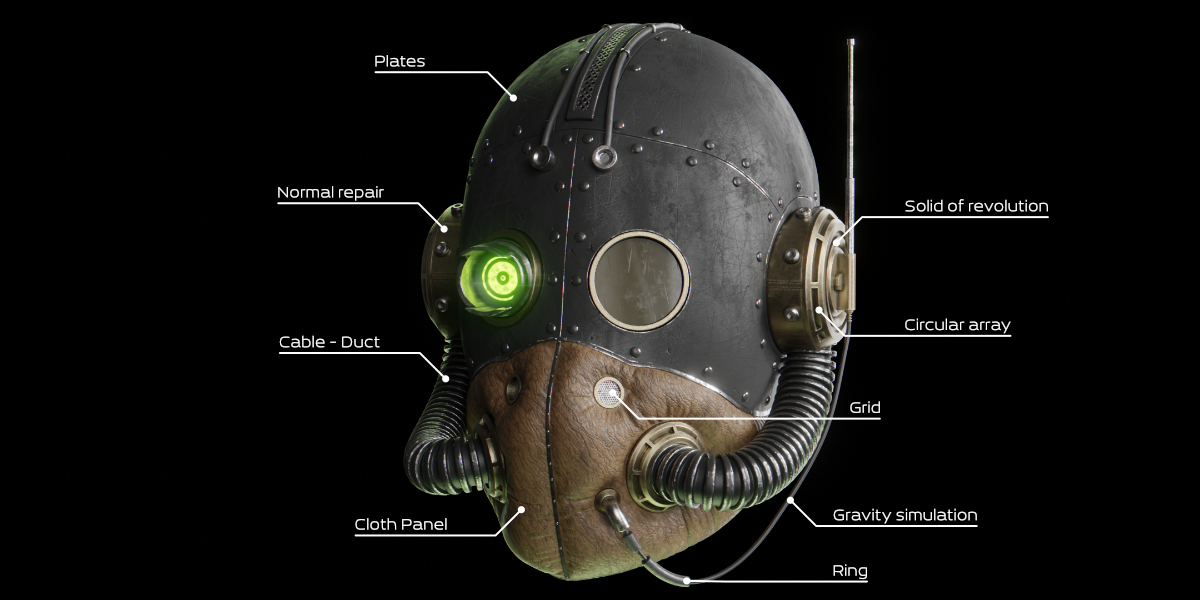
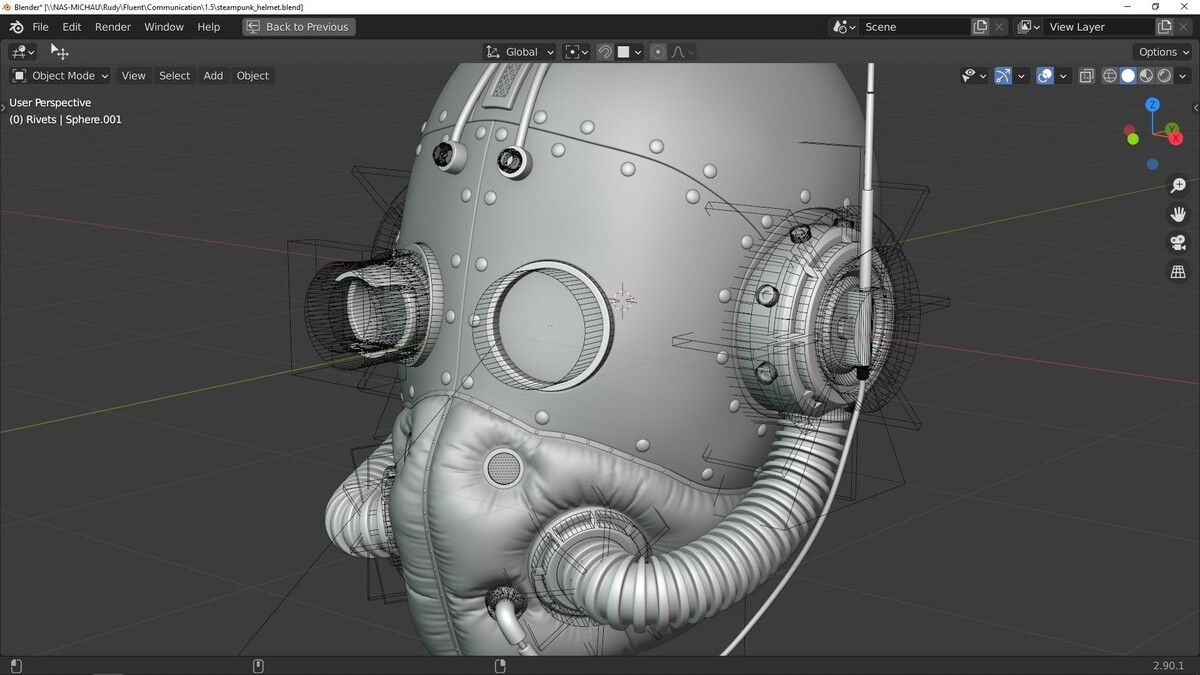









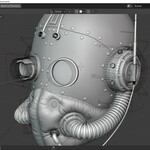



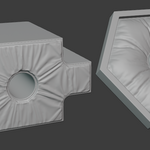

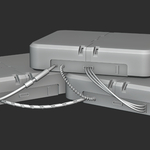

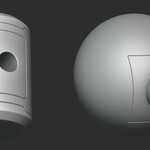



Fluent 4 - Hard Surface Modeling Tool Suite

CG Thoughts in Addons


Item Rating

This item has an average rating of 5 from 130 ratings by the community.

80%
8%
7%
3%
5%

Purchase this item to leave a review!

  • Wayne Hawkins
    over 7 years ago

    On to something here but it does need more work. Was no way to contact you so have used the rating system.
    The non-destructive I could not work out. Yes I could scale and move but not sure how you change the shape after the fact in your video. Need a website to have all the links to the youtube videos. Hard to find them all.

    The left click menu when you just added a object to do mirror, bevel - love it. Can you go back to this when doing edit later? if so how.

    The grid system is amazing. But it needs to scale down more (more dots for finer details).

    The key to snap a shape so its locks (ctrl). Need to do this for the last click, eg make 45deg

    Way to do change bevel steps on the fly when in Left menu. A way to pick what sides get a bevel

    Can it remember last shape you made so you don't have to pick it each time.

    3 stars but with more work a easy 5.

    PS - not working in latest Blender beta (2019-02-23). Works fine in Blender Dec.

    • Rudy MICHAU

      over 7 years ago

      Hello, if you need help to use Fluent it's not a good place. Like you can read in the product page I have a discord : https://discord.gg/kBQ59Sz (more than 200 people use my discord) and BlenderMarket allow you to send me a message.
      Fluent work with a lot of February version. Excuse me, but for me it's 4:00 AM when you wrote, I slept.

      Please, in future, use discord if you need information and consider Paris times before to rate. I will be happy to help you.

      Cheers,

  • Jarek Dudziński
    about 2 years ago

    It's incredible tool - in youtube videos only... In practice - very unintuitive interface and 'modes' (like it was created for another app, not for Blender, although I'm not sure which, I was working with many different ones through the 20+ years in 3D and none comes to mind). Also, after moving to Blender 4.x versions I have a lot of problems / crashing / ... Basically stopped using at all after few tries of incorporating this to my main workflow.

    • Rudy MICHAU

      about 2 years ago

      Hello Jarek,
      of course, if you change your Blender version, you need to download the Fluent version accordingly.

      About interface, it's precisely because the interface and its principles are the same everywhere that the vast majority of users appreciate the addon for its ease of learning.

      I invite you to contact me to find out if you've followed any tutorials and if there's anything that doesn't seem intuitive to you so that you can help improve the tool.

      Have a nice day.

  • tkidk
    over 4 years ago

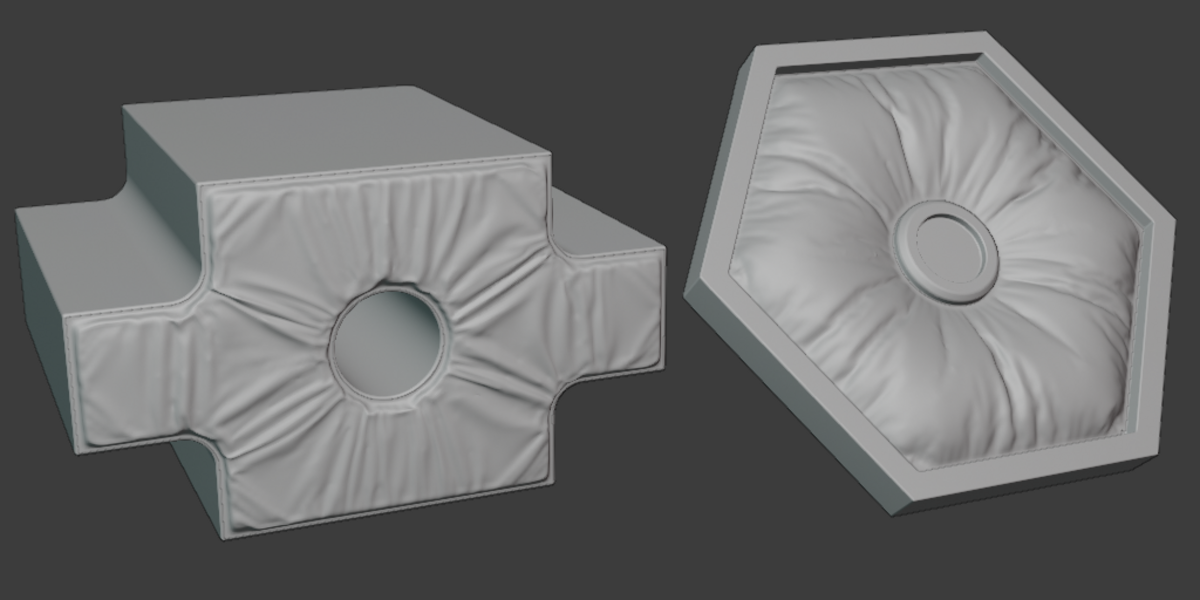
    I don't know what I should have expected but this doesn't really make workflow faster. Pressing and holding takes too long compared to the default shortcuts, and the movement is inverted. The only feature I really see myself using is cloth panels. Maybe it's for beginners or people who use another program and want to learn Blender a different way.
    I'll see if I can find it a little more useful soon.

    • Rudy MICHAU

      over 4 years ago

      Hello tkidk, I think you didn't see all the shortcuts. Each button have a shortcuts. All shortcuts are written on the button. You can use the add-on without circular menu.
      Can you check that and write to me to speak about it ?

  • funksy
    over 7 years ago

    Can't recommend this addon at this point. Gives error messages constantly and also crashes Blender a lot. Has an annoying feature where it switches from orthographic view to perspective when activating the drawing mode. Has potential but is useless for me at this moment because of the stability and usability issues. Will re-evaluate if/when developed further.

    • Rudy MICHAU

      over 7 years ago

      Hello, Blender 2.8 is a beta version, so it changes everyday and sometimes several times a day. To help you, you can contact me with blendermarket or my discord https://discord.gg/kBQ59Sz. You can check my youtube channel to learn how to use Fluent.

  • Yifu
    over 3 years ago

    Best way to fill your project with errors and stray objects, complete with heavily handicapped modelling capabilities, not to mention the counterintuitive workflow. This addon is in no way fluent, and even the more interesting side features like meshes and quick cloth are built upon the extremely buggy workflow, making them nearly unusable. I really would not use any aspect of this addon in any serious project even if you pay me to. Hobby projects, sure, but you'll experience pain. A lot of it.

  • Tom Frank
    over 4 years ago

    Drops errors both on 2.83 and 2.93 LTS. Wire tools doesn't work at all.

    • Rudy MICHAU

      over 4 years ago

      Hello Herevr, it would have been useful to contact me.
      As specified in the product sheet, the add-on is not sold for Blender 2.83
      For Blender 2.93 thanks to use the 1.6.2 version.
      Fluent 2.x works only for the last current stable version of Blender.
      In this condition the wire tool seems to work correctly. If not thanks to contact me to find an help.

  • Pawel
    over 4 years ago

    there is no suport for 3.0 and there are too many errors. not worth spending 30 bucks on something with so many crashes

  • Hui Xu
    almost 5 years ago

    very slow and difficult to use, find somthing else instead guys, don't waste your time or money at this trash

  • Keith
    almost 6 years ago

    Great Product! not...I left a 1-star review yesterday... where is it? Im sure getting my $21 back from this site will be painful...lol...buyer beware

  • Gary Phelps
    over 6 years ago

    Uh......How do you even install it? Seriously, I bought this about 5 minutes ago and I'm ready for a refund.

  • Fluent + plate, wire, pipe, grids, screws and cloth panel tool

    $29.90
  • The most accurate cutter add-on without plate, wire, pipe, grid, scerws and cloth panel tools

    $20
  • Fluent Power Trip + Fluent Materializer (2 addons). Save 10%. !!! It's not the default option, if you select it, no refund for accidental purchases. !!!

    $57
$29.90

Have questions about this product?
Login to message

Details
Blender Extension Compatible Yes
Sales 16100+
Rating
130 ratings
Published over 7 years ago
Blender Version 3.6 - 5.1
Extension Type Add-on
Render Engine Used Arnold, Blender-Internal, Blender-Game-Engine, Cycles, Eevee, Freestyle, Luxrender, Mental-Ray, Octane, Vray, Yafaray
License GPL