 Sternbach

Mk3dLab
over 2 years ago
Thanks ByteC! ^_^


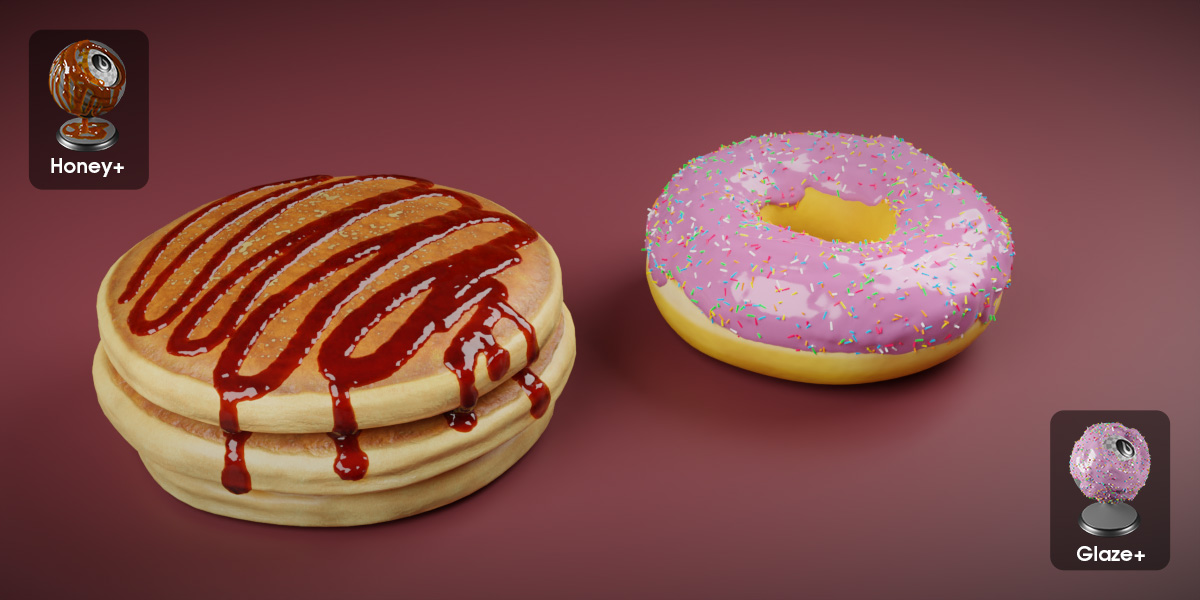
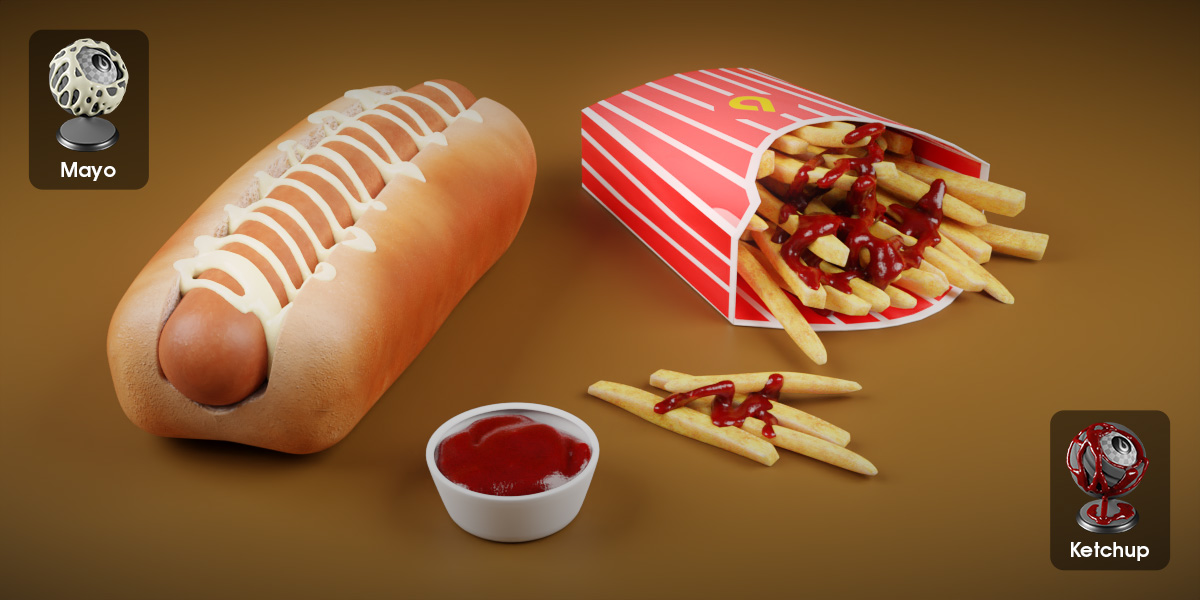
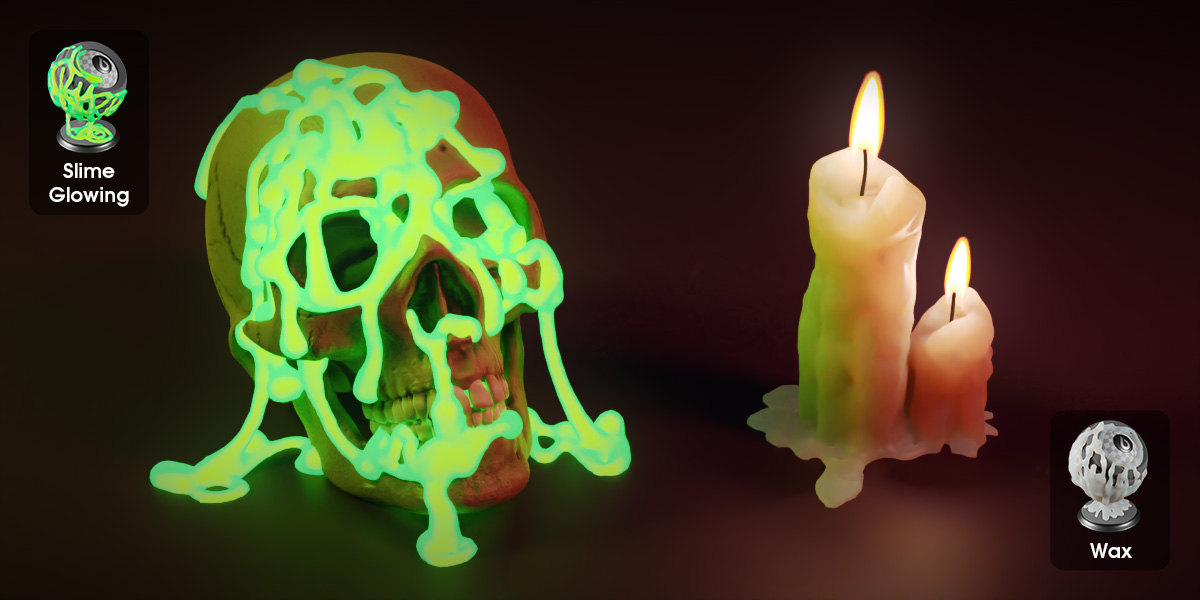
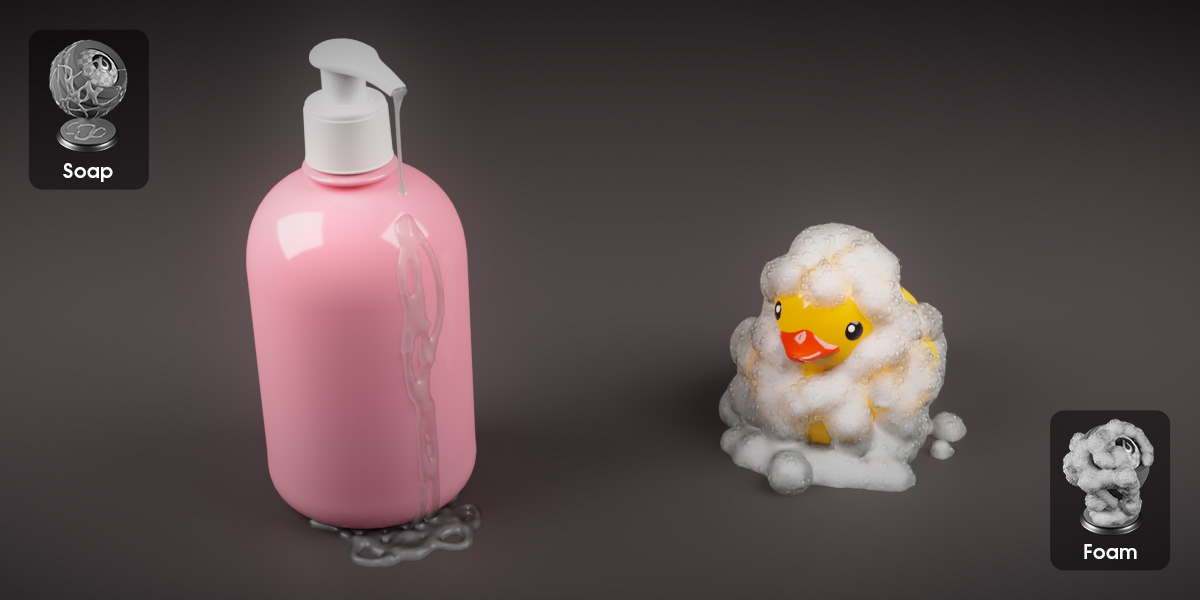
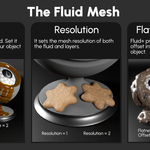
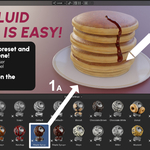
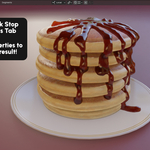
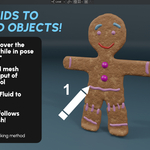

This item has an average rating of 5 from 50 ratings by the community.
Purchase this item to leave a review!
Mk3dLab
over 2 years ago
Thanks ByteC! ^_^
Mk3dLab
about 3 years ago
Thanks! Your feedback means a lot to me! ^_^
Mk3dLab
about 3 years ago
Thanks! I'm glad you find it time-saving! ^_^
Mk3dLab
about 3 years ago
Thank you very much for your support and feedback! ^_^
Mk3dLab
about 3 years ago
Thanks! I'm glad you appreciate it! ^_^
Mk3dLab
about 3 years ago
Thank you for the kind words! I'm glad you find it amazing! ^_^
Mk3dLab
9 months ago
Hi there and thanks for your feedback!
The bug has been fixed and the fix will be included in the upcoming update.
Sorry for the trouble!
Best, Miki ^_^
Mk3dLab
10 months ago
Hello and thank you for your feedback!
I'm sorry but at the moment it is not possible to save a preset. It's a feature that I would like to add sooner or later, but I will see if I can implement it in the next update!
Until then, you can append your custom fluid to the new scene and transfer the geometry node modifier to the new fluid following these steps:
- Add a new fluid to your scene, ensuring that it is the same type as the custom fluid you want to append.
- Remove the Fluid Painter Geometry Node modifier from the new fluid.
- Append the custom fluid.
- Select the new fluid, select the custom fluid so it's the active element of the selection, then Press Ctrl+L and select "Copy Modifiers".
- In case you are using a Fluid+ preset you probably need to assign the Drawing Surface or Collection again.
In alternative, you can make a scene with your custom fluid, mark it as asset (right click on the fluid on the outliner and then select mark it as asset) and save the blend file. If you add that file to the blender Asset Libraries (Blender edit menu, preferences, file paths, assets libraries), you'll be able to access it from the Asset Browser anytime you need it. Just drag it to the scene, delete the old curve point and start painting the new curves.
However, after writing these steps, I agree that the function to save a preset is necessary!
I apologize again for the lack of this feature and thanks again for your feedback!
Best,
Miki ^_^
Have questions about this product?
Login to message
| Sales | 6200+ |
| Rating | 50 ratings |
| Published | over 3 years ago |
| Blender Version | 3.1 - 5.2 |
| Render Engine Used | Cycles, Eevee |
| License | GPL |
 Nic
Nic
 Emil
Emil
 frostedzaibatsu
 Szymon
 jiho
jiho
 ChronicHiker
 Niko
Niko
 Matteo
 Anonim