 SkdSam
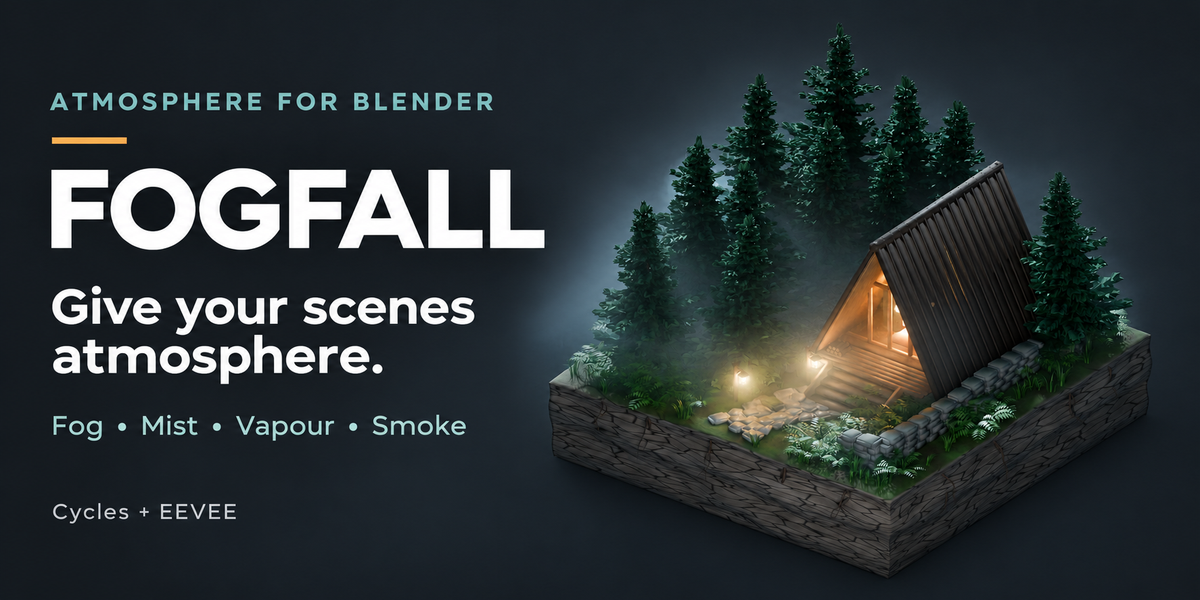
Atmosphere, from the landscape to the close-up
Build a mood. Give it motion.
Bring depth to a landscape, roll low mist through a forest, or add a curl of vapour to a hero prop. Fogfall brings global atmosphere and independent local effects together in Blender, with controls for the look, placement and movement of your fog.
Start with a preset, shape the result in the Fogfall sidebar, and preview in rendered viewport shading. Work with Cycles and EEVEE; use Cycles for final volume shots through glass.
START WITH A LOOK
29
Atmospheric presets
A starting point for every mood.
BUILD YOUR EFFECT
8
Local effect recipes
From rolling banks to nozzle bursts.
MAKE IT YOURS
6
Visual styles
Realistic, cinematic and beyond.
01 / Rolling stage fog
Keep it low. Let it roll.
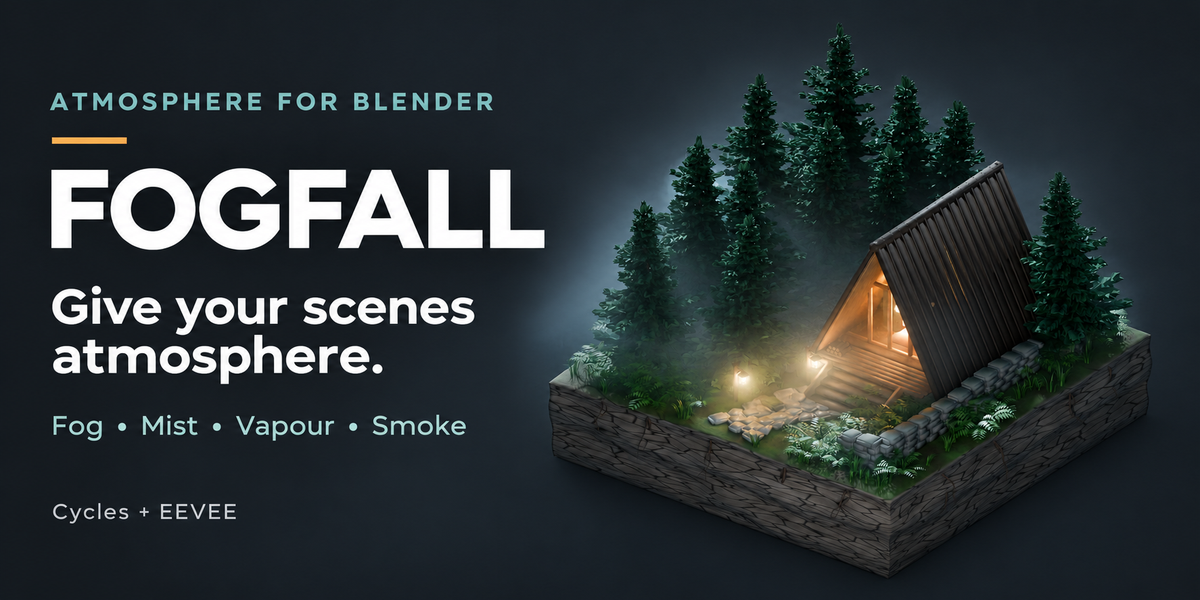
Create thick ground-hugging banks around trees, paths and architecture. Shape billows and filaments, soften their edges, and direct the drift. Procedural rolling mist evaluates by frame, so you can scrub the timeline without a fluid bake.
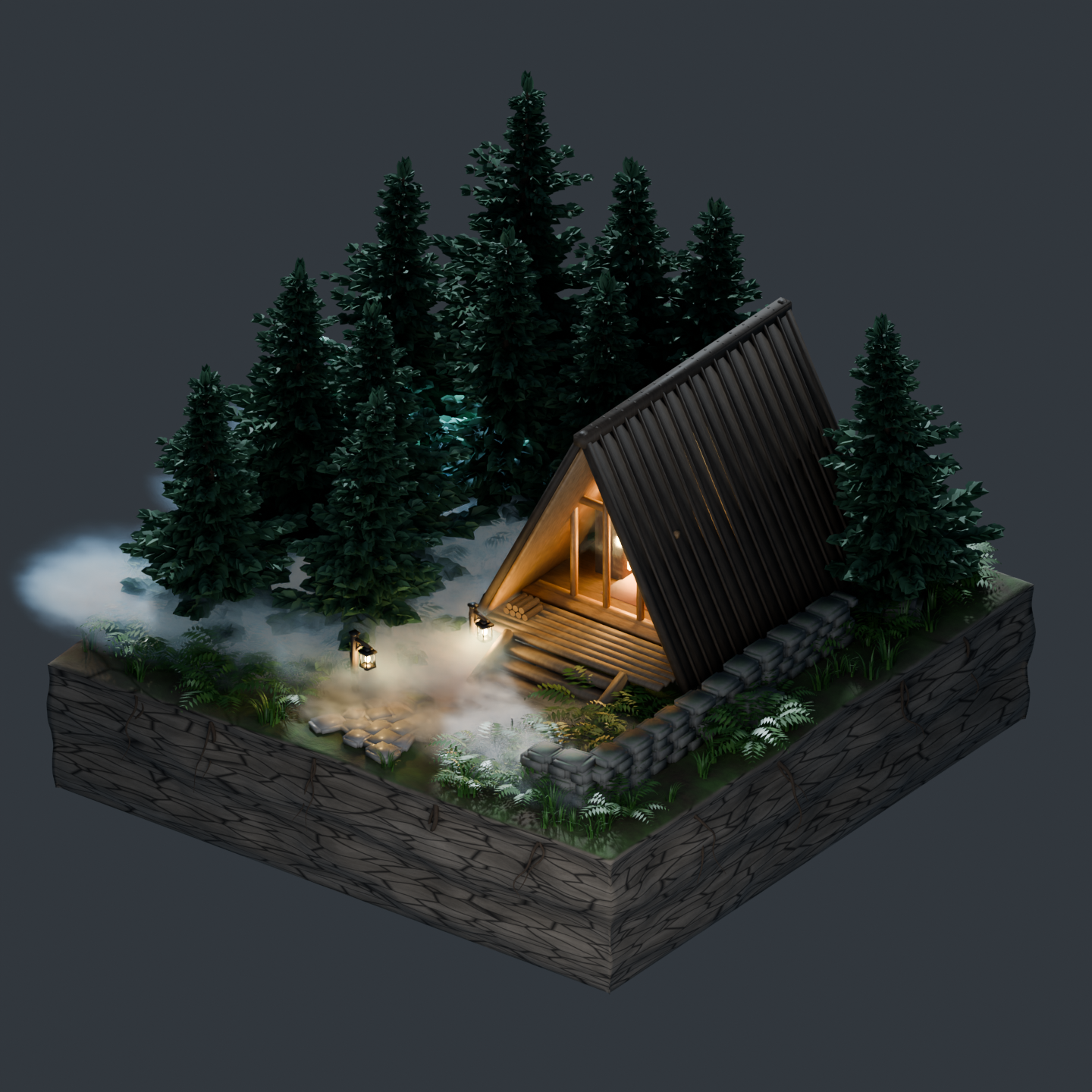
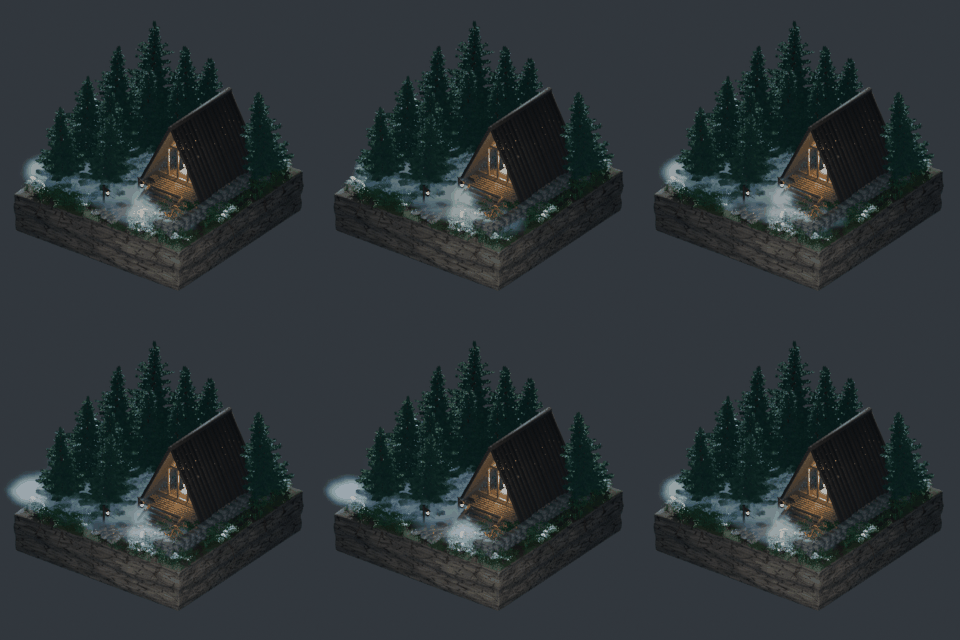
Still + motion. The same diorama shows the finished atmosphere and its movement. Adjust density, height, coverage and wind to suit your scene.
Procedural effects offer frame-driven motion and loop controls. Gas simulations and imported VDB sequences depend on their source cache.
02 / Atmosphere & art direction
One tool. Very different moods.
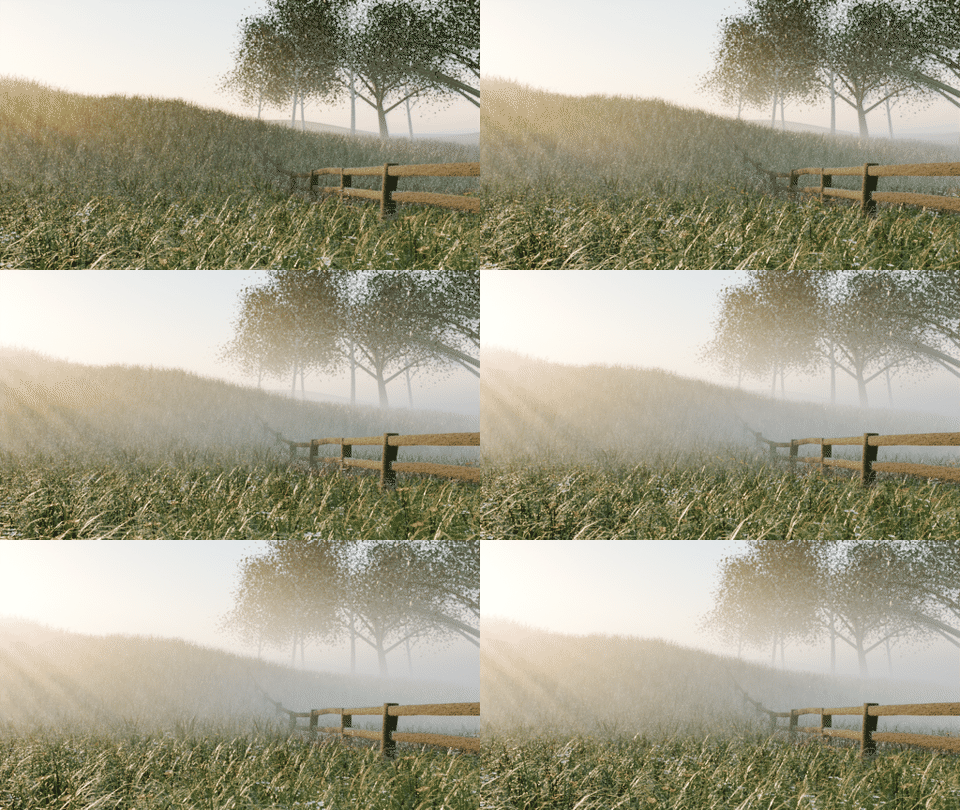
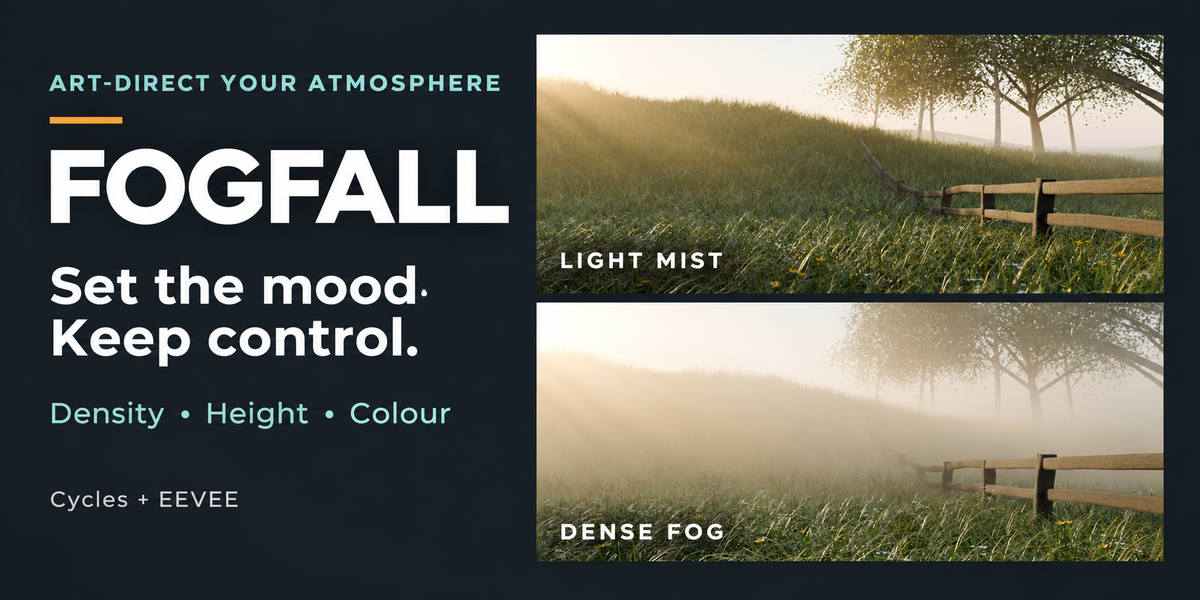
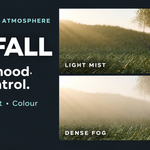
Soft mornings. Deep atmosphere.
Control visibility or artistic density, ground falloff, camera fades and patchiness. Use height and distance colour gradients to guide the eye through your scene.
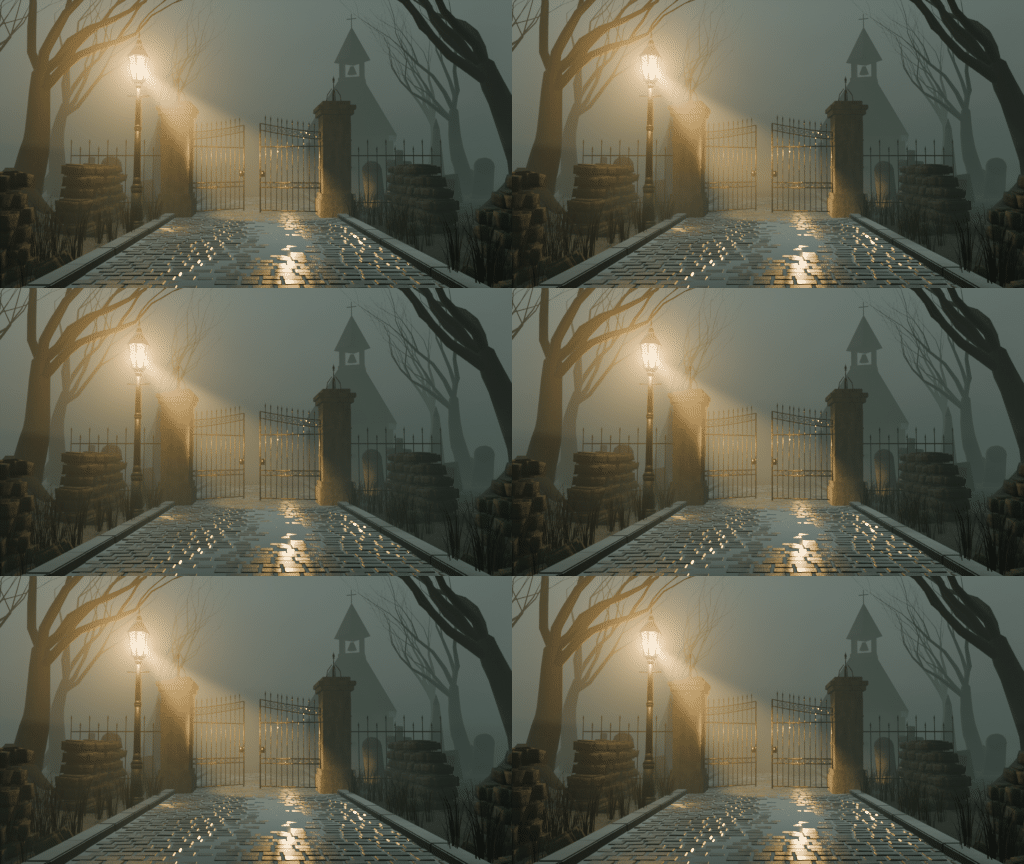
Make the darkness work.
Build cinematic depth around silhouettes and practical lights. Choose from realistic, cinematic, cartoon, animation, neon and fantasy/horror styles, then make the palette your own.
03 / Before & after
See what atmosphere changes.
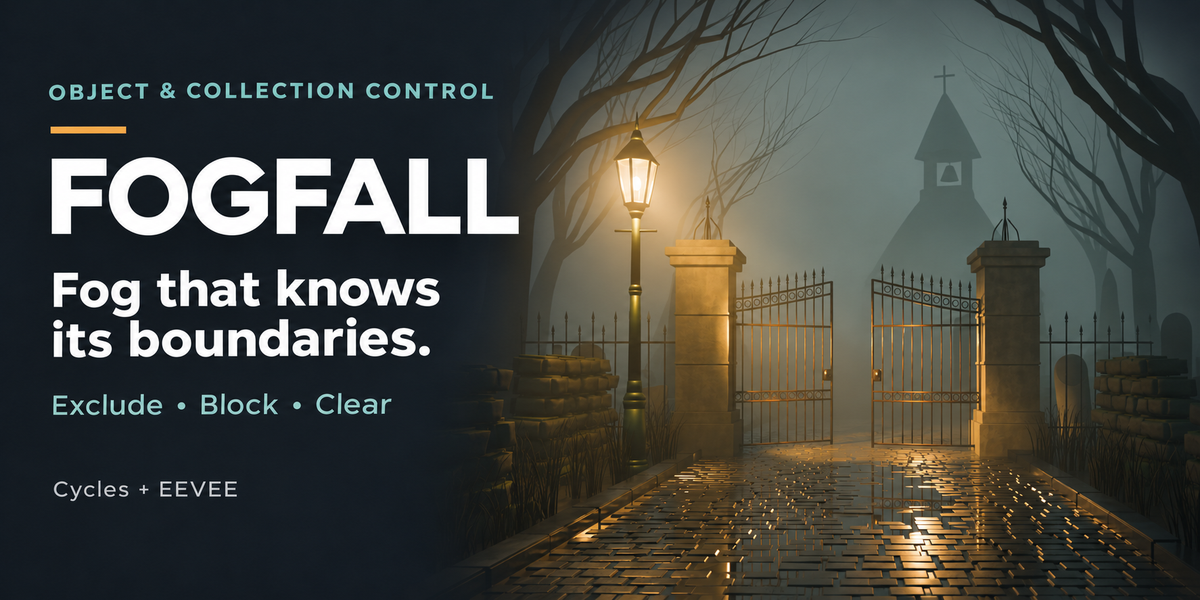
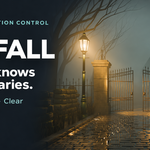
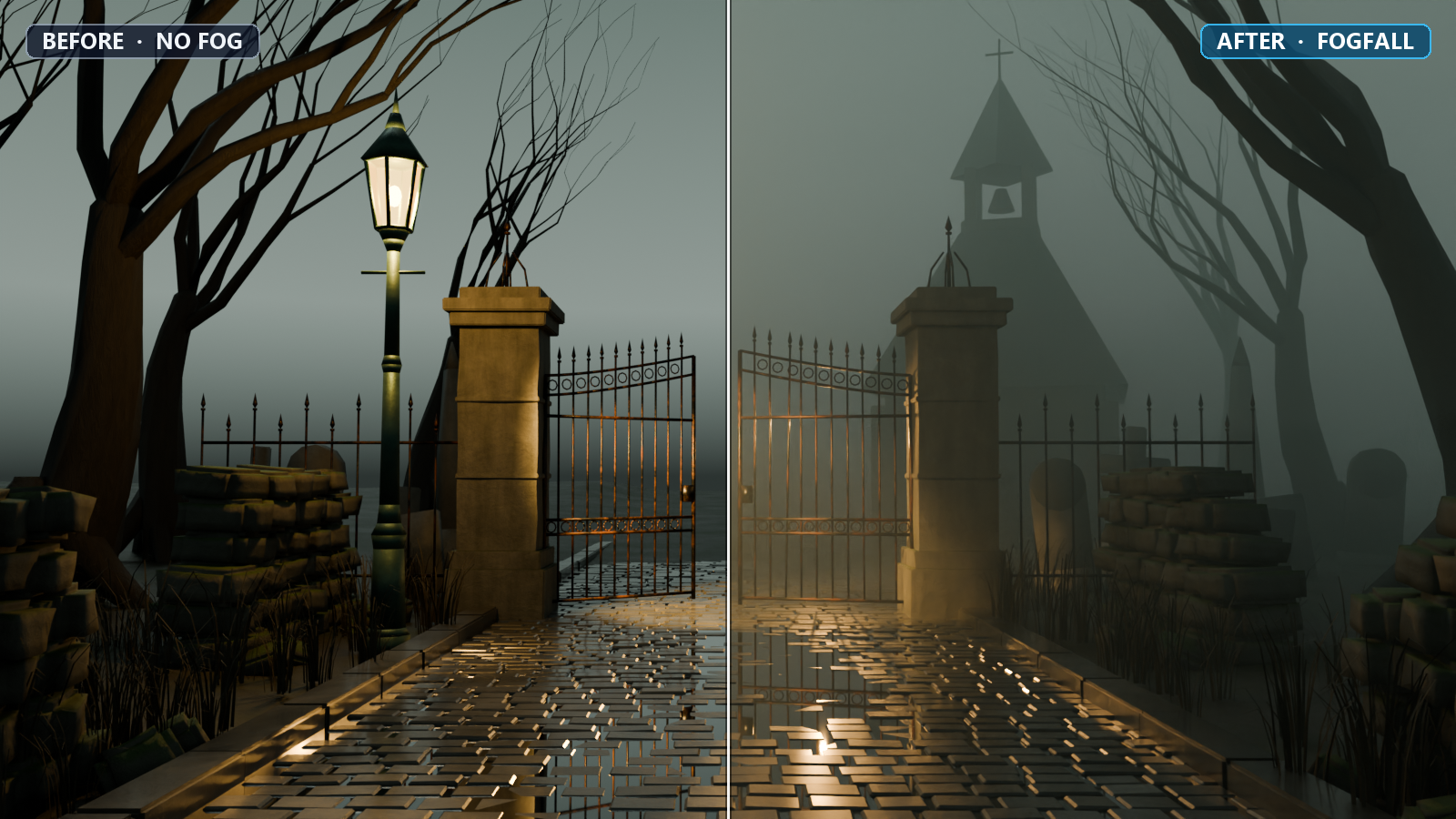
The gate scene below compares the view without fog and with Fogfall. Use depth and colour to separate the foreground from the background and give your lighting room to breathe.
Exclude interiors. Use closed mesh blockers to keep atmospheric fog out of selected spaces.
Keep subjects readable. Add proximity-clear regions or use wind-wall blocking in the atmospheric rig.
Atmospheric blocking, conservative local-bank exclusion and simulated gas collisions use different methods. Procedural exclusion creates clear pockets; physical flow around obstacles uses a baked gas simulation.
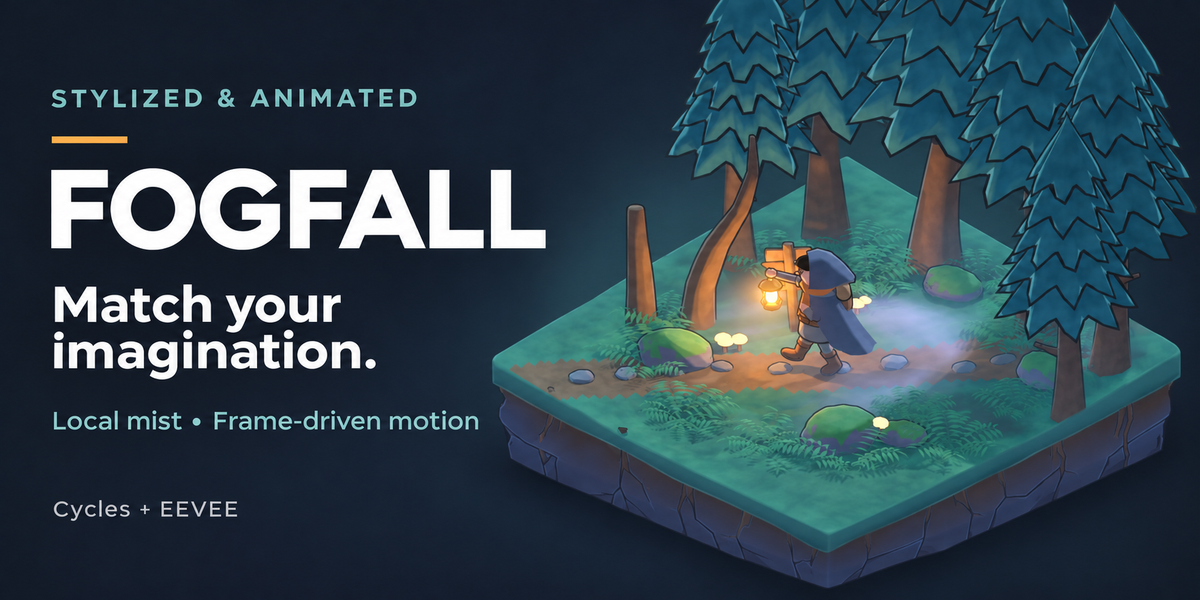
04 / Stylized scenes, too
A little mist. A different world.
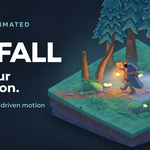
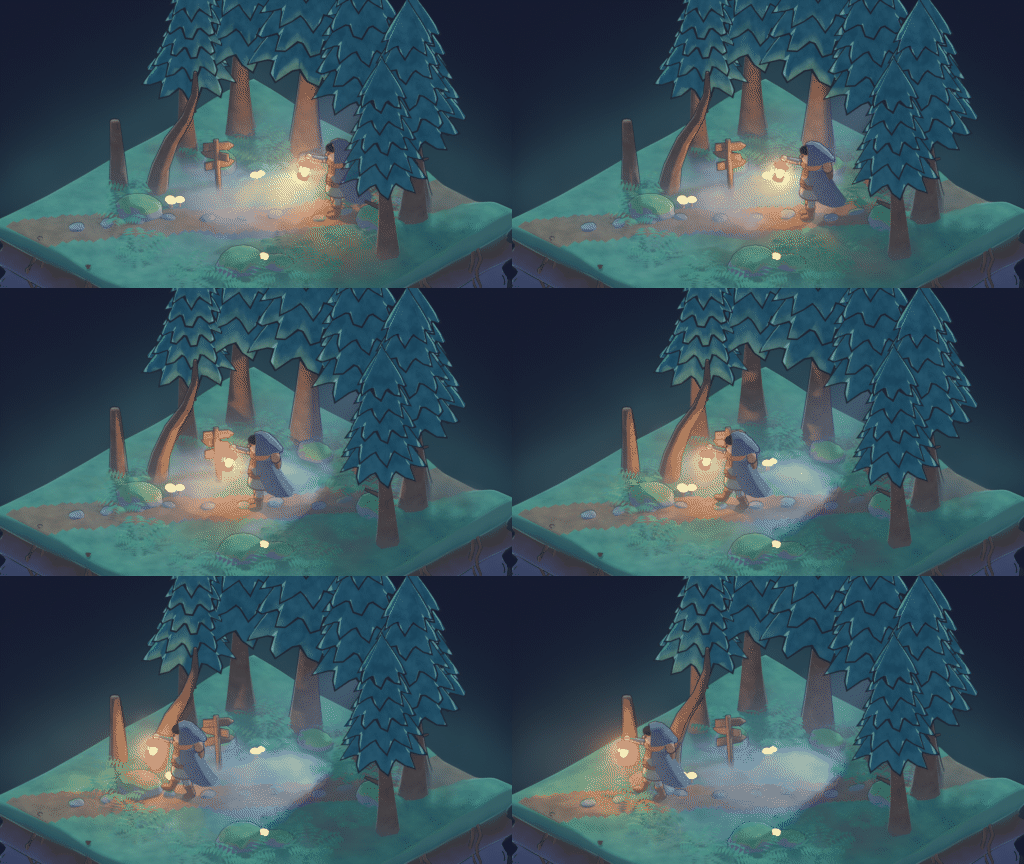
Pair warm lantern light with cool forest mist, or build a bolder fantasy palette. Layer local wisps with broad atmosphere while keeping independent control over each effect’s density, scale, colour and visibility.
05 / Local effects
Go beyond the ground fog.
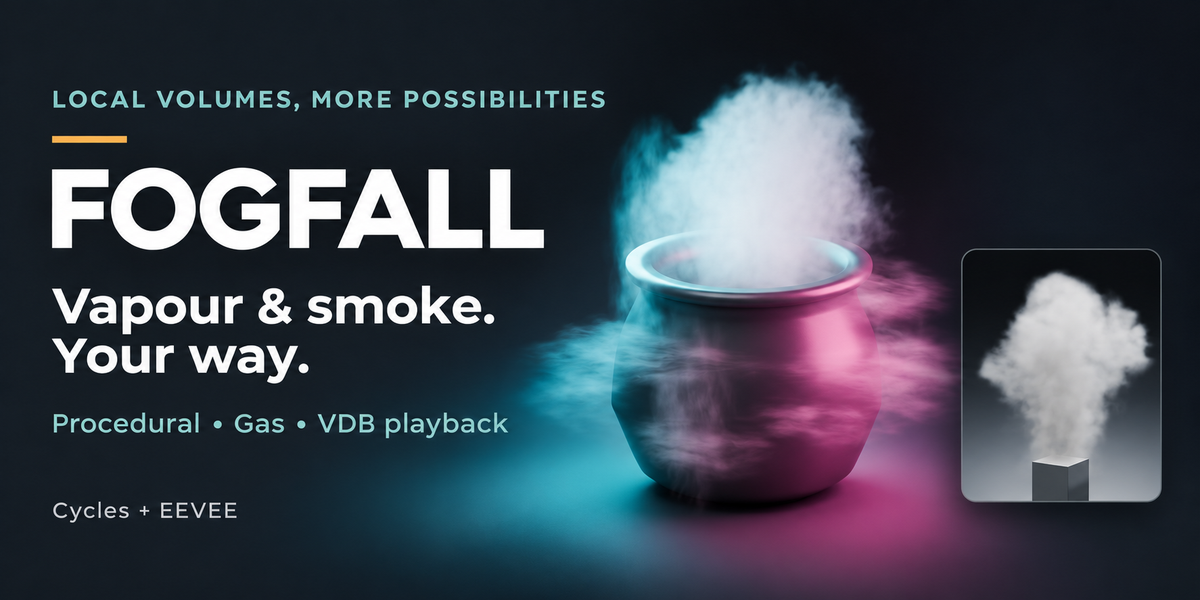
Add independent effects alongside the atmospheric rig. Choose procedural motion for fast art direction, simulated gas for evolving smoke, or load an existing VDB volume sequence.
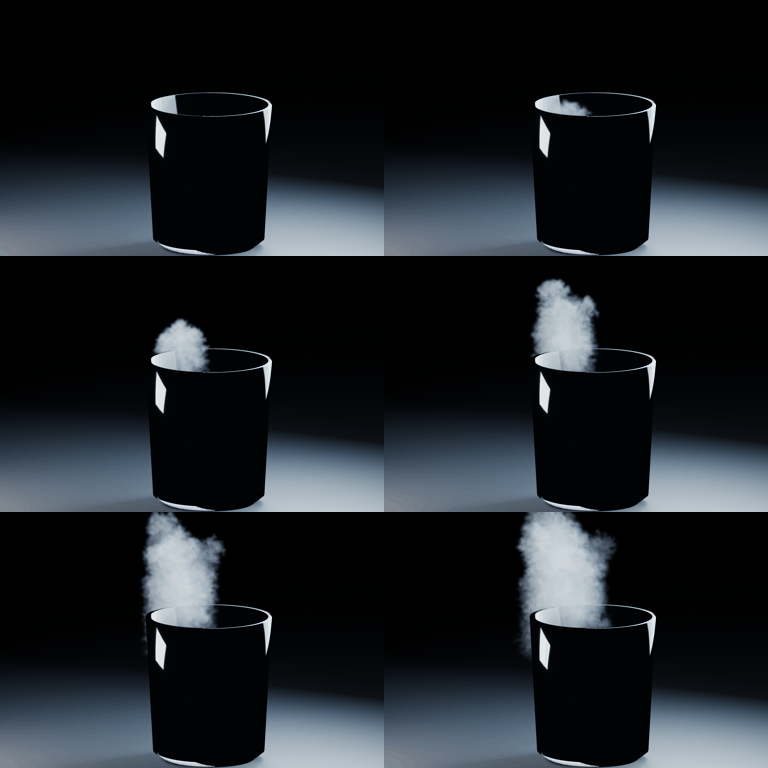
Vapour for the close-up.
Create small wisps with the Glass Vapour recipe, or choose Detailed Vapour (Gas) for a baked, evolving result. Use Cycles when viewing volumes through glass.
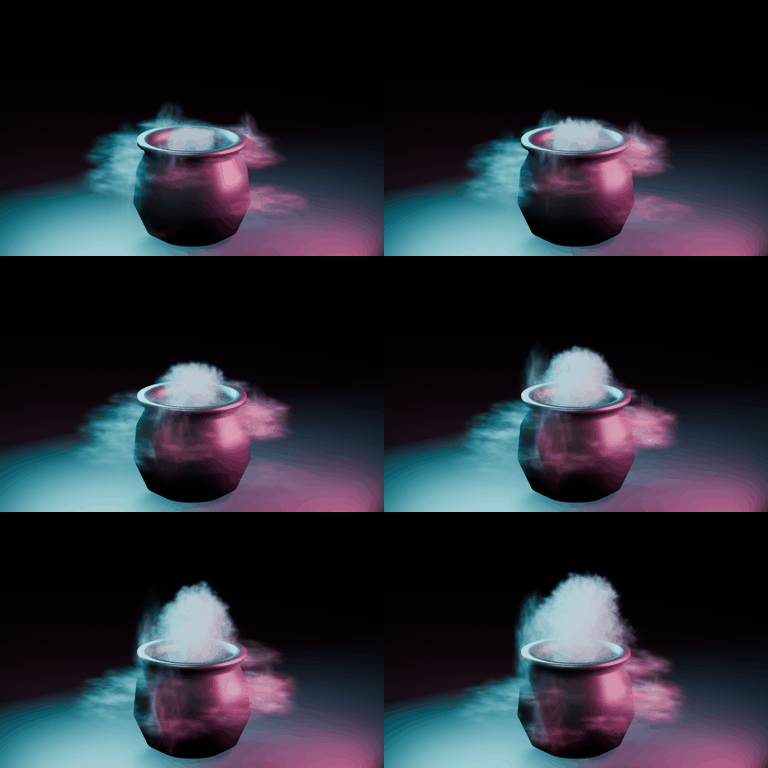
Spill a little magic.
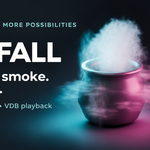
Use the procedural Cauldron Spill recipe for rolling vapour around a prop. Adjust billow size, breakup, colour and movement to fit the shot.
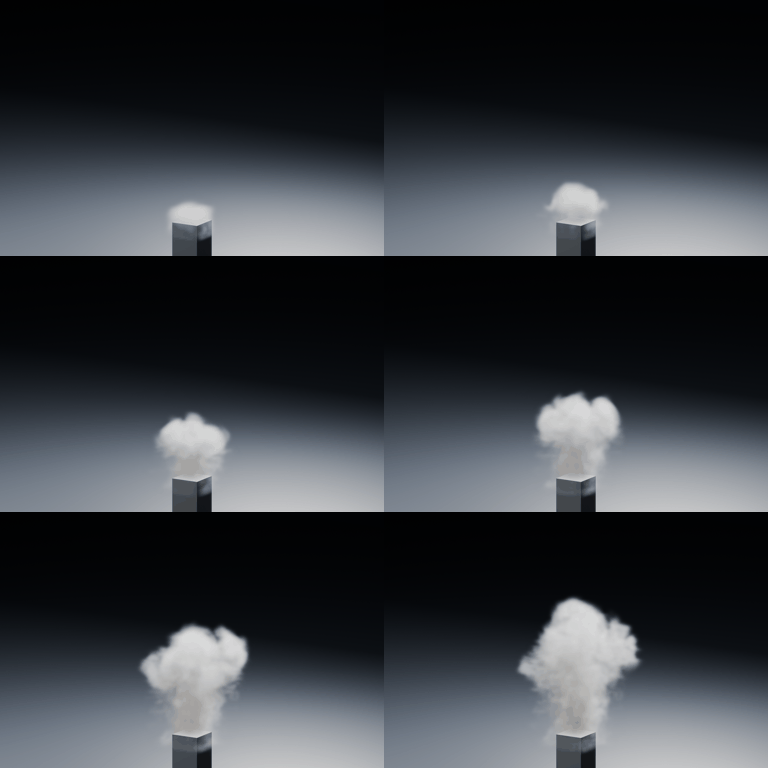
Smoke with substance.
Start with white or dark smoke recipes. Configure the gas domain, sources and colliders, then bake in a separate Blender process. Load scalar-density VDB sequences with start, offset and playback controls.
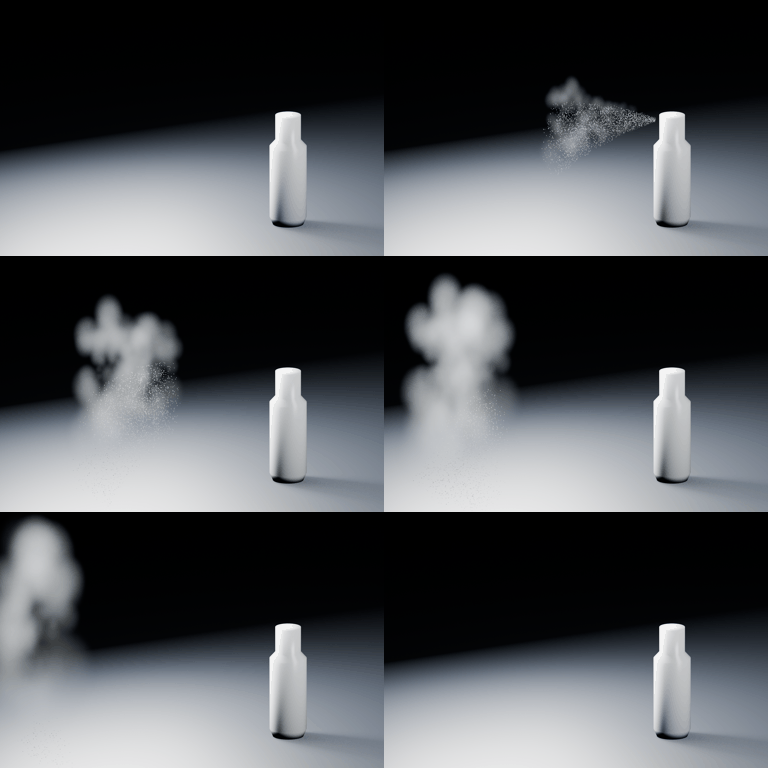
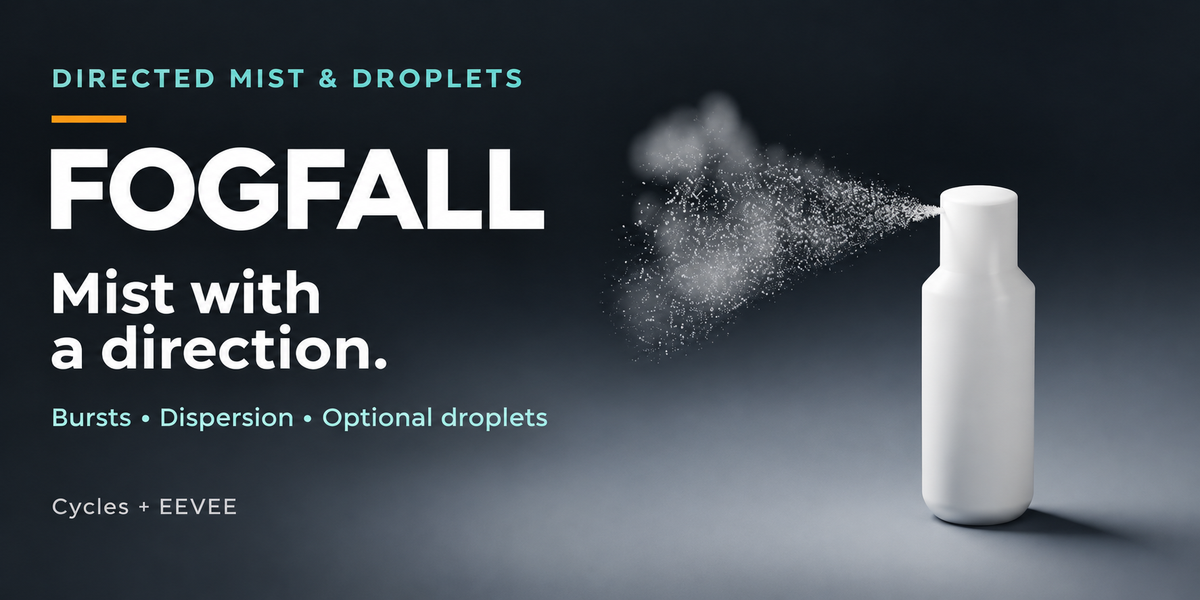
Mist with a direction.
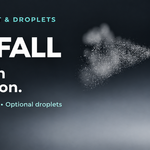
Build an atomizer burst with directed mist and optional droplets. Control burst timing, launch speed, spread and drag for a focused spray effect.
Animated clips are motion previews. Repeated gas clips are not automatically seamless simulation loops. External gas caches and VDB assets must remain available to the scene. The glass vapour, cauldron and white-smoke demo files ship unbaked to keep the download small. Bake their gas effects locally before viewing the animated smoke or vapour. Each .blend includes step-by-step instructions in the Text Editor: START HERE - Fogfall Demo. The atomizer and procedural cauldron spill need no fluid bake.
Inside Blender / The Fogfall sidebar
Your atmosphere controls, right beside the scene.
Actual screenshots from Fogfall in Blender. Start in Quick, refine the atmospheric rig in Advanced, and add independent local effects when the shot needs more detail. Values shown are examples from the cabin demo.
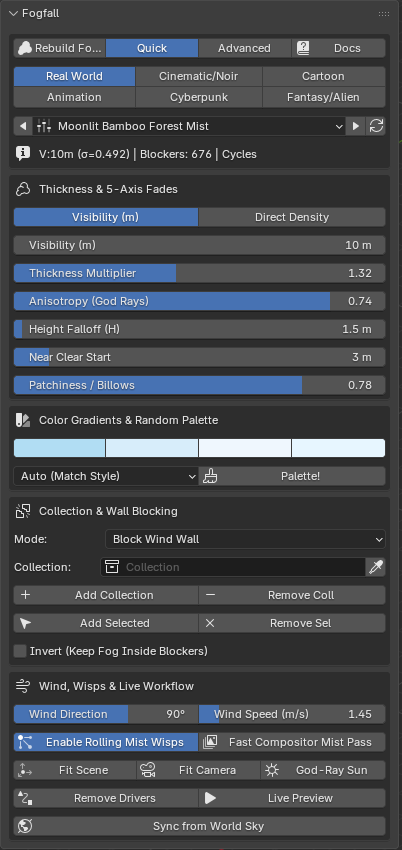
Quick controls
Find the mood first.
Press N in the 3D Viewport and open the Fogfall tab. Use Quick for the main atmosphere controls in one view.
- Choose a visual style and a preset as your starting point.
- Adjust Visibility or Direct Density, then shape the ground falloff and patchiness.
- Set the palette, add blocker objects or collections, and choose wind direction and speed.
- Use Fit Scene or Fit Camera to place the atmospheric bounds. Switch to rendered viewport shading to review the fog.
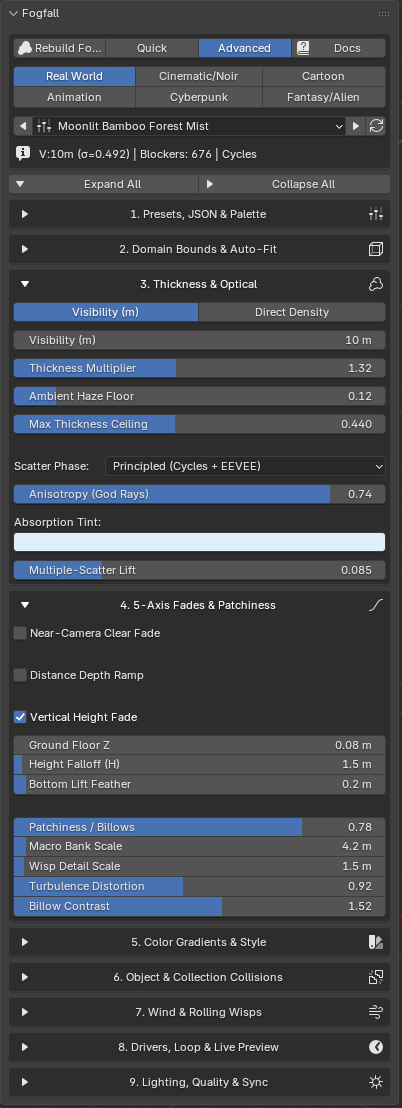
Advanced controls
Fine-tune the atmosphere.
Switch to Advanced to reveal nine focused drawers. Open the sections you need, or use Expand All and Collapse All to navigate them quickly.
- Thickness & Optical controls density, anisotropy, absorption tint and ambient lift.
- 5-Axis Fades & Patchiness shapes camera clearance, distance depth, height falloff and billow breakup.
- The other drawers group bounds, palettes, blocking, wind, animation and quality controls.
- Use Docs at the top of the panel to look up a control in the included offline guide.
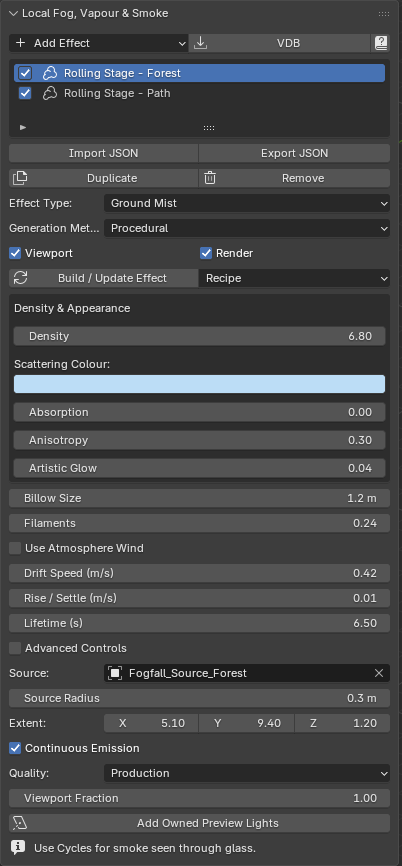
Local effect controls
Build the effect around your subject.
Open Local Fog, Vapour & Smoke and choose a recipe from Add Effect. The effect list lets you manage separate layers, such as the forest banks and path mist shown here.
- Select an effect, then adjust its density, scattering colour, billow size, filaments and drift.
- Set its source and extent to place it around your scene. Use Build / Update Effect when needed.
- Toggle Viewport and Render independently, or Duplicate an effect to create another layer.
- Procedural effects need no fluid bake. For simulated gas, build and bake the cache; use VDB to load an existing volume asset.
06 / A workflow you can shape
Start quickly. Refine the details.
Presets that stay flexible. Begin with 29 atmosphere presets and 8 local recipes. Save and exchange your own settings with JSON import/export.
Controls when you need them. Use the streamlined layout or open the Advanced drawers. Expand All and Collapse All let you move through the nine sections quickly.
Fit your scene. Fit the atmospheric bounds to the scene, camera or selection. Manage blocker objects and collections from the sidebar.
Build layers. Duplicate local effects, manage their sources, and toggle viewport and render visibility independently.
The eight local recipes: Rolling Stage Fog · Diorama Forest Banks · Glass Vapour · Detailed Vapour (Gas) · Cauldron Spill · Billowing White Smoke · Dark Chimney Smoke · Atomizer Burst.
Watch / Demo scene films
See Fogfall in motion.
Explore four different moods in the included demo scenes. Watch the Lantern Forest, Morning Meadow, Horror Gate and Cabin Diorama demos below.
Lantern Forest
Enchanted woodland mist and warm lantern light.
Morning Meadow
Soft morning atmosphere across the grass and trees.
Horror Gate
Cinematic depth around the gate and lanterns.
Isometric Cabin Diorama
Low rolling fog through the forest and around the cabin.
Included / Demo scenes
Explore the scenes behind the showcase.
The demo scenes are included with the addon. Open them in Blender to explore the fog setups, inspect the settings, and experiment with different looks in a finished environment.
- Lantern Forest ? a stylized woodland with enchanted low mist.
- Morning Meadow ? soft atmospheric fog across grass and trees.
- Horror Gate ? cinematic fog, silhouettes and warm lantern light.
- Isometric Cabin Diorama ? rolling ground fog around the trees and cabin.
Included / Interactive offline documentation
The guide comes with the addon.
Fogfall includes an interactive HTML manual you can open directly from the addon’s Docs button. The guide runs locally in your browser, so help stays available while you work.
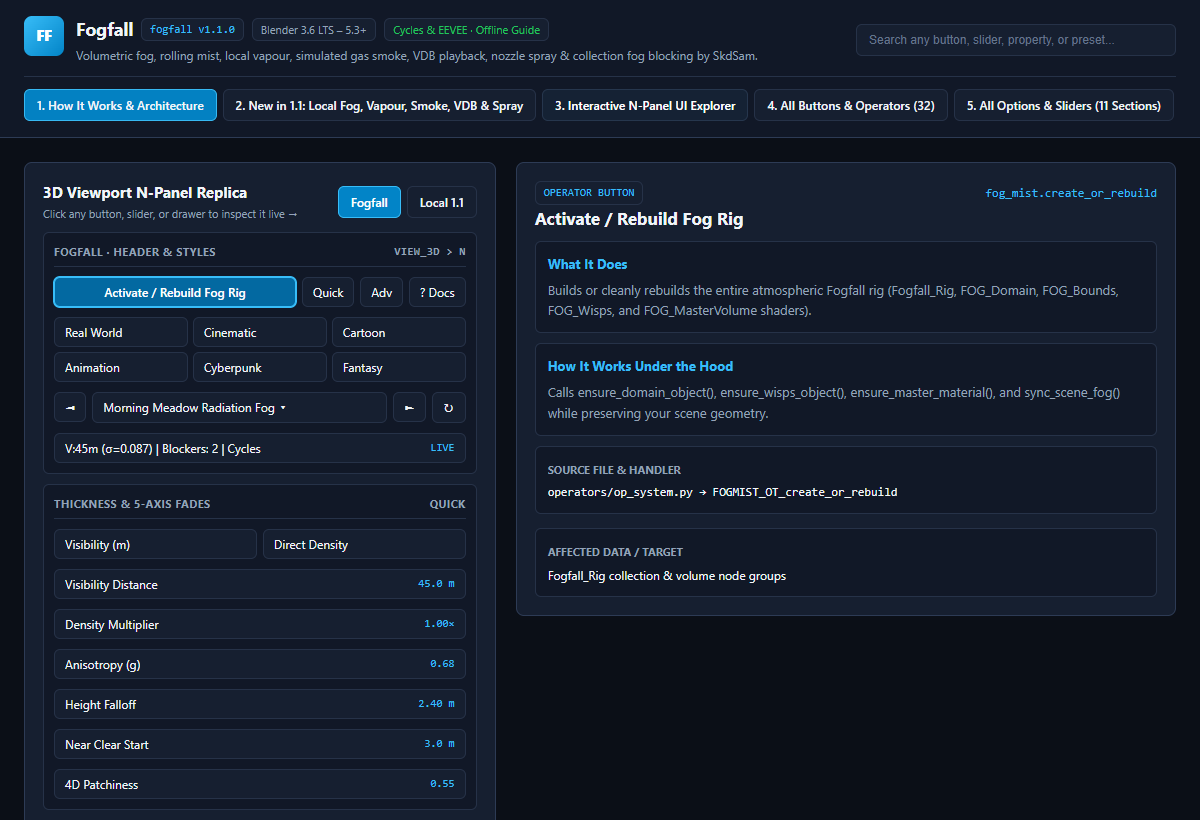
Search for a button, slider, property or preset. Explore the illustrated local-effects guide and interactive N-panel explorer, browse the preset and recipe reference, or look up gas baking, VDB playback and troubleshooting. The local-effects ? button opens the relevant guide section.
Included help: setup and workflow guidance, button and operator reference, options and sliders, styles and recipes, cache guidance, and tips for checking your result.
Before you start
A few practical details.
Which effects need a bake?
Procedural atmosphere, rolling mist and analytic spray do not need a fluid bake. Simulated gas needs a completed bake. VDB playback needs an existing volume asset or sequence.
Can I see it in the viewport?
Use rendered viewport shading with the effect’s Viewport toggle enabled. Build or update the local effect, and load the completed cache for baked gas. Solid shading is not a preview of the final volumetric appearance.
Which Blender version should I use?
The current release is verified in Blender 5.2.2 LTS. The extension manifest targets Blender 4.2 and newer; other versions remain compatibility targets pending separate verification.
What files should I keep with my scene?
Keep external gas caches and VDB assets accessible. These files are not embedded in the .blend file or supplied as a general-purpose VDB library with the addon.
How do I get started?
Install fogfall.zip using Blender’s Install from Disk option. Open the 3D Viewport sidebar with N, select Fogfall, and activate the fog rig or add a local effect. Open Docs for the detailed walkthrough.
Fogfall / By SkdSam
Give your next scene atmosphere.
From a quiet morning meadow to a haunted gate, a drifting forest bank or a curl of smoke — build the mood with Fogfall.