 SkdSam
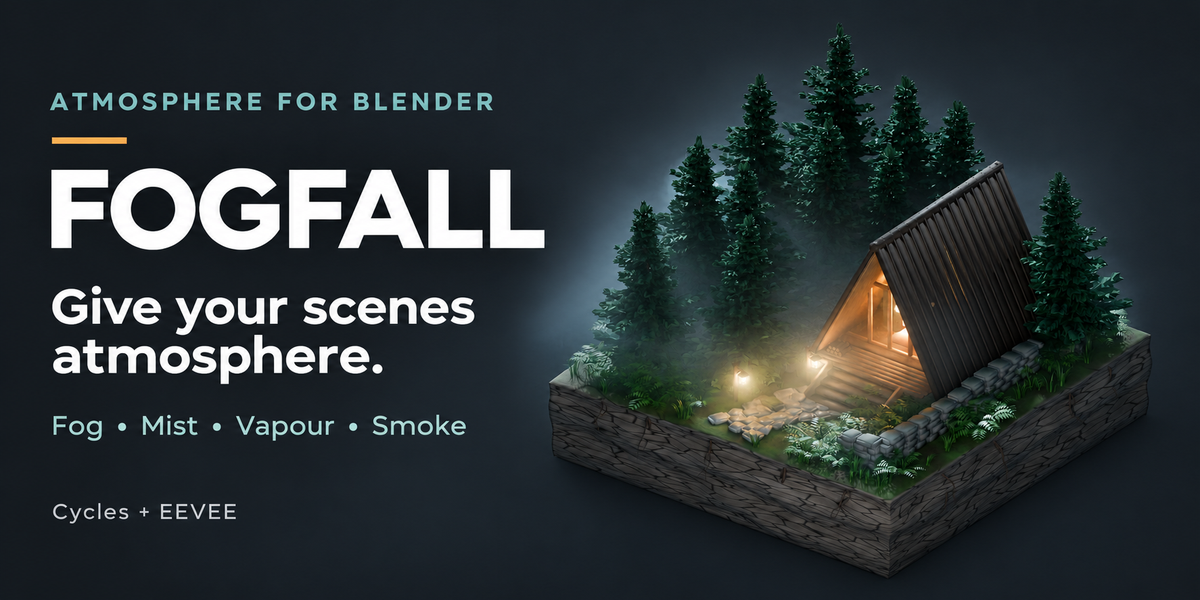
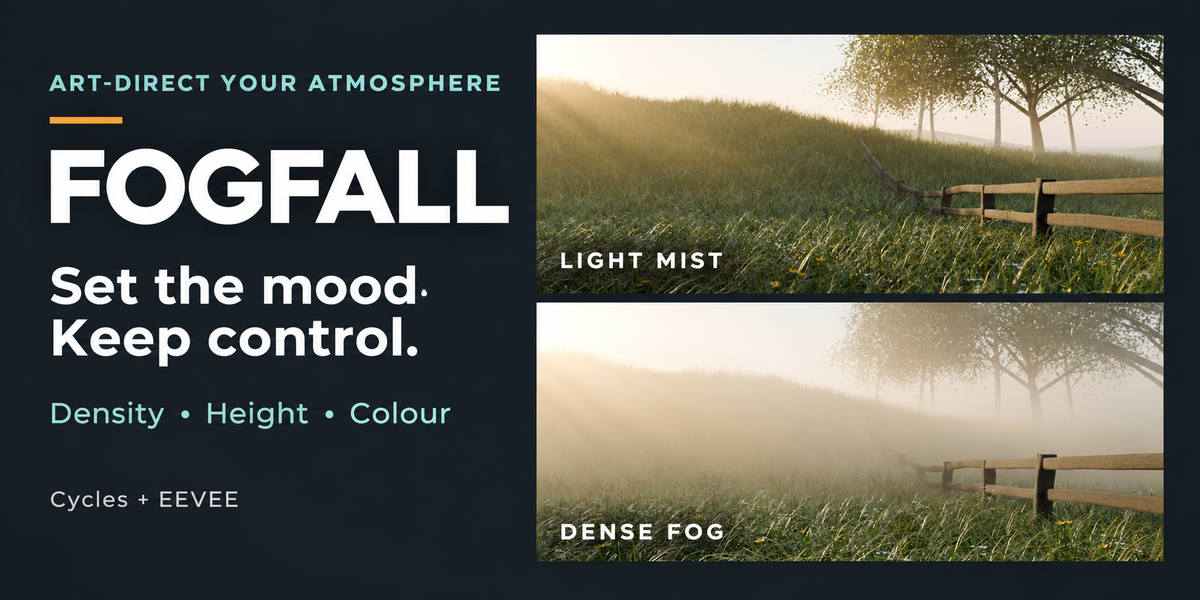
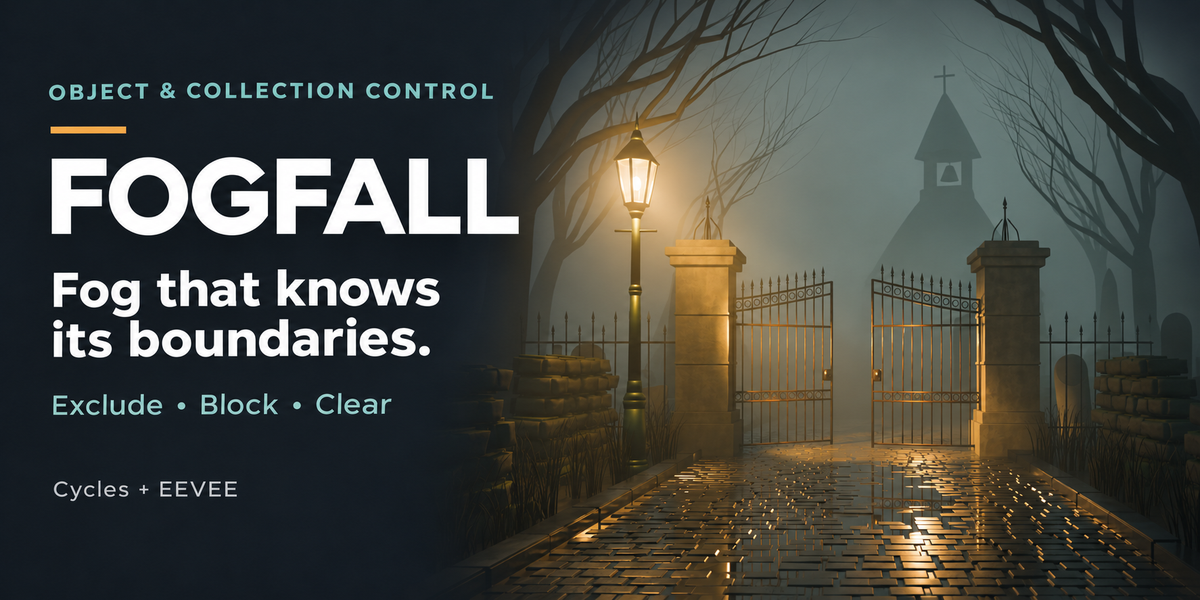
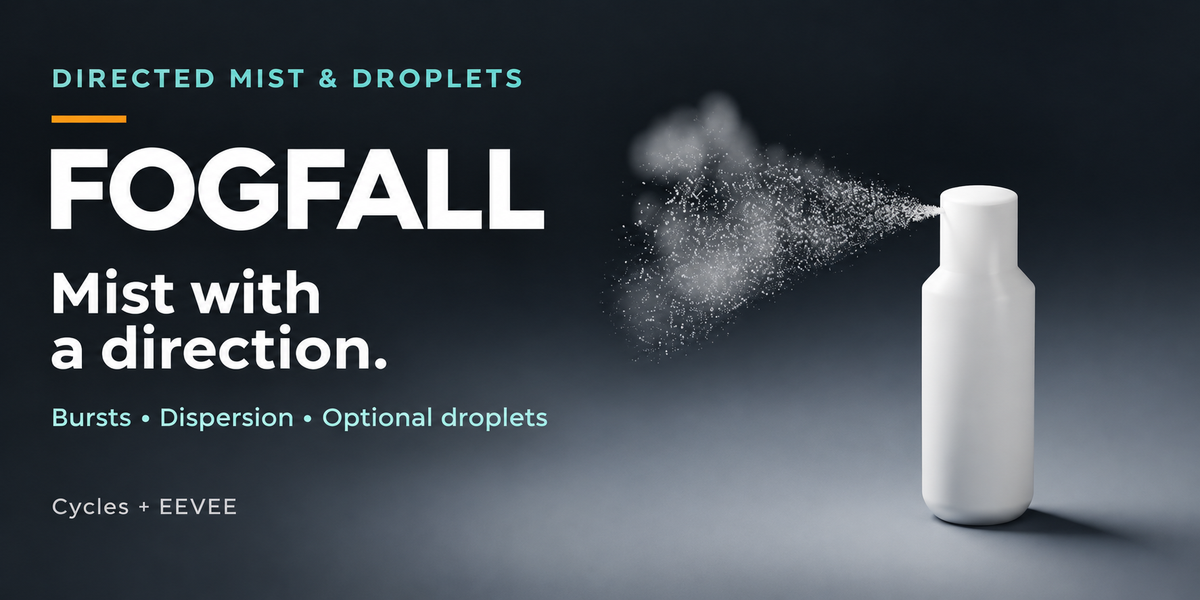
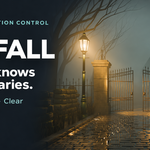
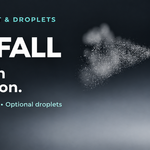
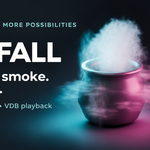
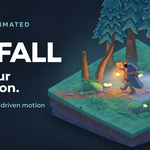
Built-In Offline Interactive HTML Documentation Included: Fogfall ships with a complete, 100% offline interactive
documentation.html guide packaged directly inside the addon. Click Docs (or the ? icon) in the Blender N-Panel at any time to open the clickable UI Explorer, live search, all 32 operators, all sliders, 29 presets, and the illustrated 1.1 Local Effects guide in your browser.Installation
-
Blender 4.2 – 5.3+ (Extensions): Open Edit → Preferences → Get Extensions, click the top-right dropdown menu, choose Install from Disk…, and select
fogfall.zip. -
Blender 3.6 – 4.1 (Legacy): Open Edit → Preferences → Add-ons → Install…, select
fogfall.zip, and enable Fogfall.
Quick Start — Atmospheric Fog
- Open 3D View → N-Sidebar → Fogfall and click Activate Fog Rig.
- Pick one of the 6 Fog Styles and 29 Built-In Presets (or click Palette! for a 1-click harmonious color gradient).
- Use Fit Scene / Fit Camera to auto-size the domain, add rooms or walls via Add Collection / Add Selected to block fog, and click Frame Drivers or Live Preview for wind motion.
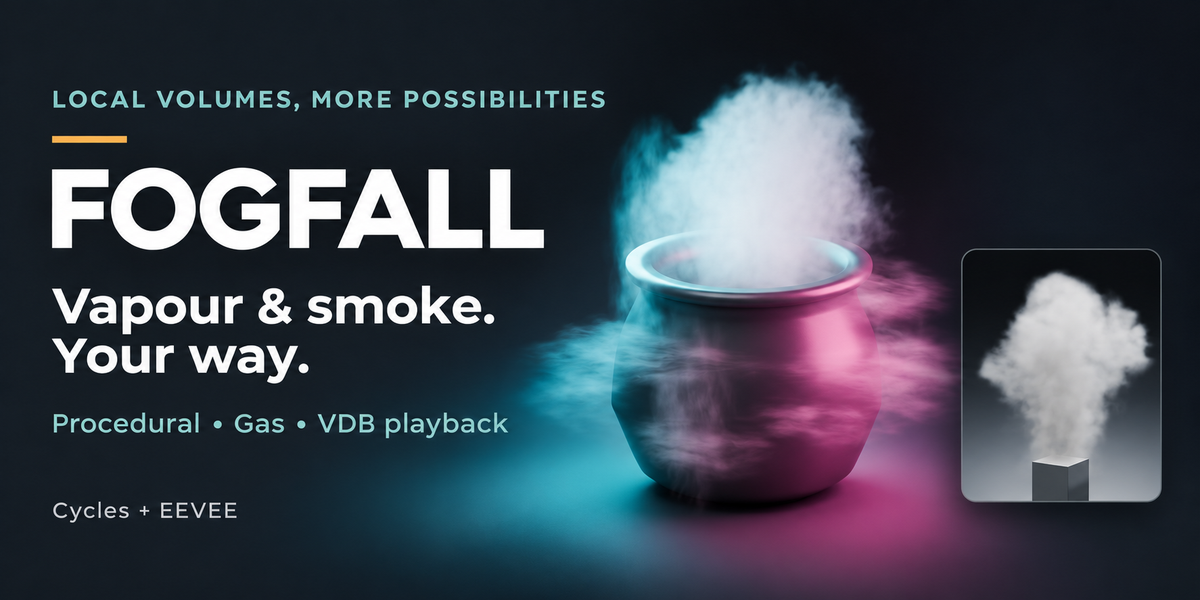
Quick Start — New in 1.1: Local Fog, Vapour, Smoke, VDB & Spray
- Open the Local Fog, Vapour & Smoke sub-panel in the Fogfall N-Panel tab.
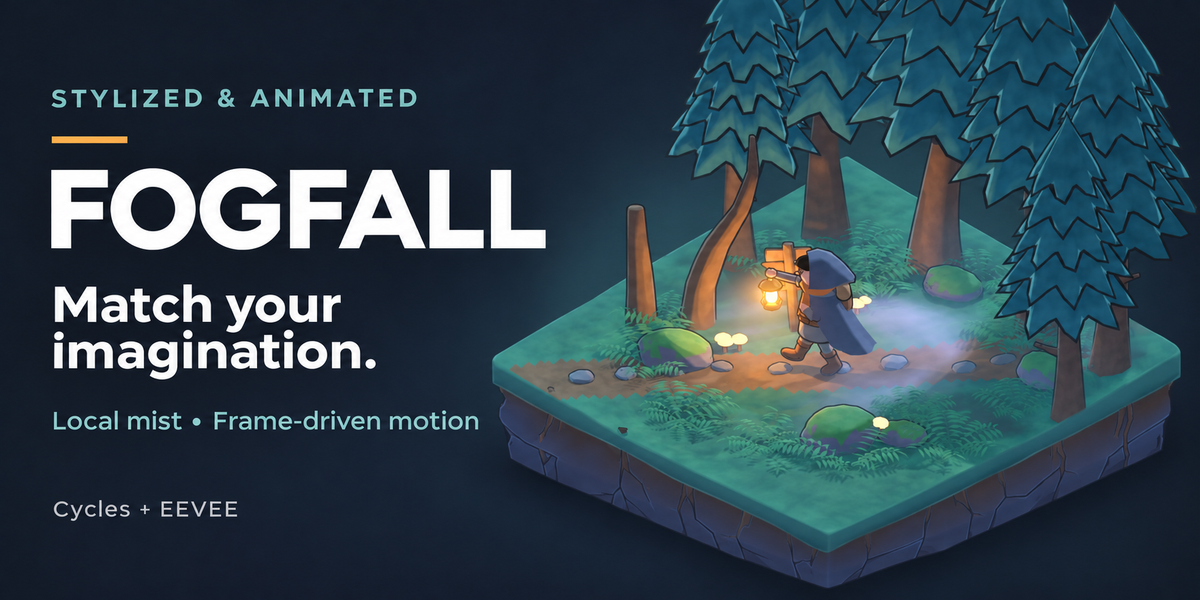
- Click Add Effect and pick a recipe (Rolling Stage Fog, Billowing White Smoke, Glass Vapour, Detailed Vapour (Gas), Cauldron Spill, Atomizer Burst, Diorama Forest Banks, or Dark Chimney Smoke), or click VDB to import an OpenVDB sequence.
- Move the source empty in your scene (fine spray travels along local +Z). For Simulated Gas effects, set your Cache Root and click Bake (runs in a separate background Blender process).
Have questions about this product?
Login to message
| Blender Extension Compatible | Yes |
| Dev Fund Contributor | |
| Published | about 23 hours ago |
| Blender Version | 3.6 - 5.2 |
| Extension Type | Add-on |
| Render Engine Used | Cycles, Eevee |
| License | GPL |
Discover more products like this
smoke Lighting VFX environment volumetric fog atmosphere god rays mist fog vdb skdsam