 NicoHartl
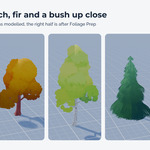
What it does
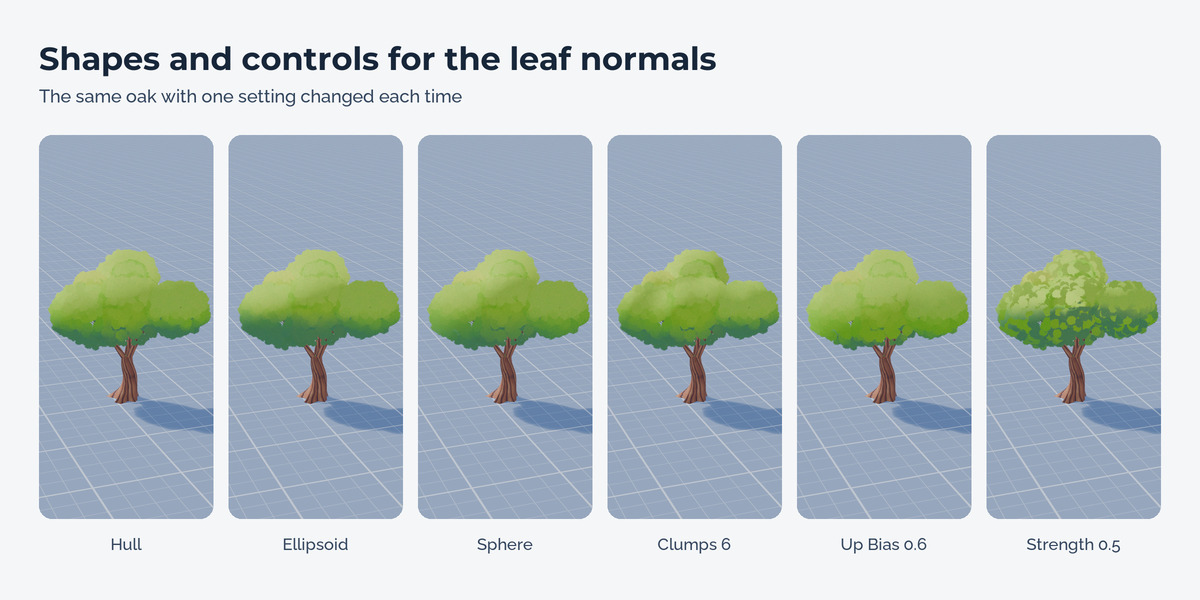
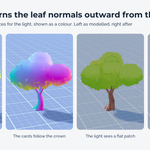
Soft foliage normals
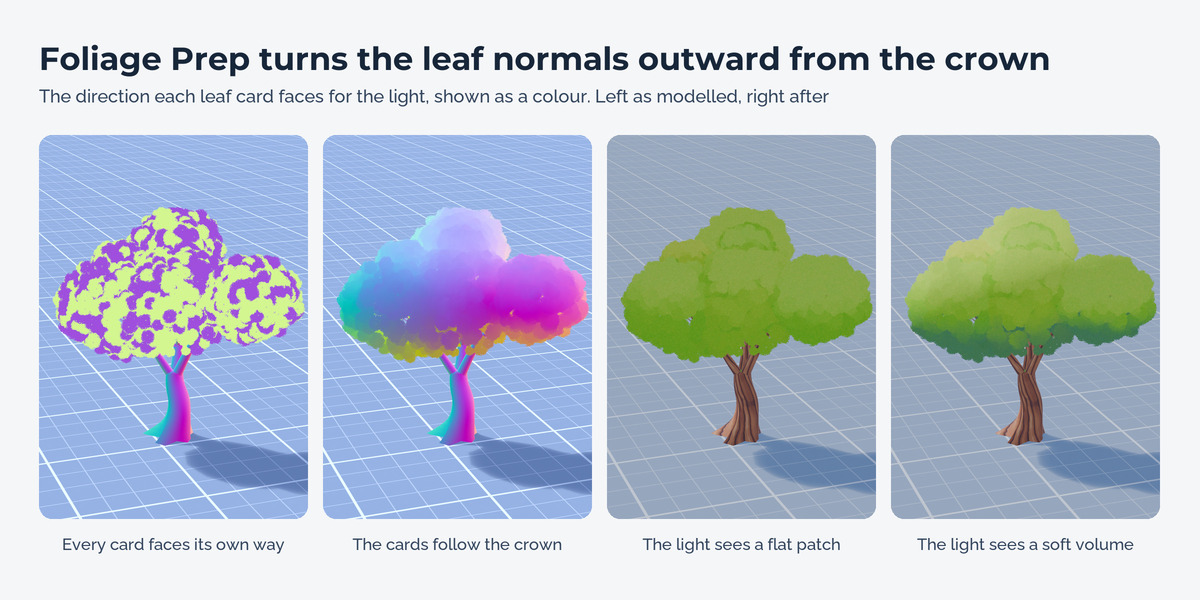
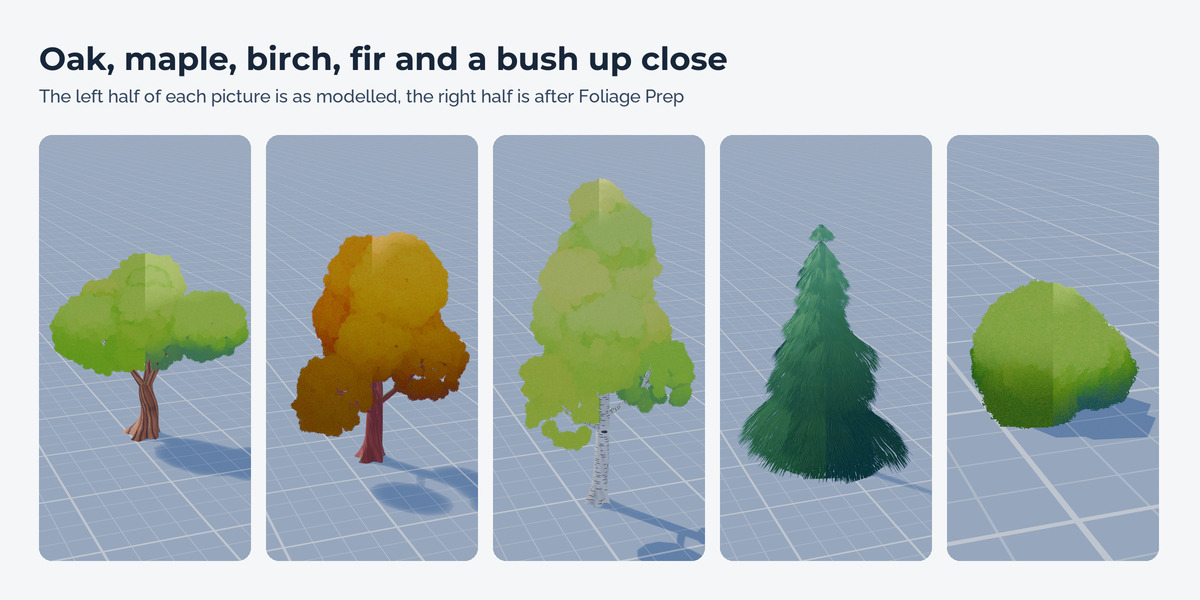
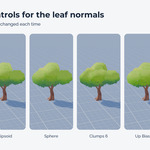
The leaf normals point away from a smooth shape around the crown. Hull follows the outline of the crown, Ellipsoid and Sphere give an even, round look. Strength, Smoothness and Up Bias control how much of the leaf structure stays and how bright the tops get. Clumps splits a crown into several soft volumes for a puffy, painted look.
The trunk stays as it is
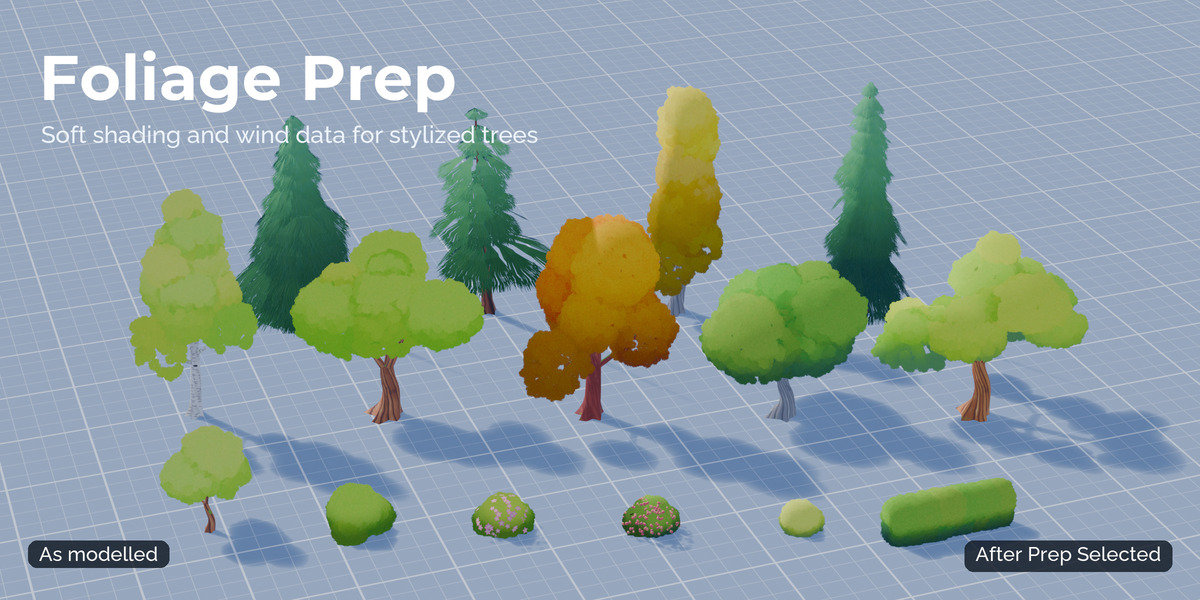
Leaves are found by material name (leaf, foliage, needle and your own words), by selected faces or by a vertex group. Trunk faces keep their normals. Assets split into trunk, crown and leaf card objects work too: trunks are recognised and skipped, and all parts keep one pivot and one wind scale.
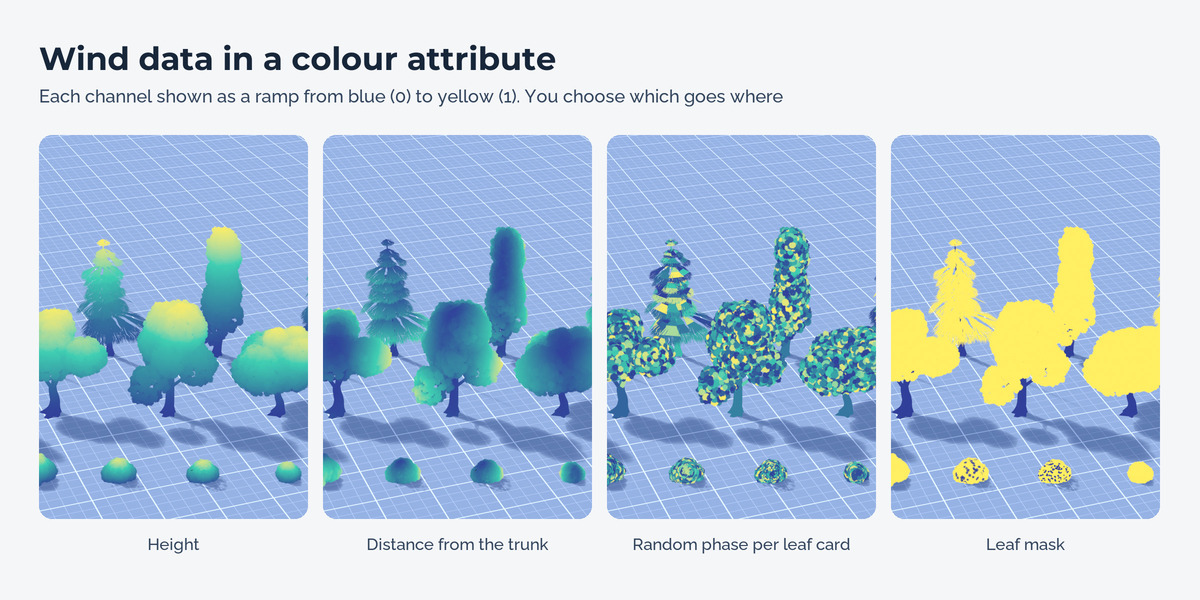
Wind colours for Unity, Unreal and Godot
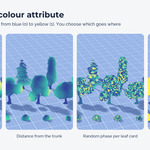
Height, distance from the trunk, a random phase per leaf card and a leaf mask go into a colour attribute, in any channel order. Values are written so they arrive unchanged in FBX (8 bit) or glTF (float).
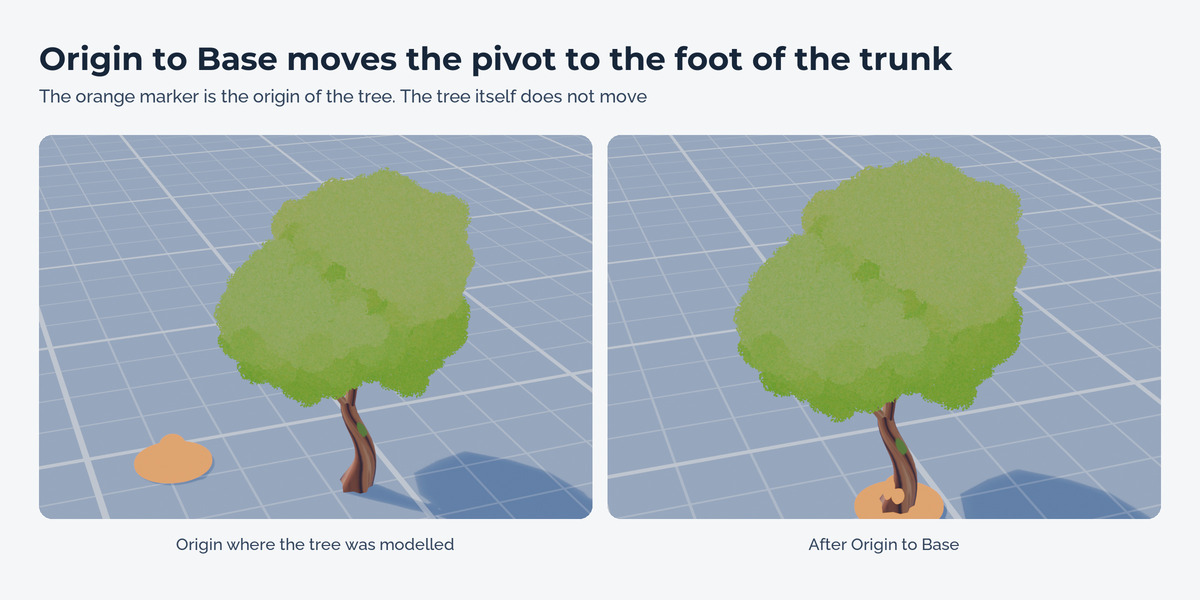
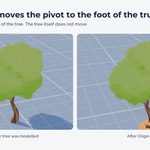
Origin at the trunk foot
The origin moves to the foot of the trunk without moving the mesh. Children stay in place.
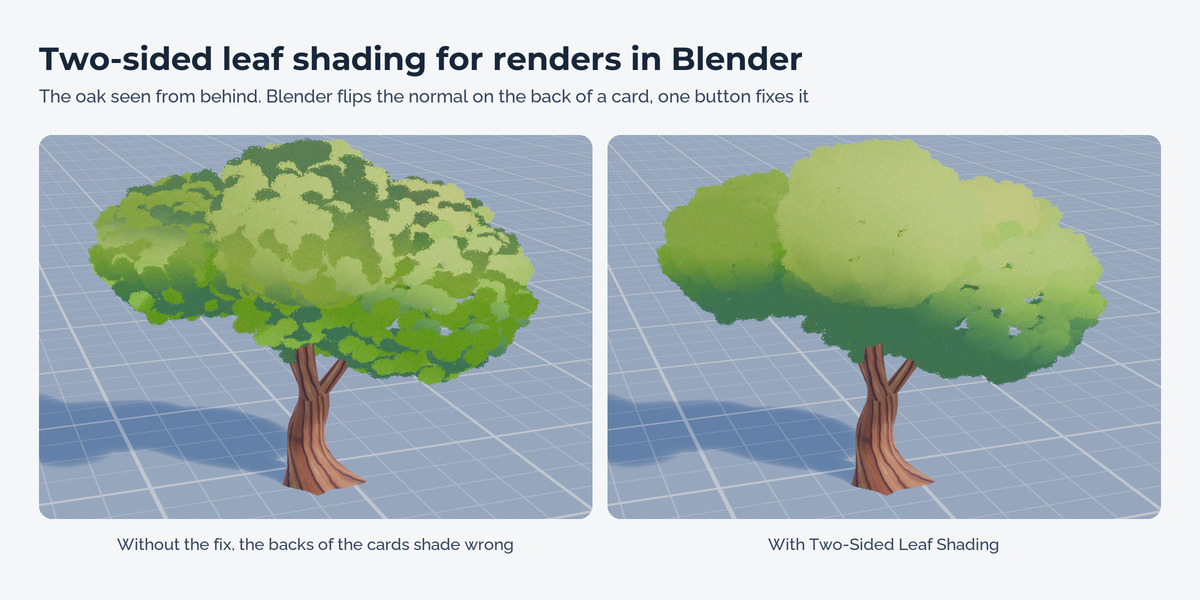
Two-sided shading in Blender
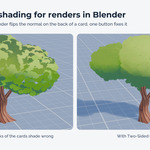
Blender turns the normal around on the back of a leaf card, which gives dark patches in renders. One button adds a small node setup to the leaf materials that keeps the back side like the front. It also works on custom and toon shaders that read the Geometry normal, and it can be removed again.
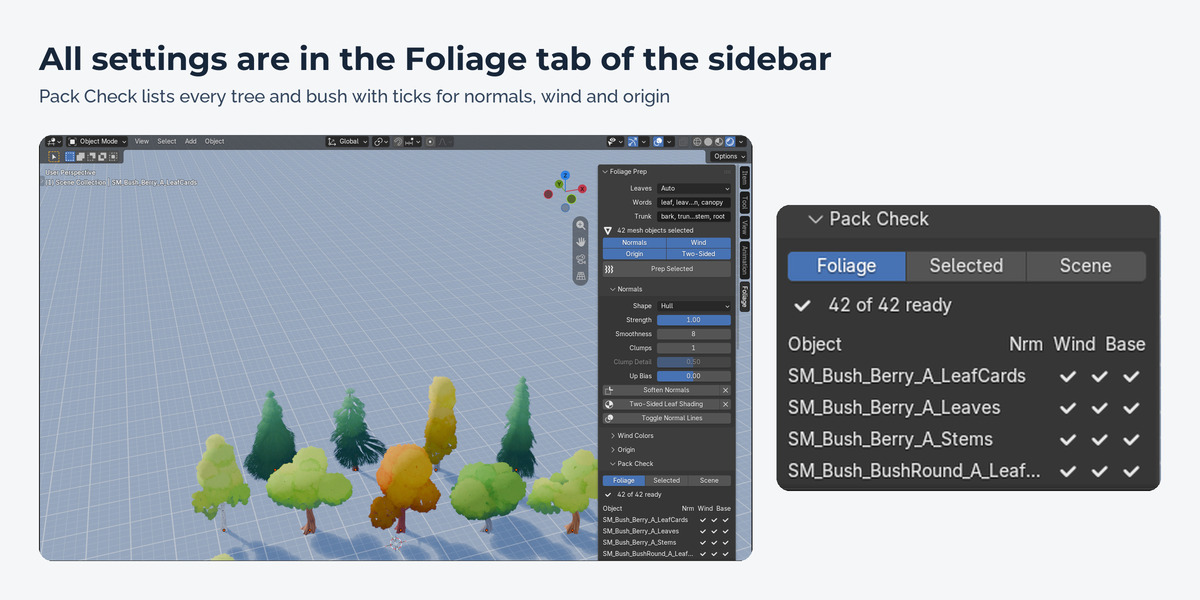
Pack Check
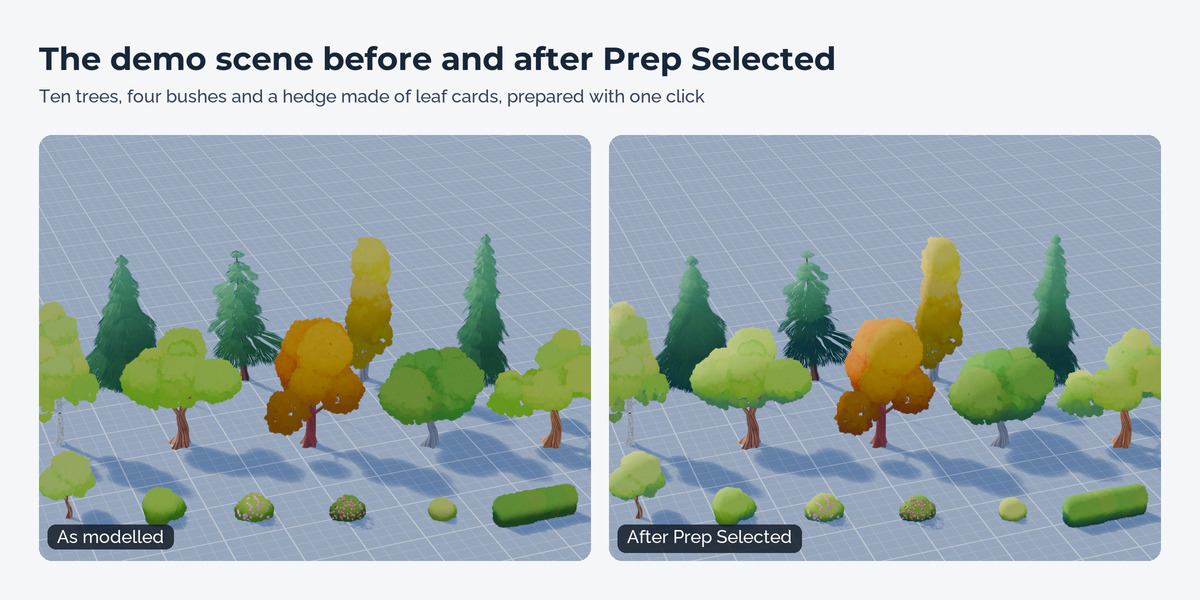
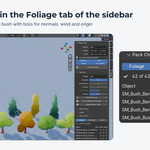
A list of every tree and bush with three ticks: normals, wind, origin. Select Unfinished picks the ones that still need work.
How it works
- Select your trees and bushes.
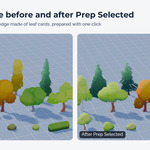
- Open the Foliage tab in the sidebar and press Prep Selected (Ctrl+Alt+F).
- Look at the Pack Check list, then export as usual.
FAQ
Does it change my trunk?
No. Only leaf faces get new normals. Objects with only bark materials are skipped.
Will the normals survive export?
Yes. They are custom normals in the mesh, which FBX and glTF export. In the engine, import normals instead of computing them.
Which wind layout does my shader need?
Any. Pick what each channel holds. The default is R height, G distance, B phase, A leaf mask.
Can I undo it?
Every button is one undo step. Custom normals and the two-sided nodes also have their own remove buttons.
Does it send data anywhere?
No. No network access, no licence check.
Have questions about this product?
Login to message
| Published | about 16 hours ago |
| Blender Version | 4.5 - 5.3 |
| Render Engine Used | Cycles, Eevee |
| License | GPL |
Discover more products like this
stylized Trees normals foliage wind godot low poly asset pack vertex color unreal unity game assets