 Blender Easy


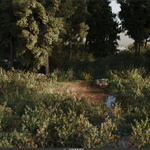
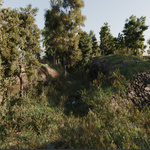
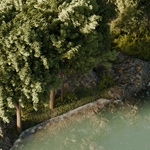
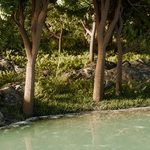
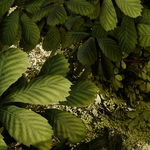
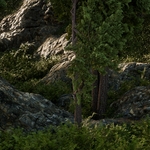
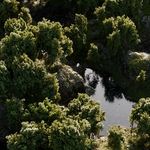
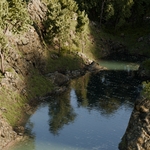
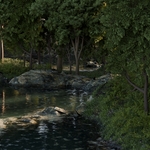
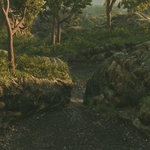
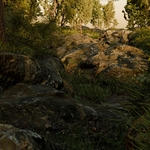

Create massive forests in Blender — without scattering, masking, or texturing manually.
Meet Forest Generator : a one-click solution that turns any mesh into a fully populated forest environment.
1. Generate a Complete Forest in One Click
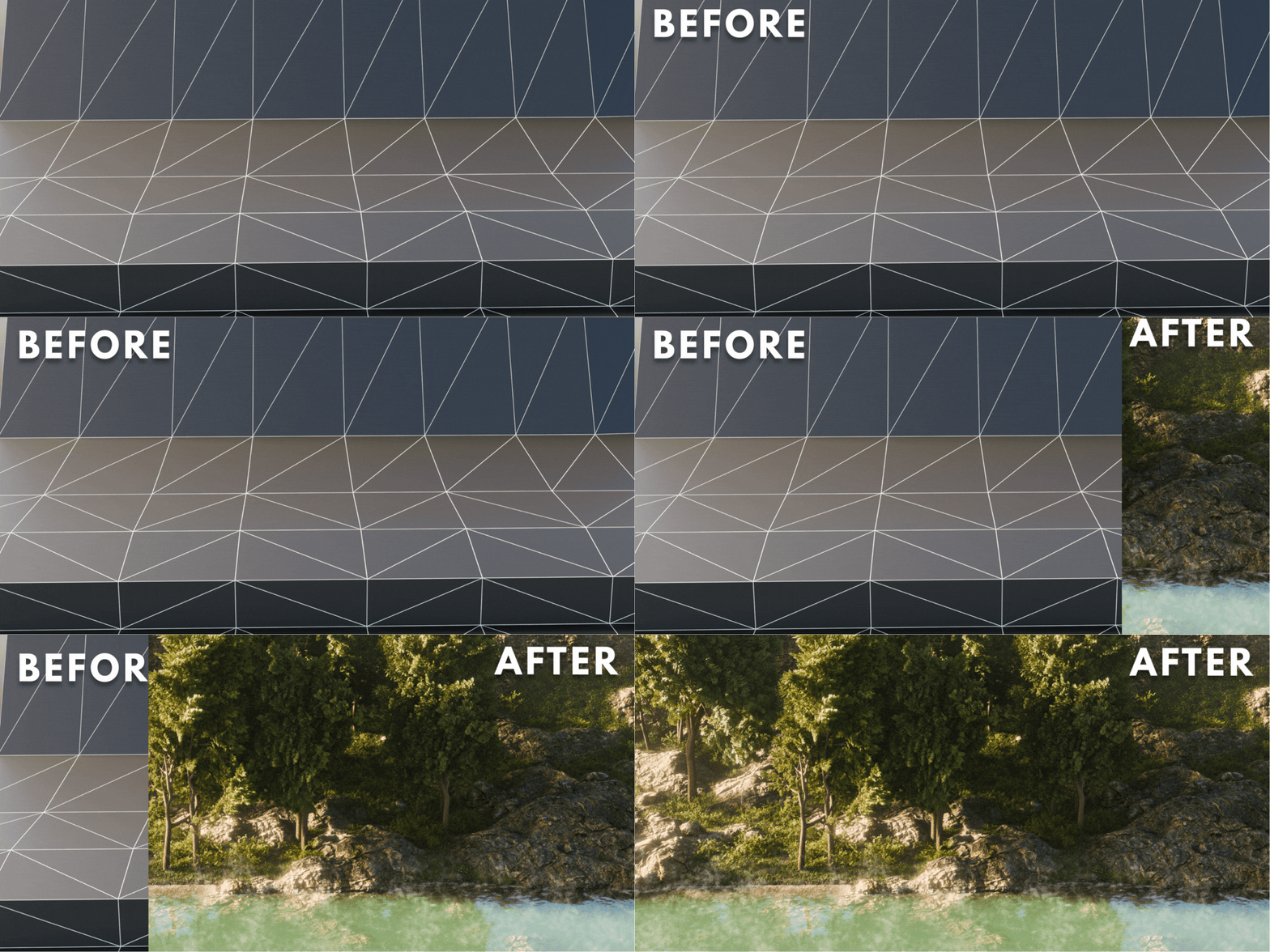
Forest Generator turns a simple mesh into a fully populated forest in a single click.
Quickly add an optimized forest to your scenes in seconds — generating surface-aware materials, stone structures, vegetation, trees, water, and even fog for maximum realism.
All materials are physically accurate, UVs are generated automatically, and the system adapts perfectly as you reshape or scale your mesh.
Built with performance in mind, Forest Generator uses adaptive subdivision and camera-based culling so each frame contains only the geometry you actually need.
Everything is fully customizable, allowing you to fine-tune scale, density, and overall look to perfectly fit your scene.
2. Smart Procedural System
Forest Generator is built on an adaptive procedural system that responds intelligently to your mesh — saving hours of manual work.
- ⚡ Auto-Blending: Grass, soil, roots, and rock adjust naturally.
- 🚫 No UVs Required: Automatic UV generation with zero stretching.
- 🌱 Integrated Vegetation: Grass, moss, leaves, and micro-details included.
- 📏 Resolution Independent: Perfect scaling on any mesh.
A landscape generator, texture system, scatter setup, and shader — all in one asset.
3. Engineered for Performance
- Adaptive Subdivision: Detail only where needed.
- Camera Culling: Reduced geometry in unseen areas.
- Optimized for Eevee & Cycles: Clean shading, fast renders.
Every frame uses the perfect amount of geometry — no waste, no overload.
4. Fully Customizable
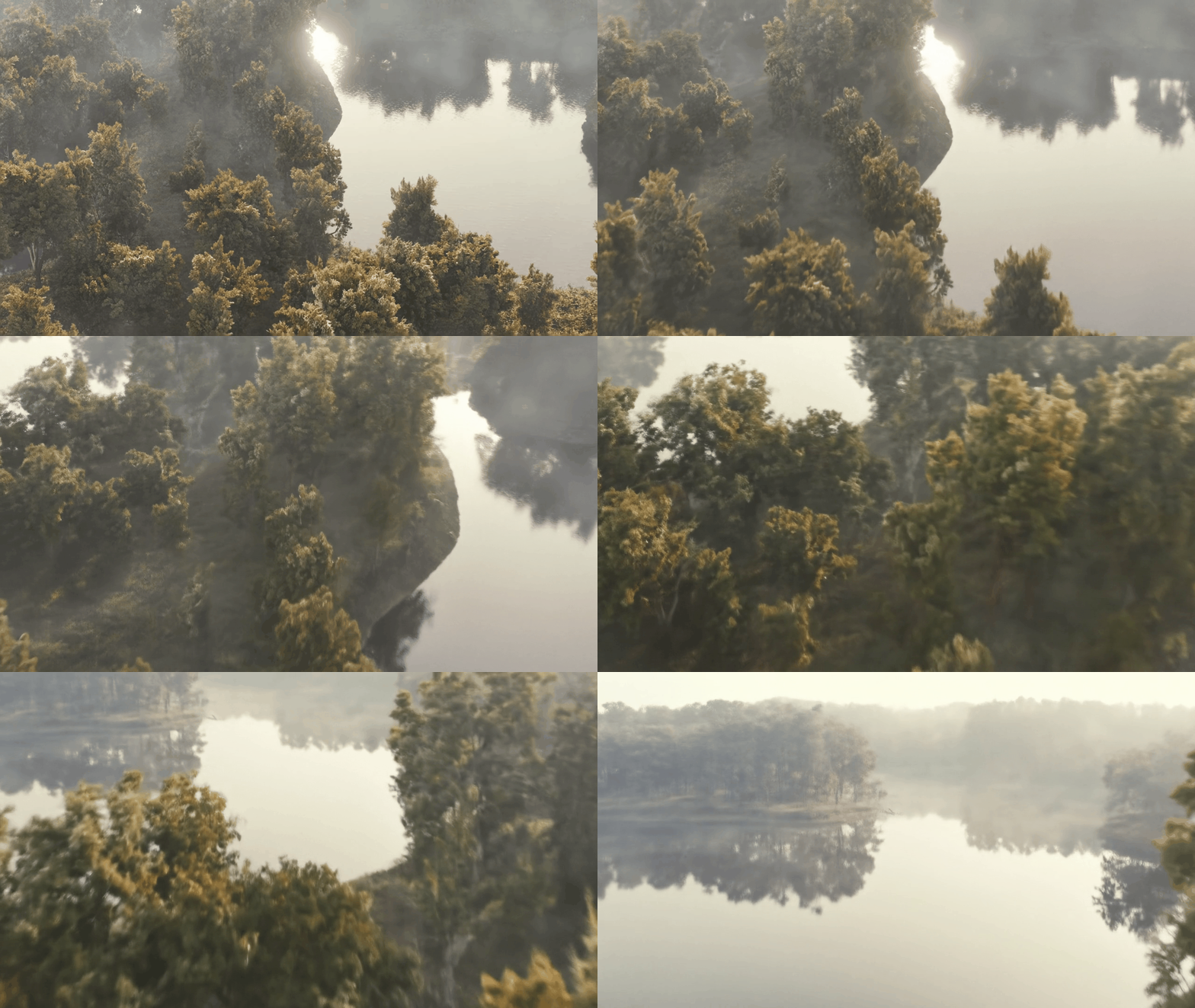
- Control tree scale and density
- Adjust surface blending and roughness
- Enable or disable water and fog
- Swap vegetation presets
Ideal for cinematic scenes, fantasy worlds, stylized art, and open-world environments.
💾 Quick Start: Asset Browser
- Setup: Go to Edit → Preferences → File Paths → Asset Libraries and add the folder containing Tempered Forest.blend.
- Use: In the Asset Browser, open 4D Materials and drag Tempered Forest onto any mesh.
