 JB FX
JB FX


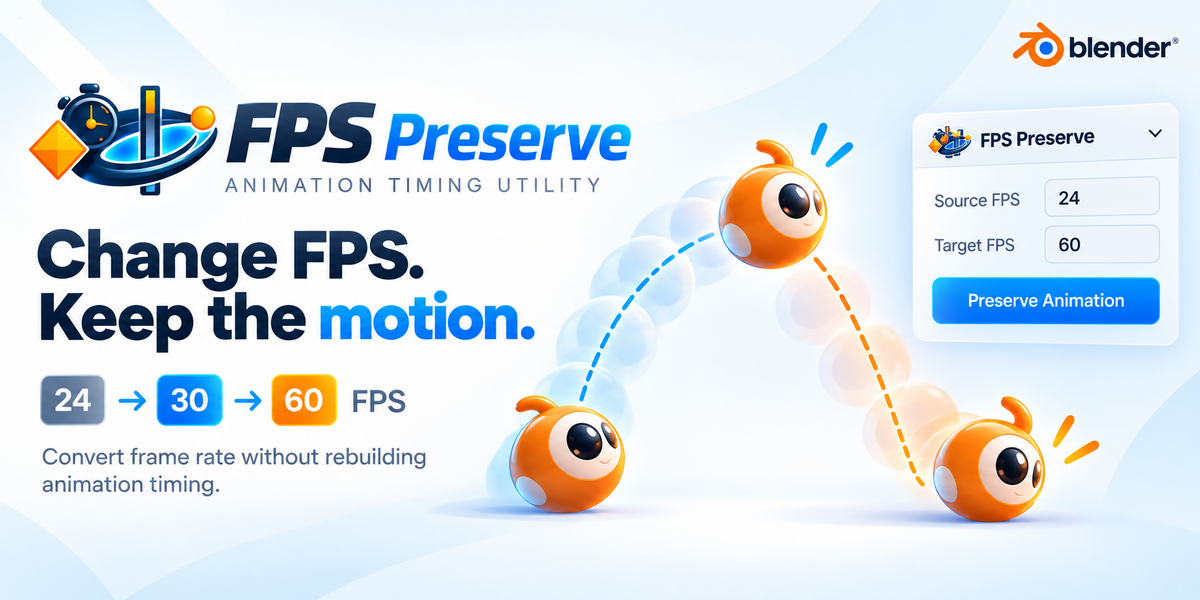
Change FPS, Keep Your Animation.
24 → 30 → 60 FPS without rebuilding your animation timing.
Safely convert an animated Blender project to another frame rate.
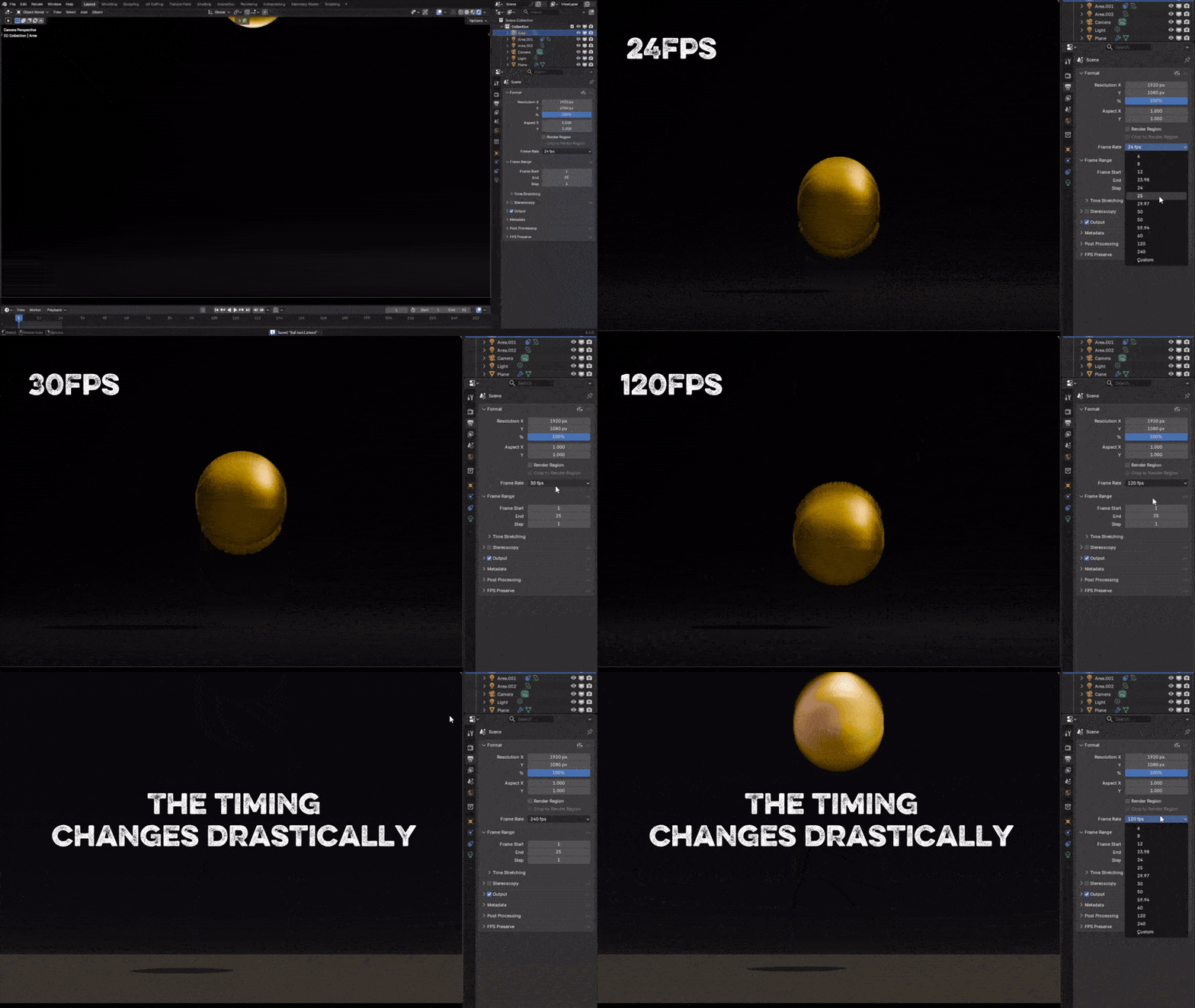
Changing the frame rate can change the whole performance.
Animation timing is stored primarily in frames. If a key occurs on frame 30 at 30 FPS, it happens after one second. Change the project to 60 FPS and leave that key on frame 30, and it now happens after only half a second.
Frame 30 stays on frame 30.
The one-second action becomes 0.5 seconds.
Rigs, cameras, markers, ranges and NLA timing can fall out of sync.
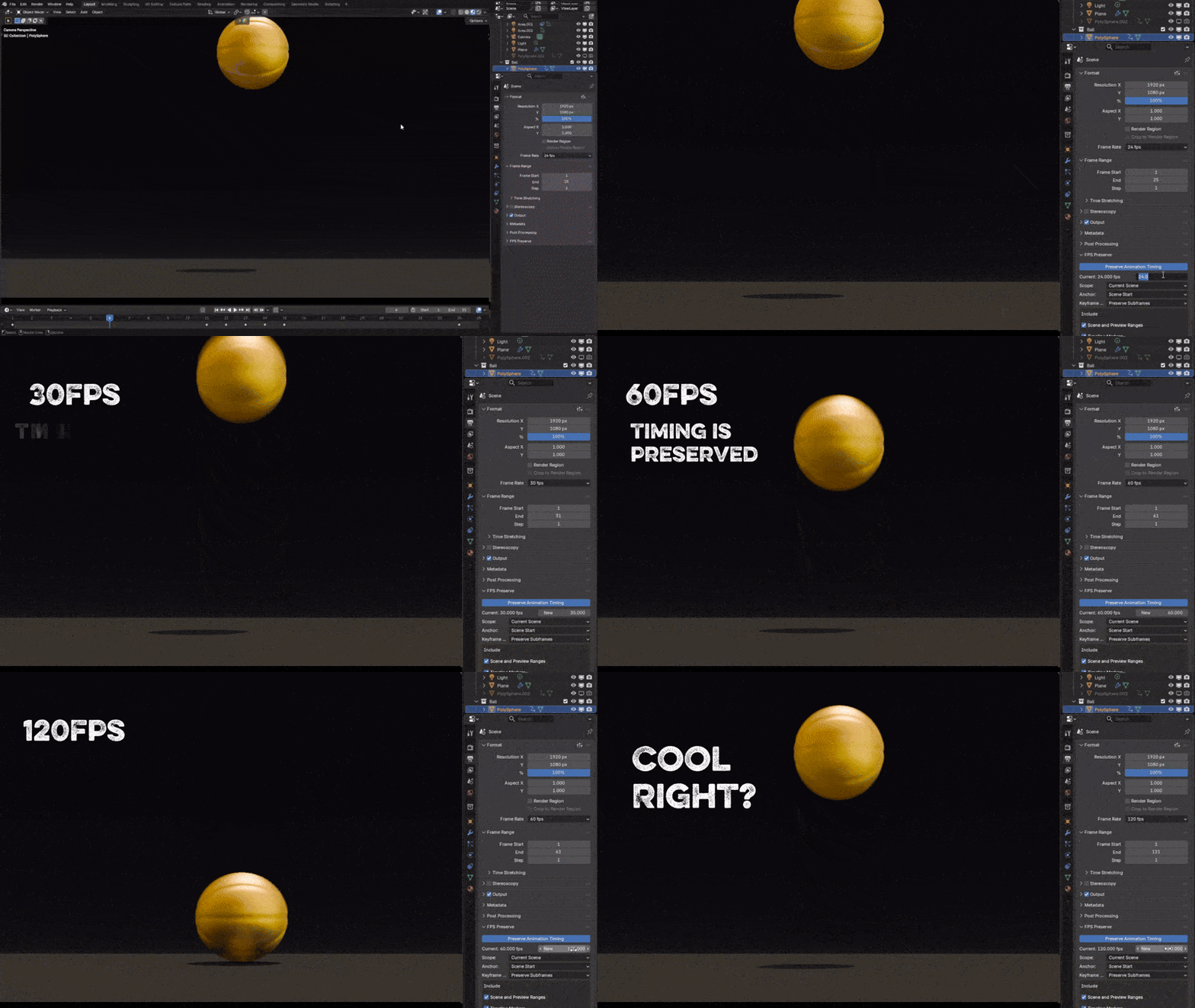
Change the frame numbers. Keep the animation timing.
FPS Preserve calculates the exact ratio between the original and destination frame rates, then repositions supported timing data around your chosen anchor frame.
Everything that needs to move, moved with care.
Standard, high and fractional rates—including 24, 25, 29.97, 30, 60, 120 and custom values.
Object, bone, camera, shape-key, material and world animation—including layered and slotted Actions.
NLA strips, Action Constraints and shared Actions are identified and processed without accidental double scaling.
Scene and preview ranges, the current frame, timeline markers and Action markers follow the conversion.
Convert the Current Scene, Selected Objects or compatible animation throughout the Entire File.
Inspect what will change first. Collision warnings and native one-step Undo keep the conversion controlled.
Choose what stays fixed—and how precise the result should be.
Scene Start
Frame 0
Current Frame
Custom Frame
Preserve mathematically accurate subframes or round keys to the nearest whole frame when required.
Potential key collisions are detected before a downward conversion is allowed to continue.
FPS Preserve warns about possible double retiming when native Time Stretching is active.
From the wrong FPS to the right timeline in six steps.
For artists who cannot afford to rebuild timing by hand.
Useful for late project changes, platform delivery, footage matching and high-frame-rate output.
What FPS Preserve does not retime
FPS Preserve does not generate new animation poses or AI-created in-betweens. The following currently require manual adjustment or rebaking:
Several unsupported situations are detected and reported before conversion.
Change your frame rate—not your animation.
Turn a risky project-wide retiming job into a controlled, previewable conversion that takes only a few clicks.
