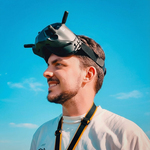
 Marcos Medel


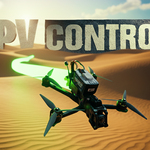
🚀 Version 1.0 — Lifetime Updates Included
Everyone who purchases FPV.Control now gets lifetime updates — no extra cost, no paid upgrades later.
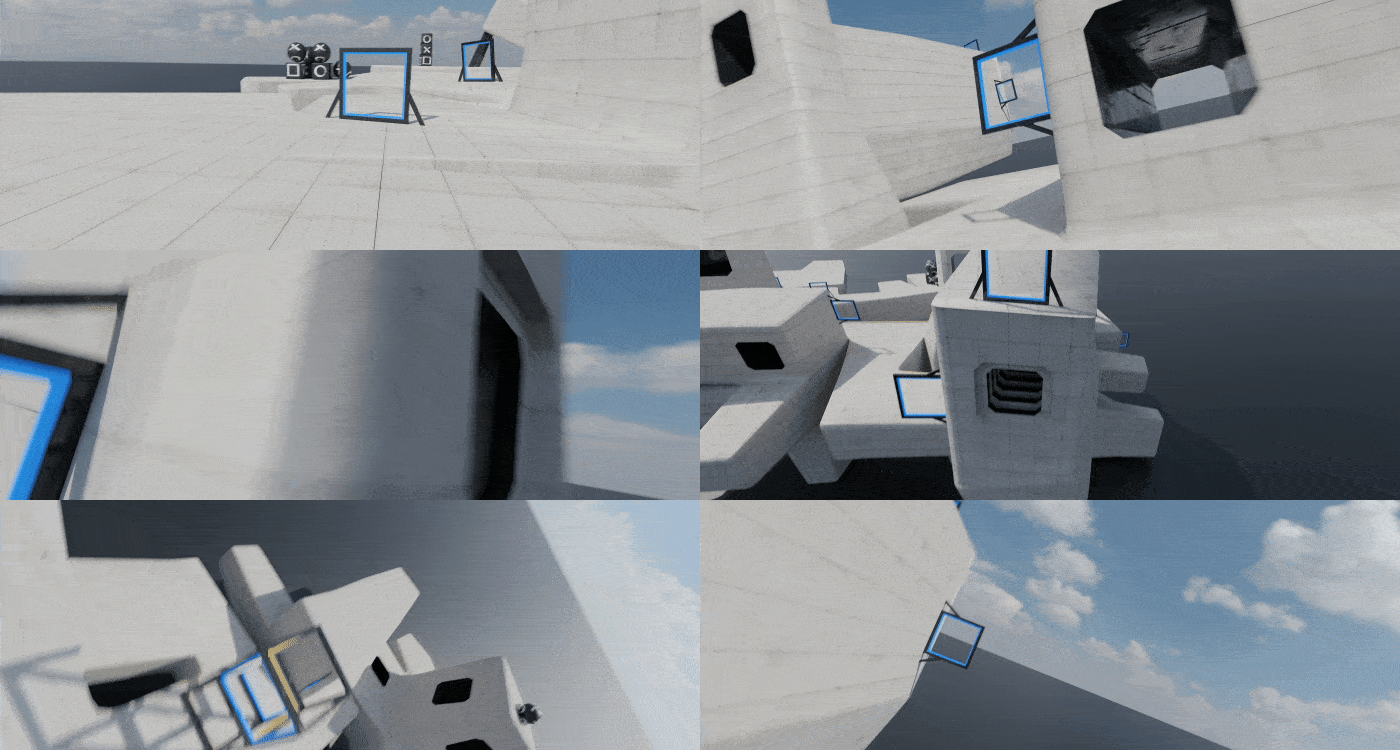
I’m already working on the next update, which will include a built-in FPV drone so you can create scenes like the ones in the trailer.
Follow @fpv.control for upcoming tutorials, Blender project files, creative workflows, and feature previews.
⭐️ What’s Inside
- The complete FPV.Control v1.0 add-on
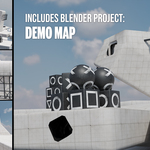
- Demo map
- Nazgul Evoque F5 V2 3D drone model
- Community-tested controller presets
- Future updates, templates, Blender scenes & creative workflows
- Repost opportunities on @fpv.control
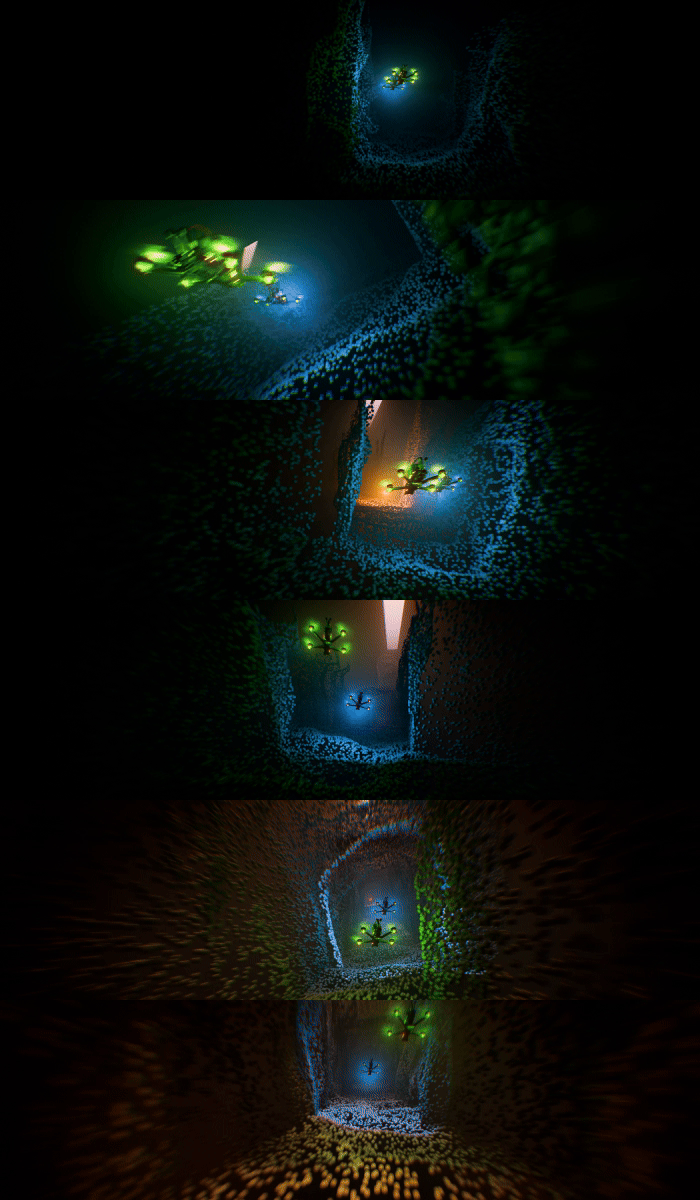
🔥 Trailer
🎥 Tutorial
Full walkthrough: installation, controller mapping, flying, recording, and smoothing.
🔧 Key Features
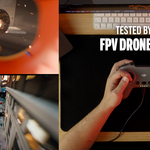
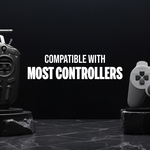
- 🎮 Controller support (DJI, TBS, Radiomaster, Xbox, PlayStation, USB gamepads)
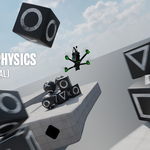
- 🚀 Real FPV flight simulation with collision physics
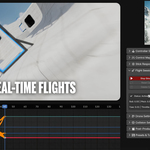
- 🎥 Record flights directly to keyframes
- 🎚 Stick tuning: expo, sensitivity, smoothing
- 🧊 Post-flight smoothing for cinematic camera motion
- 💥 Projectile system (experimental)
- 📏 Scene scaling & floor helpers
- 💾 Save & load presets

✅ Tested Controllers
- DJI: FPV Controller V1 / FPV RC 2 / FPV RC 3
- TBS: Tango 2
- Radiomaster: Boxer / TX12 / Pocket / TX16S
- Jumper: T20 V2
- BetaFPV: LiteRadio 2 SE
- PlayStation: PS1 / PS4
- iFlight: Commando 8 v2
- FlySky: FS-i6X
Other controllers (Xbox, PS2/PS3/PS5, TX16S, Zorro, Mambo, Commando models…) should also work — pending tester confirmation.
💬 FAQ
Do I need a specific controller?
Any controller recognized by your computer should work.
Can I edit the animation after flying?
Yes — FPV.Control converts your flight into editable Blender keyframes.
Are updates free?
Yes. All buyers receive lifetime updates.
🎮 Join the FPV.Control Discord
Get support, report bugs, request features, and share your FPV.Control creations — I’ll be reposting your work on Instagram.