 LarkLab
Where do I get help?
Contact LarkLab through Superhive: https://superhivemarket.com/creators/larklab
Please include your Blender version, operating system and, if possible, the .blend file.
Can I save and share my own looks?
Yes. Presets > Save stores the complete look as a JSON file. Copy it into another user's presets folder to share it.
Can I keyframe Intensity and the other master sliders?
Not for the render. Keyframe the individual effect settings instead, or use the signal-driven look from the flight bake.
Will every render look the same?
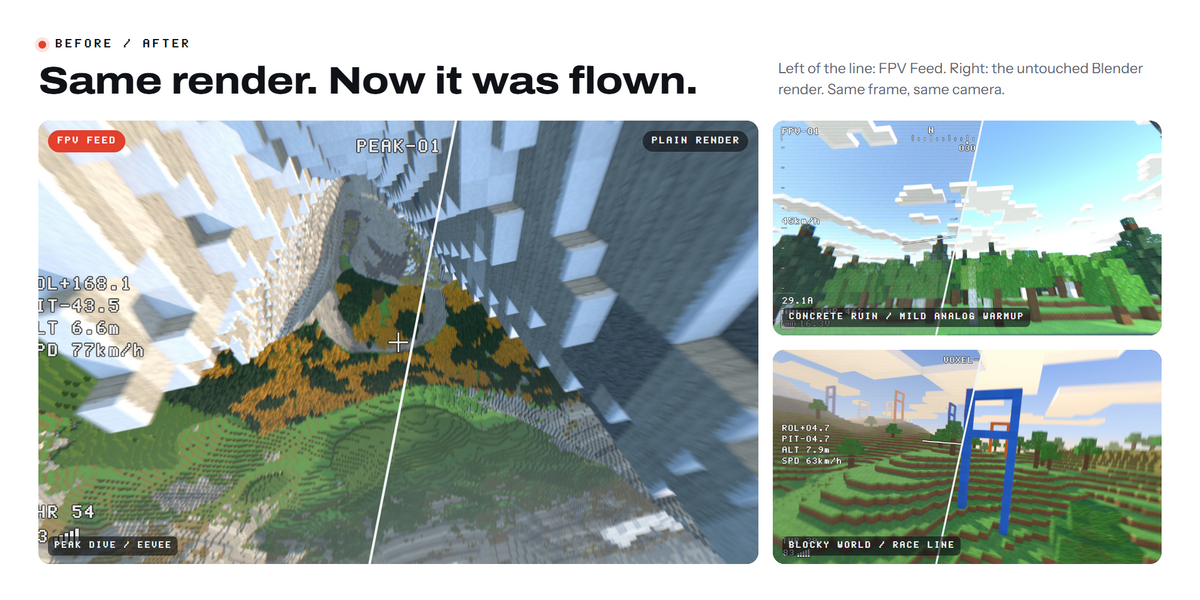
Yes. The same frame and the same Seed always give the same image. Change Seed for a different variation that is still repeatable.
Can the picture get worse as the drone flies away?
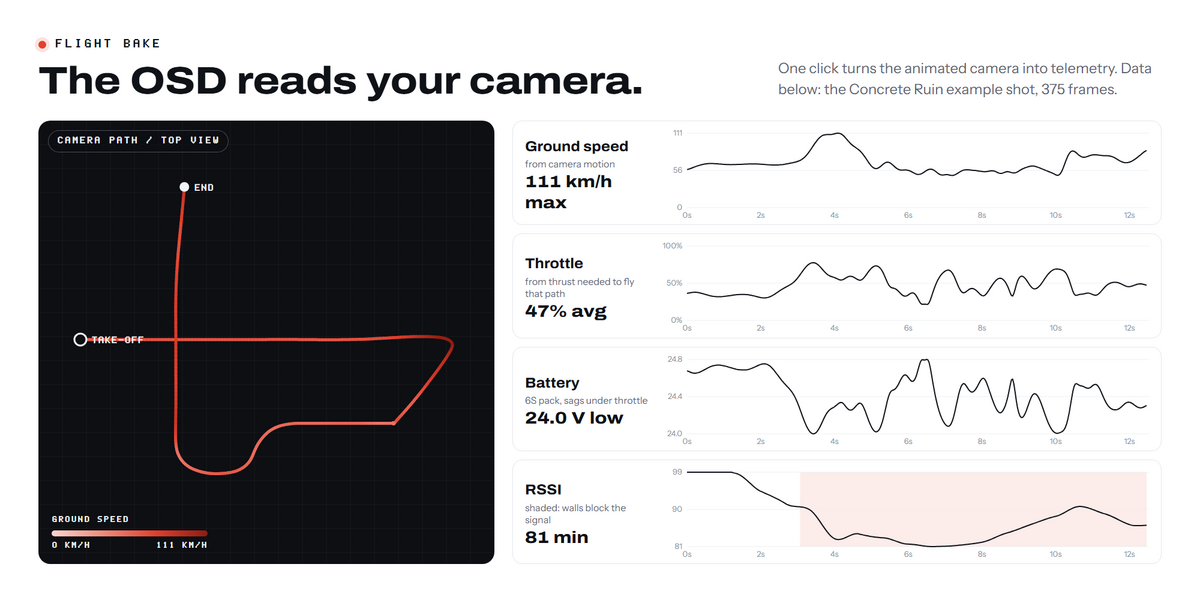
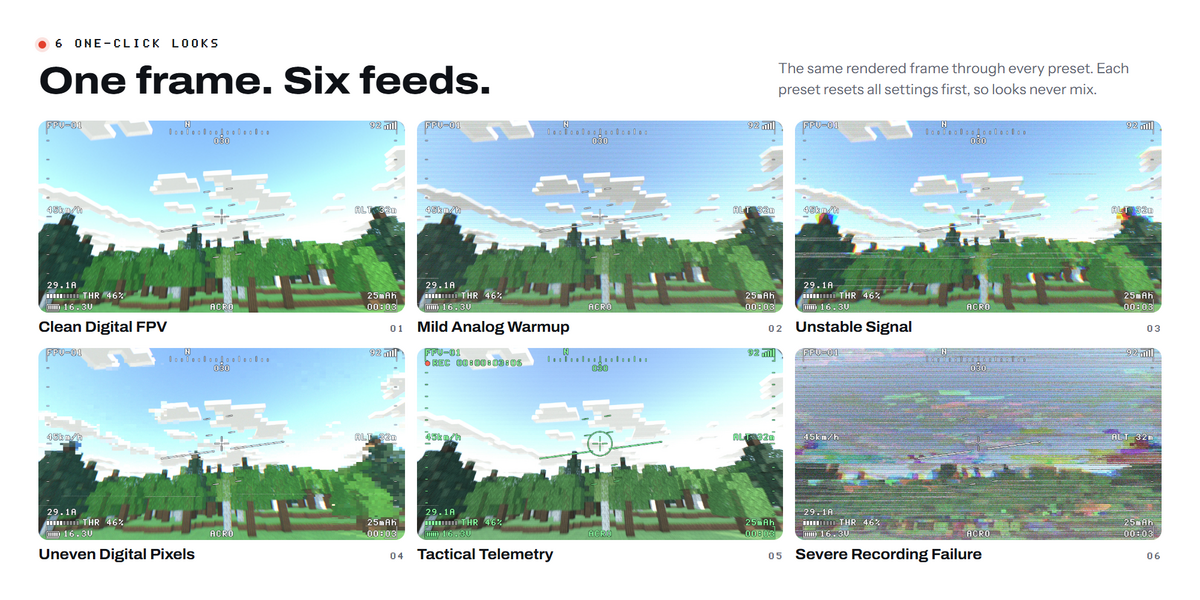
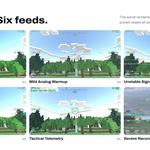
Yes. With Signal-Driven Look on in the bake, the picture blends from Clean Digital FPV to Severe Recording Failure as the baked signal weakens, including behind walls and hills when Terrain Blocks Signal is on.
My scene isn't at real-world scale. Will the speed be wrong?
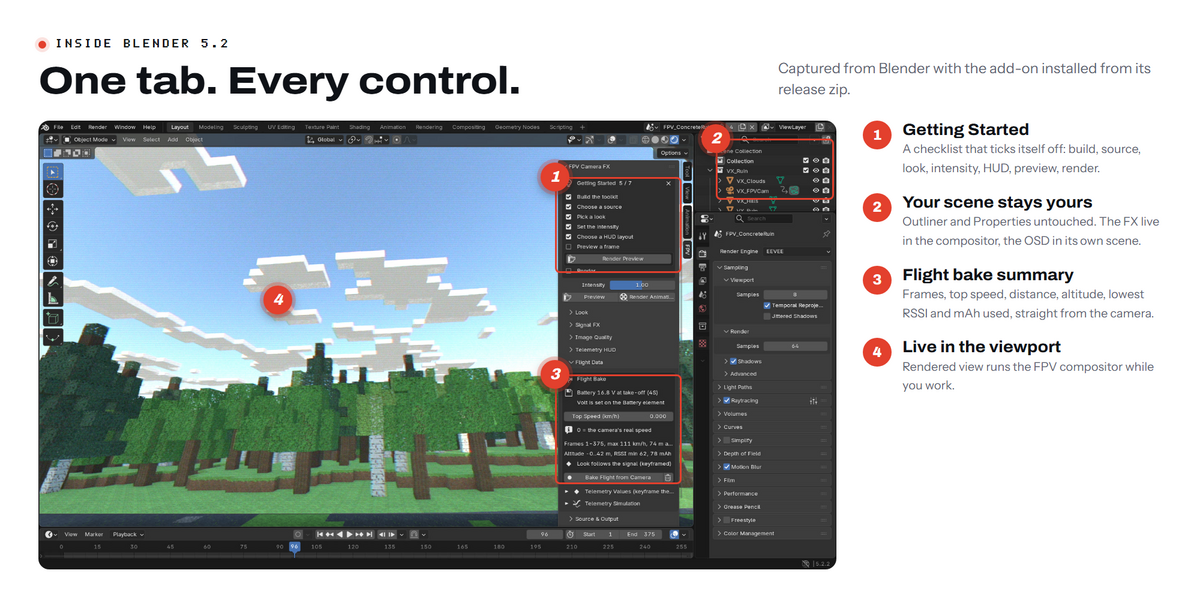
Set Top Speed in Flight Data. The fastest moment of your flight then shows exactly that speed. 0 keeps the camera's real speed.
How do I set my battery?
Telemetry HUD > Element > Battery > Volt. Type the voltage at take-off, for example 16.8 for a full 4S or 25.2 for a full 6S. The cell count, cell voltage, battery icon and low-battery warning follow from that number.
Where does the flight data come from?
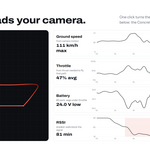
Press Bake Flight from Camera and every value is keyframed from your animated camera: altitude, speed, heading, roll, pitch, throttle, current, mAh, battery voltage, RSSI and flight time. You can also keyframe any value yourself, or leave the numbers simulated.
Will it break my existing compositor setup?
No. Build keeps your compositor, and Advanced > Remove FPV From Scene puts it back together with your view transform and Compositing setting.
Do I need to render the OSD separately?
No. The OSD lives in its own scene and is rendered and composited on top automatically when you render your scene.
Can I use it on my own video footage?
Yes. In Source & Output press File and pick a video, an image or a numbered image sequence. Match Resolution sets the output size to your footage.
Does it work on macOS and Linux?
It has only been tested on Windows 11 so far. macOS and Linux haven't been tested yet.
How do I install it?
Download the zip, don't unzip it. In Blender go to Edit > Preferences > Get Extensions, open the small arrow menu at the top right, choose Install from Disk and pick the zip. Then press N in the 3D Viewport and open the FPV tab.
Which Blender version do I need?
Blender 5.0 or newer. It was tested on Blender 5.2.2 LTS on Windows 11.
Have questions about this product?
Login to message
| Published | about 2 hours ago |
| Blender Version | 5.0 - 5.2 |
| Render Engine Used | Cycles, Eevee |
| License | GPL |
Discover more products like this
animation HUD rgb split drone compositor FPV addon chromatic abberation blender camera preset lens distortion animation-baking camera effects post effect scanline effect