 Lumitools


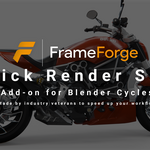
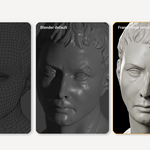
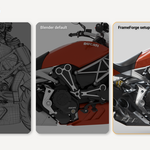
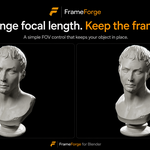
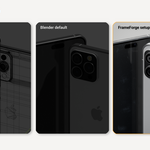

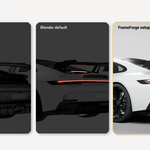

FrameForge is a Blender add-on for fast, clean asset presentation renders.
Select your asset, create a render setup, and get a polished Cycles-based scene with camera framing, studio lighting, background controls, output settings, and presentation polish — all still editable inside Blender.
FrameForge is built for artists who want to show their models without rebuilding the same camera, light, background, and render setup every time.
It is not a separate render engine. FrameForge creates and controls an editable Blender scene setup built around Blender’s Cycles renderer.
What FrameForge does
Creates a clean presentation render setup inside Blender
Auto-frames your selected model
Adds editable camera, lighting, background, and shadow setup
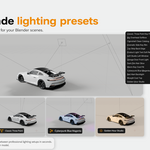
Includes ready-made studio and creative lighting presets
Lets you save and load camera angles
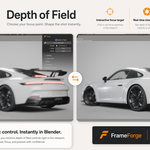
Includes depth of field controls
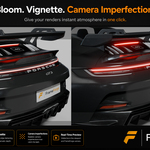
Adds bloom, vignette, and camera imperfections
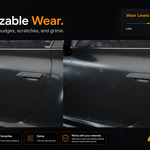
Adds optional removable wear: fingerprints, scratches, smudges, and grime
Works with your existing materials
Includes output presets for clean final renders
Includes cleanup tools to remove FrameForge setup or wear
Best for
Product renders
Vehicle renders
Hard-surface assets
Props
Organic sculpts
Portfolio images
Gumroad, ArtStation, and client presentation images
Fast studio previews
Clean Blender asset presentation
Important notes
FrameForge is not a separate render engine.
FrameForge not an AI rendering tool.
Demo models shown in marketing images are not included.
FrameForge creates an editable Blender scene setup using Cycles.
Learn more at the official LumiTools website:
https://lumitools.io
