 Roy
Roy




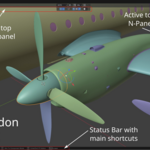
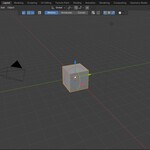
The Friendly Pivot addon brings most of the
functionality of Autodesk Maya’s Pivot Transform tool to Blender, with
thoughtful improvements tailored for Blender’s workflow. Its main goal
is to let you quickly and conveniently change the Pivot Orientation,
Origin, and 3D Cursor position using far fewer keystrokes — eliminating
the need to select individual mesh components, bones(Pro version), or
curve points(Pro version) and avoiding tedious menu navigation.
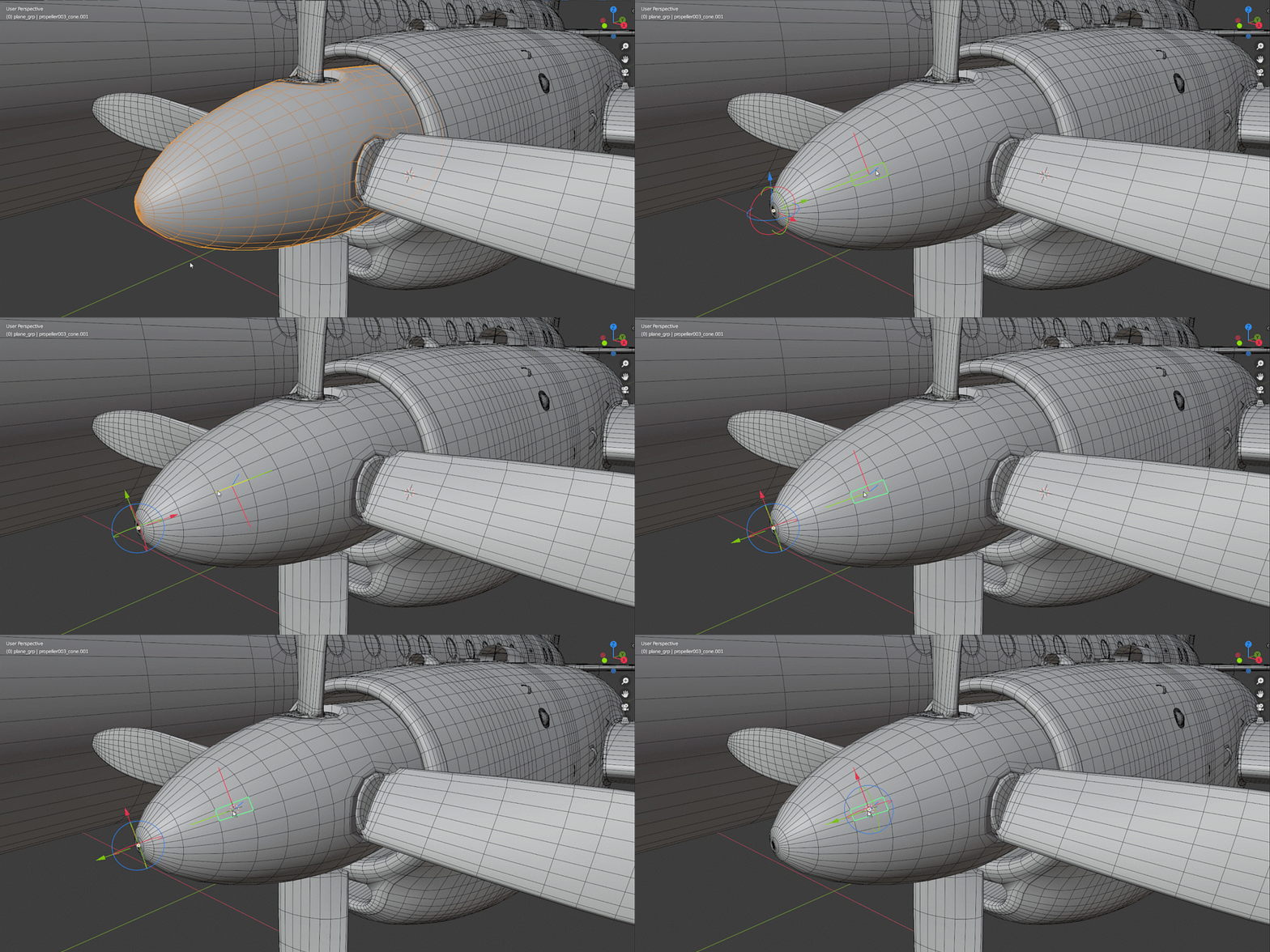
Simply press D, hover your mouse over the highlighted component, and click LMB, MMB, or RMB
to instantly change the pivot. Alternatively, use the Pivot gizmo to
freely move the Origin in 3D space or set a custom pivot orientation.
Both methods support an incremental snapping system.
In addition, the BBox gizmo (Pro version) makes it easy to align the Origin and 3D Cursor to the selected object’s boundaries.
The Friendly Pivot addon is available in two versions: Simple and Pro.
The Simple version provides essential tools for setting the Pivot Orientation, Origin, and 3D Cursor for Blender mesh objects.
The Pro version includes everything from the Simple version, plus support for BBox gizmo, orientation preview gizmo, multiselection, armature, and curve objects, as well as the ability to set the 3D Cursor directly in the UV Editor.
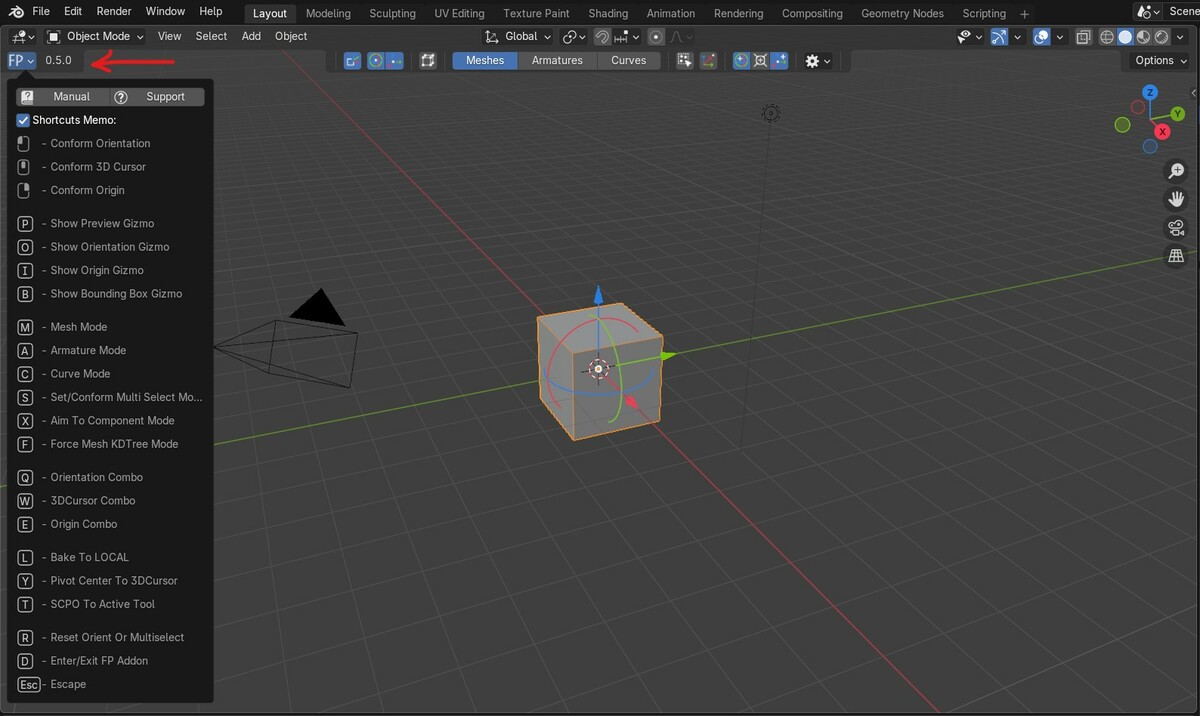
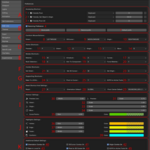
Friendly Pivot became a tool with convenient UI and its own icon in Blender toolbar.
The latest version of Friendly Pivot Addon is 0.5.11.
Features. Full list here and here(UV)
- Easy change Pivot orientations.
- Easy change Origin position.
- Easy change 3D Cursor orientation and position.
Requirements
Blender 4.2 or higher.
Current version 0.5.11:
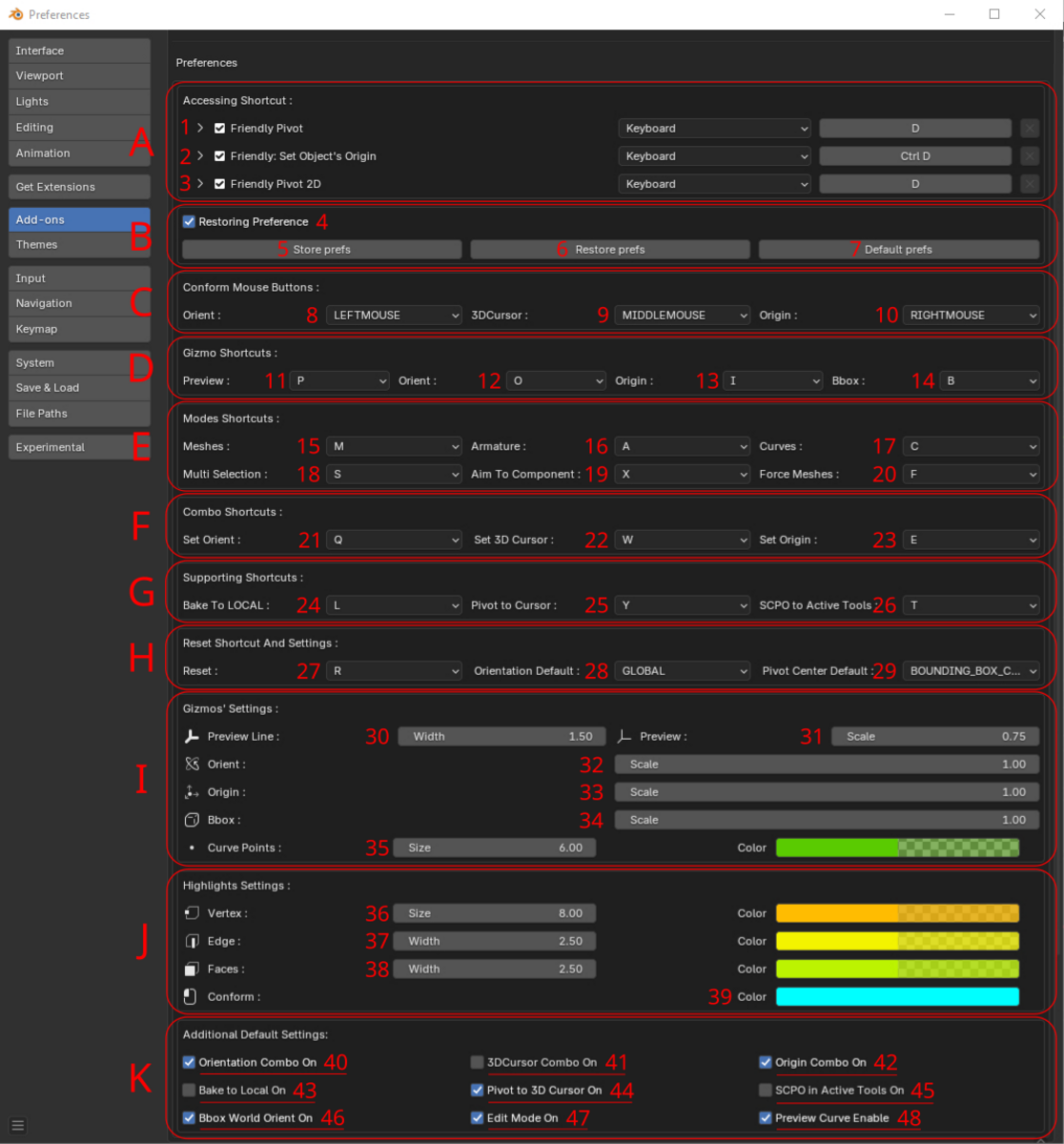
- Add support of custom addon's location.
Version 0.5.1:
- Mac issue fix.
Version 0.5.0:
- Friendly Pivot became a tool with convenient UI and its own icon in Blender toolbar.
- The addon was converted to extension since B4.2.
- Main shortcut now works in 2 ways: constant press or press/release to invoke the addon.
- Add aim mode for Pivot Orientation like in Maya.
- Add orientation to 3D Cursor conform.
- Add orientation to Multiselection mode.
- Add support of bones with transforms.
- Add change mesh selection for Bbox gizmo.
- Set separate visibility for addon's Orientation and Origin gizmos.
- Fixed drawing imprints after an error exists.
- Fixed small issues.
Installation
It's recommended to remove previously installed addon before the installation!
From "Get Extension" Preference Tab:
- Start Blender, then Edit → User Preferences → Get Extensions tab,
- Press 'Install from Disk' command in Extension settings dropdown menu (down-arrow icon located in upper right area of Get Extensions tab),
- Locate and select downloaded friendly_pivot zip file,
- Activate the addon, save user settings,
- Close preferences.
From "Add-ons" Preference Tab:
- Start Blender, then Edit → User Preferences → Add-ons tab,
- Press 'Install from Disk' command in Add-ons settings dropdown menu (down-arrow icon located in upper right area of Add-ons tab),
- Locate and select downloaded friendly_pivot zip file,
- Activate the addon, save user settings,
- Close preferences.
Quick usage:
Select object, press D (default invoke key, changeable) or activate Friendly Pivot Tool in Blender toolbar then hover mouse cursor above necessary and highlighted component then:
* Press LMB to set new Pivot Transform Orientation or
* Press RMB to set new Origin position or
* Press MMB to set 3d Cursor orientation and position.
For more actions and modes see the addon's manual.
Contact:
The addon is in BETA and works well but could be errors.
If there is an existed one, please report a bug by pressing Support button in dropdown menu(upper left FP icon)  while Friendly Pivot addon is active in main Blender viewport.

