 Venous_FX

Shape smoke and fire inside Blender
I made Fumaris so I could try changes to smoke and fire directly in Blender. Move an emitter, adjust the wind, or change the combustion settings while the preview runs and watch the effect develop.
Use meshes, particles, or Geometry Nodes as sources. Once the motion works, bake an OpenVDB sequence for Blender's volume materials and final rendering.
Before you buy: Blender 5.1+, Windows or Linux x64, a Vulkan-capable GPU with a current driver, and enough GPU memory for your scene. The main Linux package requires glibc 2.35+. NVIDIA and Intel Arc have been tested; AMD is not yet qualified. No macOS or Apple Silicon support.
The live preview uses simplified shading. Enable Bake on Preview before playing to record OpenVDB frames and import them when you pause or stop. A regular Bake starts a fresh simulation. Performance depends on the scene and hardware; the first use of a GPU feature may compile shaders.
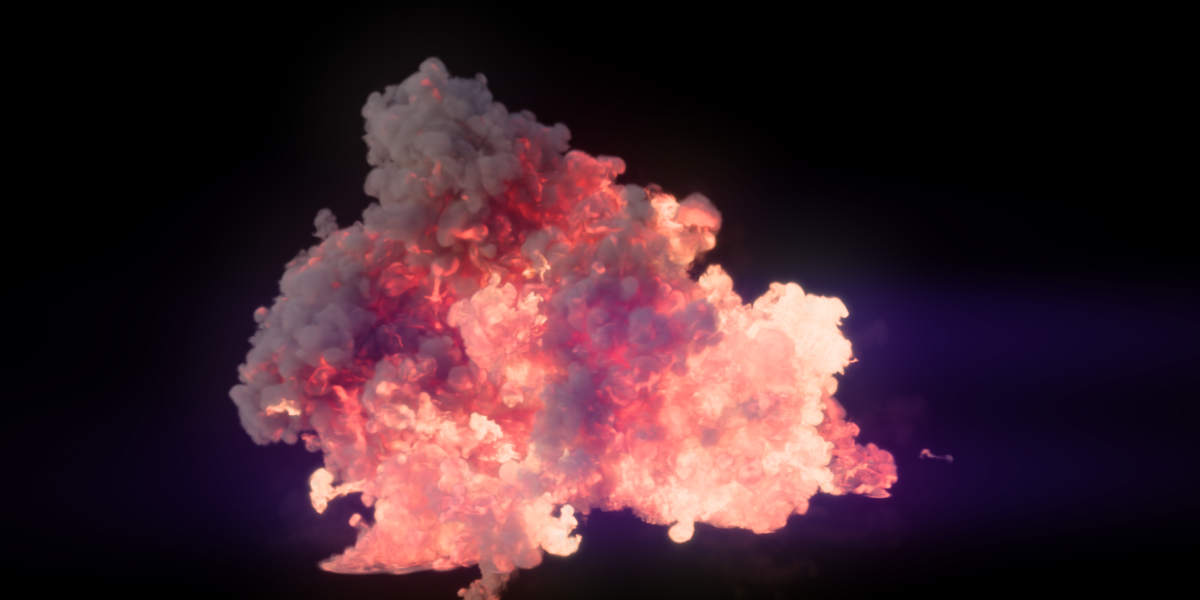
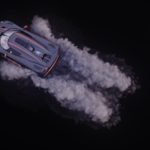
Move the emitter while the smoke keeps running
Try different source positions in the live preview and watch the plume respond.
Recorded in Blender, with the original playback timing retained. Enable Bake on Preview to capture a preview run as OpenVDB, or use Bake for a separate final run.
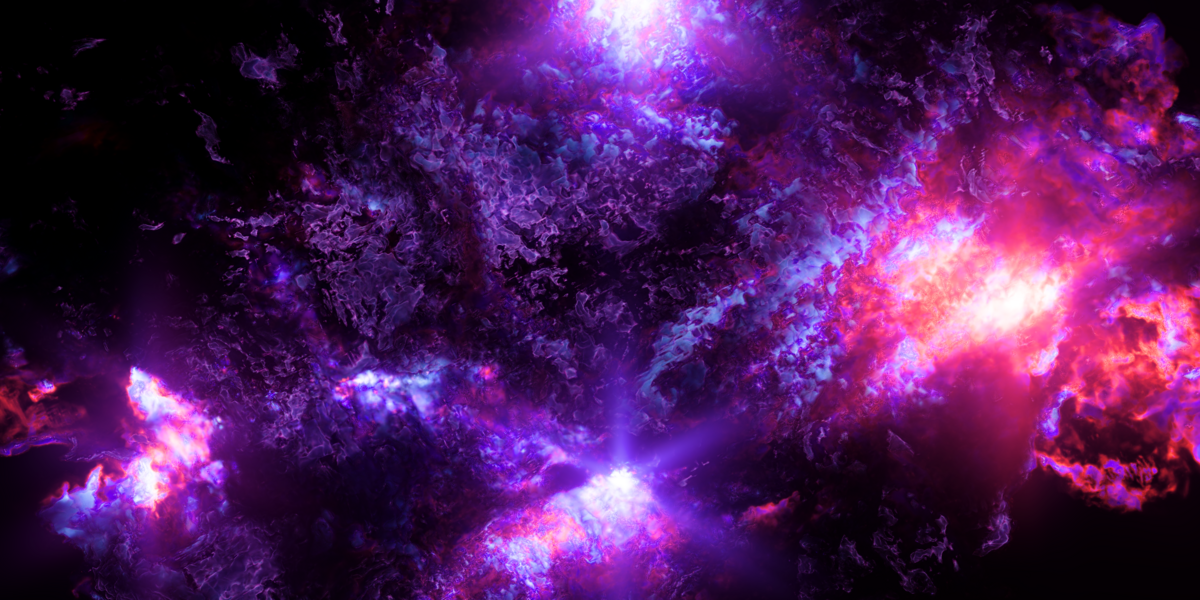
Take the effect into your final render
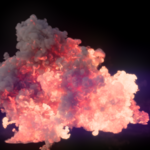
Bake an OpenVDB sequence, then use Blender's volume materials and lighting to finish the shot.
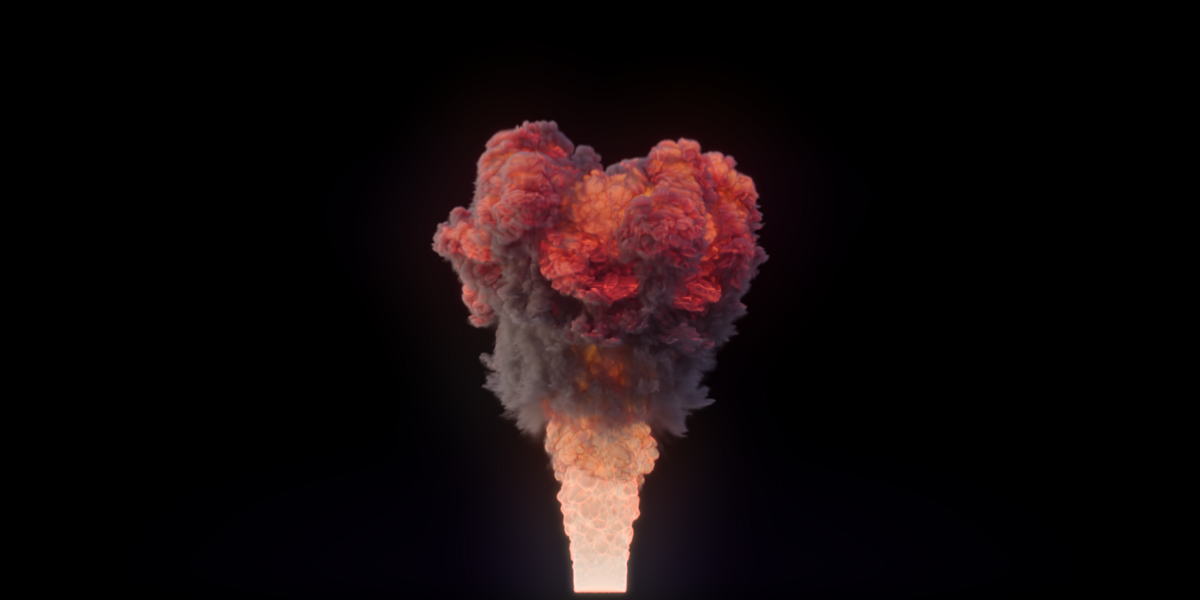
A separate finished example, shown as a short loop. This is a different scene from the preview above. View a still.
New in 1.2.0
- Quick Setup effects create a ready-to-run domain and emitter.
- Bake on Preview records OpenVDB frames during interactive playback and imports them when paused or stopped.
- Improved sparse-capacity and detail-memory warnings make clipping and limits easier to diagnose.
- Four updated demo scenes are included as a separate download.
Main Features
- Raymarched GPU smoke and fire preview inside Blender
- Live camera rerendering without advancing the simulation
- Shared smoke color, density, and fire controls for preview and final material
- Burn/temperature Blackbody fire shading that can be tuned without rebaking
- Optional self-shadowing in the live volume preview
- Pause the simulation and inspect its volume from another angle
- Preview exposure, filmic tone mapping, and light azimuth/elevation controls
- Optional smoke detail/upres with an explicit memory budget
- Final OpenVDB sequences for Blender's normal volume workflow
- Geometry Nodes point attributes for radius, velocity, smoke, temperature, fuel, burn, divergence, coupling, and masks
- Evaluated Geometry Nodes meshes and experimental volume sources
- Mesh, sphere, box, particle-system, and OpenVDB emitters
- Animated transforms, deforming meshes, and keyframed participant settings
- Mesh, sphere, and box colliders with velocity influence
- Force, wind, vortex, and turbulence effectors with noise and falloff
- Outflows for removing smoke and combustion channels
- Separate cache slots for preserving multiple simulations
- Standard density plus temperature, fuel, burn, and velocity VDB grids
- Per-bake time, peak system RAM, and peak VRAM reporting
- Adjustable simulation preview resolution, viewport scale, and ray steps
- Lightweight point preview retained as a diagnostic fallback
What You Receive
- A one-click Blender extension ZIP for the purchased operating system
- The complete Fumaris customer documentation inside the extension
- Readable GPL Python integration source
- The native simulation runtime and required platform libraries
- License overview, commercial runtime terms, and dependency notices
- A separate ZIP containing four updated demo scenes
Linux and Windows use separate downloads. Choose the package that matches thecomputer running Blender; neither package is cross-platform.
Requirements And Compatibility
- Blender 5.1 or newer
- Windows x64 or Linux x64; the main Linux package requires glibc 2.35 or newer
- A Vulkan-capable GPU with a current driver
- GPU memory appropriate for the chosen simulation resolution
- Local writable storage for OpenVDB caches
Fumaris has been tested on NVIDIA GPUs under Windows and Linux and Intel ArcGPUs under Windows and Linux. Hardware coverage is still growing; check the requirements for your configuration.
AMD GPUs have not yet been qualified. Fumaris uses a vendor-agnostic Vulkanpath and may work, but AMD compatibility is not promised in this release. Hardwareand driver combinations vary, so even supported GPU families may revealdevice-specific issues. macOS and Apple Silicon are unsupported.
The first simulation on a new GPU or driver can spend several minutes compilingshaders. Fumaris displays an initialization notice during this one-time step.
Known Limitations
- Geometry Nodes Volume emission is experimental.
- Interactive preview is temporary unless Bake on Preview is enabled before playback.
- Live preview uses simplified shading and currently overlays Blender objects rather than using viewport scene depth for occlusion. Final VDB renders are unaffected.
- A stopped bake imports completed frames but cannot resume solver state.
- One Fumaris preview or bake can run at a time.
- Colliders are practical Flow collision emitters, not mathematically sealed pressure boundaries; very fast smoke can leak through thin geometry.
- High resolutions, large sparse capacities, very large point clouds, and extra VDB channels can exhaust GPU or system memory.
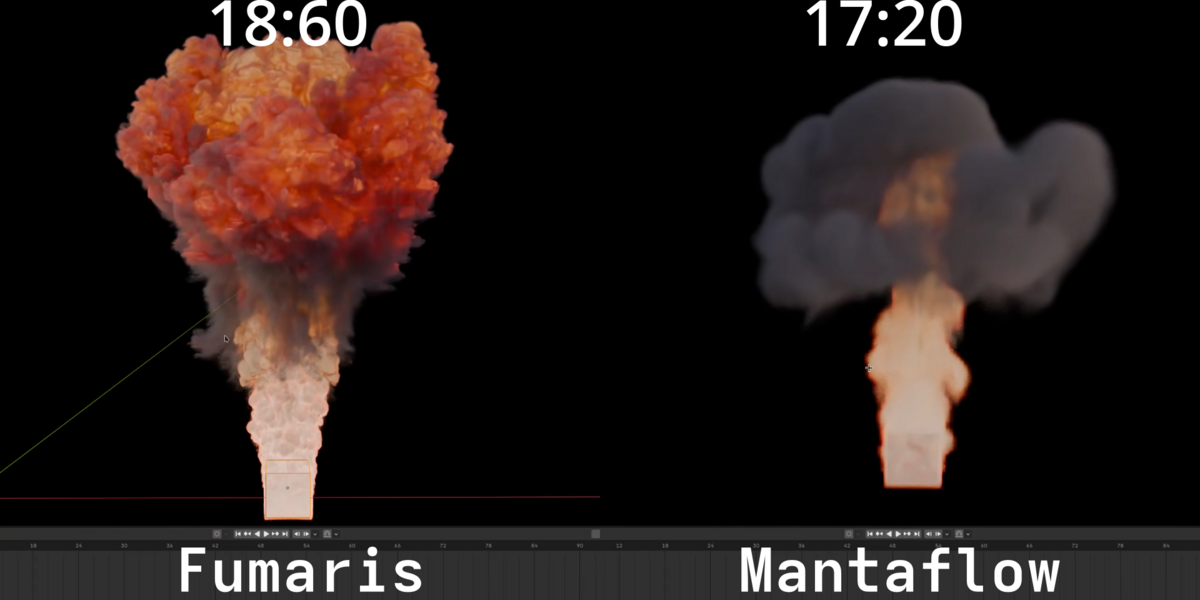
- Results do not match Mantaflow parameter-for-parameter.
- macOS and Apple Silicon are unsupported.
Installation
- Download the Fumaris ZIP for your operating system. Do not extract it.
- Open
Edit > Preferences > Extensionsin Blender. - Open the upper-right menu and choose
Install from Disk. - Select the ZIP and enable Fumaris if prompted.
- Select an object and open
Physics Properties > Fumaris.
Quick Start
- Select an object and open
Physics Properties > Fumaris. - Choose a Quick Setup effect to create a domain and source, or set up your own domain and emitter collection.
- Press
Playfor interactive feedback. EnableBake on Previewfirst if you want to keep the preview as OpenVDB frames. - For a separate final run, configure
Outputand pressBake.
The domain object stores settings; it is not a hard Mantaflow-style boundingbox. Flow allocates its sparse grid around active smoke.
Frequently Asked Questions
Is this a Mantaflow replacement?
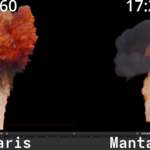
Fumaris covers the core smoke/fire workflow with a much more interactive GPUpreview and OpenVDB output, but it is a different solver with differentparameters and tradeoffs. Evaluate the demo based on the effects and workflowyou need rather than expecting one-to-one settings.
Does Preview create a final cache?
It can. Enable Bake on Preview before playback to record OpenVDB frames in the background; pausing or stopping imports the recorded sequence. Without that option, preview is temporary. A regular Bake creates a separate OpenVDB sequence.
Why is Bake slower than Preview?
Bake reads full volume grids back from the GPU, converts NanoVDB data toOpenVDB, and writes it to disk. Volume preview transfers only aviewport-sized image; diagnostic point mode transfers sampled positions.
Can Geometry Nodes control each point?
Yes. Named point attributes can control position, radius, velocity, smoke,temperature, fuel, burn, divergence, channel coupling, and masking. Empty pointclouds are valid.
Can I stop and resume a bake?
Stop imports every valid frame already written, but Flow's complete statecannot currently be serialized. The next bake starts from the beginning.
Can I use the output commercially?
Yes. Your renders, animations, and generated simulation caches remain yourcontent, subject to the rights attached to your input assets.
Where can I get help?
Reply to the purchase receipt or use the support contact on the storefront.Include the Fumaris and Blender versions, operating system, GPU, driver,console output, reproduction steps, and the smallest .blend that shows theproblem.
Support And Refunds
Buying Fumaris should not mean gambling on basic compatibility. Contact support within 14 days if Fumaris cannot initialize,preview, or bake on a listed Windows/Linux configuration after normal driverand troubleshooting steps. I will first try to diagnose or hotfix the problem;if it cannot be resolved reasonably, a refund will be considered.
Refunds are also considered for duplicate purchases or a materially inaccurateproduct claim. Aesthetic preference, expected differences from another solver,insufficient hardware memory, unsupported macOS use, and modified package filesare not normally refundable. Storefront rules and mandatory consumer rightstake precedence.
License And Source
The Blender Python integration is GPL-3.0-or-later. Matching source ispublished at https://github.com/Michael-Venous/fumaris.
Original Fumaris native bridge code uses the included Commercial RuntimeLicense. Third-party components retain their included licenses. Fumaris is notaffiliated with or endorsed by Blender Foundation, NVIDIA, Intel, AMD, orDassault Systemes.
Benchmark Disclosure
Published timings are wall-clock captures on the hardware named in the video.Mantaflow comparisons match frame range and visual intent as closely aspractical, but the solvers and parameter systems are different. Results varywith the scene, active sparse volume, output channels, storage, GPU, and driver.
