Fumaris | Gpu Smoke & Fire Simulation For Blender
 Venous_FX
Fumaris 1.0.0 Documentation
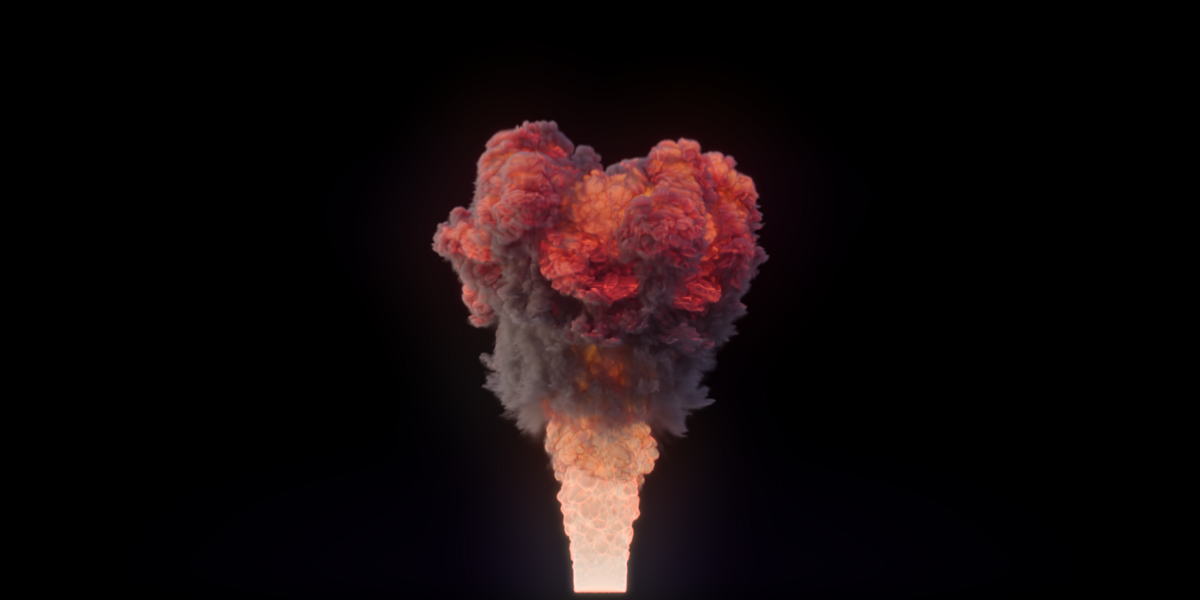
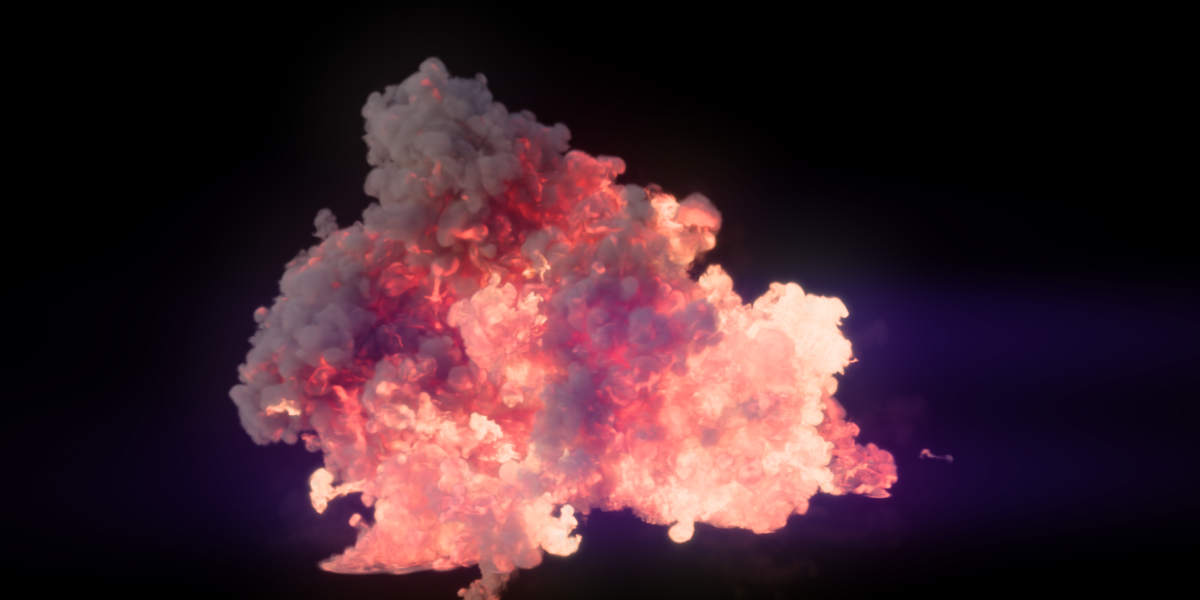
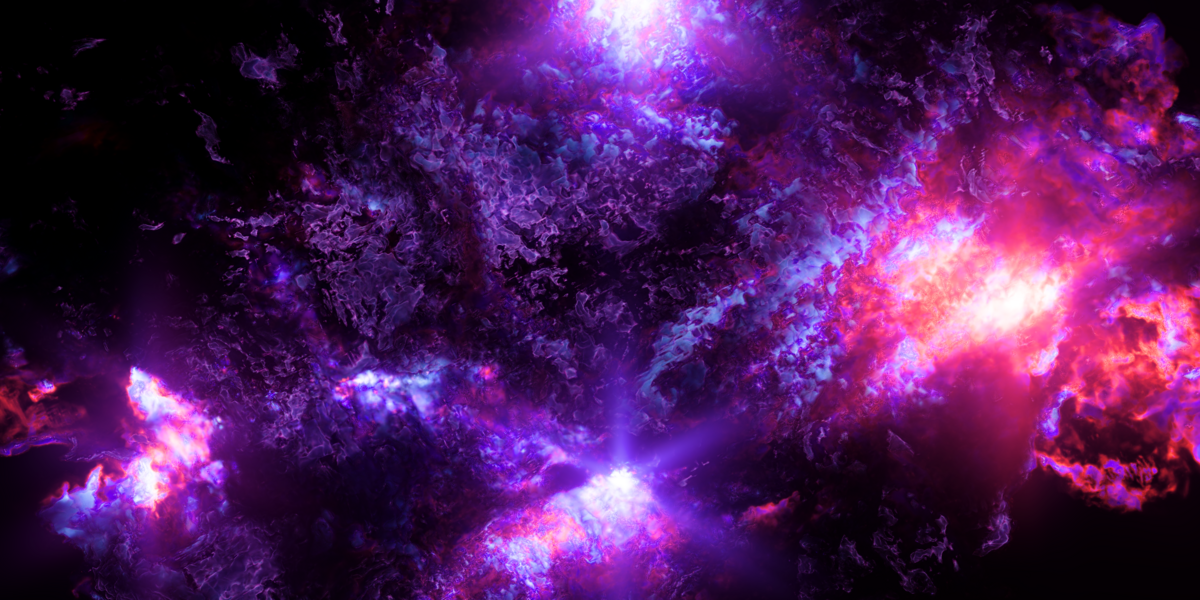
Fumaris is an interactive GPU smoke and fire simulator for Blender. Use the live volume preview to shape motion quickly, then bake standard OpenVDB sequences for Blender's native volume shading and rendering workflow.
Fumaris 1.0.0 is a major release. The complete manual is included with every download; this page covers the setup, core workflow, important controls, and current limitations.
Requirements
- Blender 5.1 or newer
- Windows x64 or Linux x64
- A Vulkan-capable GPU with a current driver
- Enough GPU memory for the chosen resolution and sparse block capacity
- Local writable storage for OpenVDB caches
NVIDIA GPUs have been tested under Windows and Linux. Intel Arc has also been tested under both operating systems. AMD uses the same vendor-agnostic Vulkan path but has not yet been qualified, so AMD compatibility is not promised in this release. macOS and Apple Silicon are unsupported.
Installation
- Download the ZIP matching your operating system. Do not extract it.
- Open
Edit > Preferences > Extensionsin Blender. - Open the upper-right menu and choose
Install from Disk. - Select the Fumaris ZIP and enable the extension if prompted.
- Select an object and open
Physics Properties > Fumaris.
The first simulation on a new GPU or after a driver update may spend several minutes compiling shaders. Fumaris displays an initialization notice during this one-time process. Later sessions should start much faster.
Quick Start
Fumaris uses one object as a settings host and collections to identify the objects participating in the simulation.
- Select any convenient object and set
Flow ObjecttoDomain. - Create an emitter collection and assign it under
Participants. - Put source objects in that collection.
- Set each source object's
Flow ObjecttoEmitterand choose its shape. - Select the domain and press
Playfor an interactive preview. - Adjust the domain, emitters, effectors, and other participants.
- Press
Stop, configureOutput, and pressBakefor final OpenVDB files.
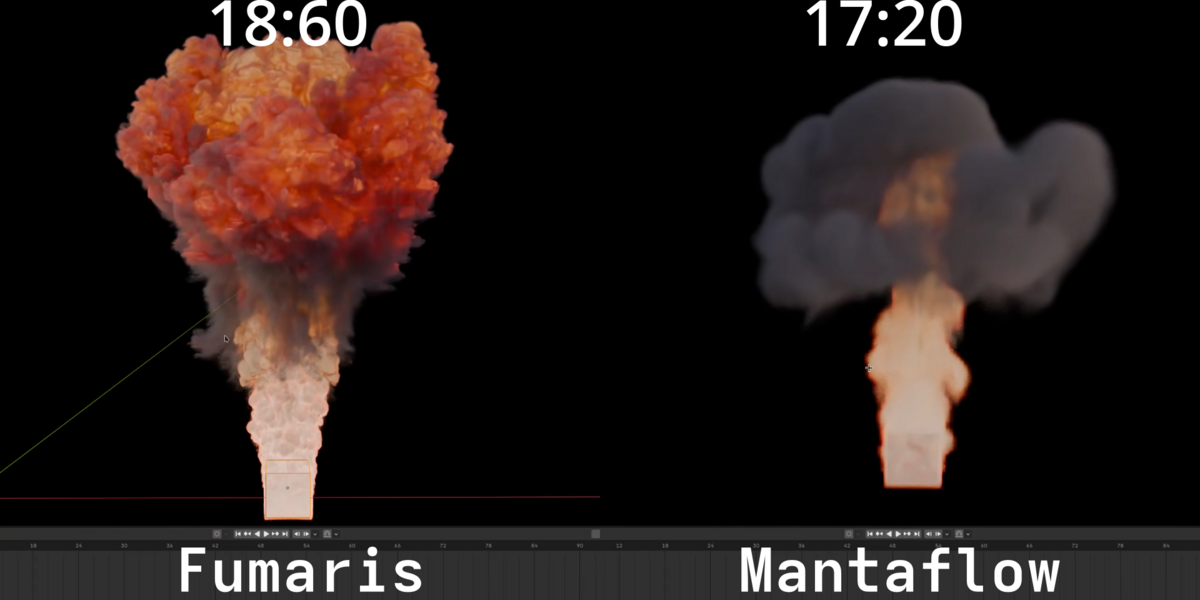
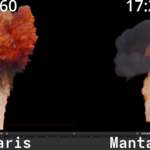
Unlike Mantaflow, the domain object's dimensions are not a hard simulation box. Flow allocates a sparse grid around active smoke. Participant collections are searched recursively, so child collections can be used to keep larger setups organized.
Preview And Bake
Preview
Play starts a persistent GPU simulation and advances the timeline only after
each frame is ready. The default preview raymarches the live sparse volume on
the GPU. Moving the view rerenders the current frame without advancing the
solver. A lightweight point display remains available as a diagnostic mode.
Most settings can be changed while preview runs and affect subsequent frames.
Preview loops over the domain's Start and End Frame values, independently of
Blender's timeline range. Press Stop to end it. Do not start Blender's native
timeline playback at the same time.
Preview controls include:
-
Preview Resolution, which scales the simulation used for preview; - viewport image scale and ray steps;
- shared Appearance controls for smoke density/color and fire visibility, brightness, temperature range, and Blackbody scale;
- optional self-shadowing;
- a diagnostic point mode with dot budget and display controls; and
-
Preview Bake, which displays the selected preview during a final bake at some performance cost.
The live raymarch uses a deliberately simple display shader and does not yet use Blender scene depth for object occlusion. Final OpenVDB materials and renders are unaffected.
Bake
Bake resets Flow, simulates every frame sequentially, writes an OpenVDB
sequence, and imports completed frames as a Blender Volume object. The status
row reports elapsed time and peak system RAM and VRAM.
Under Output, choose a writable cache directory, assign an optional volume
material, and enable only the grids your material needs. Cache Slots preserve
multiple bakes instead of silently replacing the previous result.
Pressing Stop during a bake imports every valid frame already written. Flow's
complete internal state cannot currently be serialized, so a stopped bake
cannot resume; the next bake starts from the beginning. Delete removes the
selected cache slot and its imported volume.
Domain Controls
Resolution determines density cell size. Sparse Block Capacity controls
how much active volume may exist and acts as a practical GPU memory ceiling.
Raise both in measured steps: high resolution without enough blocks can clip
growth or force a larger automatic cell size. Resolution has no hard maximum;
values above the suggested slider range may be typed directly, subject to GPU
memory and sparse-capacity limits.
Sub-Steps controls complete solver steps per frame. Fast movement,
combustion, and high-resolution effects may require more steps to converge.
Use the lowest count that gives a stable result because cost rises roughly
linearly.
Smoke behavior controls include:
- Gravity
- Temperature Buoyancy
- Smoke Buoyancy
- Vorticity
- Dissipation
- Combustion, ignition, cooling, smoke production, and expansion
Small Sparse Blocks is generally faster and uses less memory. Larger sparse
blocks can improve continuity in demanding high-resolution effects, but may
take substantially longer. Leave neighbor allocation and boundary-safe
advection enabled for fast smoke.
Emitters And Geometry Nodes
Version 1.0 Preview And Detail Controls
Pause retains the volume in VRAM for orbiting and appearance changes; Resume continues the solver, while Stop releases it. Preview Settings includes up to 4096 Ray Steps, exposure, filmic tone mapping, a shadow-light floor, and light Azimuth/Elevation. These are preview display controls, not Blender scene lights or an exact Cycles/EEVEE match.
Smoke Upres is experimental and disabled by default. Start with Strength 1 and Detail Size 4. It adds smoke-density variation, not higher-resolution fire or pressure. Its default 4096 MiB detail-memory budget is an estimated peak allocation budget, not current total VRAM usage. Leave memory for Blender and the base solver. Upres can cost as much as higher base resolution in some scenes; compare a short test rather than assuming it is faster. The full manual explains these controls and the memory-limit diagnostics.
Dense smoke and bright fire can show pronounced flame boundaries in preview. Use a short VDB bake to judge final shading. Keep backups before upgrading and do not share cache directories between 1.0 and older Fumaris processes.
Fumaris supports:
- evaluated mesh surface and volume emission;
- sphere and box emitters;
- Blender particle systems as points or instanced meshes;
- Geometry Nodes point clouds and evaluated meshes;
- file-based OpenVDB sources; and
- experimental evaluated Geometry Nodes volume sources.
Emitter channels include smoke, temperature, fuel, burn, divergence, initial velocity, motion velocity, and mesh-normal velocity. Moving and deforming sources can use Motion Sub-Steps to sample intermediate poses. These emitter steps do not improve a static source or replace domain solver Sub-Steps.
Geometry Nodes point emitters can map named attributes for position, velocity, radius, smoke, temperature, fuel, burn, divergence, coupling, and emission masks. Store attributes on the point domain before Geometry Output. Missing optional attributes fall back to object-level values, and empty point clouds are valid.
Point clouds use batched spherical GPU emission while preserving varying radius and mapped simulation channels. Very large point counts, or one unusually large point mixed with many small ones, can increase GPU work.
Colliders, Effectors, And Outflows
Optional participant collections can be assigned for each role.
- Colliders support mesh, box, and sphere shapes with velocity influence and adjustable margin.
- Effectors support force, wind, vortex, and turbulence behavior with noise and distance falloff.
- Outflows remove smoke and combustion channels from a mesh region.
Fumaris strengthens Flow's stock collision treatment, but colliders are not mathematically sealed pressure boundaries. Very fast smoke can still leak through thin or complex geometry. Increase collider margin, resolution, or Sub-Steps when necessary.
OpenVDB Channels And Shading
Density is the standard smoke grid. Additional outputs include:
-
temperature: Kelvin-like values in a fixed 0-5000 range; -
burn: raw combustion activity for advanced shading; -
fuel: remaining unburned fuel; and -
velocity: world-space motion for volume motion blur and compositing.
With no custom Volume Material selected, Fumaris includes temperature and burn
automatically and creates a Blender material from the domain's Appearance
controls. It maps temperature through Blackbody for Emission Color and derives
Emission Strength from nonnegative burn, a smooth temperature gate, and
1 - exp(-source). Smoke color, density, flame brightness, temperature range,
and Blackbody scale can therefore be changed after baking. Raw burn remains
available for power users. No separate derived flame grid is exported.
Every extra VDB grid adds GPU readback, conversion time, memory use, disk use, and bake time. Disable channels the material does not need.
Performance Tips
- Use Preview while developing motion and Bake only for final OpenVDB output.
- Keep Preview Bake disabled unless the final bake needs to be watched.
- Lower Preview Resolution, Viewport Scale, or Ray Steps for viewport work.
- Increase resolution and sparse capacity gradually.
- Use the lowest converged Sub-Step count.
- Store caches on a fast local drive.
- Split point clouds with widely different radii and reduce excessive point counts when point emission becomes the bottleneck.
Preview is normally much faster than Bake because it transfers one viewport-sized image, or sampled positions in diagnostic point mode. Bake must read complete grids back from the GPU, convert NanoVDB data to OpenVDB, and write it to storage.
Known Limitations
- AMD hardware is currently unqualified.
- Geometry Nodes Volume emission is experimental.
- Preview is temporary feedback rather than a saved simulation cache.
- Preview shading is simpler than final Blender volume shading and currently lacks scene-depth occlusion.
- Stopped bakes cannot resume solver state.
- Only one Fumaris preview or bake can run at a time.
- Colliders are practical Flow collision emitters, not sealed boundaries.
- Results do not match Mantaflow parameter-for-parameter.
- macOS and Apple Silicon are unsupported.
Troubleshooting And Support
If Fumaris does not start or complete a simulation:
- Confirm that the downloaded ZIP matches the operating system.
- Update the GPU driver and restart Blender.
- Allow the first shader compilation several minutes to finish.
- Try the included demo or a minimal domain with one emitter.
- Reduce resolution and sparse capacity if GPU memory is exhausted.
- Confirm that the cache path is local, writable, and has free space.
Use the support channel on the purchase receipt. Include the Fumaris ZIP and
version, Blender version, operating system, GPU and driver, whether the issue
occurs in Preview or Bake, console output, reproduction steps, and the smallest
.blend that reproduces the problem. Remove proprietary assets before sending
a project file.
Have questions about this product?
Login to message
| Sales | 10+ |
| Published | 27 days ago |
| Blender Version | 5.1 - 5.2 |
| Render Engine Used | Cycles, Eevee |
| License | GPL |
