 Venous_FX
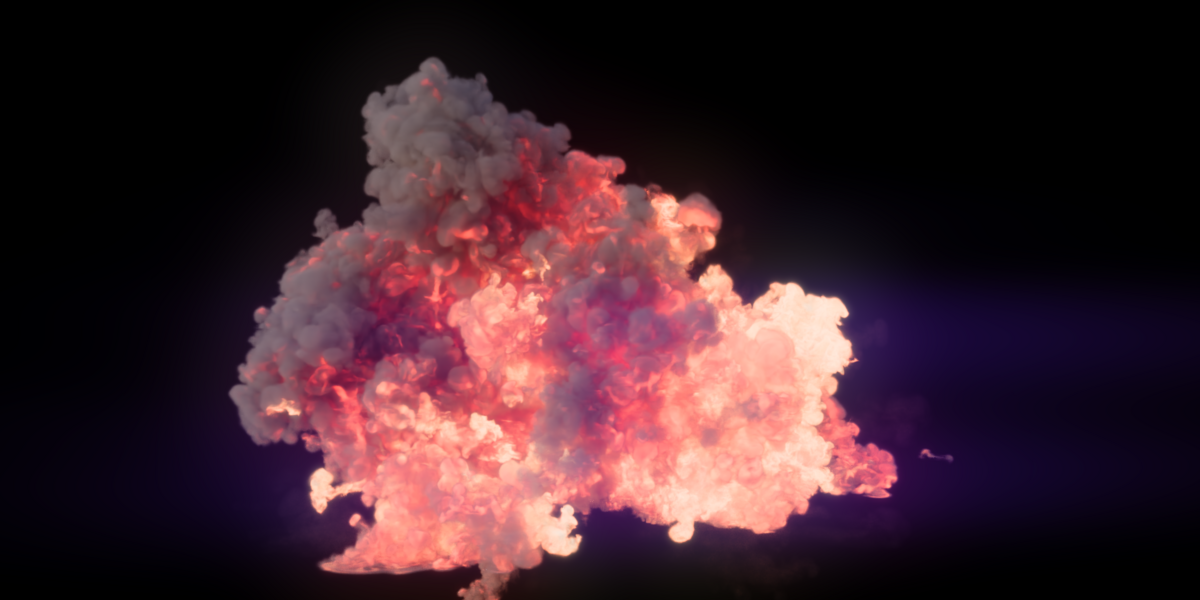
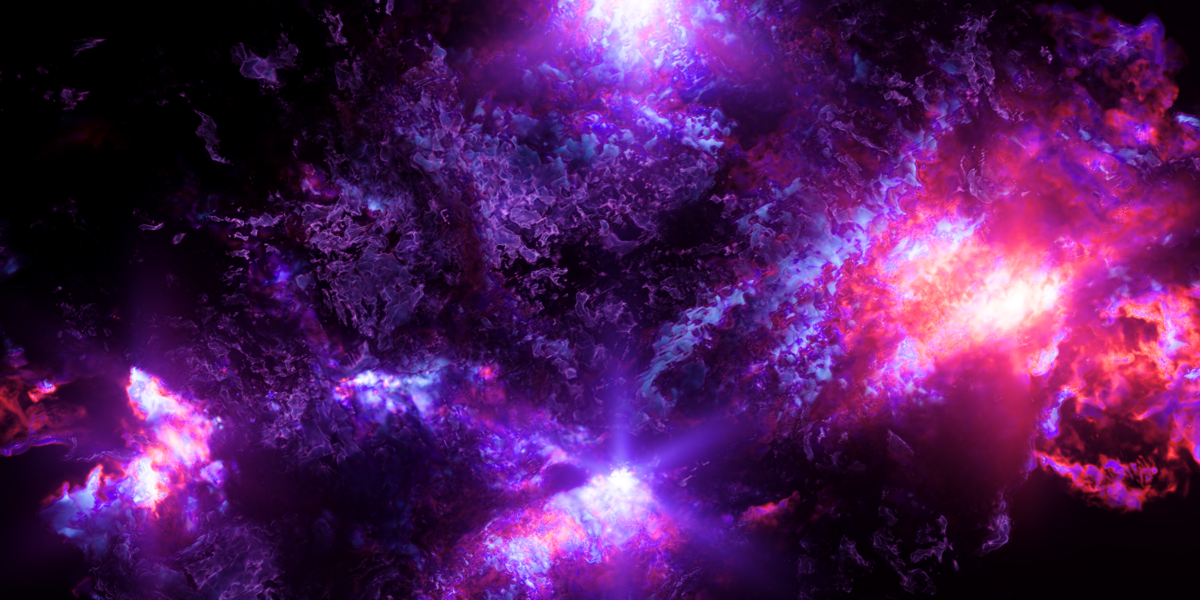
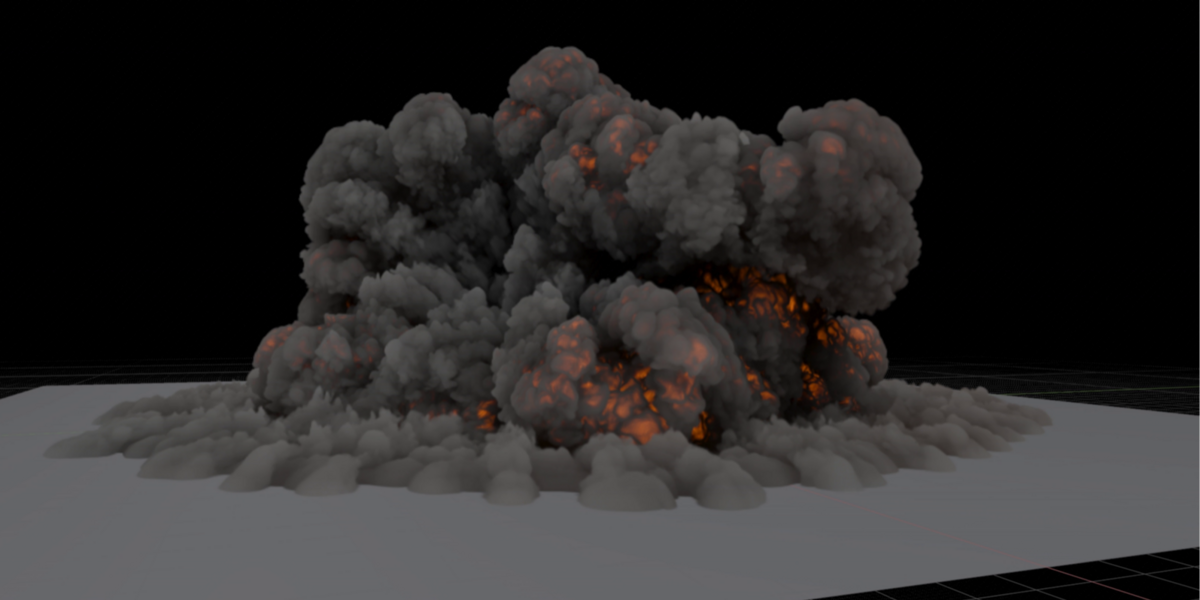
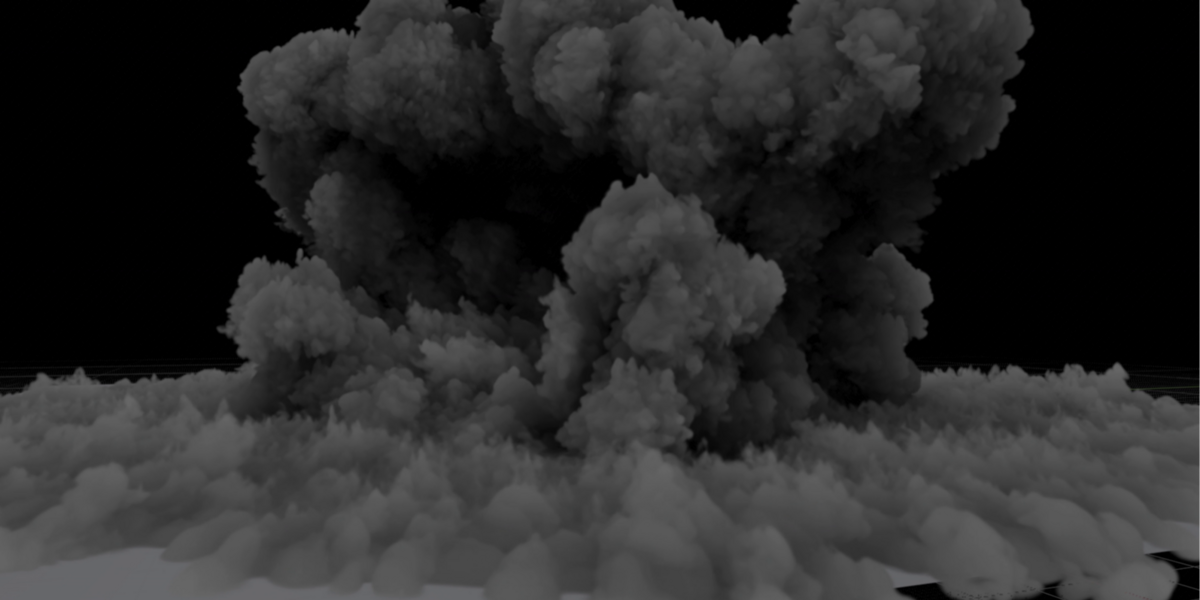
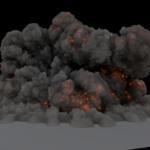
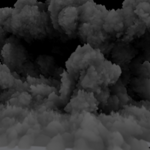
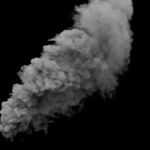
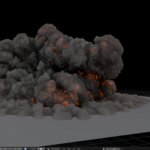
Shape smoke and fire inside Blender
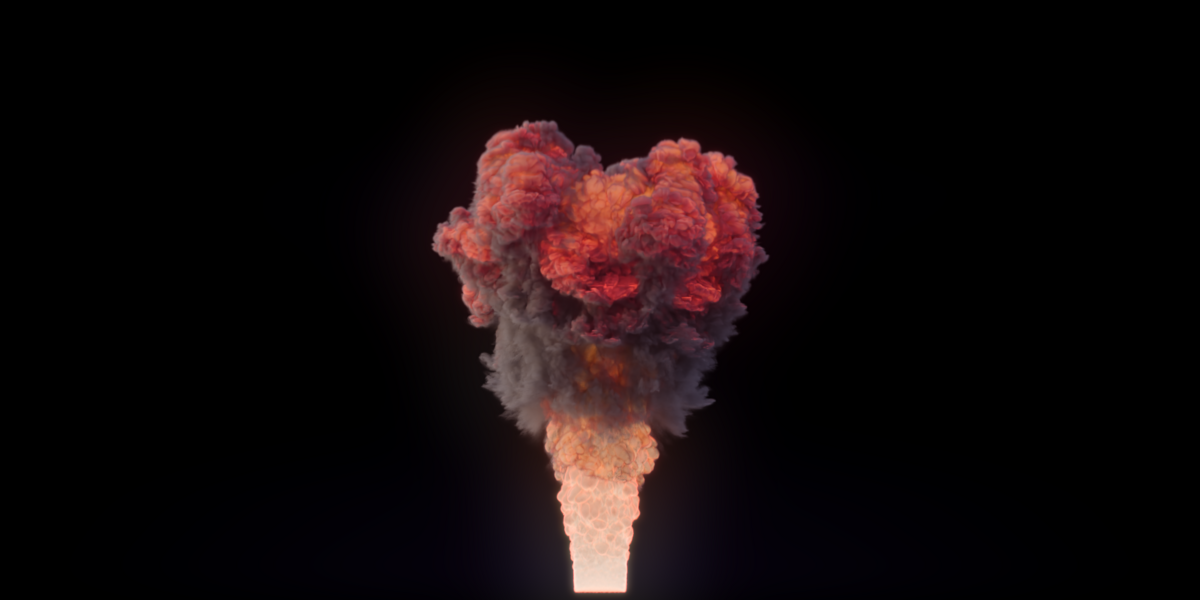
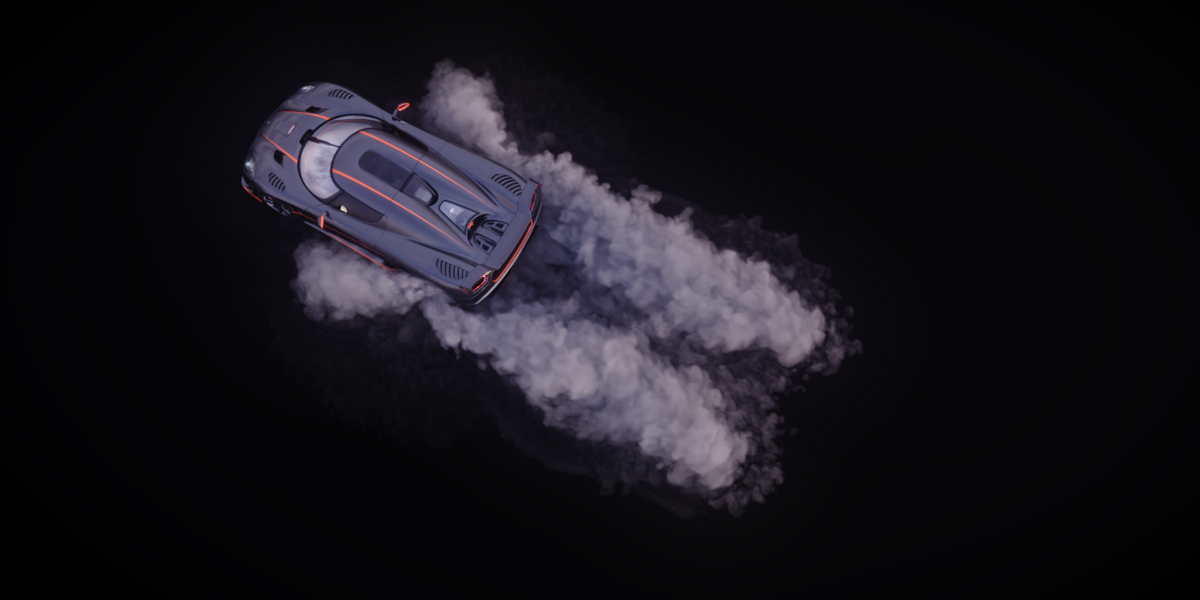
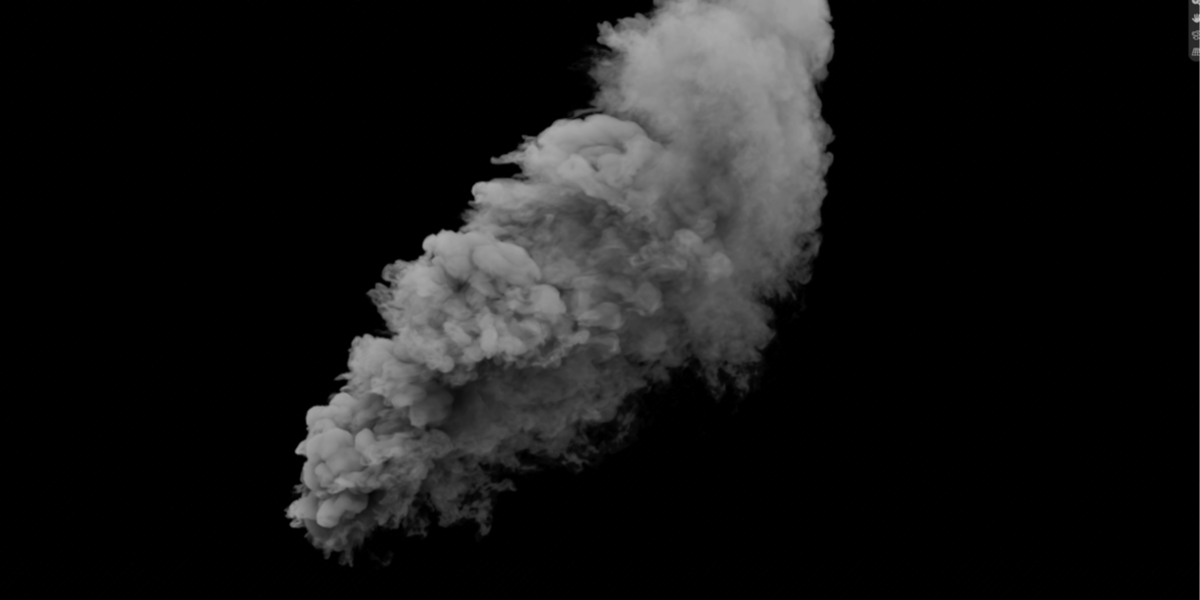
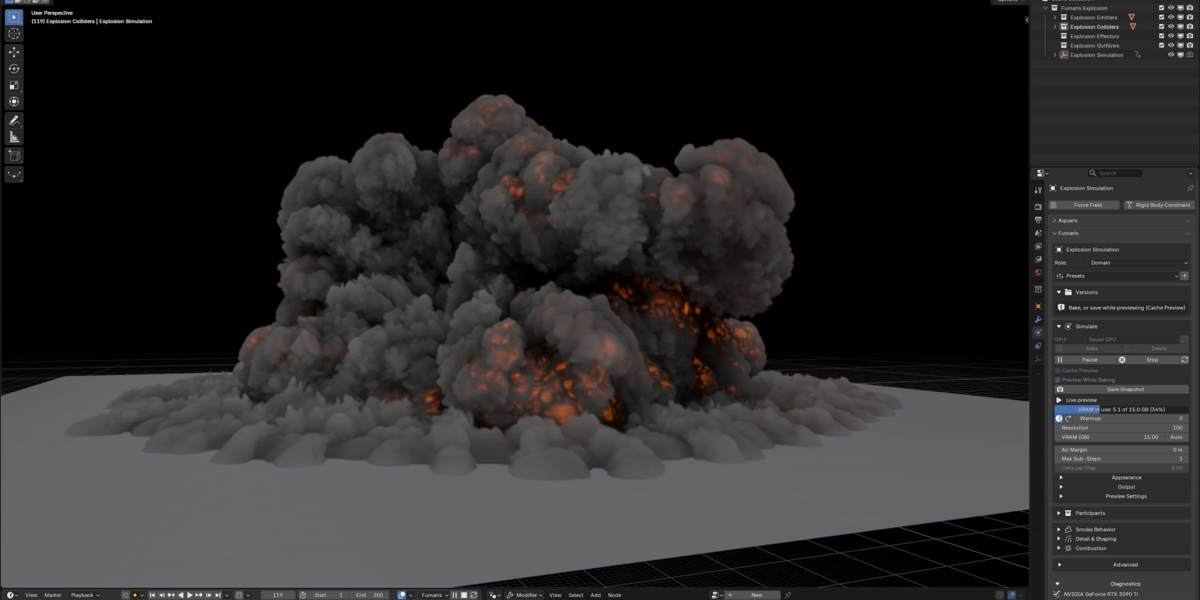
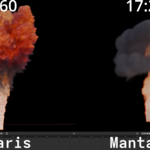
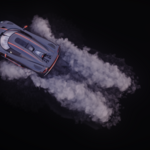
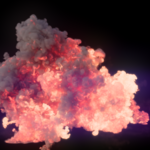
I made Fumaris so I could shape smoke and fire inside Blender without waiting for a bake to see what changed. Press Play and the simulation runs on your GPU right in the viewport, lit like Cycles: your scene's sun or HDRI, sky light, fire lighting the smoke, and Blender's own colour management. Move an emitter or change a setting and watch it take effect. When the motion is right, bake an OpenVDB sequence for Blender's volume materials and final render.
Fumaris 2.0 beta 1 is the biggest update yet, and free for everyone who owns 1.x:
- A new solver core. Smoke keeps its motion and rolls instead of fading, the pressure solve is stronger, colliders act as real walls, and results hold up across resolutions.
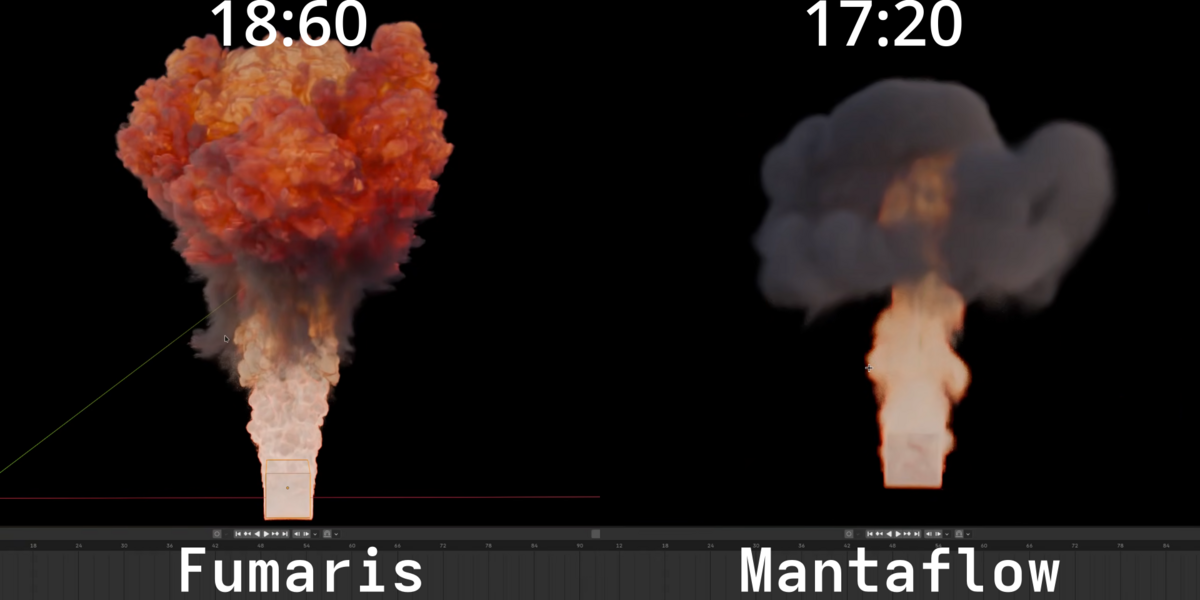
- The same look with fewer sub-steps. New scenes run one sub-step (1.3.1 used two): about 35-40% less GPU time per voxel than 1.3.1 at default settings, and about 1.4x as much simulation per GB of VRAM (up to about 2x for smoke-only scenes).
- Physical fire with one combustion model, soot radiation and an optional oxygen model, where fire starves inside thick burnt gas.
- Detail & Shaping layers: stack Disturb, Grain, Shred, Vorticity, Dissipation, Cooling and Soot Burn-off, each limited by masks such as temperature, speed or smoke.
- Two fire looks: Temperature (blackbody) and Pyro (Houdini-style), with Scatter Glow spreading fire light into the smoke.
- Preview cache and Versions: scrub and replay what you previewed, save it as a VDB version or a snapshot, and compare versions with the settings that made them.
Features
- GPU smoke and fire simulation with a live, Cycles-lit volume preview
- Quick Setup: Rising Smoke, Steady Fire, Explosion, Ground Fog, Chimney Smoke
- Emit from meshes, spheres, boxes, particles, Geometry Nodes points and meshes, and OpenVDB files; per-point attributes for radius, velocity, smoke, temperature, fuel and more
- Ready-made sources: Candle, Burst, Trail and Spreading Fire
- Colliders, wind, force, vortex and turbulence effectors, and outflows
- Detail & Shaping layers with masks
- Temperature and Pyro fire looks, Scatter Glow, generated material in tidy node groups
- Preview cache with replay, Save Sequence, Save Frame and Save Snapshot
- Versions list: pinned bakes, preview saves and snapshots, with a settings diff
- Compact OpenVDB output: half precision, per-grid resolution, Make Lighter Copy, and Add Sparks (embers driven by the bake)
- VRAM set in GB (or Auto), reserved up front so memory stays flat
- User presets for domains and sources
- A Fumaris tab in the viewport sidebar: every domain and its objects in one list, one-click New Domain with organised collections, Add Selected as emitters or colliders, and Restart (Shift+Alt+R) to replay a preview
What you receive
- Blender extension ZIPs for Windows x64, Linux x64 and macOS (Apple Silicon)
- A demo ZIP: Explosion, Mushroom, Tornado and Effector Vacuum
- The full documentation inside the extension
- The GPL Python source, the native runtime, and license notices
Download the ZIP for the computer running Blender; the packages are not cross-platform.
Requirements
- Blender 5.2 or newer (tested with 5.2 and 5.3)
- Windows x64 or Linux x64 (glibc 2.35+) with a Vulkan GPU and a current driver, or a Mac with Apple Silicon on macOS 26+
- Enough GPU memory for your scene
- Local storage for OpenVDB caches
Tested on NVIDIA (Windows, Linux), Intel Arc (Windows, Linux) and Apple M4. AMD GPUs are not qualified yet; they may work through the same Vulkan path, but I can't promise it. Intel Macs are not supported.
Good to know (beta)
- This is a beta. Please send me scenes that look wrong.
- Scenes from Fumaris 1.x are not converted: set the domain and sources up again (Quick Setup is a good start). Keep 1.x installed for older projects.
- The preview is close to Cycles but not identical: sun-lit smoke previews a little brighter, and the Pyro look's heat blur shows in renders only.
- One preview or bake runs at a time. A stopped bake keeps its frames but can't resume.
- Results change slightly with the VRAM setting; a preview and its bake agree.
- The first run compiles GPU shaders, which can take a minute or two.
Installation
- Download the ZIP for your system. Don't extract it.
- In Blender, open
Edit > Preferences > Extensions. - Open the menu at the top right, choose
Install from Diskand pick the ZIP. - Select an object and open
Physics Properties > Fumaris, or start withQuick Setup.
Support and refunds
Reply to your purchase receipt or message me on the store. Include your Fumaris and Blender versions, operating system, GPU and driver, and a small .blend that shows the problem.
If Fumaris can't start, preview or bake on a listed configuration after normal driver steps, contact me within 14 days. I'll try to fix it first; if I can't, I'll consider a refund. Store rules and consumer rights take precedence.
License
The Blender Python integration is GPL-3.0-or-later (source: github.com/Michael-Venous/fumaris, tag v2.0.0-beta.1). The native runtime uses the included Commercial Runtime License; third-party components keep their own licenses. Your renders and caches are yours to use commercially. Fumaris is not affiliated with Blender Foundation, NVIDIA, Intel, AMD or Apple.
Benchmark note
Speed and memory figures compare each version's own Quick Setup at default settings (Explosion and Rising Smoke, Resolution 1024, RTX 4060 Ti, simulation only). Results vary with the scene, GPU and driver.
Fumaris 1.x overview video
An earlier walkthrough, recorded with Fumaris 1.x (the interface and preview have changed since).
