 Venous_FX


Latest: 2.0 beta 6 (Nov 23, 2026) · see Version History
Smoke and fire you can direct while it simulates
Watch the simulation run in the Blender viewport, lit by your scene, and change it while it plays. When the shot looks right, bake to OpenVDB and render in Cycles.
Windows · Linux · Apple Silicon | Blender 5.2+ | Vulkan GPU (Metal on Mac)
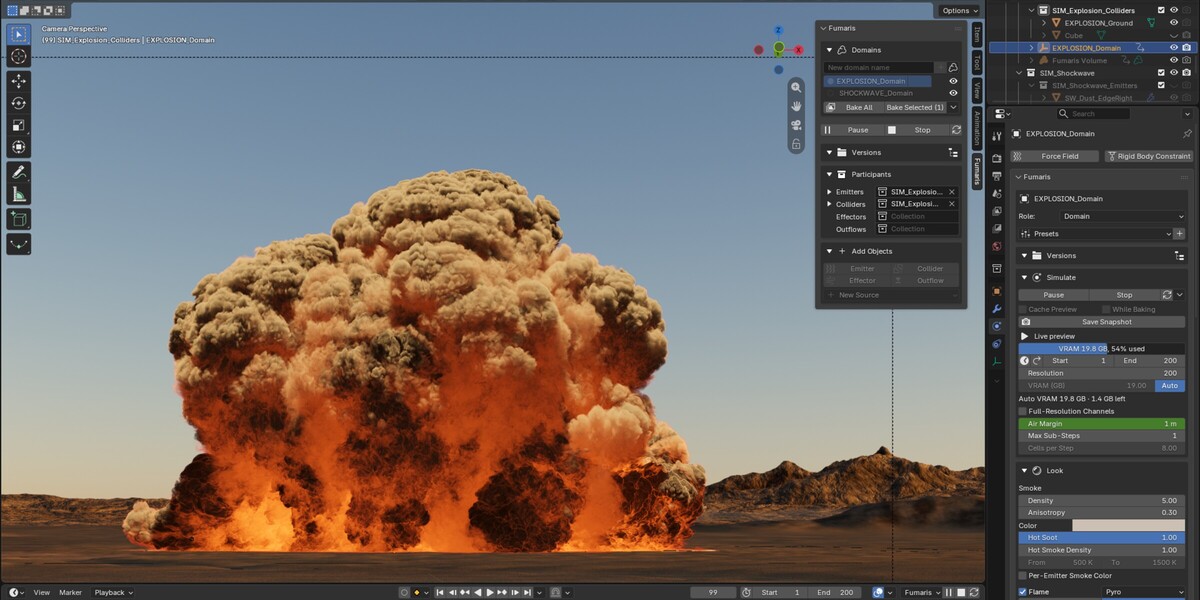
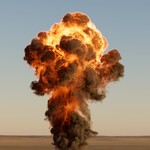
The Explosion Quick Setup in the viewport, real time: about 14 fps at Resolution 512 on an RTX 3090 Ti (2.0 beta 4, Blender 5.3).
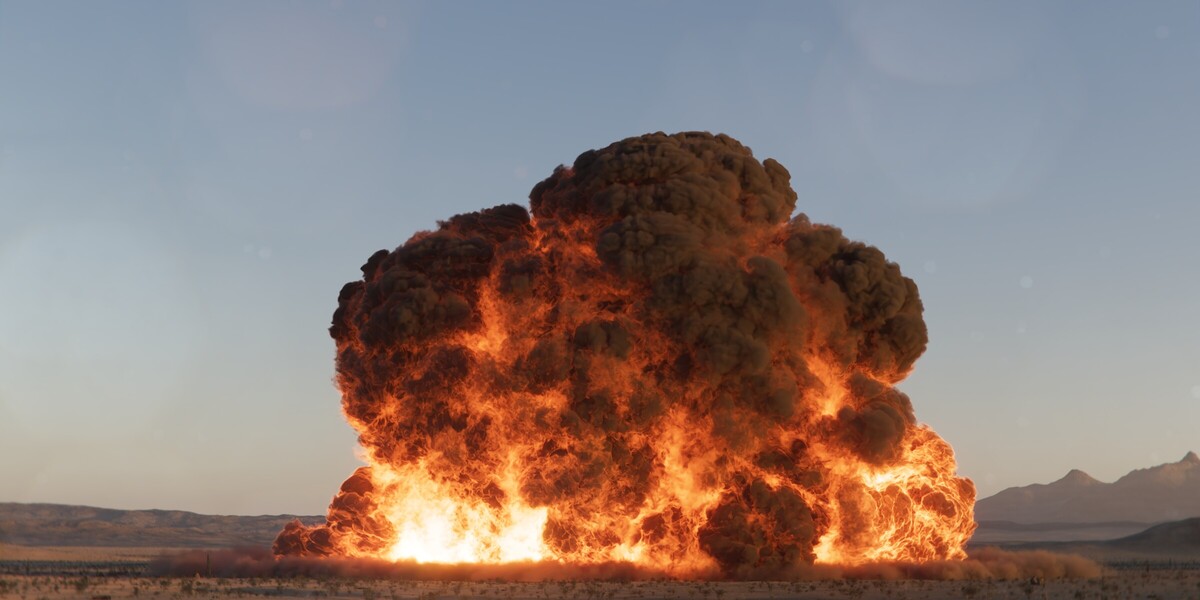
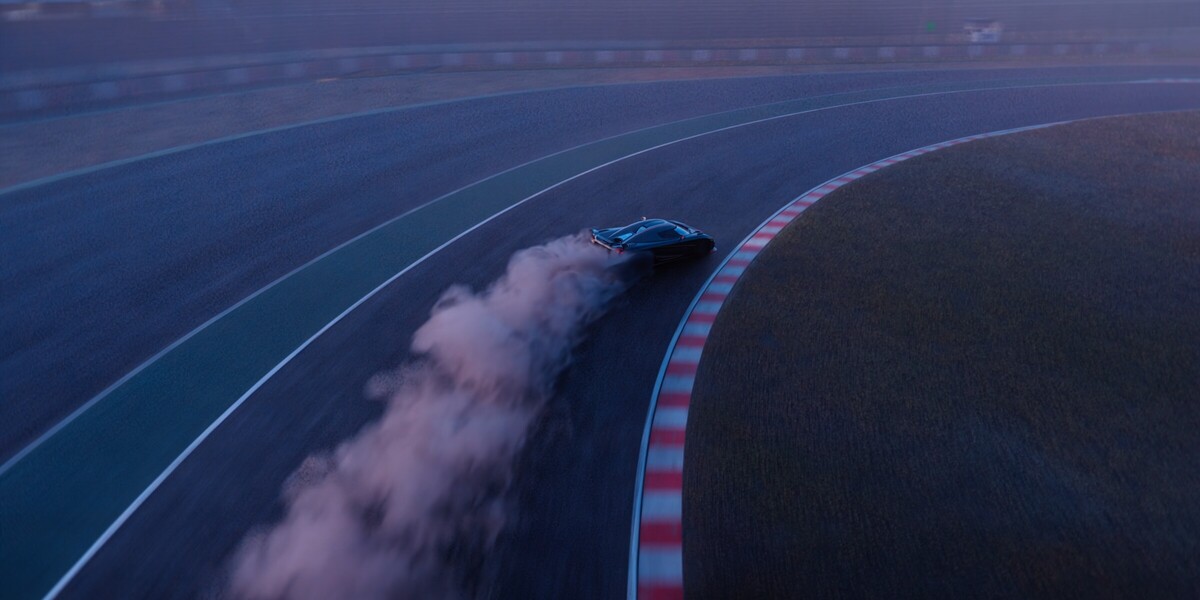
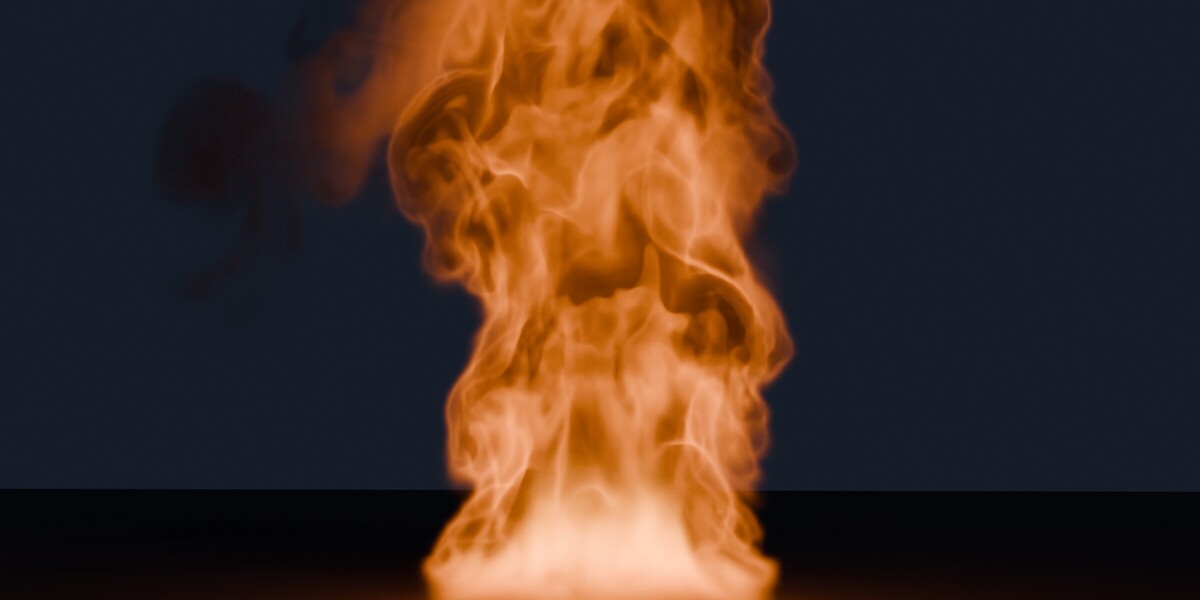
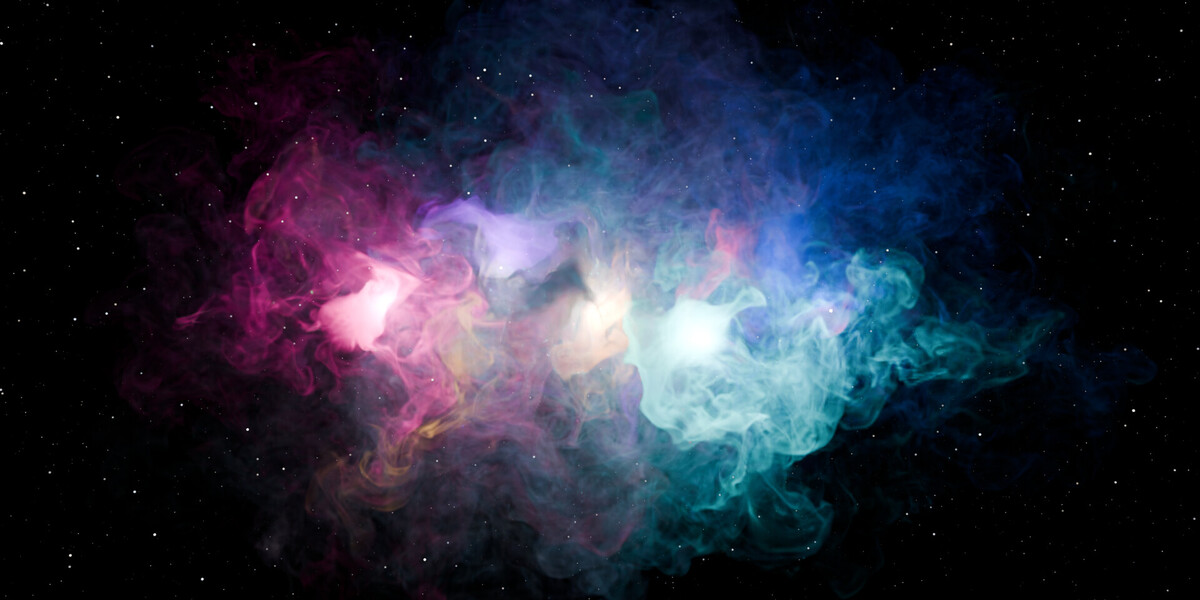
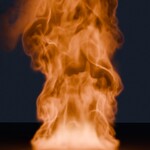
Gallery: Cycles renders of Fumaris bakes, plus the interface. The Steady Fire was made with beta 3's Quick Setup; the nebula with Nodes modifiers (beta 5). Try the output first with the free starter scene (baked frames, no add-on needed).
From Quick Setup to render
Recorded live with 2.0 beta 4 in Blender 5.3 on an RTX 3090 Ti, Quick Setup defaults.
1 · Quick Setup. 15 effects in five sections: smoke, fire, explosions, atmosphere and dust, stylized.
2 · Direct it live. Move a source or change a setting while it plays; the next frames follow.
3 · Light it. Your sun or HDRI, point, spot and area lights with shadows, and Blender's colour management; relight a paused frame.
4 · Bake. OpenVDB with a Cycles material; Bake in Background lets you keep working.
Features
Emit from anything
Meshes, particles, Geometry Nodes points, collections and OpenVDB sequences. Named attributes set each point's radius, velocity, smoke, heat and fuel; fast points, USD and Alembic point caches leave joined trails. Add Source: Candle, Burst, Trail or Spreading Fire.
Colliders and effectors
Animated colliders with sub-steps for fast objects; force, wind, vortex and turbulence with field masks; outflows. Show: Speed draws how fast the air moves.
Add smoke or tint it where the masks say
Add Smoke adds smoke, optionally in its own colour; Tint recolours smoke without changing how much there is. Neither changes heat, fuel or burning. They use the colour field (about 1.4× the simulation time).
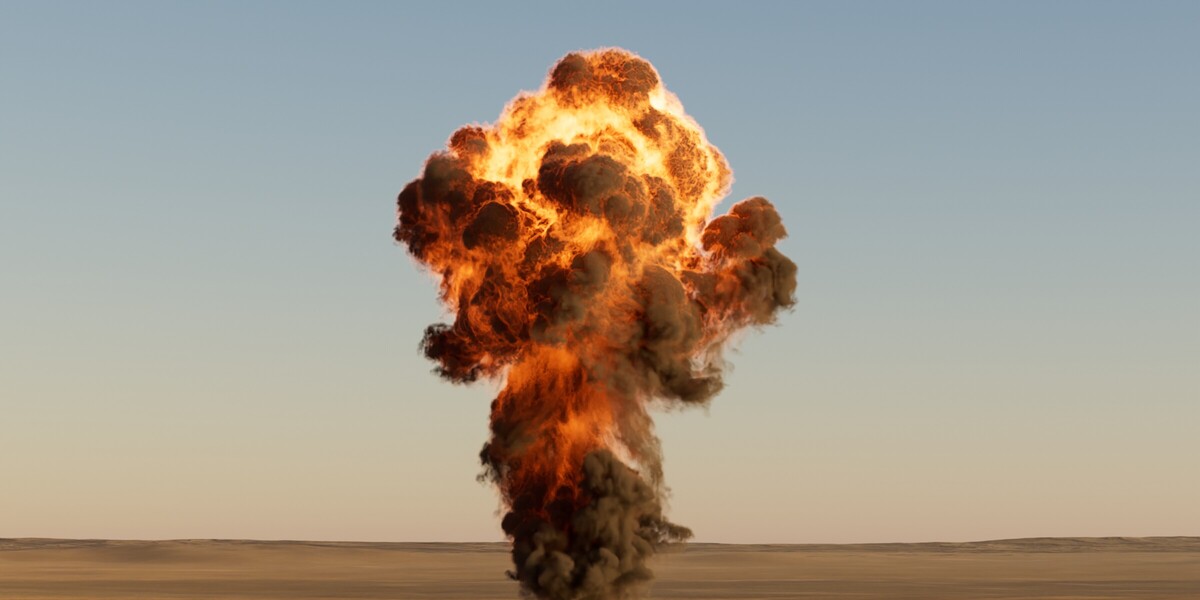
The new Dust Explosion Quick Setup as it comes (Cycles, 4 volume bounces for the sand colour).
Nodes, when you want them
A Nodes modifier runs a small node tree in every cell: smoke and heat rates, a smoke colour, a force on the gas, or where particles spawn. Inputs include temperature, smoke, speed, position, noise and, for forces, velocity, curl and colliders. Math and vector nodes, an Object input, Neighbors for detail, node groups and ready groups such as Swirl Around Path; Convert to Nodes turns Add Smoke, Tint or Soot Burn-off into a tree you can edit. Scenes without Nodes run exactly as before.
A nebula: a colour tree turns thin gas blue in noisy patches, a force tree keeps the clouds together (Cycles).
Physical fire
Fuel burns, releases heat, expands and leaves soot. Burn Time, Cooling Time, Fuel Energy, Gas Expansion, Oxygen Limit; Temperature or Pyro look.
Detail in one modifier
Auto Detail sizes its swirls from the Resolution; Convert to Layers to tune by hand. Disturb, Grain and Shred; Spawn Embers and Tracers, GPU particles that ride the smoke, baked with it or alone.
Versions
Every bake and saved preview keeps its settings. View Changes shows what differs; Load brings it back. The VDB Viewer plays any bake, or other tools' OpenVDB files, in the viewport with the Fumaris look and lights.
Output sized for real projects
Sparse grid, VRAM in GB or Auto (beta 6 fits more smoke in the same memory), per-grid resolution, half-precision files, background bakes across GPUs.
The interface
A sidebar tab in the viewport holds the whole workflow; the same settings are in Physics Properties. No separate window; node trees only if you want them.
- Quick Setup, Presets, Demos to start
- Domains: every simulation; Bake All, Bake Selected
- Play and Bake; Shift + Alt + Space plays and pauses
- Simulation, Behavior, Look, Objects, Modifiers, Output: open one and edit it right in the sidebar
- Versions: this domain or all domains
Compared with Mantaflow: Fumaris runs on the GPU and shows results live while it simulates, lit by your scene, in a sparse grid that follows the smoke. Mantaflow runs on the CPU: bake, then play back.
Performance in practice
EmberGen's default explosion, rebuilt in Fumaris and run on the same GPU. Full video and methodology here.
Requirements and fit
| Blender | 5.2 or newer (tested 5.2.3, 5.3.0) |
| GPU | Any GPU with Vulkan and a current driver: NVIDIA, AMD or Intel, integrated graphics included. On Mac, any Apple Silicon |
| Recommended | 2 GB of GPU memory is enough to start: laptop integrated graphics such as the Intel Arc 140V run most test scenes near real time; more memory lets you run bigger, more detailed simulations |
| Windows / Linux | x64; Linux glibc 2.35+ |
| Mac | Apple Silicon, macOS 26+ |
| GPU memory | The VRAM you set, or Auto. The comparison explosion peaked at 2.23 GiB. |
| Runs on | Users run it on everything from an Intel Arc 140V laptop chip and an Apple M4 to a GTX 1080 Ti, RTX 4060 Ti and RTX 3090 Ti. No compatibility problem reported so far; if yours doesn't run it, message me and I'll fix it. |
A good fit for explosions, fireballs, dust bursts, fires, chimney smoke, ground fog and tyre smoke you want to shape inside Blender and render as VDBs.
Not the right tool yet for liquids (gas only) or Intel Macs. Fast-deforming colliders (shape keys, bones) lose some smoke; 1.x scenes don't convert to 2.0. The Documentation tab lists every known limitation.
What's included
- Windows x64, Linux x64 and Apple Silicon builds
- Four editable demo scenes: Cauliflower, Collision, Effector Vacuum, Tornado
- 15 Quick Setups, four Add Source setups, user presets
- The manual (Documentation tab) and changelog (Version History)
Every future update included, Fumaris 3.0 too. No subscription. Included for 1.x owners. The Blender integration is GPL-3.0-or-later (source included in the download); the native runtime keeps its included licence. Your renders and caches are yours to use commercially.
Support: message me here with your Blender version, OS, GPU and a small scene if you can. User reports decide what I fix and build next; beta 3 shipped the day after beta 2 with a tester's fixes.
