 Jian
Jian



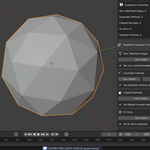
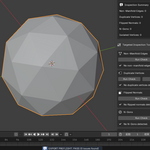
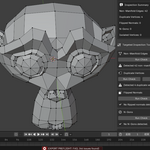
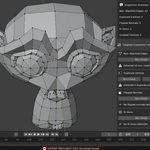
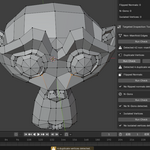
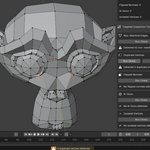
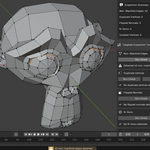
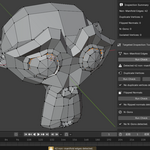
FUM — Fix Your Mesh
FUM is a Blender mesh validation addon focused on export preflight workflows.
It helps artists quickly detect common mesh issues before exporting assets to game engines, render pipelines, or 3D printing workflows.
Features
- Export preflight validation workflow
- PASS / WARNING / FAIL reporting system
- Detect non-manifold geometry
- Detect flipped normals
- Detect N-gons
- Detect duplicate vertices
- Detect isolated geometry
- Viewport issue highlighting tools
Installation
- Download the ZIP file
- Open Blender
- Edit → Preferences → Add-ons
- Click "Install from Disk"
- Select the downloaded ZIP
- Enable the addon
Usage
- Open the FUM panel in the N-sidebar
- Run Export Preflight
- Review PASS / WARNING / FAIL results
- Use individual Run Check operators to highlight issues in the viewport
Compatibility
Blender 4.0 and above.
License
GPL-3.0
Have questions about this product?
Login to message
| Published | 5 months ago |
| Blender Version | 4.0 - 5.1 |
| Extension Type | N/A |
| Render Engine Used | Blender-Internal, Blender-Game-Engine |
| License | GPL |