 NODI
NODI



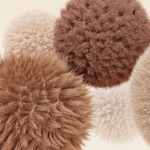
How to Use:
1. Press N and locate the "Fur It!" panel.
Add Materials:
Select the objects you want to apply fur to.
Press "Apply"
Fine Tune
-
Open "Partical Properties" inside teh slected object.
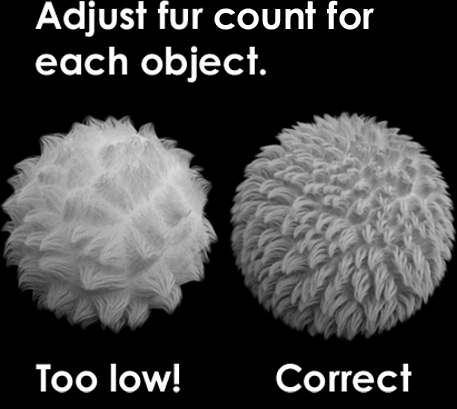
- Adjust the witht he in-built blender hair system
Weight Paint:
- Select the vertex group "Fur"
- Select "weight paint" mode in the viewport ui and adjust accordingly.
Have questions about this product?
Login to message