 ZEG
ZEG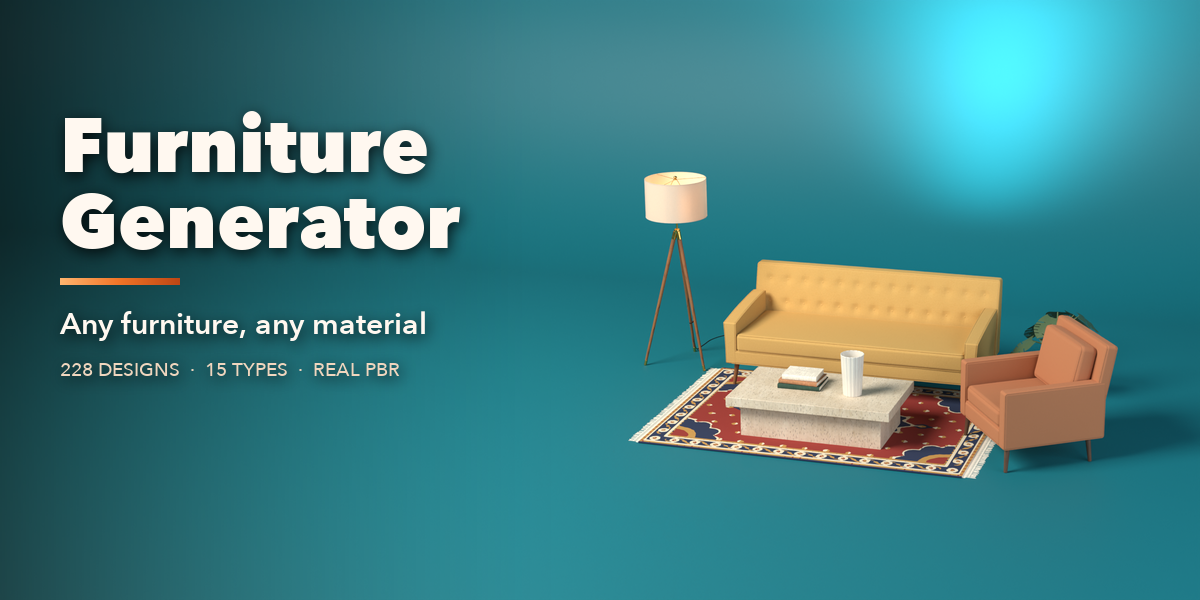
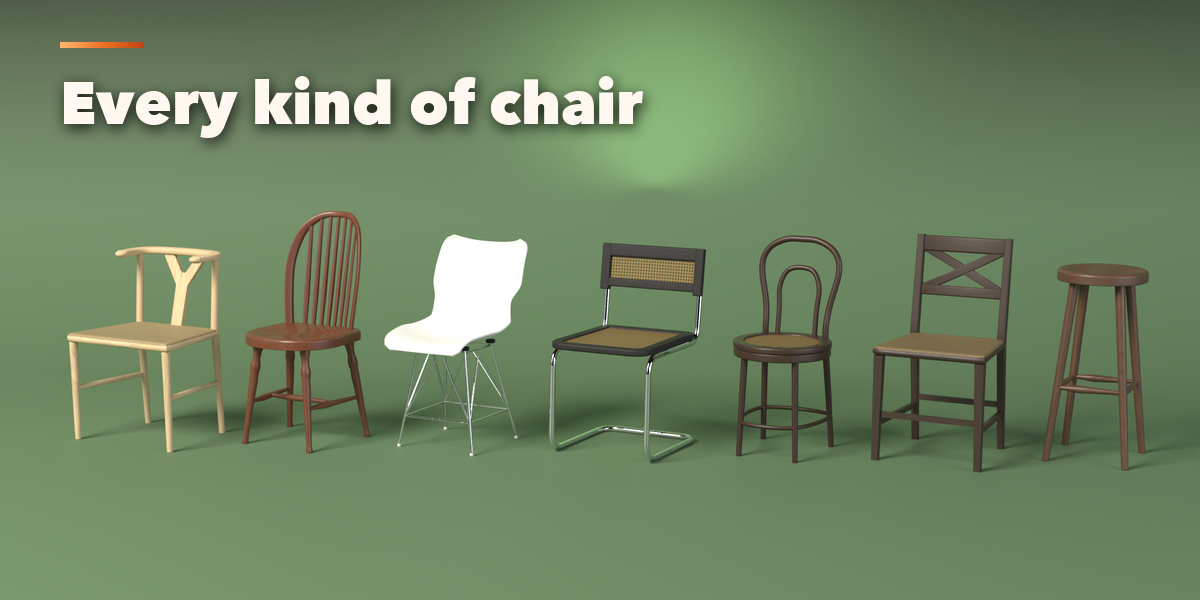
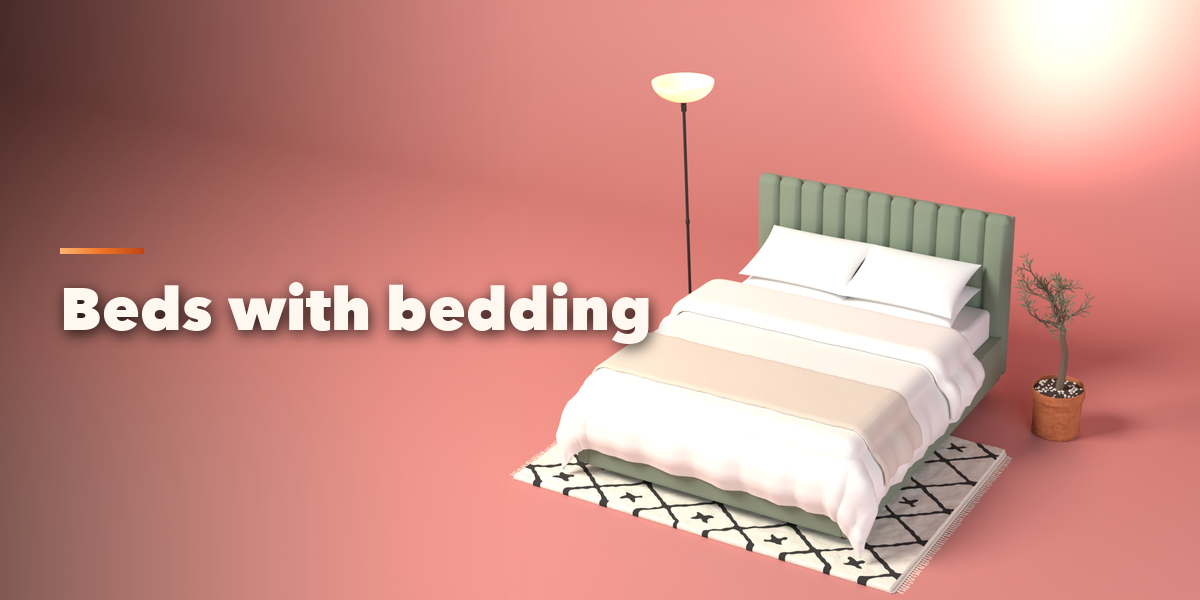
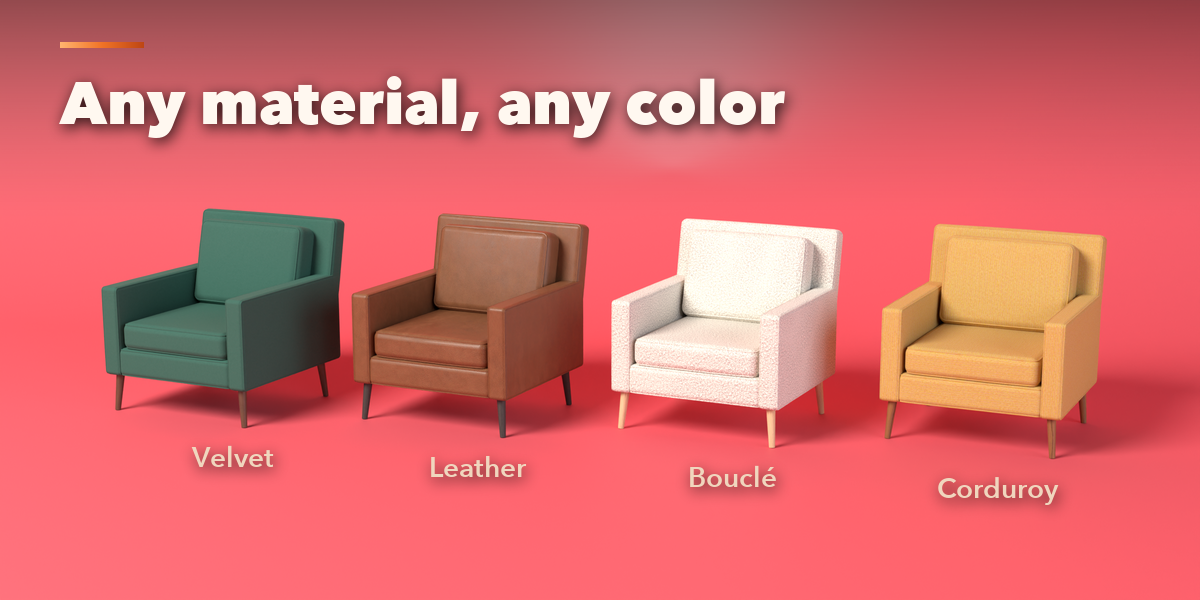
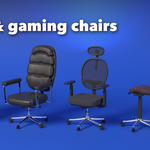
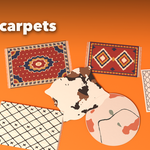
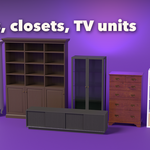
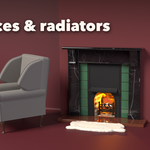
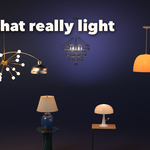
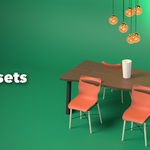
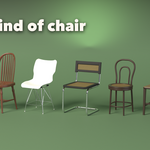
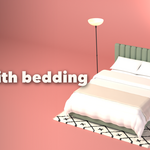
Installation
In Blender open Edit, Preferences, Get Extensions, then use Install from Disk and pick the furniture_generator zip.
Usage
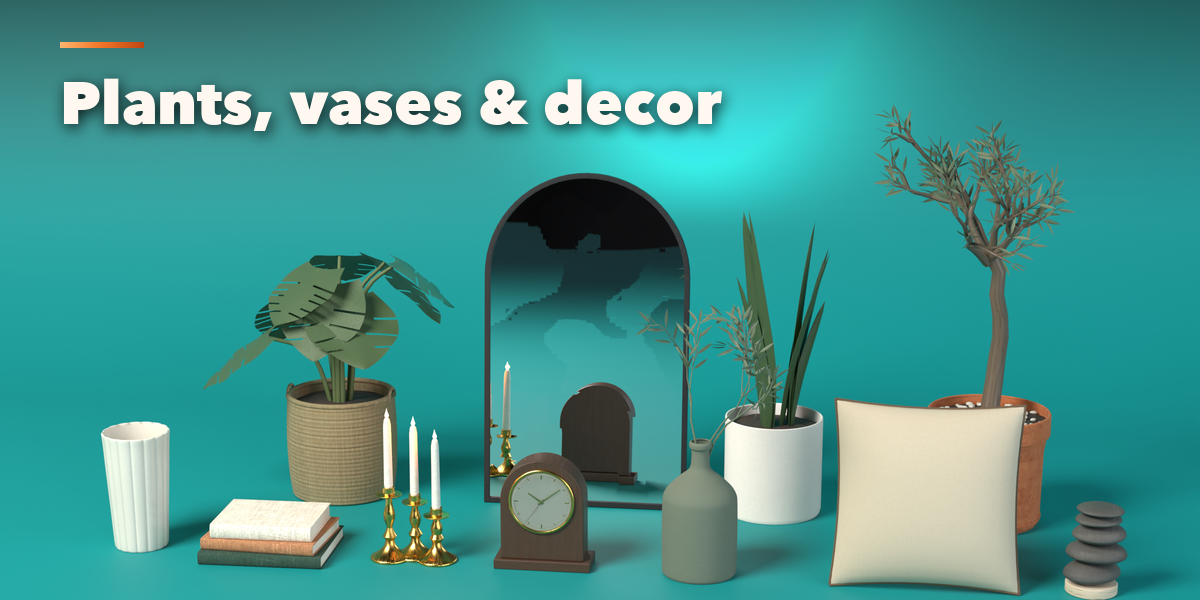
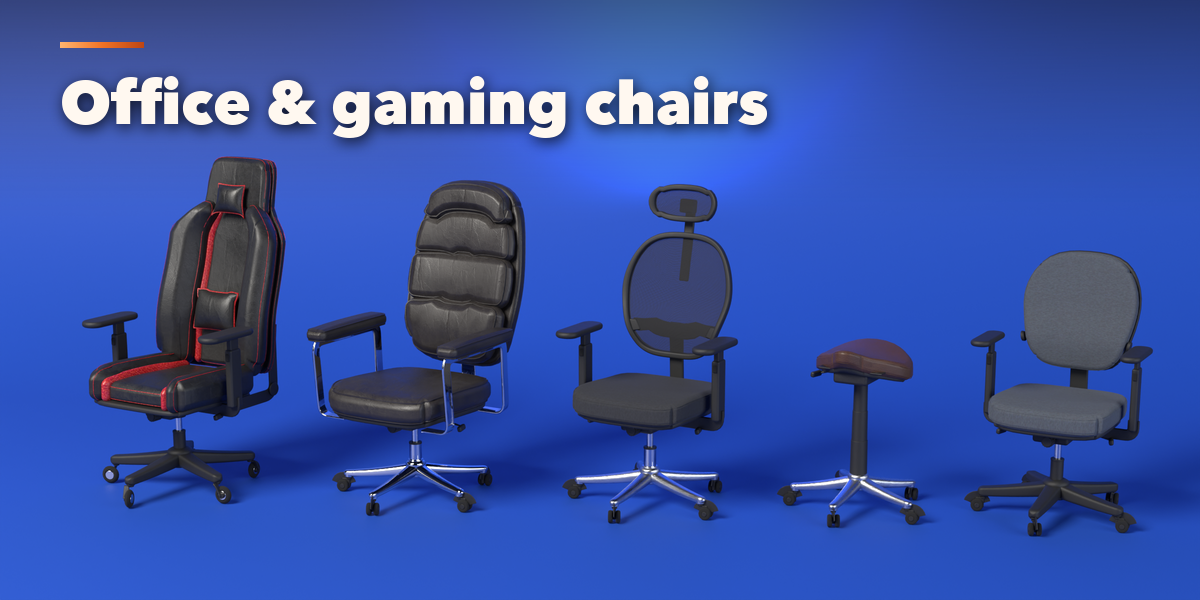
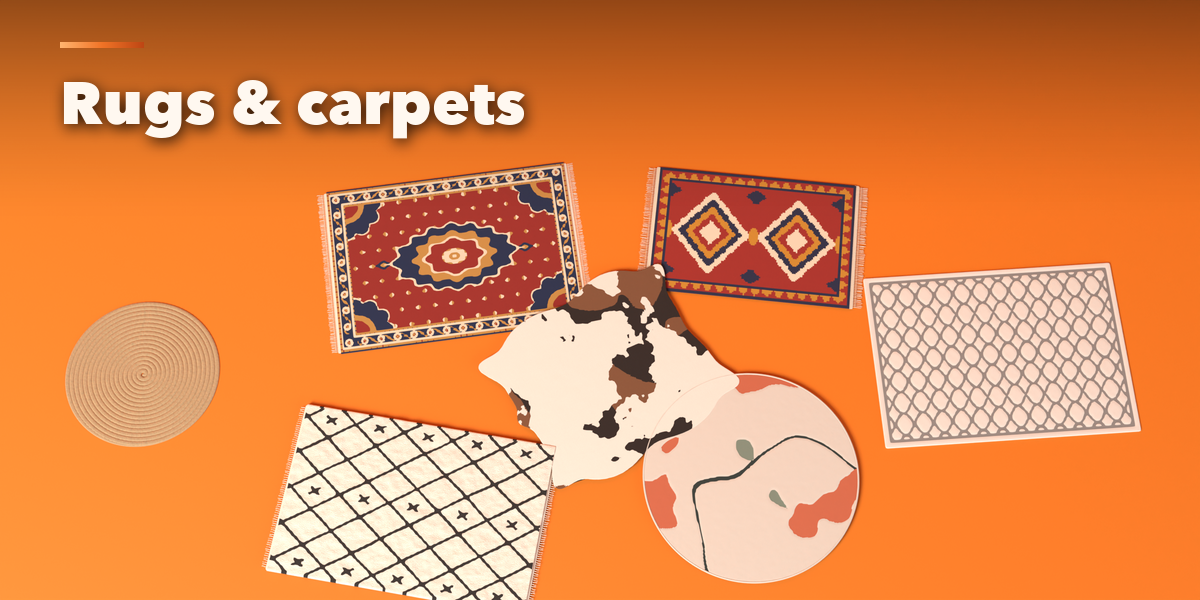
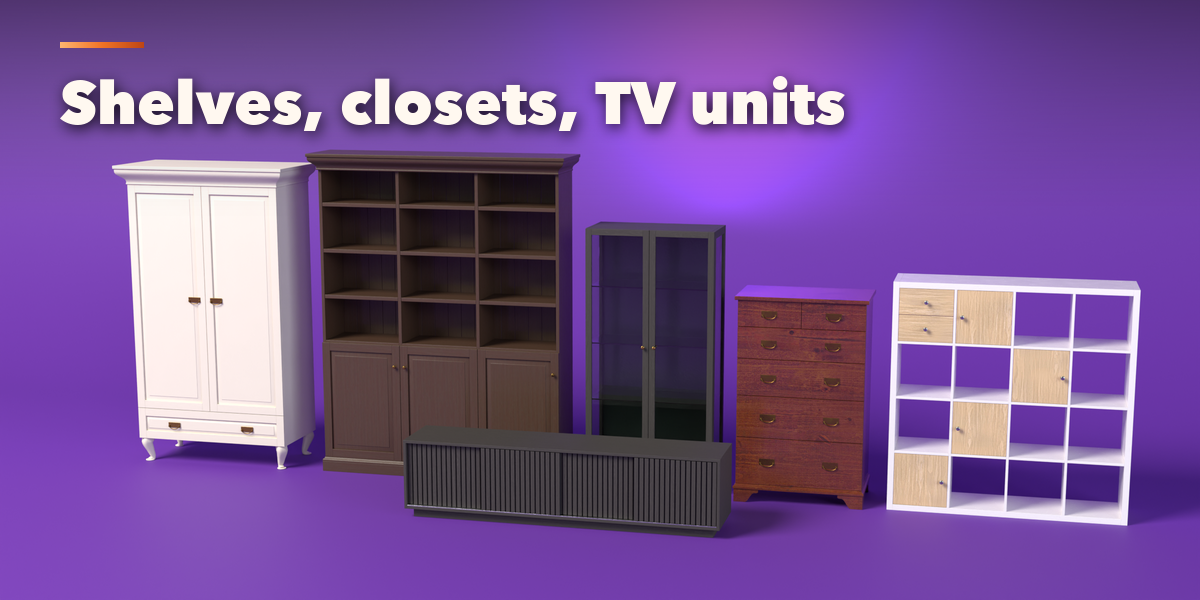
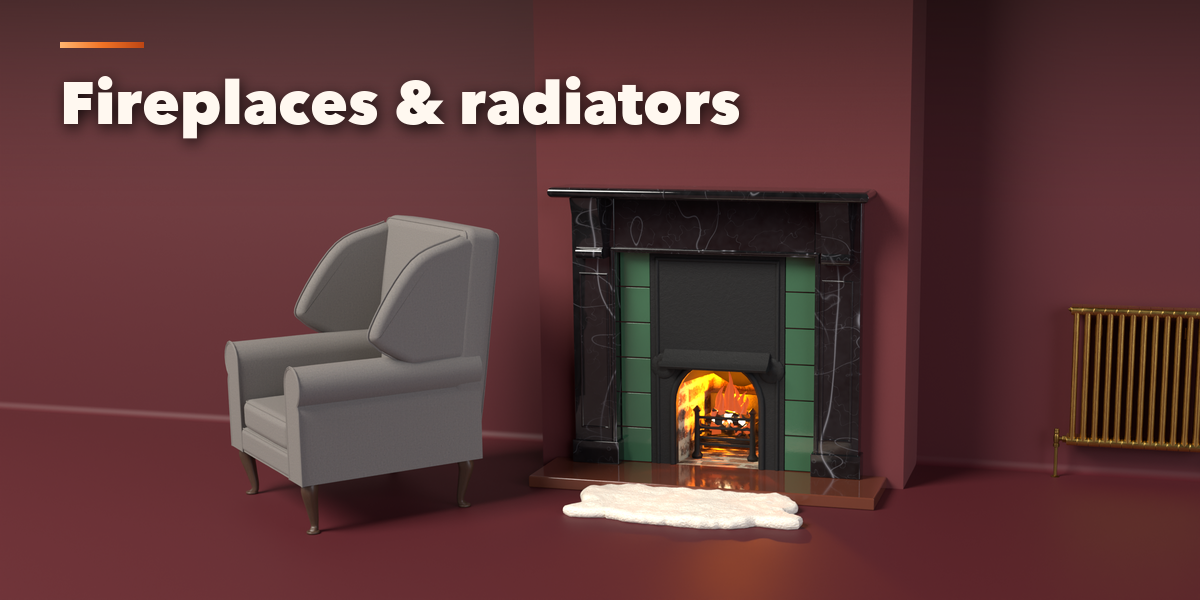
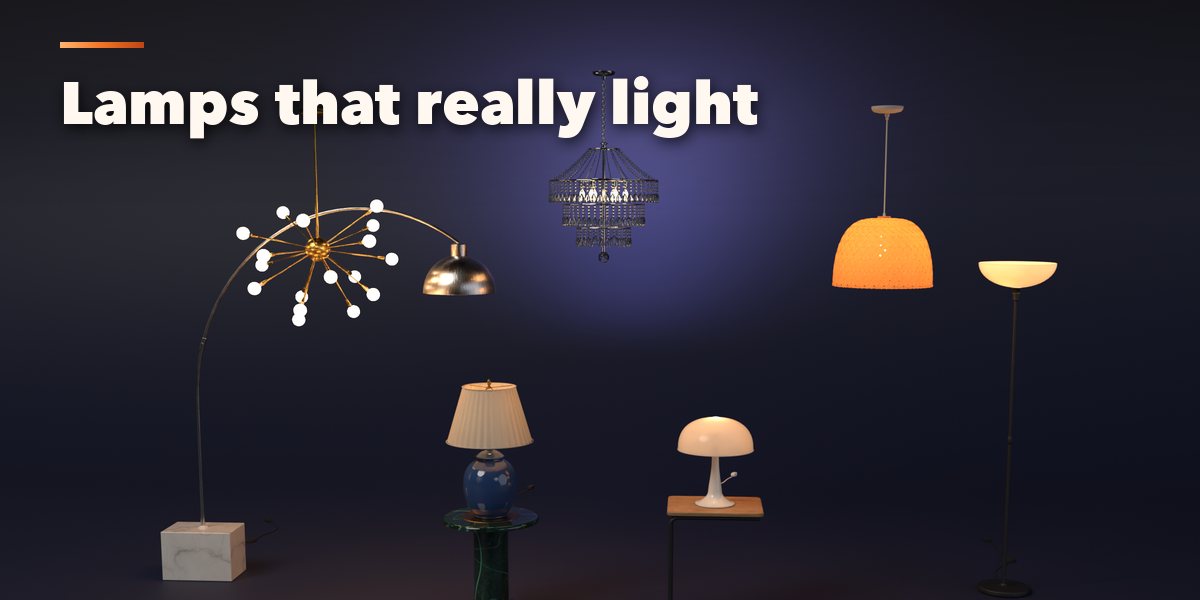
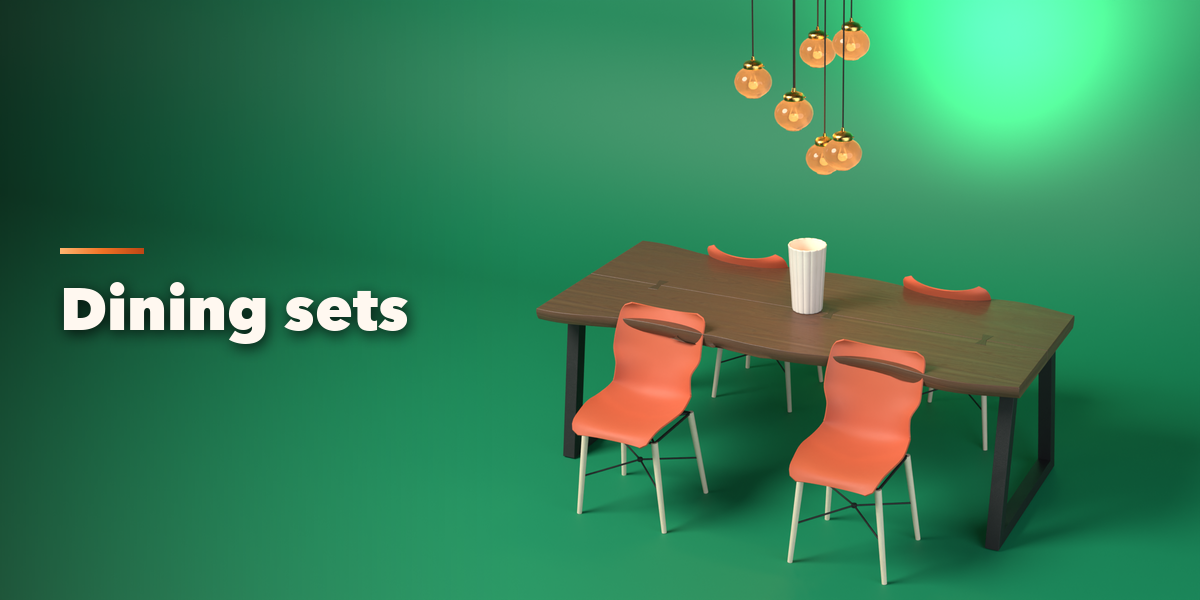
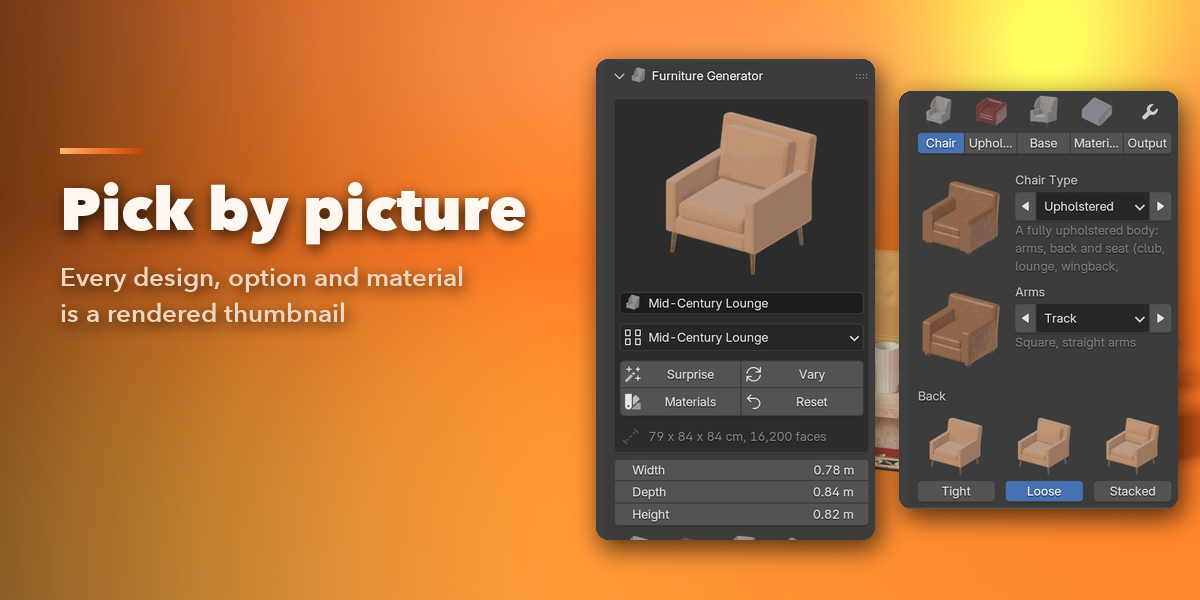
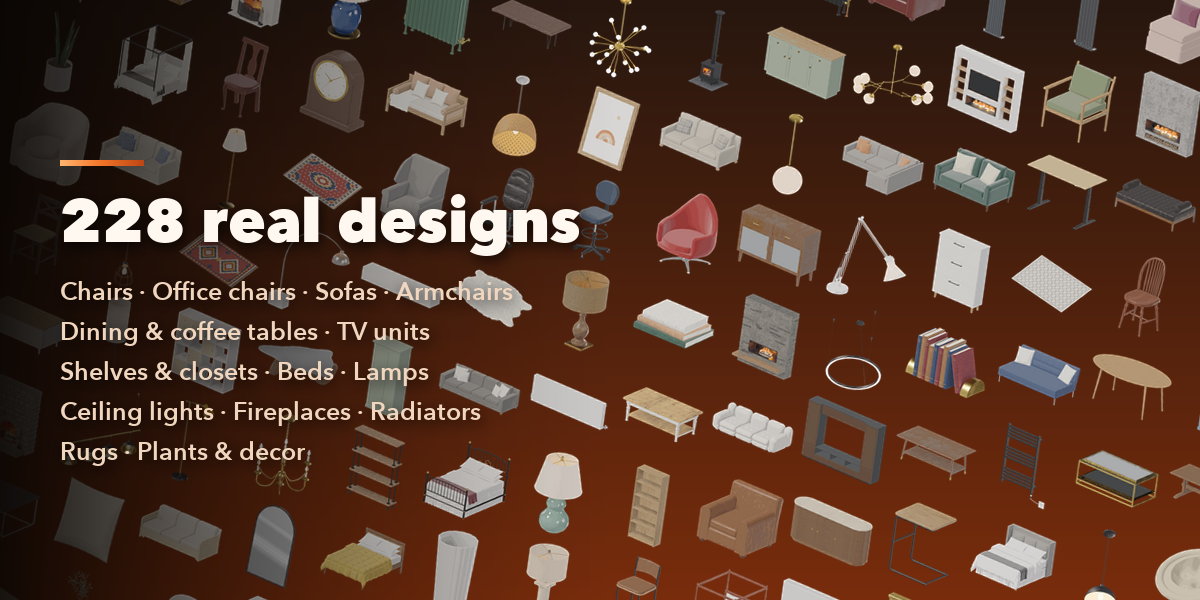
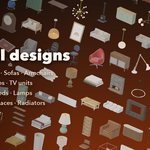
- Open the Furniture tab in the 3D viewport sidebar (N). With nothing selected it shows picture tiles of every category; pick one, then click a design to add it at the 3D cursor.
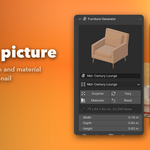
- With an item selected, the top card shows its design. Open the design list to switch to another design, or use Surprise, Vary, New Materials and Reset.
- Set the overall Width, Depth and Height, then use the picture tabs for the category's own settings (for a chair: shape, back, legs; for a lamp: base, shade, bulb).
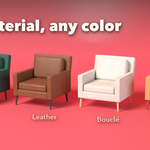
- The Materials tab lists every part. Click a swatch to pick any material, set any color, and fine-tune gloss, scale, rotation and relief.
- The Output tab shows or hides parts, sets the mesh detail and edge softening, and has Apply as Mesh for export.
Items are built at real size in meters. Wall items (fireplaces, radiators) put their back on the wall; ceiling lights hang from the ceiling. Use Material Preview or Rendered view to see the materials and lights.
Have questions about this product?
Login to message
| Blender Extension Compatible | Yes |
| Published | about 2 hours ago |
| Blender Version | 4.2 - 5.2 |
| Extension Type | Add-on |
| Render Engine Used | Cycles, Eevee |
| License | GPL |
