 AS Formworks


Two-week launch offer: 50% off, $9.50 instead of $19. November 9–23, 2026. Ends November 23 at 11:46 UTC.
Open the native archive. Start your next render.
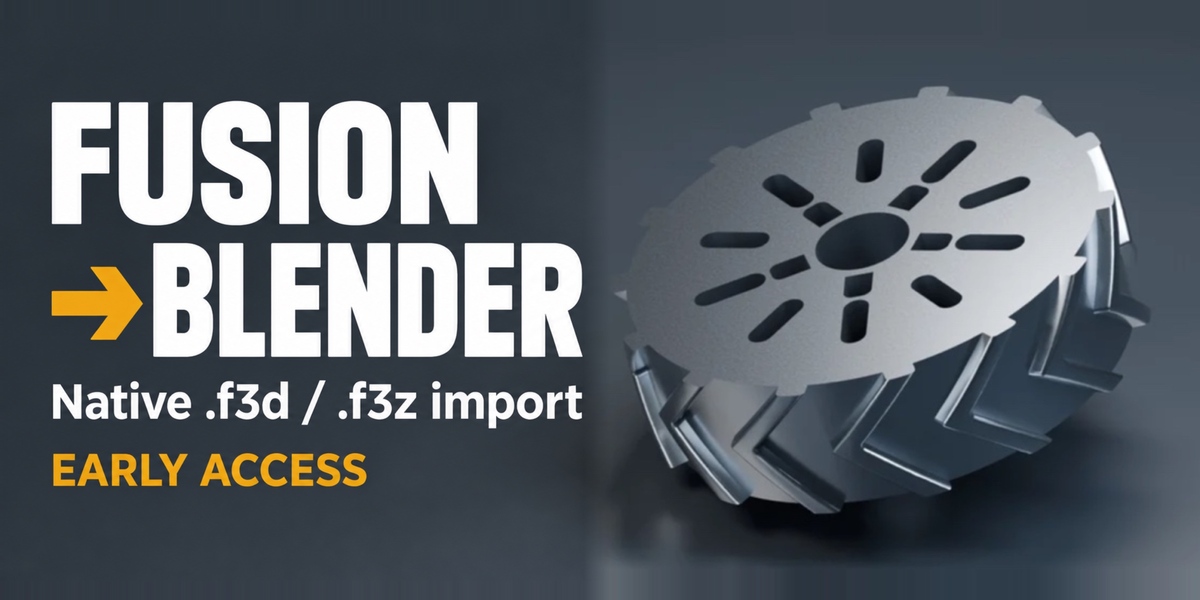
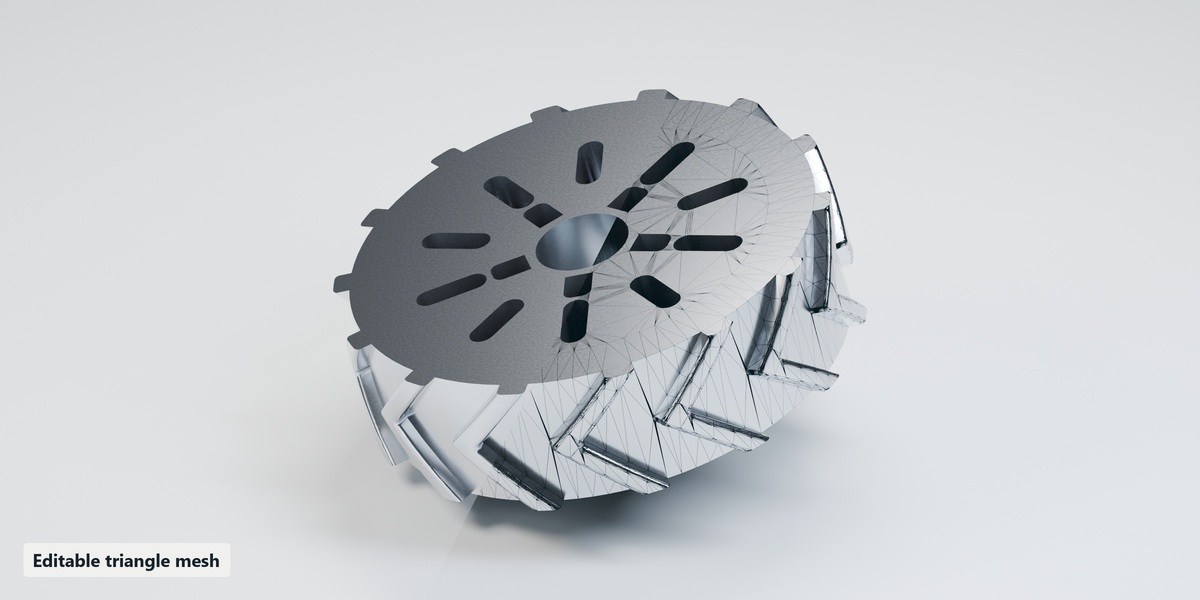
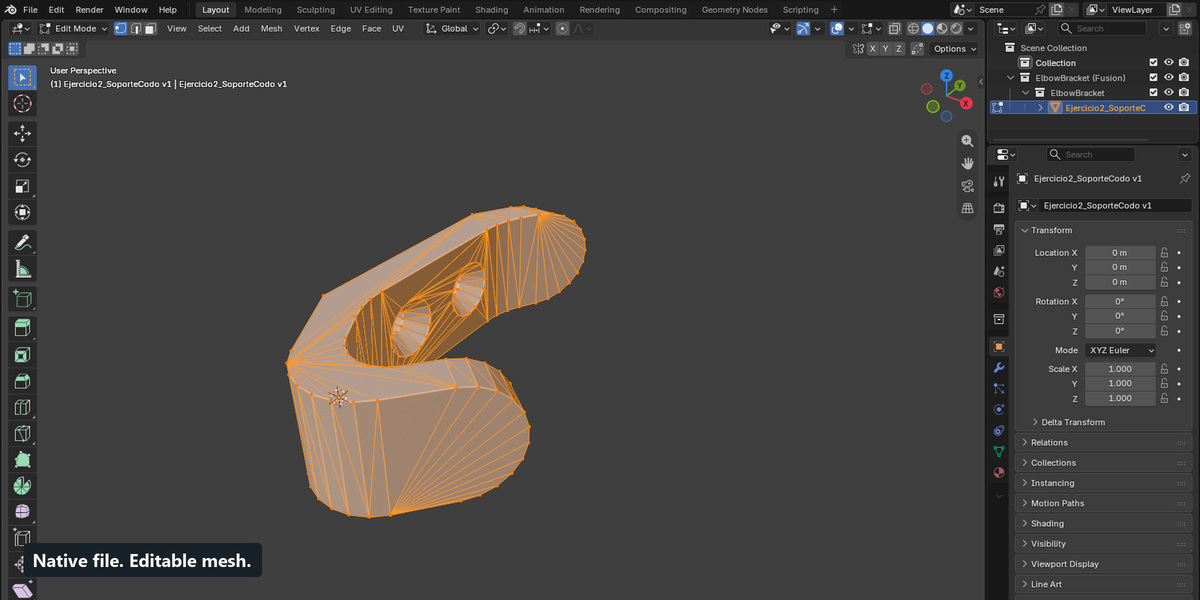
Bring supported Autodesk Fusion .f3d and experimental .f3z archives into Blender as editable triangle meshes — without installing Fusion or exporting from it first.
Early Access 0.3.1. Verified on Windows x64 with Blender 5.0.0 and 5.2.1 LTS. macOS and Linux targets are prepared but have not been tested natively.
From CAD to your Blender scene
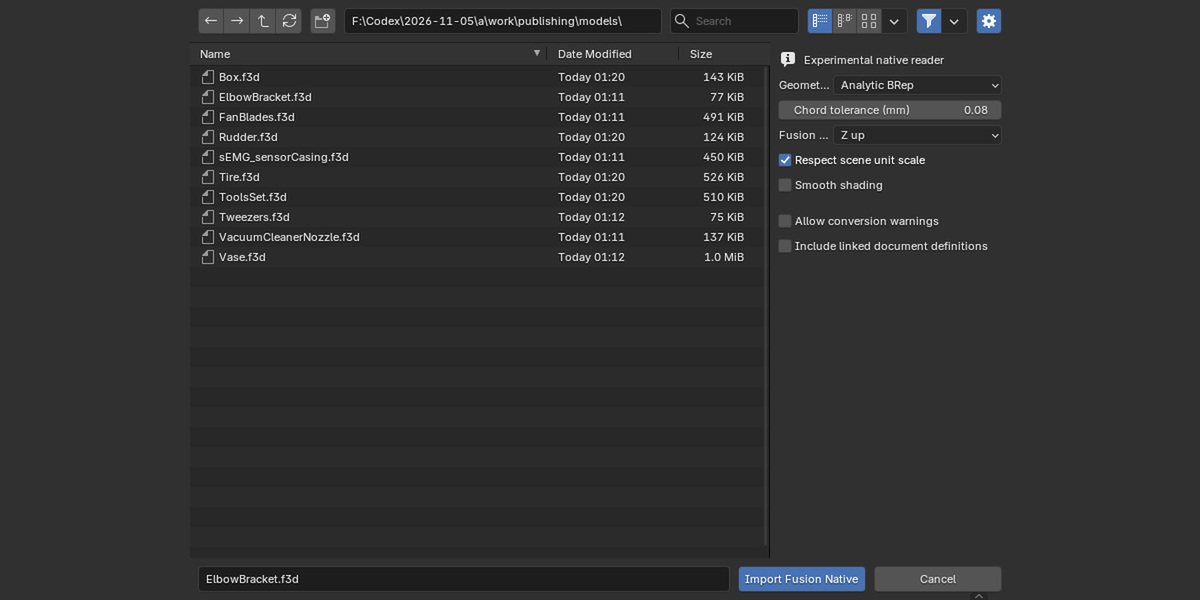
- Choose the lightweight analytic reader for supported parts, or the optional cadmpeg + OpenCASCADE/OCP engine for broader surface support and CAD validation.
- Import into a new collection with scene-unit handling and editable triangulated geometry.
- The advanced path transfers converted STEP occurrence transforms, shared prototypes and available base colors.
- Review detailed reports with missing-face reasons and source conversion warnings.
- Model conversion runs locally after dependency setup. The advanced path creates a STEP intermediate internally; you do not export it from Fusion.
How to use
- Install the extension ZIP through Blender Preferences → Get Extensions → Install from Disk, then enable Fusion Native Importer.
- For broader CAD support, install the optional advanced engine from the add-on preferences. First setup requires internet access and a separate download of several hundred MB.
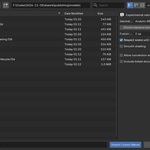
- Use File → Import → Autodesk Fusion (.f3d/.f3z), choose the file and reader, then import.
- Check the import report and inspect the mesh before shading or rendering.
Read before purchase
File compatibility varies. Some models are rejected; others require explicit acceptance of source-conversion warnings. This release does not reconstruct Fusion history, sketch constraints, full textures, joints or complete native assembly semantics. Output is triangulated mesh geometry.
Do not buy this release expecting verified Mac/Linux operation. Native macOS Intel/Apple Silicon and Linux x64/ARM64 testing remains pending. Optional CAD runtime downloads are separate and are not included in the product ZIP. Conversion works locally after setup.
Included in your download
- Installable extension ZIP and alternative legacy ZIP.
- Matching GPL source and third-party notices.
- Illustrated offline installation and usage guide, plus a workflow GIF.
- Six MIT-licensed native .f3d example files, six original demonstration .blend scenes and nine additional editable studio scenes.
- Import reports for the examples, including accepted source warnings.
About the example images
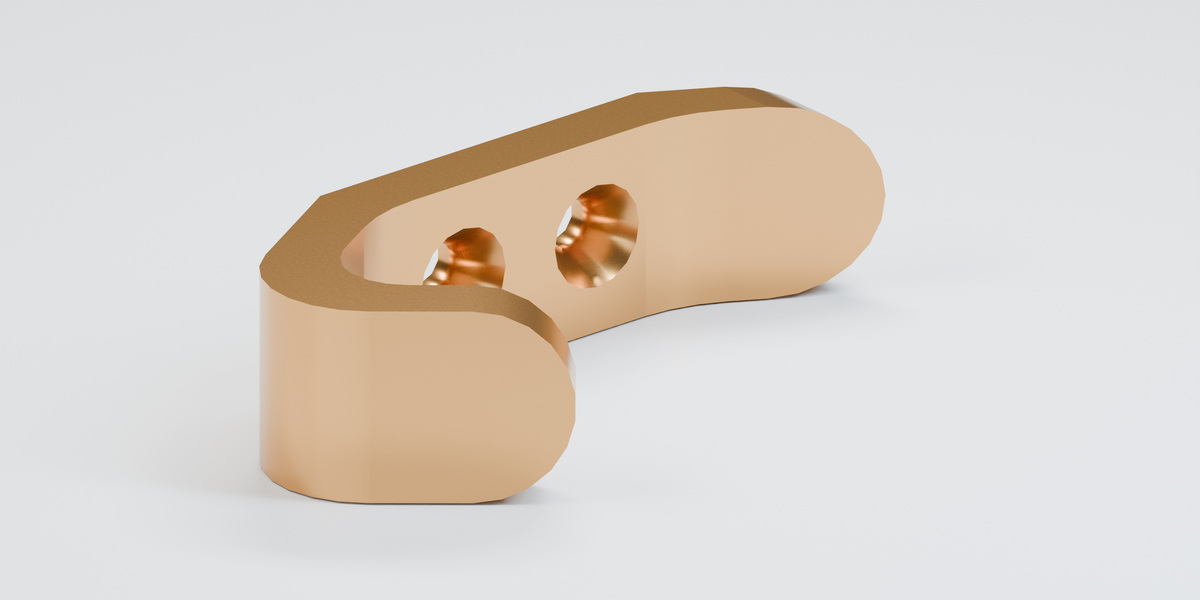
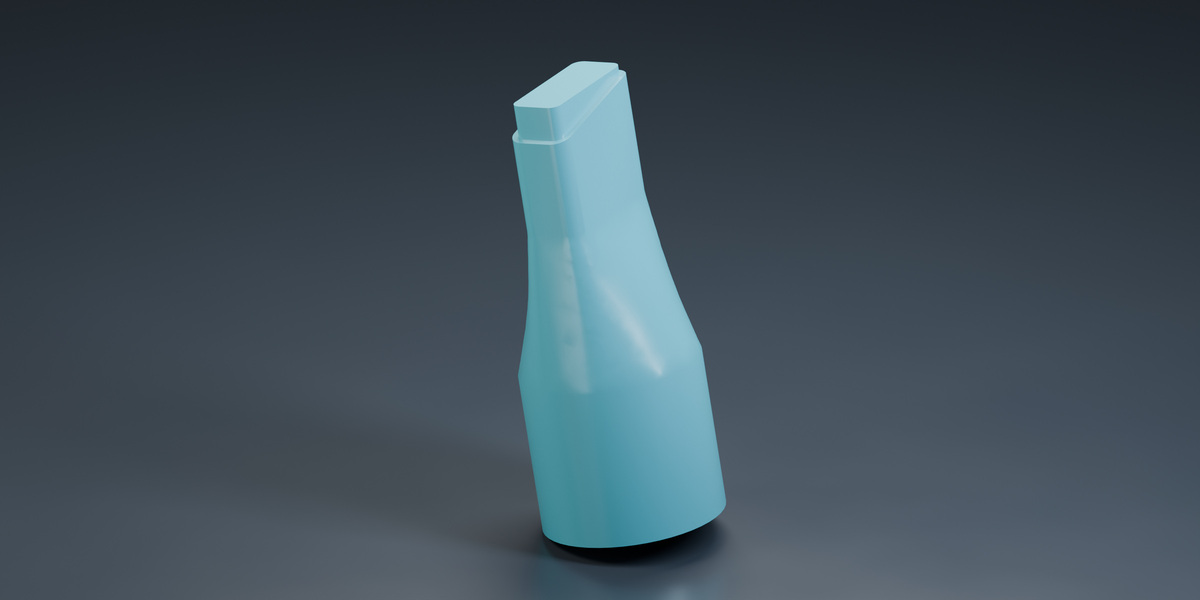
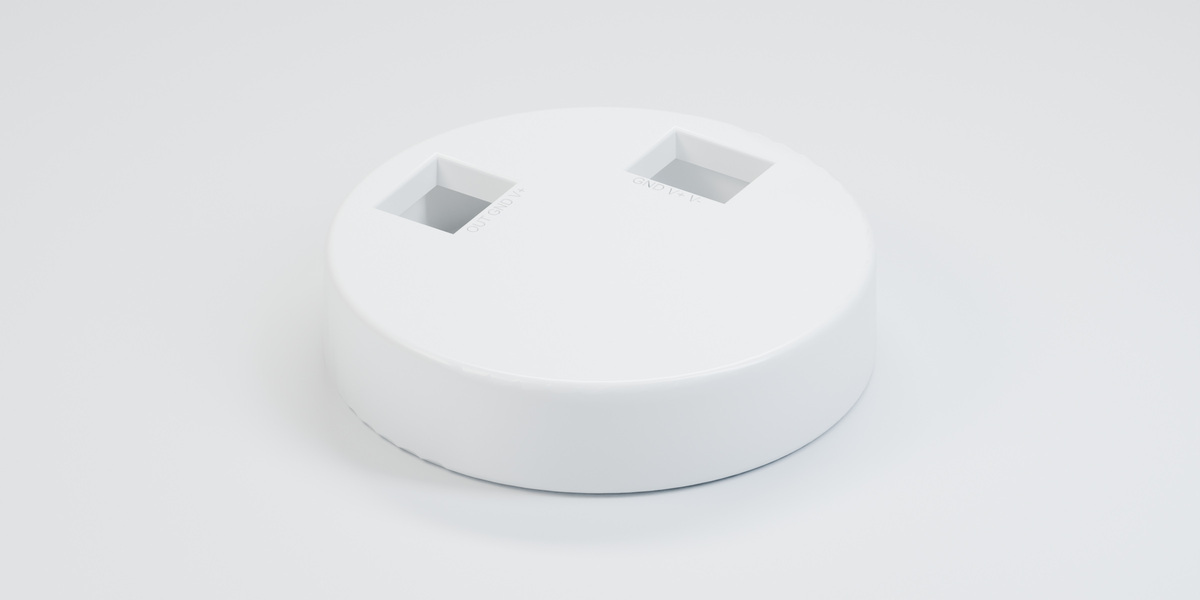
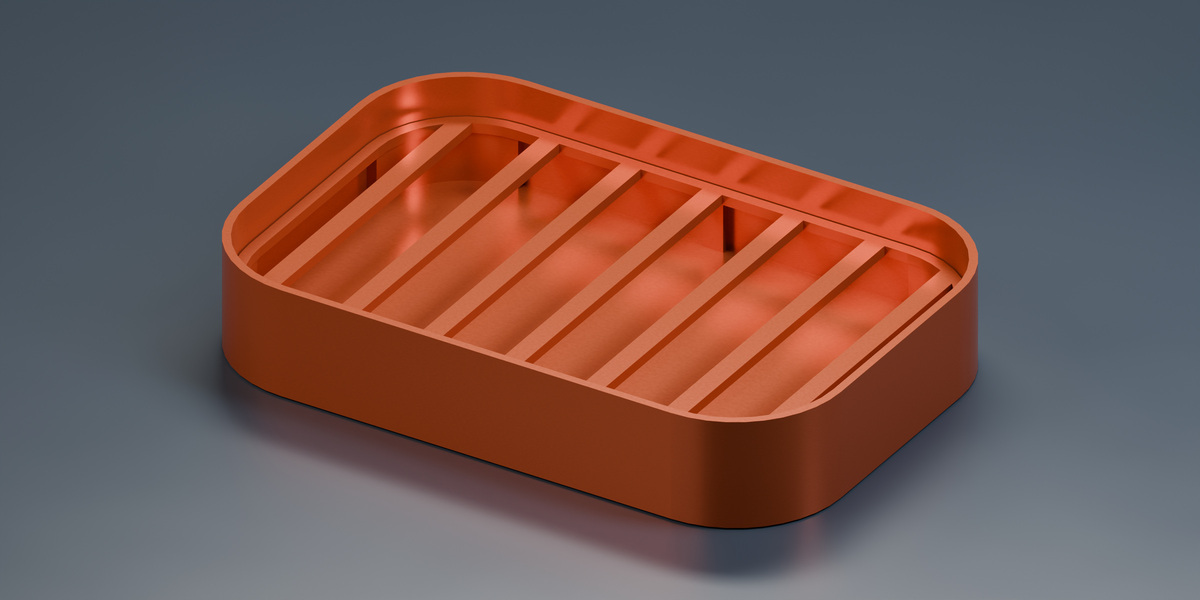
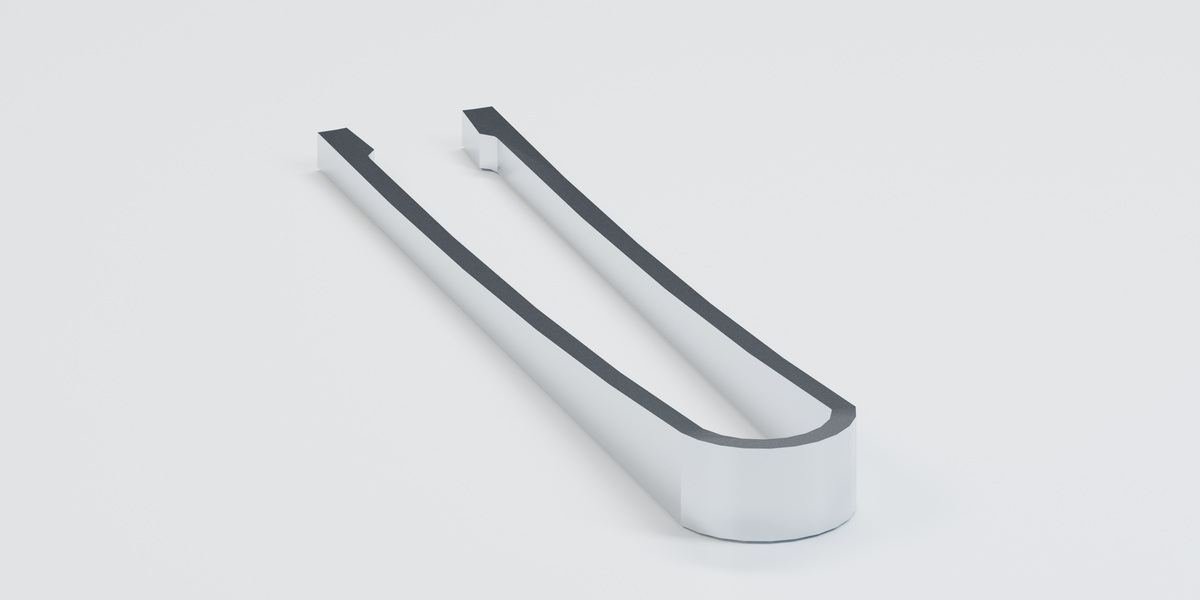
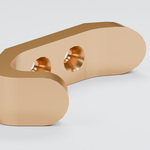
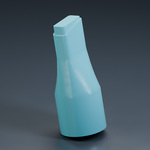
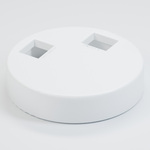
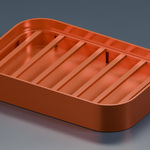
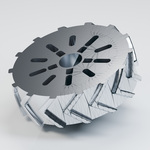
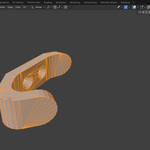
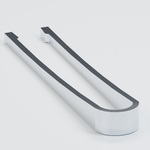
The gallery shows actual imported example geometry. Promotional finishes, lighting, display normalization and poses were added manually; they are not automatic Fusion shader or assembly transfer. Source conversion warnings were accepted for the nozzle, tire and sensor-casing examples and remain visible in the supplied reports. See the guide for normalization details before taking measurements.
License, attribution and support
Add-on: GPL-3.0-or-later, matching source included. Demonstration designs: Jonathan E. Castilla, MIT; original notices, source links and source archives are included. These are demonstrations of import results, not seller-authored CAD designs.
For help, contact AS Formworks through the marketplace support/contact channel shown on your purchase receipt. Include your Blender version, operating system and import report. Do not send confidential model files unless you intend to share them.
Autodesk Fusion and Blender are names of their respective owners. This independent product is not affiliated with Autodesk or the Blender Foundation.