Game Asset Pipeline Bundle
 Steven Seidler (Blendscapes3D)
Game Asset Pipeline Bundle Documentation
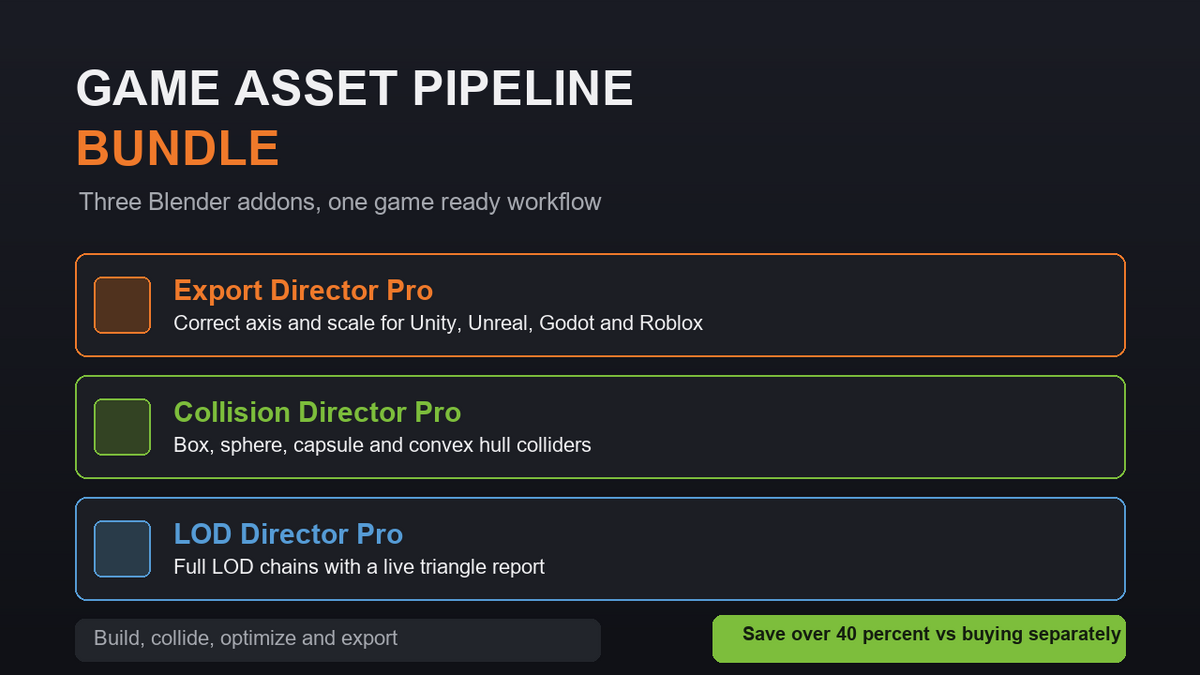
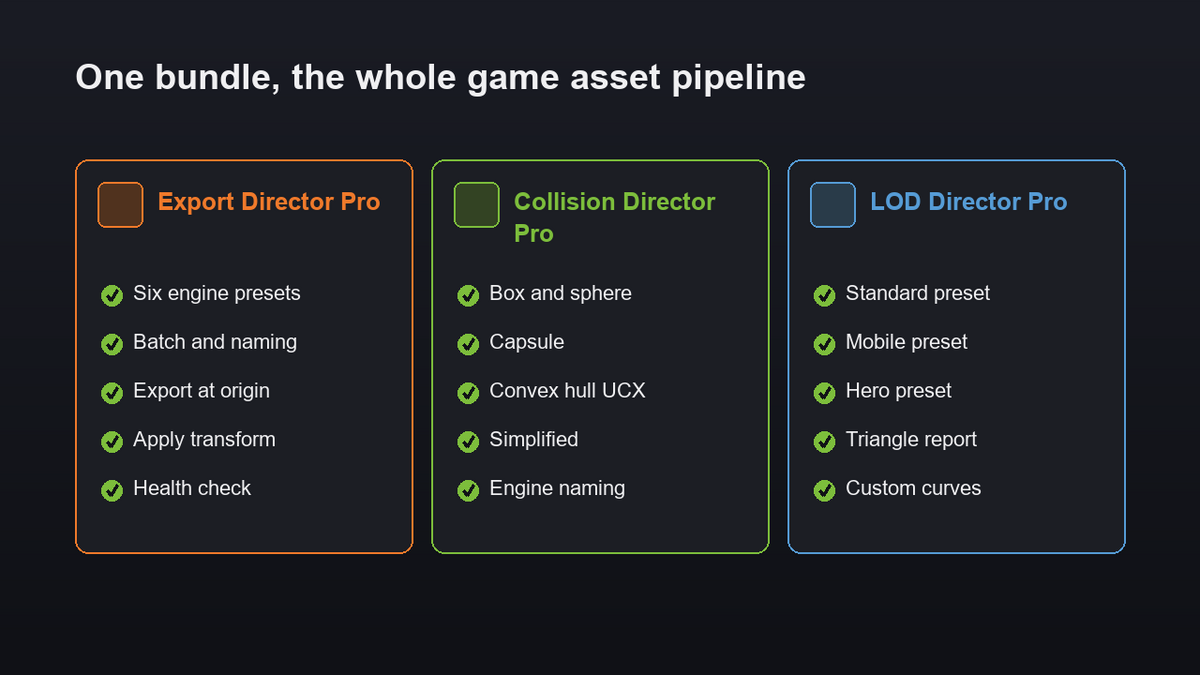
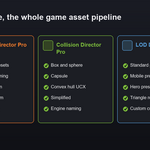
This bundle combines three Blender addons into one game ready workflow: Export Director Pro, Collision Director Pro and LOD Director Pro. Together they take a finished mesh and prepare it for any engine.
Installation
- Download the three zip files from your Superhive purchase. Do not extract them.
- In Blender open Edit, then Preferences, then Get Extensions.
- Open the drop down menu in the top right corner and choose Install from Disk.
- Pick a zip file. Repeat for all three addons.
- Enable the addons after installing.
Open a 3D Viewport and press N. You will find the Export, Collision and LOD tabs in the sidebar.
Export Director Pro
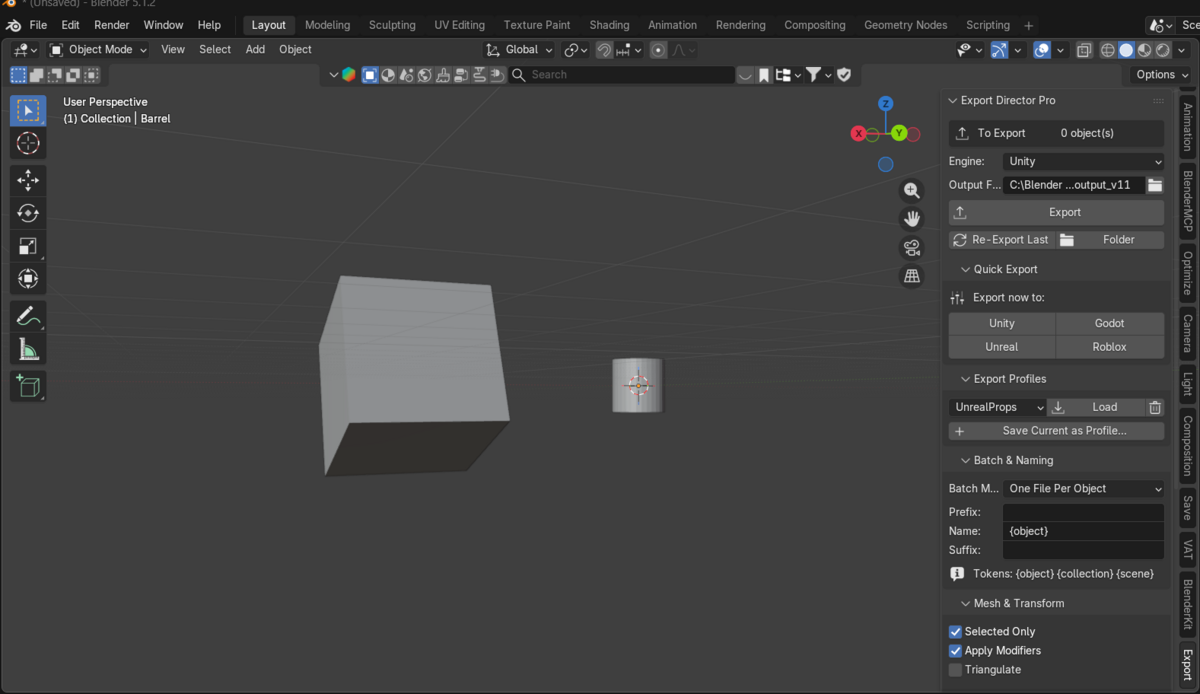
One click export to Unity, Unreal, Godot and Roblox with the correct axis, scale and format. Includes batch export, filename templates, export at origin, apply transform, a preflight health check, saved profiles, re export and a multi format option. Open the Export tab, choose your engine and output folder, then click Export.
Collision Director Pro
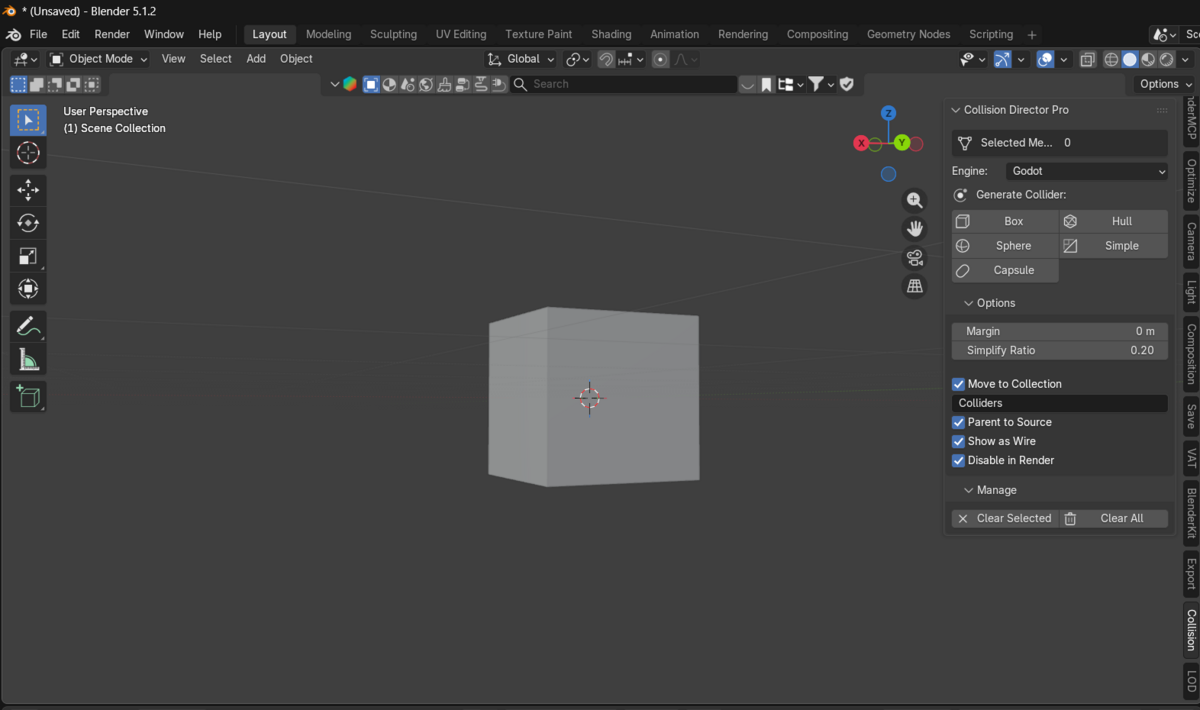
Generate box, sphere, capsule, convex hull and simplified colliders, named the way Unreal, Unity and Godot read collision. Open the Collision tab, pick your engine, select a mesh and click a shape. Colliders are separate objects, organised into a Colliders collection, so your mesh is never touched.
LOD Director Pro
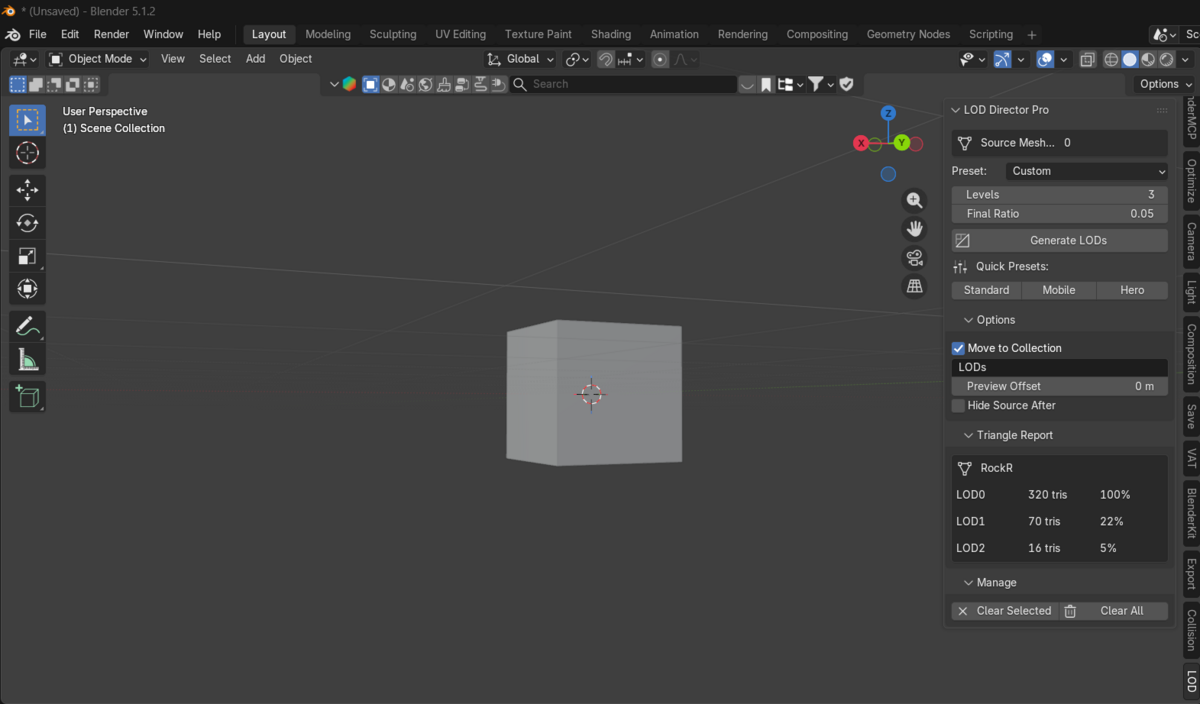
Build a full LOD chain with Standard, Mobile, Hero or Custom presets. Open the LOD tab, pick a preset and click Generate LODs. Levels are named LOD0 to LODn and the Triangle Report shows the count and percentage of every level.
A complete pipeline
Build your LOD chain, generate colliders for each level or the base mesh, then export the whole set to your engine. Three tools, one smooth flow.
Compatibility
Blender 4.2 through 5.1 plus. Windows, macOS and Linux. Pure Python with no external dependencies. Works with Eevee, Cycles and Workbench.
Troubleshooting
- An addon does not appear. Make sure it is enabled in Preferences and that the zip was not extracted before install.
- The engine imports the mesh wrong. In Export Director Pro turn on Apply Transform and confirm the correct engine is selected.
- Unreal has no collision. In Collision Director Pro set the engine to Unreal so the name carries a UBX, USP, UCP or UCX prefix.
Support
Email [email protected]. Average response within 24 hours.
License
GPL with source included.
Have questions about this product?
Login to message
| Blender Extension Compatible | Yes |
| Published | 3 months ago |
| Blender Version | 4.2 - 5.1 |
| Extension Type | Add-on |
| Render Engine Used | Cycles, Eevee |
| License | GPL |