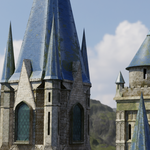
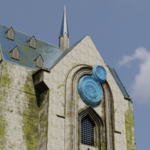
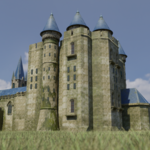
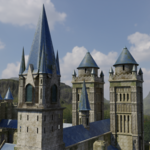
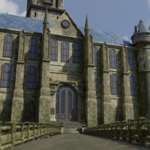
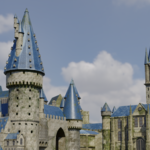
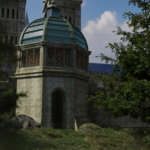
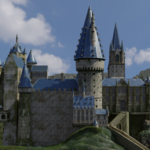
Fantasy Medieval Castle Fortress
 shradha yadav


Opening the File
-
Download the
.zipfile and extract it. -
Open the
.blendfile in Blender 4.2+. -
All materials, textures, and lighting are already linked — no setup required.
Exporting for Game Engines
-
To use in Unreal Engine or Unity, export as
.FBX(included). -
Make sure "Apply Transform" and "Include Textures" are checked during export.
-
Import into your engine and set materials to PBR (Base Color, Roughness, Normal, Metallic).
Customization Tips
-
You can easily change textures (stone, moss, brick) using the Shader Editor.
-
Adjust lighting or add fog for more atmospheric renders.
-
For performance, enable Simplify in render settings when previewing.
Have questions about this product?
Login to message
| Published | 11 months ago |
| Blender Version | 2.8 - 4.5 |
| Render Engine Used | Cycles |
| Misc Data | Uvs-Unwrapped, Low-High-Resolution, Textured |
| License | GPL |
