 Mavorklith








Game Ready One-Click
From Blender to Engine. Ready.
Game Ready One-Click is a complete Blender toolkit designed to simplify the repetitive technical work between creating a 3D asset and preparing it for a real-time pipeline.
Instead of jumping between tools, panels, manual checks and export settings, Game Ready One-Click brings asset scanning, optimization, cleanup, LOD generation, collision helpers, texture utilities, pivots, validation, export and reporting into one focused workflow.
Built for game artists, indie developers, freelancers, asset creators and technical artists who want to spend less time preparing assets and more time creating them.
Scan → Fix → Optimize → Generate → Validate → Export
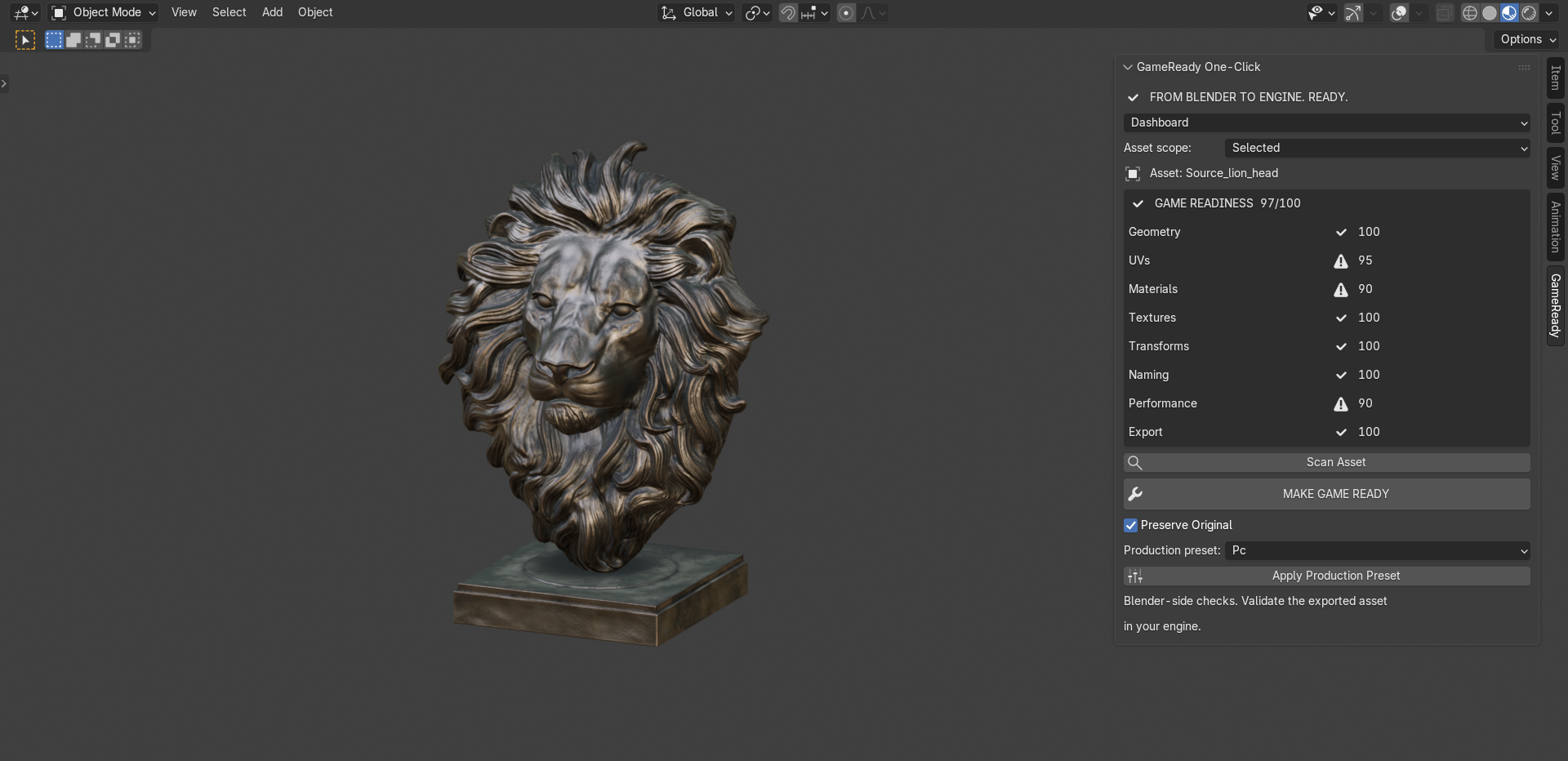
Know What's Wrong Before You Fix It
Game Ready One-Click analyzes your selected assets and turns technical problems into clear, actionable findings.
The scanner evaluates key areas of the asset, including:
- Geometry
- UVs
- Materials
- Textures
- Transforms
- Naming
- Performance
- Export readiness
Instead of guessing what needs attention, you get categorized findings, severity levels and the ability to select affected objects directly
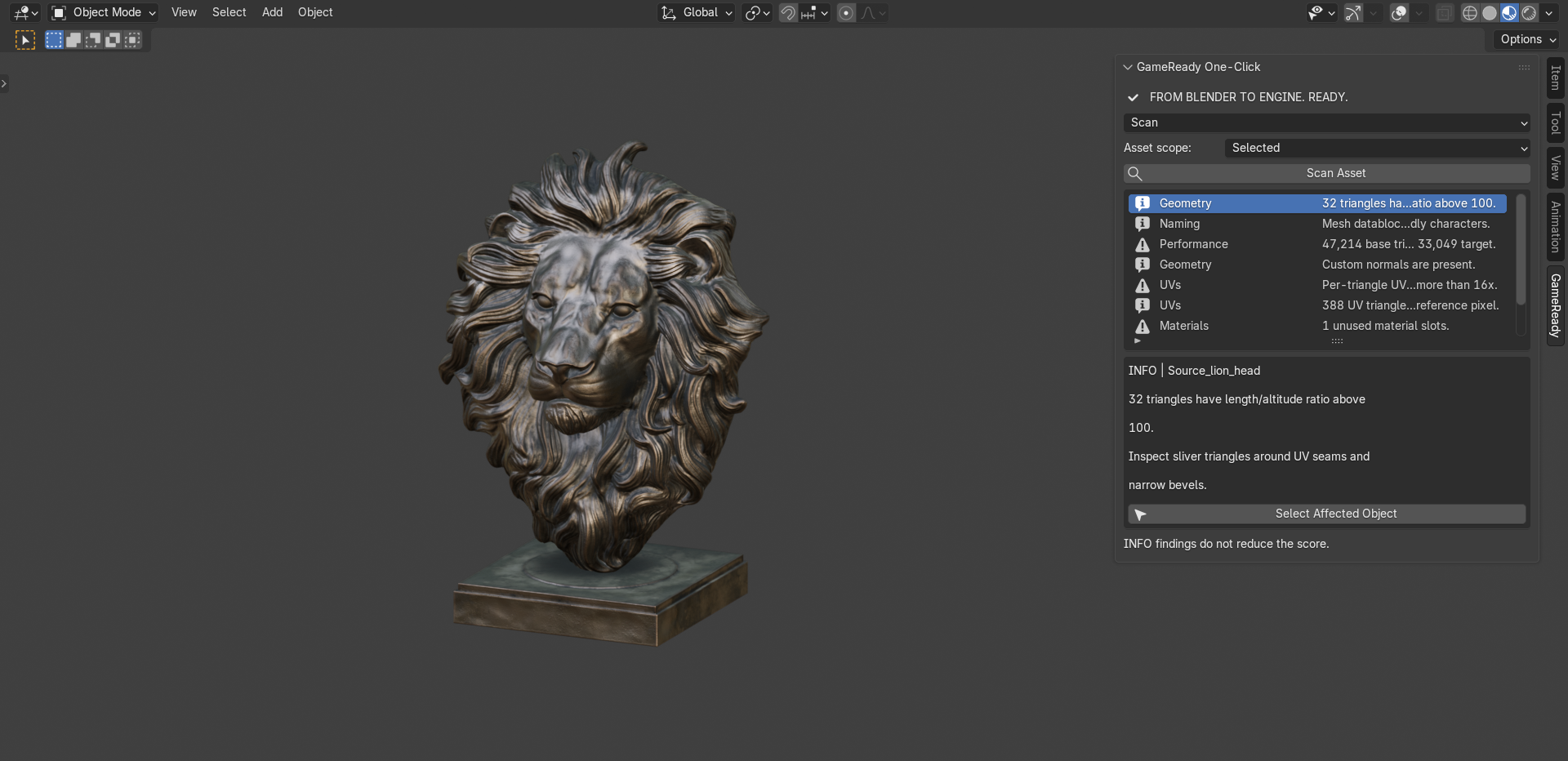
The Game Readiness Score provides a fast overview of the asset's current state, while individual category scores help you identify where attention is needed.
Catch Performance Problems Early
Game Ready One-Click doesn't only search for broken geometry. It also helps identify assets that may be inappropriate for your selected production target.
Triangle counts can be evaluated against configurable budgets, helping you catch unnecessarily heavy assets before they reach your game engine
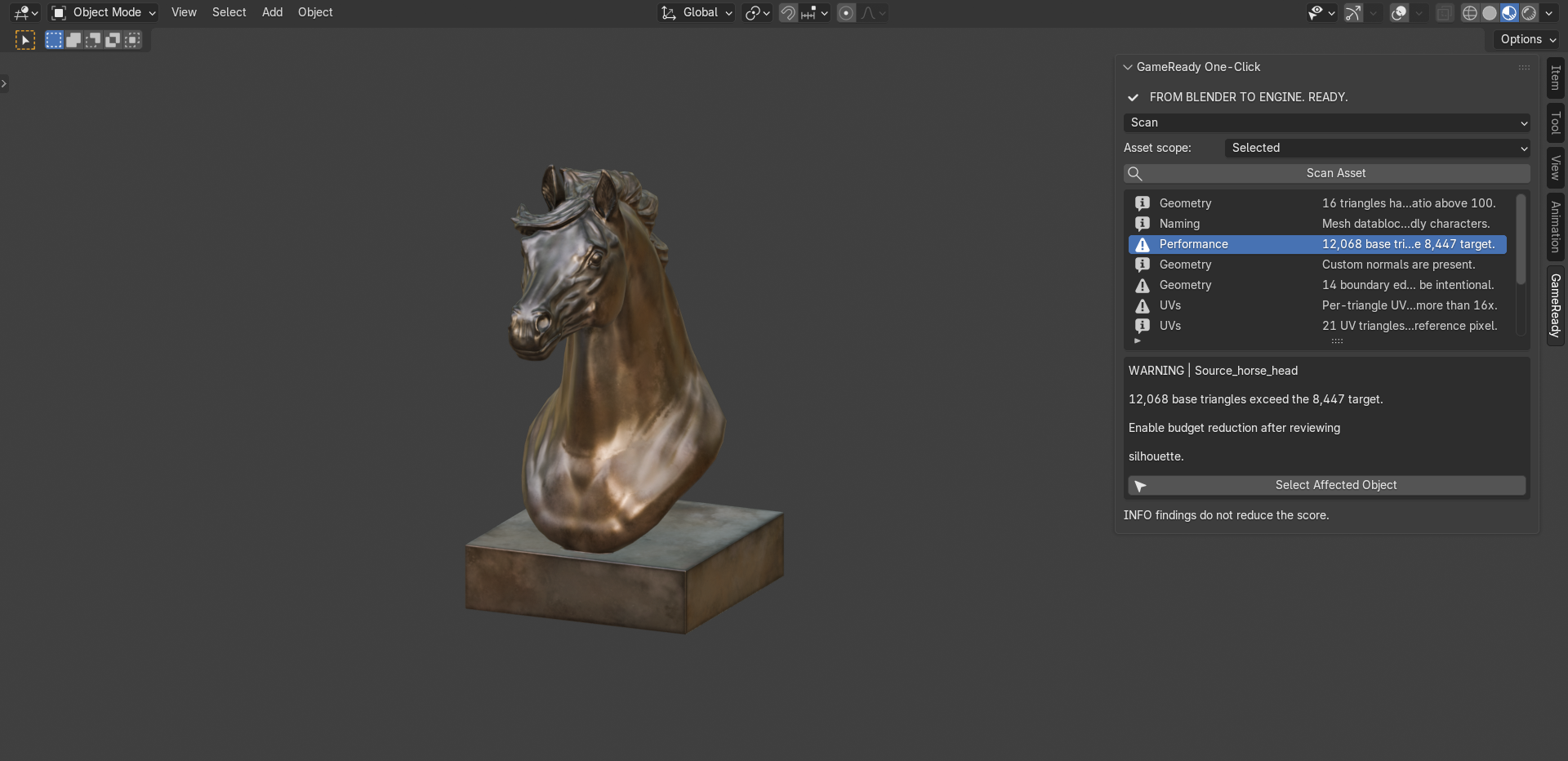
Performance findings are presented as recommendations rather than blindly modifying your model, keeping you in control of important artistic decisions.
Make Game Ready
When you're ready to process an asset, choose between:
Safe • Balanced • Aggressive
and let Game Ready One-Click handle common preparation tasks.
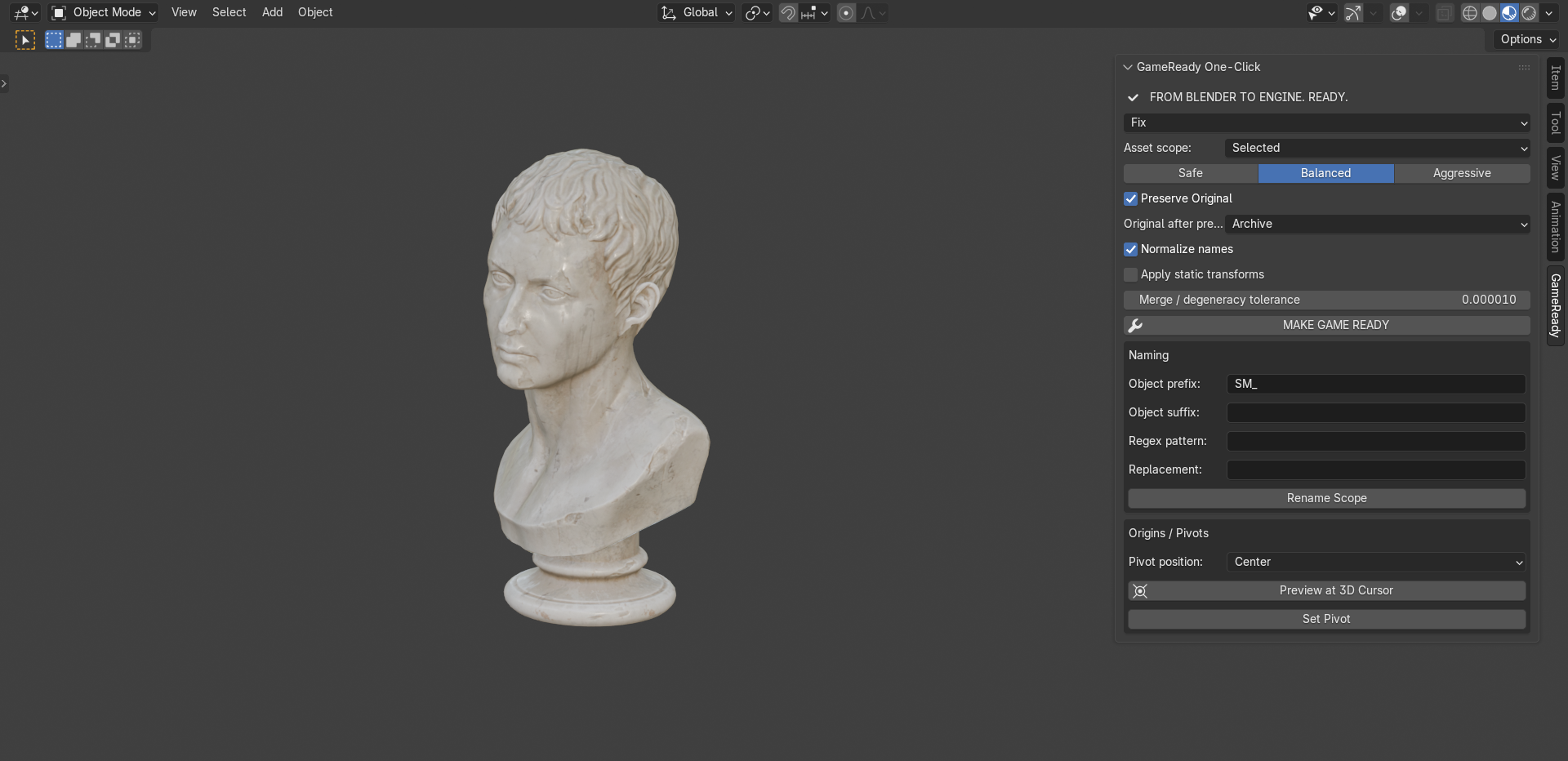
Depending on your configuration, the workflow can assist with:
- Mesh cleanup
- Naming normalization
- Static transform preparation
- Degenerate geometry cleanup
- Pivot preparation
- Optimization
- Production presets
Preserve Original is available for safer workflows, allowing processed assets to be created without sacrificing your source asset.
The goal isn't to take control away from the artist. It's to automate repetitive preparation while keeping important decisions visible.
Optimize for Real-Time Production
Use configurable production presets and budgets to prepare assets for different real-time targets.
Game Ready One-Click can evaluate and work with:
- Triangle budgets
- Texture budgets
- Material targets
- Maximum texture dimensions
- Texel density
- Reduction modifiers
- LOD generation
- Collision helper generation
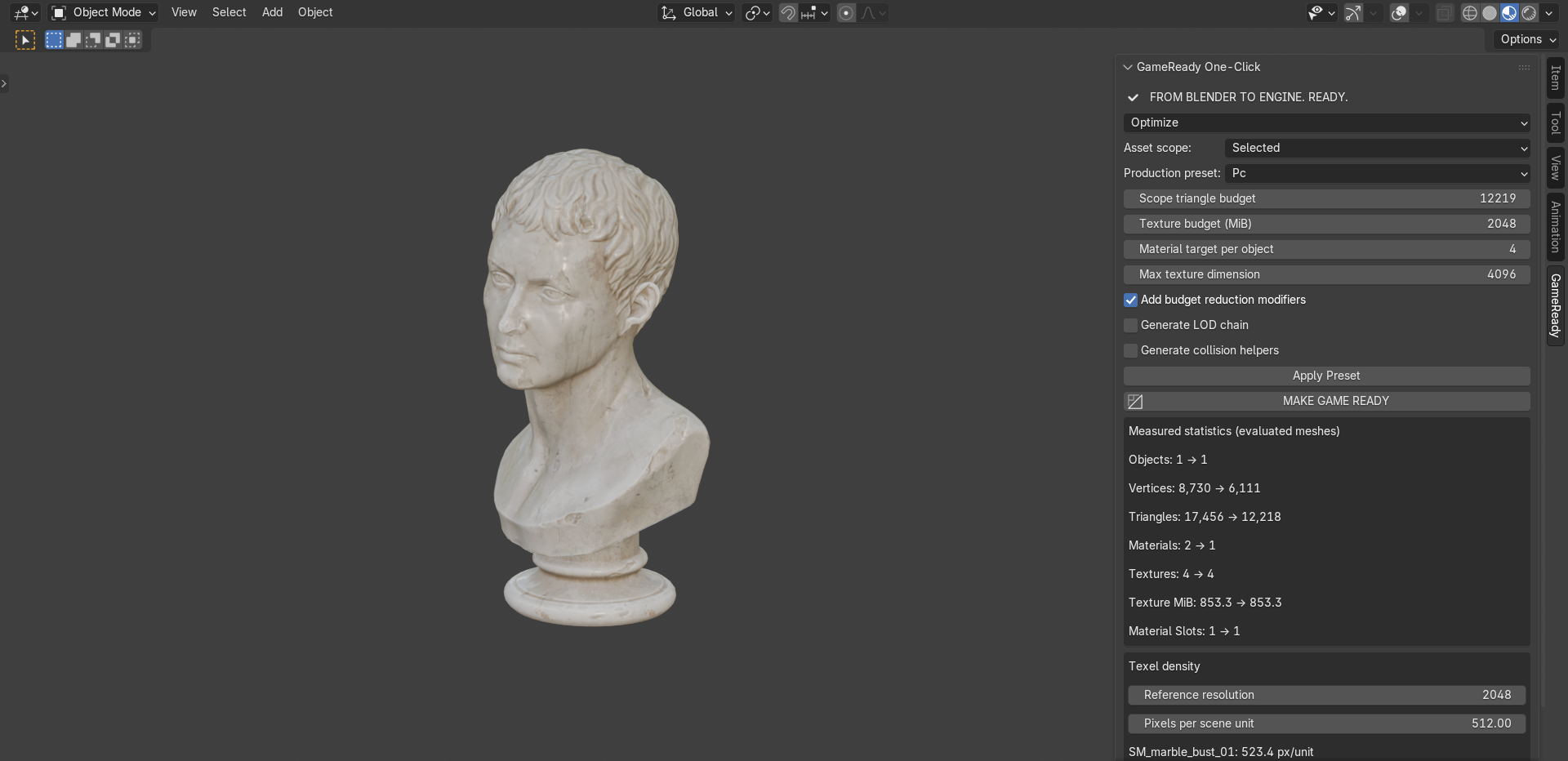
Measured before/after statistics make the optimization process transparent, so you can see exactly how the asset changed.
Optimization remains configurable rather than being a black-box process.
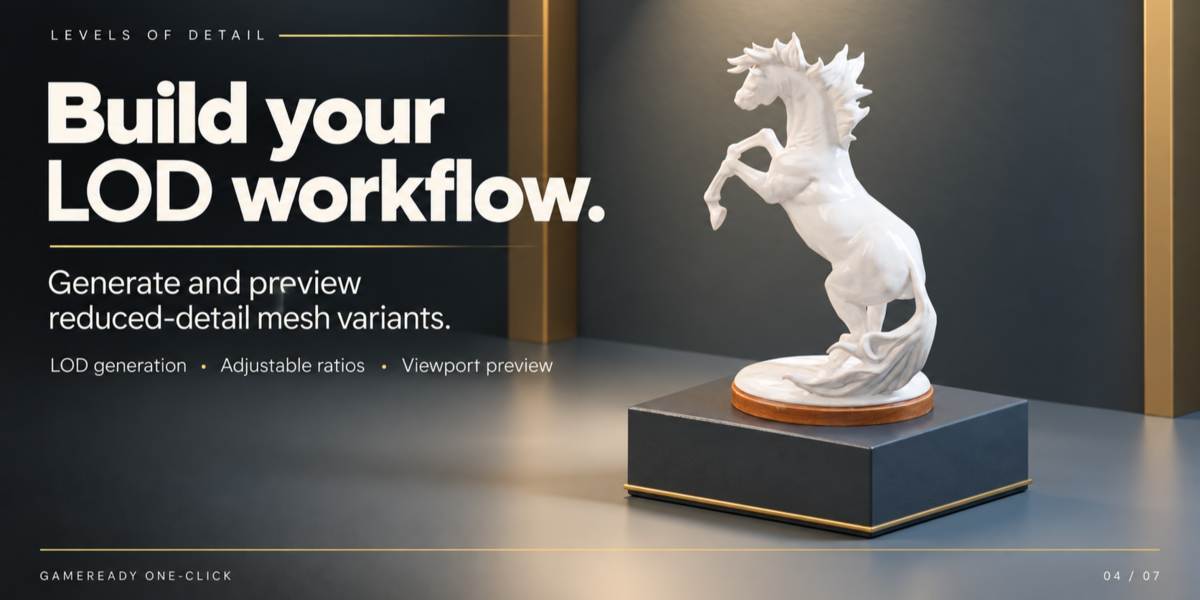
Generate LOD Chains
Create multiple Levels of Detail directly from your source mesh.
Configure reduction ratios for each level and generate independent:
LOD0 → LOD1 → LOD2 → LOD3 → LOD4
variants when required.
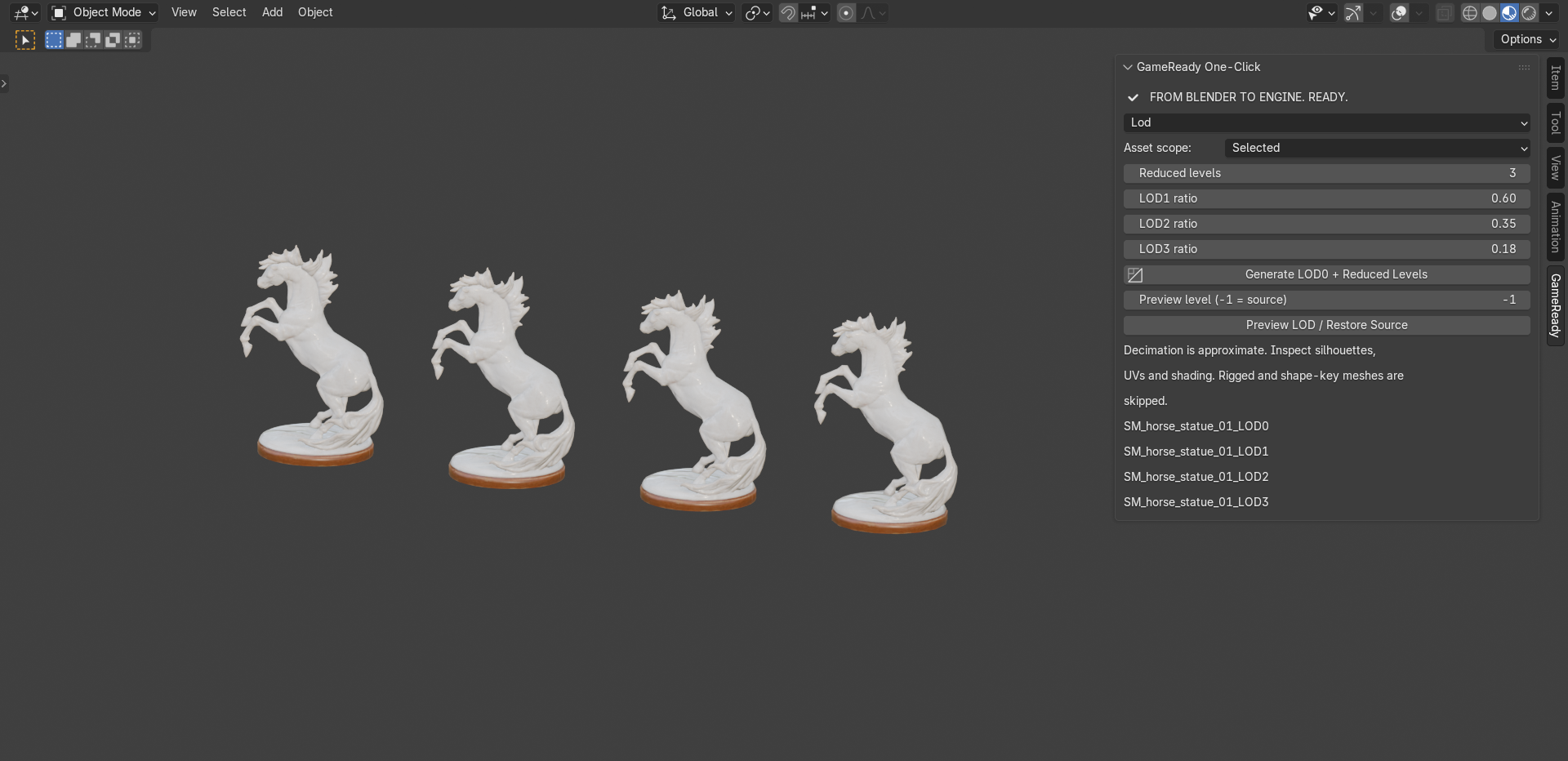
Preview generated LOD levels directly inside Blender and compare them with the source before export.
LOD reduction is intentionally configurable because no automatic reduction method can guarantee the ideal silhouette for every asset.
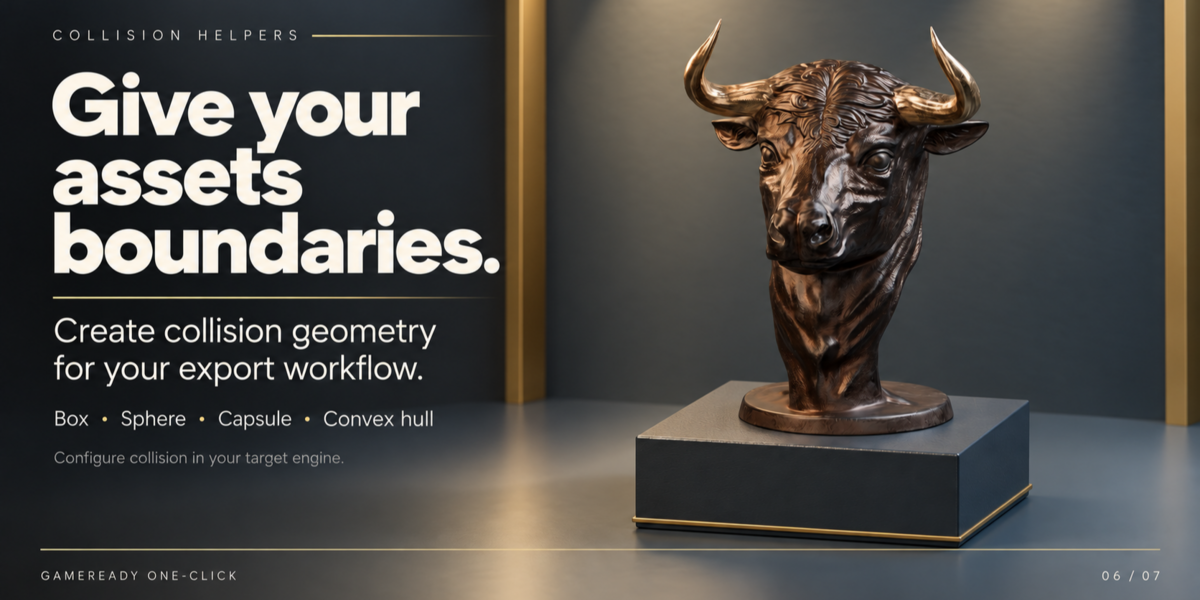
Generate Collision Helpers
Create common collision geometry without manually rebuilding basic collider shapes for every asset.
Available strategies include:
- Box
- Sphere
- Capsule
- Convex Hull
- Mesh
- Connected-component hulls
- Smart primitive selection
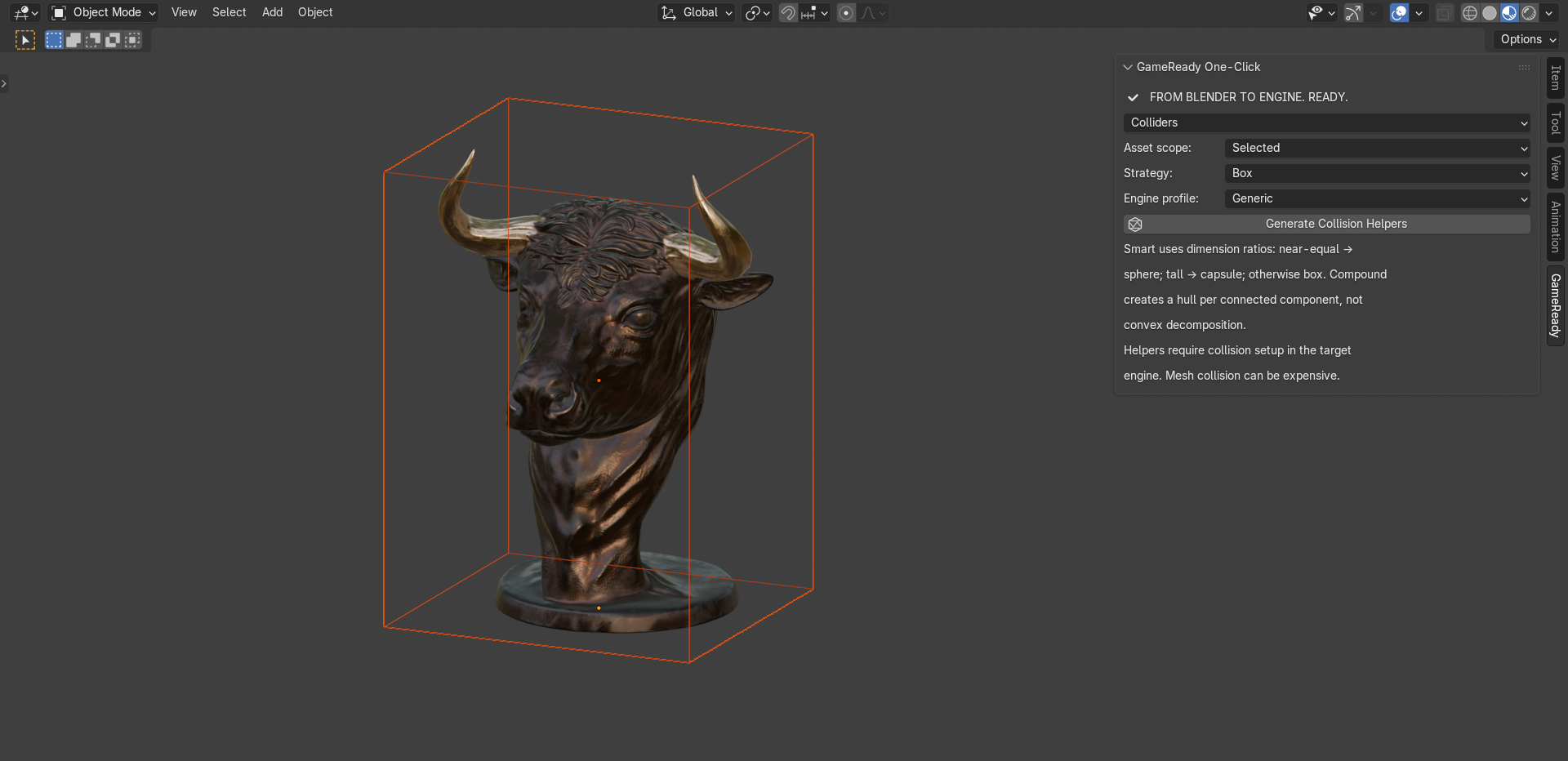
The Smart strategy evaluates asset dimensions to choose an appropriate primitive starting point.
Generated geometry acts as a collision helper for your export workflow. Final collision configuration and testing should still be performed inside your target engine.
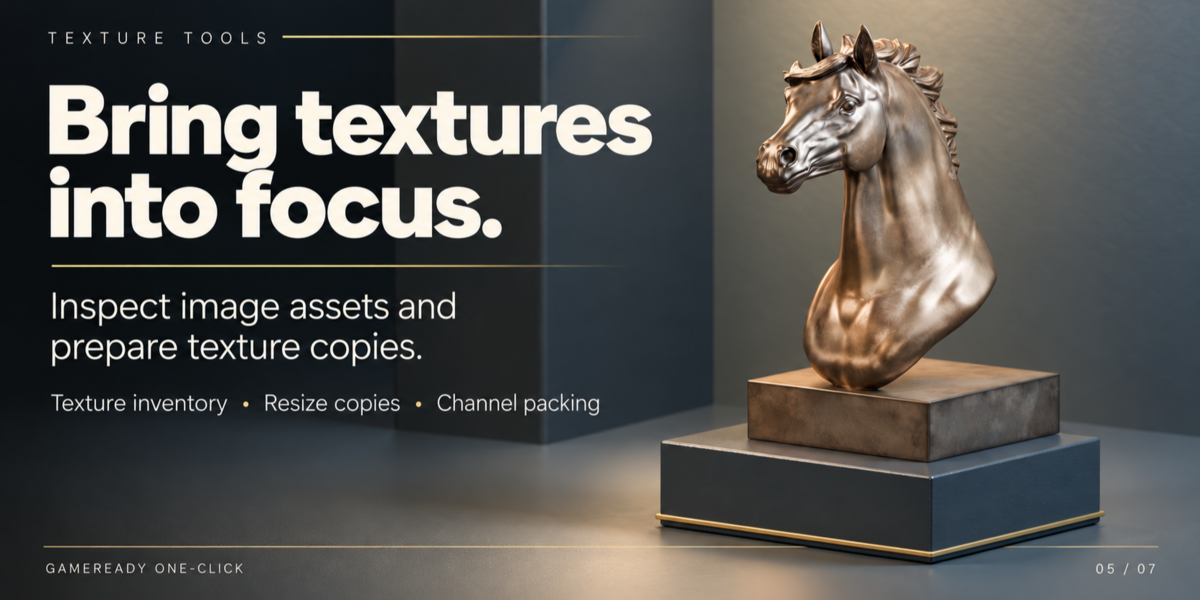
Inspect and Prepare Textures
Game Ready One-Click includes texture utilities for inspecting the image assets used by your models.
Review information such as:
- Texture resolution
- Estimated uncompressed memory
- Color-space configuration
- Bit depth
- Maximum texture dimensions
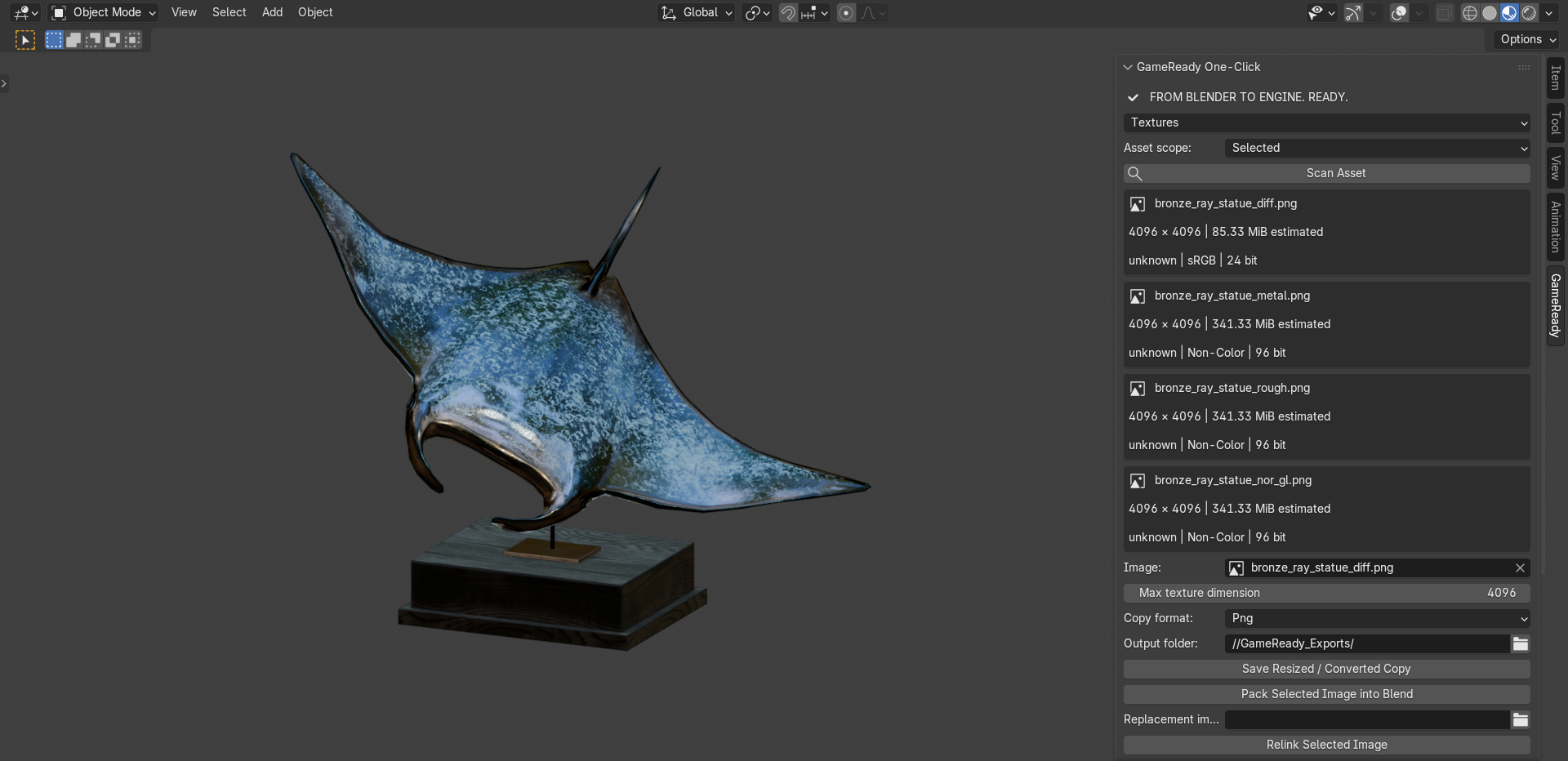
You can also create resized or converted copies, relink images, pack selected images into the .blend file and build custom RGBA channel-packed textures.
Source textures are not silently overwritten.
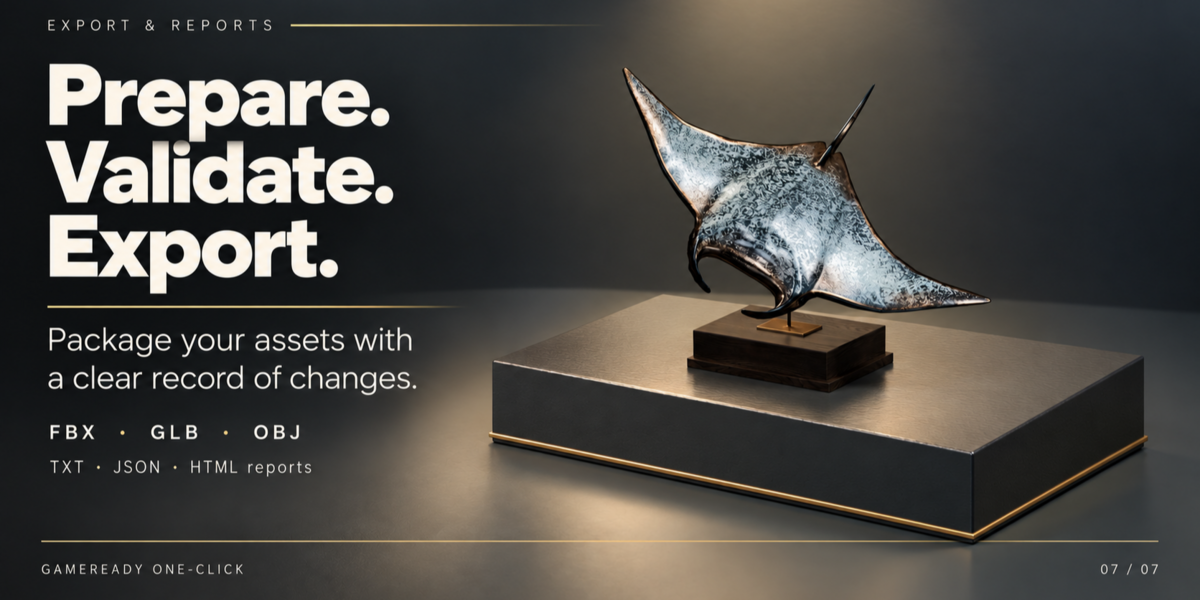
Validate and Export
Prepare assets for the next stage of your pipeline with centralized export controls.
Game Ready One-Click supports common interchange formats including:
FBX • GLB/GLTF • OBJ
with controls for generated LODs, collision helpers, materials, triangulation, scale and supported armature/skin data.
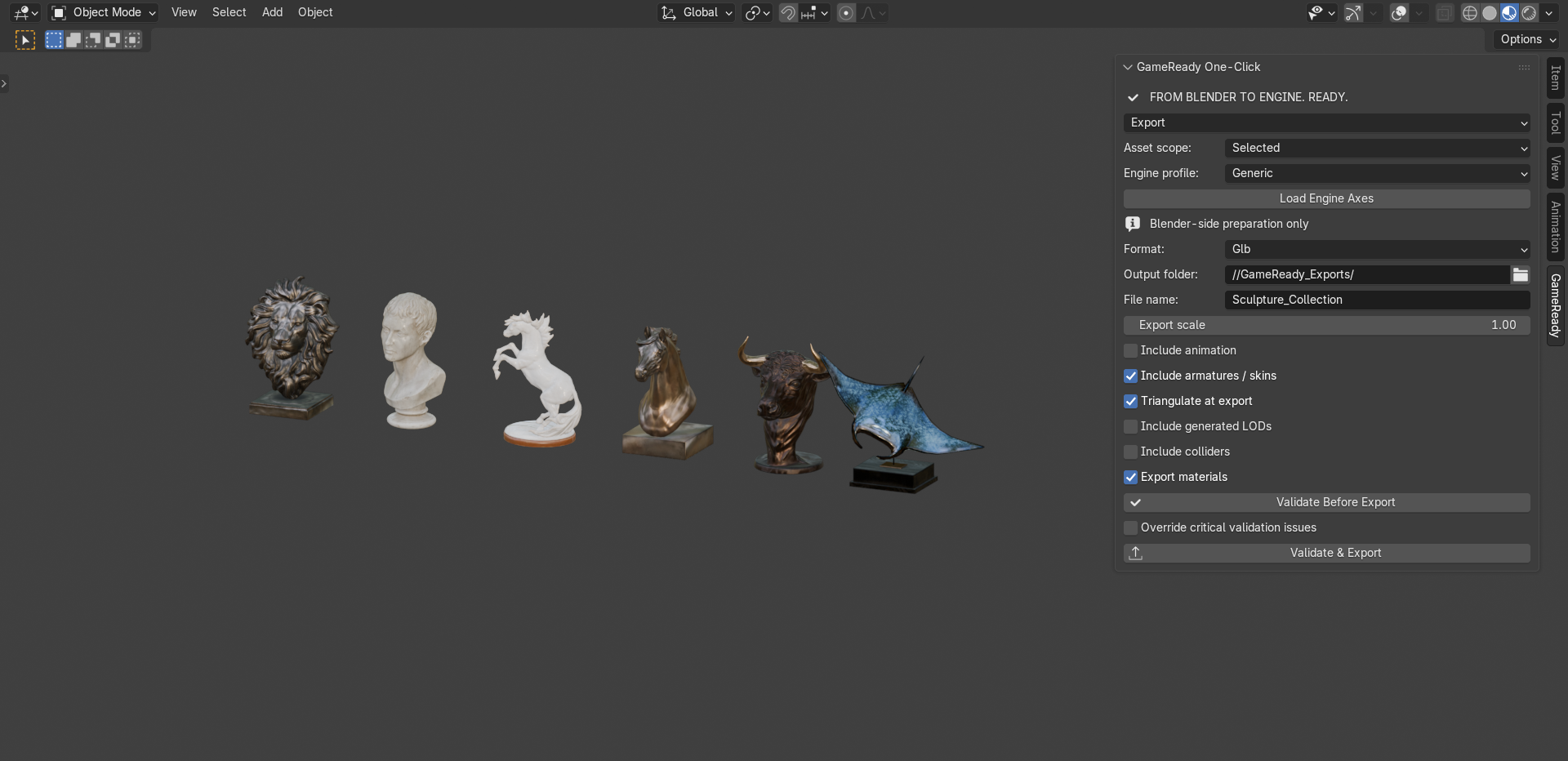
Assets can be validated before export so critical issues can be caught while you're still inside Blender.
Engine-oriented profiles help prepare naming and axes for common Unity and Unreal Engine workflows, while the actual engine import remains under your control.
Keep a Record of What Changed
Professional asset preparation shouldn't be a mystery.
Game Ready One-Click includes reporting tools for tracking operations and asset statistics throughout the workflow.
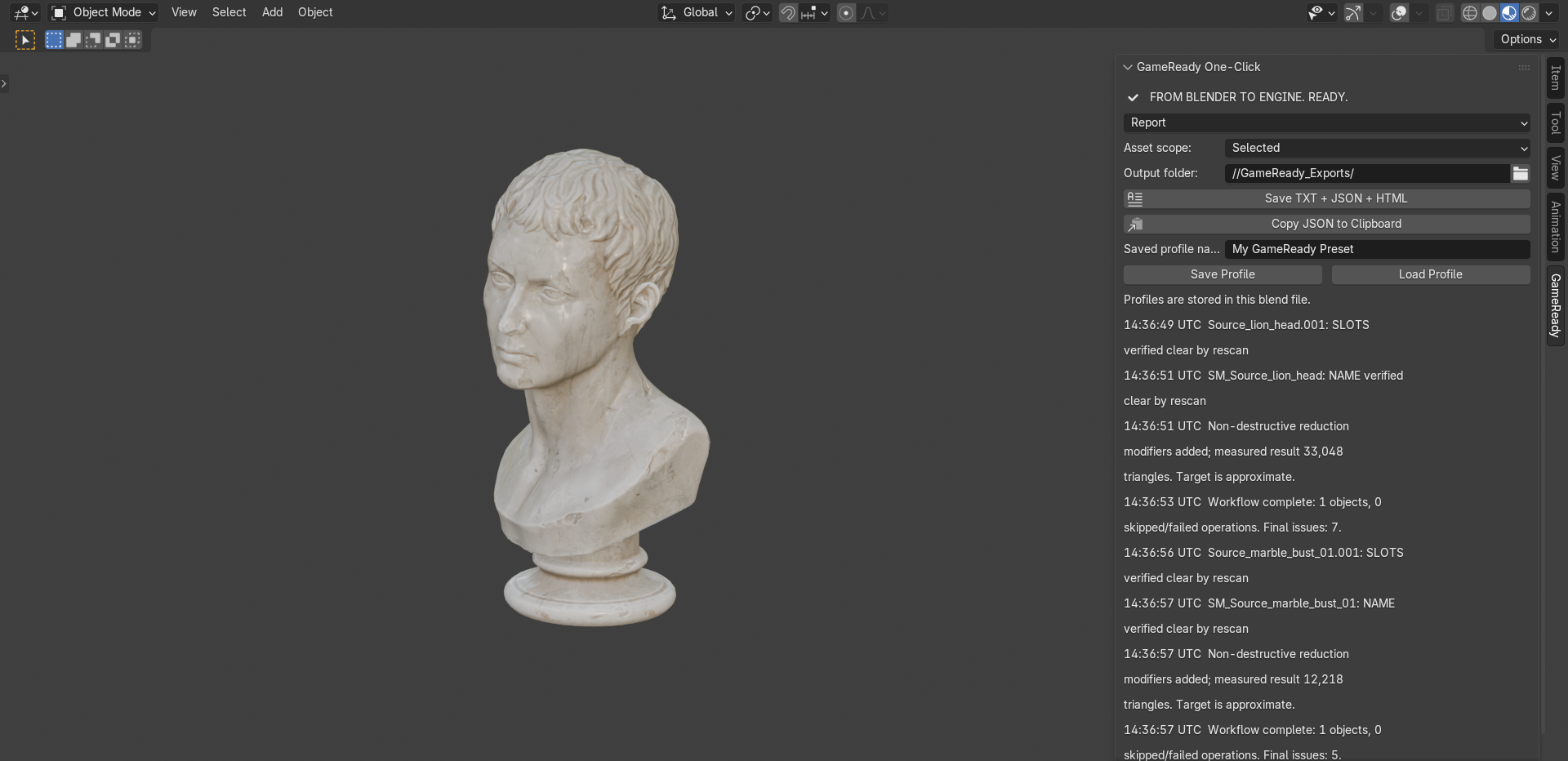
Generate reports in:
TXT • JSON • HTML
and review session history, measured results and workflow operations.
Reusable profiles can also be stored to make repeated workflows faster and more consistent.
More Than a One-Click Button
Despite the name, Game Ready One-Click isn't designed to hide your asset behind a single destructive operation.
It combines automation with artist control.
Use the complete workflow when you want speed, or access the individual tools when you need precise control over a specific stage.
Included Toolset
Game Readiness Scanner
Analyze geometry, UVs, materials, textures, transforms, naming, performance and export readiness.
Mesh Cleanup
Handle common static-mesh issues such as loose geometry, nearby vertices, tiny geometry and inconsistent winding.
Optimization Tools
Work toward configurable geometry, texture and material budgets with measurable results.
LOD Generator
Generate and preview configurable reduced-detail variants.
Collision Helpers
Create common primitive, convex and mesh-based collision geometry.
Texture Utilities
Inspect textures, create optimized copies, relink files and prepare channel-packed textures.
Smart Pivots
Position pivots using bounds, geometry, cursor and workflow-oriented presets.
AI Model Rescue
A preserved cleanup and preparation preset intended for dense or fragmented generated meshes.
Export Tools
Validate and export prepared assets through a centralized workflow.
Reports & Profiles
Save workflow information and reuse configurations across assets.
Built for Real Production Workflows
Game Ready One-Click is especially useful for:
Game artists preparing props and environment assets.
Indie developers who need a faster Blender-to-engine workflow.
Asset creators preparing models for distribution or marketplaces.
Freelancers delivering technically consistent assets to clients.
Technical artists reviewing and standardizing batches of assets.
AI-assisted 3D workflows where generated geometry needs inspection and preparation before production use.
Non-Destructive by Design
Where practical, Game Ready One-Click favors workflows that preserve your source data.
Features such as Preserve Original, output collections, configurable processing and modifier-based reduction help keep the original asset available while you work.
Potentially unsafe or unsupported operations are intentionally guarded rather than silently applied.
Important Scope & Limitations
Game Ready One-Click is primarily designed for static game assets.
It is an asset preparation toolkit, not an automatic replacement for professional retopology, UV unwrapping, texture baking or manual art direction.
LOD generation uses mesh reduction and results should be visually inspected. Rigged and shape-key meshes may be skipped by operations that could damage them.
Collision tools generate Blender-side helper geometry; collision behavior must be configured and tested in the target game engine.
Unity and Unreal-oriented workflows prepare assets on the Blender side but do not automatically configure your project inside the engine.
Large or complex assets may require additional processing time.
Installation
- Download Game Ready One-Click.
- Open Blender.
- Go to Edit → Preferences → Add-ons.
- Choose Install from Disk.
- Select the downloaded addon package.
- Enable Game Ready One-Click.
- Open the N-Panel in the 3D Viewport.
- Select the GameReady tab.
You're ready to scan your first asset.
Game Ready One-Click
From Blender to Engine. Ready.
Spend less time checking, cleaning and preparing assets — and more time creating them.