GameMat Baker — Non-Blocking PBR Baking for Game Engines
 Skava
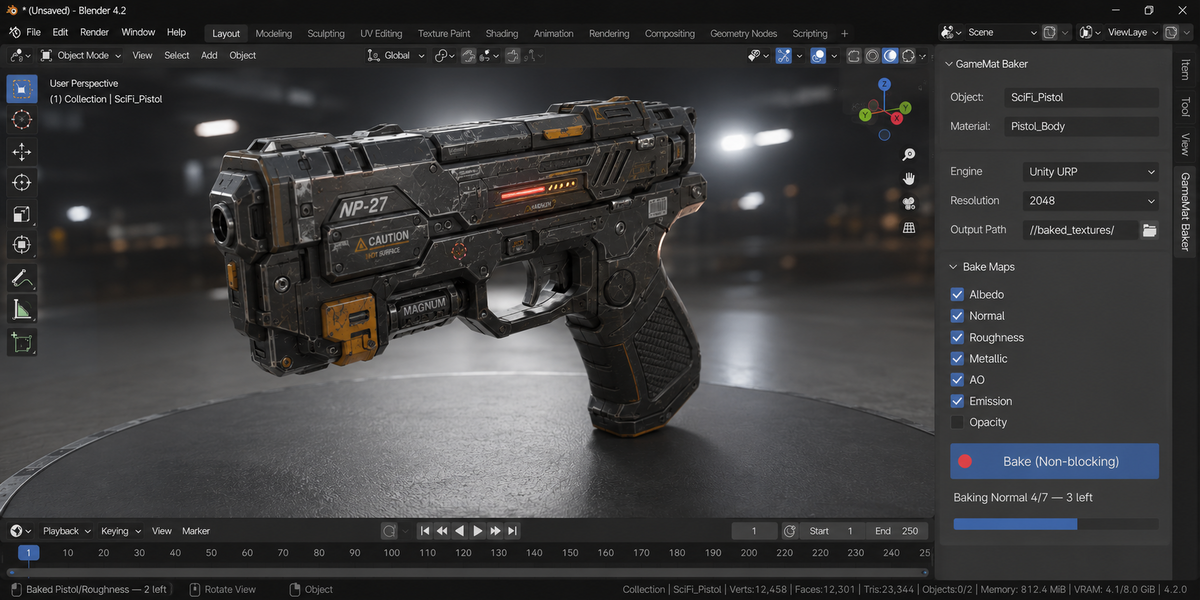
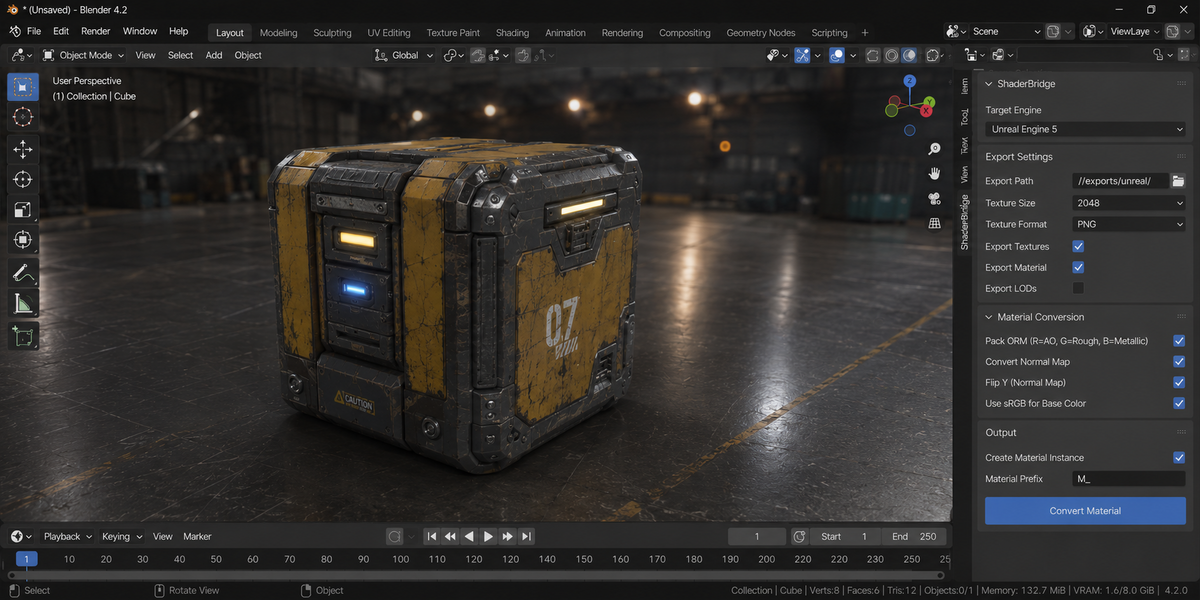
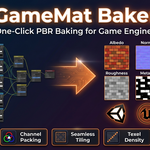
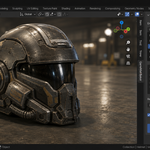
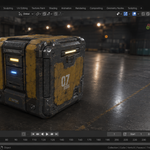
Download the zip and do not unpack it. In Blender open Edit > Preferences > Add-ons, click the drop-down arrow in the top-right corner and choose Install from Disk, then pick the zip. Tick the checkbox next to GameMat Baker. Press N in the 3D Viewport and open the GameMat Baker tab.
No external Python packages are needed: the add-on is pure Python with no compiled binaries.
Blender 4.2 LTS and later. 4.2 is the minimum the add-on declares.
Not between maps. Bake (Non-blocking) queues every object and map type and bakes one map per step, so the interface refreshes between maps, and Esc cancels the queue. A single map is still one bake call inside Blender, which cannot be interrupted midway. Bake PBR Maps (sync) and Batch Bake Selected (sync) run in one go.
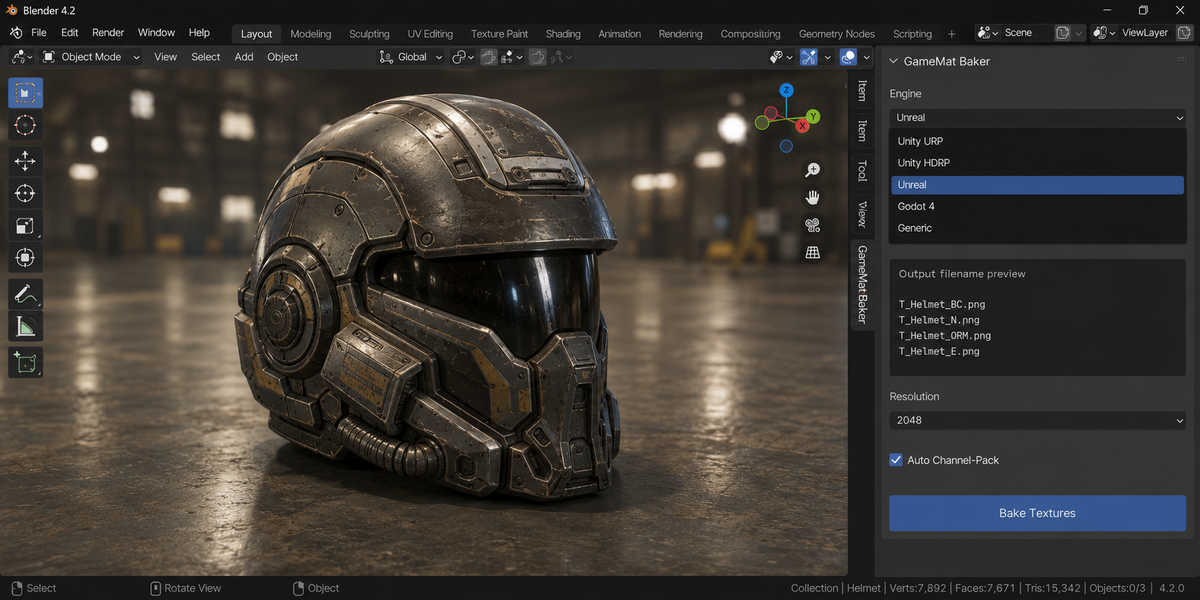
The Engine menu offers Unity URP, Unity HDRP, Unreal, Godot and Generic. Each one names the files the way that engine expects, for example Mat_BaseMap.png for Unity URP, Mat_BaseColor.png for Unity HDRP, T_Mat_BC.png and T_Mat_N.png for Unreal, and Mat_albedo.png for Godot. Generic writes Mat_albedo.png, Mat_normal.png and so on.
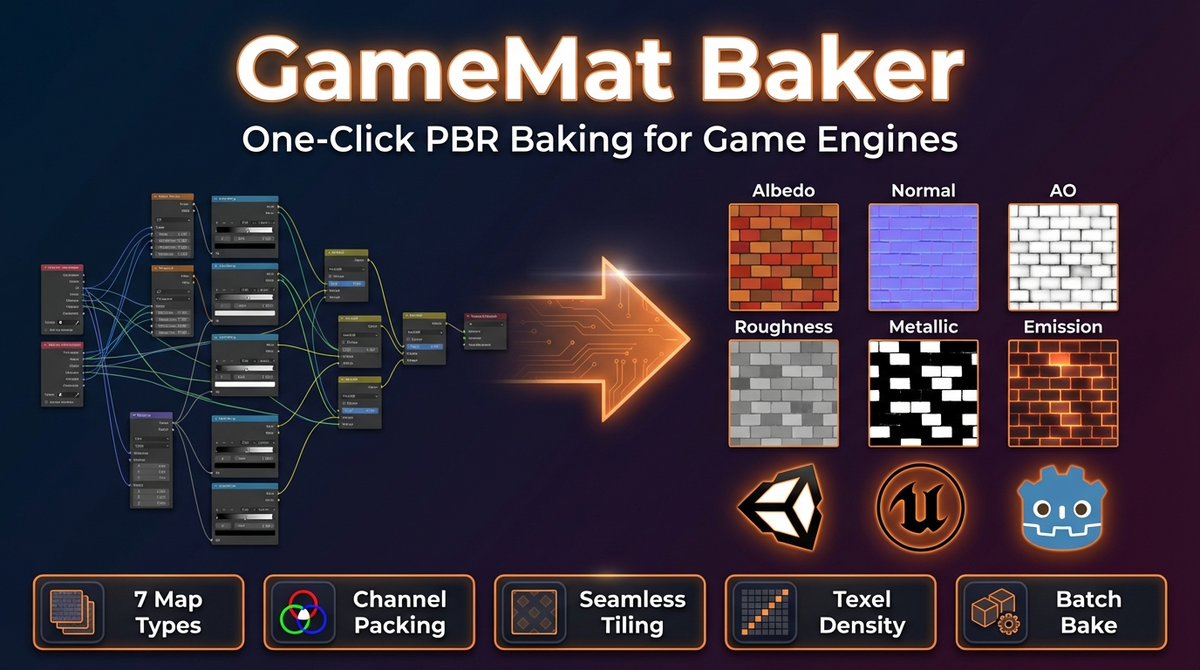
Albedo, Normal, Roughness, Metallic, Ambient Occlusion, Emission and Opacity. With Auto Pack Channels on (the default), Unity URP and Unity HDRP get a Metallic (RGB) + Smoothness (A) texture, where Smoothness is 1 minus Roughness; Unreal and Godot get an ORM texture with AO in red, Roughness in green and Metallic in blue. Inputs baked at different sizes are resized to the largest before packing. The HDRP preset does not build a full HDRP Mask Map with AO and Detail channels.
A Principled BSDF. The add-on reads the surface from it; a material without one is reported and skipped. If the mesh has no UV map, the add-on runs Smart UV Project on it before baking.
No. Selection, active object, render engine, Cycles device and each material's Use Nodes setting are recorded before the bake and put back afterwards, also when a bake fails or you press Esc. The temporary Emission wiring used to bake Roughness, Metallic and Opacity is undone the same way.
No internet connection is needed: the add-on makes no network calls. It is licensed under GPL-3.0; the license covers the add-on code, and the textures you bake are yours to use in commercial projects. Full documentation is on the Documentation & FAQ tab of this product page, and a README.md is inside the zip.
Have questions about this product?
Login to message
| Published | 5 months ago |
| Blender Version | 3.0 - 5.1 |
| Extension Type | N/A |
| Render Engine Used | Arnold, Blender-Internal, Blender-Game-Engine, Cycles, Eevee, Freestyle, Luxrender, Mental-Ray, Octane, Vray, Yafaray |
| License | GPL |