 studioromanrec


GameReady Pro — From Blender to UE5, Unity & Godot in One Click
Stop spending hours preparing each asset. LODs, collision, lightmap UVs, validation, and export — the entire game pipeline in a single click.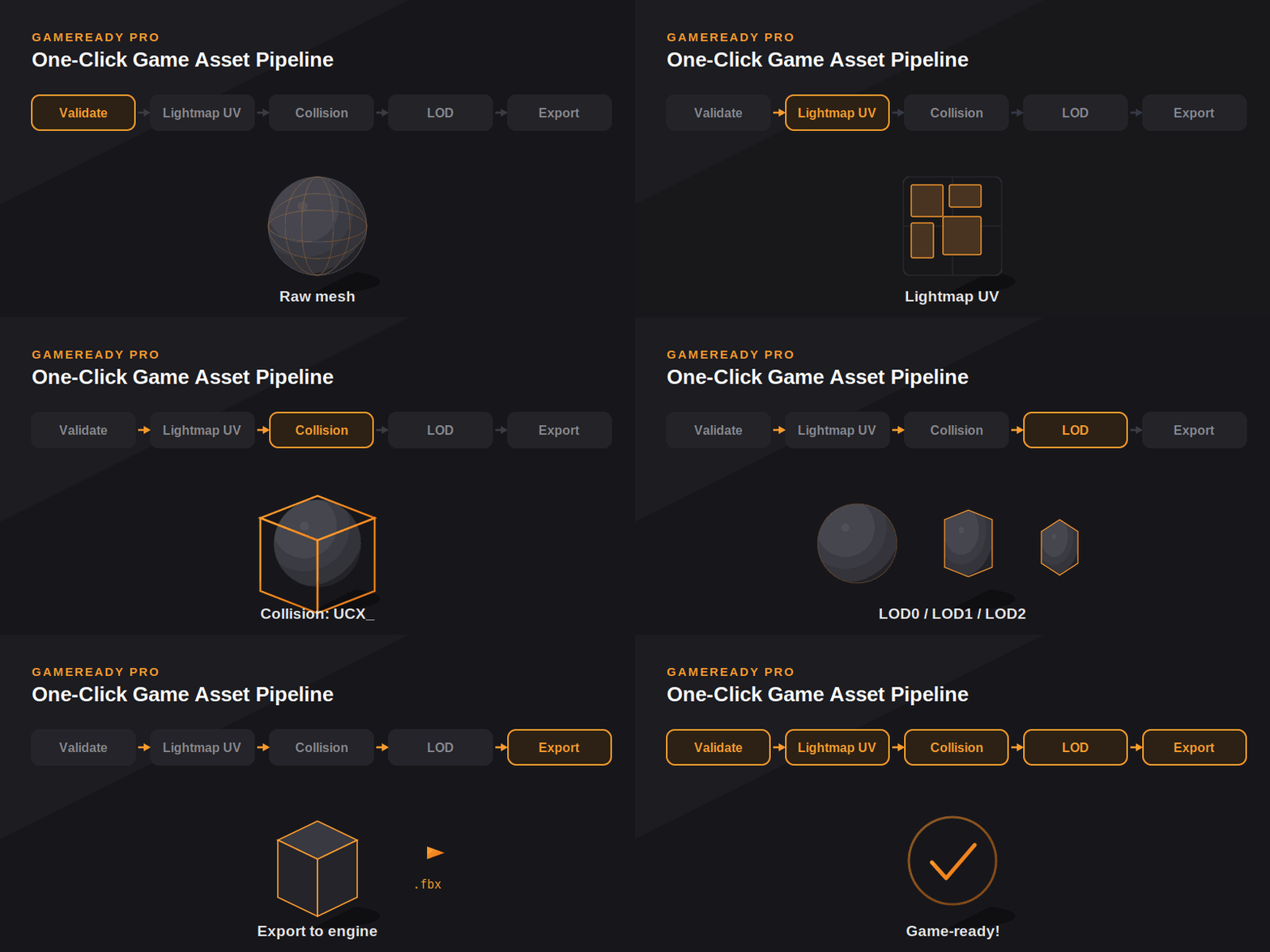
The Problem
Every game asset needs the same tedious steps before it can enter an engine:
- Generate LOD levels for performance
- Build a collision mesh with the correct engine naming
- Unwrap a second UV channel for lightmaps
- Check for hidden errors (unapplied scale, n-gons, missing UVs)
- Configure export settings for your target engine
- Export each object with the right axis and scale
Done by hand, that's 1–2 hours per asset. Multiply that across a full project and you lose entire days to busywork instead of creating.
The Solution
GameReady Pro runs your complete asset pipeline in seconds. Select your objects, press Process All, and walk away with engine-ready assets — correctly named, optimized, and validated.
Other addons do one piece. GameReady Pro runs the whole pipeline — and lets you pick exactly which steps each asset needs.
Key Features
One-Click Pipeline
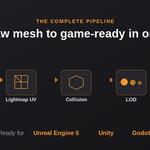
Run the full sequence — validate → lightmap UV → collision → LOD → export — with a single button. No clicking through five separate tools.
Pick What Each Asset Needs
Not every object needs everything. A pickup item may only need collision. A distant building needs all of it. Decorative grass needs none. Toggle any step on or off — GameReady Pro never forces unnecessary work onto your meshes.
Smart LOD Generation
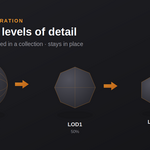
Generate up to three LOD levels with adjustable reduction per level. LODs stay perfectly in place over the original, are automatically grouped into their own collection, and lower levels are hidden in the viewport while remaining ready for export.
Accurate Collision
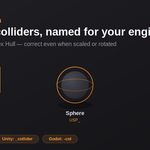
Box, Sphere, and Convex Hull colliders calculated in true world space — so they fit correctly even on scaled or rotated objects. Convex hulls are automatically simplified to keep colliders lightweight.
Engine-Correct Naming
Collision meshes are named exactly how each engine expects:
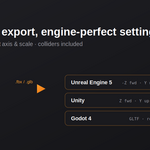
- Unreal Engine 5 — UCX_ / UBX_ / USP_ prefixes
- Unity — _collider suffix
- Godot 4 — -col suffix
Lightmap UV Channel
Generate a clean second UV channel for baked lighting, with a choice of Lightmap Pack or Smart UV Project and adjustable island margin.
Pre-Export Validation
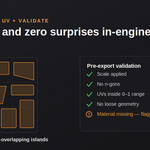
Catch problems before they reach your engine. GameReady Pro flags unapplied scale, n-gons, UVs outside the 0–1 range, loose geometry, and missing materials — so you fix them in Blender, not after a broken import.
Flexible Batch Export
Export to FBX or GLTF/GLB with engine-tuned axis and scale settings. Choose individual files, one file per LOD set, or a single combined file. Child colliders are exported alongside their objects automatically.
How It Works
- Select one or more mesh objects.
- Open the GameReady tab in the sidebar (press N).
- Press Process All — or run any single step on its own.
- Choose your target engine and which steps to run.
- Done. Your assets are game-ready.
Who It's For
- Indie game developers shipping to Unreal Engine, Unity, or Godot
- 3D asset creators selling game-ready packs
- Environment artists preparing large scenes for real-time
- Anyone tired of repeating the same export chores on every model
Compatibility
- Blender: 4.2 and newer (including Blender 5.x)
- Engines: Unreal Engine 5, Unity, Godot 4
- Formats: FBX, GLTF / GLB
- Platforms: Windows, macOS, Linux
What's Included
- GameReady Pro addon (modular, extension-system ready)
- Built-in documentation panel
- Free updates and support
FAQ
Do I need to generate LODs, collision, and lightmap UVs for every object? No. Each step is optional. Use only what a given asset actually needs — that's the point of the modular pipeline.
Will collision meshes work on objects that aren't at scale 1,1,1? Yes. Colliders are calculated in world space, so they fit correctly on scaled and rotated objects. (The validator will still remind you to apply scale before final export, as engines prefer it.)
Does it support Blender 5.x? Yes — GameReady Pro is built and tested on the current Blender 5.x API.
Can I still run each tool separately? Absolutely. Every step — LOD, collision, lightmap UV, validation, export — is available as its own button in the panel.
GameReady Pro — by studioromanrec
