 ZEG
ZEG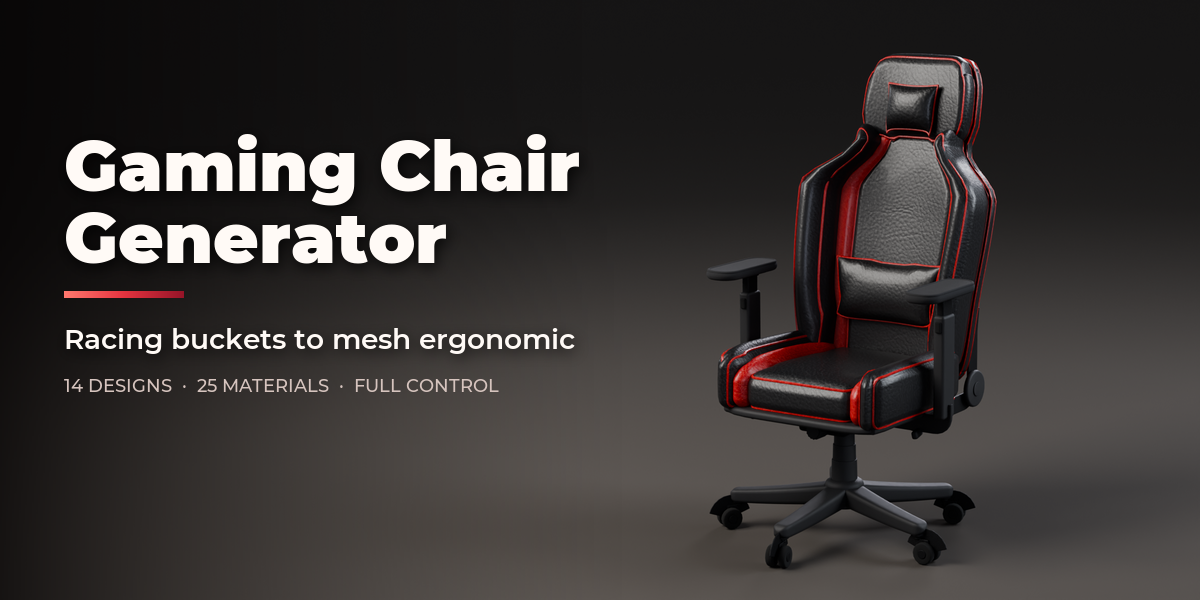
Installation
In Blender open Edit, Preferences, Get Extensions, then use Install from Disk and pick the gaming_chair_generator zip.
Usage
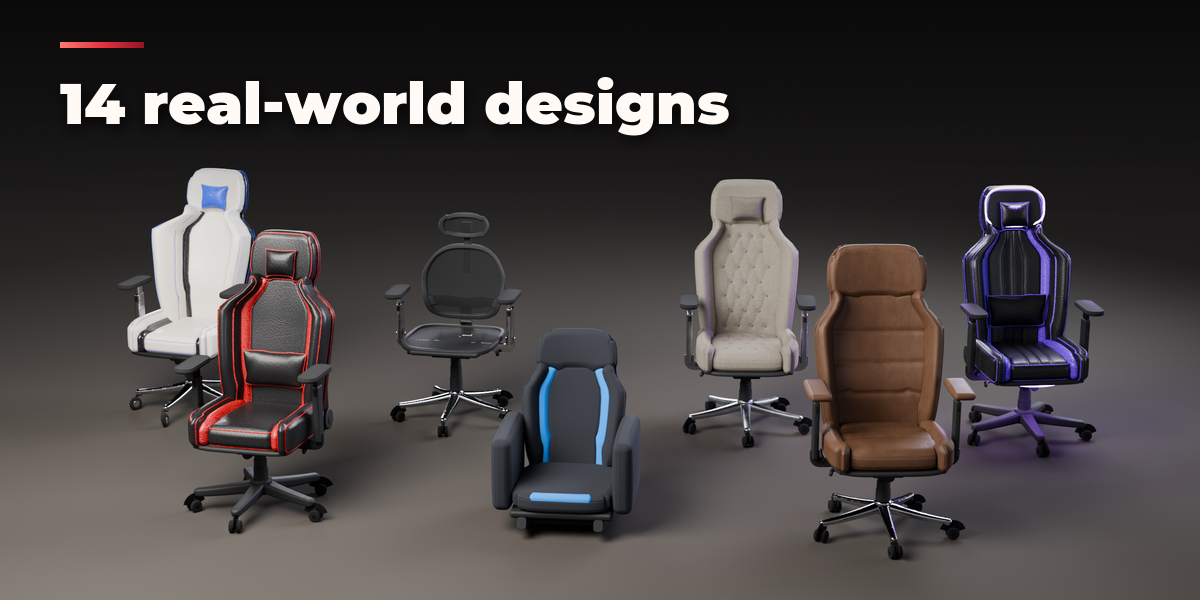
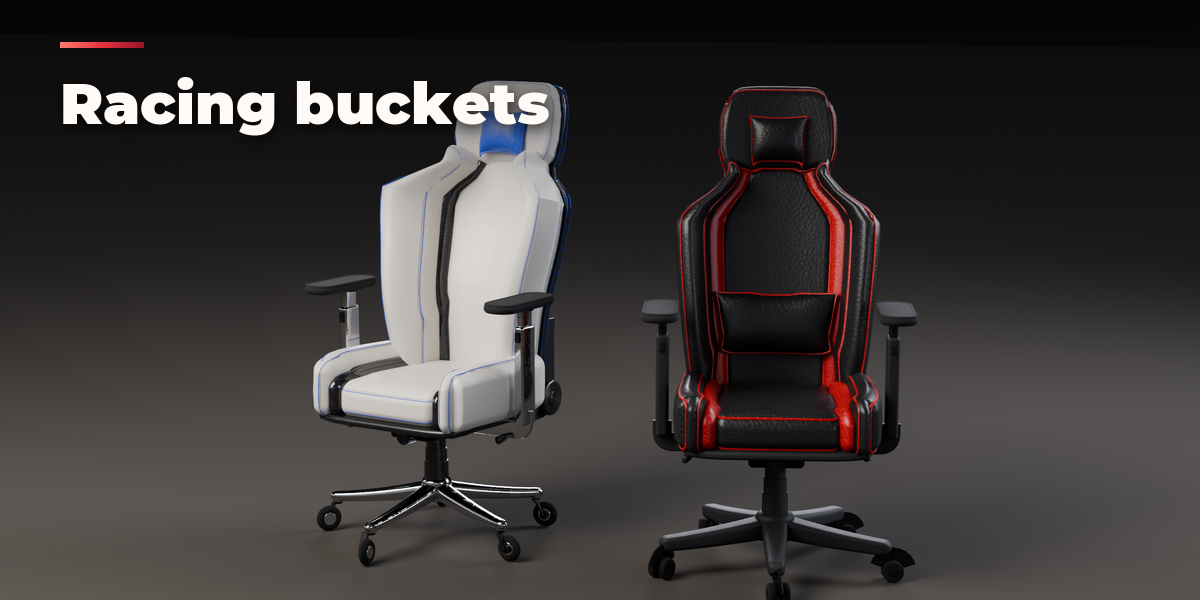
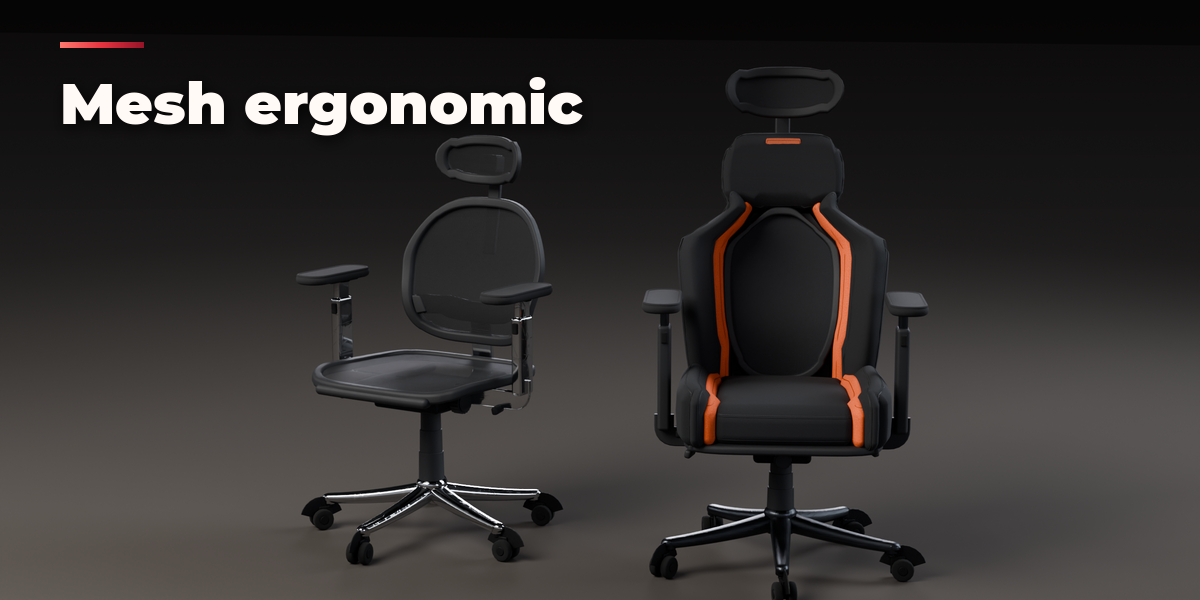
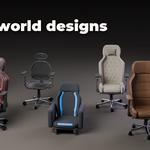
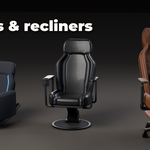
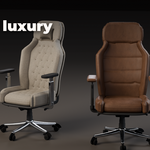
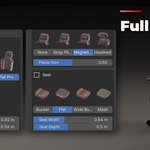
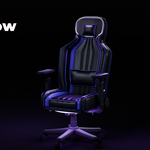
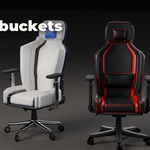
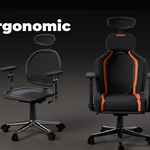
- Open the Gaming Chair tab in the 3D viewport sidebar (N). With no chair selected, pick a design from the picture gallery and press Add to place it at the 3D cursor. You can also use Shift+A, Mesh, Gaming Chair.
- The card at the top shows the design and its size. Surprise Me makes a new random design, the palette button picks new colors and the dice changes the seed of the wrinkles and quilting.
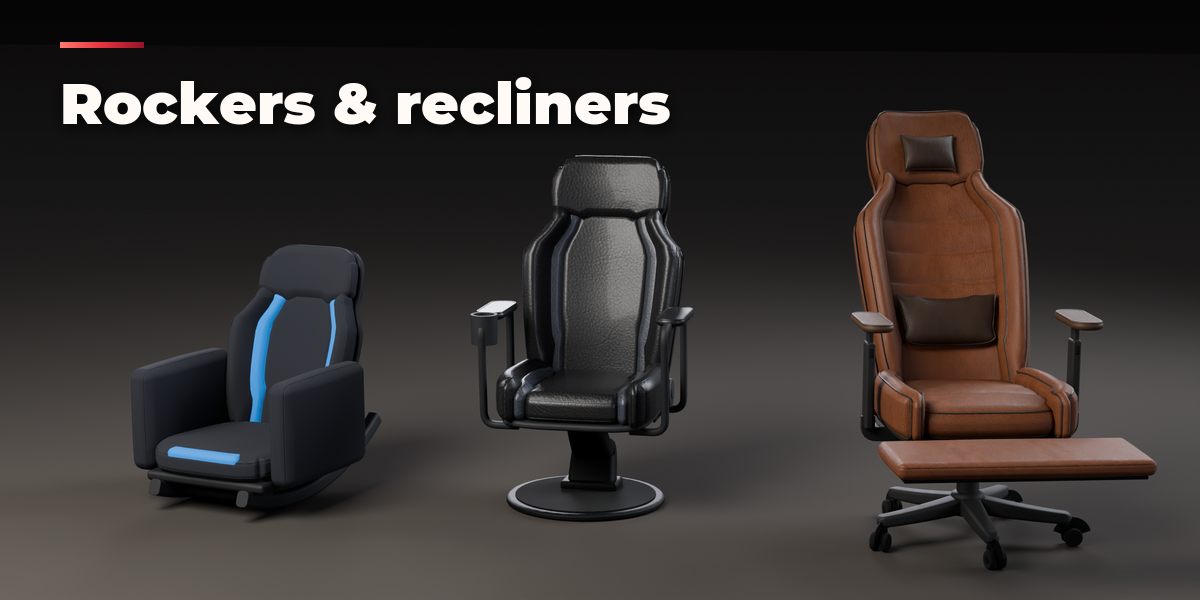
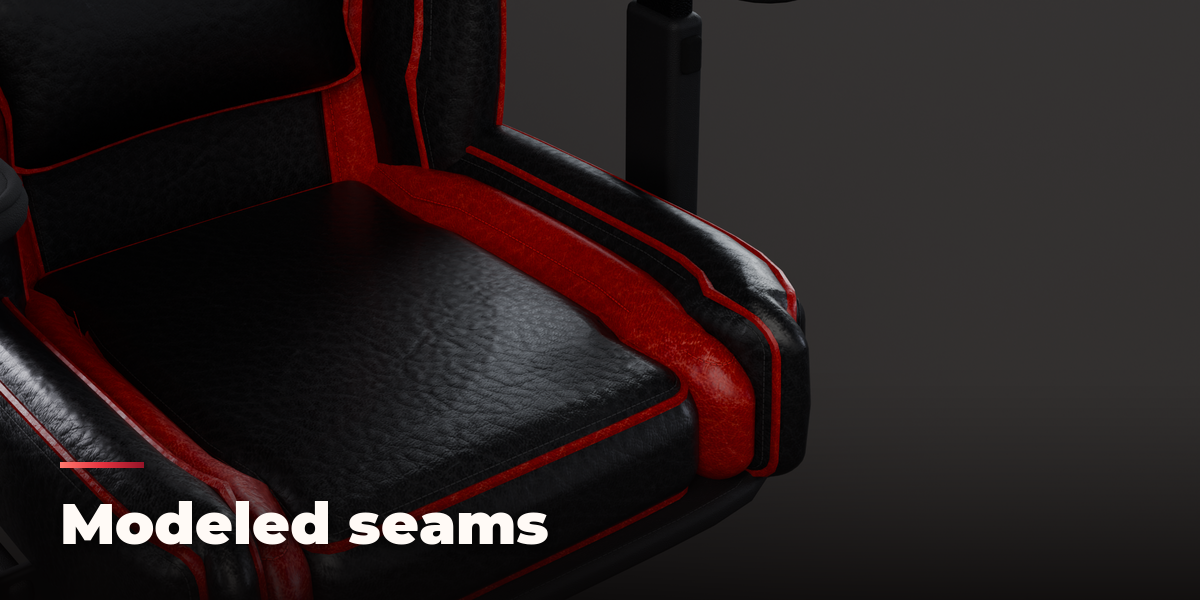
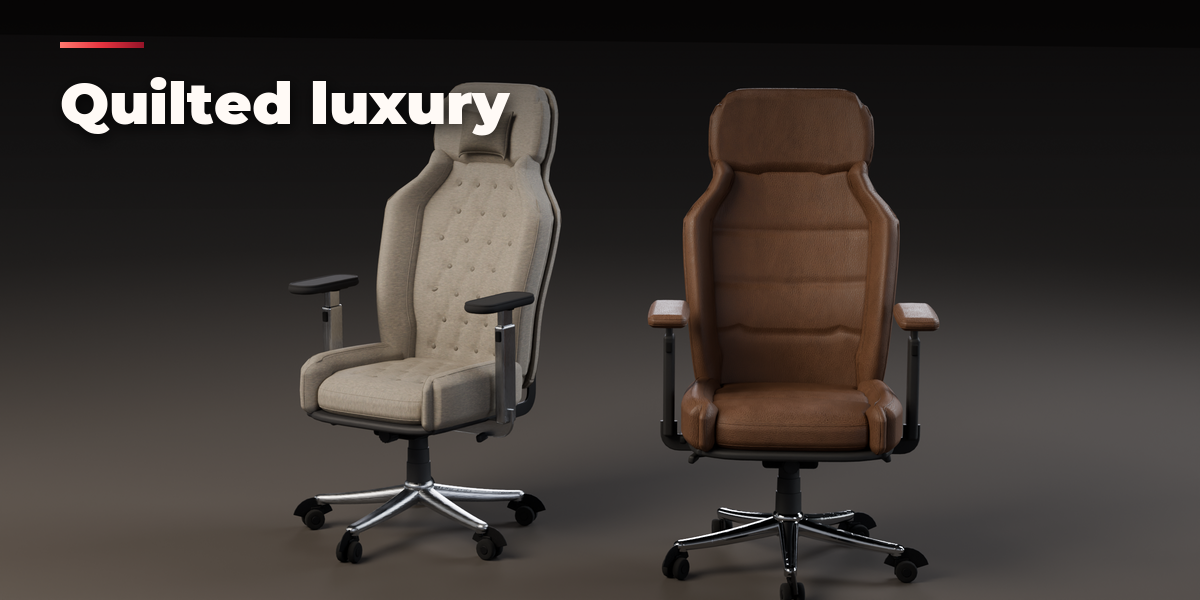
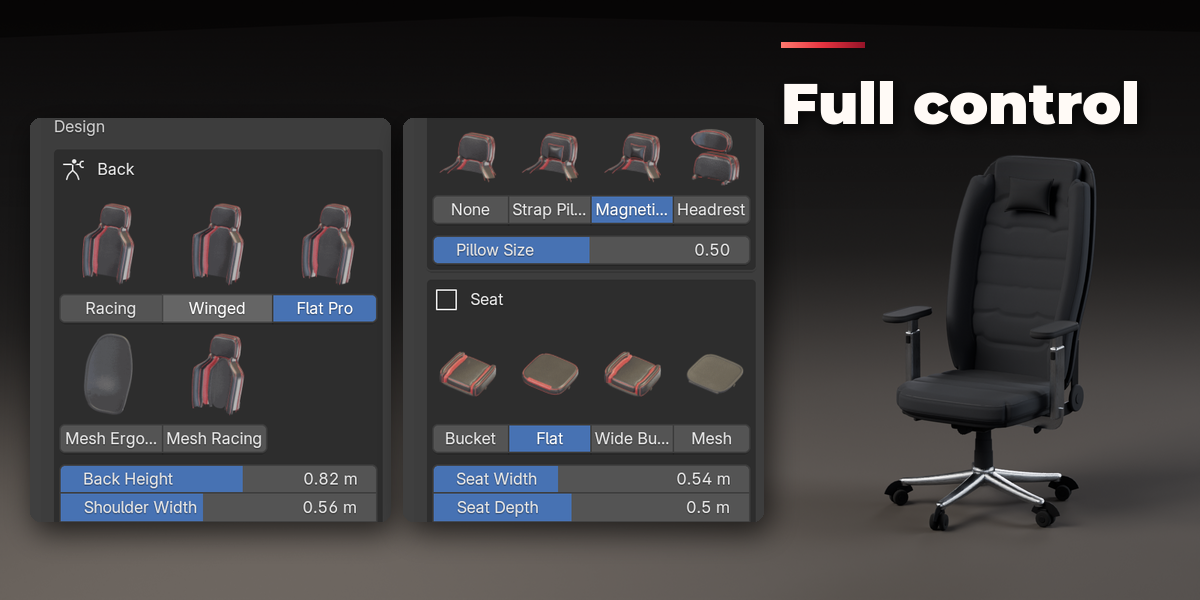
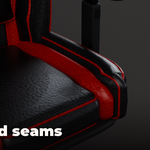
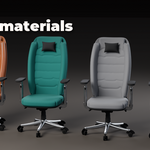
- The icon tabs hold every setting: Design (back and seat shapes, pillows, headrest, size), Arms (style, pad shape, height), Base (star, pedestal or rocker, casters, mechanism, hinge, footrest, cup holder, speakers), Upholstery (softness, seams, quilting, panels, stripes, logo), Materials (every color slot: material, color, gloss, scale, relief, stitches), Pose (seat height, recline, tilt, swivel) and Output (part visibility, detail, LEDs, Convert to Mesh).
- Convert to Mesh keeps the chair as plain meshes; Delete removes it with all its parts.
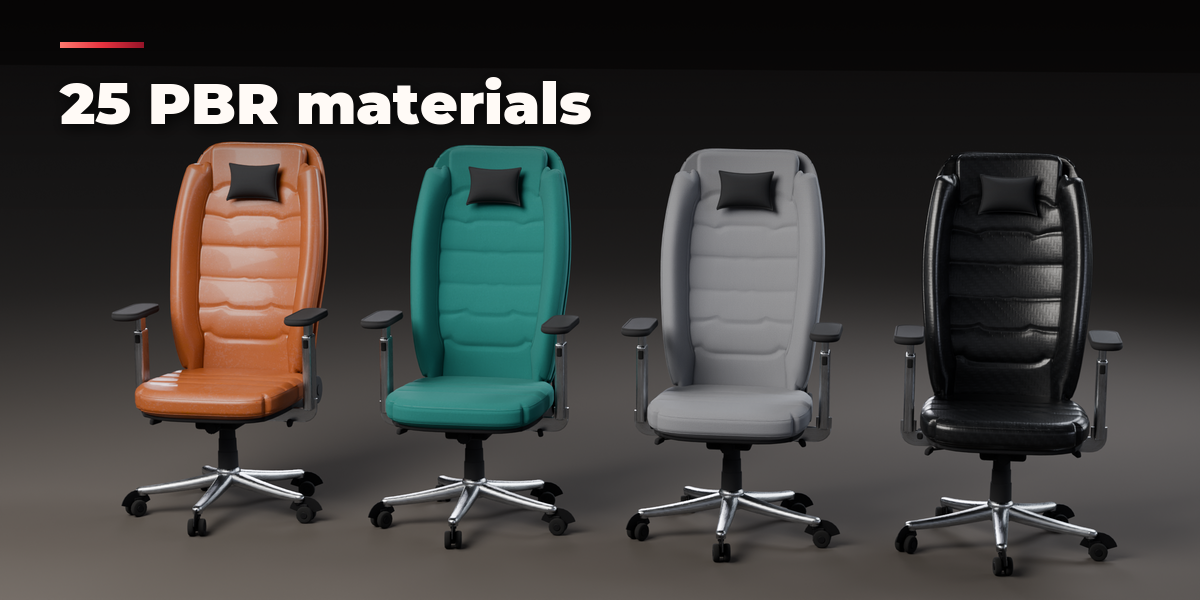
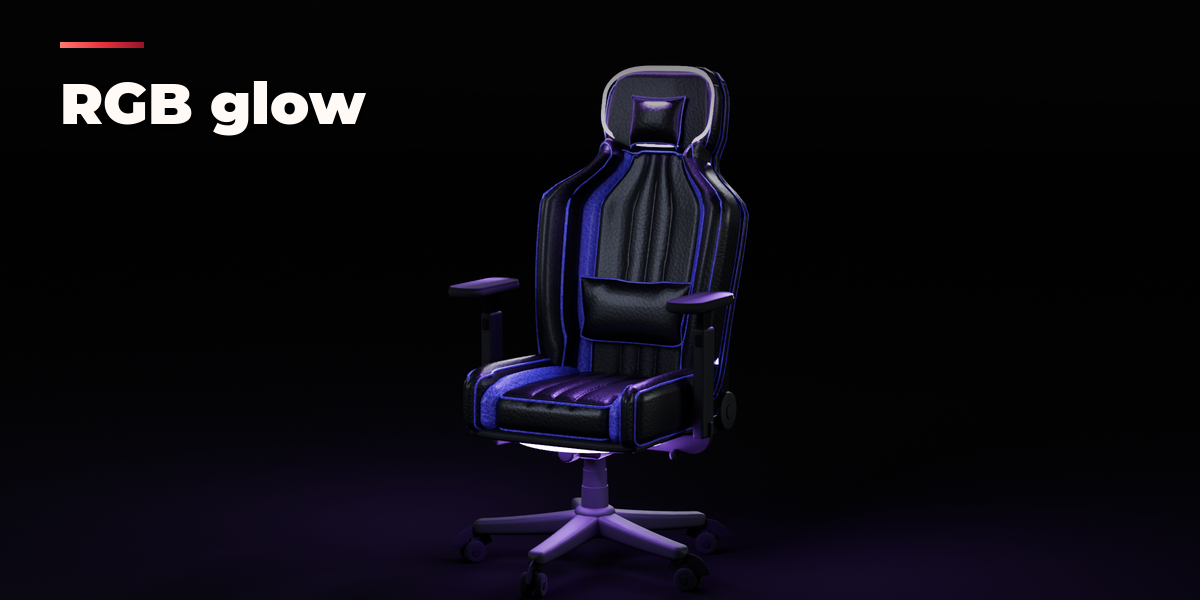
Materials are PBR texture sets on metric UVs, so the meshes export cleanly to game engines. Use Rendered view to see the LED glow.
Have questions about this product?
Login to message
| Blender Extension Compatible | Yes |
| Published | about 11 hours ago |
| Blender Version | 4.2 - 5.2 |
| Extension Type | Add-on |
| Render Engine Used | Cycles, Eevee |
| License | GPL |

Discover more products like this
racing-seat PBR procedural Chair RGB office chair game ready Gaming Chair Generator esports furniture Interior