 auron3d

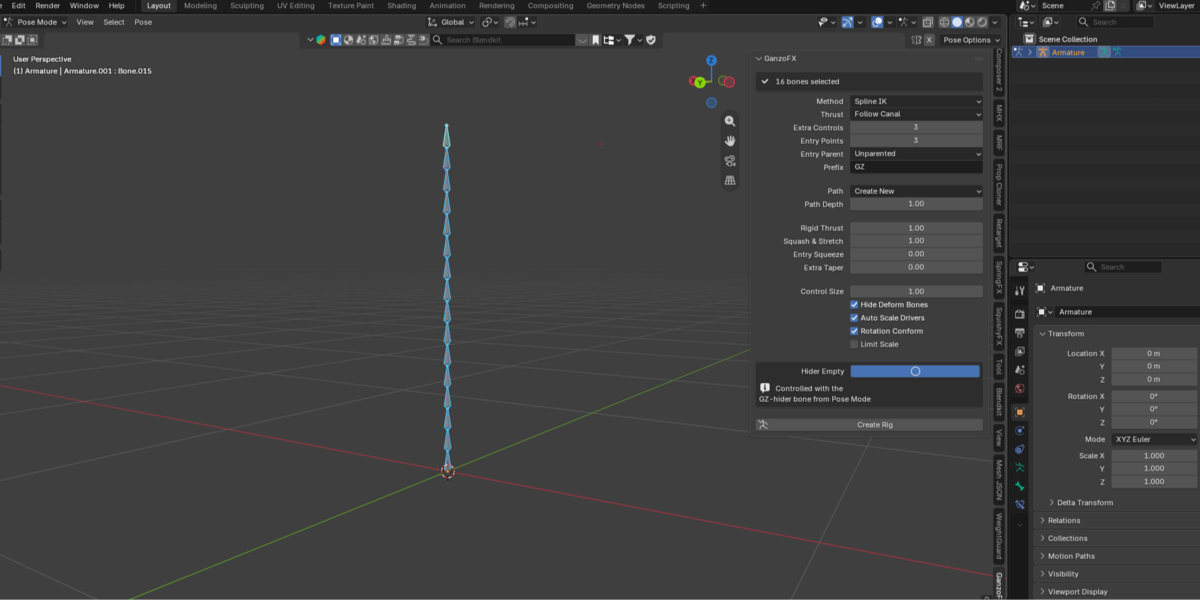


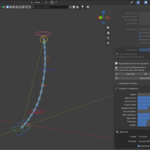
===============================================================================
GanzoFX
Procedural rig builder for any bone chain
Auron3D | Version 1.0.0 | GPL-3.0-or-later
===============================================================================
Select a chain of bones. Press one button. You get a full animation rig.
GanzoFX turns any existing bone chain into a procedural control rig: tails,
tentacles, necks, spines, cables, hoses, ropes, antennae, anything that bends
and travels. It does not care what the chain is or which rig it belongs to. It
reads the bones you selected and builds the controls around them.
WHAT YOU GET
A master control, a tip control and as many intermediate controls as you ask
for, all with proper widgets and sensible sizes.
A travel system. The chain follows an editable channel curve, and a single
Depth slider drives it from fully out to fully in. The tip rests exactly on
the entry point at Depth 0 and sweeps the whole channel at Depth 1, wherever
you happen to place the entry.
Ten animation sliders on one bone: Depth, Squash, Thickness, Length, Bend Up,
Bend Side, Aim Entry, Follow Canal, Rigid Thrust and Entry Squeeze. Keyframe
them like any other property.
Squash and stretch with volume preservation, either through Spline IK or
through a Stretch To chain, whichever suits your scene.
An optional hider empty: a ring the chain geometry disappears into, so the
chain vanishes as it goes in instead of poking through.
WHY IT IS DIFFERENT
It is not an auto-rigger and it does not own your armature. It builds on top
of what you already have, and Remove Rig puts everything back exactly as it
was, with the original chain intact and no leftover bones.
Nothing is baked to a specific character. Every rig it builds is driven by
expressions that read the live positions of your controls, so moving the
entry point after the fact changes where the motion happens, never how much
range you have.
REQUIREMENTS
Blender 4.2 LTS, 5.0, 5.1 or 5.2 LTS. No dependencies, no internet access,
no telemetry, no online licensing. The full GPL text ships with the add-on.
