 ZEG
ZEG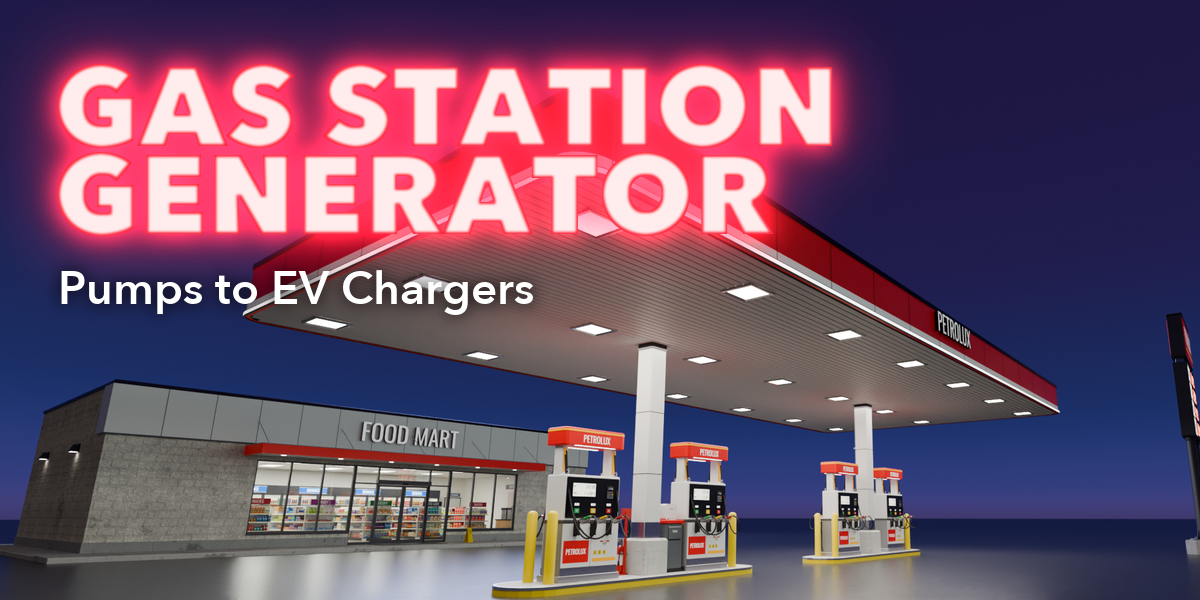
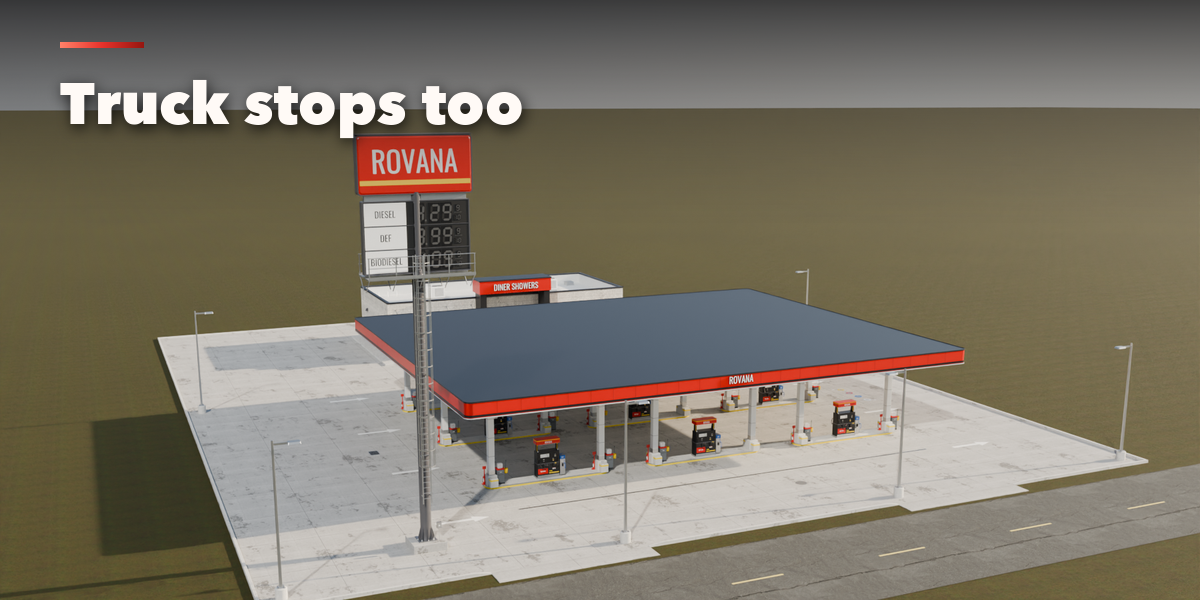
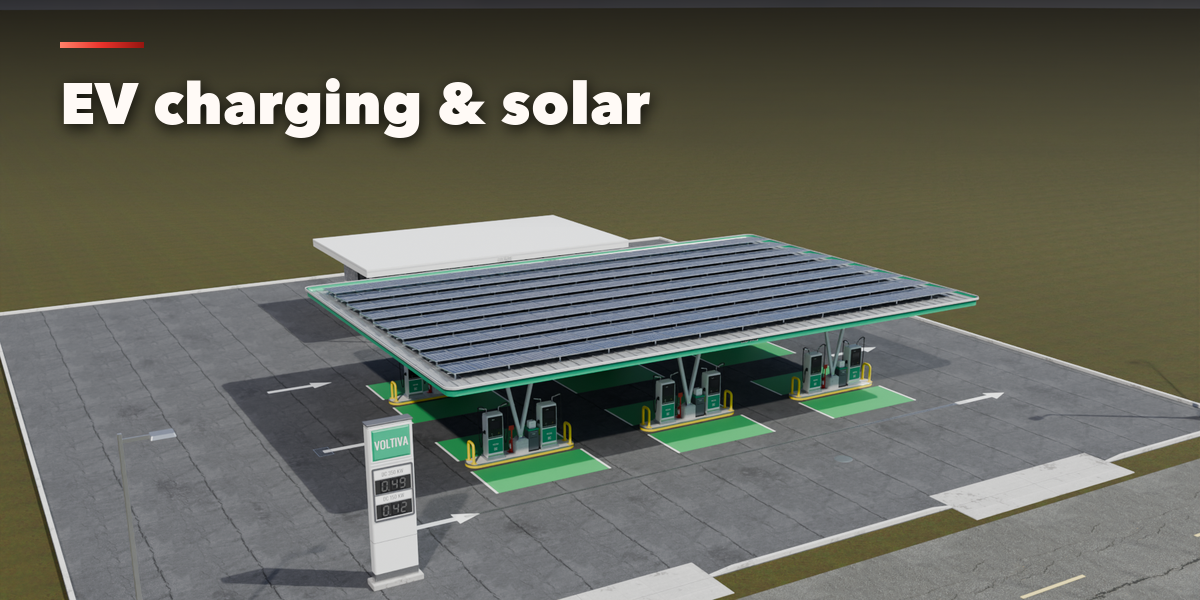
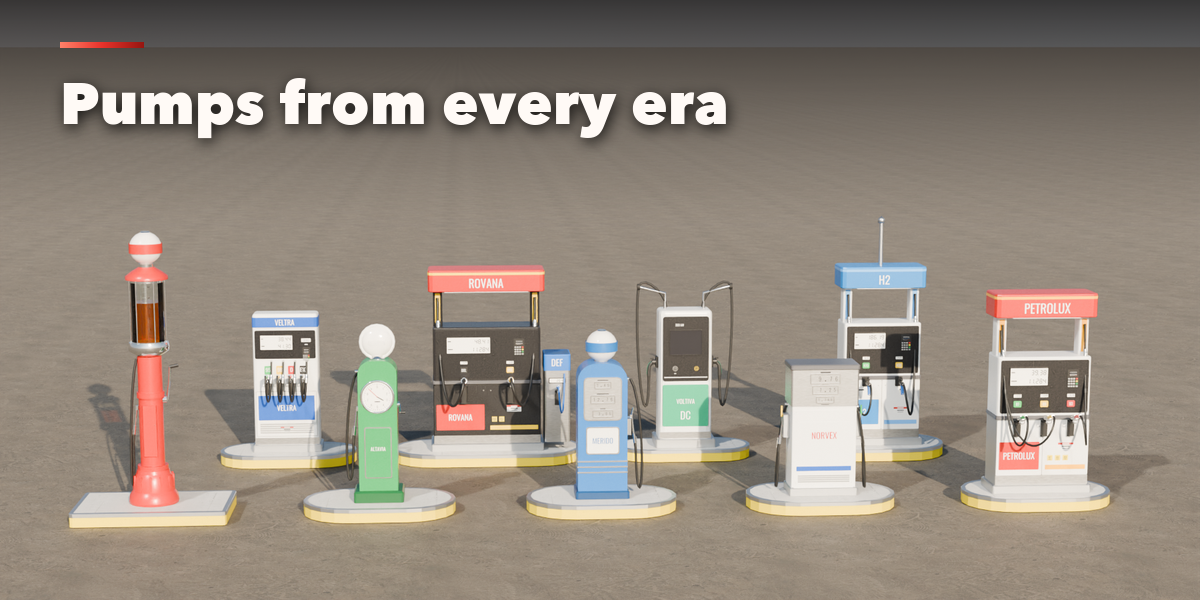
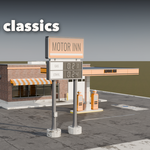
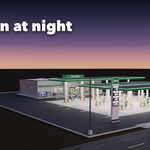
Installation
In Blender open Edit, Preferences, Get Extensions, then use Install from Disk and pick the gas_station_generator zip.
Usage
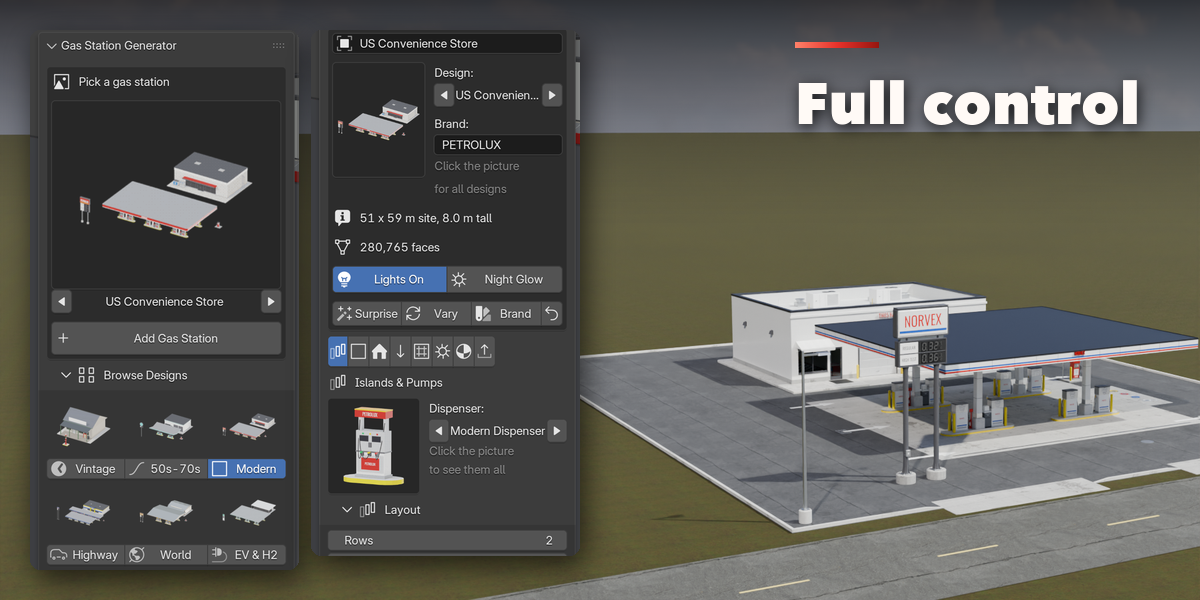
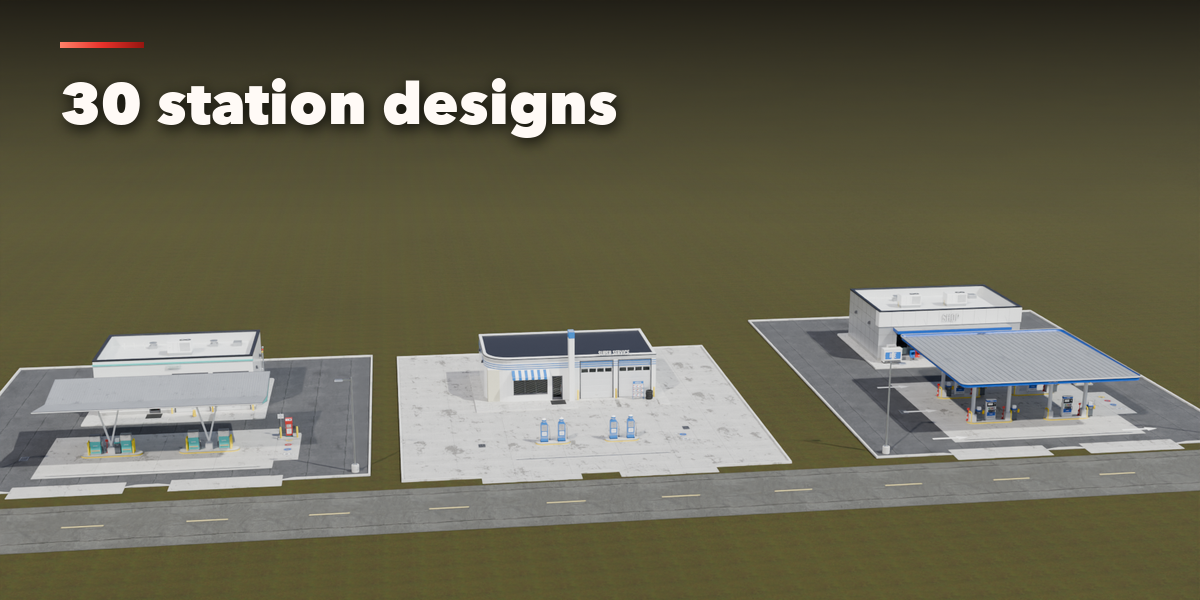
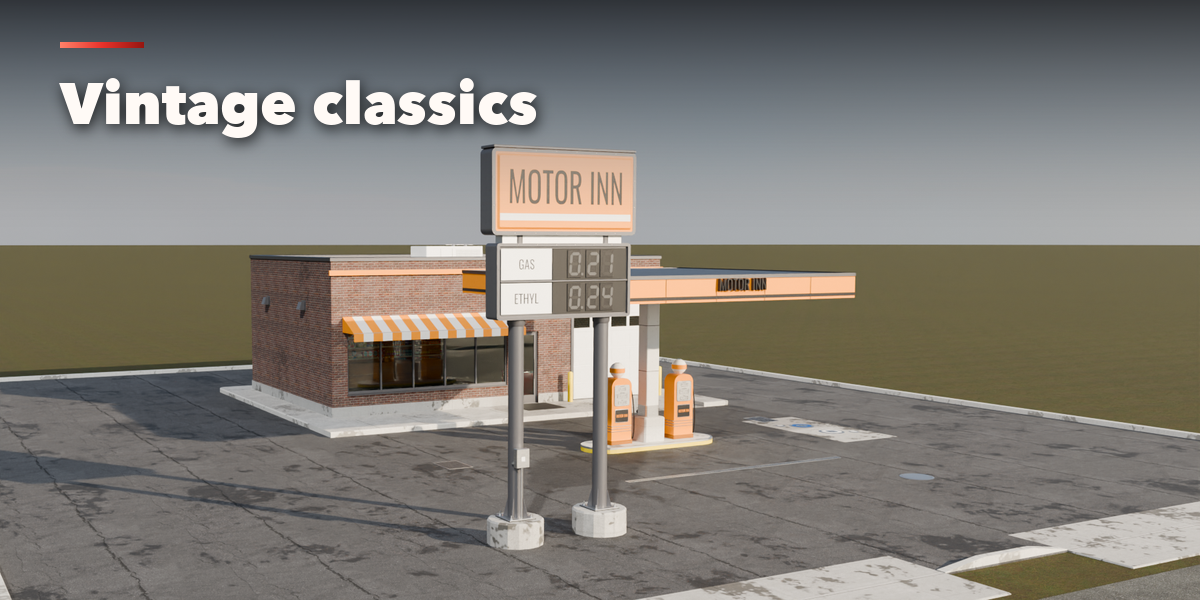
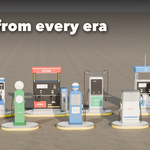
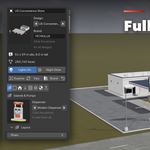
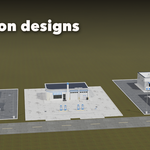
- Open the Gas Station tab in the 3D viewport sidebar (N). With no station selected, click the big picture to browse the designs, or pick a group and a design, then press Add to place it at the 3D cursor. You can also use Shift+A, Mesh, Gas Station.
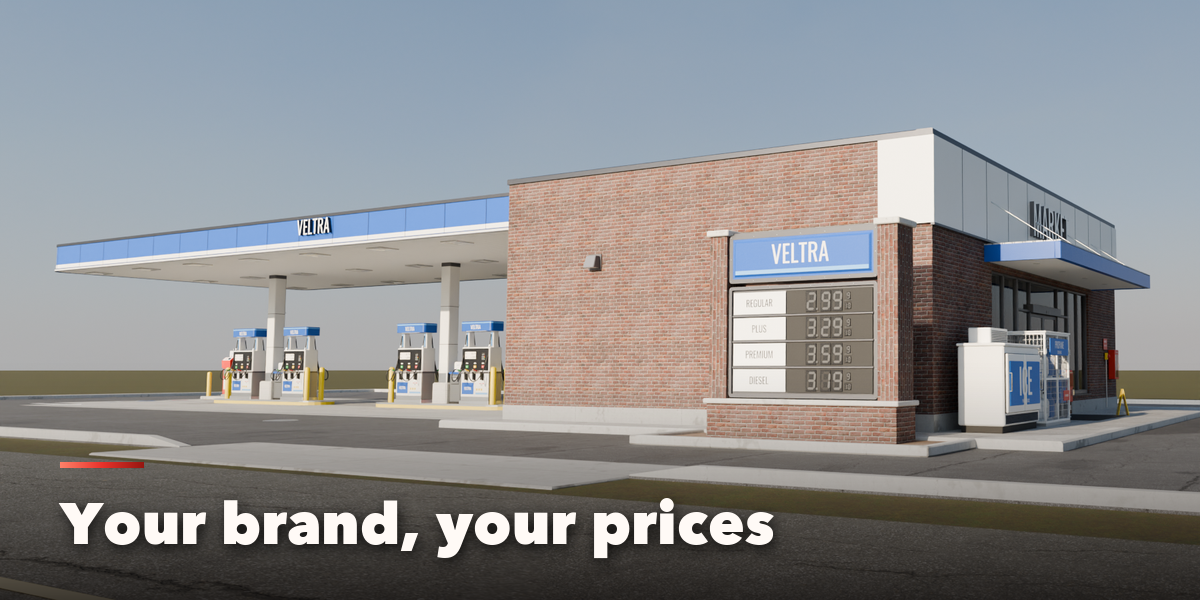
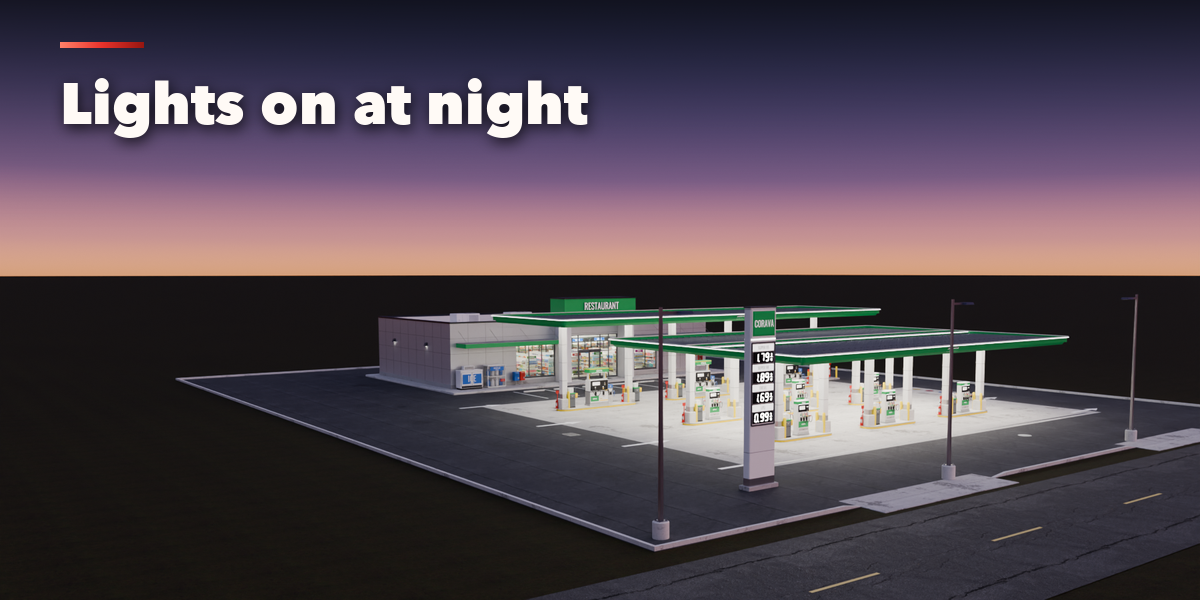
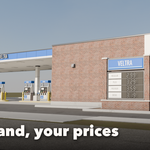
- The card at the top shows the design, the brand name, the site size and the face count. Lights On adds the canopy and pole lights; Night Glow makes signs and screens brighter for night shots. Surprise makes a new random station, Vary changes the current one a little and Brand paints a new fictional brand with new prices.
- The icon tabs hold every setting: Islands & Pumps (dispenser, hoses, a second kind for back rows, rows, islands, guards), Canopy (style, clearance, fascia, columns, LED band, lettering, downlights, solar), Building (kind, placement, size, roof, walls, bays, car wash, sign text), Sign & Brand (brand, grades, prices, sign type), Site & Props (paving, markings, tank caps, light poles, props), Lights, Finish (brand colors, paint, weathering) and Parts & Export (part visibility, detail level, Convert to Mesh).
- Convert to Mesh keeps the station as plain meshes; Delete removes it with all its parts and lights.
All sizes are in meters. The root empty sits on the ground in the middle of the pump islands; the street side is -Y. Grades and prices are comma separated lists. All brand names are fictional; type your own.
Have questions about this product?
Login to message
| Blender Extension Compatible | Yes |
| Published | about 24 hours ago |
| Blender Version | 4.2 - 5.2 |
| Extension Type | Add-on |
| Render Engine Used | Cycles, Eevee |
| License | GPL |

Discover more products like this
petrol-station roadside environment gas-pump canopy ev-charging architecture Generator fuel procedural gas station truck-stop