GenMesh
 Thiago Lage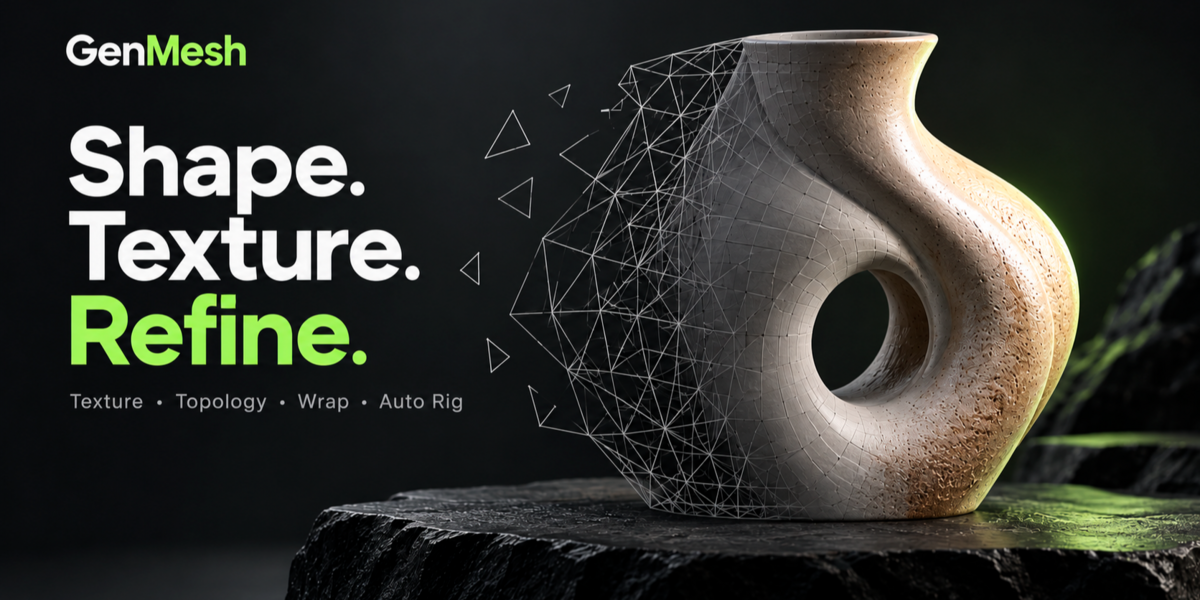
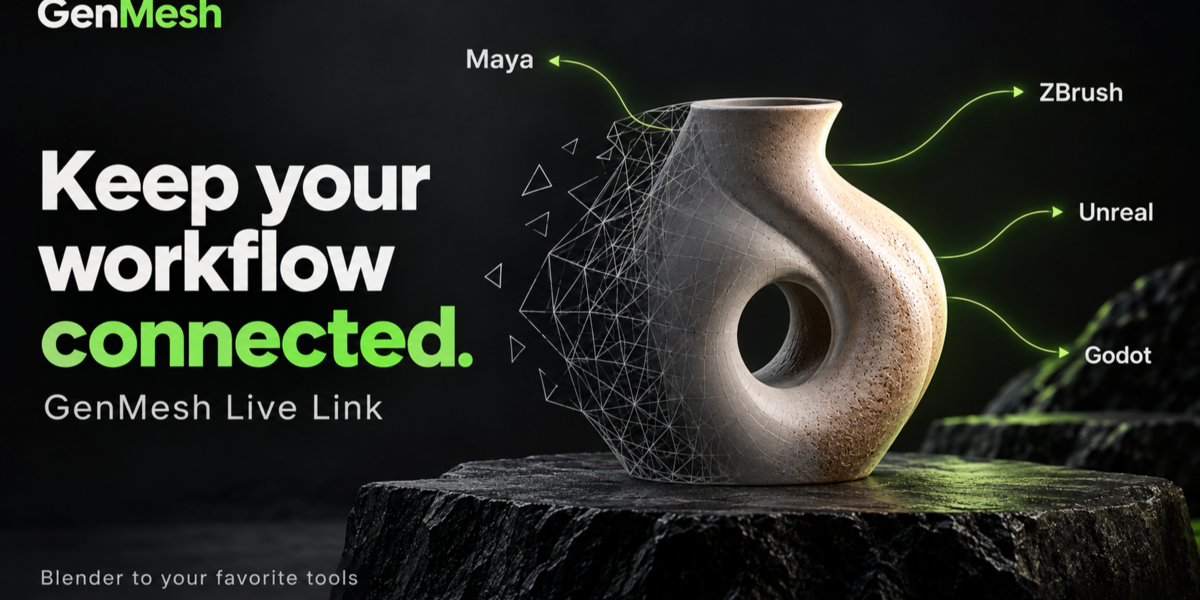





GenMesh — Quick Start Guide
Generate a 3D starting point from reference images, thentexture, refine, rig and export your model inside Blender.
1. Requirements
- Current documented target: Blender 5.2 on Windows x64.
- Node.js 22 or newer. The assisted installer can download it if needed.
- At least 15 GB of free storage for the documented engine installation.
- Internet access for initial downloads and optional connected services.
- Compatible NVIDIA hardware for CUDA acceleration. CPU processing is also available, with performance depending on your system.
Reconstruction engines, model weights and dependencies areinstalled separately and are not included in the addon ZIP.macOS and Linux are not currently advertised as fully validated.
2. Install GenMesh
- Download the GenMesh addon ZIP from your Superhive purchase.
- Keep the ZIP intact. Do not extract it.
- In Blender, open Edit > Preferences > Add-ons.
- Choose Install from Disk, select the ZIP and enable GenMesh.
- Follow the local service installation prompt.
- Open Installation and Updates to install a supported reconstruction engine.
- Read and accept the engine's applicable license before downloading it.
3. Generate Your First Model
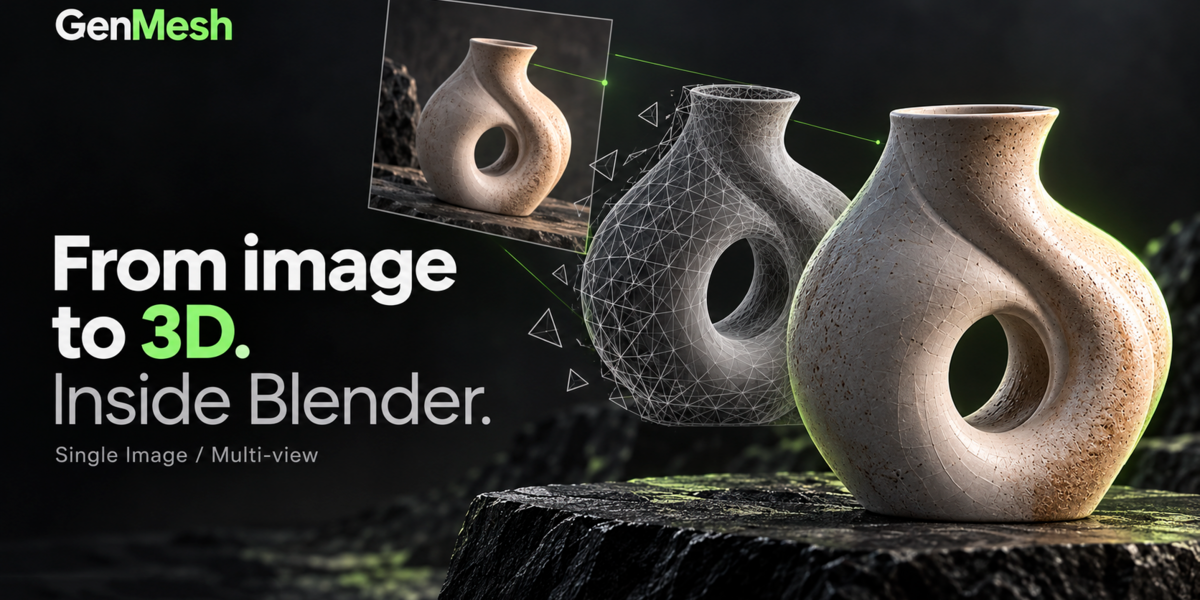
- Open the Image to 3D tool from the GenMesh toolbar.
- Choose Single Image and load a clear reference image.
- Select an installed engine and a quality setting.
- Choose local processing and start generation.
- Review the result in the viewport before continuing.
For your first test, use a clearly visible object with a simplebackground. A single image does not show every surface:unseen areas are estimated.
Multi-view reconstruction requires its own supported engineand consistent front, left and back images of the same object.
4. Texture and Refine
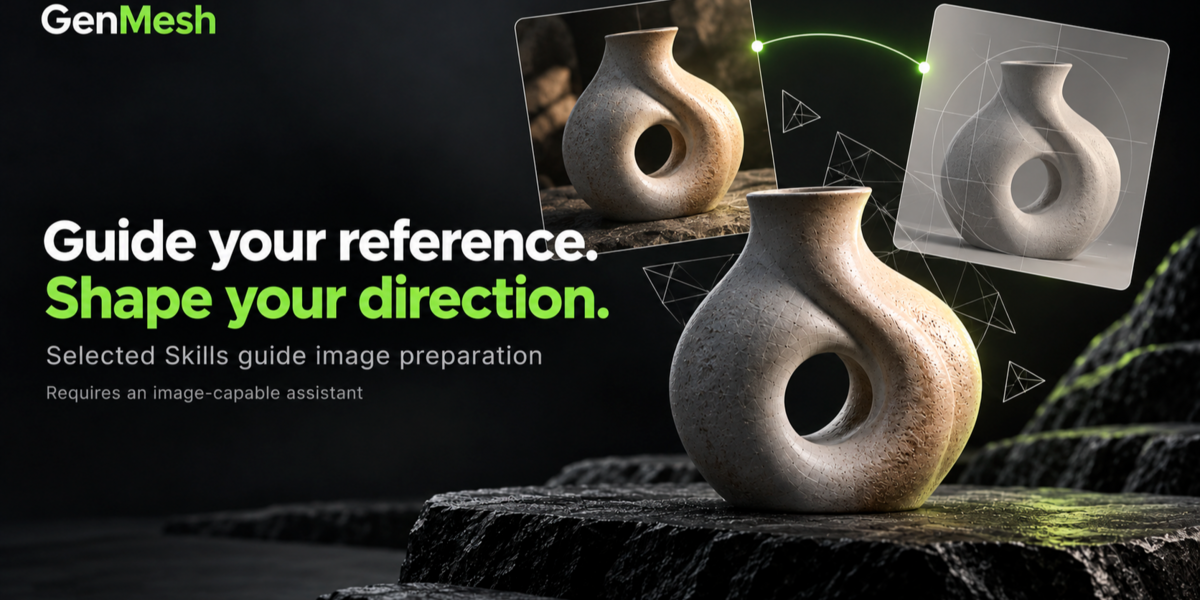
- Texture: project your own reference images or use an image-capable connected assistant to prepare them.
- Retopo: reduce polygon count or create a quad-based starting point. Review the resulting topology.
- Wrap: fit a base mesh to a target using corresponding points and a reversible preview.
- Auto Rig: prepare a human or animal rig, then check joints, weights and deformation.
- History: review recorded actions and revisit preserved results where available.
5. Export
Select your model, open Export and choose GLB, FBX, OBJ or STL.Review scale, materials and any rig before exporting.Available material baking options depend on the selected workflow.
6. Optional MCP Assistants
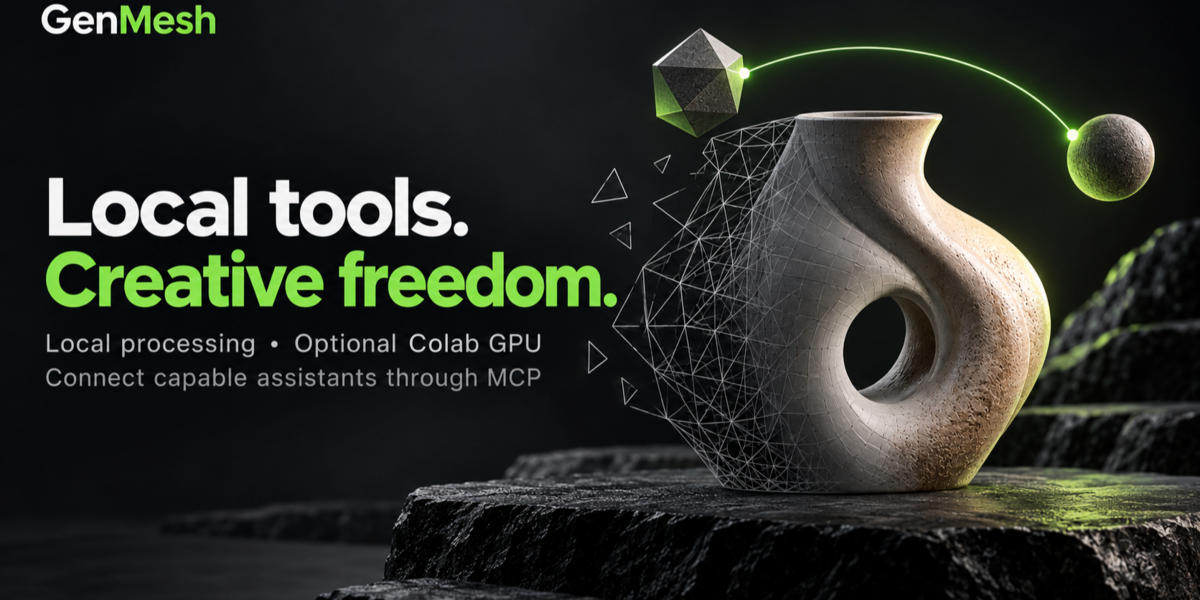
Use the MCP configuration tools to connect a compatible assistant.Restart the assistant client after configuration when required.Image preparation and assistant-based texture workflows requireimage capabilities in the connected session.
An assistant is not required for local reconstruction or localmesh tools. Optional assistant and cloud services may requireseparate accounts, subscriptions or usage fees.
7. Troubleshooting
- Generation is unavailable: check that the local service is running and the selected engine is installed and recognized.
- Generation is slow or fails: try a lower quality setting and check available memory and processing configuration.
- An assistant feature is unavailable: check the client connection and the capabilities available in that session.
- Textures do not align: use references with consistent proportions, pose and perspective, then review each view before applying.
8. Results and Licensing
Generated models are starting points. Geometry, textures and rigsmay need manual correction. Quad remeshing does not guaranteeanimation-ready anatomical or facial edge loops.
GenMesh code is licensed under GPL-3.0-or-later.Third-party engines and model weights have separate licenses.The current project documentation identifies restrictions forHunyuan3D-2mini in the European Union, United Kingdom andSouth Korea. Check the applicable engine license before use.
Use reference images you have permission to use.Commercial use depends on the applicable engine, service,reference-image and asset terms.
Need Help?
Contact the creator through Superhive. Include your GenMeshversion, Blender version, operating system, selected engine,steps to reproduce the issue and the relevant error message.Remove credentials and private information from screenshots or logs.
Developed by Thiago Lage.
Have questions about this product?
Login to message
| Published | about 4 hours ago |
| Blender Version | 5.2 |
| Extension Type | N/A |
| Render Engine Used | Cycles, Eevee |
| License | GPL |
Discover more products like this
Modeling tools Texturing auto rigging retopology genmesh remeshing ai modeling Image-to-3D MCP Mesh Generation Asset Creation Character Creation