 Thiago Lage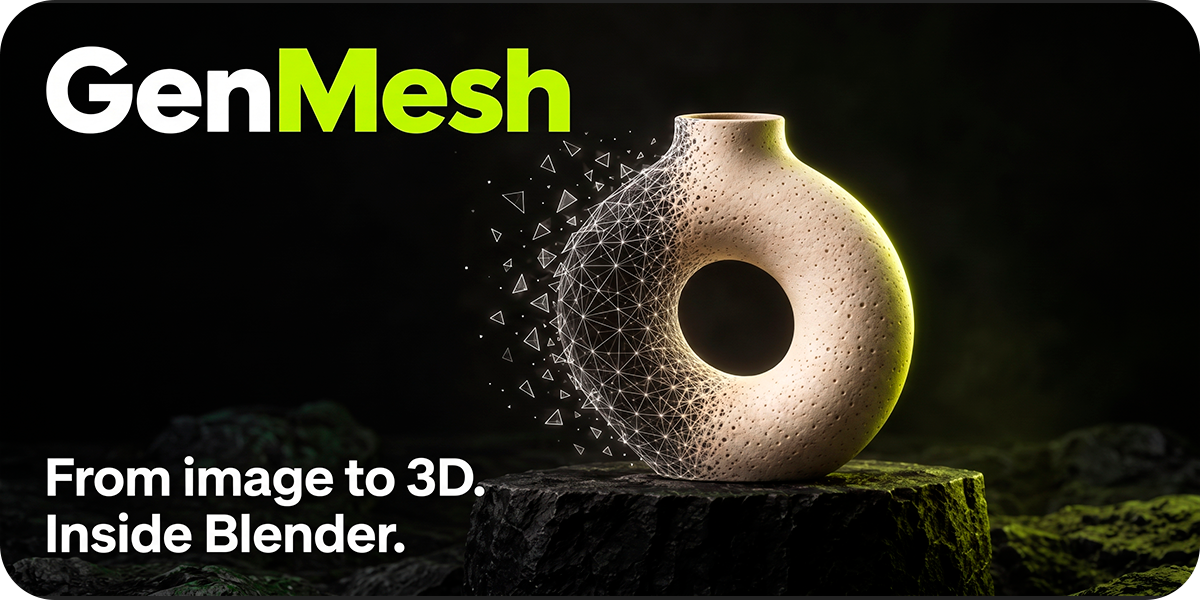
AI 3D RECONSTRUCTION & MESH TOOLKIT
From image to 3D.
Inside Blender.
A practical toolkit to generate a starting mesh, refine topology, work with textures and prepare assets — all inside Blender.
ONE CONNECTED WORKFLOW
A simpler way to get started in 3D.
Use GenMesh to create a starting point, then keep control of the result with Blender's familiar tools.
01 / GENERATE
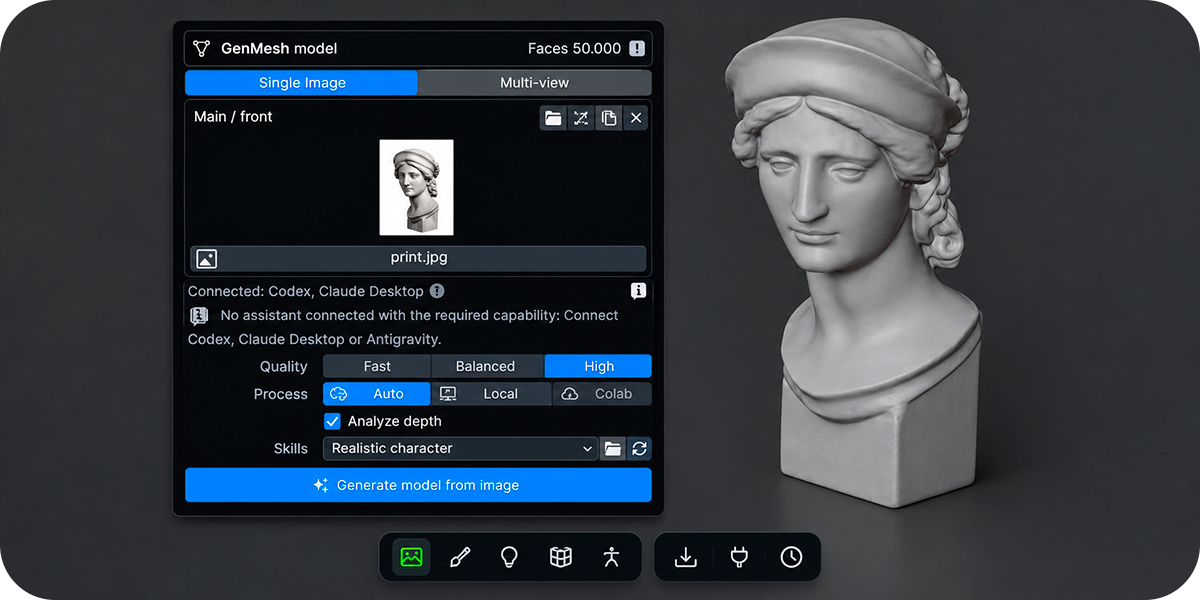
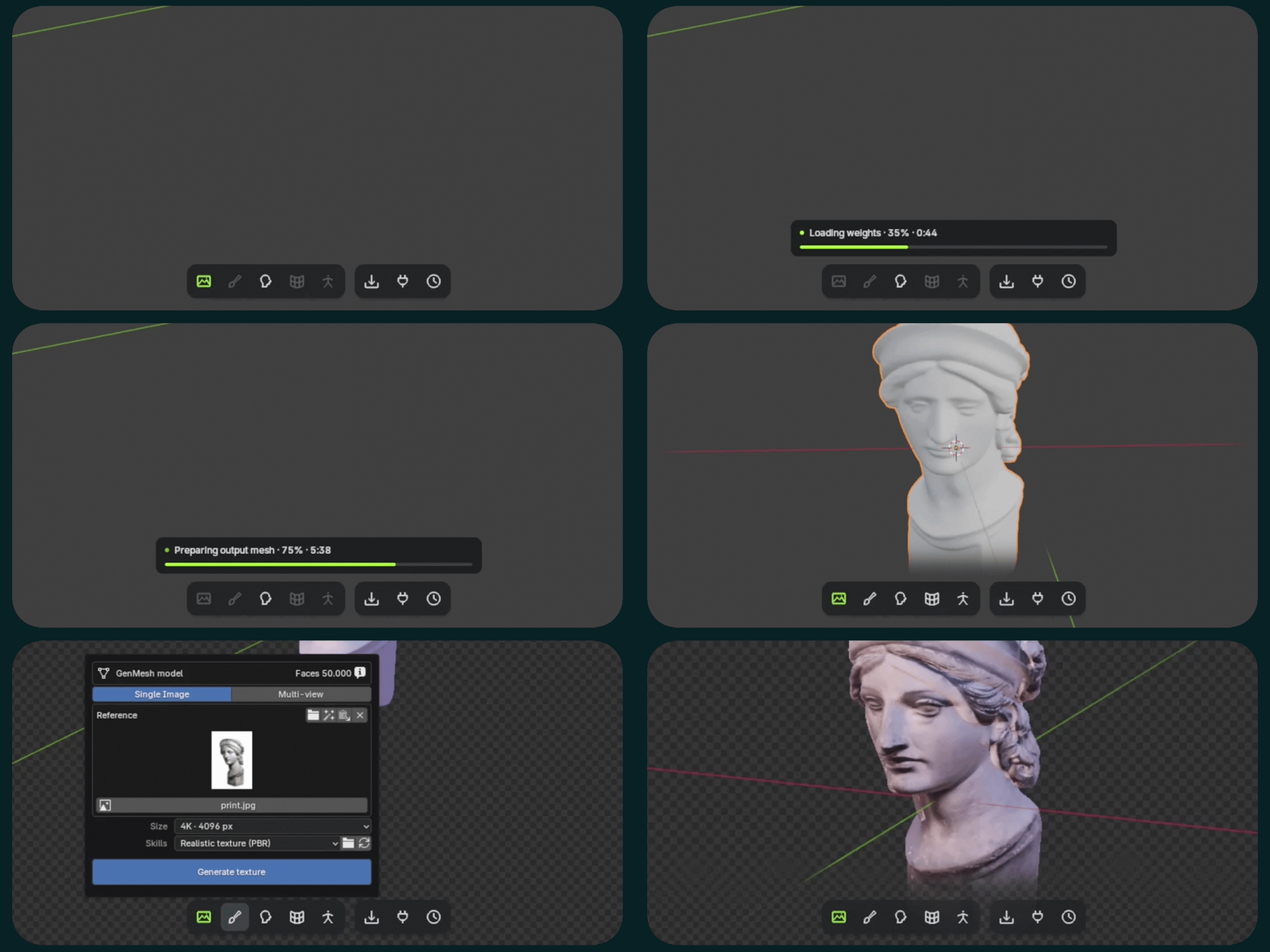
From reference image to 3D
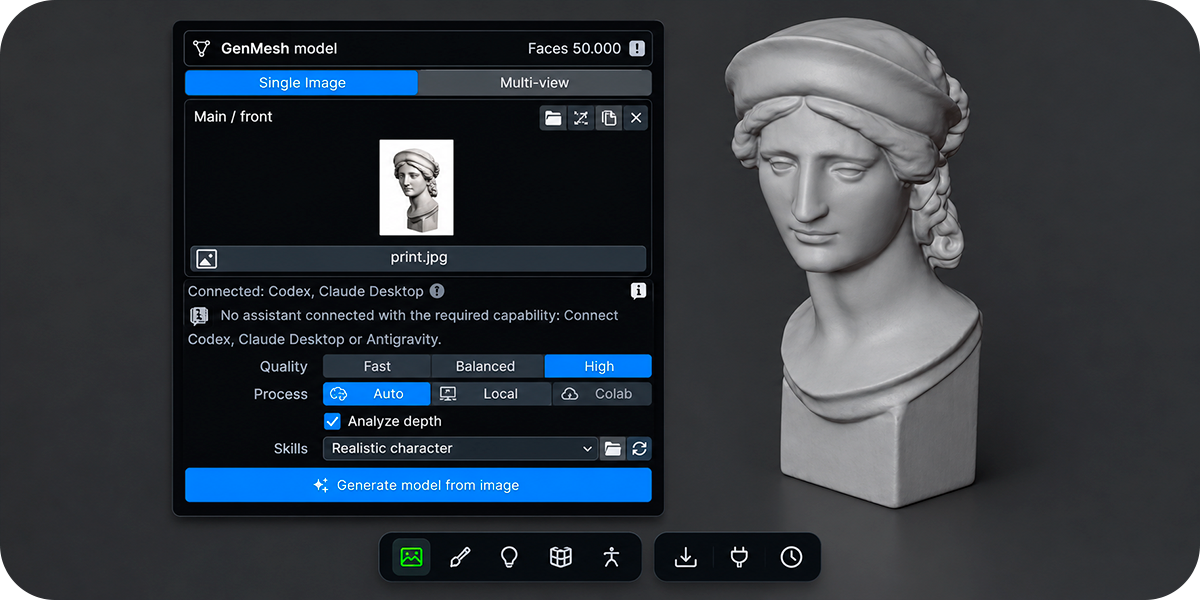
Generate a 3D starting point from a single image or supported multi-view references using a separately installed Hunyuan3D engine.
02 / REFINE
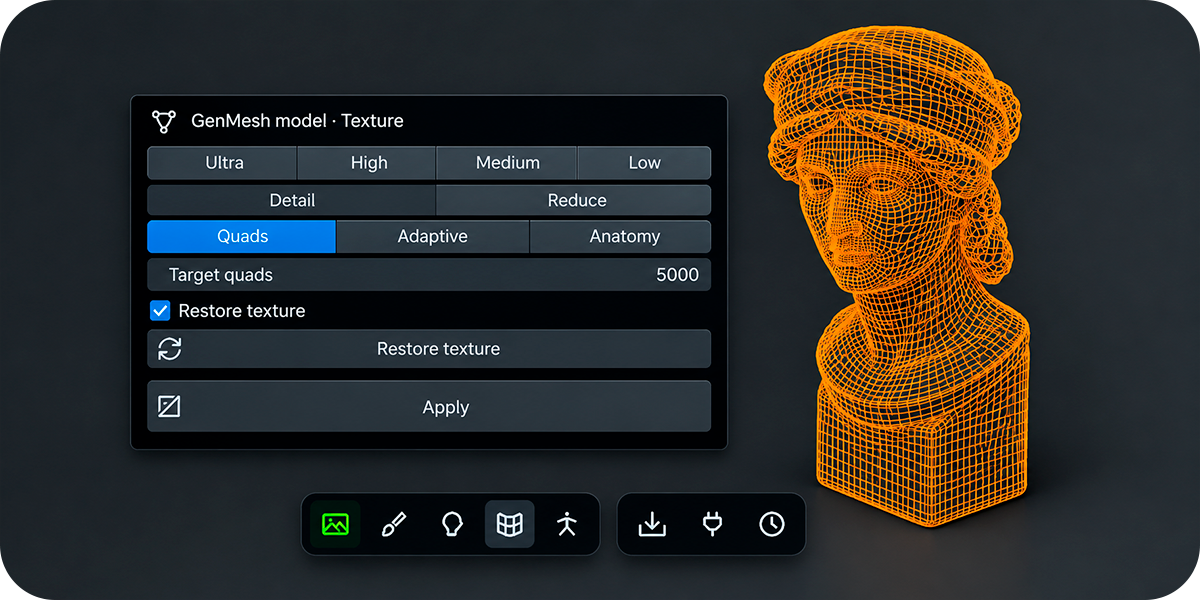
Cleaner topology. More control.
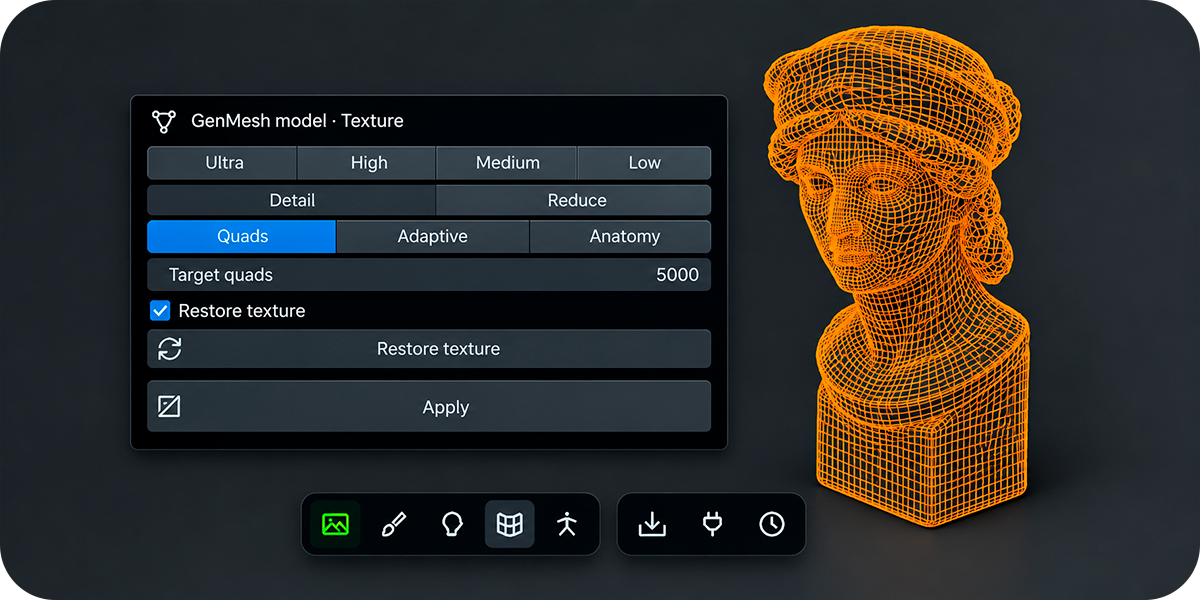
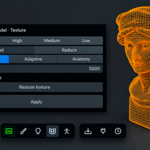
Reduce polygon density, explore quad remeshing and continue refining geometry for your next modeling step.
03 / TEXTURE
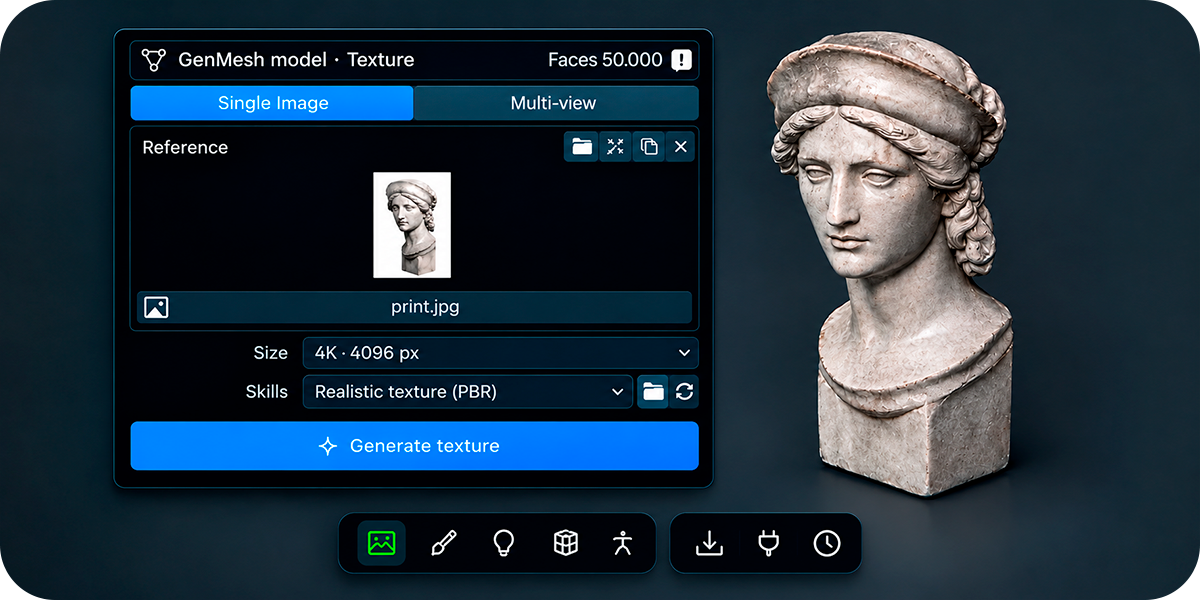
Add surface character
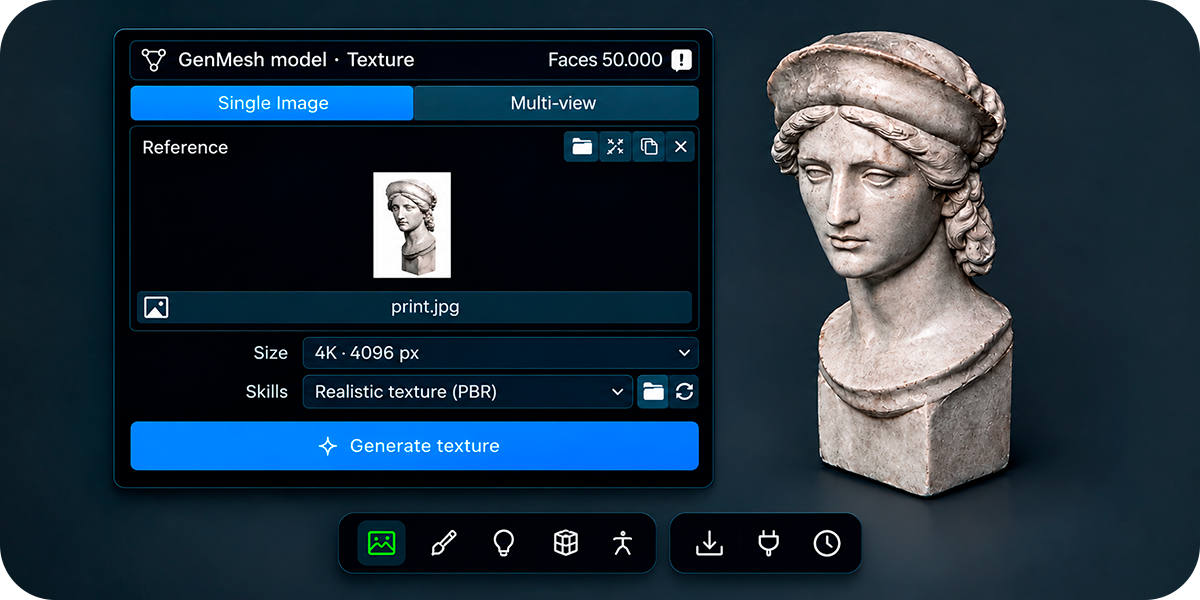
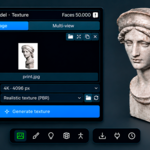
Prepare texture references and explore supported PBR texture workflows. Compatible image-capable assistant tools may be required for assistant-based preparation.
04 / FINISH
Rig, review and export
Explore the available rigging tools, review the result and export supported formats for compatible downstream workflows.
05 / ASSISTANTS
Bring your AI assistant into Blender
Connect Claude Desktop, Codex or Antigravity through MCP. An assistant can describe parts, dimensions, materials and polygon budgets in a validated contract, and GenMesh builds the model in Blender. It never runs arbitrary assistant code. Finished assemblies can be saved to a parts library for later models.
06 / WRAP
Fit a clean base mesh to your character
Mark matching landmarks on a base mesh and a target, then preview the fit before you accept it. The base keeps its topology and UVs and takes on the target's shape. Previews are reversible, and the result is a separate copy that you accept before rigging or exporting.
07 / AUTO RIG
Rigs for humans and creatures
For upright A- or T-pose humanoids, GenMesh fits a Rigify Basic Human from estimated joints and symmetric markers that you can edit and rebuild. For animals, it starts from a Rigify quadruped or one of 24 creature presets and lets you choose the front axis. Animal rigs are built on an independent copy, so the source mesh stays intact.
08 / LIVE LINK
Send models to your other tools
Live Link sends models from Blender to Maya, ZBrush, Unreal and Godot, and brings edits back from Maya, ZBrush and Unreal. Returned edits arrive as new objects, so your originals are never silently replaced. Export also recognizes Unreal, Unity and Godot project folders, and can bake a 512 px to 4K texture atlas.
09 / PROCESS
Run it on your machine or in the cloud
Reconstruction runs locally on your CPU or on a supported NVIDIA GPU. If you have no suitable GPU, connect an optional Google Colab session from the Hardware panel. Auto mode uses Colab when it is ready and falls back to this computer if a Colab job fails.
10 / KEEP TRACK
Every step, kept in History
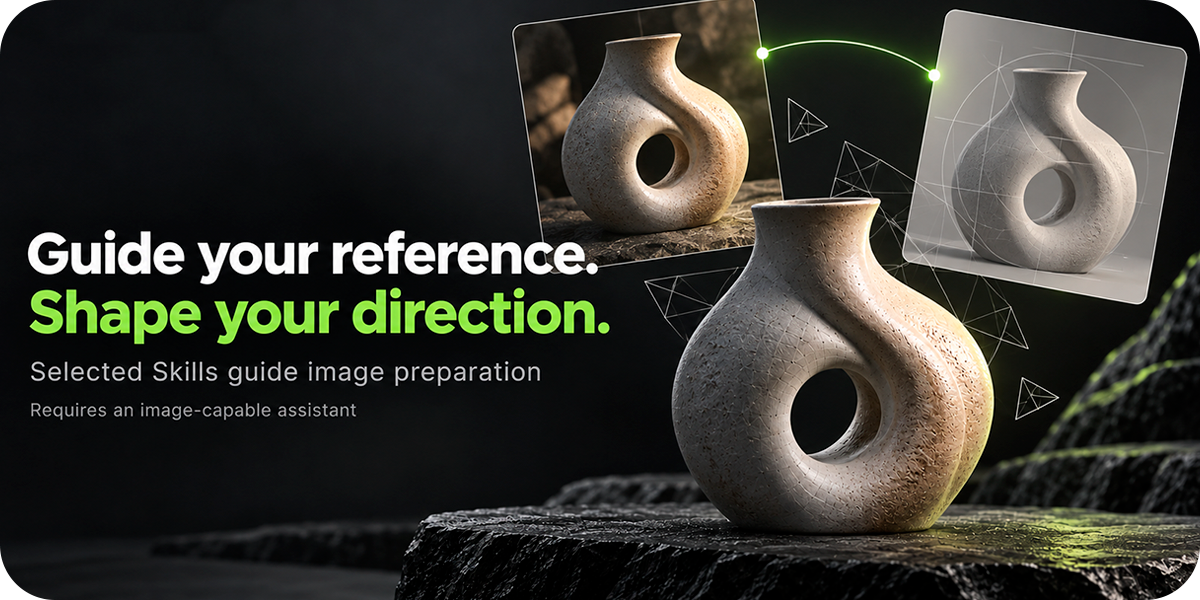
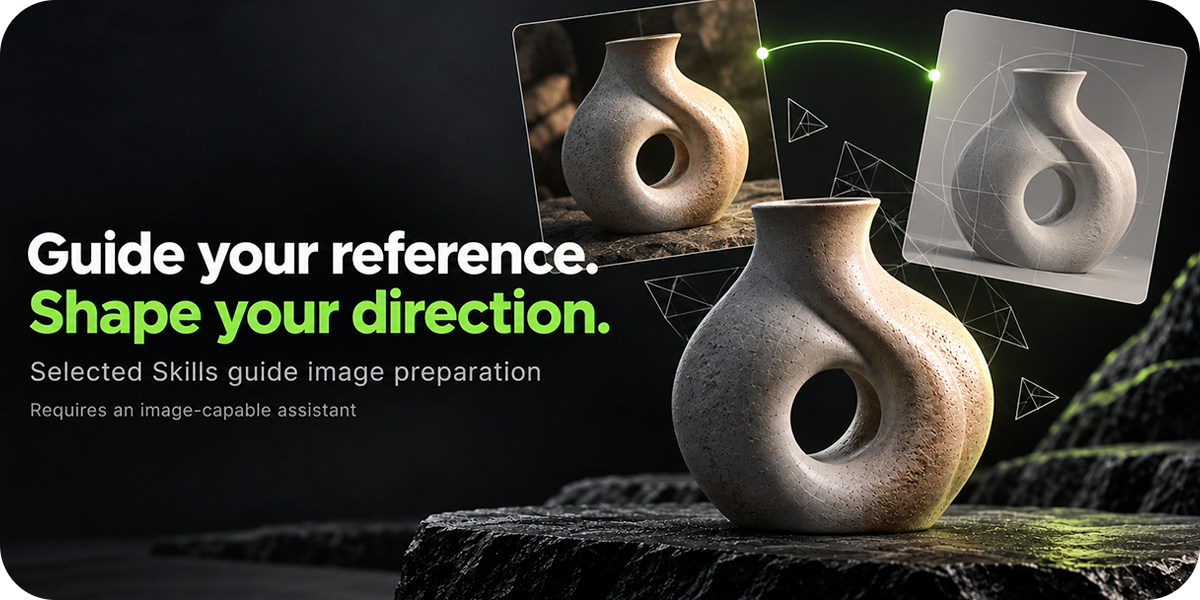
History lists assistant requests, reconstruction jobs and local actions, newest first, so you can return to a preserved version or import a result again. A floating card shows the selected model's topology, faces and vertices. Texture and retopology work on copies, so the original stays intact. Bundled or custom Skills guide image preparation and texture painting, and delivery budgets keep models at a chosen triangle count.
GOOD TO KNOW
Requirements & compatibility
- Documented target: Blender 5.2 on Windows x64.
- The add-on installs its own local service. You don't need to set up Python or Node.js; GenMesh downloads its Node.js runtime if needed. The first setup needs an internet connection.
- 3D reconstruction requires a separately installed engine, model weights and dependencies; these are not included in the add-on ZIP. Hunyuan3D-2mini needs about 4.2 GB of weights, and Multi-view about 4.9 GB more.
- Allow at least 15 GB of free storage for the documented engine installation.
- CPU execution is supported; CUDA acceleration requires compatible NVIDIA hardware.
- Assistant features need Claude Desktop, Codex or Antigravity installed. Image features also need the assistant's own image tools.
- Updates: connect Blender to Superhive as a remote extension repository (Blender 4.2 or later) to receive new versions in Blender's extension manager.
- macOS and Linux are not currently advertised as fully validated platforms.
Before you get started
Generated meshes, textures and automatic rigs may need manual cleanup. A single image cannot show every surface, and quad remeshing does not guarantee animation-ready edge loops.
GenMesh is licensed under GPL-3.0-or-later. Third-party engines, model weights and dependencies may have separate terms and territorial restrictions; for example, the Hunyuan3D license excludes the European Union, the United Kingdom and South Korea. Check the relevant licenses and make sure you have the rights to use your reference images.
GENMESH
Start with an image.
Shape the result in Blender.
Create a starting point, refine it with your own workflow and keep artistic control over the final model.
GenMesh · AI 3D Reconstruction & Mesh Toolkit