IK_Shrish



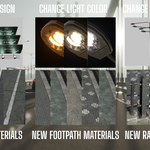




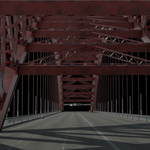
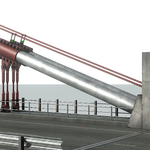
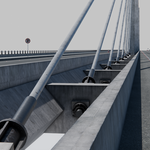


Geo-Bridge is a procedural method for making modern bridges in Blender. With power of Geometry Node to turn simple curves into complex, realistic bridge designs.
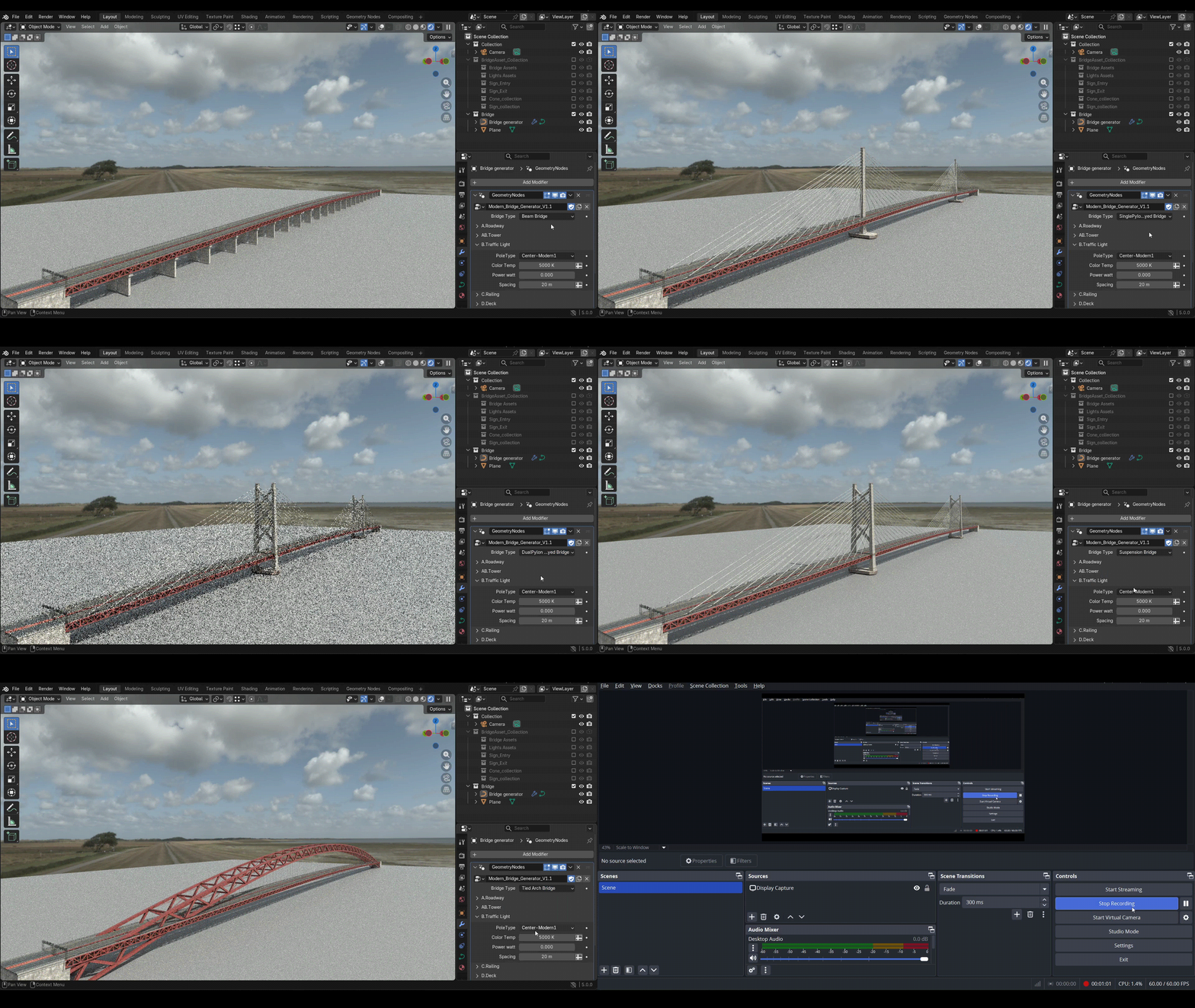
8 Bridge Types

Beam Bridge

Dual Pylon Cable Stay Bridge

Suspension Bridge

Single Pylon Cable Stay Bridge

Bailey Bridge

Truss Bridge

Arch Bridge NEW

Tied Arch Bridge NEW
Latest update-Now 6 bridges in single geo node.
- Latest update focuses on road elements — from road materials to assets.
- Added 4 new road materials plus more pavement and kerb materials.
- You can now use your own destinations and traffic signs.
- Lamp post color and light power are now fully customizable.
Note:
1. Use smaller diameter cable for cable stayed bridges like 0.1 m.
2.Use center gap distance as section width(under AB1.Tower) for single pylon bridge.
3.For Arch bridge, to down the arch section lower Truss Z elevation down(under AB4.Truss).
How to start
Add a curve of the desired length and apply the Geometry Nodes setup for the specific type of bridge you want to create.
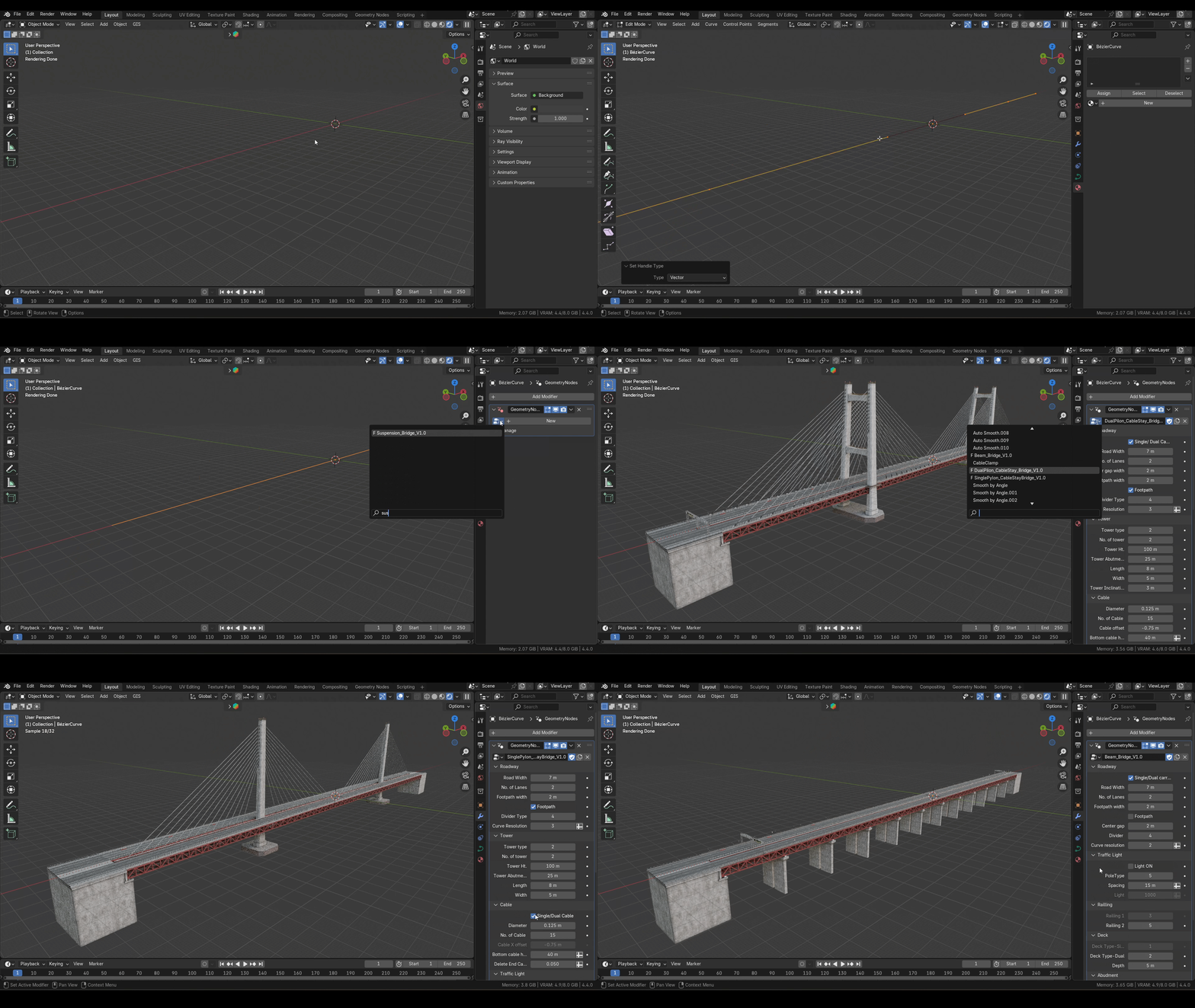
Shape with a curve:
Add a control point to the curve to shape it, which will define the shape of the bridge.

Accommodate any type of traffic:
The road width is adjustable, making it suitable for various traffic—from pedestrian to multi-lane vehicle roads.

Bridge Customization Features:
Fast, flexible, and easy to use—with plenty of options to fit your needs.
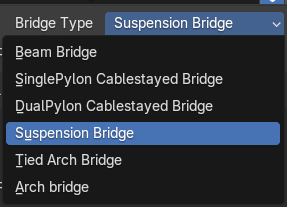
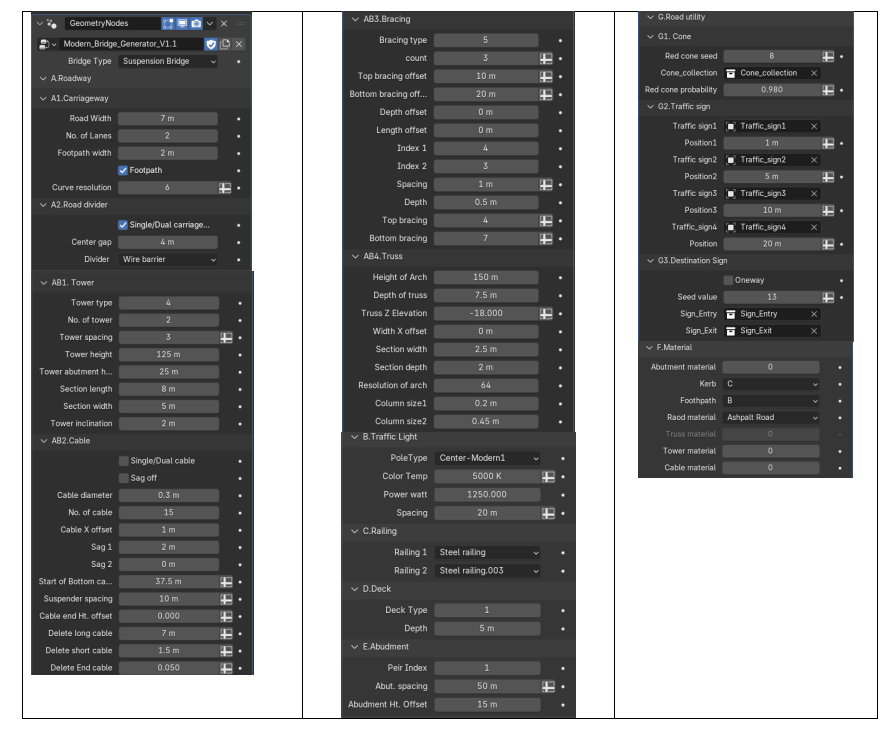
Fully Procedural Modern Bridge:

Cons:
- Doesn't include traffic models.
- Signs are designed for right-hand driving.
FAQ:
- How do I change the length of the bridge? — Change the curve length.
- No tower showing? — Reset the tower height value (hover and hit backspace).
- Cables misalign on curved paths? — Use straight curves; slight vertical bends are fine.
- Can I extend the road? — No, but you can use a beam bridge as an approach segment.
- How to install? — Unzip and open the `.blend` files directly.
Files Included:
- Zip folder contains:
- Texture folder
- Modern_Brige_GeneratorV1.1Final.blend
- BaileyBridgegeneratorV1.1.blend
- TrussBridgeGeneratorV1.2.1.blend
Documentation:
Head to the documentation for full installation and usage instructions.