Blender Easy




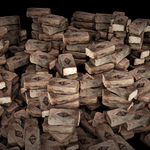


Geo Stack Generator
High-Speed Piling. Perfect Alignment.

Overview
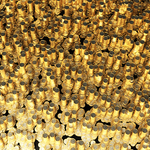
Stack Generator is a professional Blender add-on designed to create dense, realistic stacks of objects directly on any surface.
Built using Geometry Nodes and instancing, it generates complex piles while keeping your scene fast and responsive.
For best results, assets inside your collection should have similar heights.
Key Features
- Zero-Gap Instancing – Clean stacking with no floating objects or gaps
- Automatic Center Correction – Internally aligns assets for perfectly grounded piles
- Collection-Based Workflow – Generate stacks instantly from any asset collection
- Procedural Vertical Control – Adjust height, spacing, and variation
- Natural Variation – Add controlled disorder for realism
- Volumetric Masking – Restrict where stacks are generated using a 3D boundary
- Optimized Performance – Smooth viewport with high instance counts
- Clean UI – Intuitive controls directly in the N-Panel
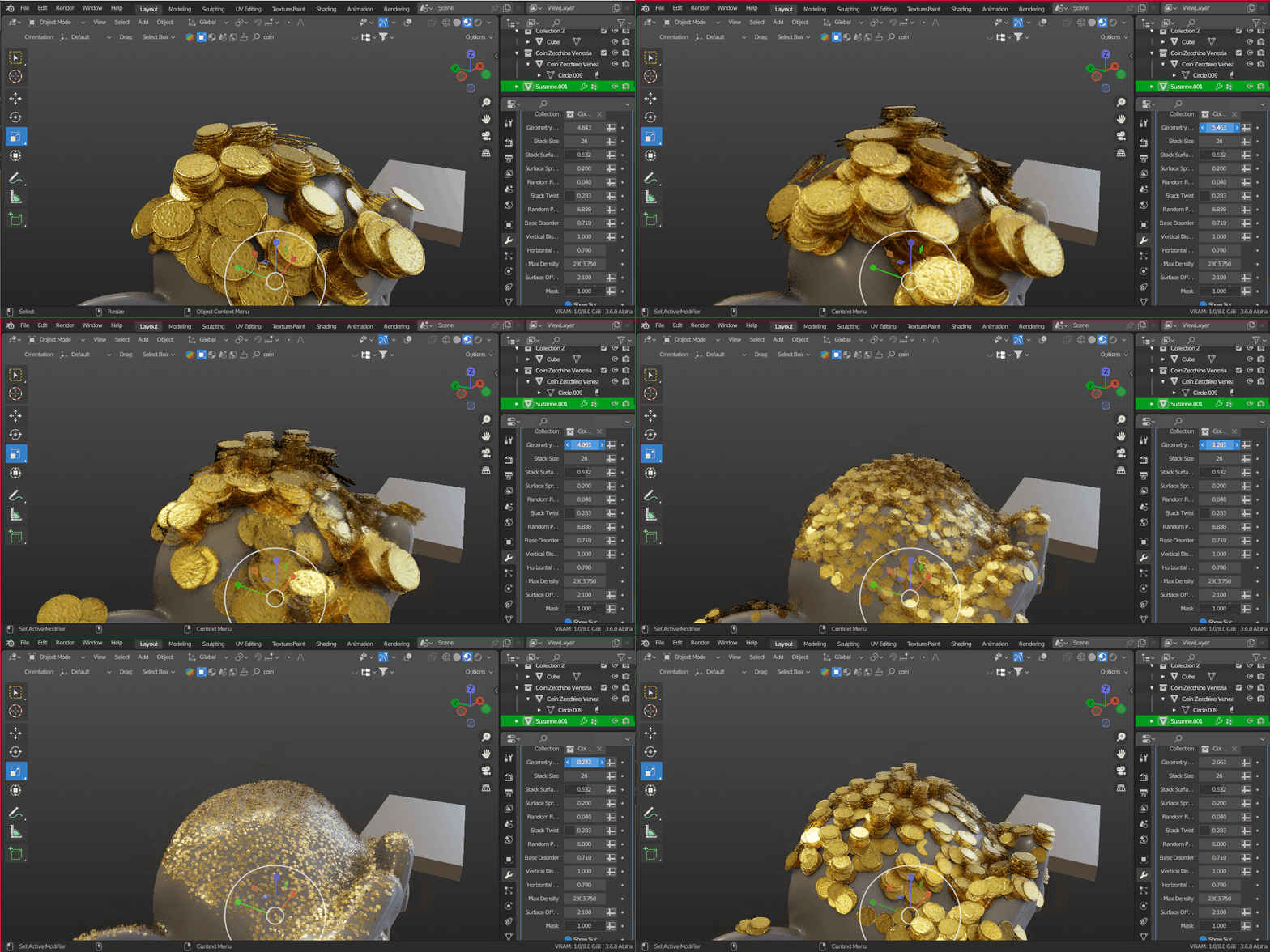
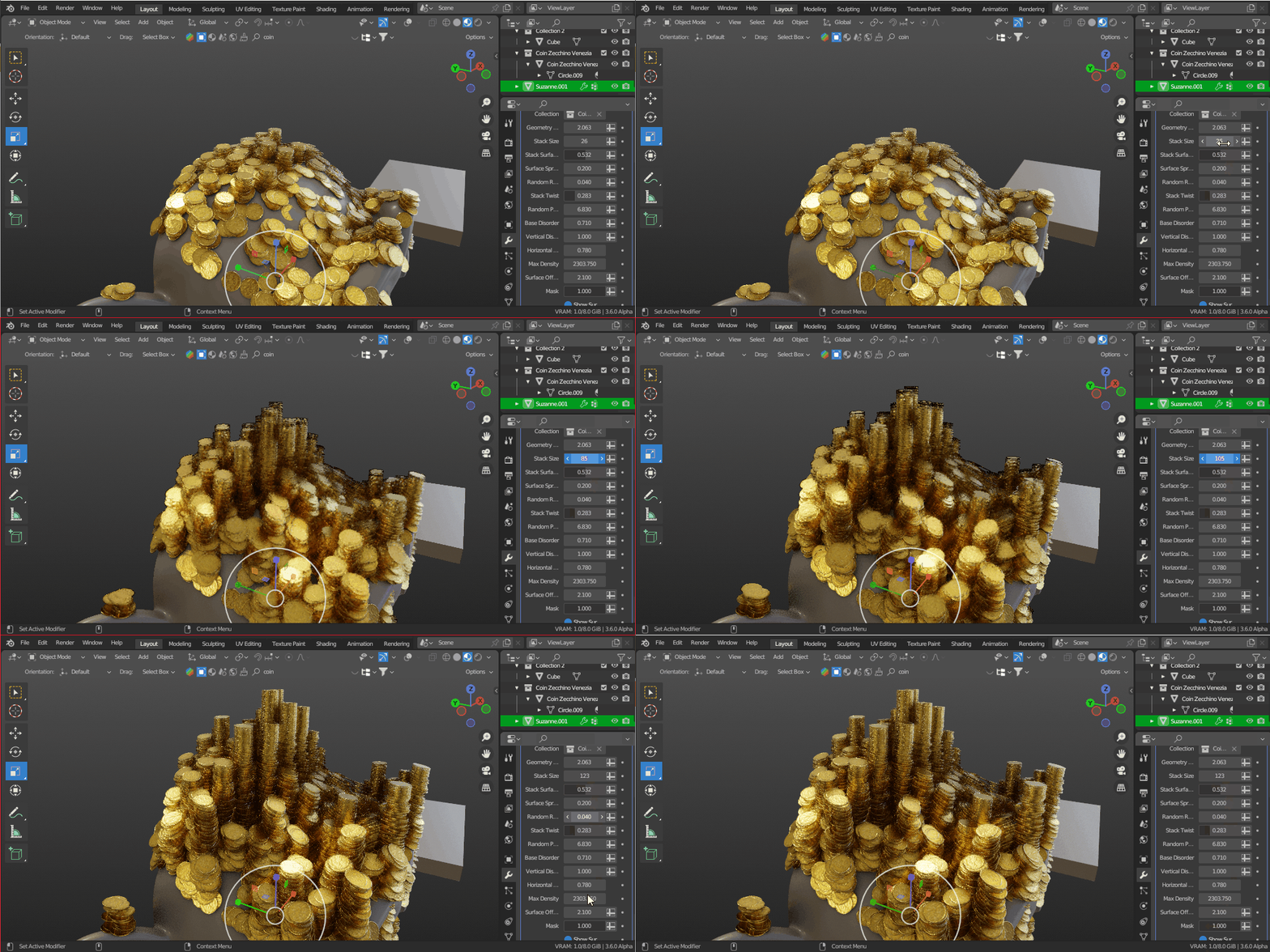
Installation & Usage
1. Install the Add-on
Go to Edit → Preferences → Add-ons → Install and select stack_generator.zip
2. Enable the Add-on
Activate Stack Generator in the Add-ons list
3. Prepare Your Collection
Create a collection and add the meshes you want to stack (use similar heights for best results)
4. Apply to a Surface
Select your target mesh and add the Stack Generator from the N-Panel
5. Adjust Settings
Choose your collection and fine-tune the stacking behavior using the available controls
Need help?
Send me a message or check the documentation for tips and best practices.