 Megani
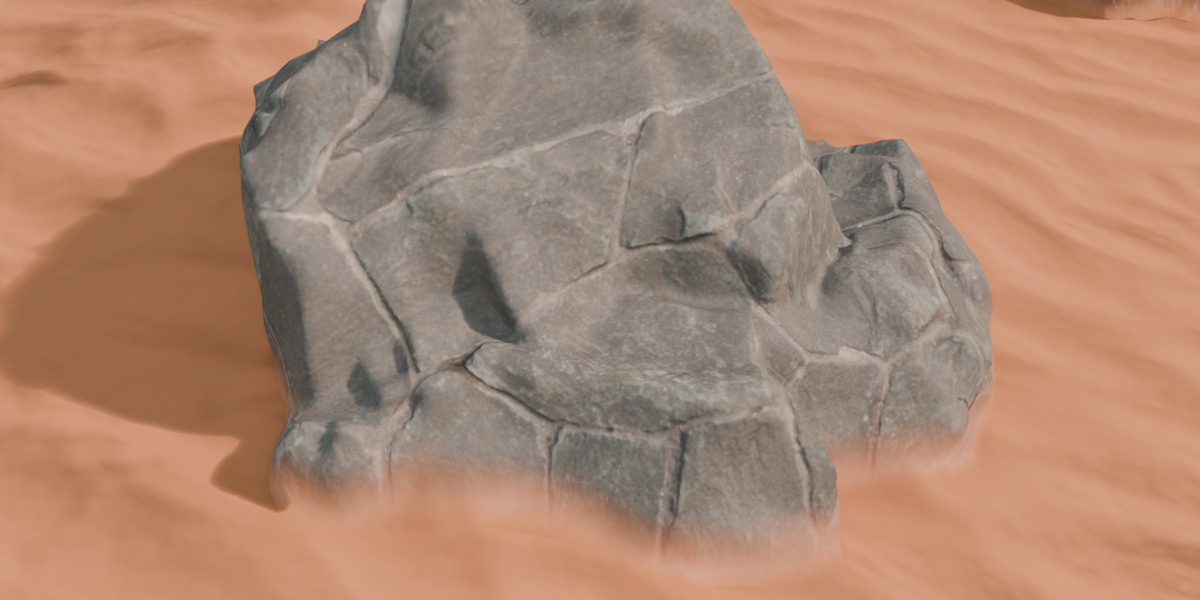
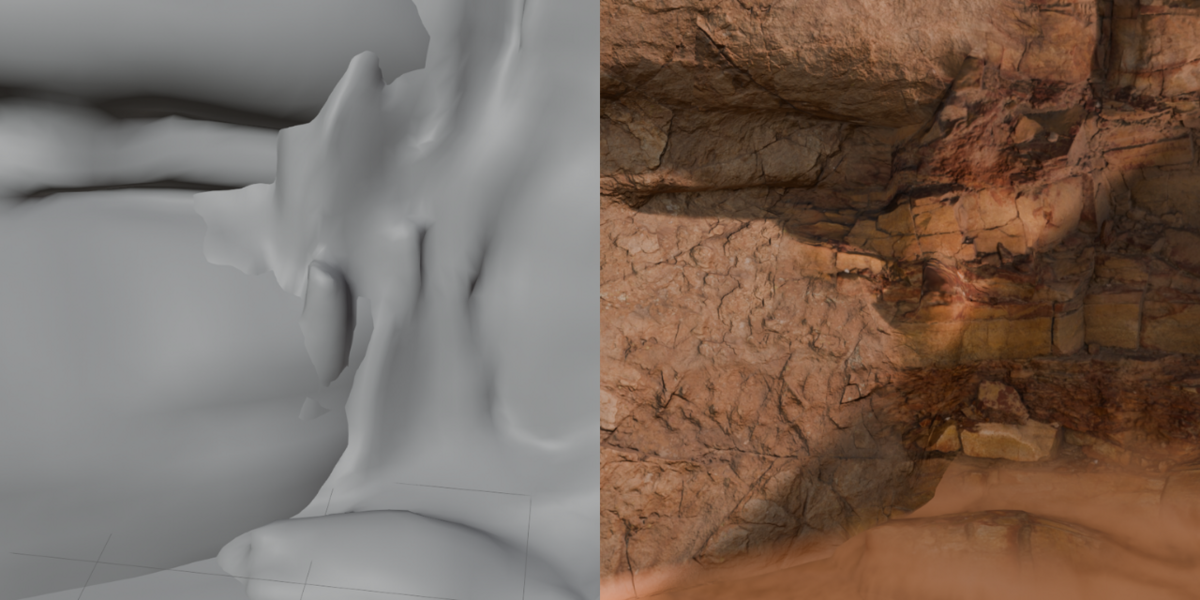
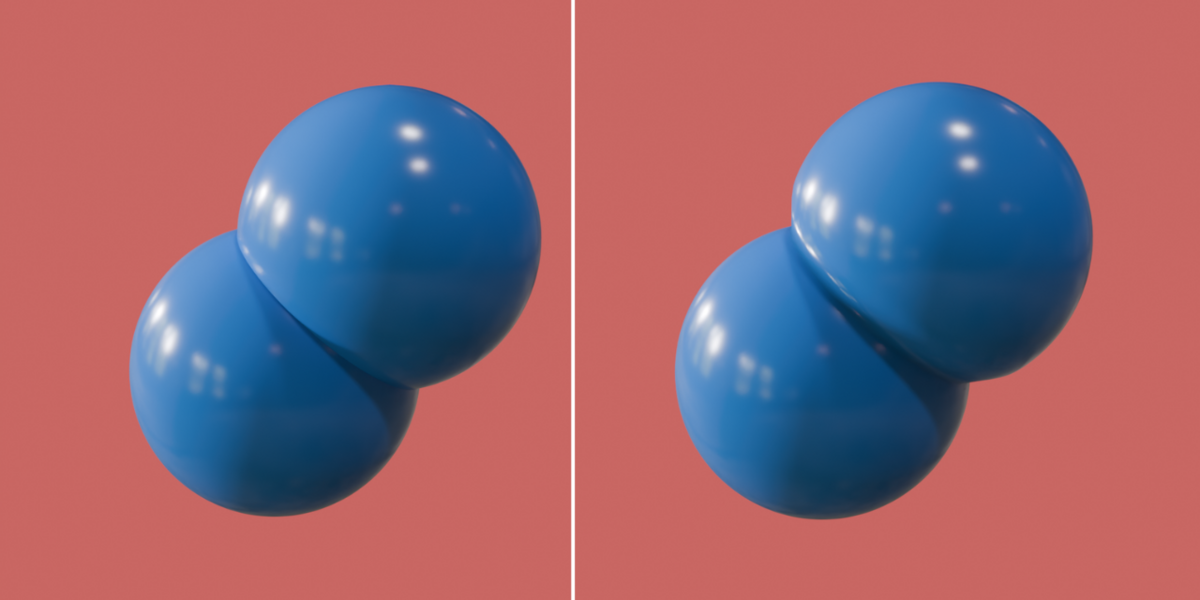
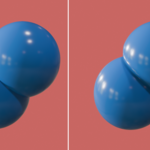
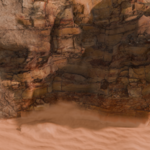
Follow these simple steps to start using GeoBlend:
1. Download GeoBlend
Download the GeoBlend addon and save the .zip file to your computer.
2. Install the Addon
In Blender, go to:
Edit → Preferences → Add-ons → Install
Select the GeoBlend .zip file and enable the addon.
3. Open GeoBlend
Once installed and enabled, GeoBlend will appear in the Sidebar in the 3D Viewport.
4. Select the Object
Select the object you want to blend.
5. Choose the Target Object
Open the GeoBlend panel in the Sidebar and use Blend Into to select the target object you want to blend into.
6. Adjust the Parameters
Adjust the available GeoBlend parameters according to your needs.
Have questions about this product?
Login to message
| Blender Extension Compatible | Yes |
| Sales | 10+ |
| Published | about 2 months ago |
| Blender Version | 5.2 |
| Extension Type | Add-on |
| Render Engine Used | Cycles, Eevee |
| License | GPL |
Discover more products like this
blender addon Object Blend 3d modeling shading geometry nodes blender tools non-destructive blender Object Blending Mesh Blending material blending geometry nodes addon