 codesignprojects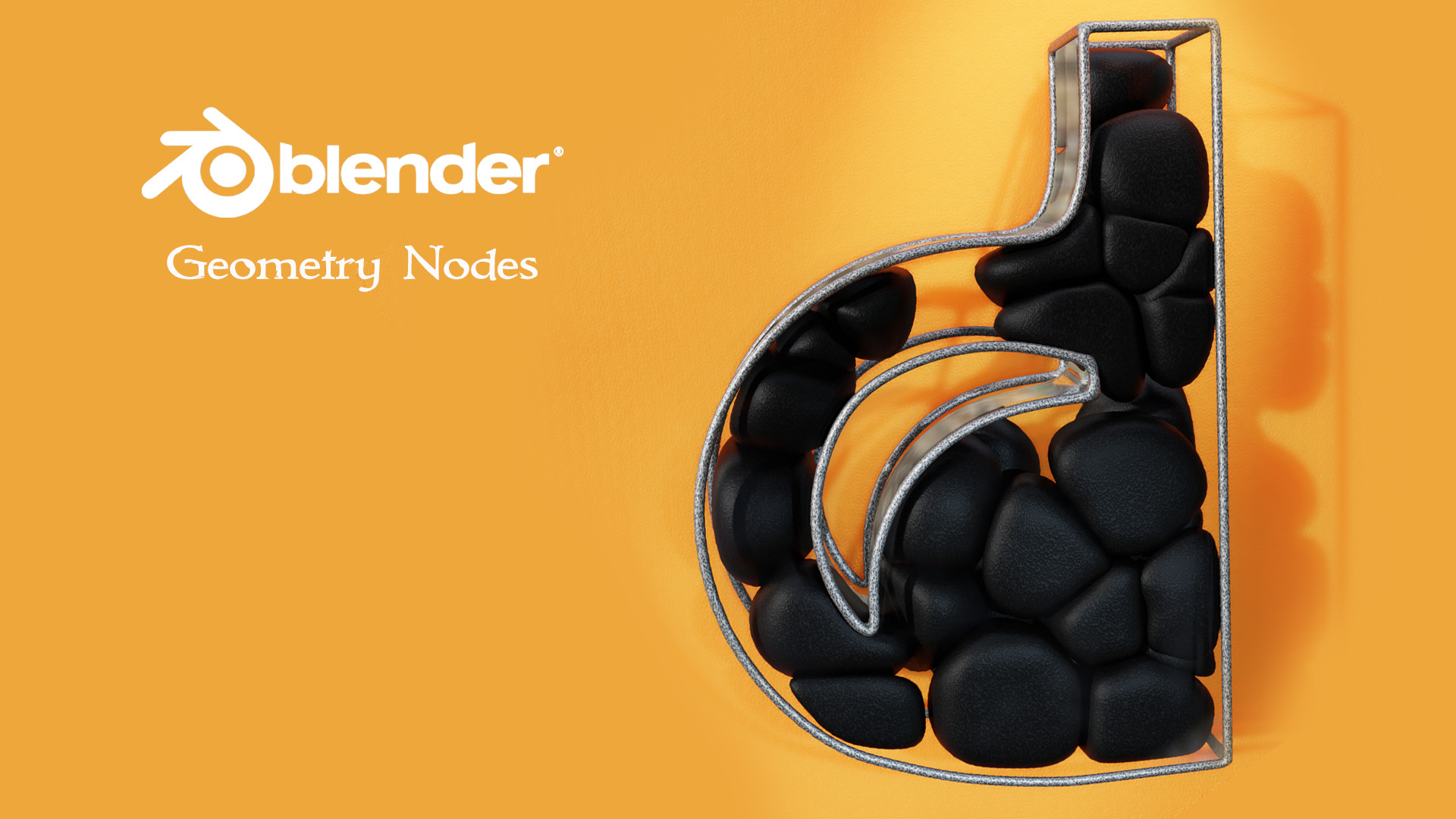
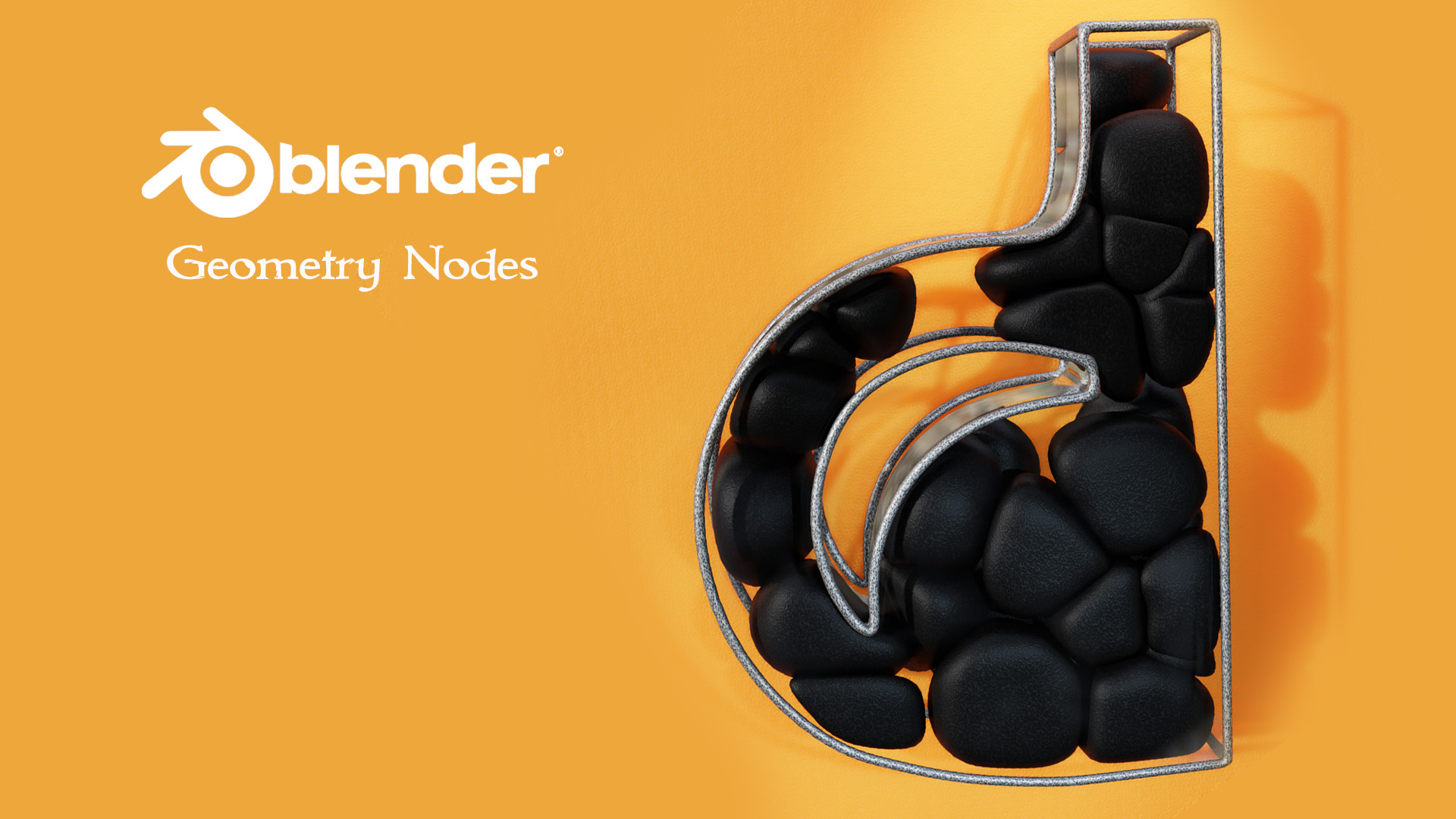
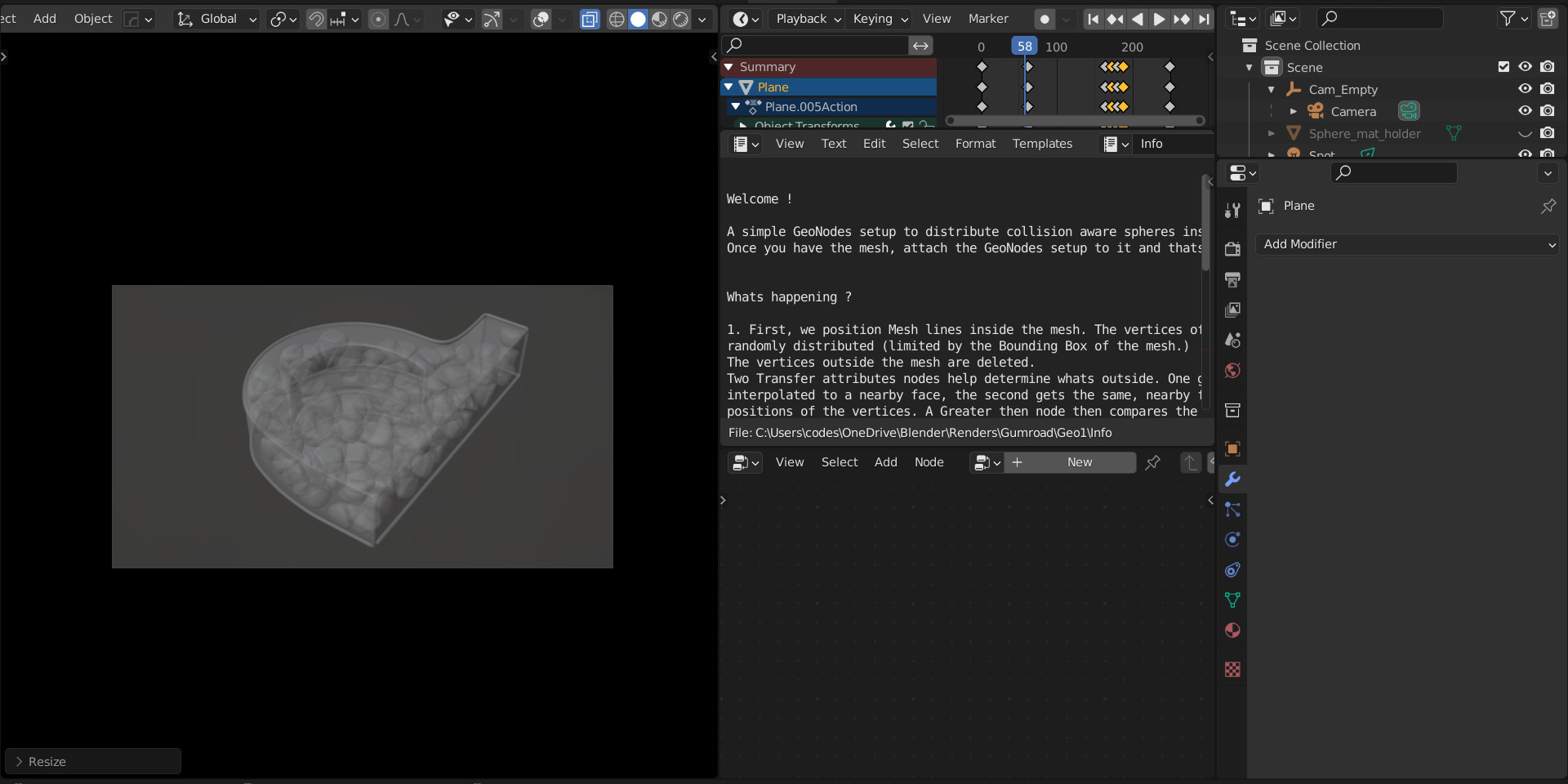
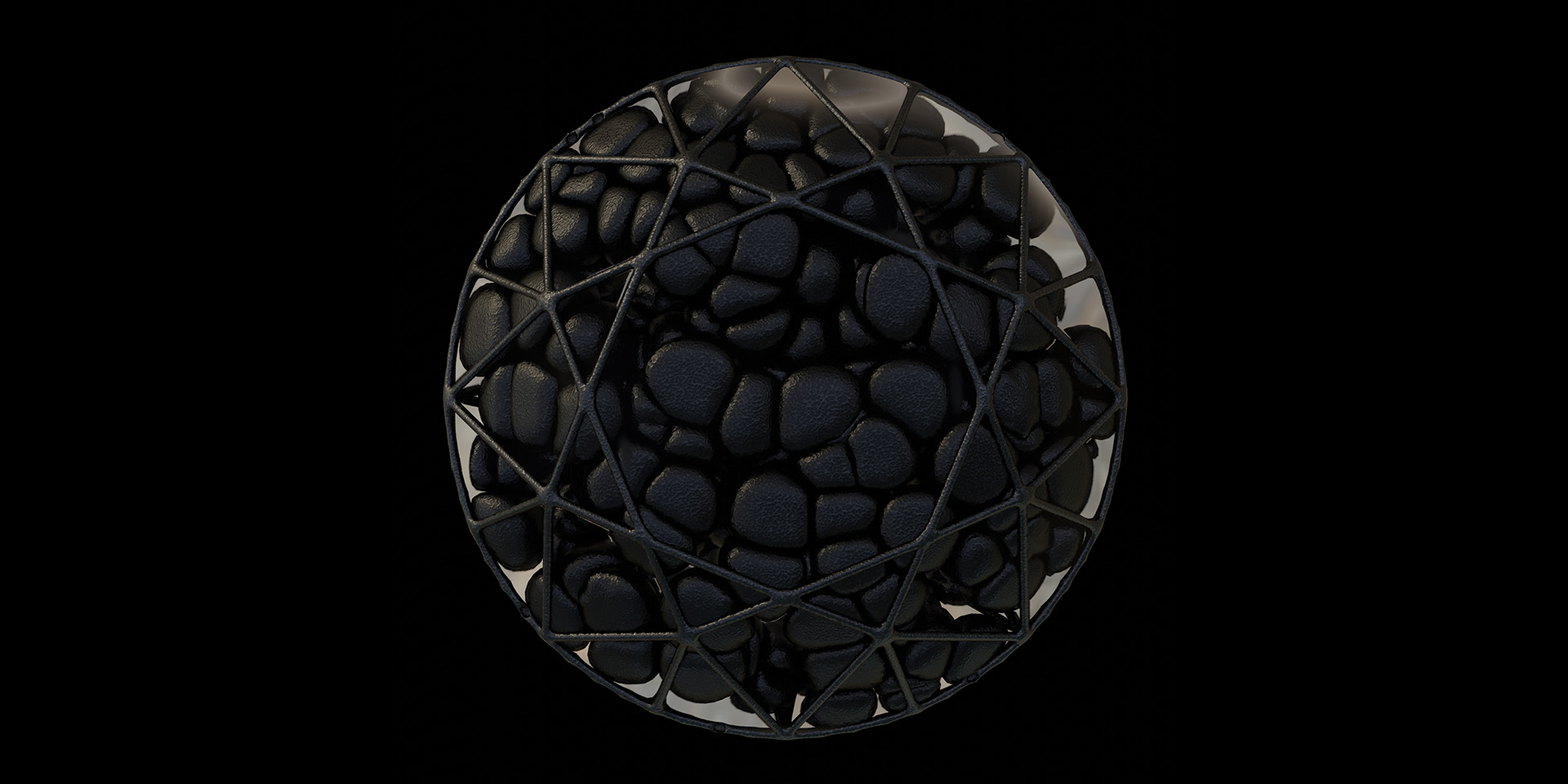
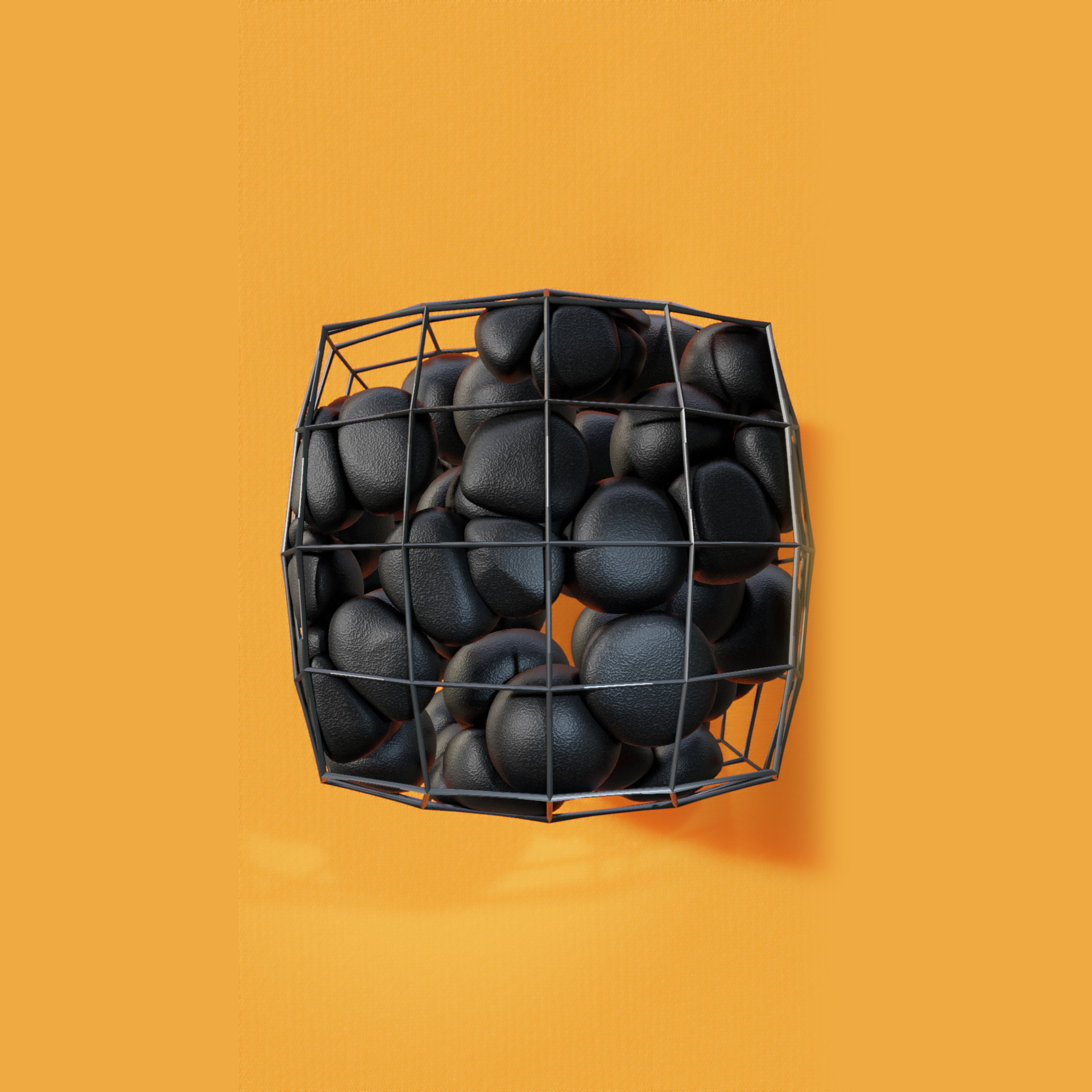
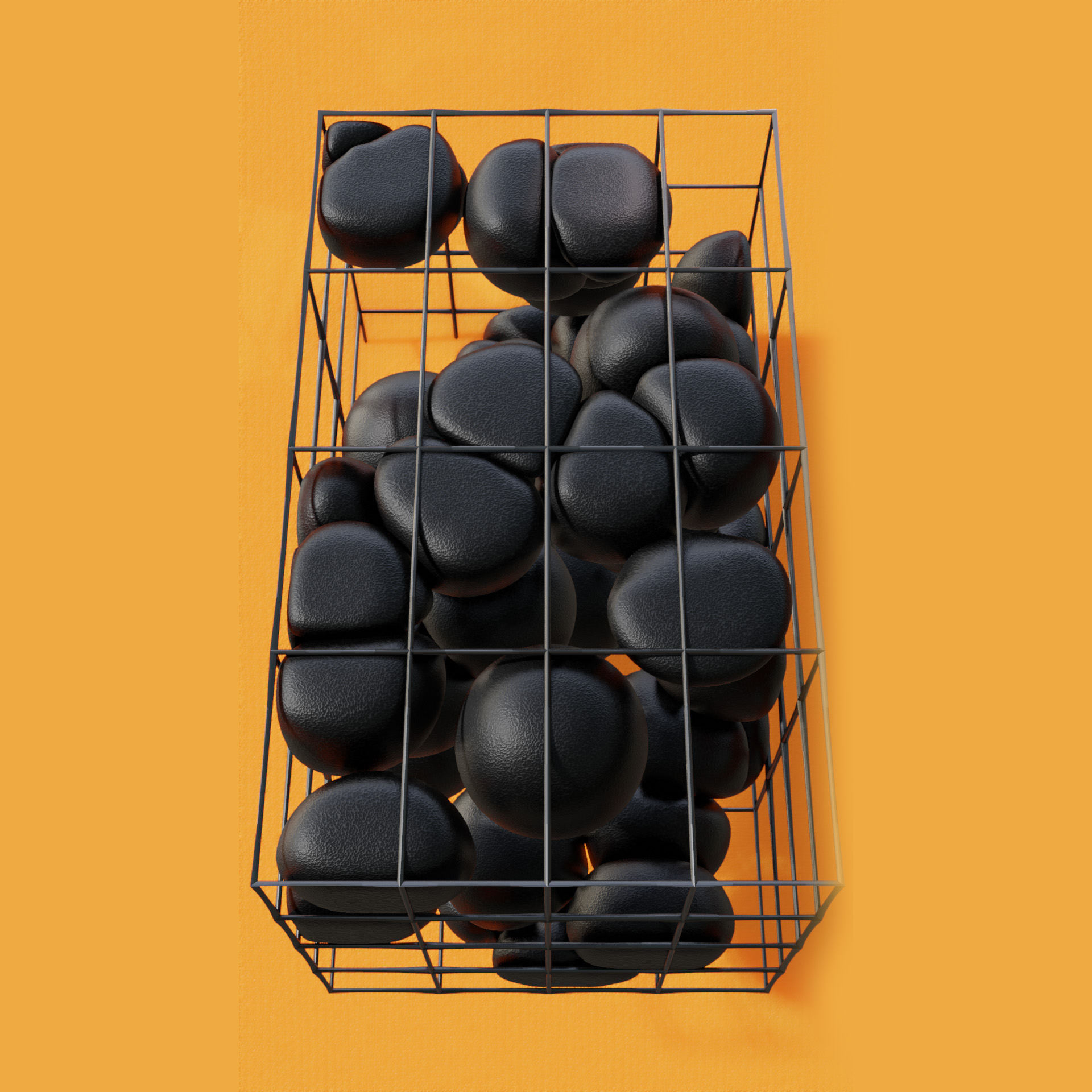
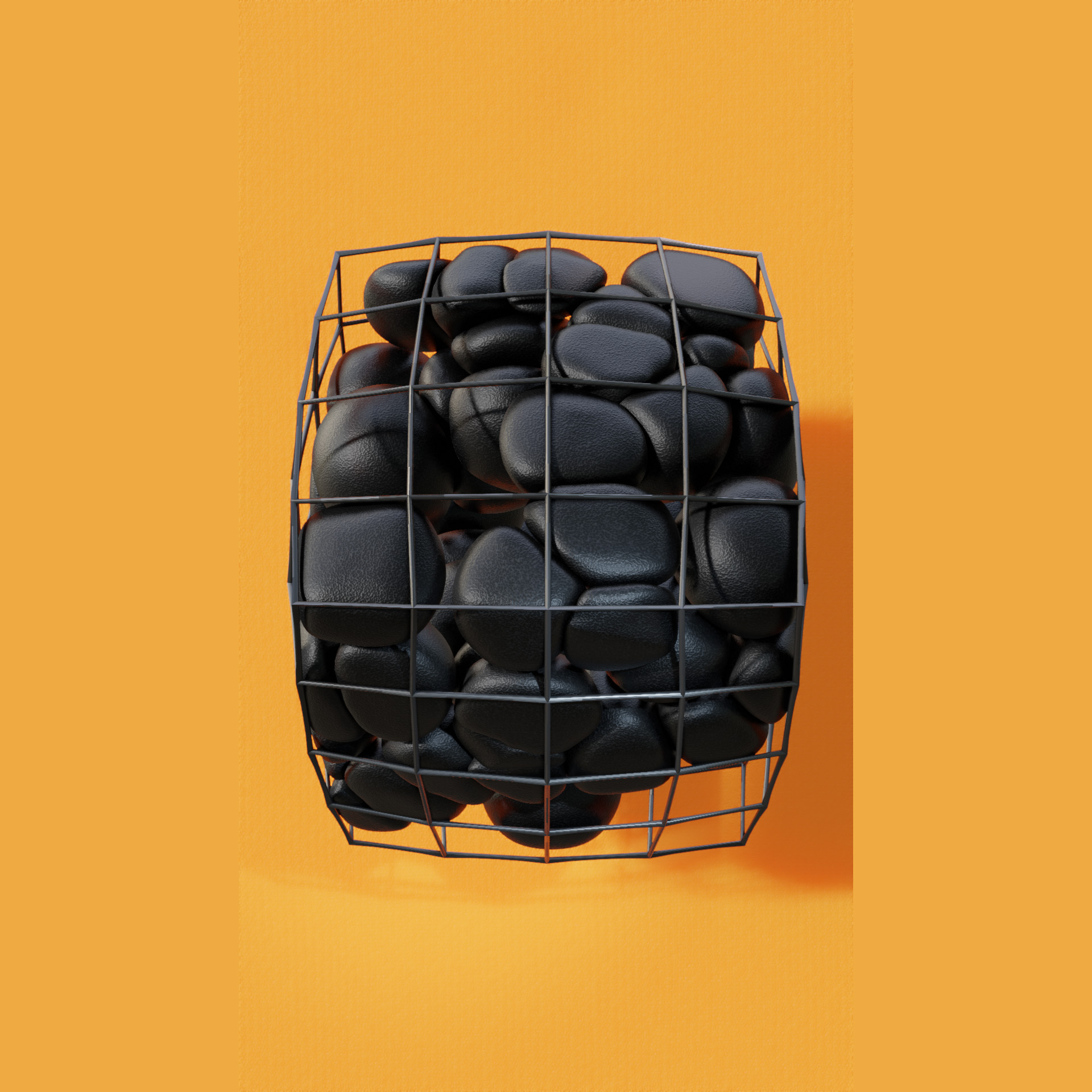
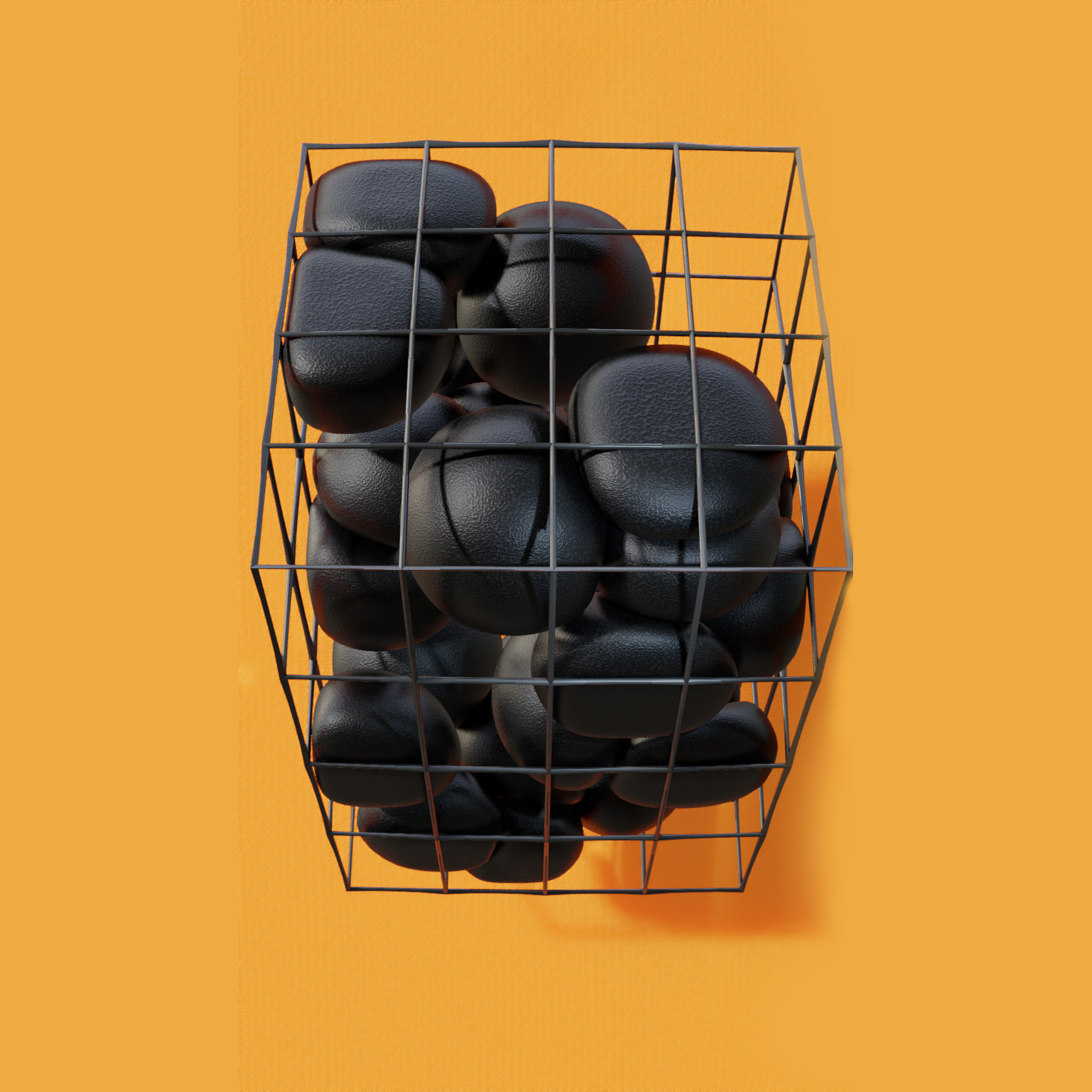
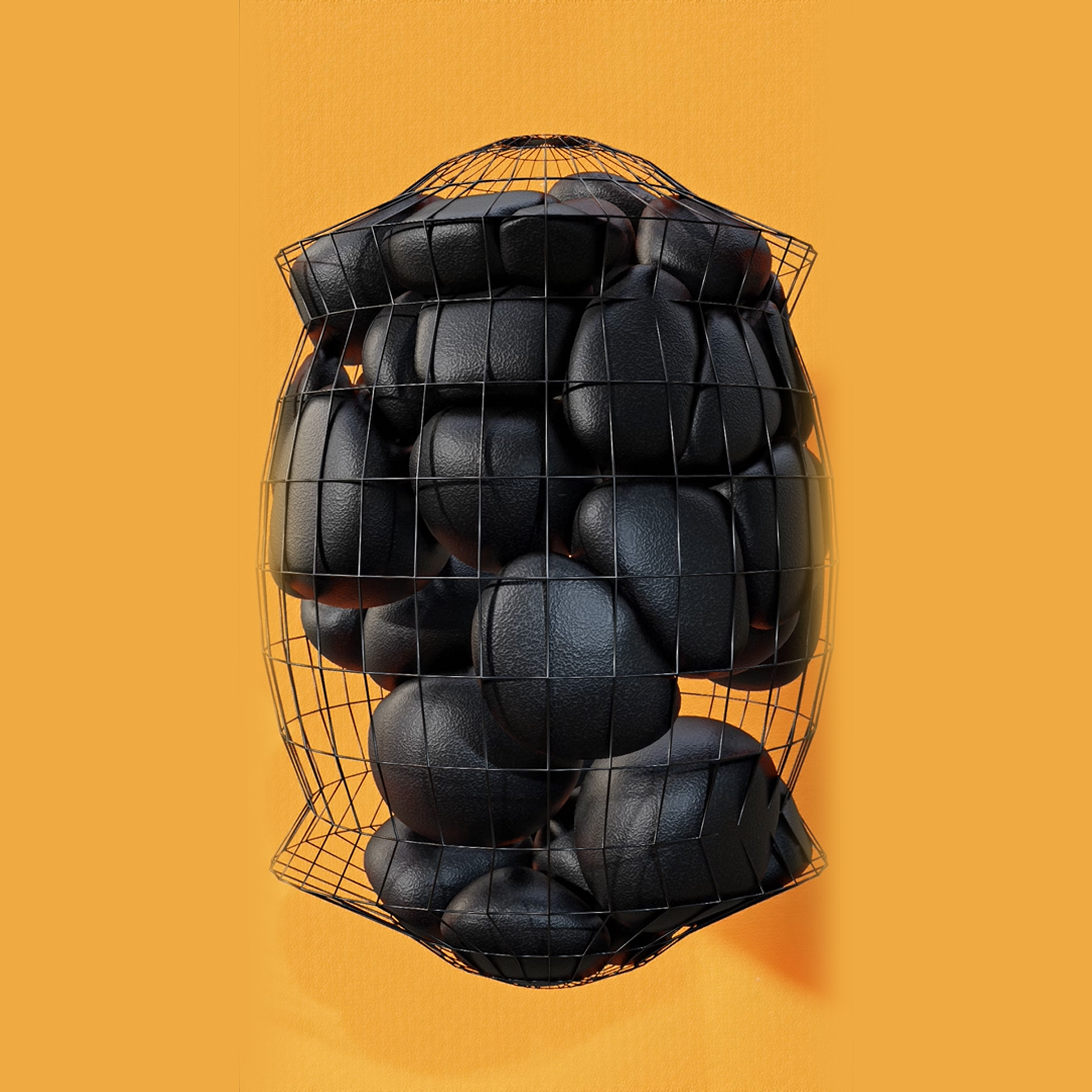
This video is a quick demonstration of the capabilities of Geometry Nodes. Every setup to download aims to be straightforward, explained, compact and easy to read.
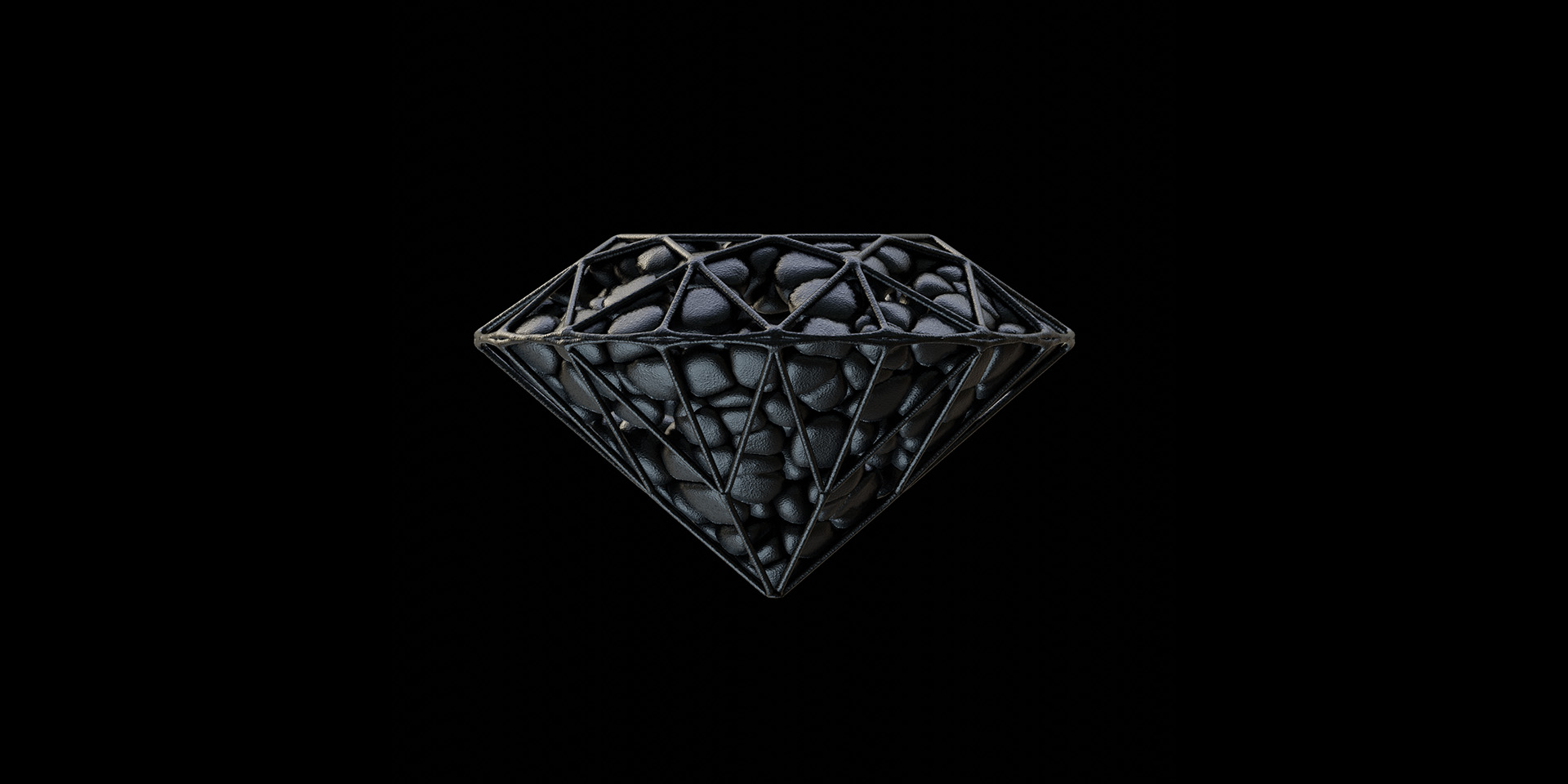
Here we are randomly distributing UV spheres inside a mesh. The inside is limited and calculated by a Raycast node mainly, and the spheres are transformed in respect to each other by a Set position node and vector math aided by Geometry proximity.
----------------------------------------------------------------------
NOTE
-(Since it is a concept demonstration, it is kept as simple as possible.) The GeoNodes trees are kept clean, the nodes are not contracted into node groups for easier readability and have detailed explanations. You can embellish, refine as you wish.
----------------------------------------------------------------------
More info, examples, setups -