Fill Any Mesh With "Collision Aware" Spheres - The "Gambion" GeoNodes Setup
 codesignprojects
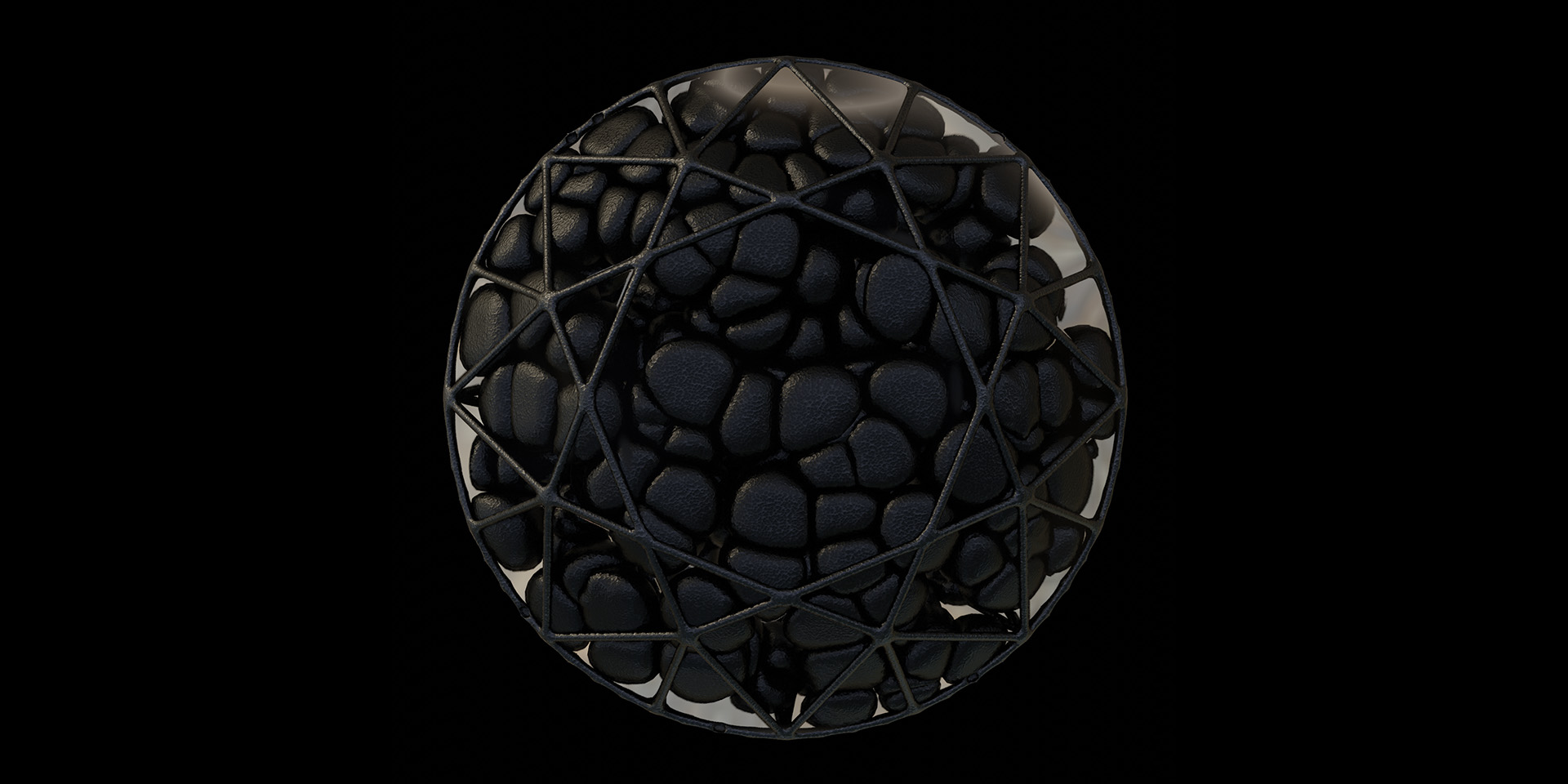
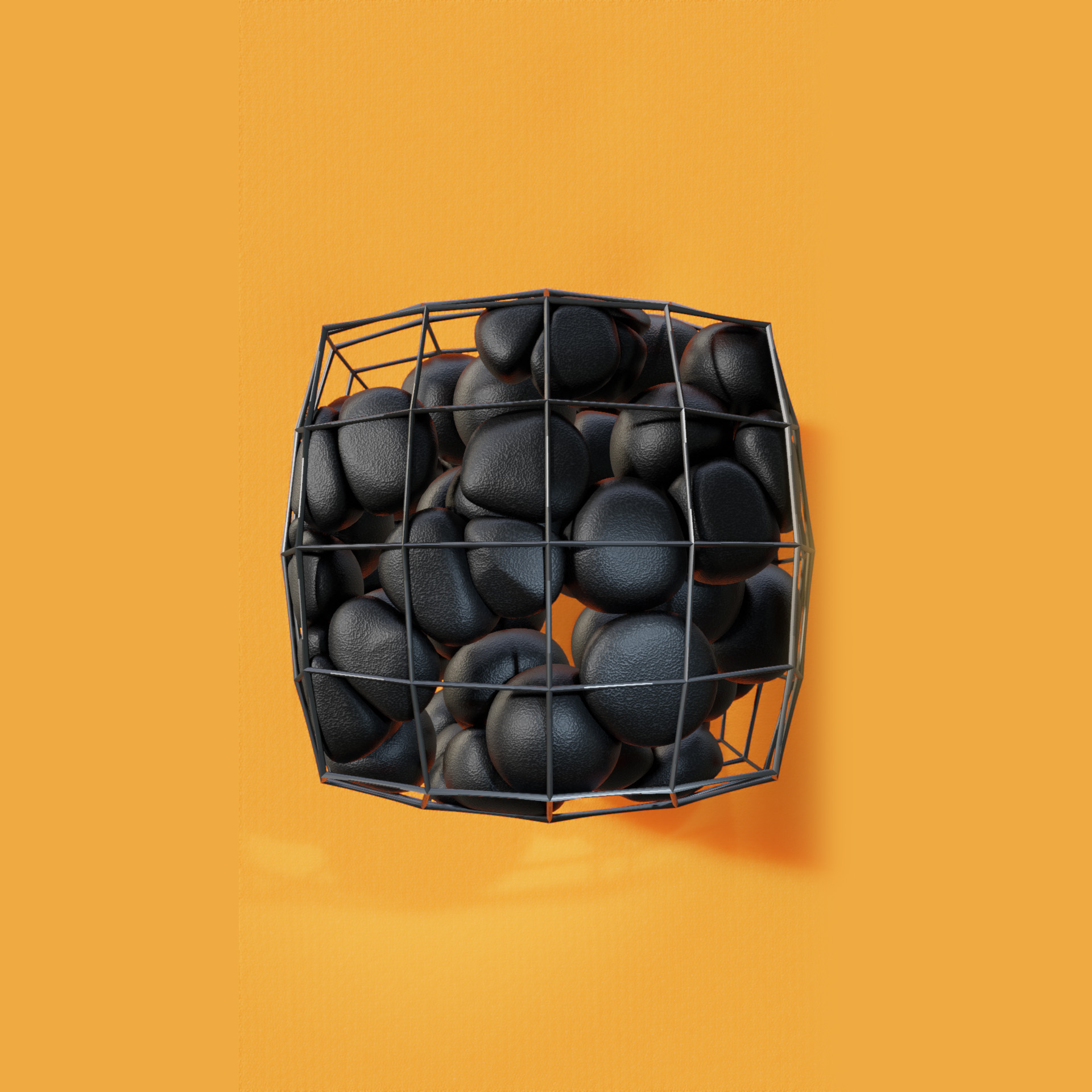
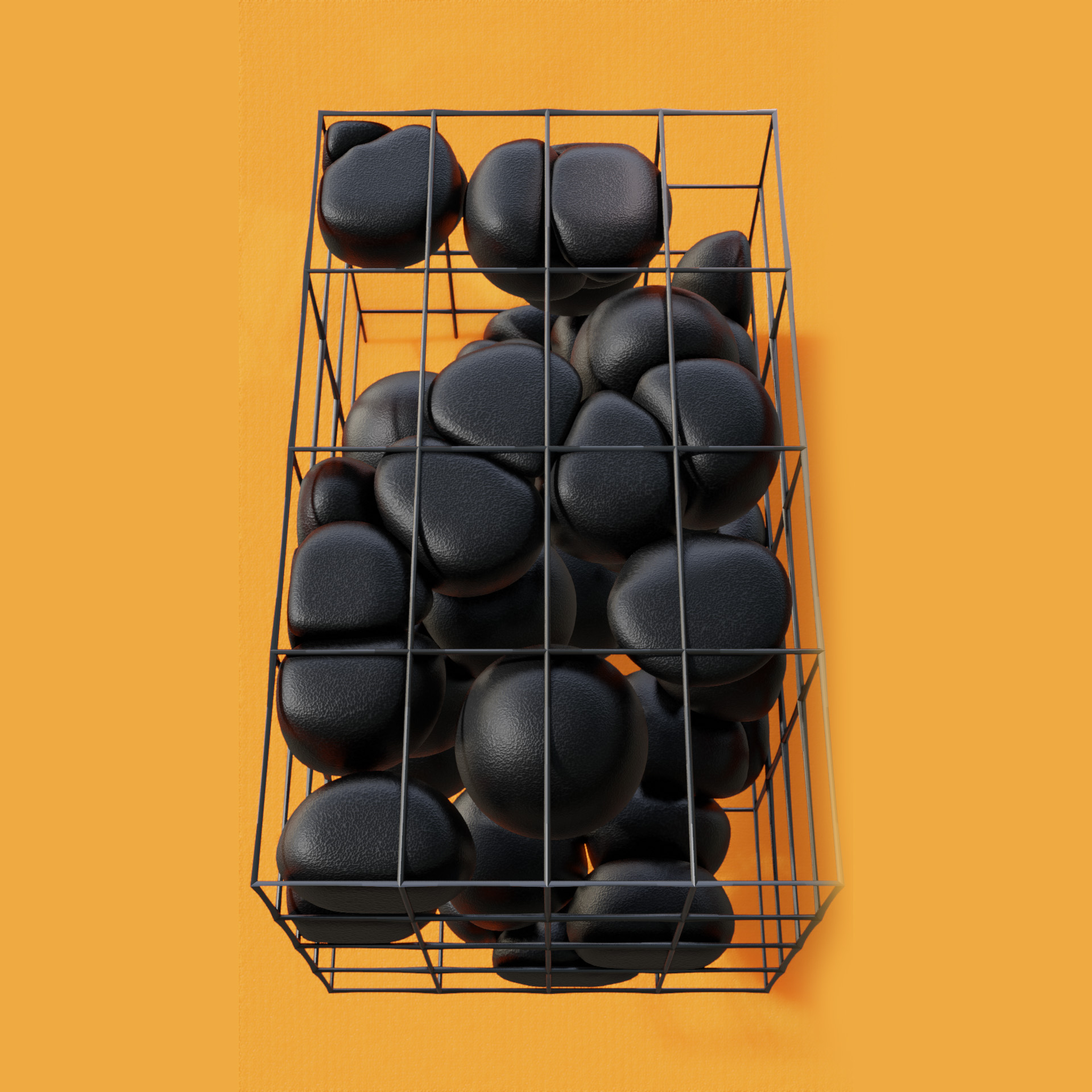
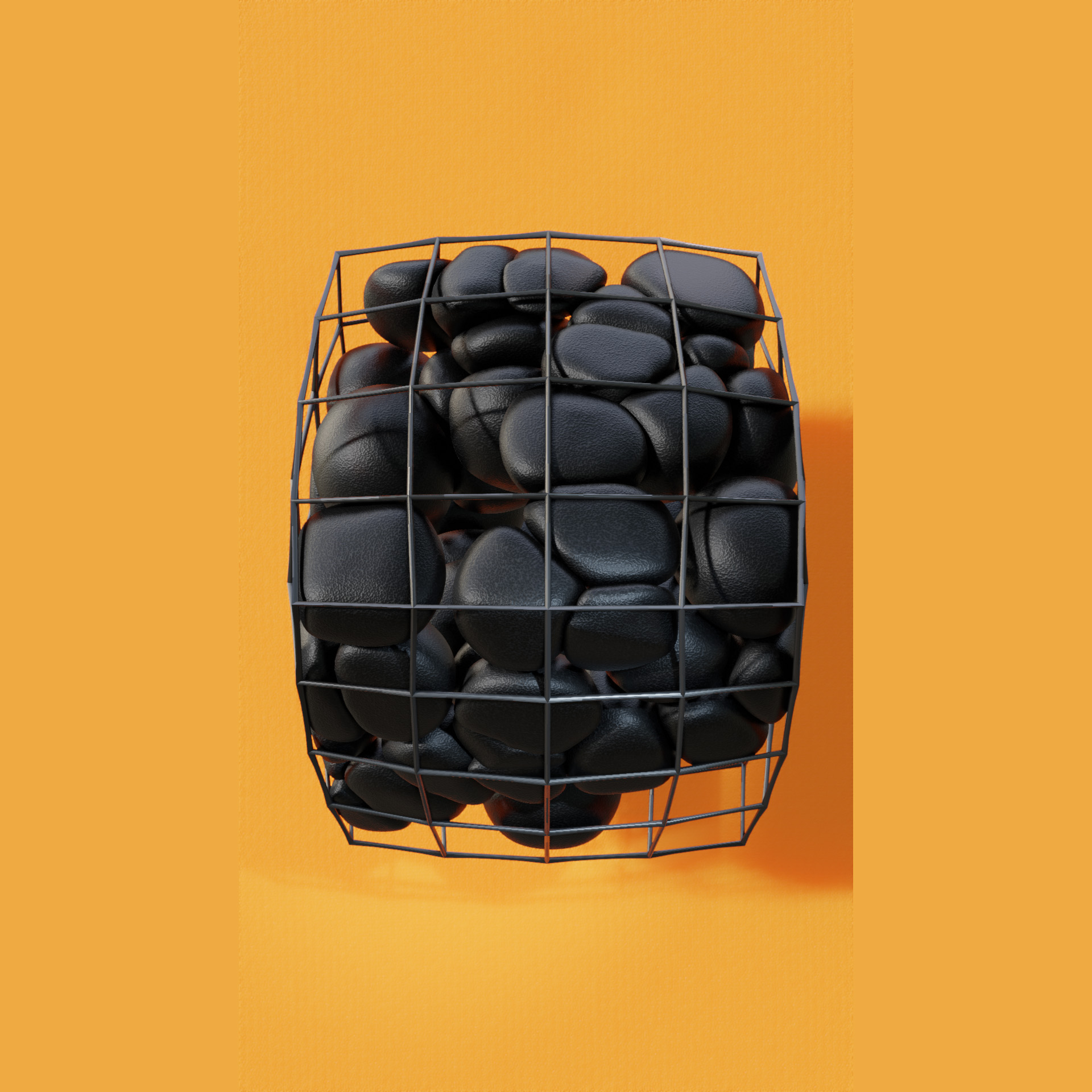
Documentation
Overview
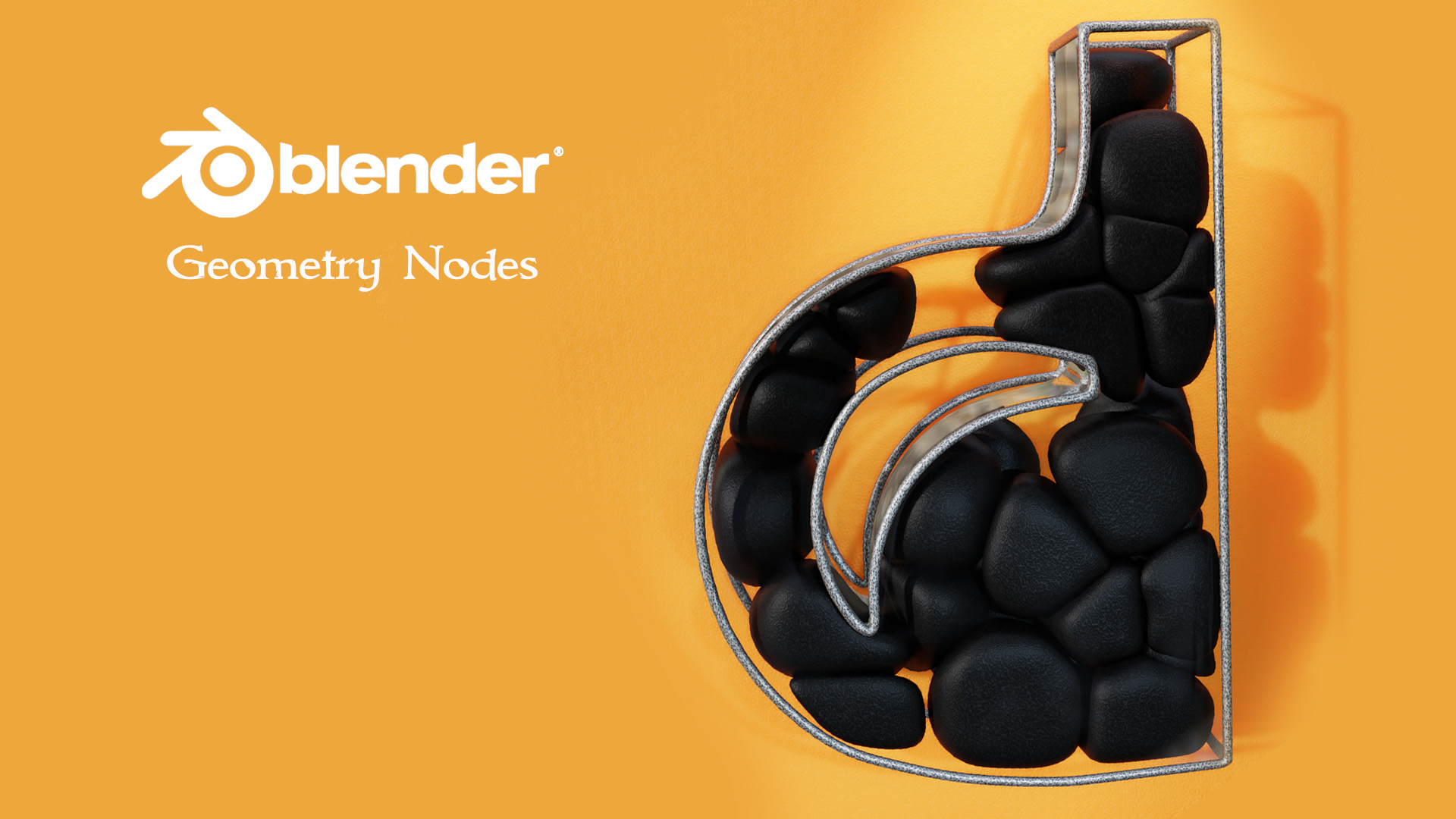
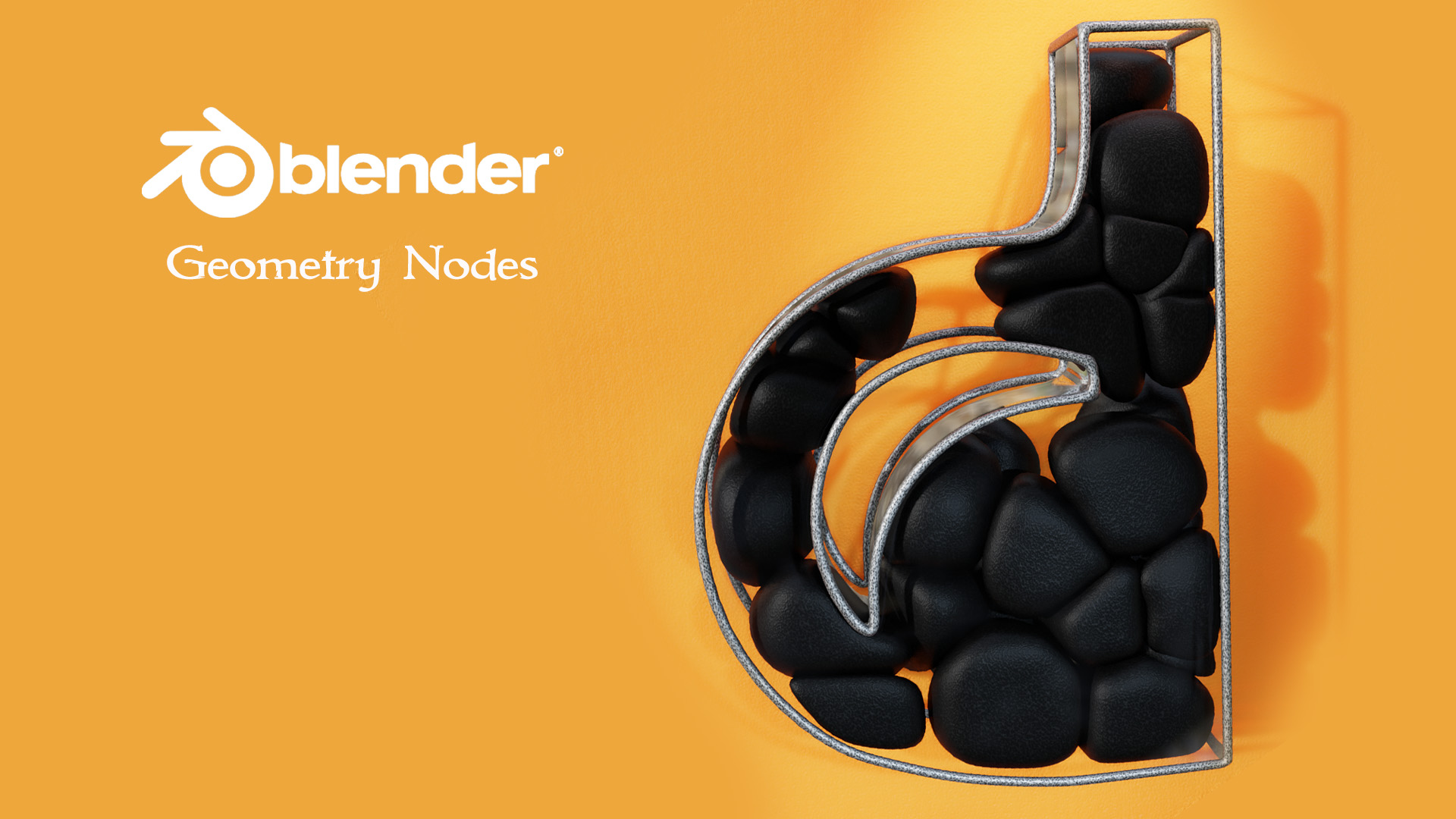
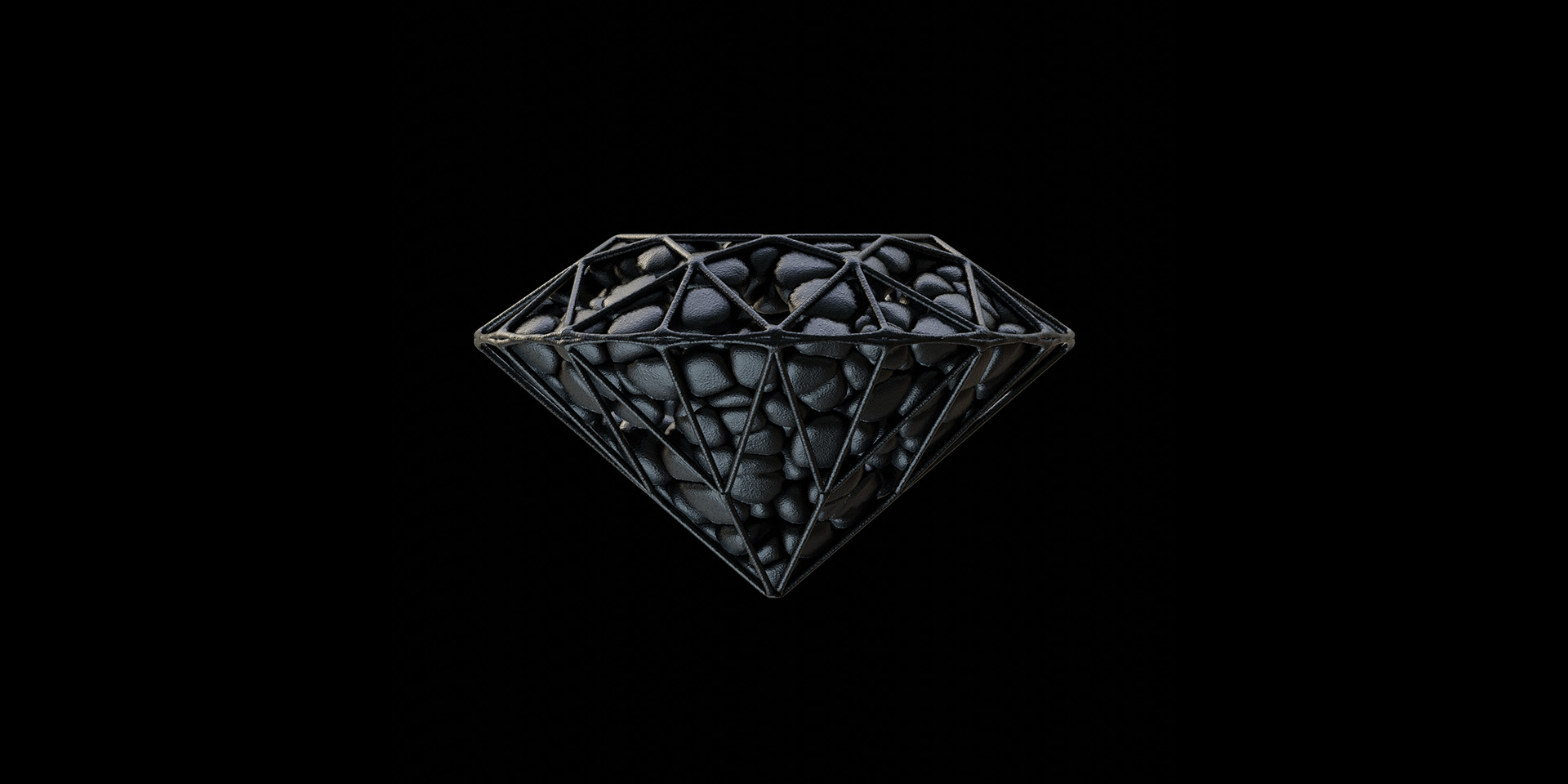
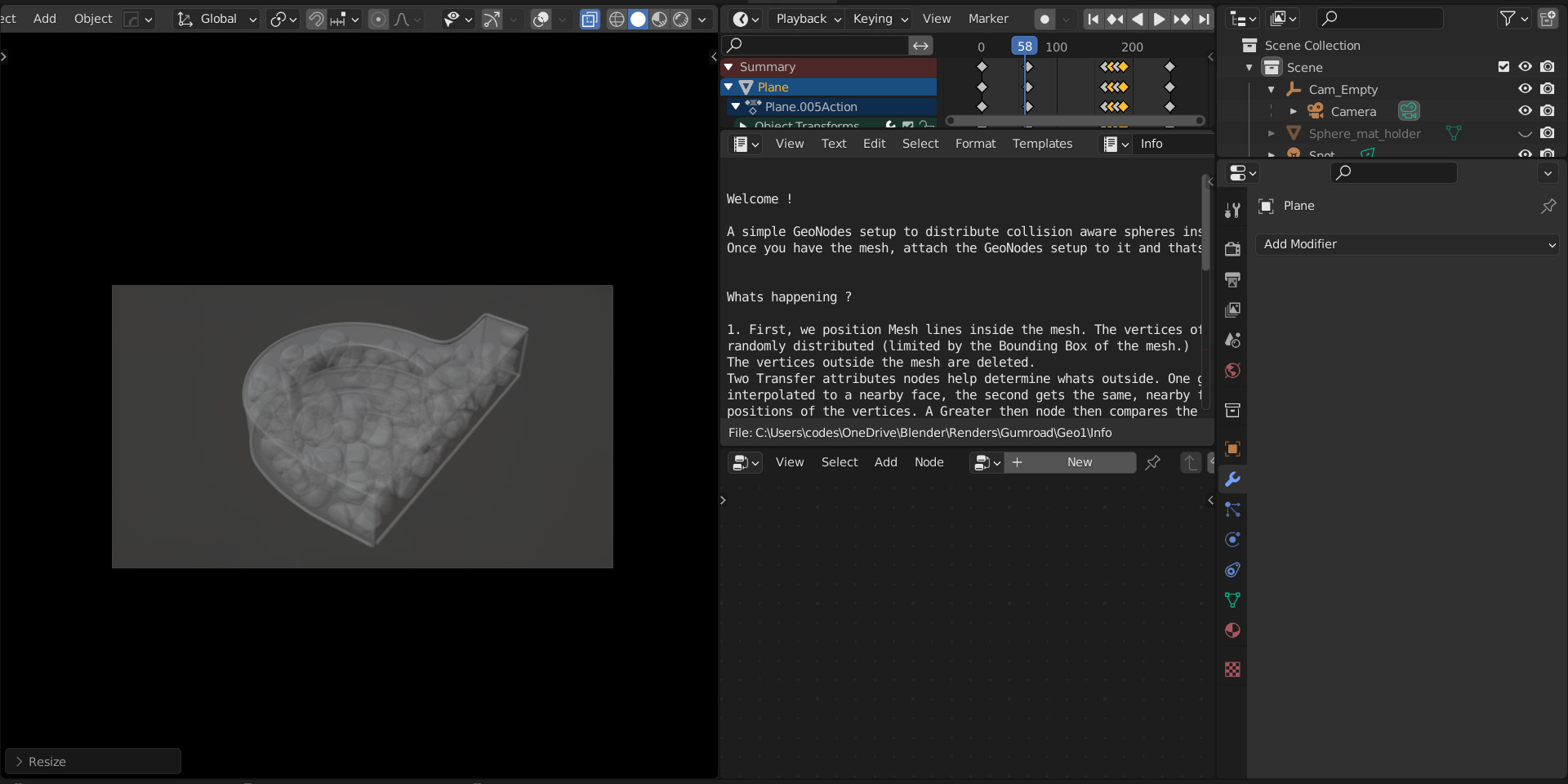
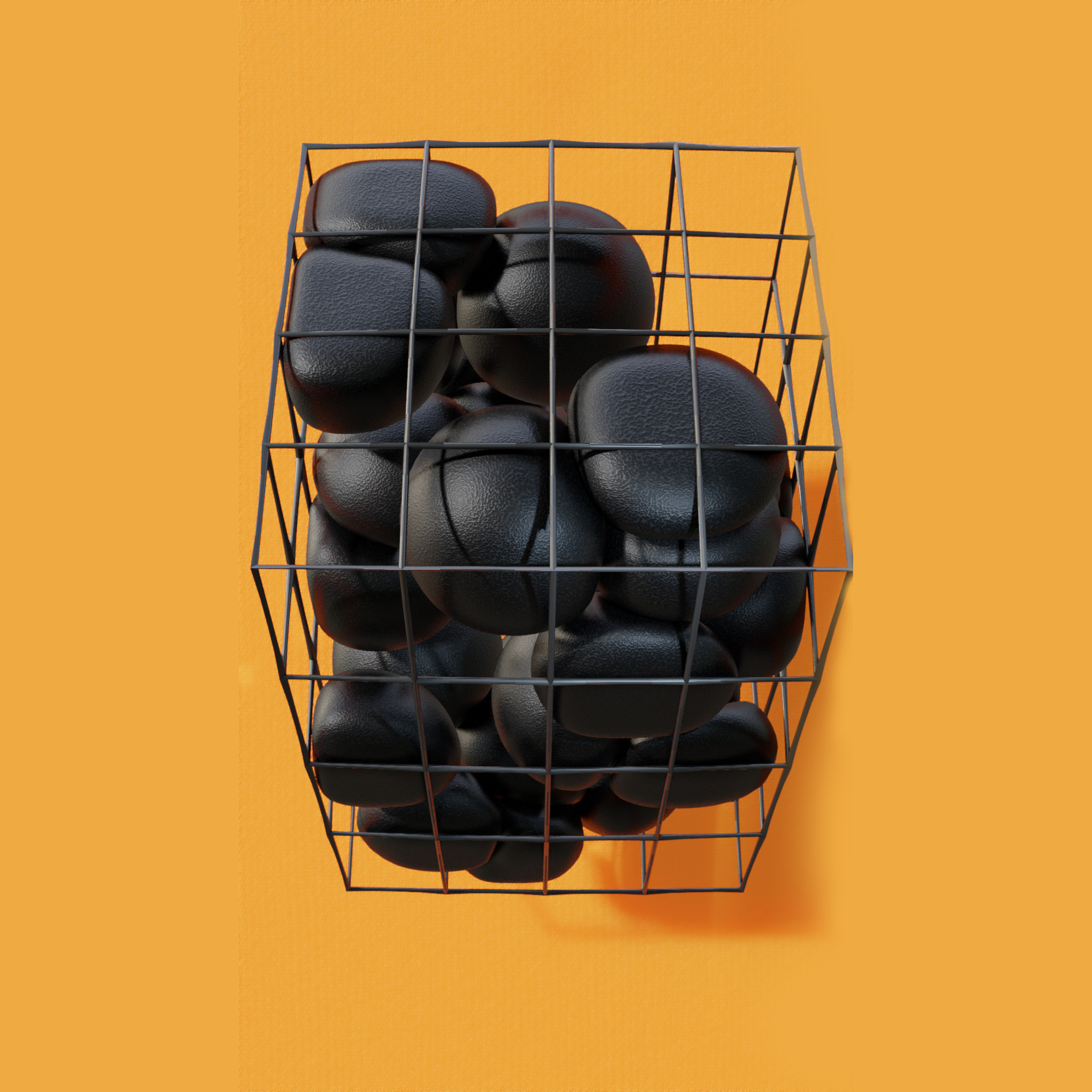
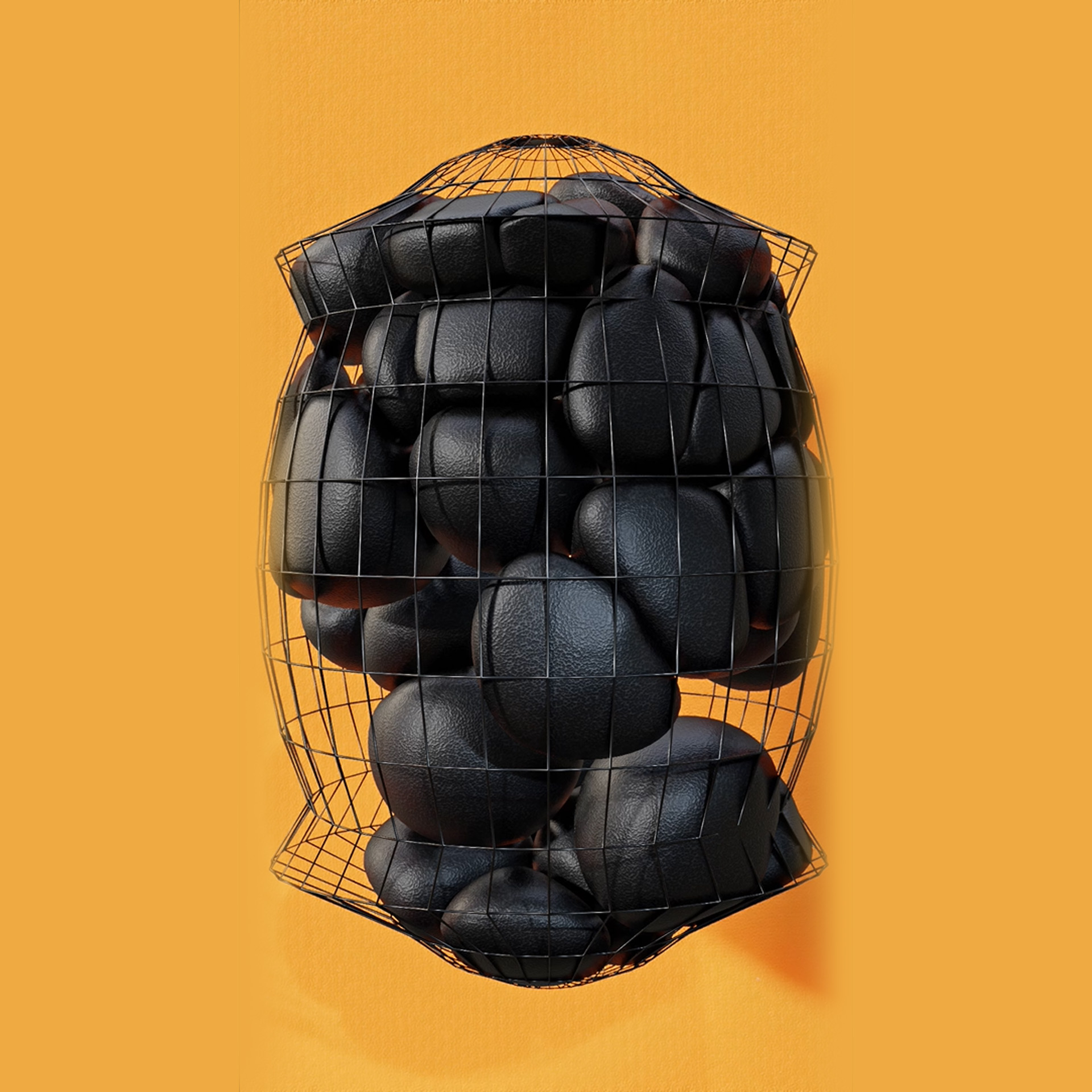
This Geometry Nodes setup, titled "The Gambion," procedurally fills any given mesh with "collision-aware" spheres. It uses raycasting to determine which scattered points lie inside the mesh volume, instances spheres on those points, and then dynamically transforms their vertices so the spheres press against the container walls and each other without overlapping.
Quick Setup
Add the Geometry Nodes modifier to the object you want to act as the "container."
The tree will automatically use this object's geometry.
The spheres will instantly generate and conform to the interior volume of the mesh.
Customization
Sphere Quantity: In the Mesh line instancing frame, adjust the
Countparameter on theMesh Linenode (or via the Group Input if exposed) to change the number of spheres generated inside the mesh.Sphere Size: The base scale of the spheres before they are constrained by the container is controlled by the
Combine XYZnode connected to theInstance on Pointsnode inside the CREATE AND INSTANCE CUBE SPHERES frame.Container Margin: In the Scale up original mesh to give a bit of leeway frame, adjust the
Valuenode connected to theTransformscale. This creates a slight buffer between the spheres and the outer container mesh (useful if rendering the container as glass).-
Sphere Smoothness: The spheres are generated from cubes. In the Create Cube sphere frame, increase the
Levelon theSubdivision Surfacenode to make the spheres higher resolution and rounder.
Structure
It uses a dot-product math trick. In the Restrict to inside mesh frame, it compares the direction vector from the point to the nearest surface against the normal of that surface. If the dot product indicates the vectors are pointing in opposite directions, the point is inside the volume. Points outside are immediately deleted..
1. Point Generation and Inside/Outside Culling
The Bounding Box: The system first calculates the bounding box of your container mesh. It uses a
Mesh Linenode to generate a set number of points, and aRandom Valuenode (plugged into the bounding box Min/Max) to scatter these points randomly throughout that box.The Dot-Product Culling: Many of these points will fall outside the actual mesh shape. The tree uses
Sample Nearest Surfaceto find the closest point on the container mesh and grabs itsNormal. By comparing the direction vector (from the scattered point to the surface) against that Normal, it determines if the point is inside or outside. TheDelete Geometrynode instantly purges all exterior points.
2. Optimal Sphere Instancing
Instead of standard UV spheres (which have messy pinched poles), the setup generates a "Cube Sphere." It takes a base
Cube, subdivides it, and uses aNormalizevector math node on the positions to push all vertices into a perfect mathematical sphere.These optimized spheres are instanced onto the surviving internal points, and their center positions are saved via a
Capture Attributenode before the instances are converted into real geometry (Realize Instances).
3. Boundary Collision (Flattening Against the Walls)
To keep the spheres from poking through the container, the tree calculates a vector from each sphere's center to its individual surface vertices.
It fires a
Raycastoutward along this vector. If the ray hits the original container mesh at a distance shorter than the sphere's radius, it uses aClampnode to restrict the vertex's maximum outward scale. This effectively "flattens" the side of the sphere perfectly against the container wall.
4. Sphere-to-Sphere Collision (Vertex Repulsion)
To prevent the spheres from clipping into each other, the tree uses an
Instances to Pointsnode to create a map of all sphere centers.It then runs
Geometry Proximityfrom the vertices of the spheres to the centers of neighboring spheres.Using vector math (Subtract, Normalize, and Dot Product), it calculates if a vertex is penetrating the radius of a neighboring sphere. If it is, the vertex is pushed back toward its own center, creating a flat, squished contact patch between neighboring spheres.
Summary
The advantage of this setup is that it calculates collisions on a per-vertex basis purely through vector math, avoiding simulation bake times entirely. The spheres aren't actually colliding; their vertices are just dynamically shrinking away from the container bounds and neighboring instance centers.
Have questions about this product?
Login to message
| Sales | 100+ |
| Rating | 1 ratings |
| Published | over 4 years ago |
| Blender Version | 3.6 - 5.2 |
| Render Engine Used | Cycles, Eevee |
| License | Creative Commons |
Discover more products like this
procedural fill geometry nodes fill mesh any mesh squishy wall generator collision aware winter24 sphere fill gambion sphere packing